Pick something to make.
Work on your own photos and clips: make a photo pop, cut a short video, give a picture a film look, retouch a portrait, give a photo a new background and make a poster. Pick any of them, in any order.
Make a photo pop
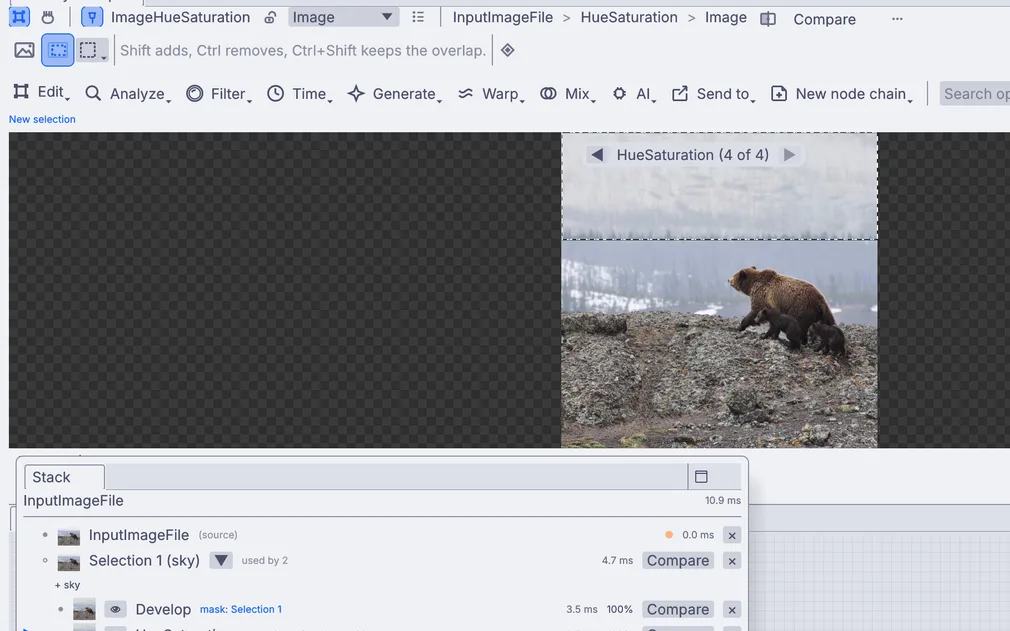
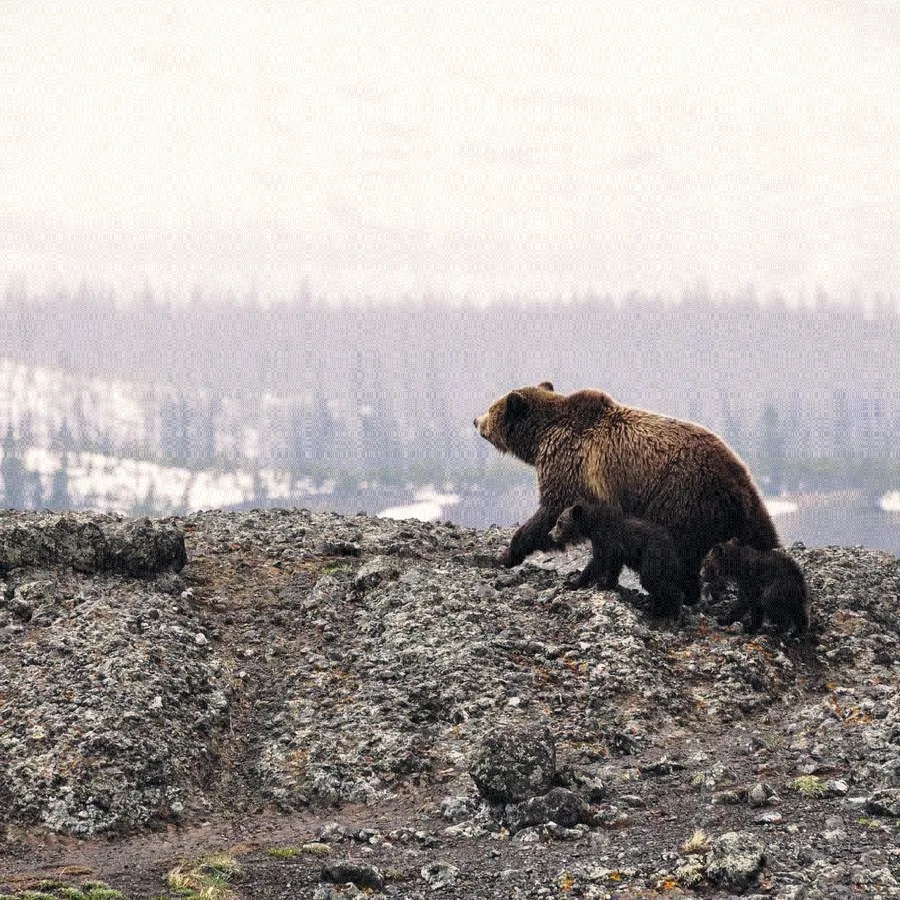
Your own photo, clearer and brighter, with a deeper sky, a level horizon and soft dark corners, saved as a new picture file.
- Bring in a photo
- Brighten it with Develop
- Select the sky and deepen it
- Save it
Cut a short video
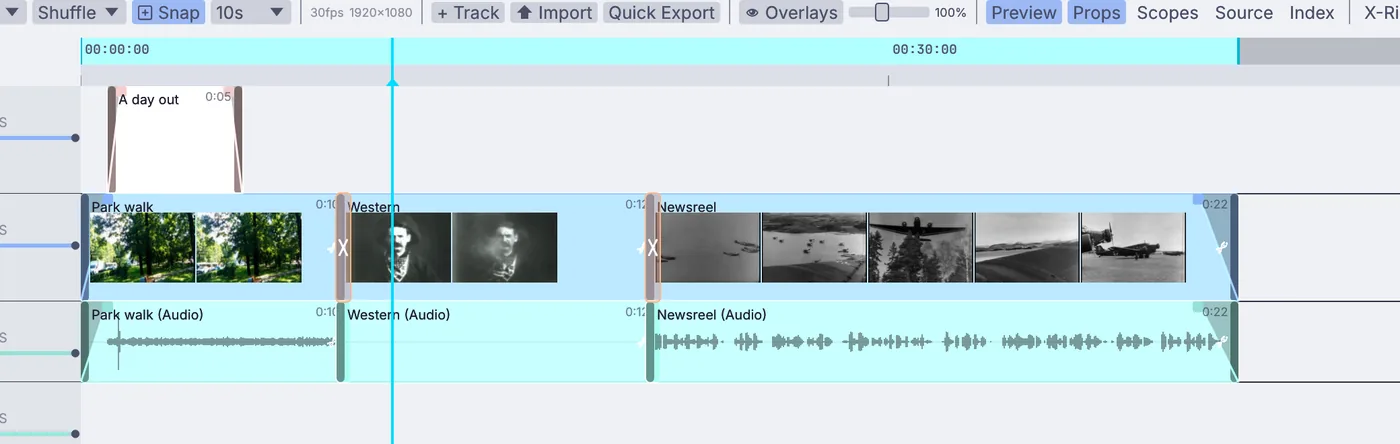
A short video from your own clips, put in order and trimmed, with fades, dissolves and a title, exported as an MP4 file.
- Add a clip timeline
- Bring in your clips
- Trim, fade and add a title
- Export
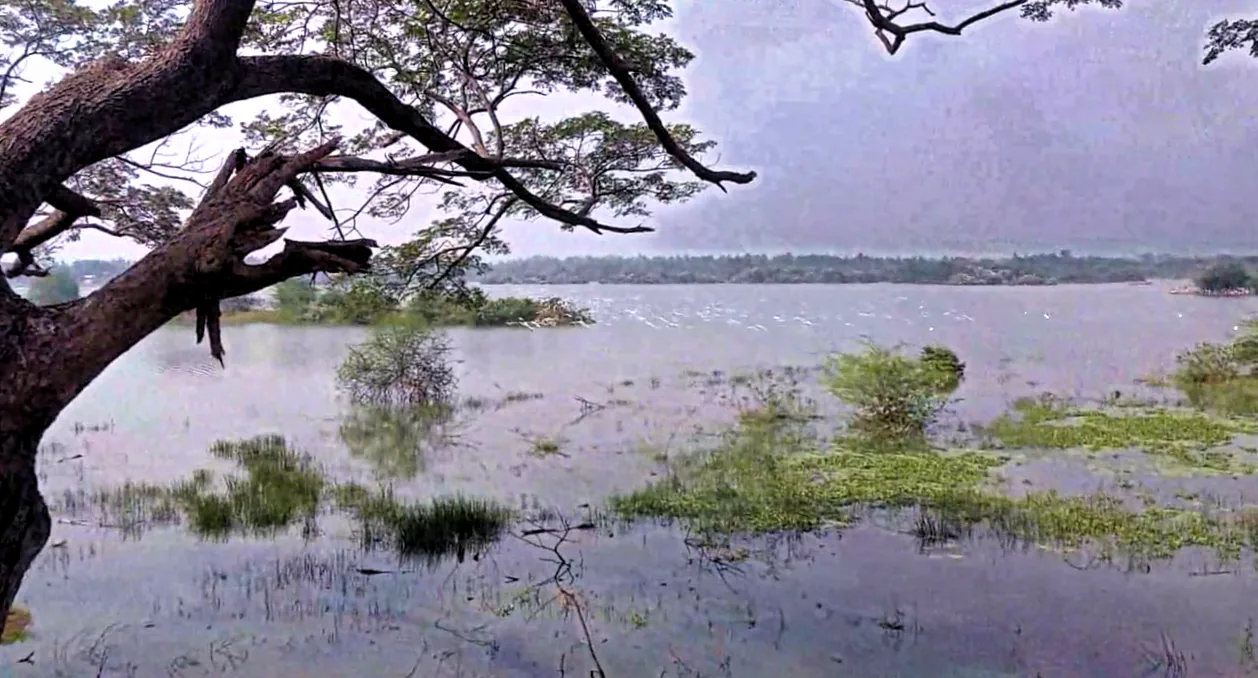
Give a photo a film look
Your photo with the warm, soft color, fine grain and red glow around bright spots of a printed film frame, saved as a new file.
- Bring in a photo
- Put on Film print
- Set strength, grain and glow
- Save it
 Photo: Elizabeth MacKenzie, self-portrait, CC BY 4.0 (retouched in Kinematic)
Retouch a portrait
A portrait with spots healed, smoother skin that keeps its pores, light shaped on the face, brighter eyes and a 4:5 crop, saved as a new file.
- Heal spots
- Smooth the skin
- Dodge and burn
- Brighten the eyes and crop
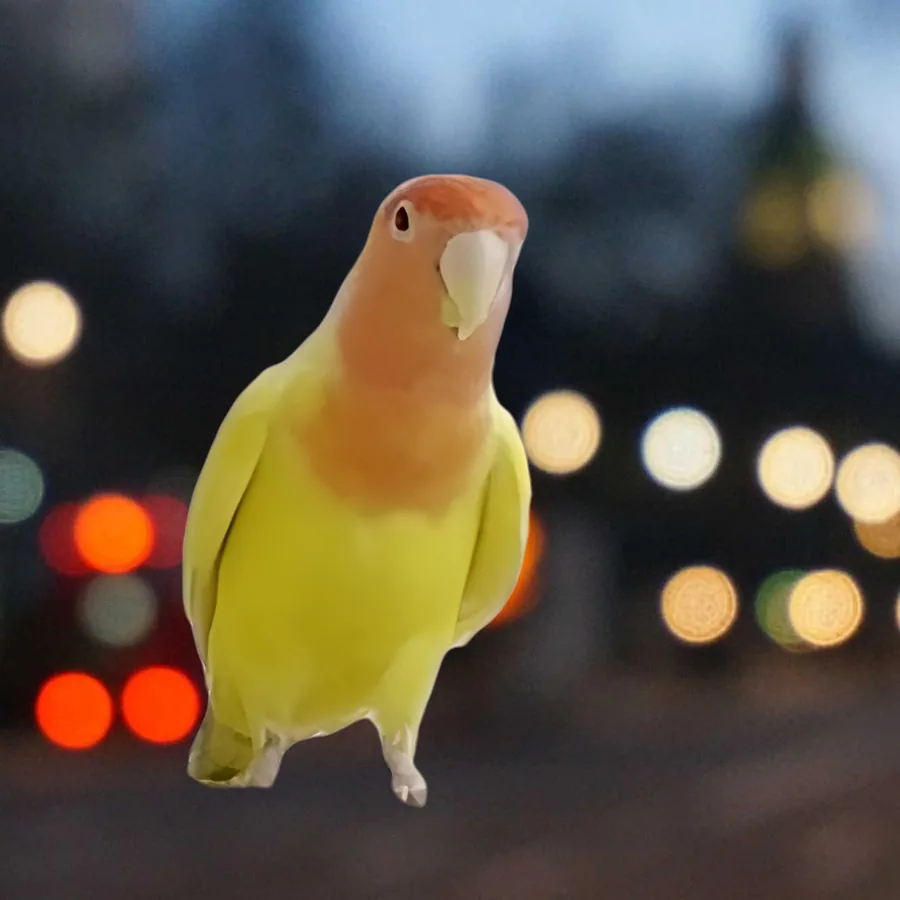
Give a photo a new background
Your subject cut out of its photo with a clean edge, warmed to suit a new background of your choice, and saved as one picture.
- Select the subject
- Cut it out
- Clean the edge
- Place a new background

Make a poster from a photo
A tall poster from one of your photos: cropped to paper shape, with a dark band and two lines of text, saved ready to print or share.
- Crop to paper shape
- Add a band
- Set the title
- Save it
Pull these apart.
Open any of them from Help > Browse Demos in the app, watch it run, and change whatever you like.
 Chroma key advanced
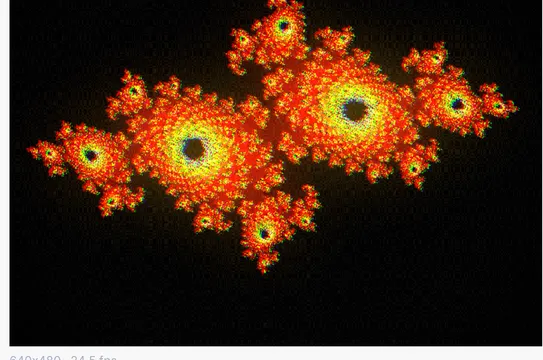 Film look chain
 Drifting bokeh field
 Fractal double exposure
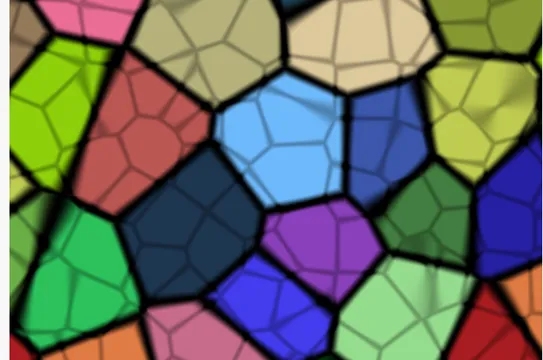 XOR composite art
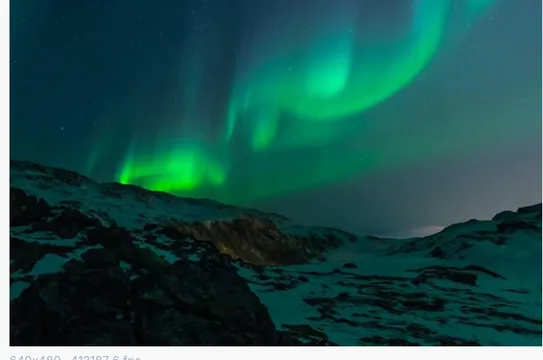 Image file display
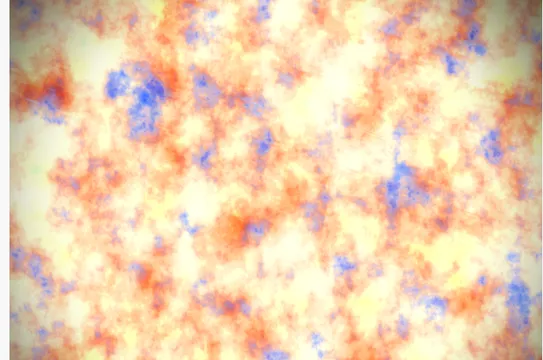 Two noise composite
 MIDI clip synth
Guides and ideas.
Guides, under Help in the app
Things to make
Free and open. Yours, forever.
No account, no license key. macOS, Windows, Linux and Raspberry Pi.