Previz, program and run the tour in one file.
Build the stage in 3D, make the content for the LED wall, pixel-map it to the rig and lock it all to the band's timecode. Then take the same file on the road and run the night in Perform Mode.
- Lighting designers
- Video and content designers
- Show programmers
- Touring crews
The jobs on a tour, in Kinematic.
From the pitch to the first show, each job is part of the same show file, and that file opens on any laptop in the production office.
-
01The pitch
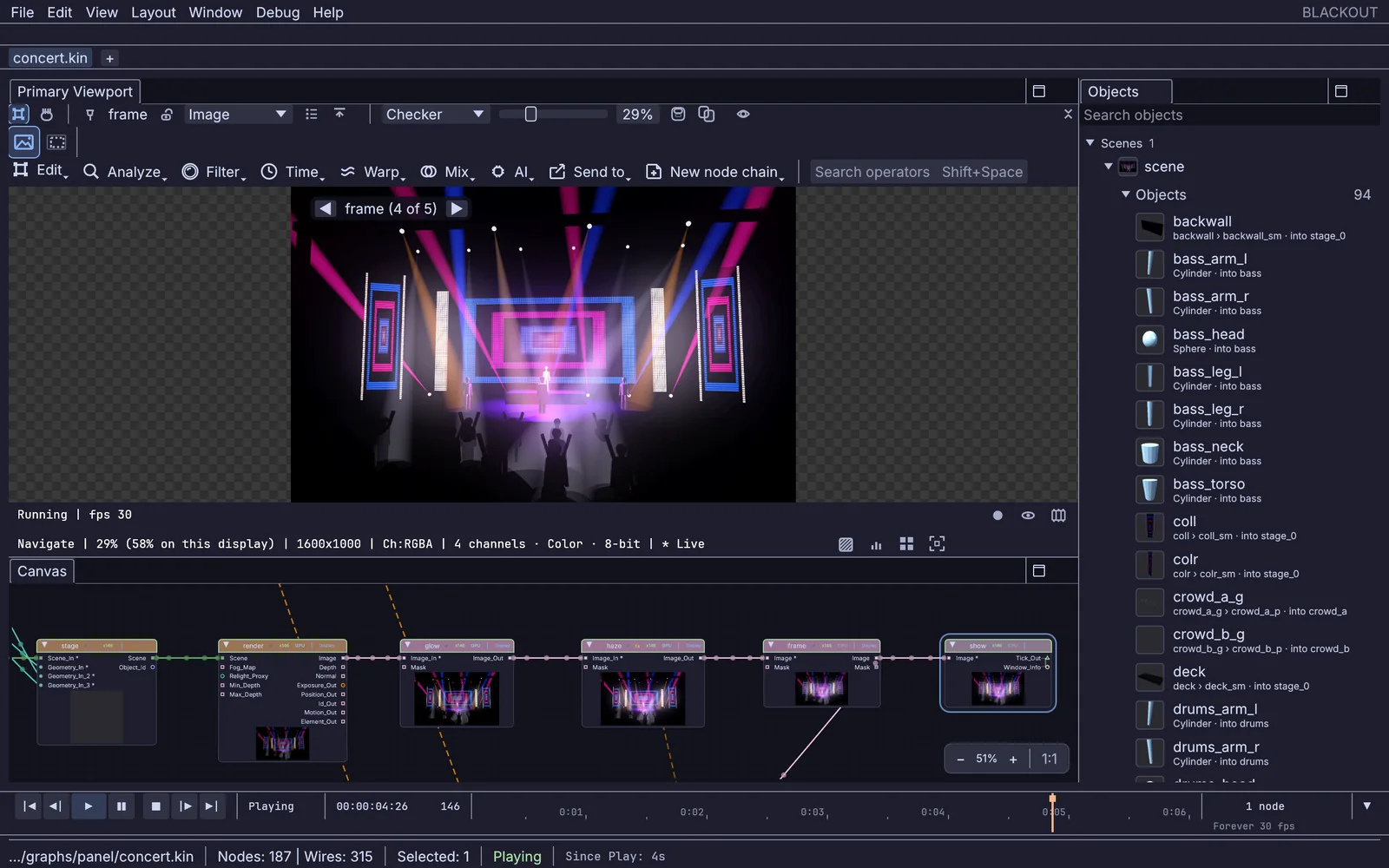
the stage in the editor: viewport, objects and the render chain Previz the stage in 3D
Build the set, the riser and the LED wall, hang beams over the band and fill the floor with a crowd. Bring the plot in from an MVR file and every fixture shows up where it hangs. Orbit the camera and walk the band through the room before load-in.
DmxMvrImport+3DGeoFixtureSet+3DGeoBeam+3DGeoSceneRenderToImage -
02Content
a shader look, drawn live Make the content for the LED wall
Write a shader, run a simulation, cut clips or set type, at the wall's own resolution. Play it live on the night, or record each song out as H.265 or 10-bit ProRes for the media server.
ImageShader+InputVideoFile+OutputVideoFileWrite shaders and looks → -
03Programming
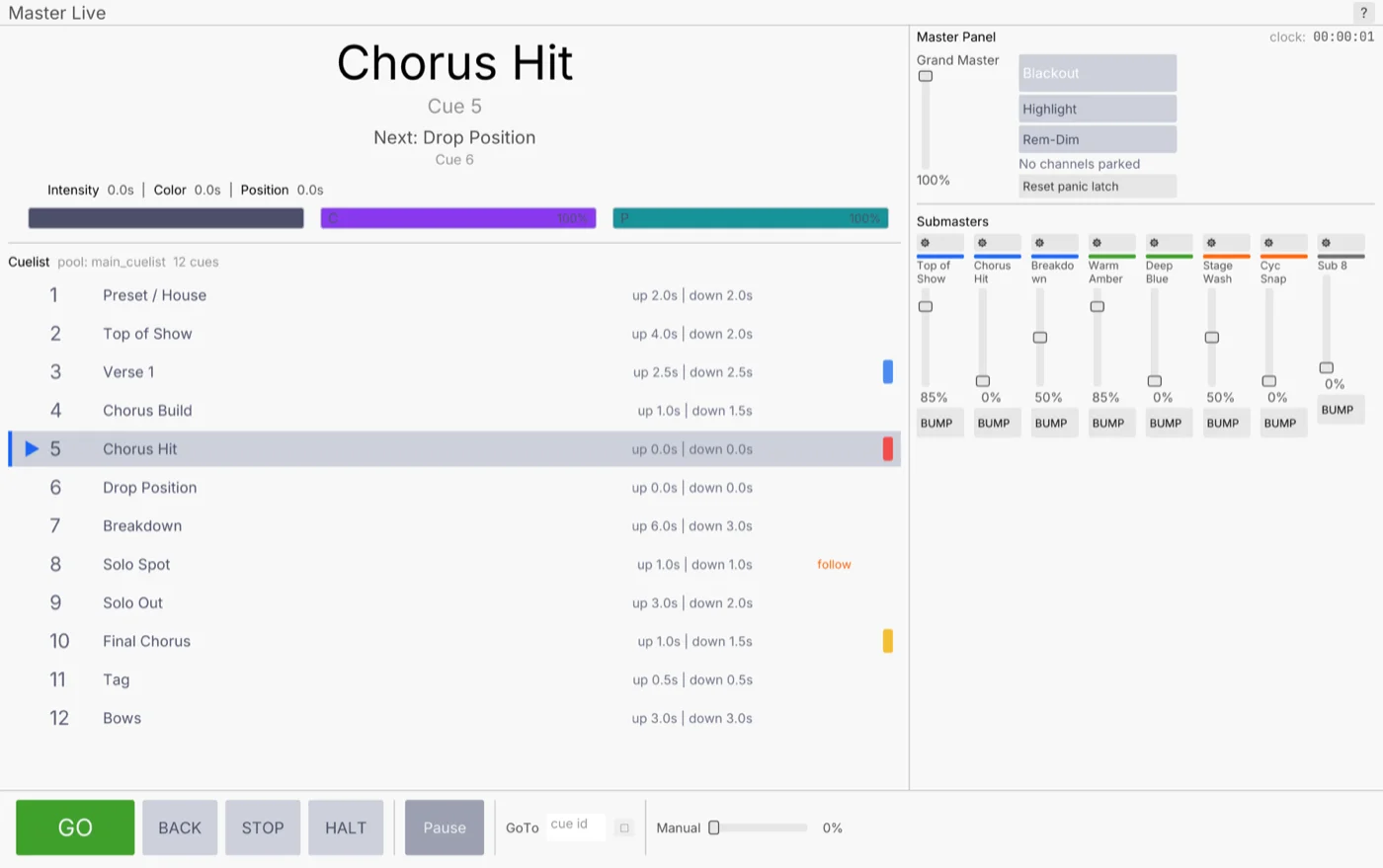
a song-by-song cue list with submasters Program the songs and lock them to timecode
Patch from more than 1,500 fixture profiles, build looks in the programmer and record cues with fades, song by song. Feed in LTC or MIDI timecode from the playback rig and the timeline chases it, with an offset so 01:00:00:00 on the desk can be the top of the show.
DmxPatch+DmxProgrammer+DmxCueStack+MidiLtcDecodeLock the show to the band → -
04Pixel map
a clip on a 64 by 40 pixel grid, 40 universes Pixel-map video across the LED fixtures
Every pixel of the picture becomes a light. Kinematic samples the frame at each fixture, one universe per Image to DMX node, and sends it out over Art-Net or sACN.
InputVideoFile+ImageToDmx+ArtNetSendInterfacePlay video across an LED wall → -
05Rehearsals
three moving heads follow a dancer, in the 3D preview Follow the singer with moving heads
Point a camera at the stage and track the performer's body. The follow spot engine works out pan and tilt for each head, and the 3D preview shows where the beams land before you try it on the rig. Positions can also come from a PosiStageNet tracking system.
VideoCaptureInterface+LocalAIImageToBodyPose+DmxFollowSpotEngineFollow a dancer with a moving head → -
06IMAG
a performer on both side screens, previewed in 3D Put the cameras on the side screens
Bring a camera in from a capture card, or over NDI from another machine, give it a look and send it to the side screens. Steer PTZ cameras from a panel, and follow the vision mixer's tally from an ATEM or vMix.
StreamingNDIReceiveInterface+ImageDisplay+StreamingPtzControlBring in a camera from across the room →
A fire simulation, pixel-mapped onto the rig.
Fire, smoke, liquids and particles run on your graphics card in the same file as the lighting. Here the fire feeds Image to DMX: every frame is sampled at 640 RGB fixtures across four universes and goes straight out over Art-Net. There is no render to wait for and no file to hand across.
Right: four DMX universes of 160 fixtures each, drawn back from the DMX values.
The music drives the lights and the screens.
Feed in the desk's audio or a playback track. Drum hits fire the strobes, the loudness pushes particles, and any setting can follow a channel of the music while the show runs.
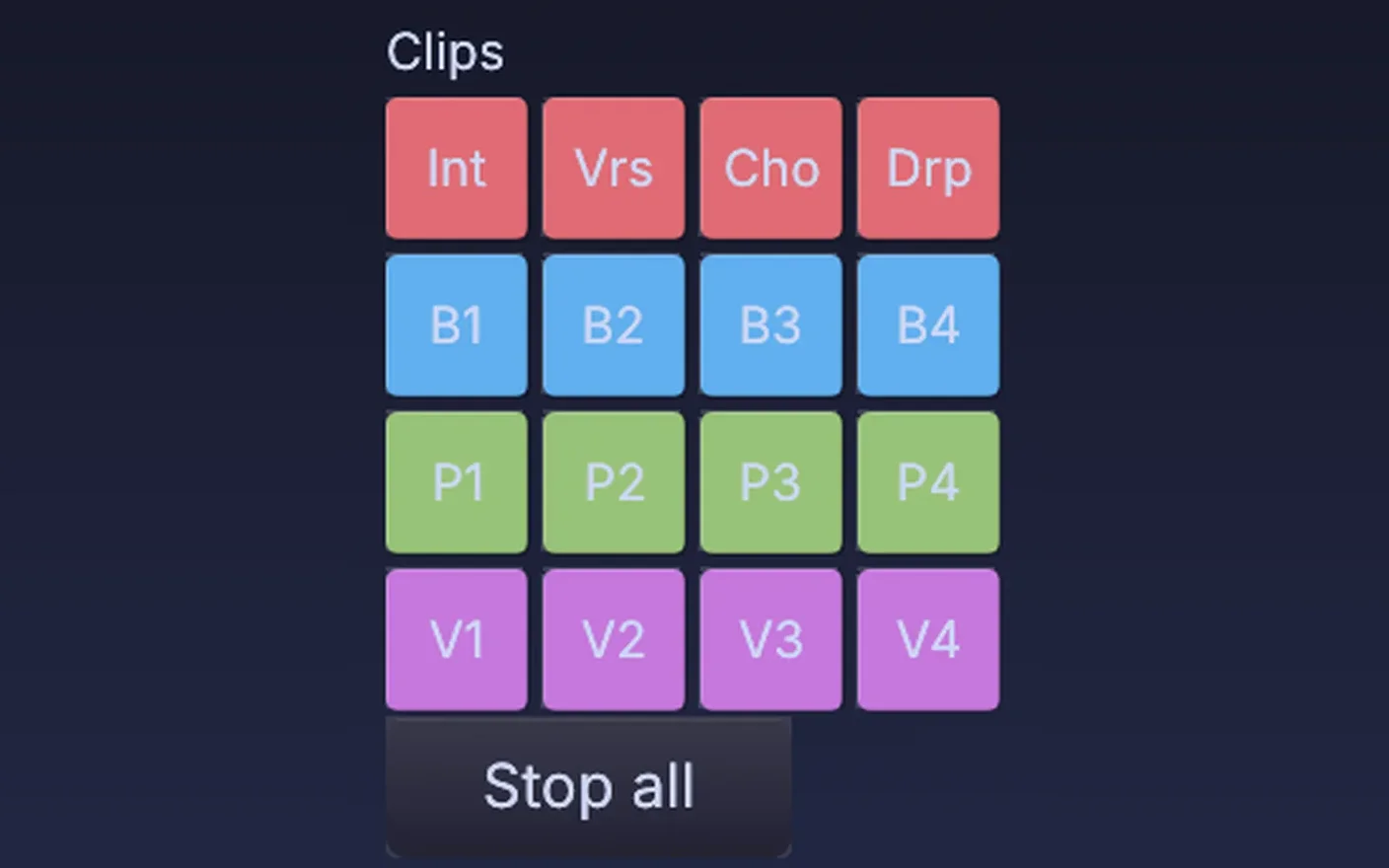
With Ableton Live on the playback rig, tempo, beat, bar and clips come in through the free AbletonOSC script, so cuts land on the one. MIDI clock from a drum machine or a DAW sets the tempo too.
emission_rate  #channel("fit_emit", "output")
gravity        #channel("fit_grav", "output")
turbulence     #channel("fit_turb", "output")
Run the night in Perform Mode.
Press F1 and the editor steps aside: the show fills the screen, and each output goes to the projector or screen you pick in the Outputs window. Give the operator a panel of faders for the wall, the beams and the haze. Show lock is on, so a stray click cannot move the timeline, and if timecode drops out, Take control lets you run the show by hand until it comes back.
Run a live show →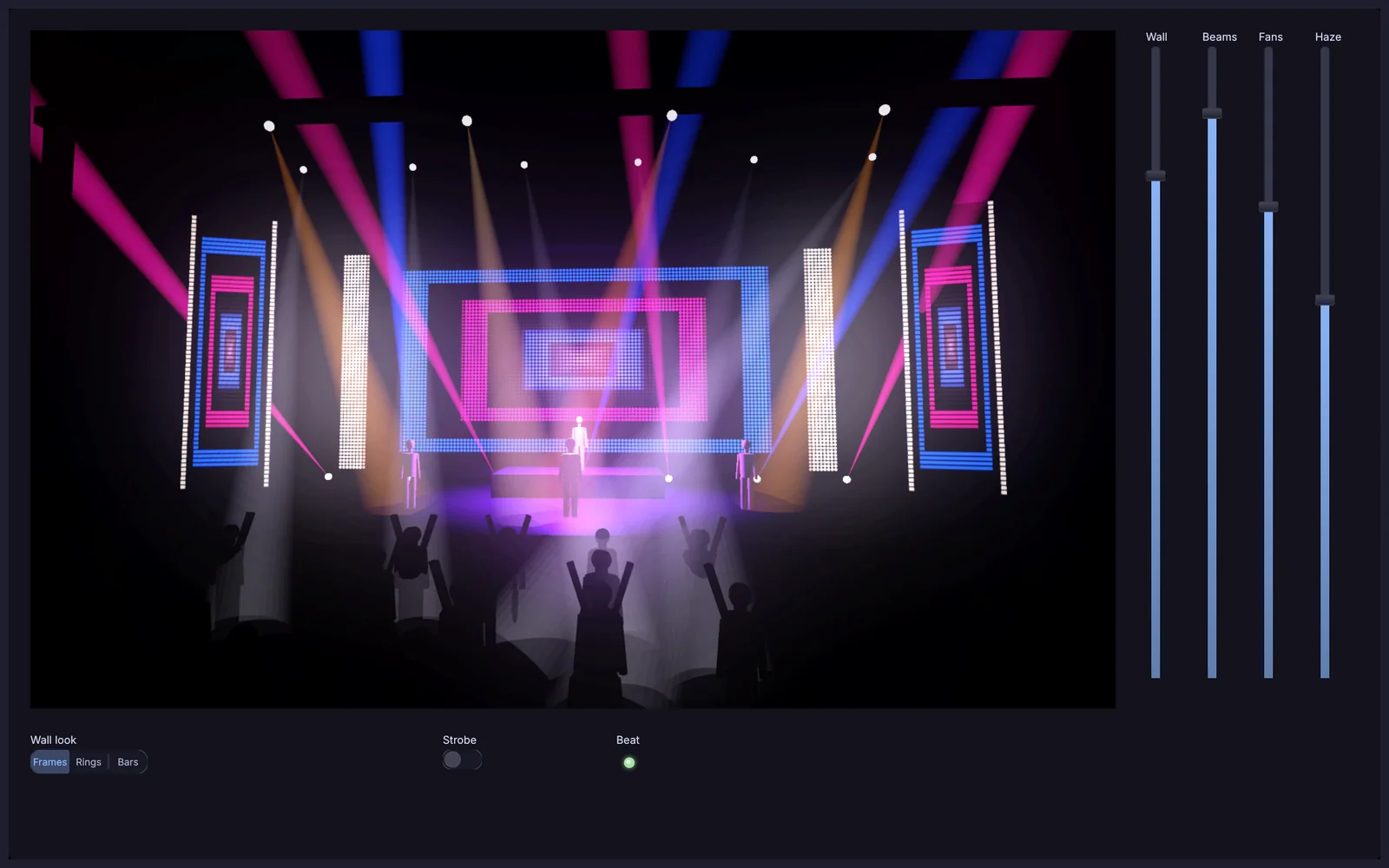
Open straight onto the screens
Launch in Perform Mode on the display you name. The editor stays out of sight.
$ kinematic tour.kin --perform --display 1
Nothing paints over the picture
A node error is still logged and badged in the editor, but the audience never sees it.
$ kinematic tour.kin --perform --error-strip off
Back on its feet after a crash
It restarts on its own, and the timeline starts where the show would be now.
$ kinematic tour.kin --perform --restart-on-panic 3 --resume-timeline auto
Run it from front of house
Start the show machine with a control port, then switch it into the show or recall a saved state from another machine.
$ kinematic ctl tcp:192.168.1.20:9797 state recall verse
The gear, protocols and files it talks to.
Keep the desk, the playback rig and the cameras you tour with. Kinematic sits beside them on the network.
Lighting
- DMX over USBIn and outEnttec DMX USB Pro, DMXking ultraDMX and other adapters, one universe per adapter.
- Art-NetIn and outMany universes over the network, with device discovery and ArtSync.
- sACNIn and outE1.31 streaming DMX, with per-address priority.
- MVR and GDTFMVR in and out, GDTF inRig scenes from a visualizer, and fixture profiles beside the 1,500 that come with the app.
- PosiStageNetInPerformer positions from the tracking system already in the room.
- Patch reportsOutA fixture list for the crew, as a spreadsheet or a page to print.
Time
- LTCInSMPTE timecode read off an audio input, and chased by the timeline.
- MIDI timecodeIn and outChase it from a playback rig, or send the timeline back out to gear down the line.
- Art-Net timecodeIn and outChase the lighting network, or be the clock everyone else chases.
- MIDI clockIn and outFollow a drum machine or a DAW: tempo, start and stop.
- MIDI Show ControlIn and outFire cues on consoles and playback systems, with MMC for transports.
- Cue lists from a spreadsheetIn and outA CSV of names and timecodes becomes markers on the timeline, and goes back out the same way.
Video
- NDIIn and outVideo and sound over the network. Swap a source mid-show while receivers stay connected.
- SyphonIn and out, macOSShare frames with other apps on the same Mac.
- Capture cardsInCards that show up as a webcam work like one.
- Screens and projectorsOutA window per output on any display, with edge blends, corner pins and grid warps.
- PTZ camerasOutPan, tilt and zoom over NDI, VISCA over IP or ONVIF.
- Vision mixersInFollow program and preview on an ATEM or in vMix, and light the tally to match.
- Video filesIn and outMP4, MOV, MKV and WebM play in. Record H.264, H.265 or 10-bit ProRes.
Control
- Lighting consolesOutFire cues on an ETC Eos, a grandMA3 or a Hog 4 over OSC, and set levels or type commands on the first two.
- OSCIn and outUDP, or TCP for QLab, so its cues can fire scenes, looks and lights.
- MIDI controllersIn and outMove a knob to map it. Ready-made profiles for nine popular controllers, most with LED feedback.
- Stream DeckIn and outCues on the keys, with tally, over USB or through Bitfocus Companion.
- Phones and tabletsInA touch page served from the show itself, or TouchOSC.
- Ableton LiveIn and outTempo, beat, bar and clips, through the free AbletonOSC script.
The live patching you know, with modeling, simulation, sound and lighting in the same file.
Read the guide →Coming fromCinema 4DCloners, fields and splines for the screen content, rendered live and driven by the music.
Read the guide →Every format and protocolWorks withFiles, gear and the other apps on your desk, with what each one does in and out.
Look up your gear →Tutorials and demos.
Each tutorial takes under fifteen minutes and starts from an empty file. The demos come with the app: open one, press Play, then take it apart on the canvas.
Tutorials
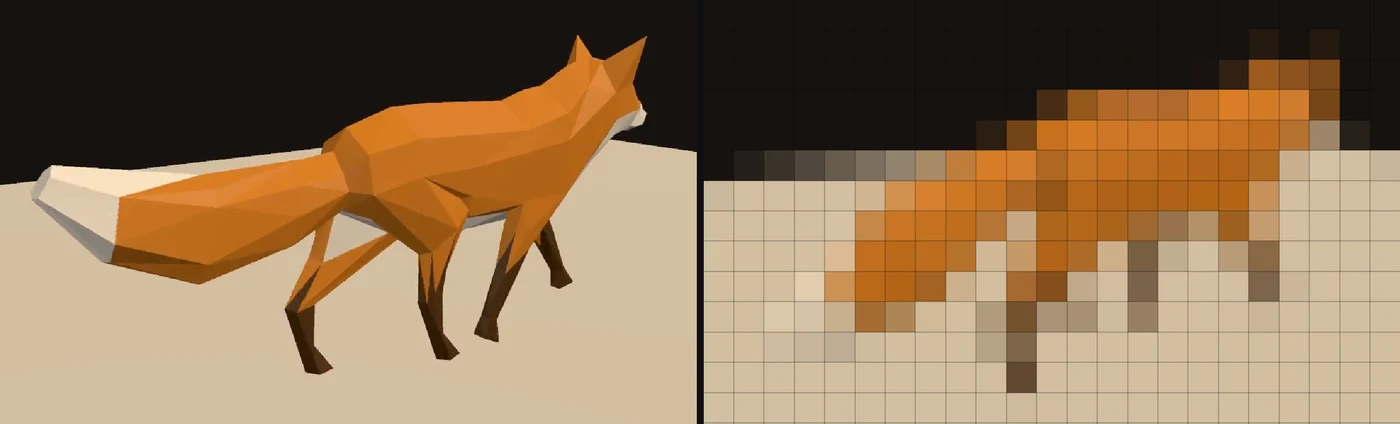 Tutorial · 9 minPlay a video on a wall of LED lights
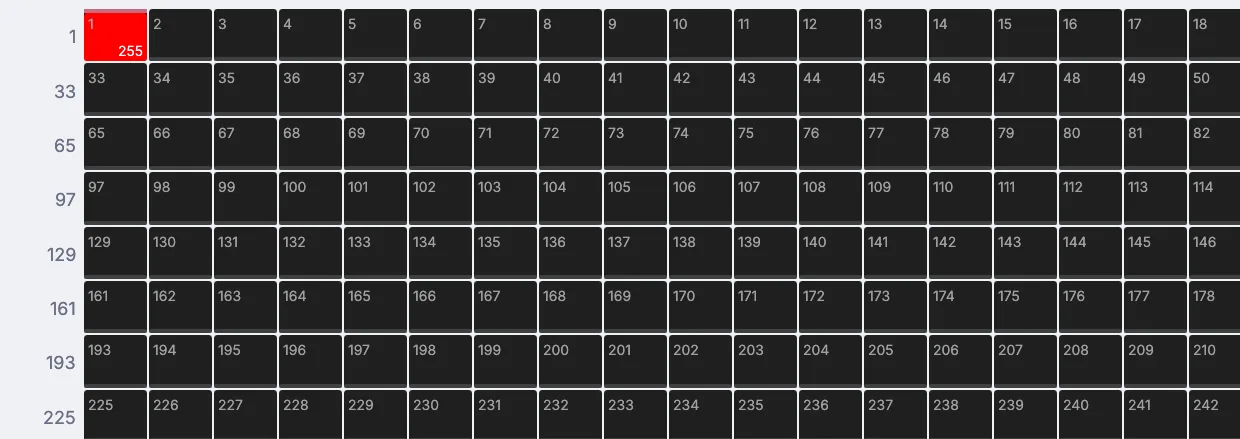 Tutorial · 8 minFlash a light on every beat
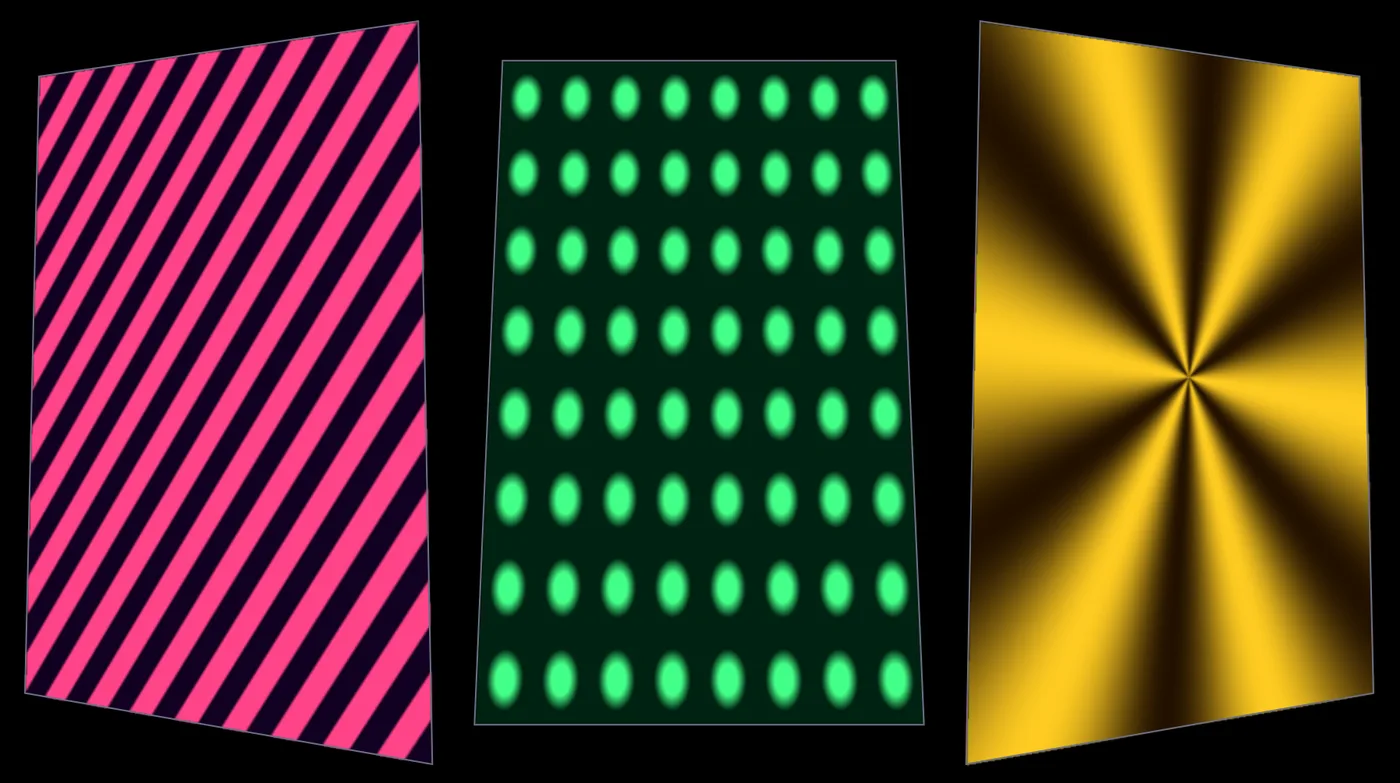 Tutorial · 10 minMap moving patterns onto three panels
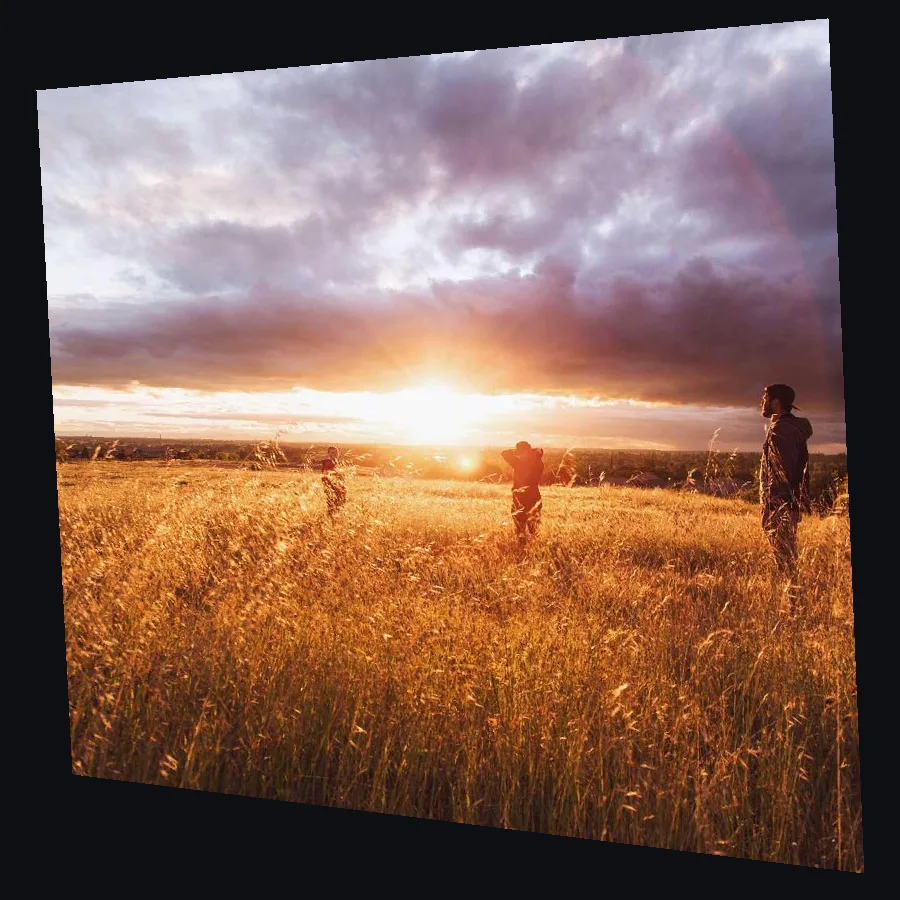 Tutorial · 7 minLine up a projection on a wall from the side
 Tutorial · 12 minMake a visual that pulses to your music
 Tutorial · 12 minPaste in a Shadertoy and give it sliders
Demos
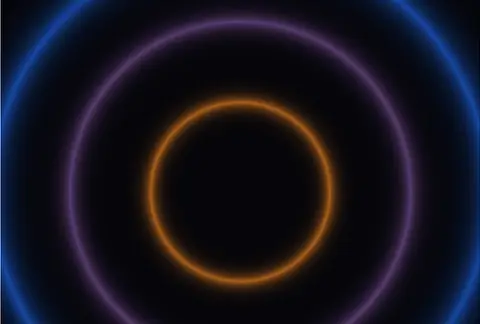 Shader volume bloomThree glowing rings whose size and color follow the volume of a microphone.In the Demos browser
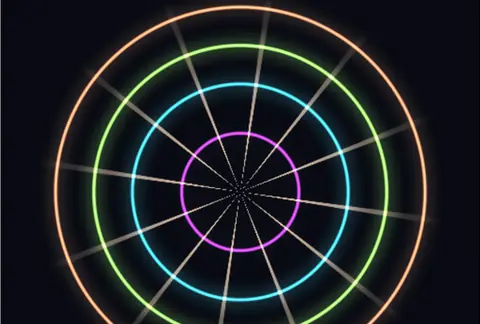 Three pass neon bloomNeon rings with a three-pass bloom, all inside one shader.In the Demos browser
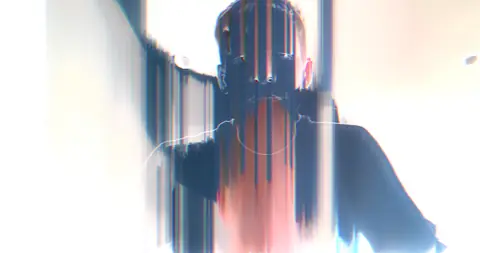 Audio glitch pipelineA live camera glitched by the music: pixel sorts pulse with the volume and hits fire color shocks.In the Demos browser
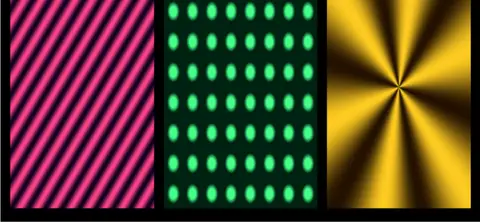 Projection mapper multi-textureStripes, dots and a star, each mapped onto its own panel of a set.In the Demos browser
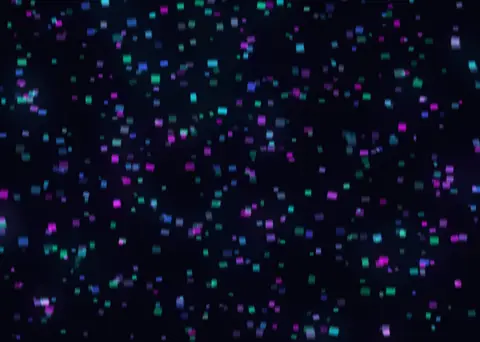 Neon rainStreaks of cyan and magenta light falling over deep navy, with a pulsing glow.In the Demos browser
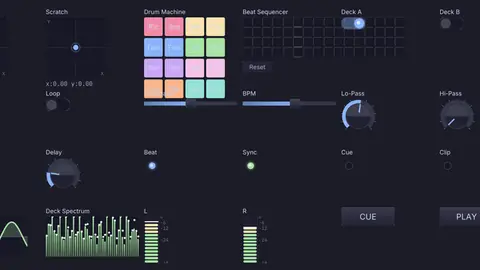 DJ performance controllerA performer's panel: pads, a crossfader, a step sequencer, beat lights and live meters.In the Demos browser
What it does not yet do.
Better to know now. Missing something you need on the road? Reach out.
- LasersThere is no ILDA or other laser output.
- LTC outKinematic reads LTC but does not write it. MIDI timecode and Art-Net timecode go both ways.
- A full lighting visualizerThe 3D preview shows where fixtures hang and where beams point, one beam node per fixture, driven by the values you wire to it. It does not draw a whole rig from incoming DMX on its own.
- SDI output cardsPictures leave through a screen output, NDI or Syphon. There is no direct output to an SDI card.
- SpoutSharing video with other apps on Windows is on the roadmap. NDI works on every platform today.
- Ableton LinkLeft out on purpose because of its license. Share tempo over OSC or MIDI clock instead.
Download Kinematic.
Free. No account, no license key, no dongle. The same show file opens on macOS, Windows and Linux.