In TouchDesigner: TOPs
Image nodes
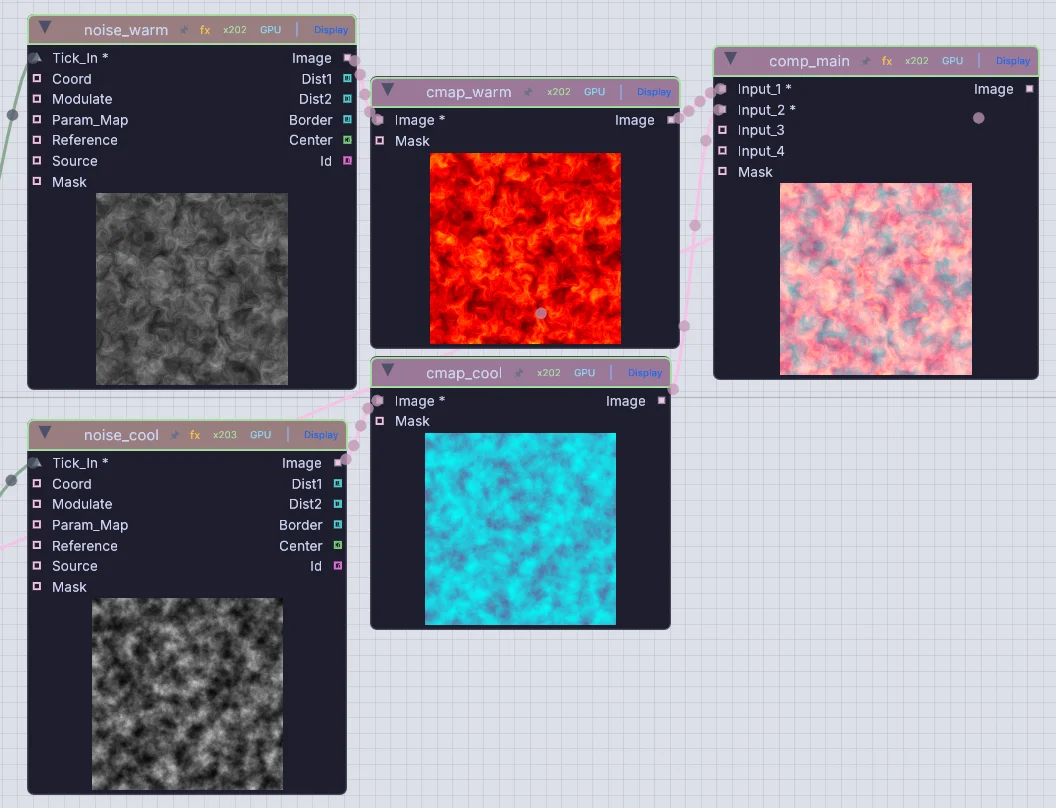
Chain pictures the way you chain TOPs, and every node shows its frame right on the canvas. Noise, color, composite, key, blur, warp and hundreds more.
ImageNoiseGenImageColorMapImageComposite
Wire pictures, channels, geometry and sound live, the way you already work. Then sculpt the character, pour the liquid, play the synth and run the lights in the same file. Free for paid work, on every machine in the venue.
There are no operator families here. One palette holds every node, and each port's type tells you what plugs into what. This is where your habits land.
Chain pictures the way you chain TOPs, and every node shows its frame right on the canvas. Noise, color, composite, key, blur, warp and hundreds more.
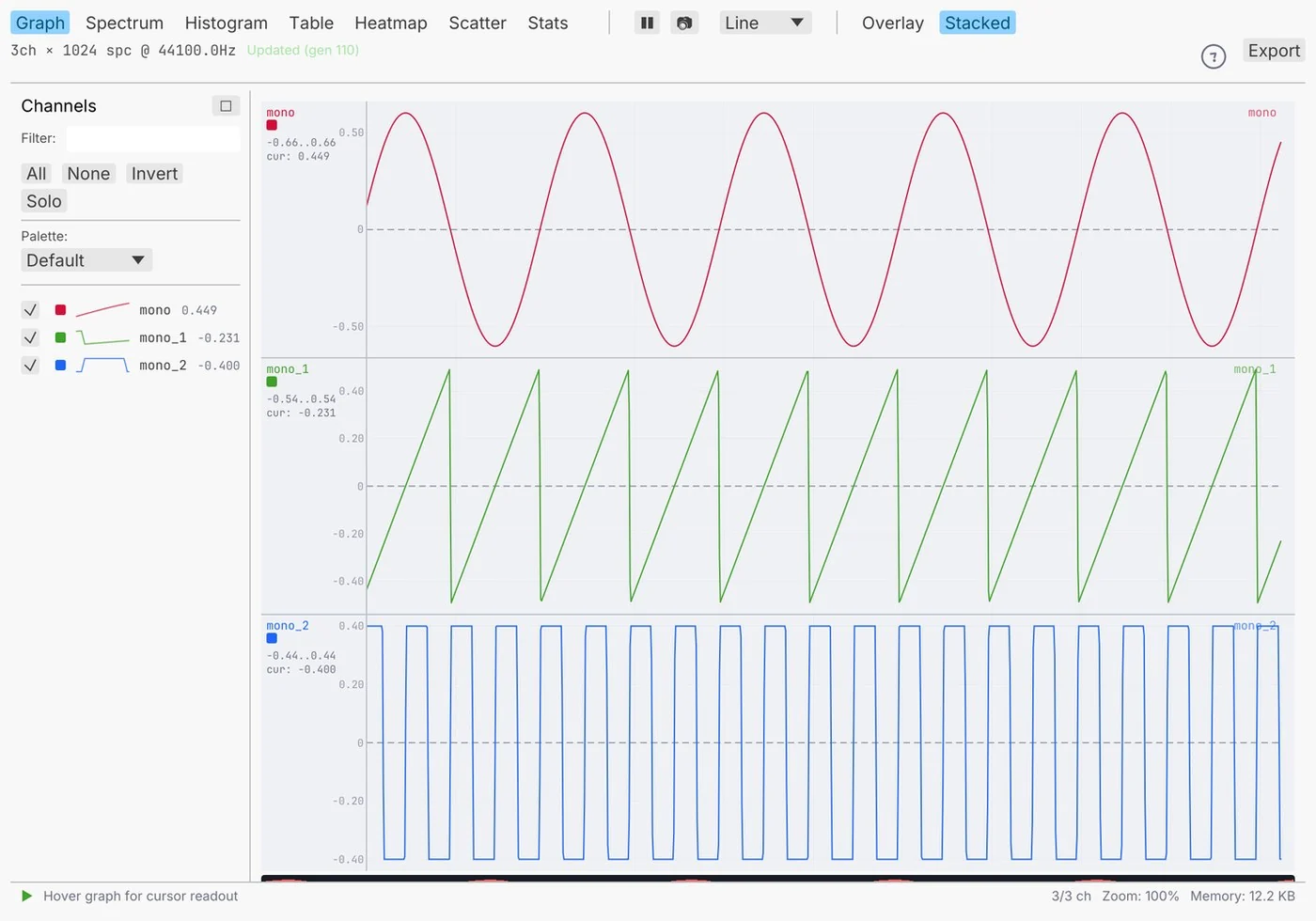
Numbers and sound ride their own wires. LFO, lag, math and filters for channels, FFT and beat detection for sound, and every wire opens as a graph, spectrum, table or heatmap.
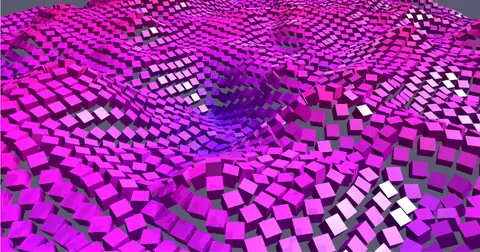
Build geometry, copy it onto points and render it. Here ten thousand cubes ride a moving noise field, each one driven by its own value.
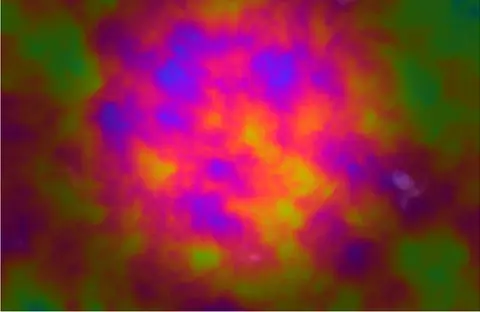
Paste GLSL or write WGSL. TouchDesigner helper names such as TDInput still resolve in GLSL, a Shadertoy body runs with one switch, and errors point at your own lines.
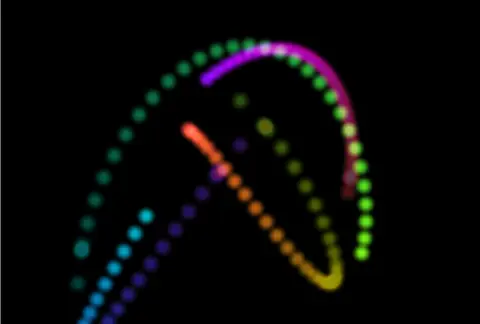
Last frame comes back into this one, with a reset. Trails, ink and reaction-diffusion take a few nodes, and 3D has its own feedback for points.
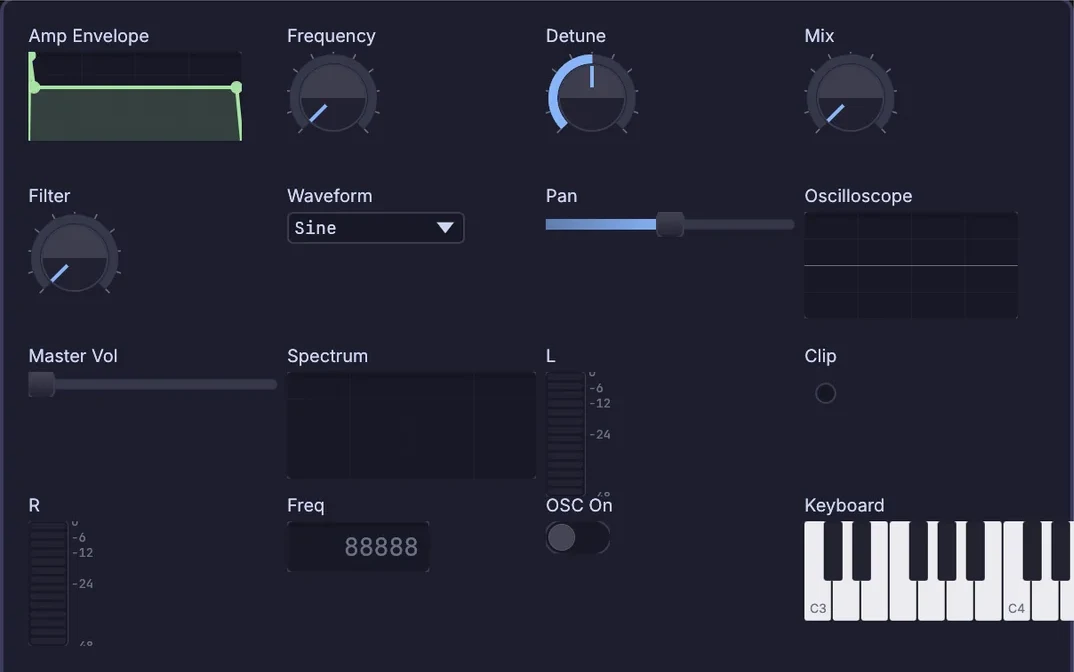
Sliders, dials, XY pads and buttons are nodes you wire like any other. Lay them out in the panel editor and pop the panel into its own window.
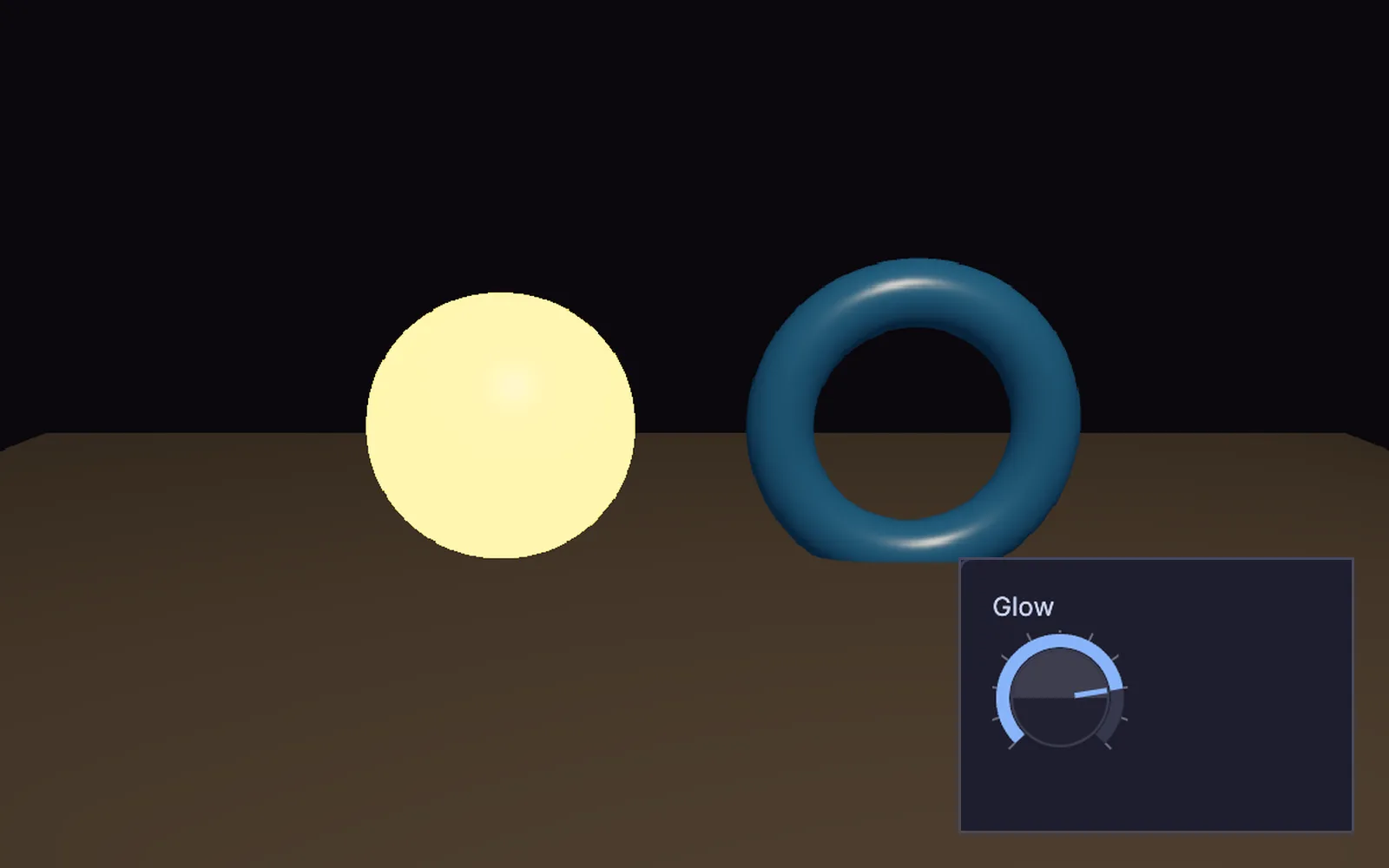
Wire a knob straight into a material, or drag a channel onto any number to drive it. Type time * 0.5 for a live expression.
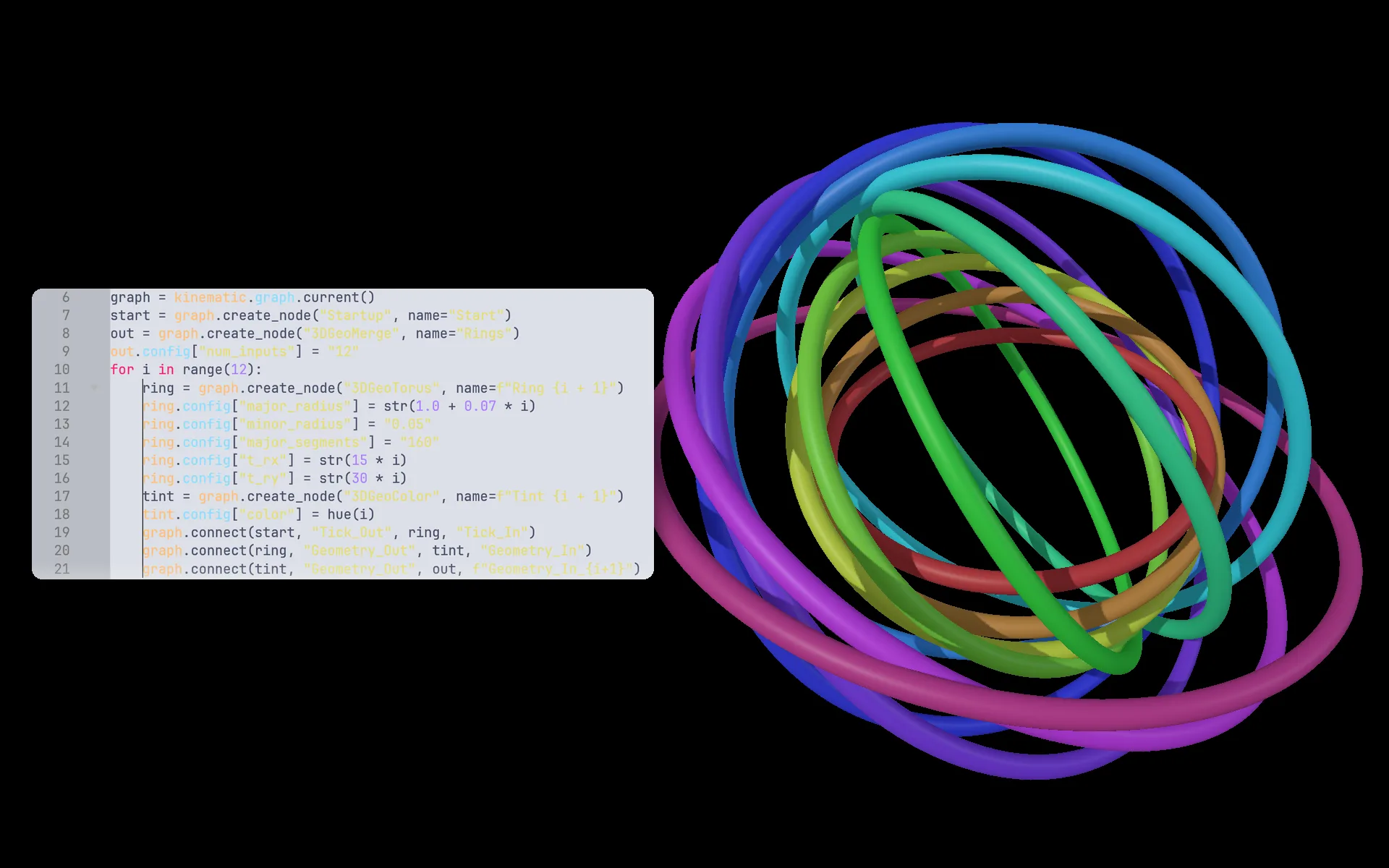
Python nodes on the canvas, a console, and an API that can build the whole network from a script.
Press F1 and the editor steps aside, so the output takes the screen. Esc brings the editor back. A kiosk launch and a show lock are there for long runs.
Running a show: Perform Mode and kioskTwelve of the operators you reach for most, and the node that does the job here. Parameter expressions become drivers, and custom parameters become a component's public properties.
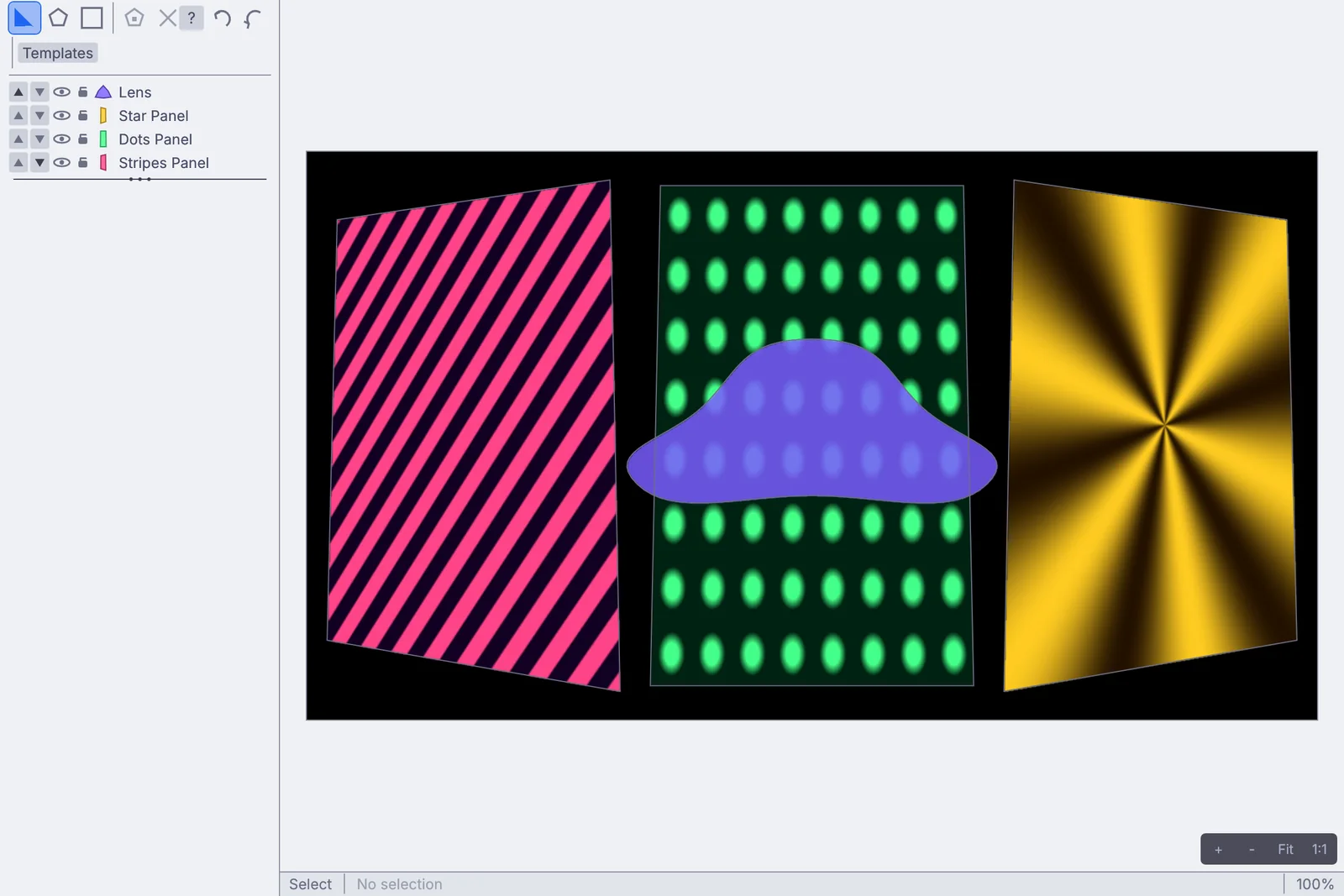
Perform tutorials →InputVideoFileVideoCaptureInterfaceAudioCaptureInterfaceAudioFFTChannelDataMathOSCReceiveImageChromaKey3DGeoSceneRenderToImageShaderMaterialTextContentComponent3DGeoLightCreatePin a picture to a wall, warp it with a grid, blend two projectors into one, and pixel-map the same picture onto a wall of fixtures. It all lives in the patch, so a beat, a camera or a fader can move any of it.
Synths, samplers, effects and your own plugins sit beside the visuals. A kick from the mic can flash the strobes and raise the ground under the camera, with no second app and nothing to route between them.
Sculpt a creature from a ball, rig it and walk it across the stage, or pour a liquid into the scene. Every viewport tool adds a node, so the model is one more part of the patch, and its render is a picture like any other: send it to a projector, a pixel wall or NDI.
Bodies, hands, faces, depth and masks are built in, as nodes. Each model downloads once and then runs on your machine, so nothing you film leaves the room.
Your words, your files and your other machines all come along. Here is what to expect in the first hour.
Press Space over the canvas and type the operator name your hands remember. Quick-add offers the Kinematic node under its own name, with a plain hint, so you pick up the new names as you go.
Ramp TOP, Render TOP, Movie File In TOP, Copy SOP, Camera COMP and more all find their node.
Nobody has to move a whole show at once. Build the new part here and pass it across.
.toe and .tox files do not open (these are proprietary): patches are rebuilt rather than converted. Everything they point at does.
The keys you will use in the first hour. Ctrl on Windows and Linux is Cmd on a Mac.
Take the app tour →It has earned its place in a lot of shows. Here is where it still leads, and what Kinematic does not do yet.
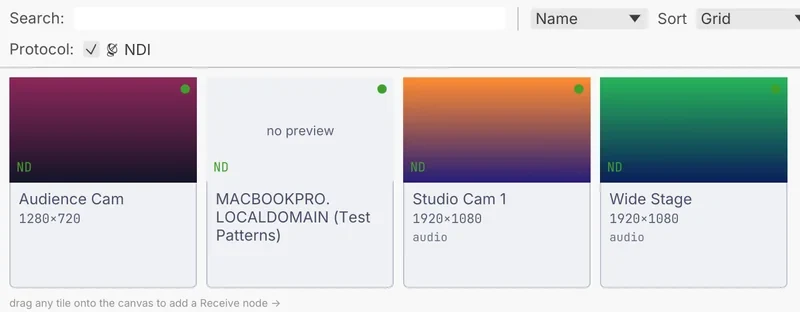
Running both is fine. NDI moves video between them on one machine or across the network, and OSC carries the values.
Kinematic costs nothing, even for commercial use. The TouchDesigner side comes from Derivative's own pages.
Both checked October 2026. Prices in US dollars.
They all come with the app. Open one, take it apart, and keep what you need.
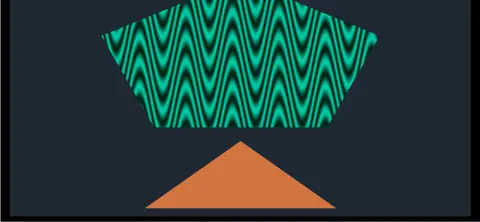 Projection mapper freeformFreeform shapes routed through the projection mapper. Press E and drag the corners.In the Demos browser
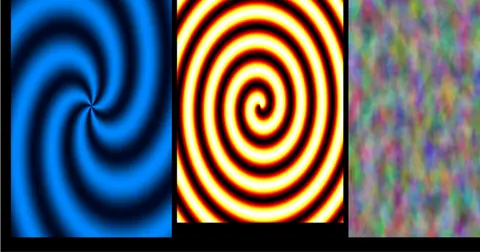 Swirls on a projectorThree patterns through the mapper, to a preview and a full-screen projector at once.In the Demos browser
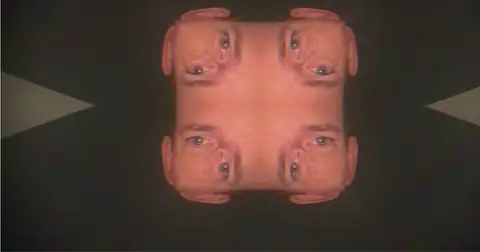 WebcamAudio kaleidoscope feedbackYour webcam in a kaleidoscope feedback loop that turns and shifts with the mic.In the Demos browser
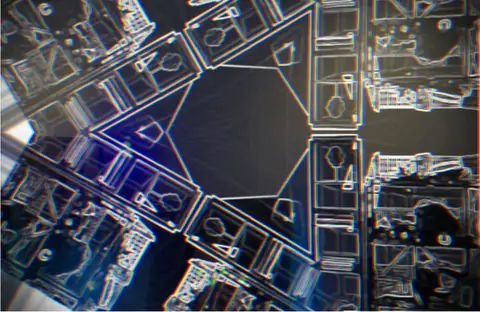 Webcam, MicrophoneDance visualizerEdge lines, trails and sparks from your wrists, colored by the room sound.In the Demos browser
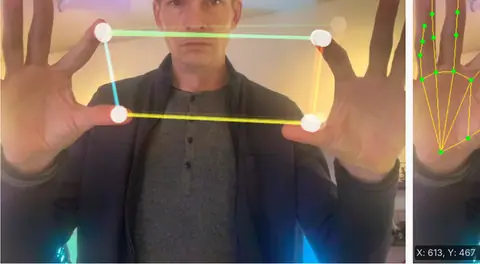 WebcamHand tracking synthPlay a synth with your hands: pitch on one, tone on the other.In the Demos browser
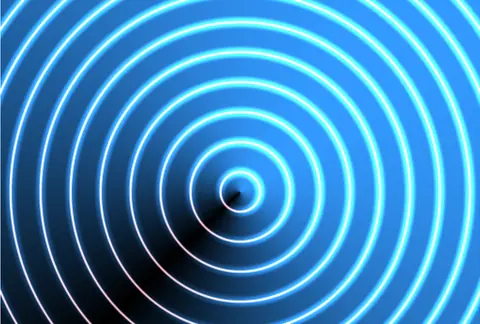 GPUUniforms live editGlowing rings from a shader. Change any value while it runs.In the Demos browser
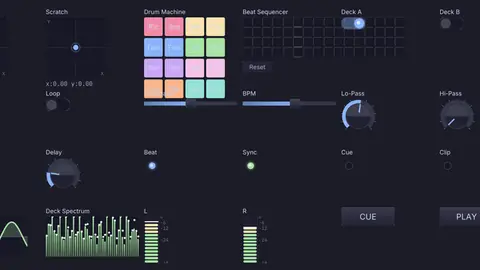 Audio deviceDJ performance controllerAn XY pad, trigger pads, a step row, dials and a crossfader, all nodes.In the Demos browser
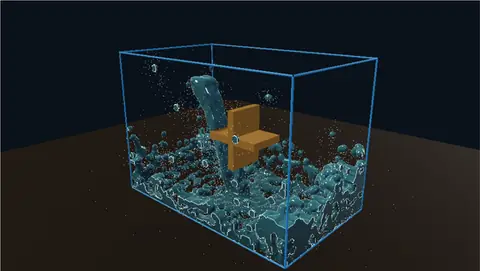 WaterwheelA falling stream turns a waterwheel. The water does all the work.In the Demos browser
No (these are proprietary). Patches are rebuilt rather than converted. Quick-add understands the operator names you type, and your media, models, LUTs and shader code open as they are.
Yes, into the custom shader node, with WGSL as the other choice. TouchDesigner helper names resolve in GLSL. In WGSL, use the KIN names. You can also point the node at a shader file and keep your own editor open beside it.
Yes. Perform Mode, a kiosk launch and a show lock are built for installs that run for a season.
NDI works today on every platform, and Syphon on a Mac. Spout on Windows is on the roadmap.
Yes. No license for commercial work, no resolution cap and no seat count.
Free. No account, no license key, no seat count. macOS, Windows, Linux and Raspberry Pi. Bring the patch you are building next.