Kinematic 0.5.0 is out. Modeling and sculpting in the viewport, a timeline on every graph, photo and sound editing. What's new
Kinematic / Download

Download Kinematic.

Version 0.5.0. The whole app, free, even for commercial use. No account to make and no license key to type in.

Kinematic is a desktop app. Open this page on your computer to download it.

Pick your system

One app, four systems.

Same app, same features, same files on each. Your own system is lit up when we can tell which one it is.

Apple Silicon

macOSSigned and notarized by Apple.

Your system
Download for macOS 0.5.0Disk image (.dmg)
System
macOS 12.3 or newer on a Mac with Apple Silicon.
Graphics
The Mac's own GPU.
Local AI
Most local AI models run on the GPU through Metal.
  • For a gallery Mac, add Kinematic to Login Items in System Settings so the show opens when the machine starts.
  • If a camera picture stays black, allow camera access in System Settings, then restart Kinematic.
64-bit

WindowsA signed installer, or a portable zip.

Your system
Download for Windows 0.5.0Installer (.exe) or .zip
System
Windows 10 (version 1809 or newer) or Windows 11, 64-bit.
Graphics
Vulkan, on any NVIDIA, AMD or Intel GPU. It comes with your graphics driver, so there is nothing extra to install.
Local AI
An NVIDIA RTX 30 series card or newer, with a driver from the r570 line or newer. Without one, the models run on the CPU.
  • Windows N editions need Microsoft's free Media Feature Pack first.
  • The installer offers one firewall rule so Art-Net, sACN, OSC and NDI can reach the app. It goes when you uninstall.
  • Uninstalling keeps your settings and your files.
Ubuntu

LinuxThe full .deb, or the sandboxed snap.

Your system
Download for Linux 0.5.0Package (.deb) or snap
System
Ubuntu 24.04 LTS or newer, 64-bit Intel or AMD, in a desktop session.
Graphics
Vulkan, on Mesa or NVIDIA drivers. Local AI models use CUDA on an NVIDIA card, or the CPU.
The full install.deb

Everything, including NDI, Orbbec depth cameras, CLAP, VST3 and LV2 plugins, Stream Deck and serial DMX.

The sandboxed installsnap

Art-Net, sACN, MIDI, cameras, screen capture, sound and the GPU all work. For NDI, depth cameras, your own plugins, Stream Deck or serial DMX, take the .deb.

  • The two can sit on one machine. Each keeps its own settings.
arm64

Raspberry PiBuilt and tested on a Raspberry Pi 5.

Your systemExperimental
System
Raspberry Pi 5 with 64-bit Raspberry Pi OS.
Graphics
The Pi's own Vulkan driver. 3D renders use a lighter mode there: up to 8 lights, simpler shadows, no environment lighting. Custom shader materials do not run.
  • The first start takes longer while the graphics driver warms up.
  • Pick a named audio device, or install pipewire-alsa to use the default one.
  • Give webcams a powered USB hub.
  • Test a show on the actual board before the doors open.
Updating

Coming from an older version?

Three things to know if you used a release before 0.5.0.

macOS

Allow the camera and microphone again.

macOS asks for camera and microphone access again after the update. Allow both to keep using cameras and sound input.

Windows

Remove the older version by hand.

Its entry stays in Installed apps. Remove it yourself from Windows Settings.

Your files

Graphs save as .kin files.

Every graph you save from 0.5.0 on is a .kin file: plain text you can read, compare and keep in version control.

What you get

The whole app.

The download is the whole app. One app for 3D, pictures, video, simulation, live shows and sound.

No node limitNo resolution capNo watermarkNothing lockedThe same build for students and studios
400+ demosOpen one and change it while it runs.
Docs built inThe lessons and the node reference open inside the app.
Python built inScripts and extensions work with nothing else to install.
One file everywhereA .kin graph opens on every system Kinematic runs on.
After you download

Your first five minutes.

The quickstart in plain words. Each step takes about a minute.

  1. Open it and start a project. Dismiss the splash and click New Project. The first time, Kinematic looks for your audio plugins in the background. Nothing waits for it.
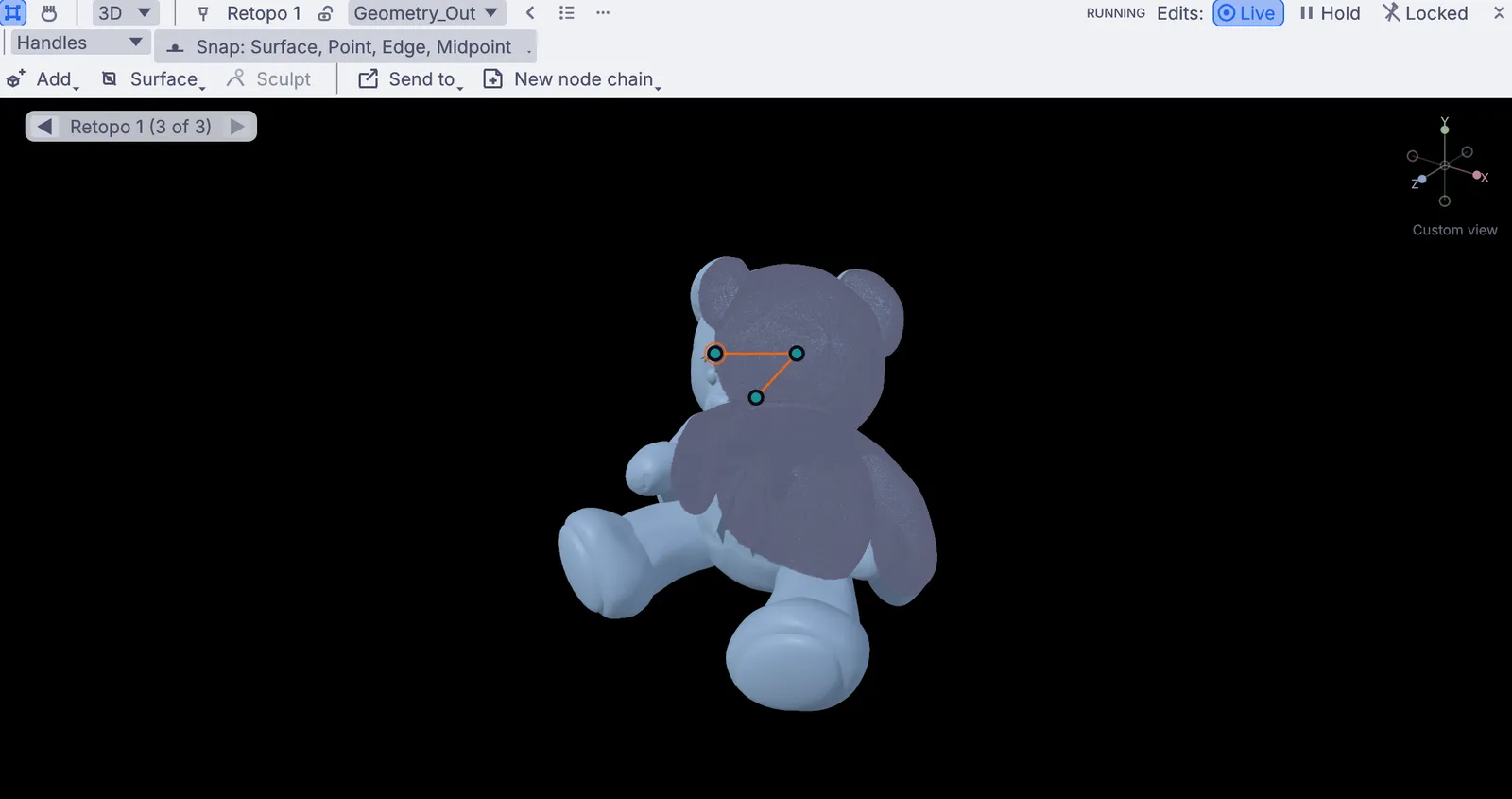
  2. Sculpt something. In the viewport, add a sphere from the Add menu, switch to Sculpt and push, pull and carve it with your mouse or a pen. The graph fills in beside you as you go.
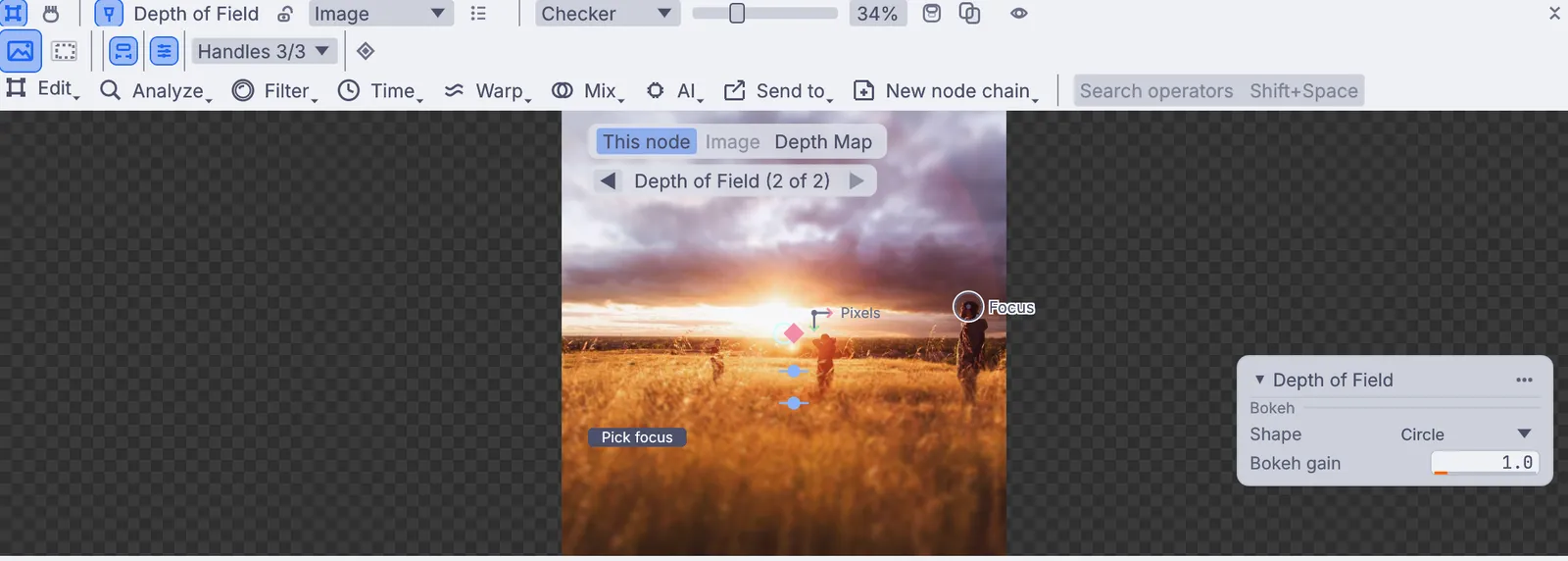
  3. Put your camera through a blur. Add VideoCaptureOperation and VideoCaptureInterface, pick your camera, then add ImageBlur. Press Play and the viewport shows you, softly out of focus.
  4. Save it and open it again. Save it as a .kin file, close it, open it and press Play. It comes back as you left it.
  5. Pick a path. Create, Edit, Simulate, Perform or Play. Each one has its own quick starts, lessons and demos.
terminal
# open a saved graph, already running
$ kinematic webcam_blur.kin --autostart

# a gallery show: fullscreen, no editor,
# and it comes back after a crash
$ kinematic show.kin --kiosk --restart-on-panic 5
Previous versions

Every release so far.

Seventeen releases came before 0.5.0. Each one links to its notes on the changelog.

Stuck installing?

One command gathers your version, your system details, the graph and the latest log into one file you can send. Get help in the docs or reach out.

terminal
$ kinematic report show.kin

Free and open. Yours, forever.

No account, no license key. macOS, Windows, Linux and Raspberry Pi.

Download Kinematic 0.5.0