01 · Model
Model sets and props
Start from a box. Extrude, inset, bevel, loop cut, knife, bridge and boolean right in the viewport, snap to points and edges, and type an exact size while you drag. Space opens the tools where you point.
Modeling →For modelers, sculptors, texture and lighting artists, and anyone who illustrates in 3D. Sculpt with a pen, paint every map on the model, light it with a sky, and render 32-bit EXR stills or a turntable. Every tool you use in the viewport adds a node, so any step can change later.
Sculpted, painted, modeled and rendered in Kinematic. No other app in between.
From the first box to the final frame, in one viewport. Each tool you use writes a node, so the third bevel is still there to change after the tenth.
Start from a box. Extrude, inset, bevel, loop cut, knife, bridge and boolean right in the viewport, snap to points and edges, and type an exact size while you drag. Space opens the tools where you point.
Modeling →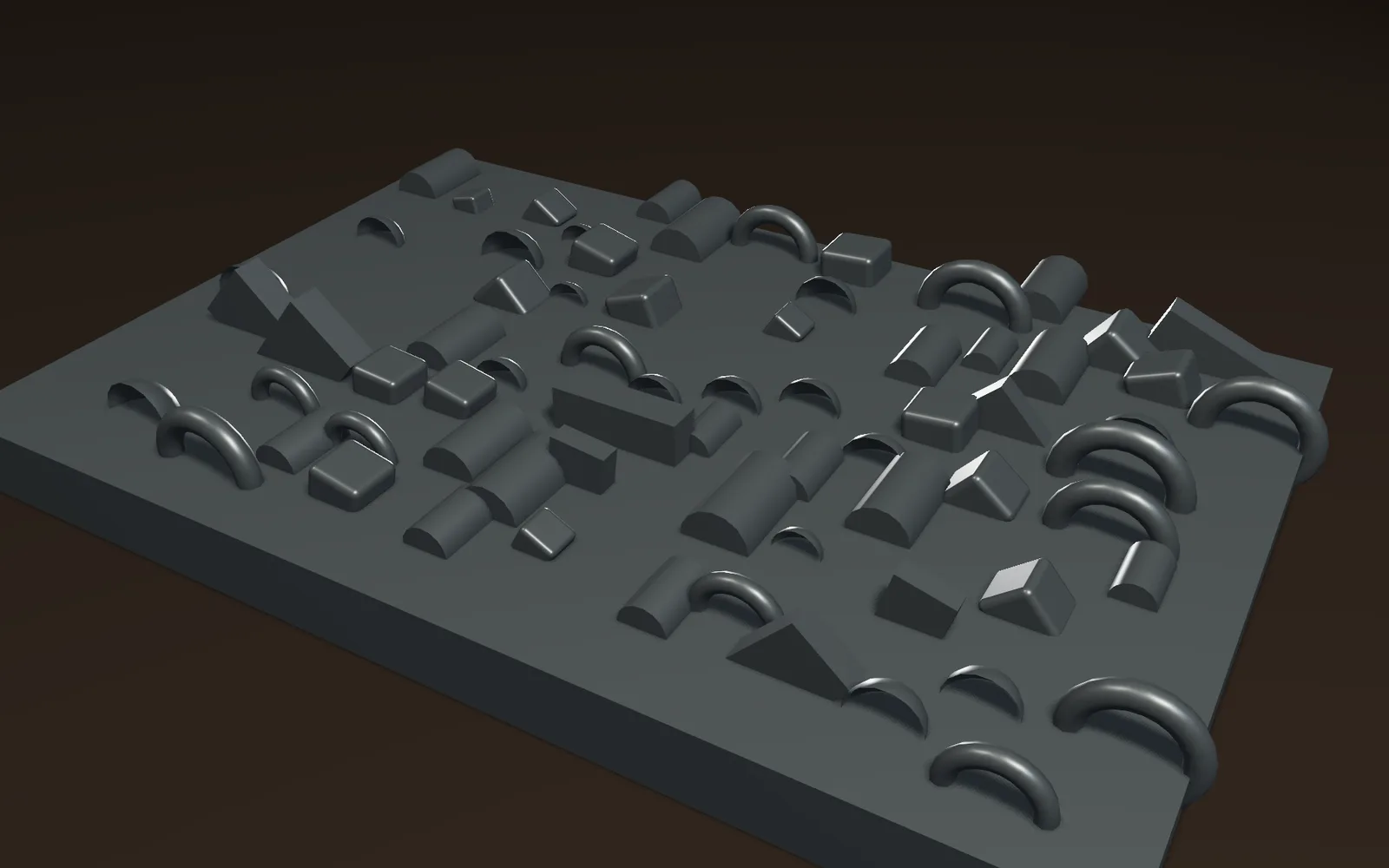
Drag a piece from your library onto a surface and it lands facing out. Click to place more, paint copies along a stroke with a little random turn and size, or scatter thousands at once.
Kitbash a hull →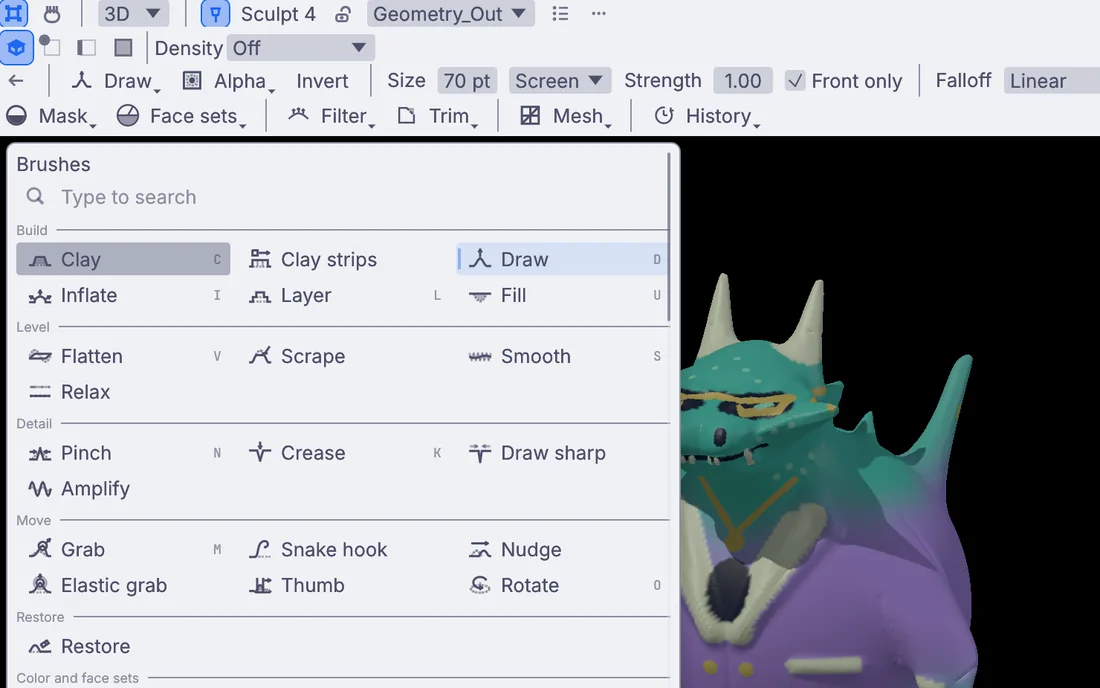
Clay, crease, snake hook, grab and more than a dozen other brushes, with pen pressure, tilt and the eraser end. Masks, face sets, symmetry, sculpt levels, and dynamic detail that adds triangles only under the brush.
Sculpting →Quad remesh a sculpt or a scan, or draw a clean mesh over it by hand. Mark seams in the UV view, unwrap and pack, then bake normal, occlusion, curvature, height and position maps from the high mesh.
Retopology and UVs →Paint color, roughness, metallic and glow maps right on the surface or in the UV view, in layers with blend modes. Stick a decal on and slide it into place. UDIM tiles load as one picture.
Texturing →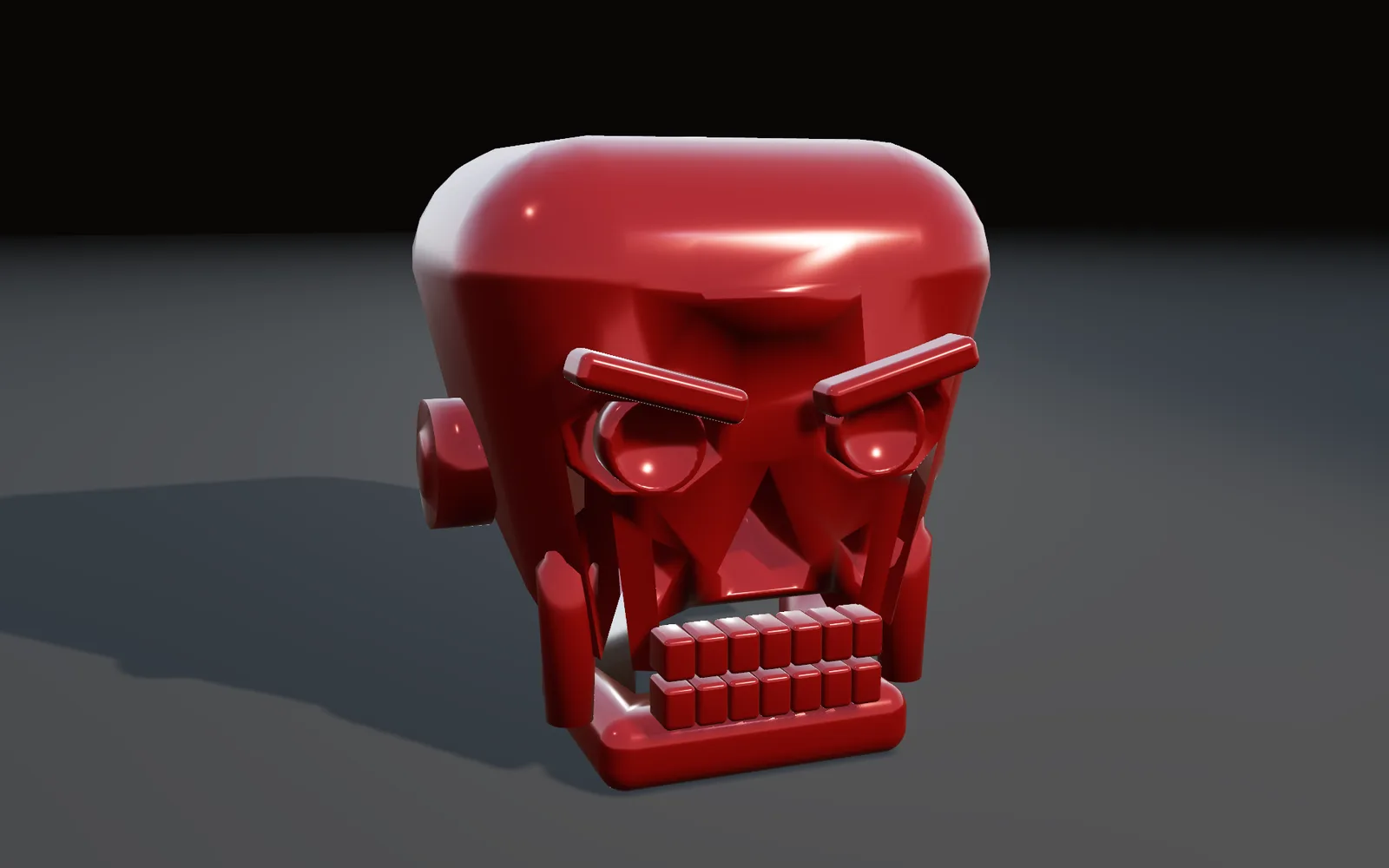
Key, fill and rim from one light rig, an HDR sky for light and reflections, and fog for depth. Right-click the spot where the shine belongs, choose Place by highlight, and the light moves to put it there.
Lighting →It renders live on your graphics card, with PBR materials and soft shadows. Tone map with ACES, AgX or PBR Neutral, then write 32-bit EXR with depth, normal and ID passes, PNG or TIFF stills, or a turntable as MP4 or ProRes.
Rendering →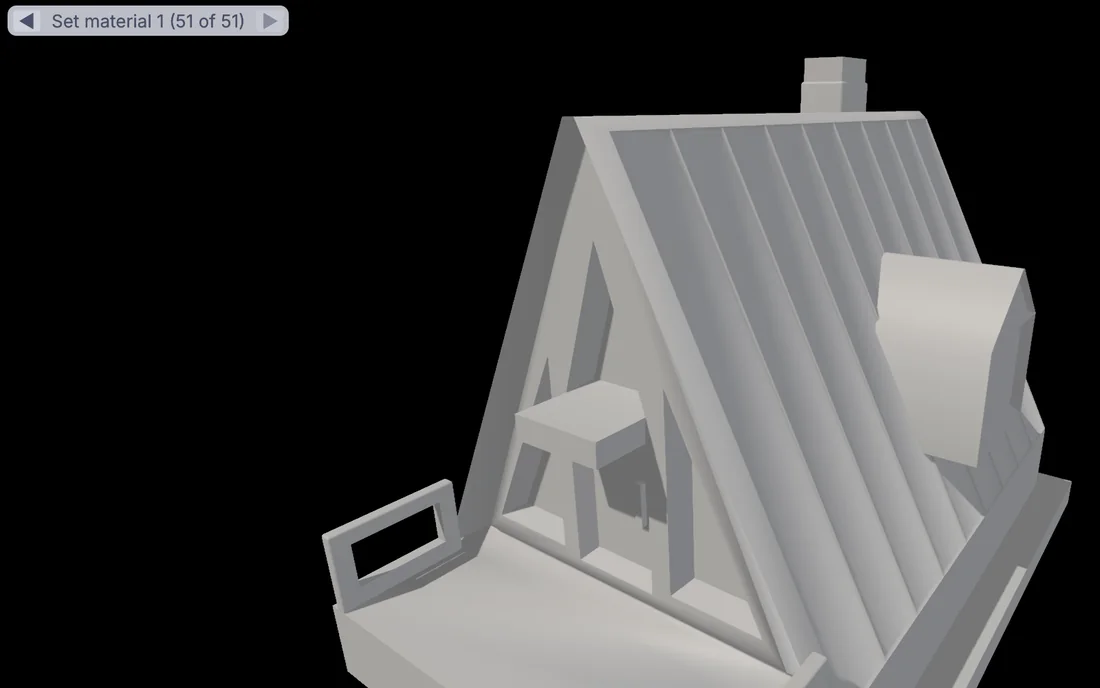
Every move in the viewport becomes a node on the canvas. Walk back through the steps with the arrows and open the third bevel after the tenth, or press Ctrl+B for the canvas and wire a noise into the copies.
The canvas →The files a client, a studio or a printer asks for.
The camera circles the model and the frames land in a video file.
Full float with its passes for the comp, or finished pictures for the page.
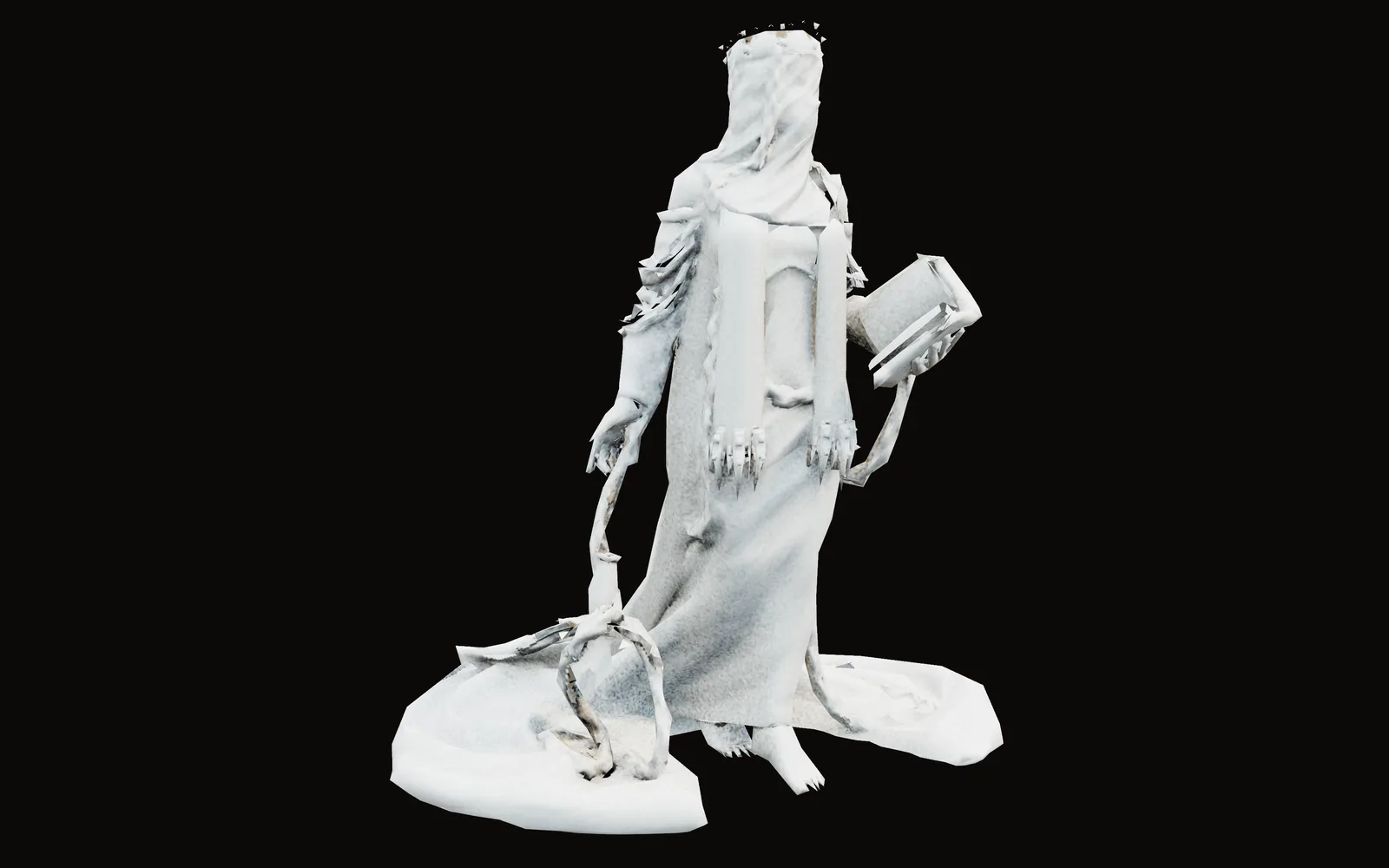
A light mesh, baked maps, and the axes set for the engine.
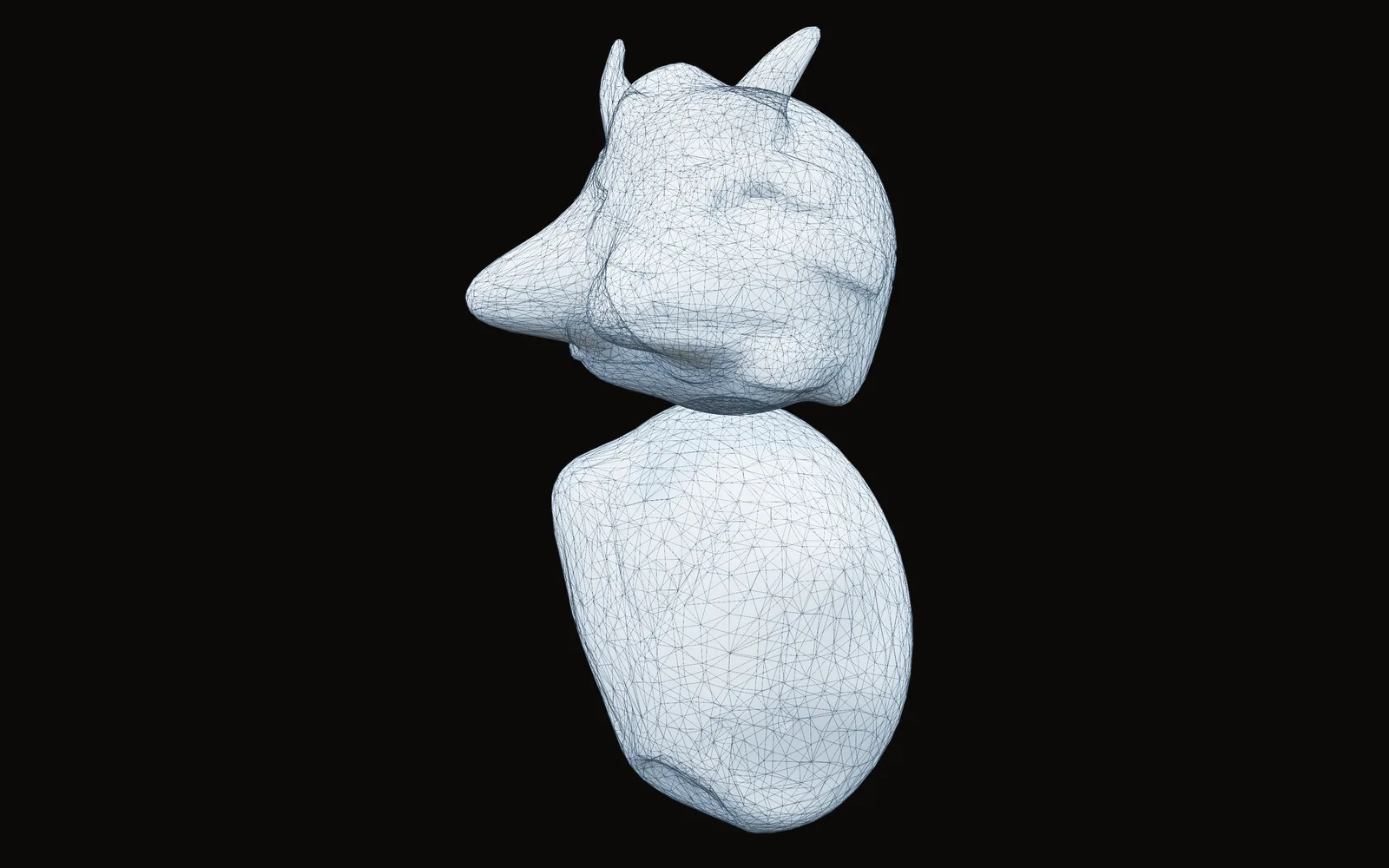
Reduce the sculpt to a weight the slicer likes, then save it.
Build the scene once, then pick the view. An orthographic camera gives a clean isometric drawing, a physical lens gives real focal lengths, and depth of field reads the render's own depth. Toon shade steps the light into flat bands and inks the outlines.
Grade the picture, set your type in your own fonts and save it for print, in the same file as the model.
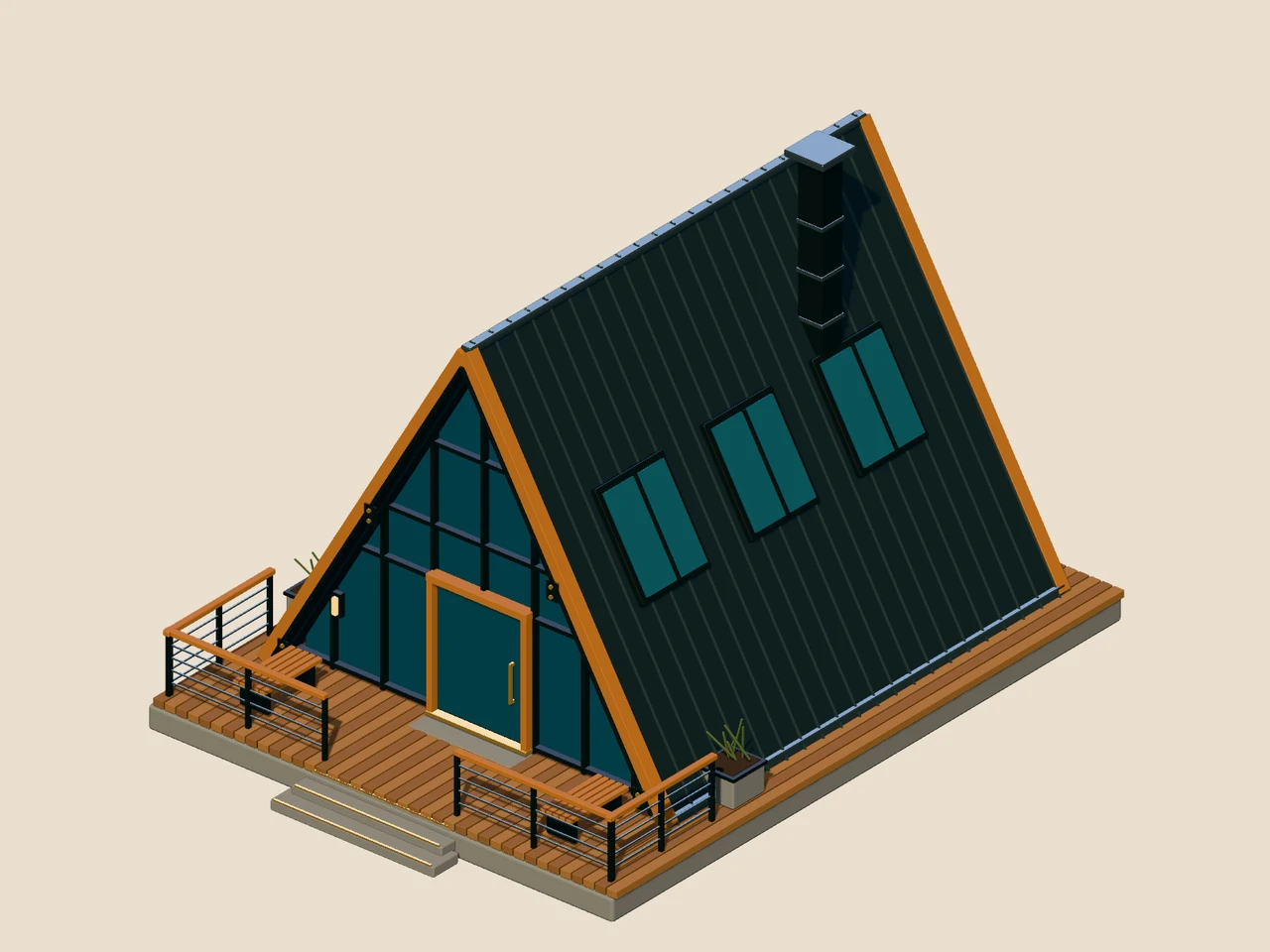
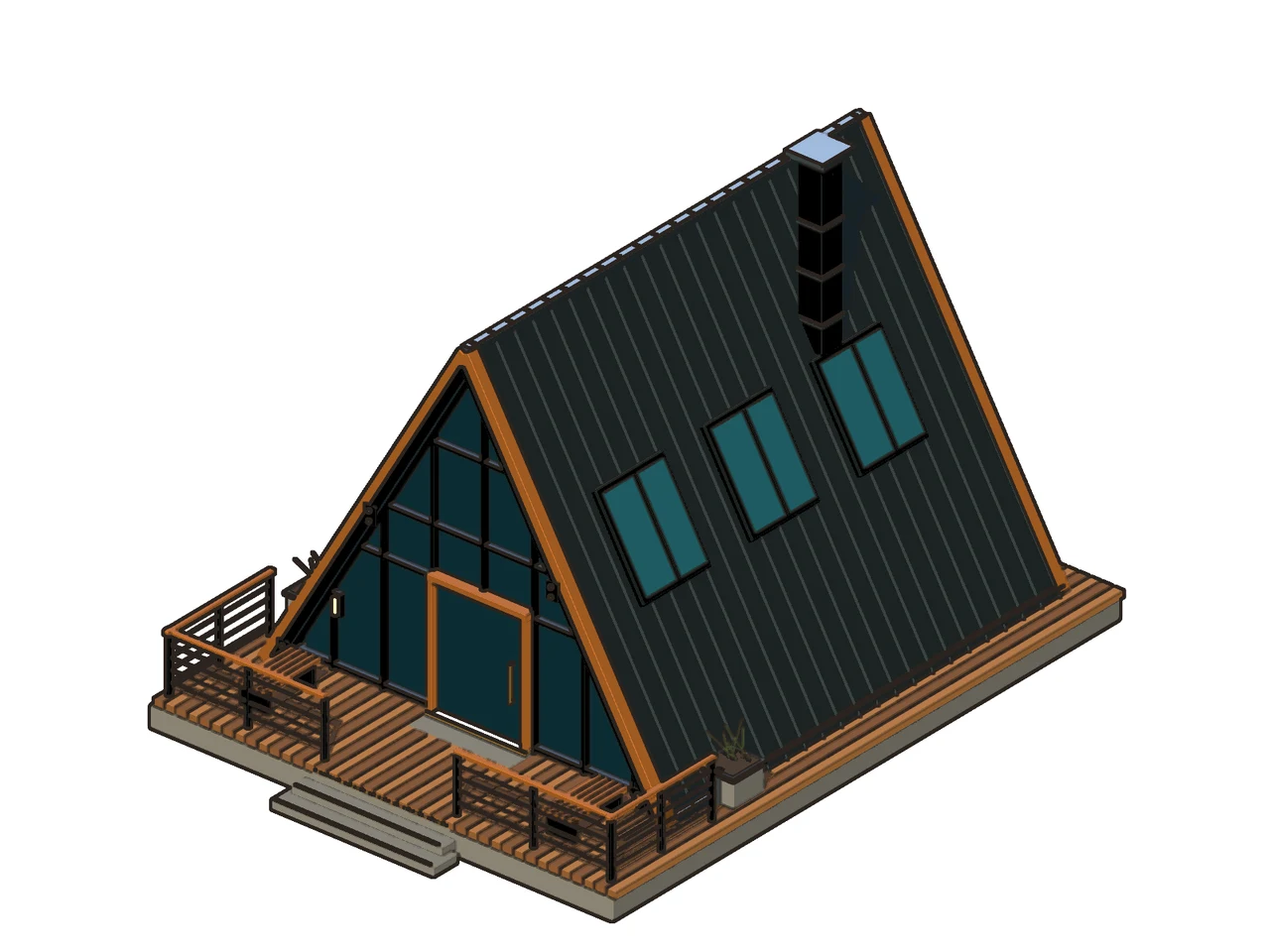
Both pictures: an A-frame cabin modeled in Kinematic, rendered with no window open.
Open Gaussian splat captures from PLY, SPZ, SOG or .splat files. Cut the object out of the place it was shot, take its baked light out and move a sun around it, or grade it with a color table from your grading app.
Press it into a new shape with a cage, give it a solid surface that other things can hit, and save it back out as a splat or a glTF.
Pick an object and open the Simulate menu: Fire from this, Liquid from this, Softbody for cloth or a balloon, Make dynamic, or Break into pieces. The sim sits beside your models, materials and lights in one file, and its knobs turn while it runs.
Its light can leave the screen too. The color of a fire can drive real lights over Art-Net, with more than 1,500 fixtures ready to patch.
Drag a song's level onto any number and the scene moves with the music: ground rises with the bass, a sculpt swells on every hit. Move a MIDI knob to map it to anything in the graph.
Then press F1. Perform Mode clears the editor away and the render fills a projector, an LED wall or a stream while it runs, with nothing to export in between.
Models, maps and renders go both ways through the formats your other apps read. Your pen works on every brush, and your mouse habits come along with one setting.
Scene files from other apps stay in those apps. Save FBX, USD, glTF, OBJ or Alembic on the way over, and pictures as PNG, TIFF or EXR. Every format is on Works with.
Pressure is read on macOS, on Windows with Windows Ink turned on, and on Linux under X11. Pick a pressure curve, and choose whether pressure changes strength, size or both.
The first viewport asks how you like to move around: Kinematic, Blender, Maya or Houdini. Change it later in Preferences.
Sculpts, bakes and renders run on your graphics card when there is one. Pick the Blender or Maya axis preset on an FBX and the model stands up at the right size. Looks come in as .cube files, inside OpenColorIO with ACES built in.
Render frames with no window open, at the size the client asked for:
$ kinematic render scene.kin -o hero_%04d.exr \
    --resolution 3840x2160 --frames 1
Each lesson takes about ten minutes. The demos come with the app: open one from the Demos browser, press Play, then take it apart on the canvas.
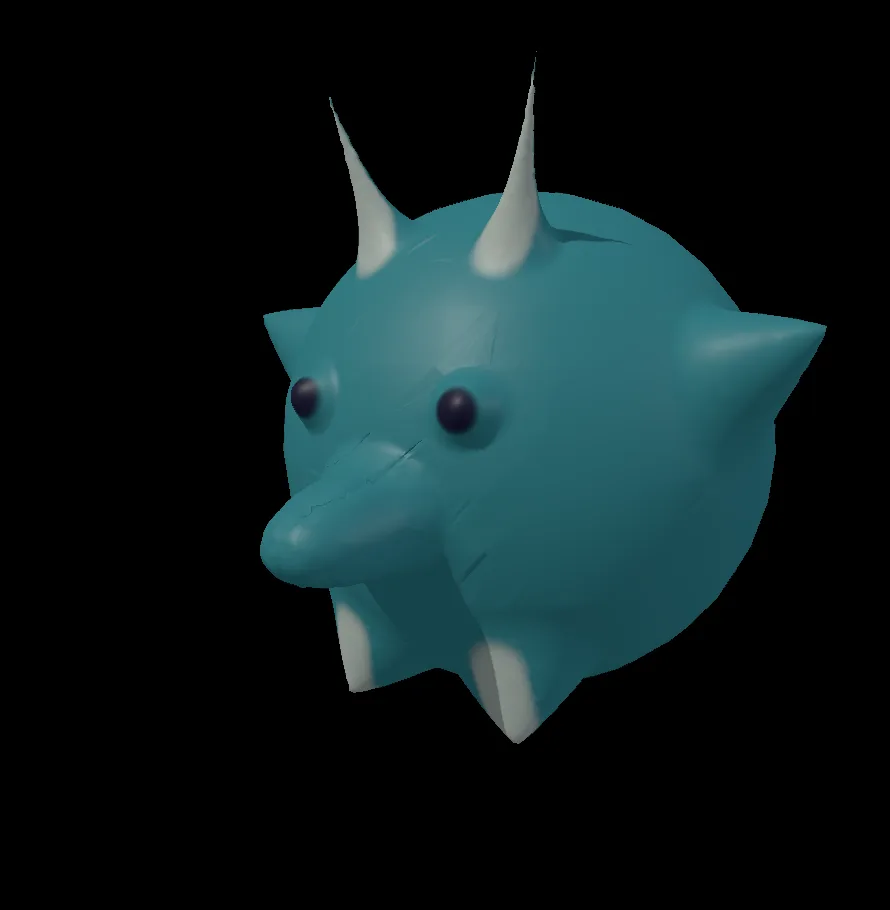 12 min · 10 stepsSculpt a little horned creatureA round teal critter with horns, ears and a snout, sculpted and painted from a plain ball.Open the lesson →
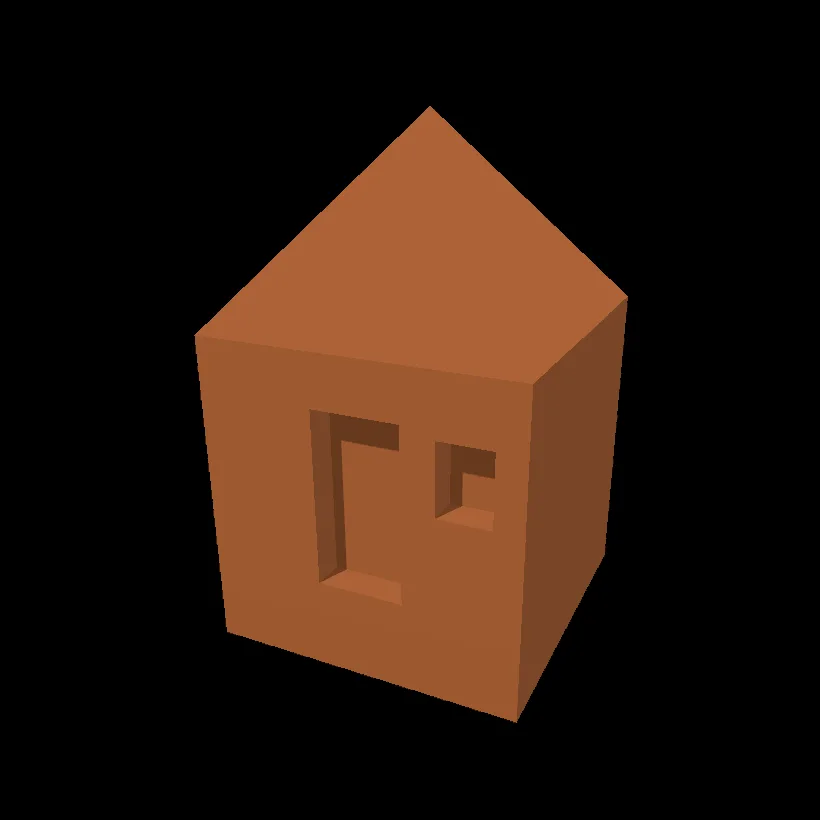 10 min · 8 stepsModel a little hutOne box becomes a little terracotta hut with a pointed roof and a square window.Open the lesson →
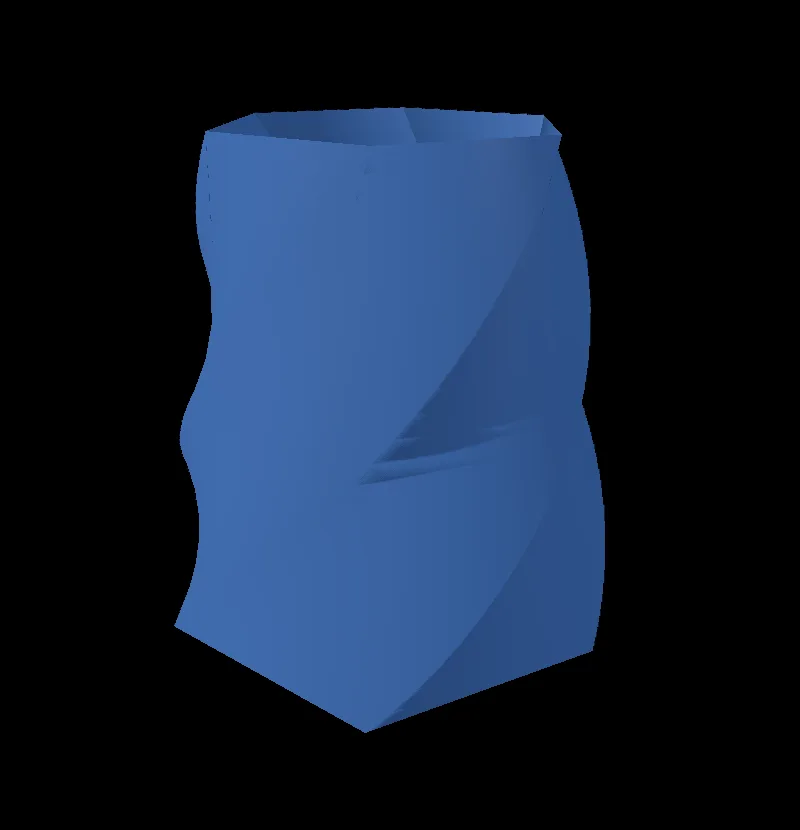 10 min · 7 stepsMake a twisted vaseA cylinder narrowed, hollowed and twisted a third of a turn. Every move stays open.Open the lesson →
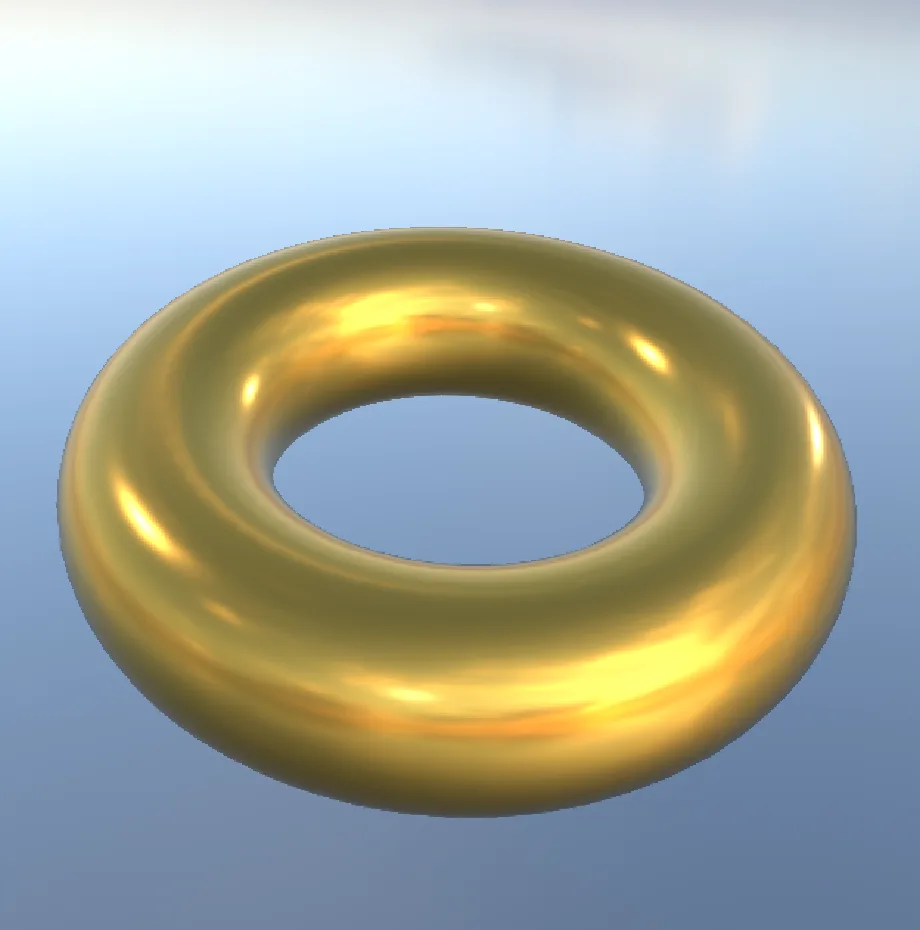 8 min · 7 stepsTurn a chrome ring into goldA polished ring in a real sky, with the sky turned so the light falls where you want.Open the lesson →
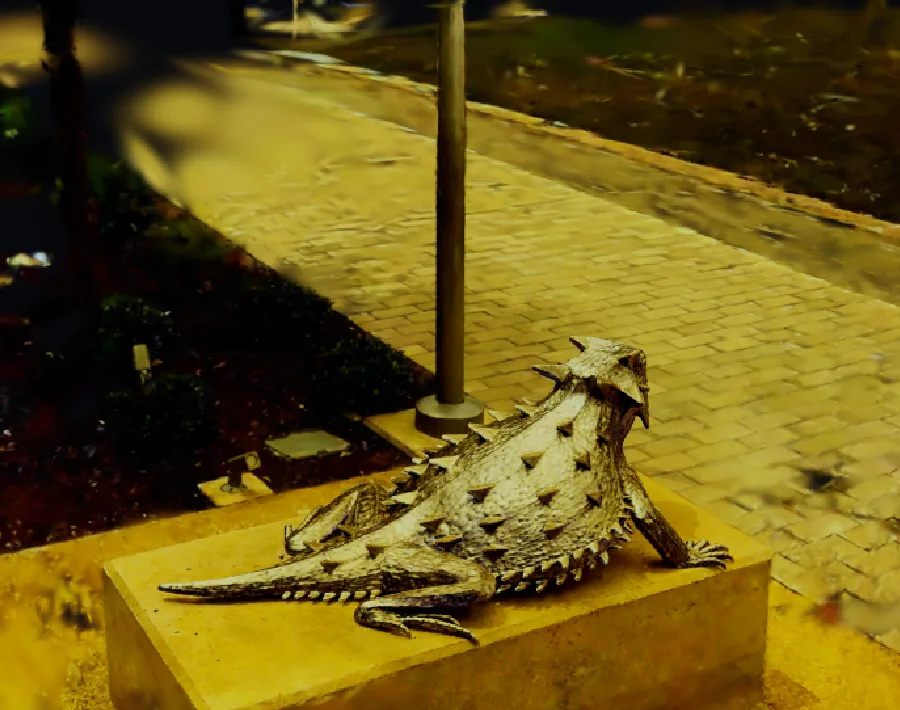 10 min · 6 stepsGive a 3D scan a golden glowA scanned lizard statue graded into warm late afternoon light. Scan by Niantic Labs, MIT license.Open the lesson →
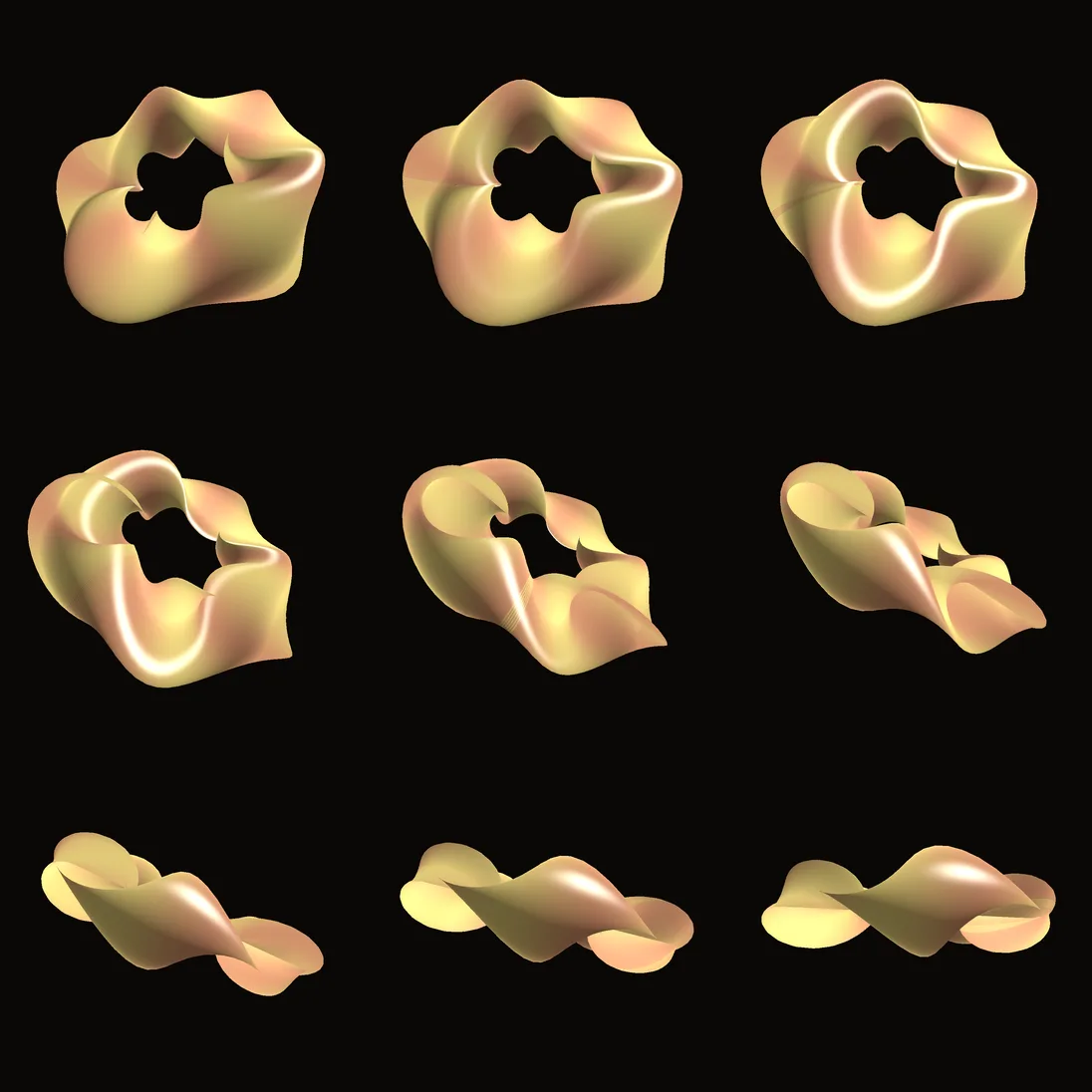 10 min · 7 stepsRender a demo to pictures from the terminalA folder of numbered frames from one command, with no window open.Open the lesson →
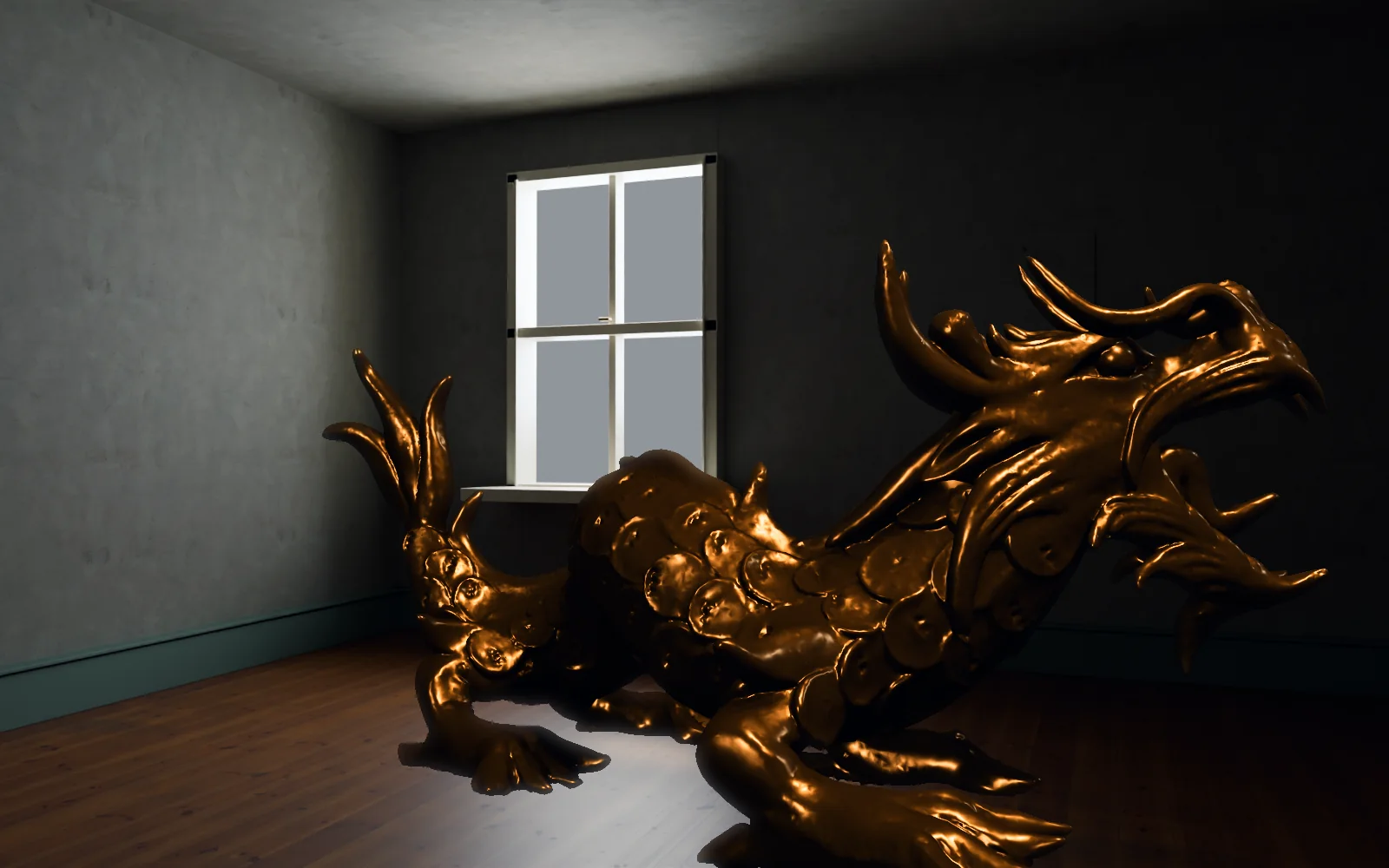
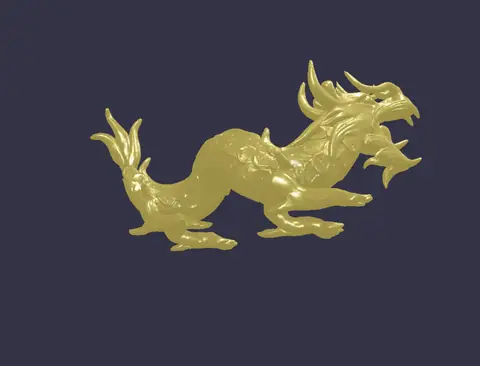 Million-poly dragonAbout 250,000 triangles, lit by a key and a fill as the camera circles.In the Demos browser
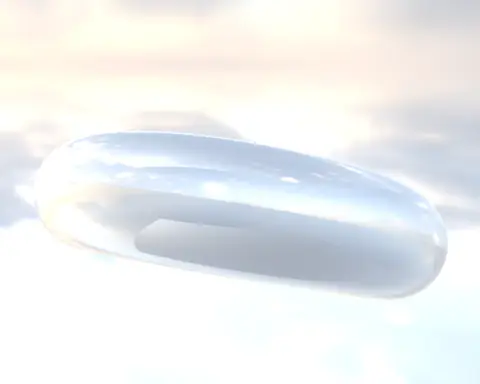 Chrome torus lit by a real skyA chrome ring lit and reflected by a real HDR sky.In the Demos browser
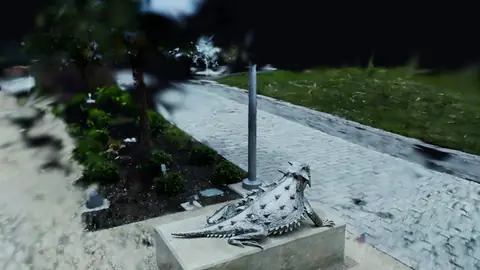 Splat turntableA scanned lizard statue turning on the spot. Scan by Niantic Labs, MIT license.In the Demos browser
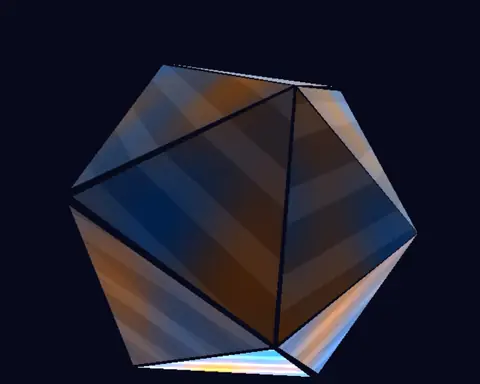 Triplanar crystalVeins that flow across the folds with no seams, from a short material shader.In the Demos browser
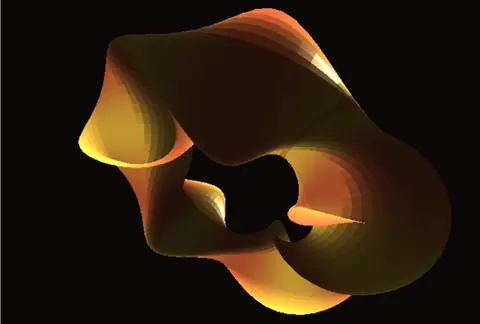 Twisted torusCopper to gold stripes that follow a twist made in the vertex shader.In the Demos browser
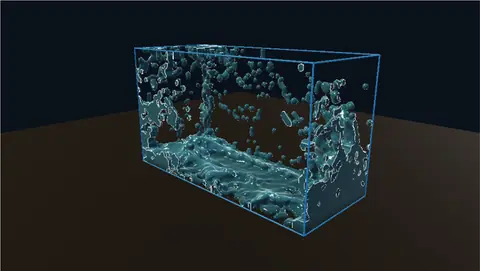 Dam breakA column of water lets go, slams the far wall and sloshes back.In the Demos browser
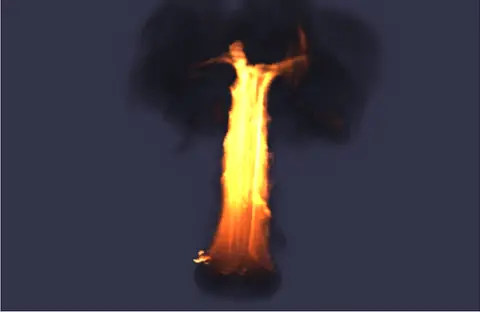 BurningAn object throws up a pillar of fire that mushrooms into smoke.In the Demos browser
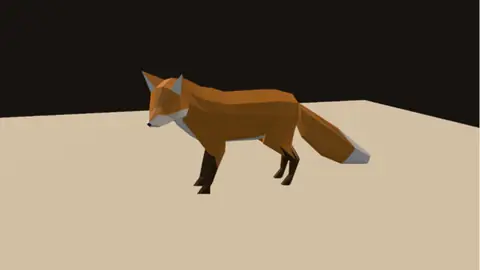 Rig playbackA rigged fox from glTF, with its weights and its walk.In the Demos browser
Free. No account, no license key, no watermark on your renders. macOS, Windows, Linux and Raspberry Pi.