Developers.
Script it, extend it, write shaders and run it from the command line. Open to your own code, all the way down.
import kinematic

@kinematic.ext.register_node
class Doubler(kinematic.node.PythonScriptNode):
    type_name = "Doubler"
    category = "Numeric Operations"
    description = "Multiplies the input by 2"

    inputs = [kinematic.node.PortDecl.channel_data("In_1").required()]
    outputs = [kinematic.node.PortDecl.channel_data("Out_1")]

    def execute(self, ctx):
        msg = ctx.pop_input(0)
        if msg is None:
            return
        ctx.post_output(0, kinematic.values.Value.channel_data([msg.as_float() * 2], 1))
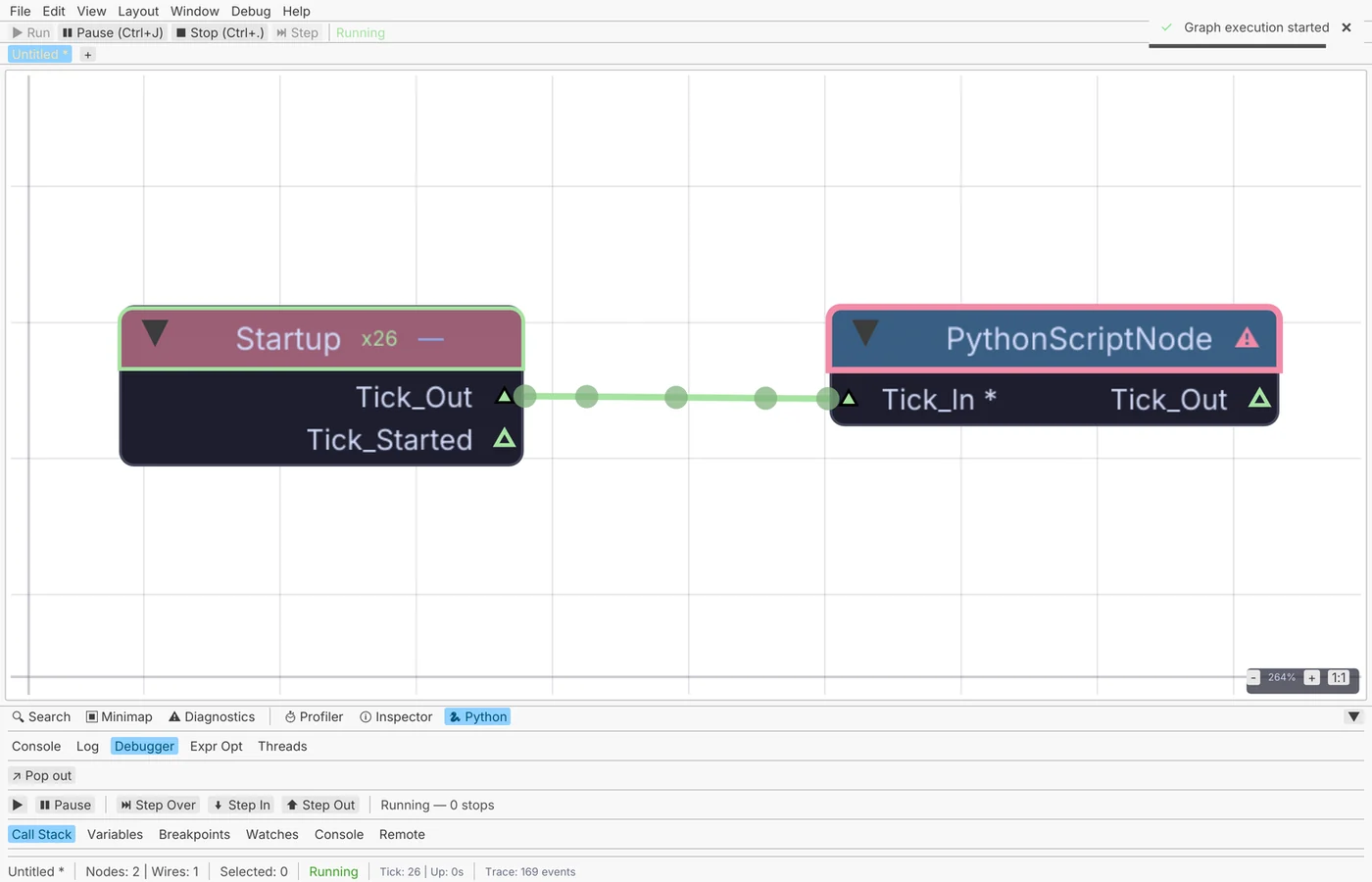
Script it
Build, change and query graphs from Python. Every call goes on the undo list, so one Cmd-Z undoes a script.
kinematic.graph · kinematic.undo · kinematic.ui · kinematic.gpu
Try it: build a ring of spheres with a script →import kinematic with kinematic.undo.group("Build mixer"): g = kinematic.graph.current() mix = g.create_node("AudioMixer", position=(0, 0)) gain = g.create_node("AudioGain", position=(200, 0)) g.connect(mix, "Mixed", gain, "Audio") gain.config["gain"] = "#time * 2" # any value can be an expression
Write your own nodes
A class with ports and an execute method becomes a node in the palette, like any built-in. It saves and reopens with the graph.
PythonScriptNode · PythonExpressionNode · PythonGeneratorNode · JavascriptOperation
Your first node, in four steps →import kinematic @kinematic.ext.register_node class Doubler(kinematic.node.PythonScriptNode): type_name = "Doubler" category = "Numeric Operations" description = "Multiplies the input by 2" inputs = [kinematic.node.PortDecl.channel_data("In_1").required()] outputs = [kinematic.node.PortDecl.channel_data("Out_1")] def execute(self, ctx): msg = ctx.pop_input(0) if msg is None: return ctx.post_output(0, kinematic.values.Value.channel_data([msg.as_float() * 2], 1))
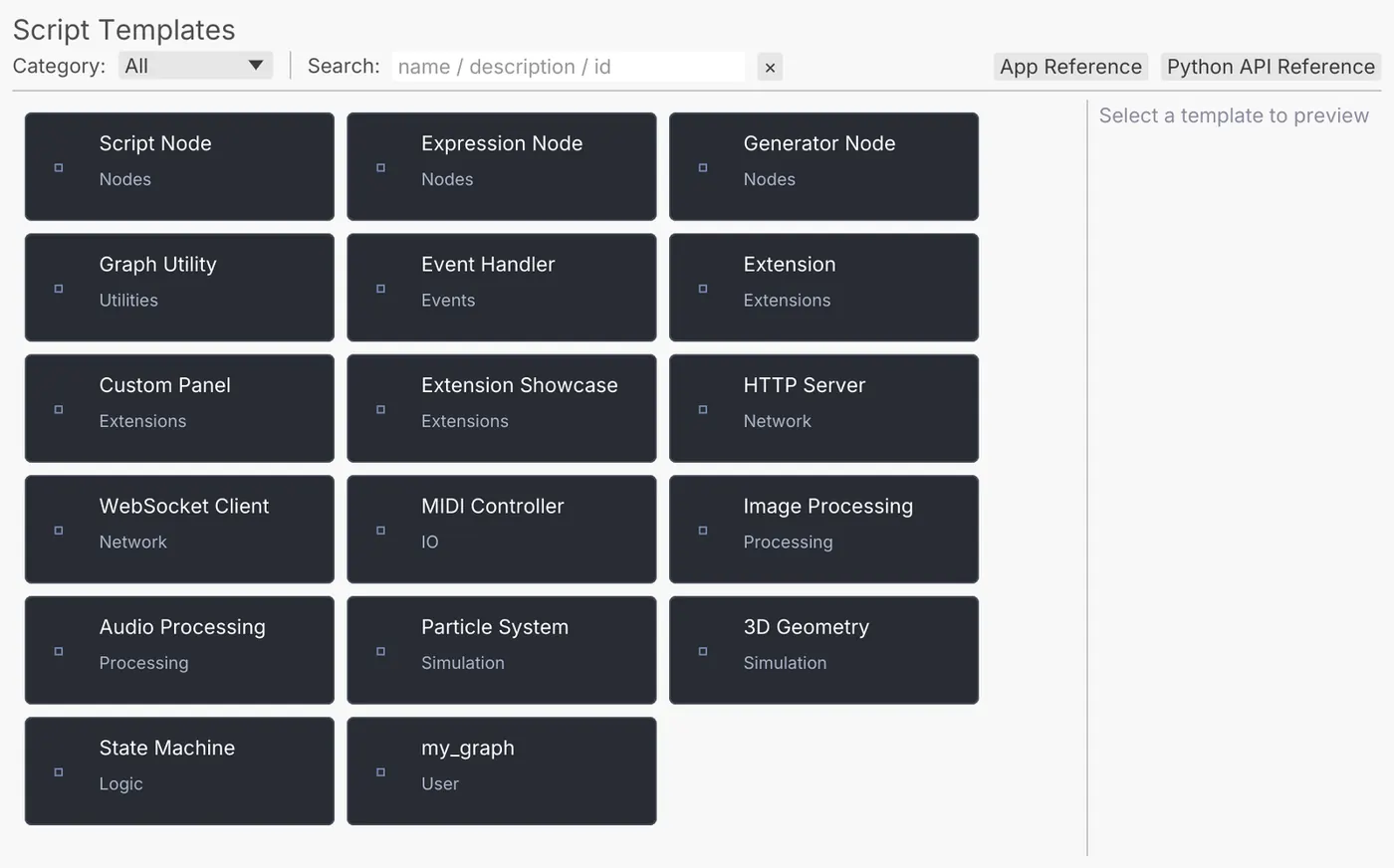
Type code into any param
Any setting can hold an expression or a line of Python instead of a number. It is read again every frame.
NumericExpression · ChannelDataExpression · ImageSimpleExpression
Try it: spin a donut with one line of Python →gain #time * 2 cutoff #channel("pose", "left_wrist_x") * 4000 amount #node_param("blur", "uniforms.radius") label @f"take {f}: {sin(t):.2f}"
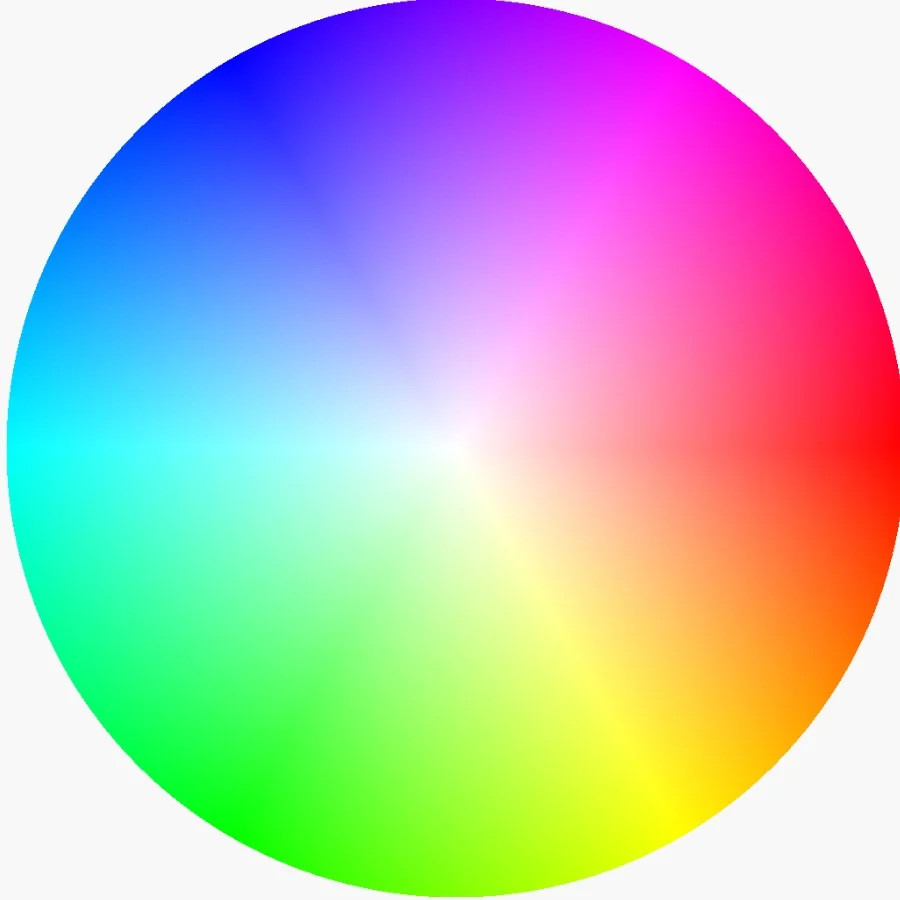
Package an extension
Bundle nodes, panels, menu commands, viewport tools and starter graphs into one folder. Build it, sign it, host your own repository.
kin_manifest.toml · kinematic.ext · .kinext
Your first extension, in four steps →$ kinematic extension new stage-tools --template panel $ kinematic extension test stage-tools $ kinematic extension build stage-tools # a .kinext anyone can install $ kinematic extension index ./repo # host your own repository
[extension]
id = "stage-tools"
name = "Stage Tools"
version = "0.1.0"
description = "Cue helpers for our touring rig"

[node_types]
register = ["nodes.smooth_value.SmoothValue"]
Write shaders
WGSL or GLSL for pictures, materials, geometry and scans. Paste a Shadertoy. Errors point at your own line numbers.
ImageShader · ShaderMaterial · AttributeShader · GeometryComputeShader · 3DGeoSplatKernel
Try it: paste in a Shadertoy and give it sliders →#include <lib/color> @compute @workgroup_size(8, 8, 1) fn main(@builtin(global_invocation_id) gid: vec3<u32>) { if (gid.x >= u32(KINOutputWidth()) || gid.y >= u32(KINOutputHeight())) { return; } let p = vec2<i32>(i32(gid.x), i32(gid.y)); let uv = (vec2<f32>(p) + 0.5) / vec2<f32>(uKINOutputRes().xy); let hdr = KINInput(0u, uv); KINImageStoreOutput(0u, p, vec4<f32>(KINTonemapACES(hdr.rgb), hdr.a)); }
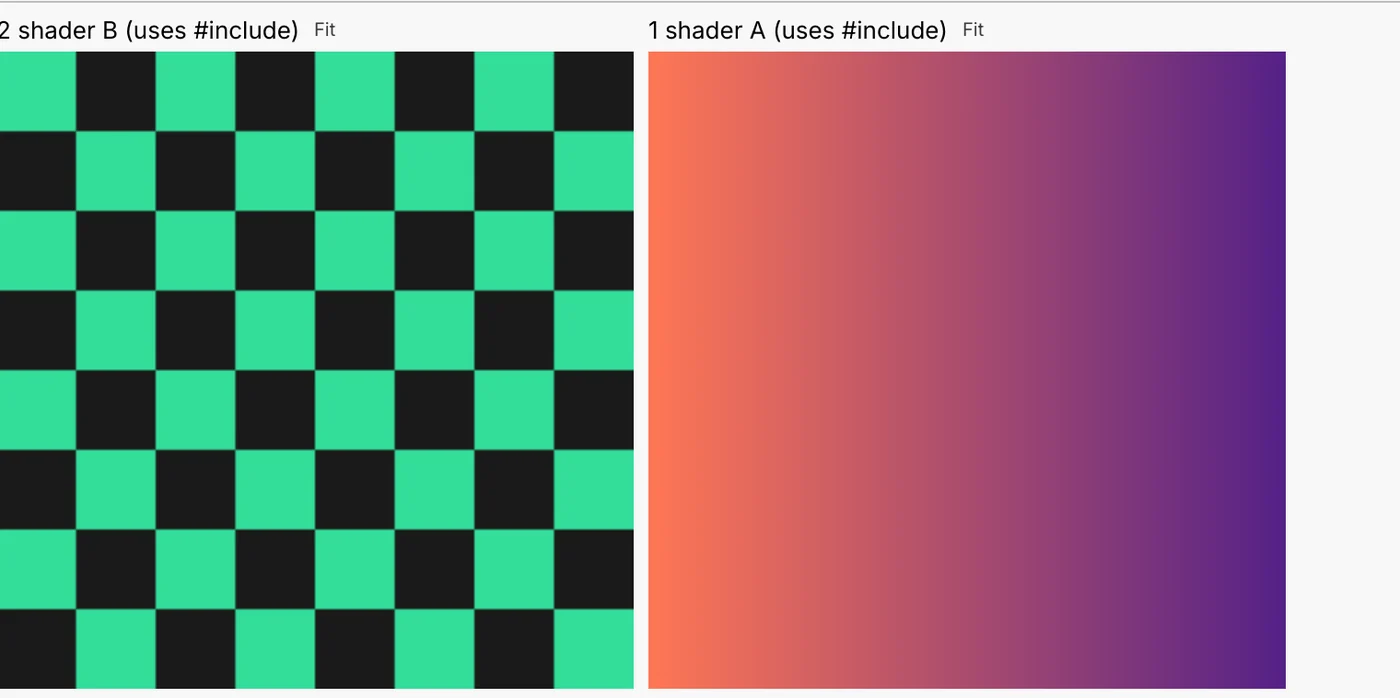
Run it from the command line
Run shows with no window, render to video, lint and test graphs in CI, and talk to a running show over the network.
kinematic --headless · kinematic --perform · kinematic --kiosk
Try it: render frames from the terminal →$ kinematic run show.kin # no window, exits with the run's code $ kinematic render scene.kin --out turntable.mp4 $ kinematic lint show.kin # catch wiring mistakes before the show $ kinematic test show.kin # run it and check what came out $ kinematic batch graphs/ out/ # a folder of graphs in one process $ kinematic info 3DGeoFlipSimpleSolver # ports and settings of any node $ kinematic ctl tcp:10.0.0.5:9797 set blur.amount 3 $ kinematic repl # Python, no window
Talk to anything
OSC, HTTP, WebSockets, webhooks, serial, MIDI, DMX and video between machines, all as nodes you can wire.
OSCQueryExpose · HTTPRequest · WebSocketServerInterface · WebhooksServerInterface · SerialSendInterface
See every protocol on Works with →Tools for the job
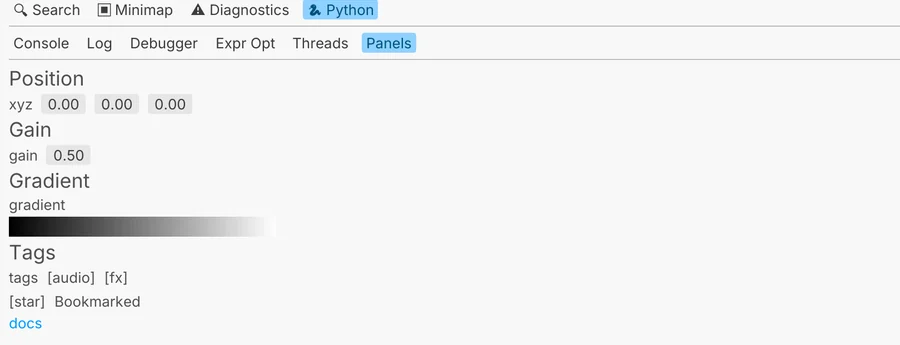
A Python editor with a debugger inside the app, type hints for your own editor, and a linter that knows every node.
kinematic stubs install · kinematic py-test · kinematic docs generate · kinematic profile
See the Python editor and debugger on the tour →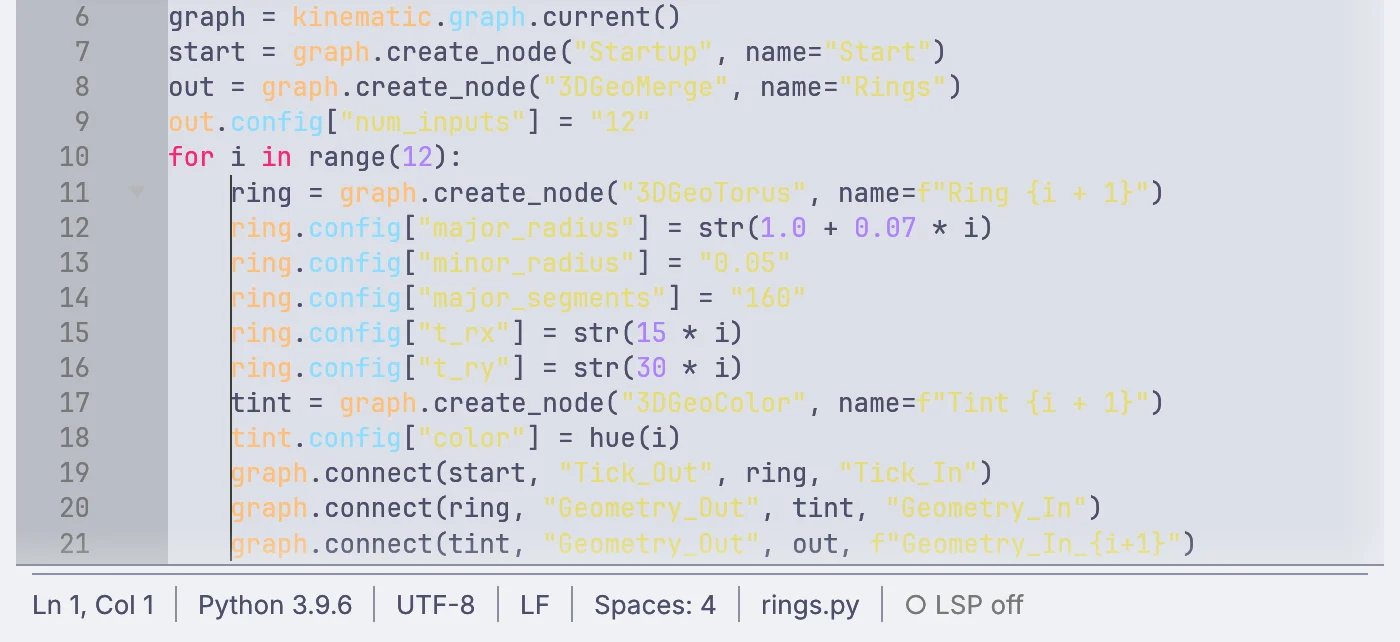
Your first extension, in four steps.
From an empty folder to something anyone can install.
kinematic extension new writes a working extension with a node and a panel.kinematic extension test runs its own tests with no window..kinext, sign it, and put it in a repository of your own.Free and open. Yours to extend.
No account, no license key, no store between you and your users.