Pick something to make.
Code you can see on screen: one line of Python that spins a donut, a Shadertoy with sliders of its own, a torus recolored in its shader, a script that builds a ring of spheres, and a render made from the terminal. Pick any of them, in any order.
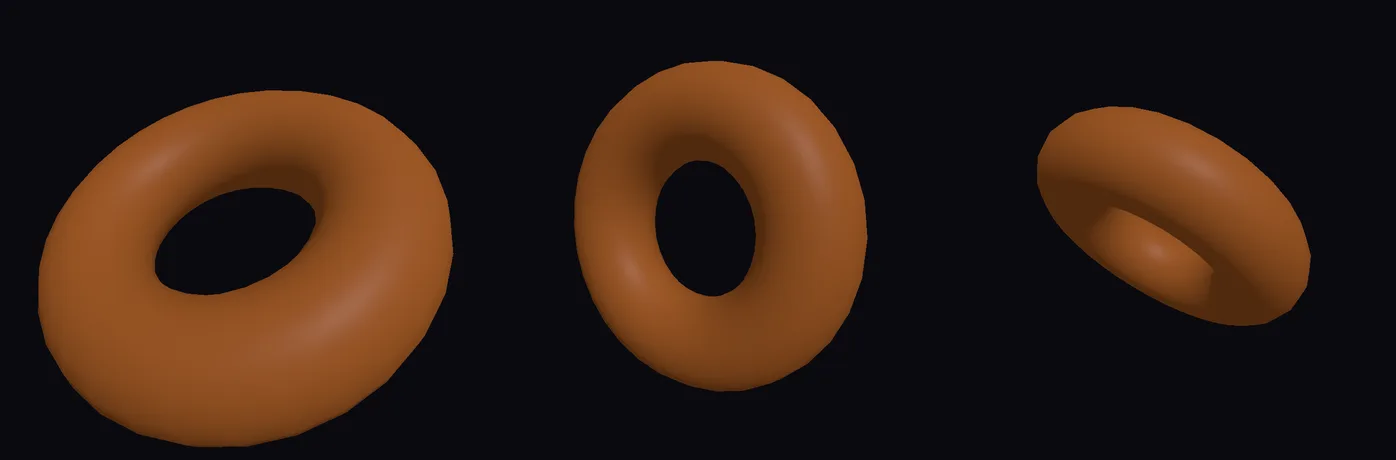
Spin a donut with one line of Python
An orange donut that tumbles end over end and breathes in and out, moved by two short Python expressions typed straight into its settings.
- Add a donut and color it
- Turn it with one line of Python
- Make it breathe with another
- Watch it move
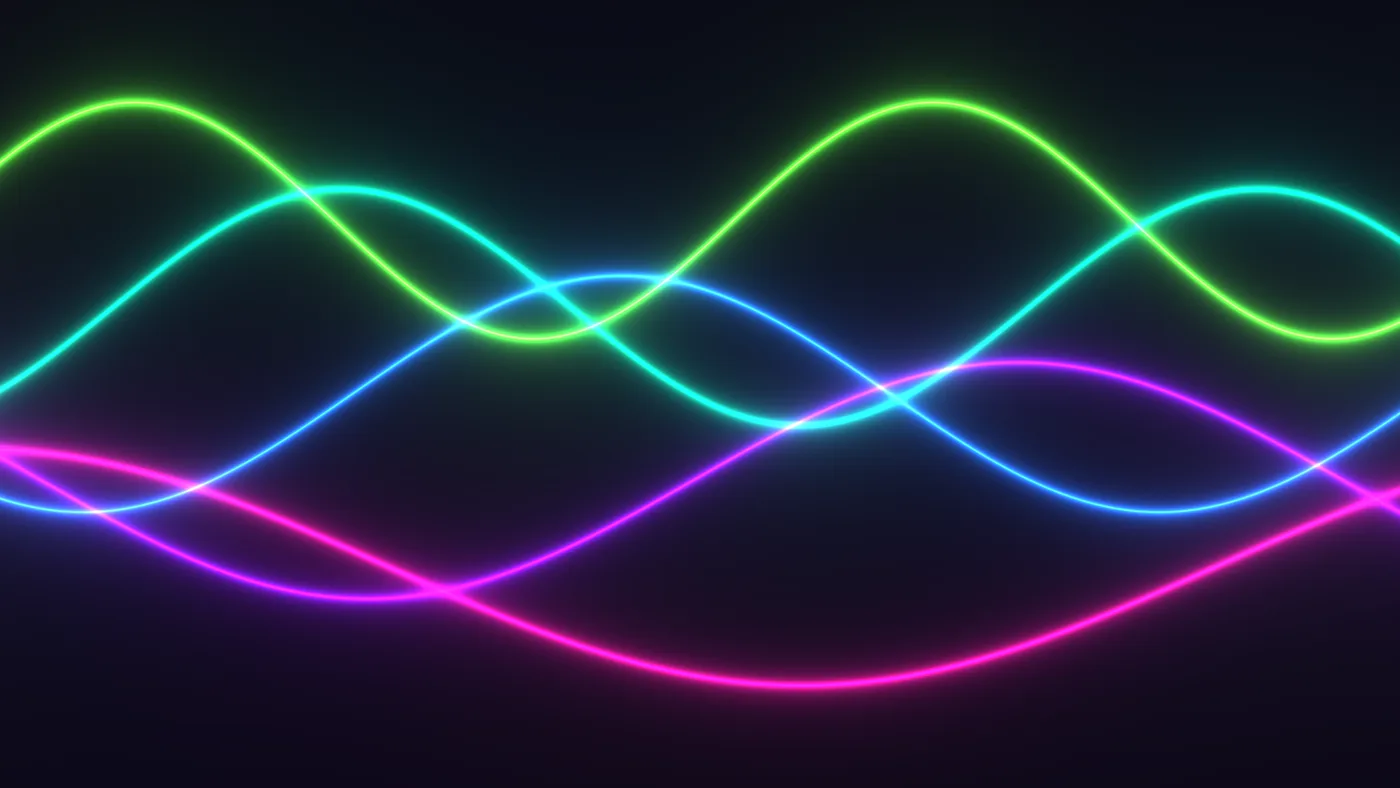
Paste in a Shadertoy and give it sliders
Glowing ribbons of light that sway across the screen, from a Shadertoy style shader you paste in, with Speed and Glow sliders you add yourself.
- Start a picture
- Add a Custom shader
- Paste the Shadertoy
- Add Speed and Glow sliders
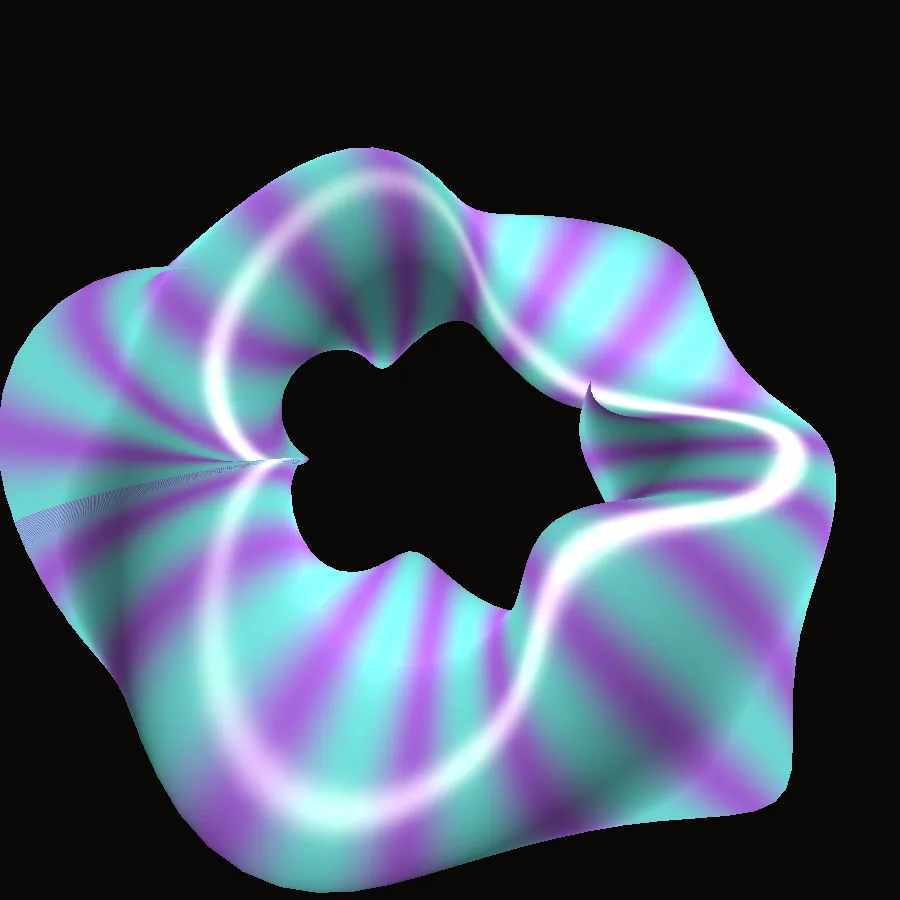
Recolor a twisting torus in its shader
The Twisted Torus demo repainted in teal and violet stripes, with more and thinner stripes, by changing three lines of its material shader while it runs.
- Open the Twisted Torus
- Open its shader
- Change two colors
- Add more stripes
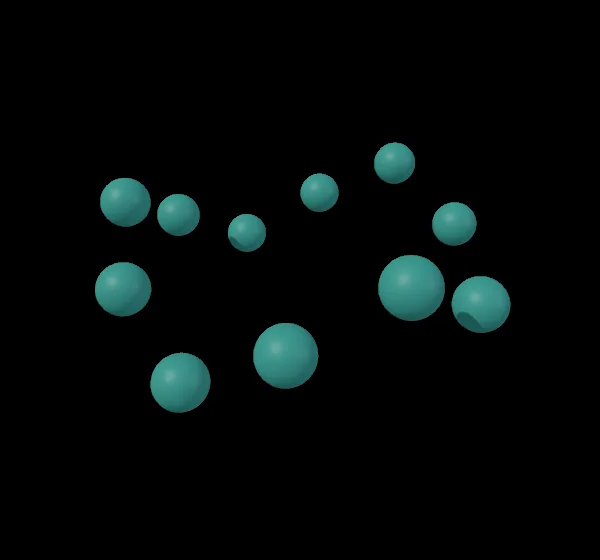
Build a ring of spheres with a Python script
Twelve teal spheres in a wavy ring, made by a short Python script that adds the nodes and wires them for you.
- Open the Python Script Editor
- Paste a short script
- Run it
- Color the ring
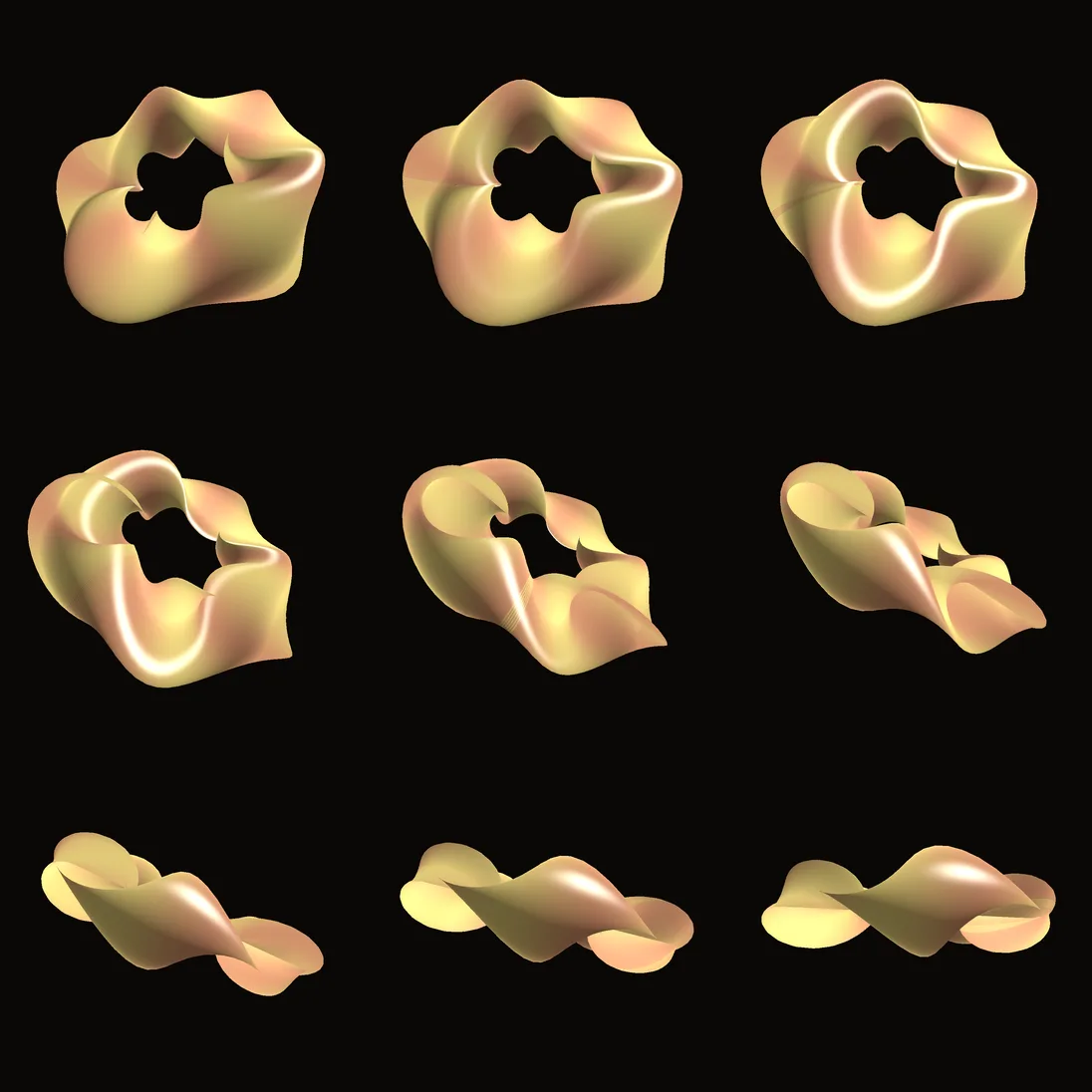
Render a demo to pictures from the terminal
A folder of numbered pictures, one for every frame of the Twisted Torus, rendered at 1080 by 1080 from one command, with no window.
- Save the demo as a file
- Open a terminal
- Check the plan
- Render the frames
Pull these apart.
Open any of them from Help > Browse Demos in the app, watch it run, and change whatever you like.
 Shadertoy gallery
 Feedback fluid
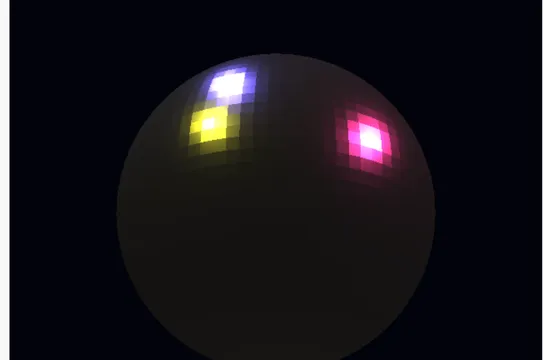 PBR stage multilight
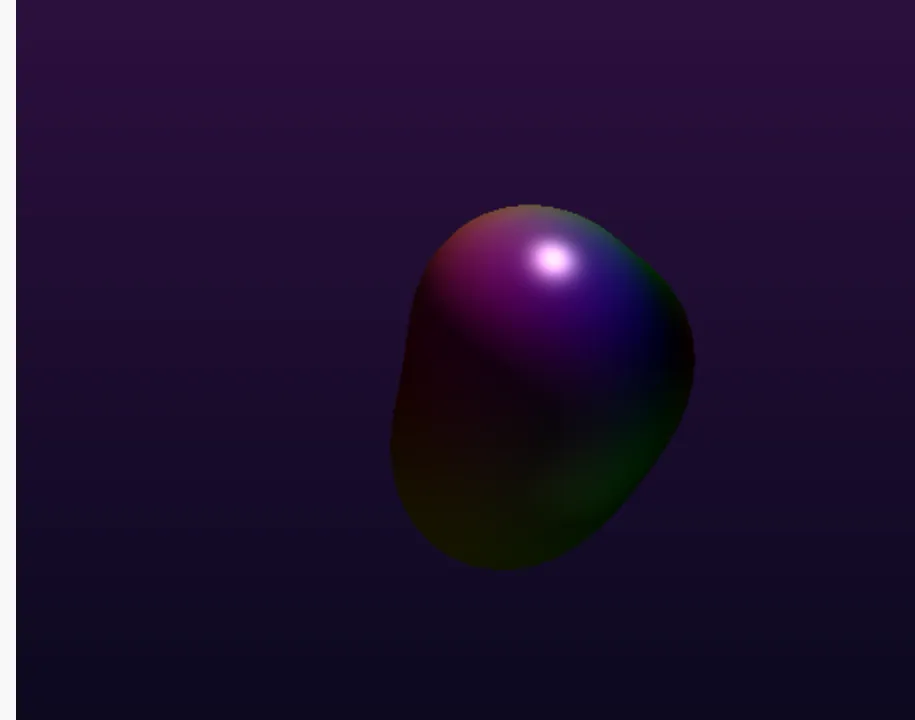 Raymarch SDF
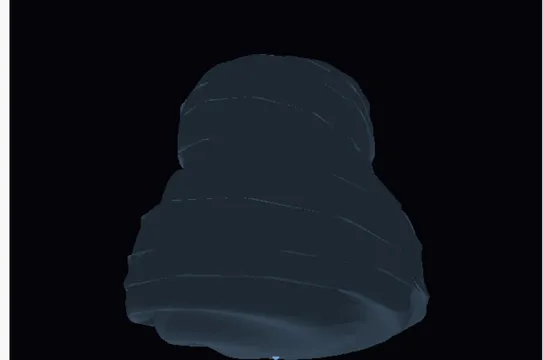 Tornado swirl
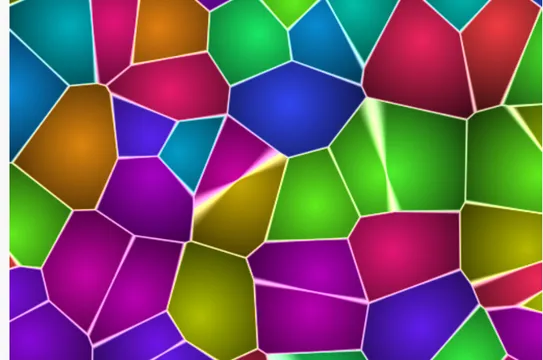 Voronoi cells
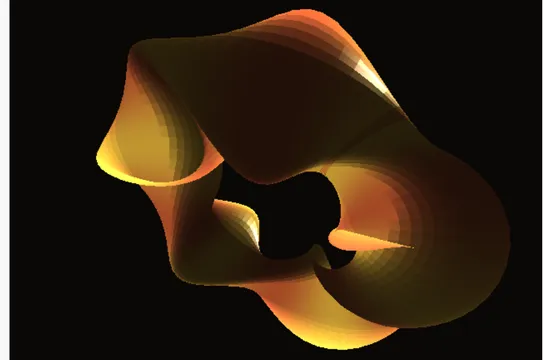 Twisted torus
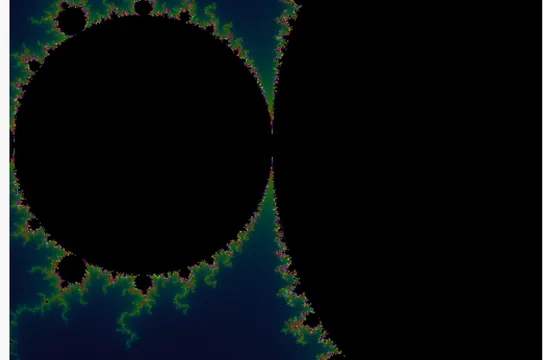 Compute mandelbrot
Guides and ideas.
Guides, under Help in the app
Free and open. Yours, forever.
No account, no license key. macOS, Windows, Linux and Raspberry Pi.