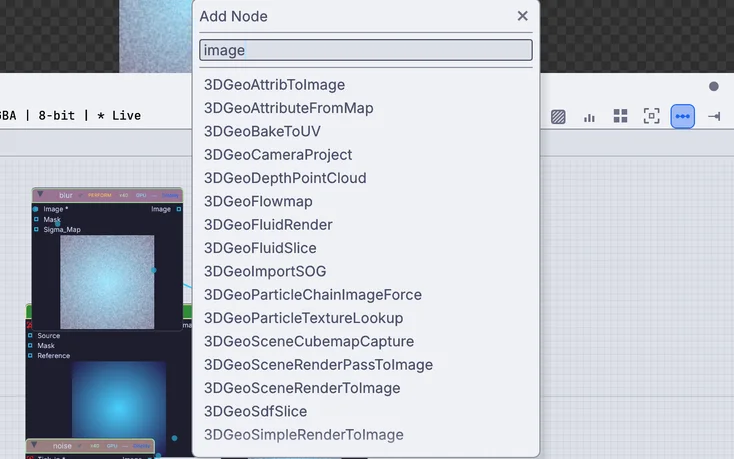
HoudiniThe Tab menu
Space, at the pointer
Press Space over the canvas and the add menu opens where you point. Type wrangle, scatter or copy to points and the matching node comes up.
Points that carry P N Cd v pscale orient. Solvers with substeps. Every viewport edit kept as a node. And because the whole graph keeps running, the fire you tune can light the room.
Kinematic borrows the vocabulary on purpose. Attributes keep the names you use, quick-add understands the words you type, and the Math editor finds a VEX function by its name.
Press Space over the canvas and the add menu opens where you point. Type wrangle, scatter or copy to points and the matching node comes up.
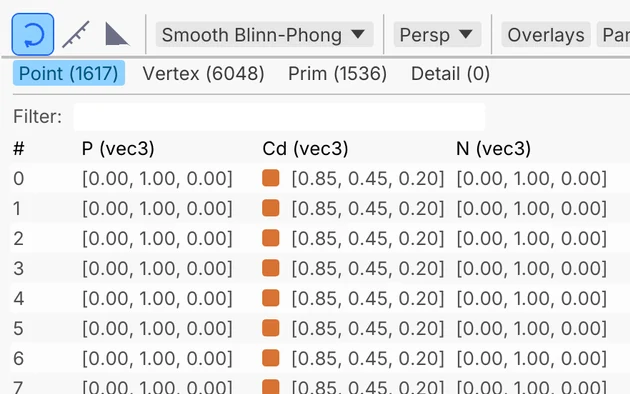
Point, Vertex, Prim and Detail tabs, one column per attribute. Sort and filter it, pick in the viewport to find the row, right-click a column for a heatmap.
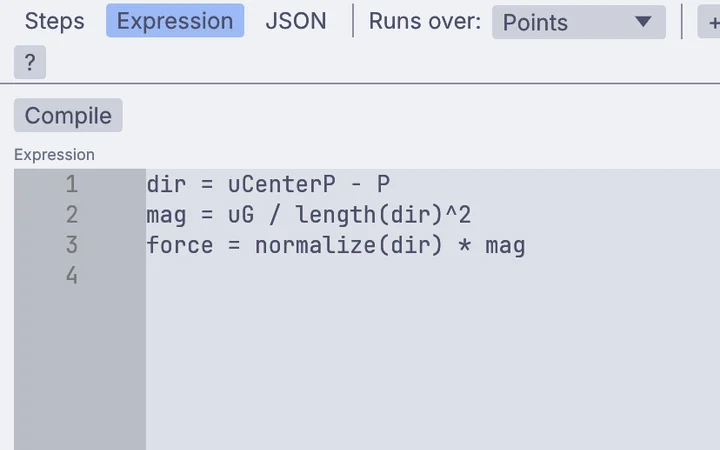
Per-point math on P and your own attributes. Type fit or curlnoise in its search and it finds the match among 500 operations. For your own kernels, AttributeShader runs WGSL or GLSL.
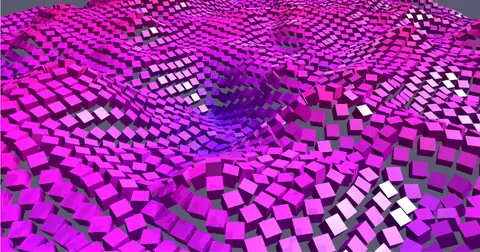
Same name, same idea. Instance on points reads N, up, pscale, orient, rot and pivot from your points, and Pack and Realize move between copies and real mesh.
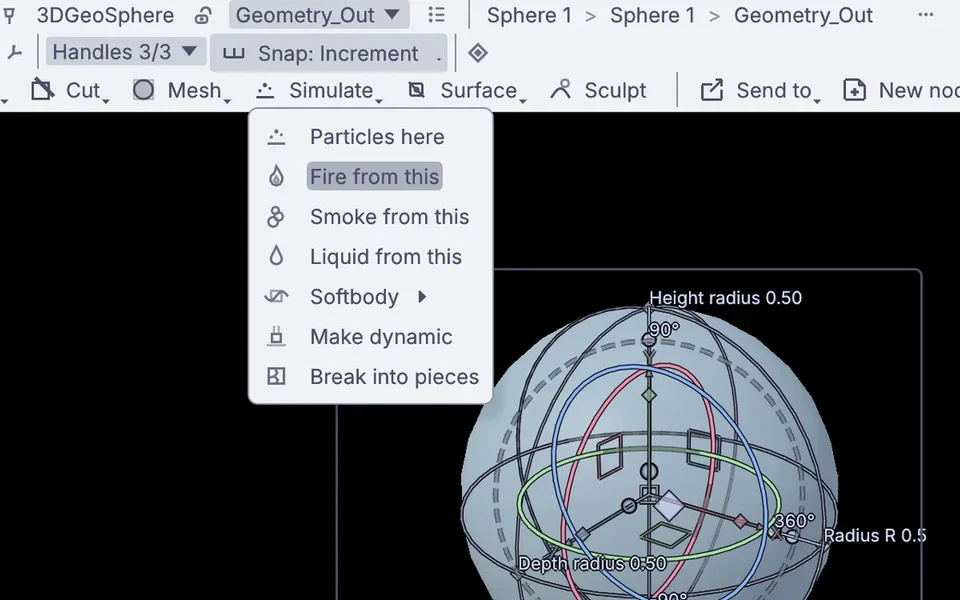
Pick an object and choose Fire from this, Liquid from this, Softbody, Make dynamic or Break into pieces. The nodes land on the canvas, ready to open up.
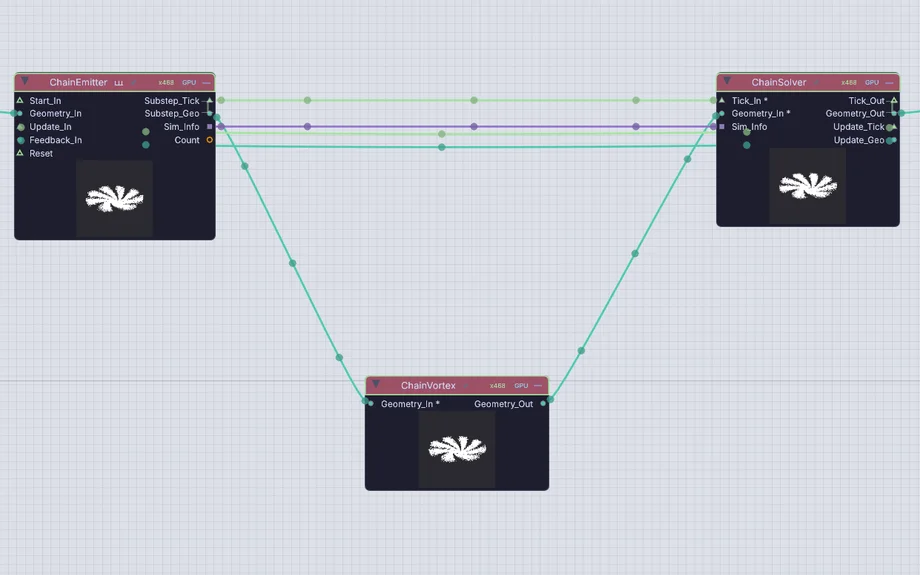
Start from one solver node, or open the chain: the emitter runs the substeps, force nodes add to the force attribute and the solver integrates it.
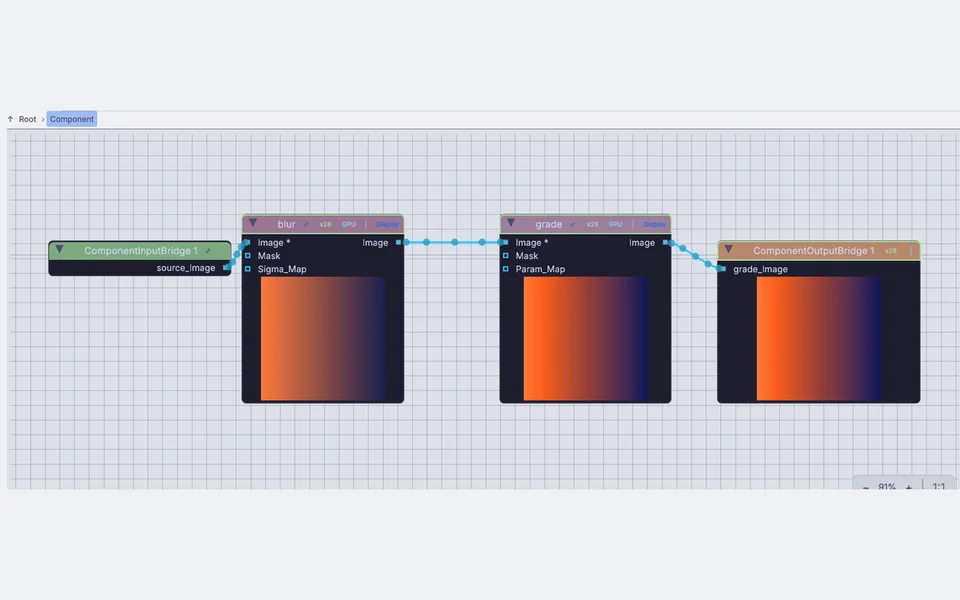
Wrap a network into one node with its own inputs, outputs and public knobs, then save it to your library. Ctrl or Cmd with the down arrow dives in.
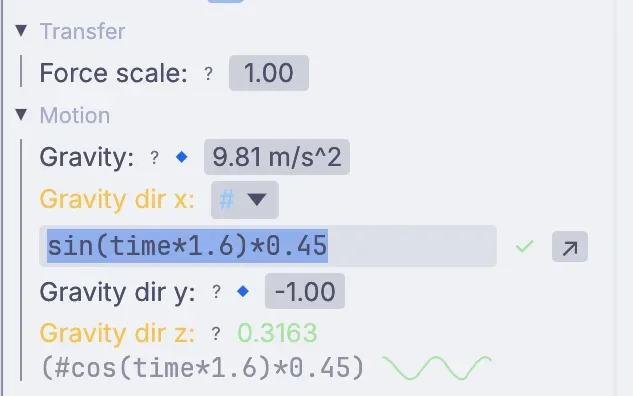
Right-click any knob and add a driver. time and frame tick live, and node_param reads another node's value, the way ch() does.
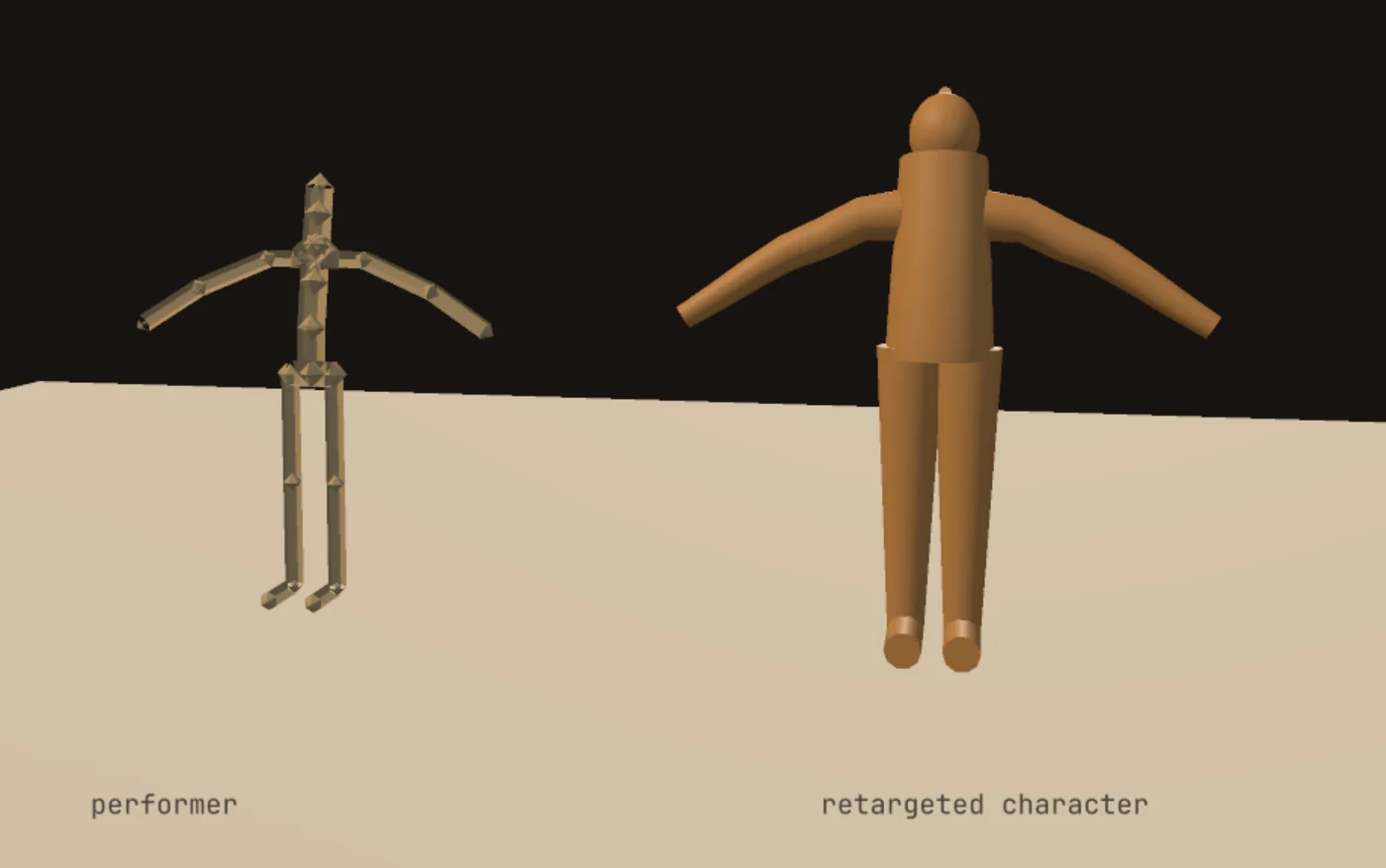
A joint is a point with a name and a transform, so every geometry tool works on a rig. Retargeting, IK, weight paint and clips sit right beside it.
The rest of the names you reach for, and the node that does the job here. Missing one you rely on? Reach out.
3DGeoFeedback3DGeoFluidSimpleSolver3DGeoFlipSimpleSolverPBDSimSolverPhysicsWorld 3DGeoVoronoiFracture3DGeoHeightfield 3DGeoHeightfieldErode3DGeoSdfFromMesh3DGeoAttribPromote3DGeoGroupExpression3DGeoFluidCacheWriteEach one starts as a single node with presets, and opens into the full chain of microsolvers when you want to take it apart.
3DGeoFlipSimpleSolver3DGeoFluidSimpleSolverPBDSimSolverPhysicsWorld3DGeoHeightfieldErodeHydroFire, smoke and liquid knobs change while the sim runs, and sims scrub back from their cache on the timeline.
The fire from the top of this page, pixel-mapped onto a wall of 640 lights. ImageToDmx samples each frame at every fixture, and Art-Net, sACN or a USB adapter carries it to the rig. Projectors, LED walls and NDI sit in the same app.
Right: four DMX universes of 160 fixtures each, drawn back from the DMX values. Over 1,500 fixture profiles come with the app.
emission_rate  #channel("fit_emit", "output")
gravity        #channel("fit_grav", "output")
turbulence     #channel("fit_turb", "output")
Any knob can follow a mic, a song, a MIDI fader, OSC from a phone or a tracked hand while the graph keeps running. A driver is one line in the knob itself, reading another node the way you would with ch().
Pick points, edges or faces and extrude, inset, bevel, loop cut, knife, bridge or boolean right in the viewport. Each edit lands on the canvas as a node, so the third bevel is still there to change after the tenth.
Sculpt with pen pressure, draw a clean low mesh over it, unwrap, bake and paint, all in the same file as your sims.
Geometry crosses both ways. Your mouse habits come along with one setting, and the first hour is mostly pressing Play.
Houdini's .hip and .bgeo files do not open here (these are proprietary). Rebuild the network and bring the geometry across through USD, Alembic or FBX. VDB saves but does not open yet. Every format is on Works with.
The Houdini preset: left drag tumbles, middle drag pans, right drag dollies. Pick it when your first viewport asks, or later under Preferences, Viewport, Navigation.
All of them come with the app. Open one, press Play, then open the canvas and take it apart.
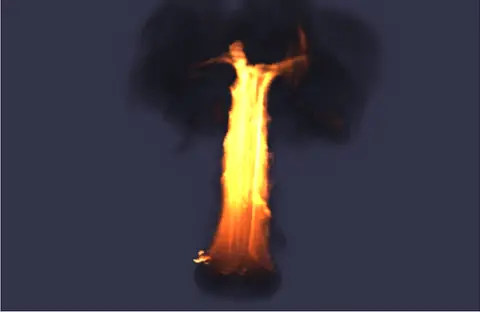 BurningA burning object throws up a tall pillar of fire that mushrooms into dark smoke.In the Demos browser
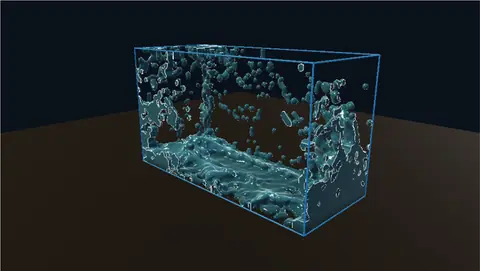 Dam breakA column of water lets go, slams the far wall and sloshes back. One solver node runs it all.In the Demos browser
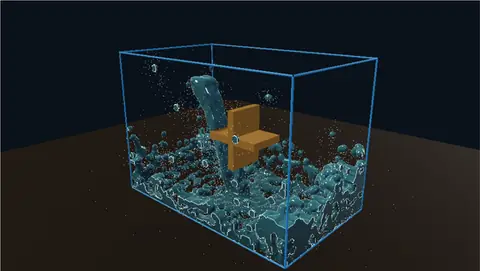 WaterwheelA falling stream turns a wheel with no motor. Inside is the whole microsolver chain.In the Demos browser
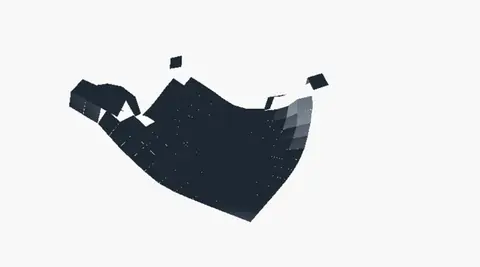 Cloth breakingCloth that tears. Stretch it too far and pieces rip away from the sheet.In the Demos browser
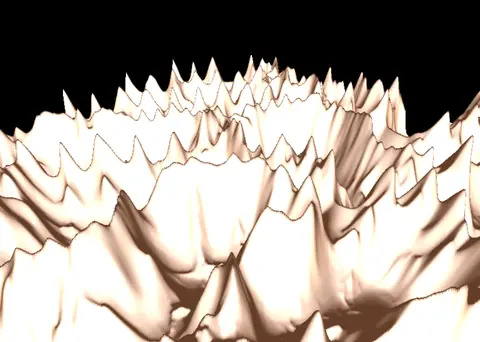 Unreal exportRidged peaks with hydro and thermal erosion, ready for an Unreal landscape.In the Demos browser
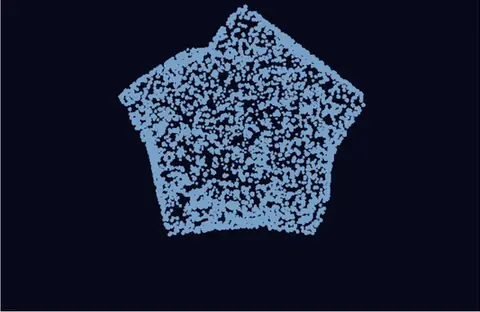 Leaves tilting in the windLeaf points on a globe, each with its own frame written by an AttributeShader.In the Demos browser
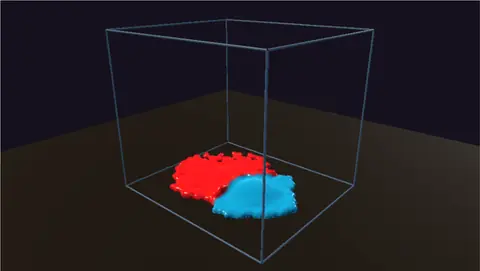 Paint splashCrimson and teal paint drop into a tray, keep their colors and marble together.In the Demos browser
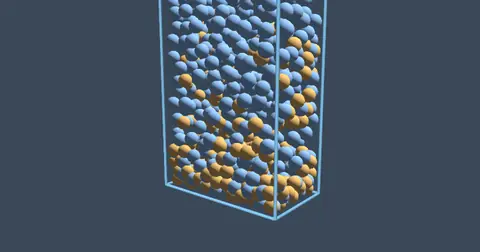 Mixed grain fluidLiquid and grains in one simulation on the GPU. One flows, the other piles up.In the Demos browser
Houdini is the reference for procedural effects, and Kinematic aims to do well what it does well. Here is where it still leads.
Use both. Pass geometry through USD, Alembic and FBX, bake fire and smoke to VDB, and use Kinematic where the work has to run live.
1 From SideFX's own pages, checked October 2026, prices in US dollars: Houdini Apprentice · SideFX store
No, .hip files do not open here (these are proprietary). Networks are rebuilt here rather than converted. Geometry comes across through USD, Alembic, FBX, glTF and OBJ.
Yes. Fluid cache write saves standard OpenVDB frames that other 3D apps load. Kinematic writes VDB but does not read it yet.
No. Kinematic renders live with PBR materials, image-based light and shadows. For path-traced finals, take it back to Houdini.
Yes. The Math editor for per-point math, AttributeShader for WGSL or GLSL kernels on points, verts or prims, and Python nodes. A Python API builds and changes graphs too.
Yes, even for commercial use, with no account and no license key. Install it on every machine in the room.
Free. No account, no license key. macOS, Windows, Linux and Raspberry Pi.