Pick something to make.
Pictures that move with the music, panels of light, a wall that takes a projection. Each tutorial starts from a new project or one demo and ends ready for a screen, a projector or a rig. Pick any of them, in any order.
Make a visual that pulses to your music
A field of glowing bokeh that zooms in on every loud beat of a song you choose, playing on the whole screen.
- Open the bokeh demo
- Drop in your song
- Let the loudness drive the zoom
- Go full screen
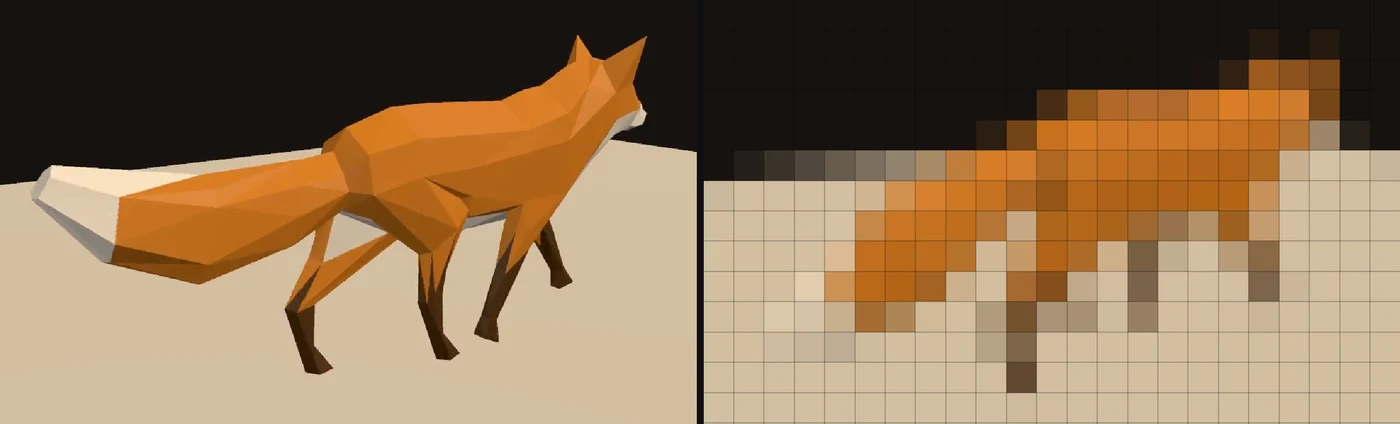
Play a video on a wall of LED lights
A video playing on a 32 by 18 LED panel in the app's own panel view, every light the color of the picture under it, ready to wire to a real panel.
- Drop in a video
- Shrink it to an LED panel
- Make the panel 32 by 18
- Wire it to a real panel
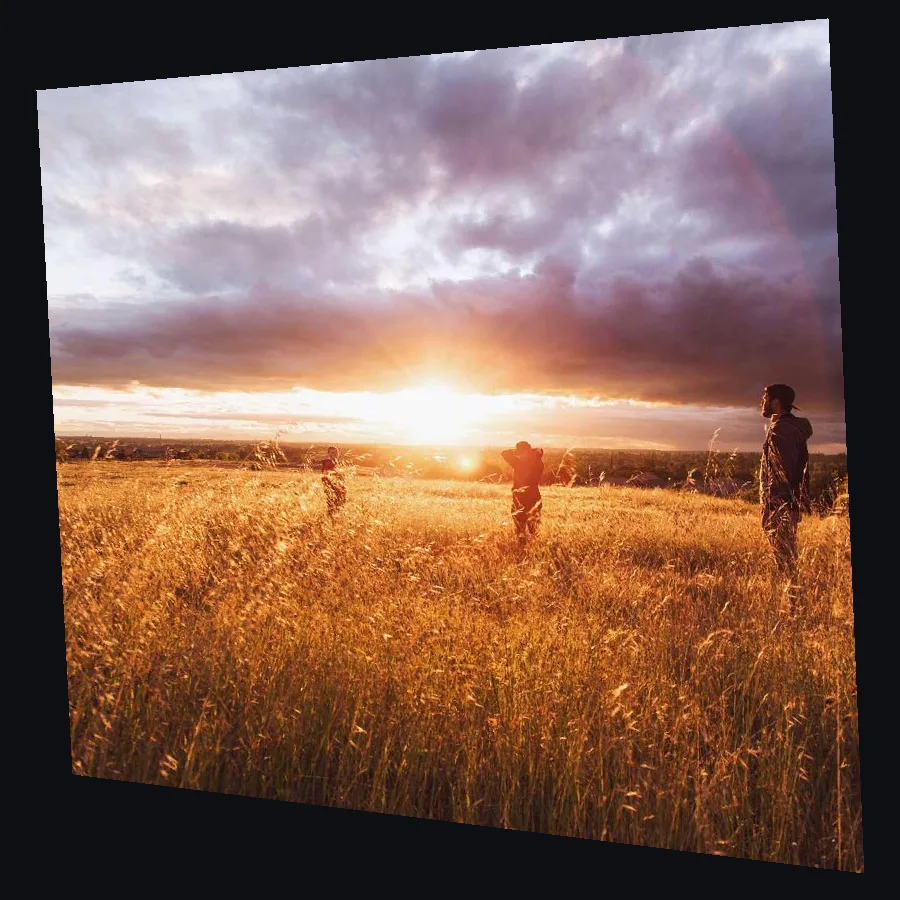
Line up a projection on a wall from the side
A picture that lands square on a wall even though the projector sits off to one side, ready to go full screen on the projector.
- Drop in a picture
- Add Keystone
- Drag the corners
- Show it on the projector
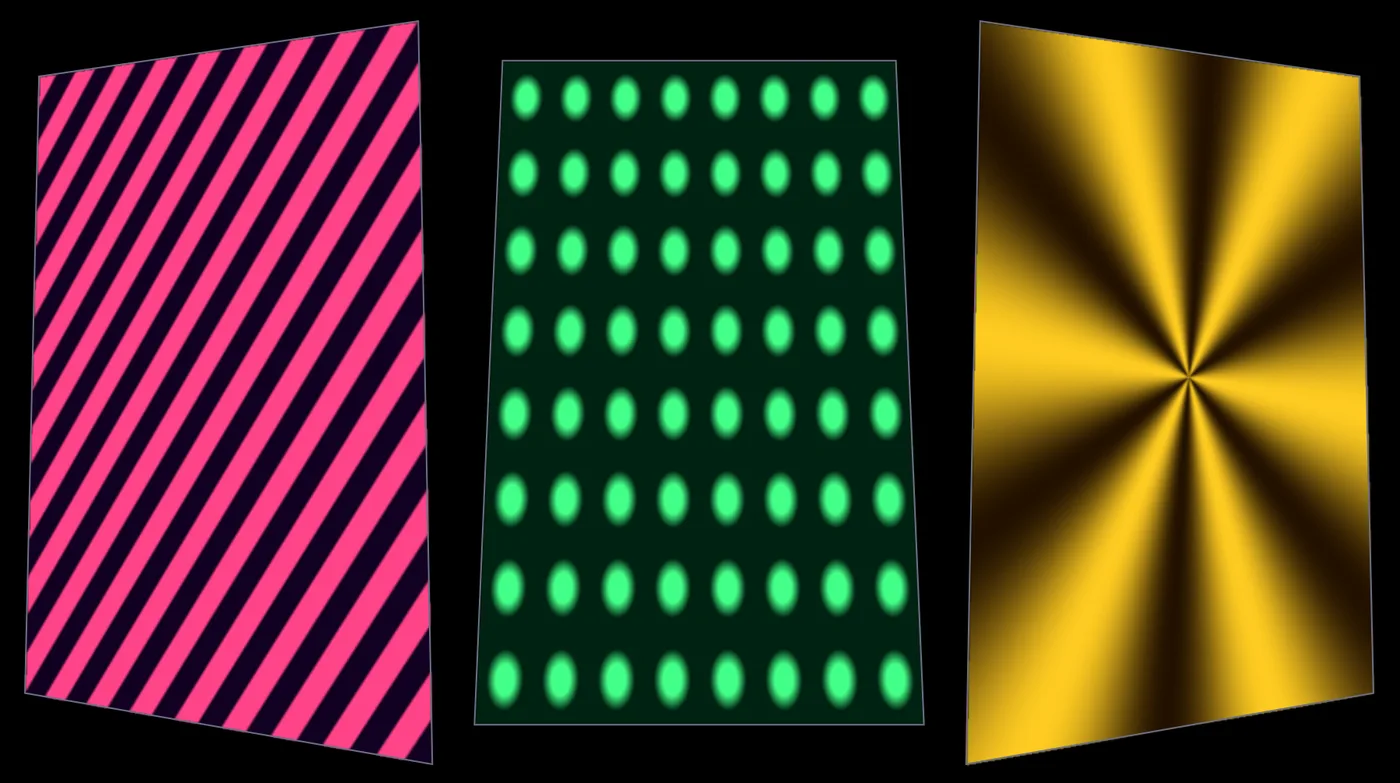
Map moving patterns onto three panels
Three moving patterns, stripes, dots and a star, each fitted to its own panel of a set, the way a projector sees them.
- Open the demo
- Open the mapper
- Drag corners onto your panels
- Send it to the projector
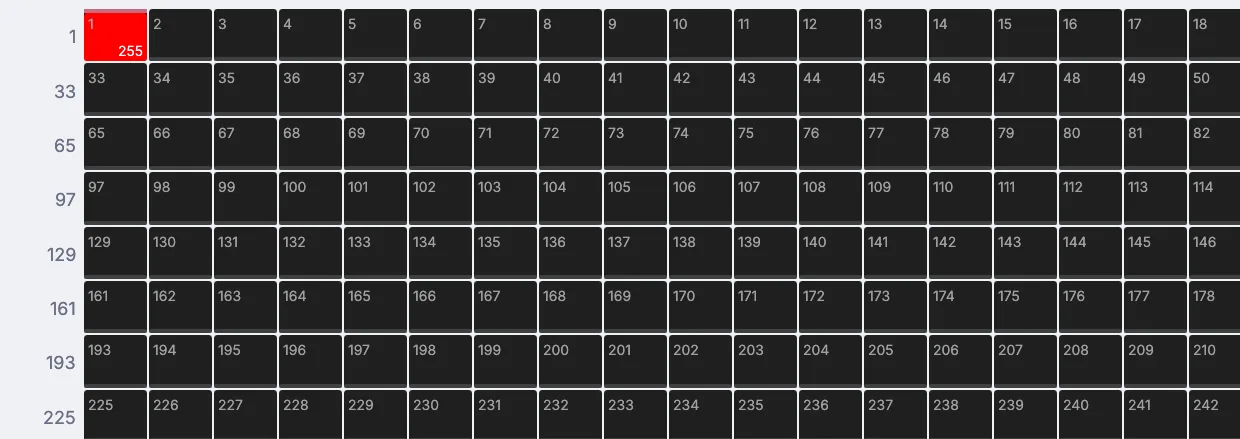
Flash a light on every beat
A light that flashes full on each beat of a song, shown on a channel grid on screen, ready to send to a real fixture.
- Drop in a song
- Flash on beats
- Watch channel 1
- Tune the hits
Pull these apart.
Open any of them from Help > Browse Demos in the app, watch it run, and change whatever you like.
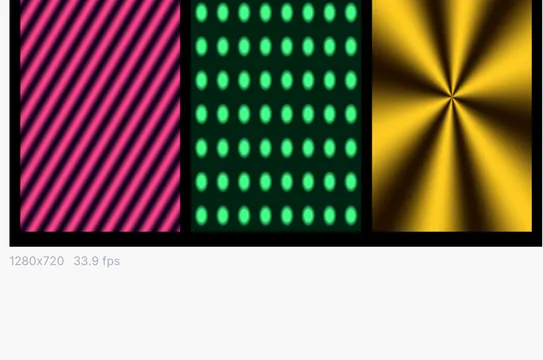 Projection mapper multi texture
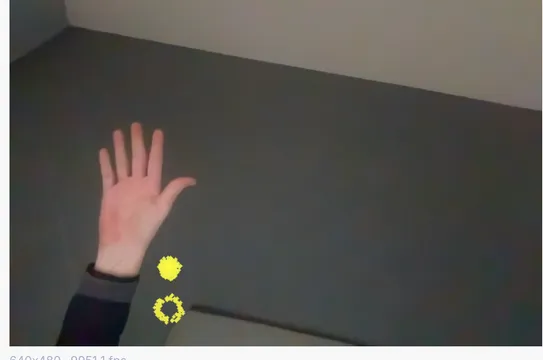 Pose hand particles
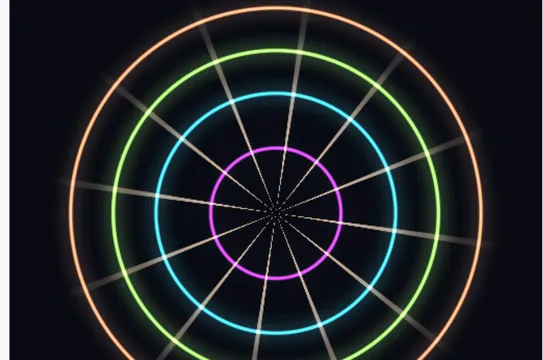 Three pass neon bloom
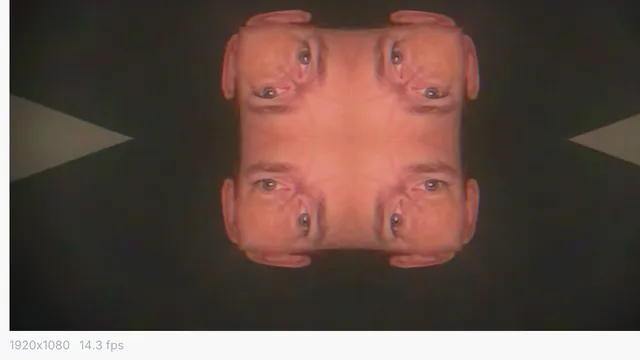 Audio kaleidoscope feedback
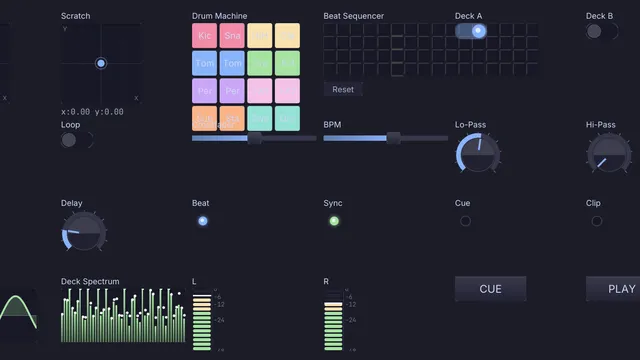 DJ performance controller
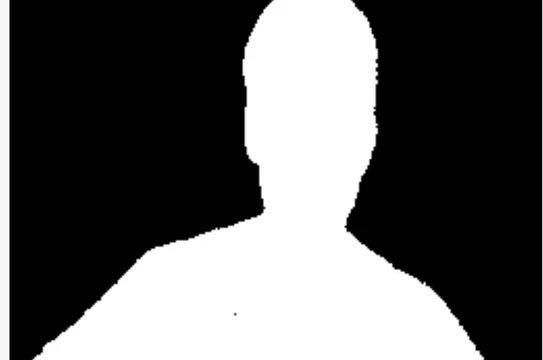 Track anything spotlight
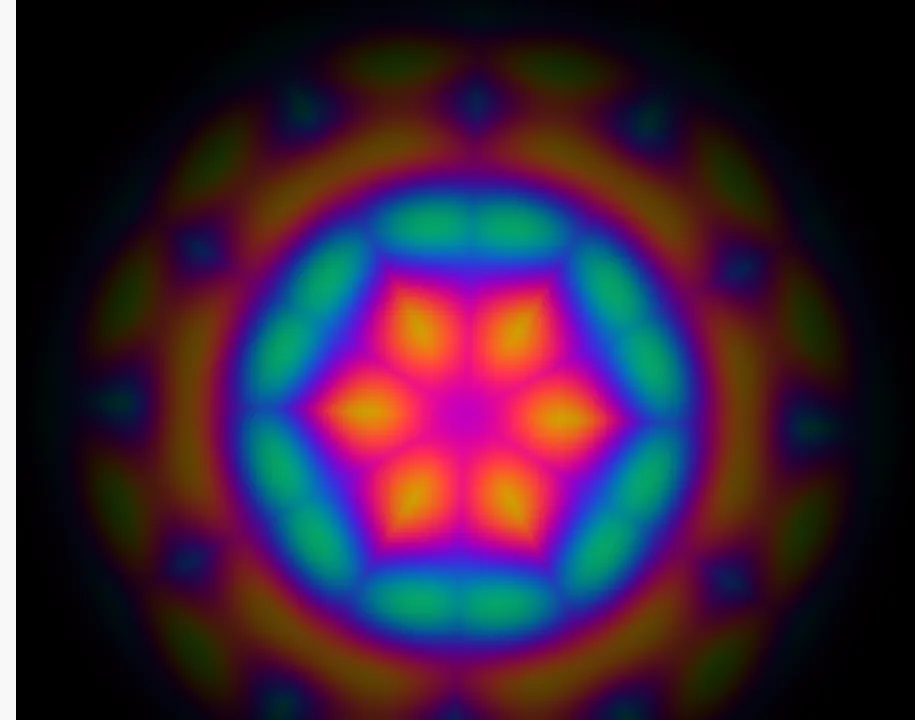 Kaleidoscope
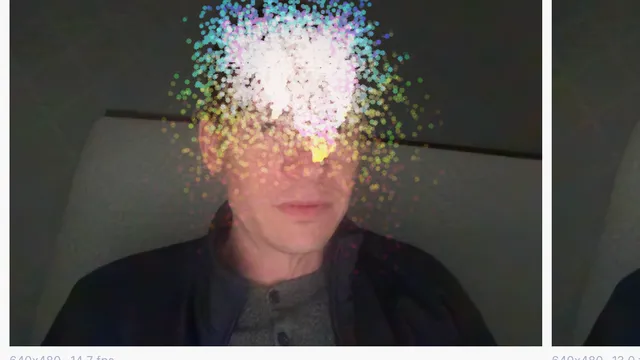 Face particle fountain
Guides and ideas.
Guides, under Help in the app
Free and open. Yours, forever.
No account, no license key. macOS, Windows, Linux and Raspberry Pi.