Kinematic 0.5.0 is out. Modeling and sculpting in the viewport, a timeline on every graph, photo and sound editing. What's new
Kinematic / Who it's for / Film and VFX

Simulate and comp your shots in Kinematic.

Simulate the fire, the water and the wreckage beside the plate, then key, roto, paint and grade the shot in 32-bit float with OpenColorIO. Layered EXRs and OpenVDB frames go down the line, and the same file renders from a terminal with no window.

  • Compositors
  • FX artists
  • Roto and paint artists
  • Previs artists
  • Indie filmmakers
32-bit float, OpenColorIO and ACESLayered EXR and OpenVDB outRenders with no windowFree
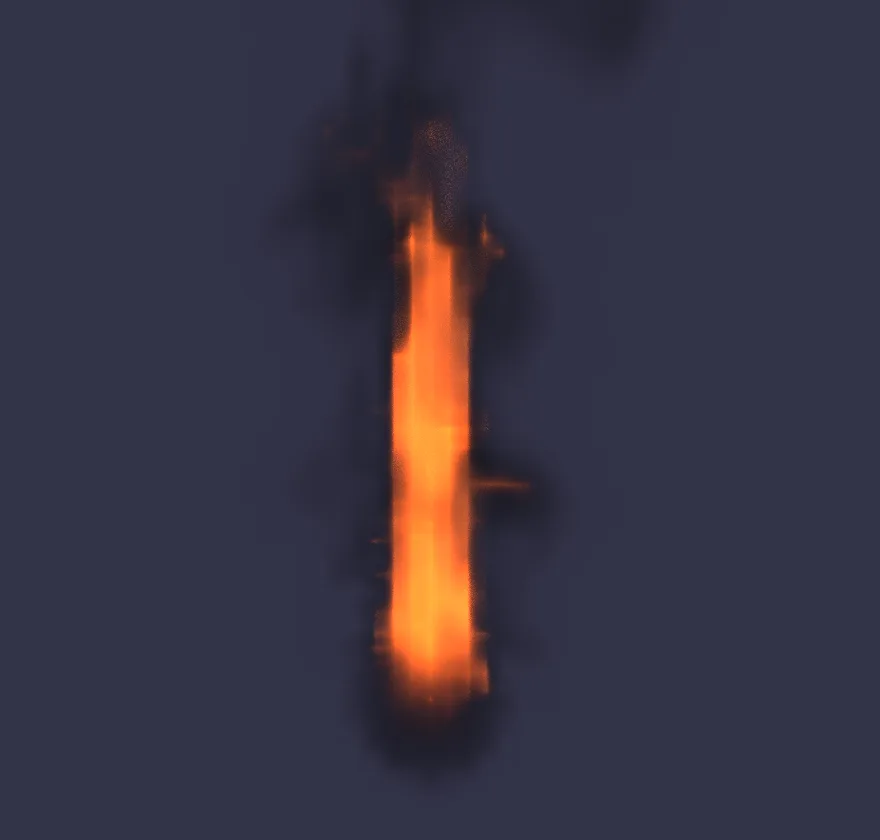
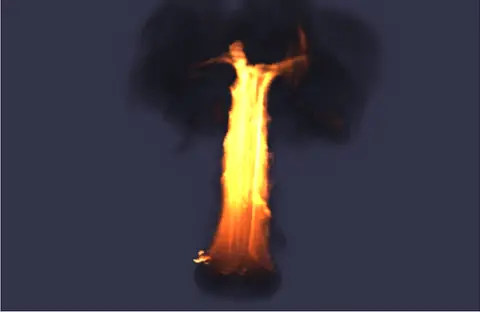
FX · Fire
a ring set alight, flames climbing into smoke
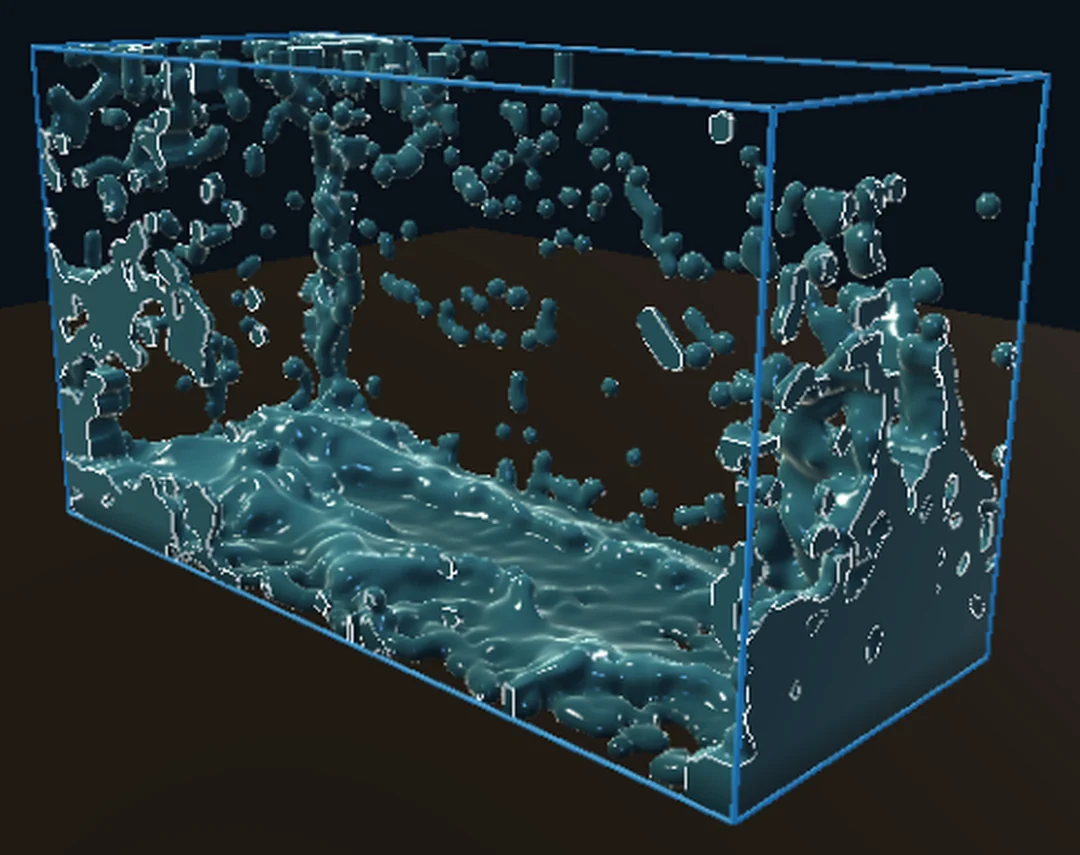
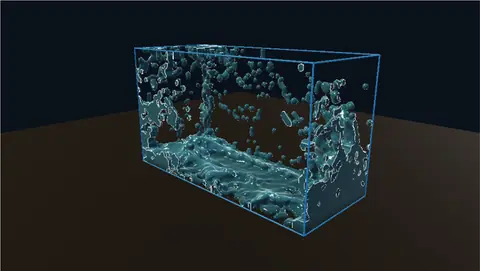
FX · Water
a river churning around two rocks
Paint
the plane gone on the right, filled from a clean plate

Every clip on this page is the app's own output.

The work on a shot

Prep, roto, paint, key
and grade the plate.

The jobs that come in every week, and how each one is done here. Every fix stays a node you can open again when the notes come back.

a bouncing walk on the left, steadied on the right
01 · Plate prep

Steady, even out and undistort the plate.

Planar track a surface, then lock the shot to one frame, or smooth the shake and keep the camera's travel. Deflicker measures the shot once and matches every frame to its neighbors, and the Brown lens model takes distortion out with your lens's own coefficients.

ImagePlanarTrackImageStabilizeImageDeflickerImageLensDistort
Down the lineA steady, even plate for everyone after you.Steady a walking shot →
the outlaw as shot, then lifted inside a keyed pen outline
02 · Roto

Roto a shape through the shot.

Draw an outline with the pen, step to another frame and move the points to key it, then feather and firm the edge. A shape can ride a track. Or click once on an object and a local model follows it, frame after frame.

ImageSelectShapeImageMaskRefineLocalAIImageToTrackedMask
Down the lineA matte for every frame, kept with the graph.Pick a rider out of a dark shot →
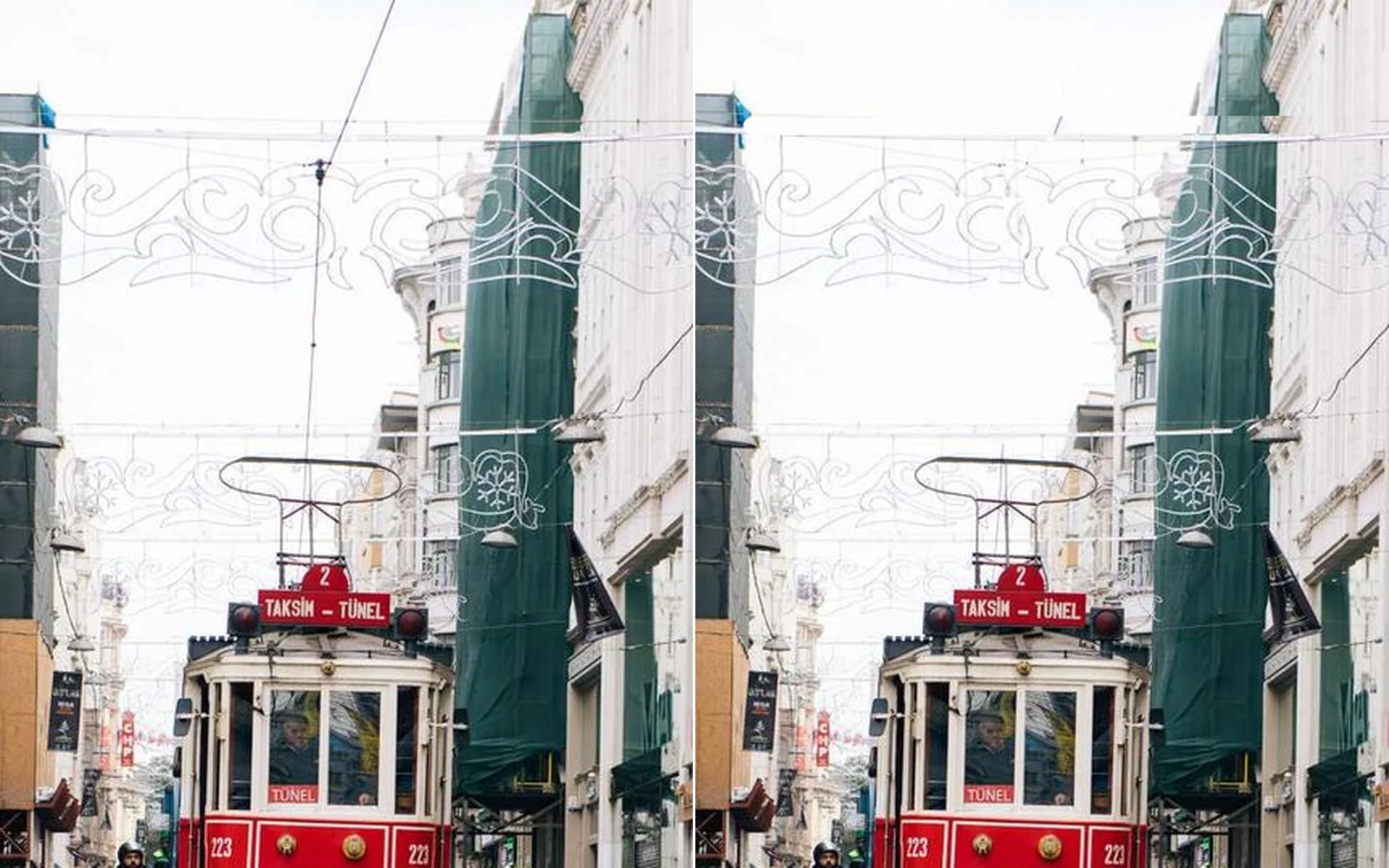
the wire above the tram, before and after the clone strokes
03 · Paint

Paint out wires, rigs and passers-by.

Clone and heal with brush strokes right on the frame. Build a clean plate from the shot itself: for every pixel it keeps the value most frames agree on, so whatever passes through drops out. Or mask a passing bus and a local model paints it out, steady from frame to frame.

ImageCloneImageHealImageFrameStackLocalAIImageInfill
Down the lineA clean plate, and the shot with the wire gone.Clone a wire out of the sky →
a green screen shot keyed into a room, the wipe showing before and after
04 · Keying

Pull a key from green or blue screen.

Key on a color, a hue range or the green or blue difference. Despill hands you its spill map, the edge cleans up, and light wrap lets the background bleed around the subject so it sits in the plate.

ImageChromaKeyImageDespillImageEdgeDecontaminateImageLightWrap
Down the lineA clean key with soft edges, ready to merge.Key a green screen onto a set →
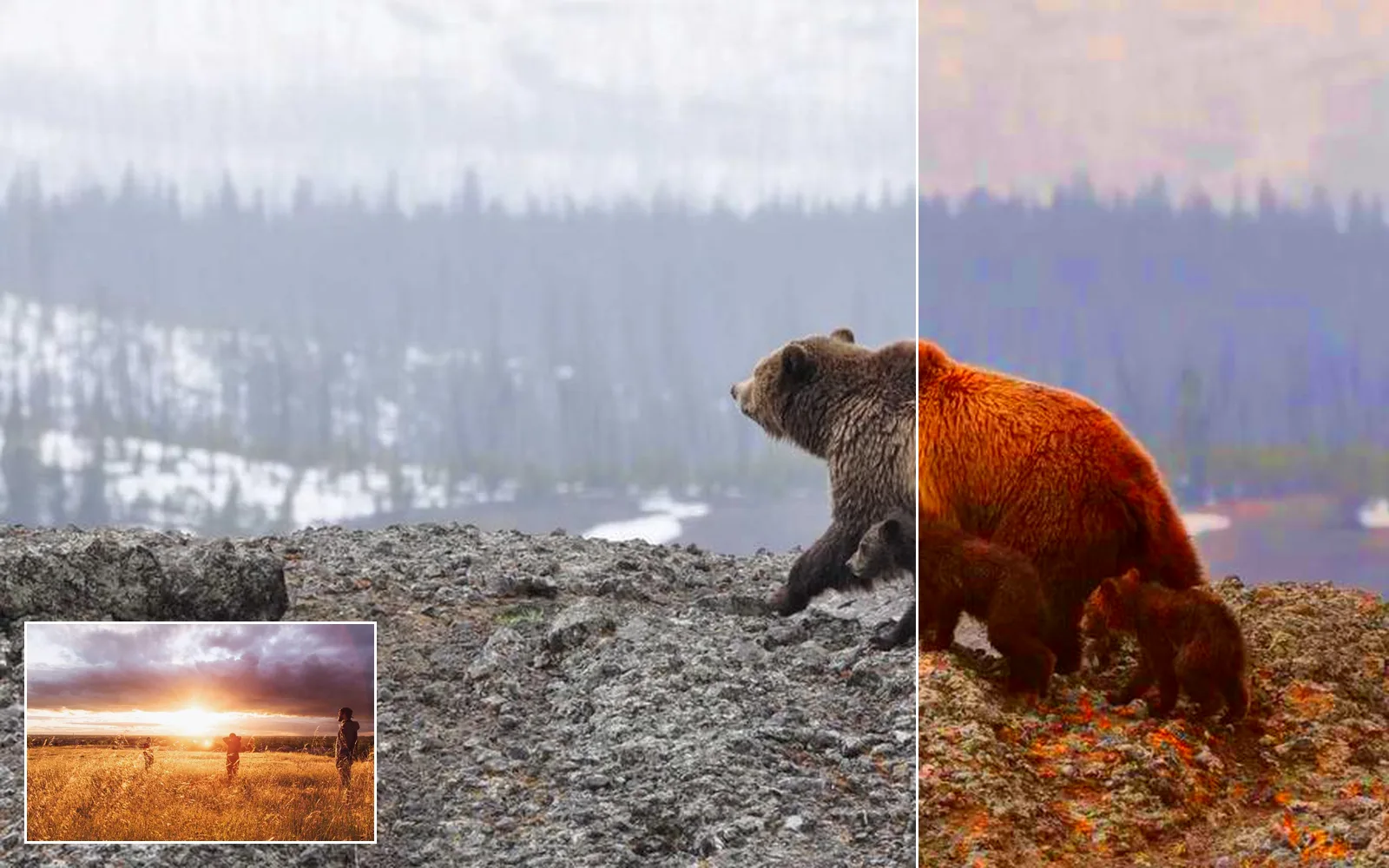
a cold, misty shot pulled toward the warm hero frame in the corner
05 · Color

Grade and match the shots in a sequence.

Work in your OCIO config or the ACES config that comes built in, apply the colorist's CDL and the show LUT, then grade by shadows, midtones and highlights. Match a shot to a hero frame, and add grain measured from the plate so a clean element sits in it.

ImageOpenColorIOImageColorCorrectImageHistogramMatchImageGrainMatch
Down the lineShots that cut together, and a .cube LUT of the look.Match a set of shots to one hero frame →
a flickering newsreel shot on the left, evened out on the right
06 · Archive

Restore archive footage for a documentary.

Even out the flicker in an old newsreel, and bring a small archive clip up to four times its size, with detail that stays steady from frame to frame. Each model runs on your machine.

ImageDeflickerLocalAIVideoUpscale
Down the lineOld footage, evened out and four times bigger.Fix the flicker in an old newsreel →
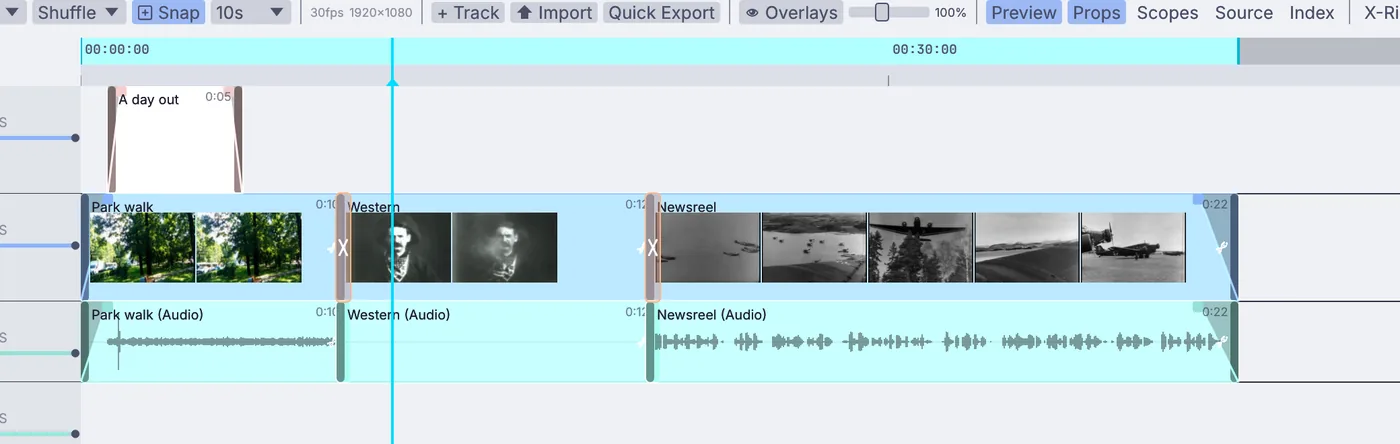
a short cut on the timeline: a title, crossfades and three clips
07 · Editorial and sound

Cut a temp edit, with temp sound.

Lay shots on a video timeline with fades, dissolves and titles, and render it out. A line of Python writes the cut as a CMX 3600 EDL, or its titles as SRT subtitles. Clean a production track, or turn a creaking hinge into a whoosh, in the same file.

VideoArrangementPlayerOutputVideoFileAudioDenoiseAudioTimeStretch
Down the lineA temp cut with sound, and an EDL for the online edit.Cut a short →
Familiar work, done here

Simulate fire, smoke, water and destruction.

The elements a shot needs, simulated in the same file as the comp, with fire, smoke and liquids on the GPU. A change to the sim lands in the shot with no export in between, and a baked cache scrubs on the timeline without simulating again.

  • Fire and smoke from any shape, with fuel that burns as it rises and rolls into smoke
    3DGeoFluidSource3DGeoFluidSimpleSolver3DGeoFluidRender
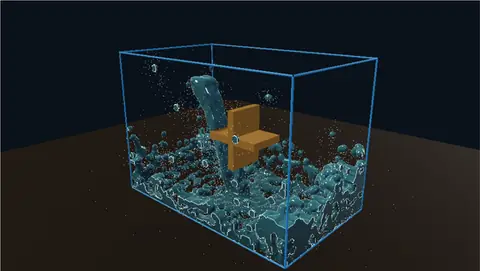
  • FLIP liquids, with foam and spray where the water churns and wet maps where it hits
    3DGeoFlipSimpleSolver3DGeoFlipWhitewaterSolver3DGeoFlipWetmap
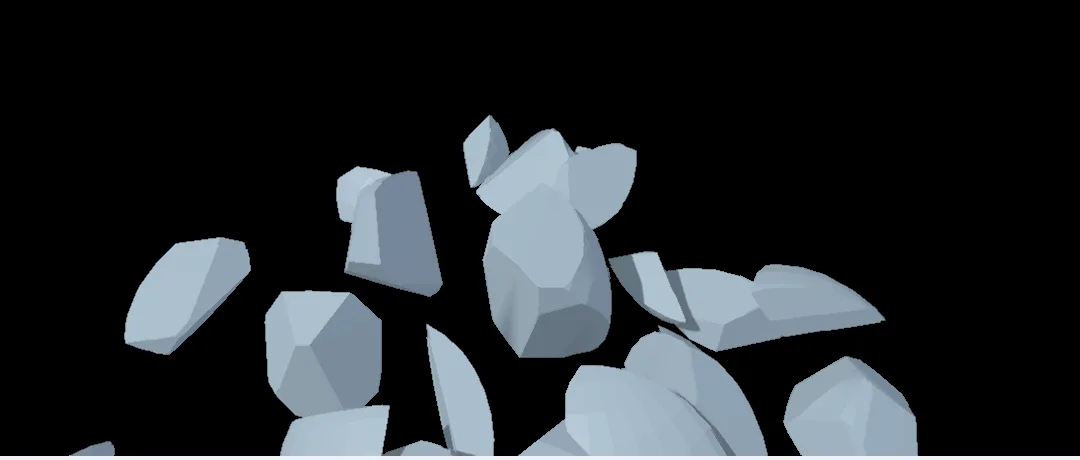
  • A wall fractured into glued pieces that hold, then give way and fall
    3DGeoVoronoiFracturePhysicsBodiesFromPiecesPhysicsGlueConstraint
  • Cloth that drapes, flaps in the wind and tears
    PBDSimClothConfigurePBDSimMicrosolverBreakingPBDSimSolver
  • Fire and smoke baked to OpenVDB frames, and meshes to Alembic caches, for the renderer you already use
    3DGeoFluidCacheWrite3DGeoExportABC
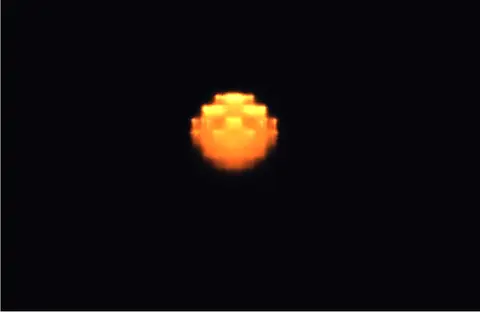
a fireball blooming into a glowing cap, then breaking up into smoke
a falling stream turning a paddle wheel as the tank fills
a ball smashing through a wall of glued pieces
Familiar work, done here

Put CG elements into the plate.

Solve the camera from the shot, render the element with the passes the comp needs, and sit it in the plate. A shadow catcher takes the CG shadow onto the real floor, and holdouts let the real set block the CG.

  • A camera solved from a moving shot, or a COLMAP solve brought in with its cameras and points
    LocalAICameraSolve3DGeoImportCOLMAP
  • A shadow catcher floor, and holdout stand-ins for the parts of the set in front of the CG
    ShadowCatcherMaterial3DGeoSceneAddObject
  • Depth, normals, position, motion and object ID passes beside the color, which can be 32-bit float
    3DGeoSceneRenderToImage3DGeoSceneRenderPassToImage
  • Vector motion blur from the render's motion, and objects picked out of a Cryptomatte by name
    ImageMotionBlurImageCryptomatte
  • Depth worked out from a single frame, so an element can sit behind something in the plate
    LocalAIImageToDepthImageZComposite
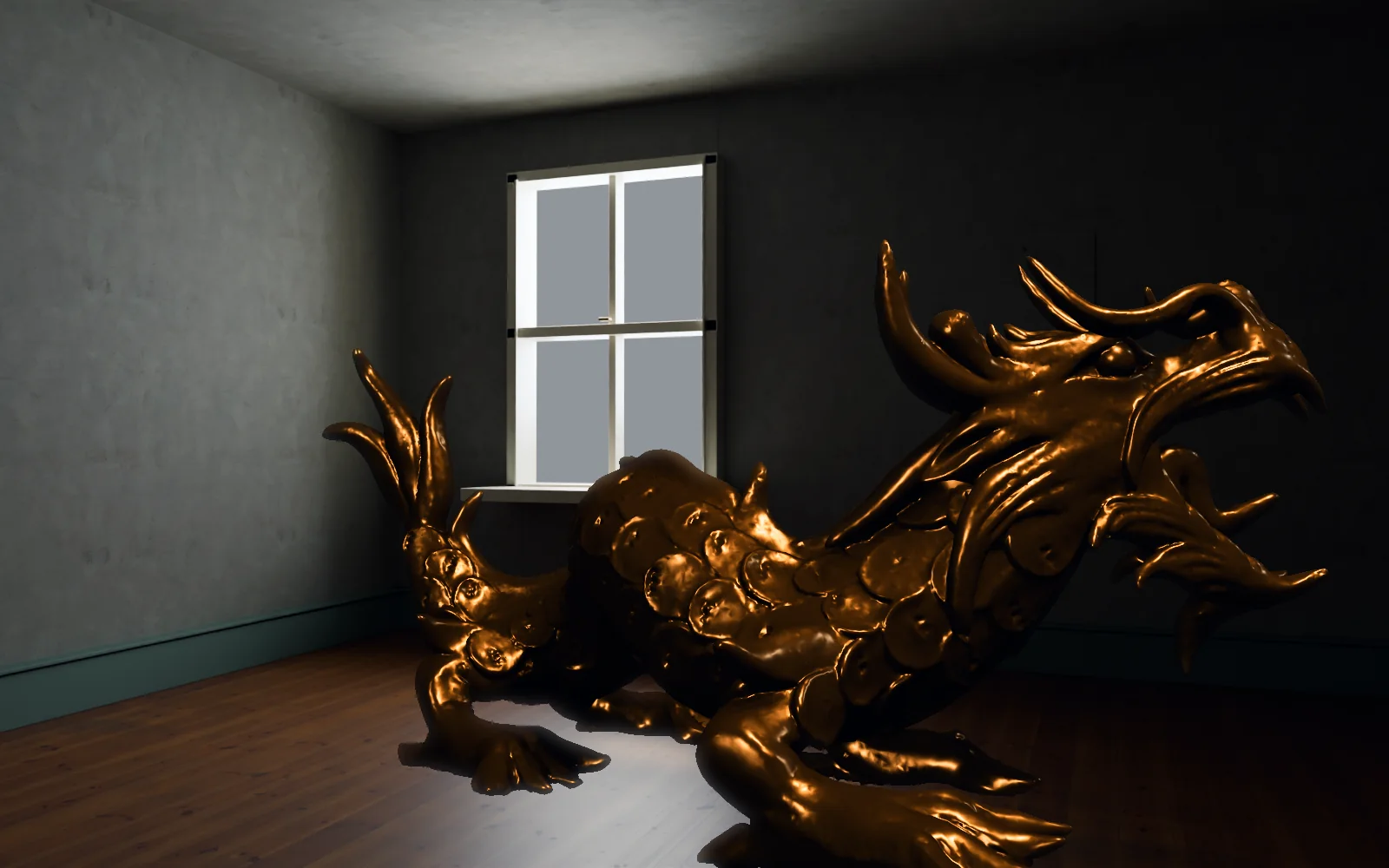
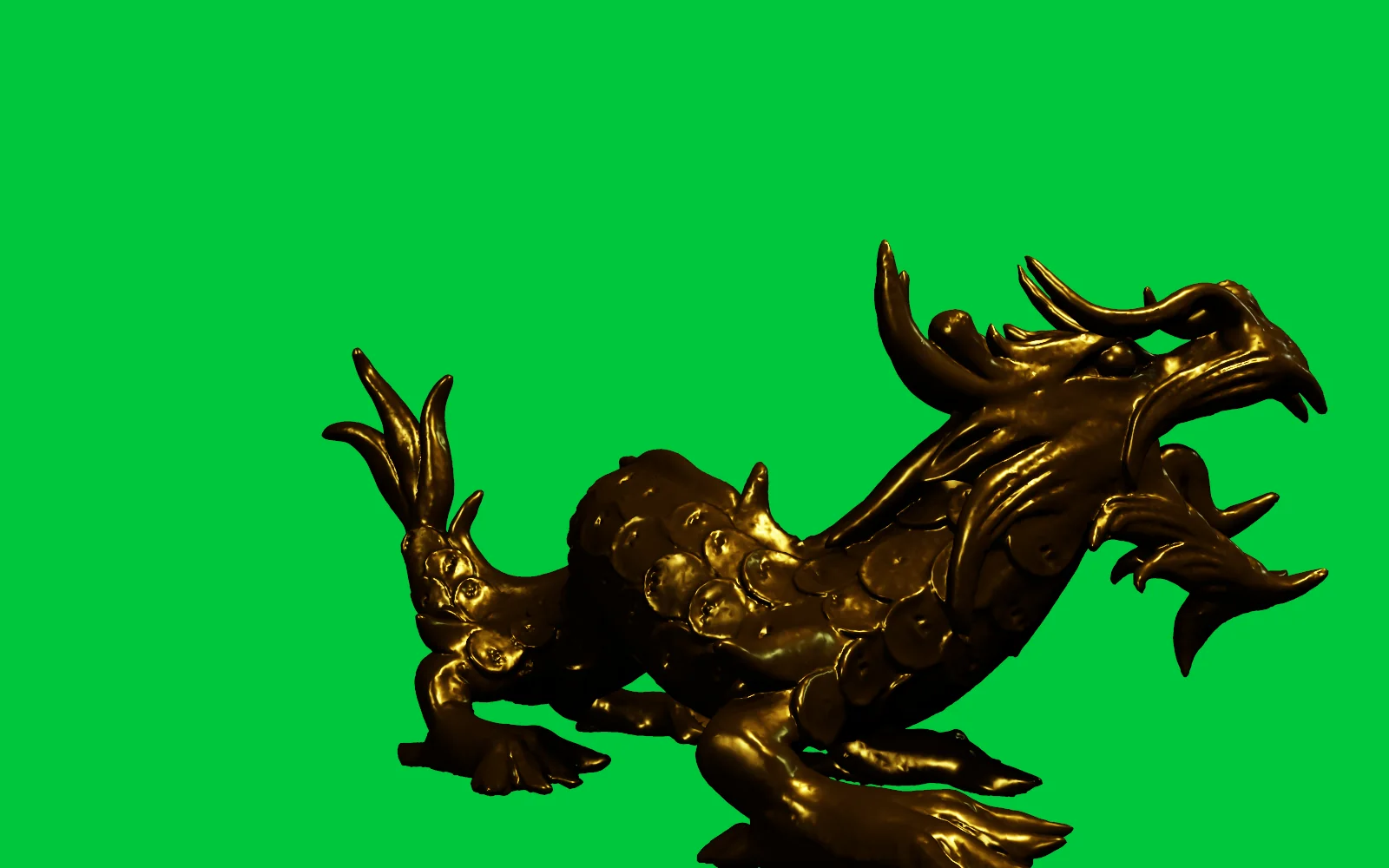
the comp: a gold CG dragon set into an empty room by a window the render it starts from: the same CG dragon over flat green
drag across: a CG dragon rendered on green, then keyed into a room
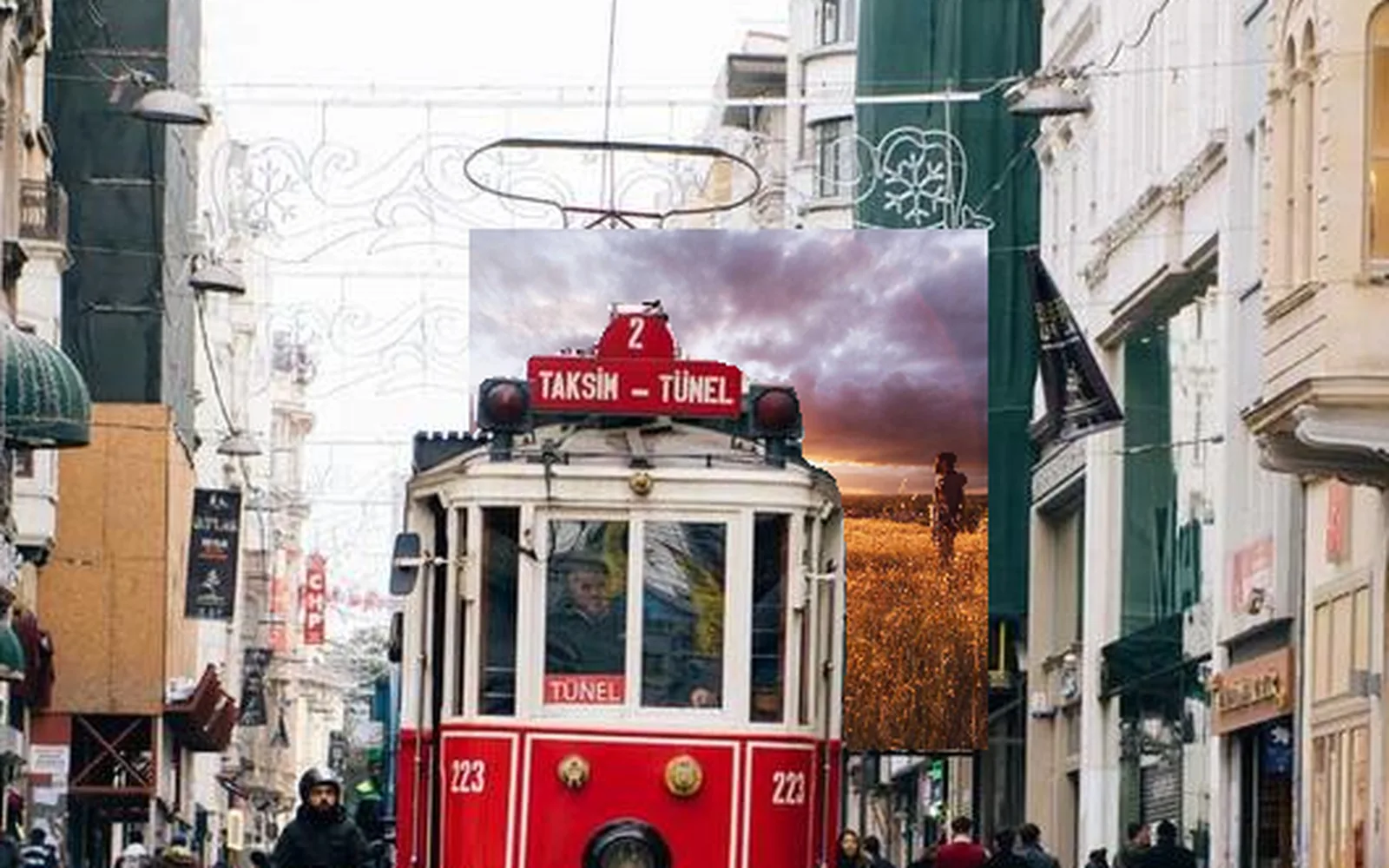
a print placed down the street, the tram nearer the camera in front of it
pillars sunk in fog that shifts from teal to amber, a light sweeping through
What you gain: scans

Scan the location and relight it.

Bring in a Gaussian splat of a set, a prop or a place, clean it up, take out the light it was shot in, and light it again for the shot. A scan can also become a solid mesh for layout.

  • Splats from PLY, SPZ, SOG and .splat files, and the COLMAP solve they were trained from
    3DGeoImportPLY3DGeoImportSPZ3DGeoImportCOLMAP
  • Crop to what you need and sweep away floating specks
    3DGeoSplatCrop3DGeoSplatPrune
  • Take the capture's own light out, then light it from an environment
    3DGeoSplatDelight3DGeoSplatProbeRelight
  • Grade a scan through a color table so it matches the plate
    3DGeoSplatClut
  • Turn a scan into a solid mesh, color and all, and save it for other apps
    3DGeoSplatToSurface3DGeoExportGLTF
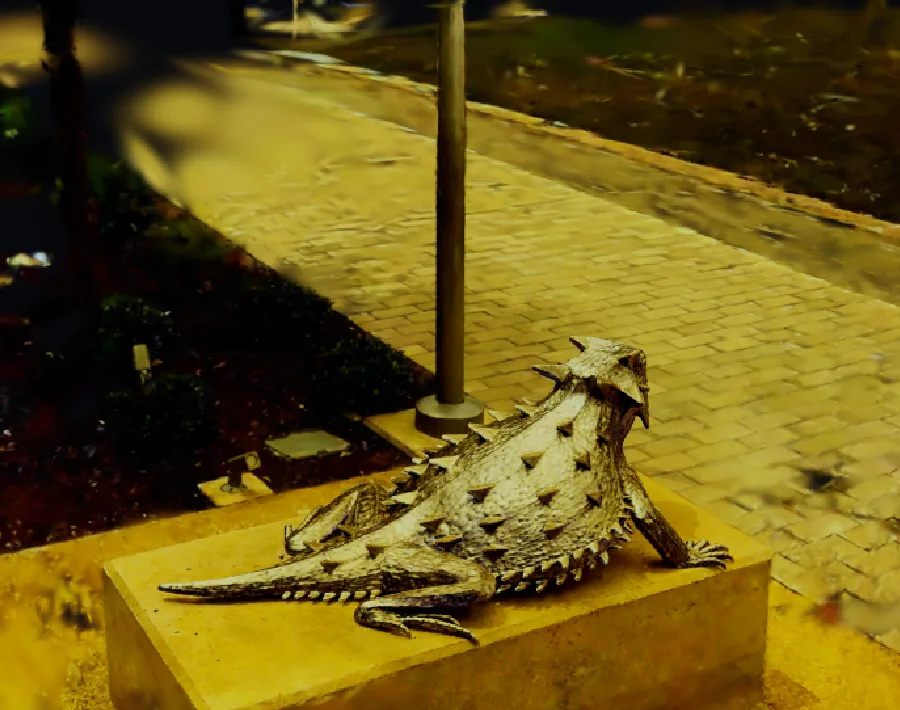
a scanned lizard sculpture and the garden around it, the camera circling · scan by Niantic Labs, MIT license
an astronaut scan with its own light taken out, under a swinging sun · scan by Hasnain (superspl.at), CC BY 4.0
the same scan going to a warm film look and back · scan by Niantic Labs, MIT license
What you gain: live and loud

Put the shot on a stage, a screen or a live feed.

The graph keeps running, so the file that holds the sim can also light the stage with it, key a camera on set, or let a song ride the grade. Sound lives in the same file, so pictures can follow it.

  • Key and grade a camera, a capture card or an NDI feed as it comes in
    VideoCaptureInterfaceStreamingNDIReceiveInterfaceImageChromaKey
  • FreeD camera tracking from the stage, as pan, tilt, roll, position, zoom and focus
    DmxFreeDReceive
  • Full screen on a second display or a projector, out over NDI, or across an LED wall over Art-Net
    StreamingNDISendInterfaceImageToDmxArtNetSendInterface
  • A song's loudness and hits can ride any value: an exposure, a flame, a light
    AudioEnvelopeFollowerAudioOnsetDetect
  • Timecode read off an audio track or over MIDI, so the picture locks to playback
    MidiLtcDecodeMidiTimecodeIn
a burning ring beside the same frames lit on a grid of 640 fixtures
a stage clip graded warm, its exposure following the loudness of a song
one click on the dancer, and the matte follows him as a spotlight
How it fits your pipeline

Files, color and gear
for a film pipeline.

Plates, caches, looks and timecode come in and go out in the formats the rest of the show already uses.

Opens

EXR, every layerImage sequences: EXR, TIFF, PNG, JPEG, HDRMOV, MP4, MKV, WebM, AVICamera log: LogC3, LogC4, S-Log3, Log3G10, Canon Log 2 and 3, V-Log, Apple LogACEScg, ACES2065-1, ACEScctOCIO configs: .ocio, .ocioz.cube LUTs, 1D and 3DCDLs: .cc, .ccc, .cdlFBX, USD, Alembic, glTF, OBJCOLMAP camera solvesSplats: PLY, SPZ, SOG, .splatBVH and C3D motion captureWAV, FLAC, MP3, AAC

Saves

Layered EXR: zip, piz, DWAA, DWABEXR in half or full floatEXR, TIFF and PNG sequencesProRes, H.264, H.265, FFV1 lossless10-bit, Rec.2020 PQ and HLG.cube LUTsCMX 3600 EDL, SRT subtitlesOpenVDB fire and smokeAlembic caches, USD, FBX, glTFWAV, FLAC, AIFF

Live and on set

Webcams and capture cardsNDI in and outSyphon on a MacFreeD camera trackingLTC and MIDI timecodeArt-Net and sACNOSC, QLab cues includedMIDI controllers
Everything it works with →
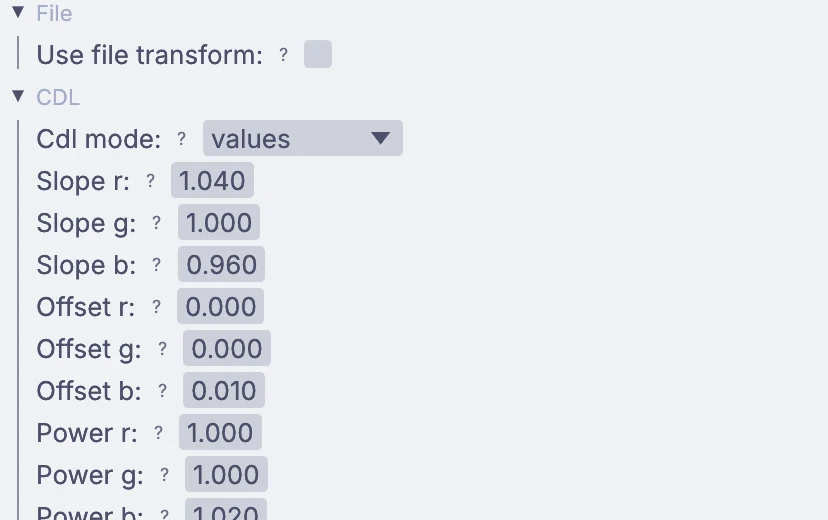
the OpenColorIO node in Properties, with a CDL: slope, offset and power for each channel
a CDL on the OpenColorIO node, in Properties

Color from the read to the write.

Float pictures stay linear from the read to the write, and every picture carries a tag that says whether it holds linear light, display values or data. Camera log is decoded as it loads. Bring your own OCIO config, or use the ACES config that comes built in.

ImageOpenColorIOInputImageLutFileOutputLutFileImageLayerWrite

Render with no window.

The app you comp in also renders from a terminal, over SSH or on a farm machine. A timeline render steps one frame at a time and waits for every node, so no frame is dropped, and sims run again from their start.

$ kinematic render shot.kin -o shot.%04d.exr \
    --timeline-range 0..239
$ kinematic render shot.kin -o shot.%04d.exr \
    --start-frame 120 --end-frame 239
$ kinematic probe plate.mov
  • --start-framewith --end-frame, one chunk of a longer shot. Frames before it still run, so a sim lines up at the seam
  • --clock virtualthe same work at the same timestamps, so a bake can be repeated on the same machine, card and driver
  • --offlineno downloads in the middle of a job
  • --strictstops a graph that loads with errors instead of rendering it
  • --eachthe same graph once per file, so a folder of plates goes through one comp
  • probethe color space, bit depth and HDR tags a plate carries, and how it will be read
Render from the terminal →
Where to start

Tutorials and demos.

Short lessons that each end with something finished, and demos that come with the app. Take one apart and keep what you need.

Tutorials

Browse every demo →
Honest gaps

What it does not yet do.

Better to know now. Need one of these for your show? Reach out.

  • No path tracer3D renders are drawn on the GPU with PBR materials, shadows and image-based light. For final CG, send Alembic, USD or OpenVDB to your renderer.
  • No deep imagesZ composite merges two pictures by their depth passes instead.
  • No reading VDBFire and smoke save to OpenVDB today. Opening VDB files is on the roadmap.
  • No DPX or CineonThose frames do not open yet. Use EXR or TIFF sequences.
  • No AAF or XMLThe video timeline writes a CMX 3600 EDL. There is no AAF, XML or FCPXML export.
  • 3D renders up to 4096 pixelsA render tops out at 4096 on a side.
  • No farm queueSplit a shot into frame ranges from the command line and send them out with the queue you have.
  • Other apps' scenesNuke scripts, Houdini scenes and Maya scenes do not open (these are proprietary). Bring their EXRs, Alembic, USD and FBX across.
Your next shot

Download Kinematic.

Free. No account, no license key, no seat count. macOS, Windows, Linux and Raspberry Pi. Bring the plate you are working on.

a dam break: the water lets go, hits the far wall and sloshes back