Kinematic 0.5.0 is out. Modeling and sculpting in the viewport, a timeline on every graph, photo and sound editing. What's new
Kinematic / Who it's for / Software devs

Script and extend Kinematic.

Build scenes from Python, put a line of code on any setting, and write your own nodes, shaders and panels. Then render, test or run any graph from the terminal with no window. Your code reaches the whole app: 3D, simulation, video, sound and live shows.

  • Software devs
  • Technical artists
  • Pipeline TDs
  • Creative coders
  • Tool builders
Python in the app and with no windowWGSL and GLSLA command line with exit codesFree, even for commercial use
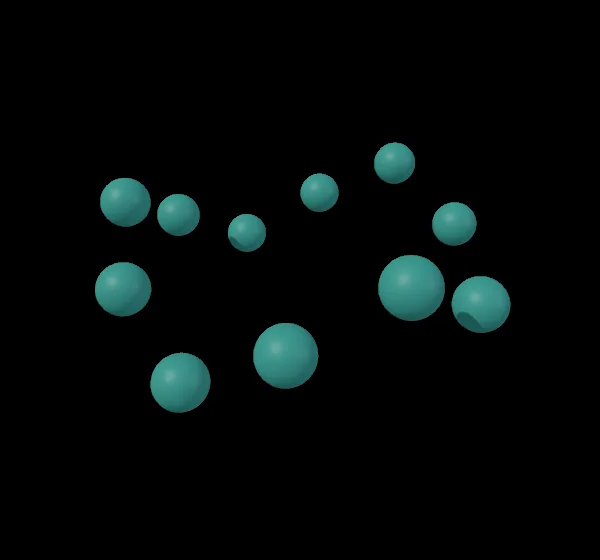
the twelve rings rings.py builds, rendered with no window
from rings.py
for i in range(12):
    ring = g.create_node("3DGeoTorus", position=(i * 220, 0), config={
        "major_radius": 1 + 0.07 * i, "minor_radius": 0.06,
        "major_segments": 160, "t_rx": 15 * i})
    # a driver: read again on every frame
    ring.config["t_ry"] = (
        f"#(time * {45 * (1 + i % 3)} + {30 * i}) % 360")
What you build

Write scripts, nodes and tools.

The jobs that fill a week, each with the screen where it happens.

01

Build a scene from a script

kinematic.graph makes nodes, sets them and wires them. Every node a script makes lands on the canvas like one you placed by hand, so you can open any of them and keep going. Wrap the calls in an undo group and one Cmd-Z takes the whole script back.

Tutorial: build a ring of spheres with a Python script →
rings.py
import colorsys
import kinematic.graph as kg

g = kg.current()
rings = g.create_node("3DGeoMerge", position=(1210, 440),
                      config={"num_inputs": 12})

for i in range(12):
    ring = g.create_node("3DGeoTorus", position=(i * 220, 0), config={
        "major_radius": 1 + 0.07 * i, "minor_radius": 0.06,
        "major_segments": 160, "t_rx": 15 * i})
    # a driver: read again on every frame
    ring.config["t_ry"] = (
        f"#(time * {45 * (1 + i % 3)} + {30 * i}) % 360")

    rgb = colorsys.hsv_to_rgb(i / 12, 0.7, 1.0)
    hex_color = "#" + bytes(int(c * 255) for c in rgb).hex()
    tint = g.create_node("3DGeoColor", position=(i * 220, 200),
                         config={"color": kg.literal(hex_color)})

    g.connect(ring, "Geometry_Out", tint, "Geometry_In")
    g.connect(tint, "Geometry_Out", rings, f"Geometry_In_{i + 1}")
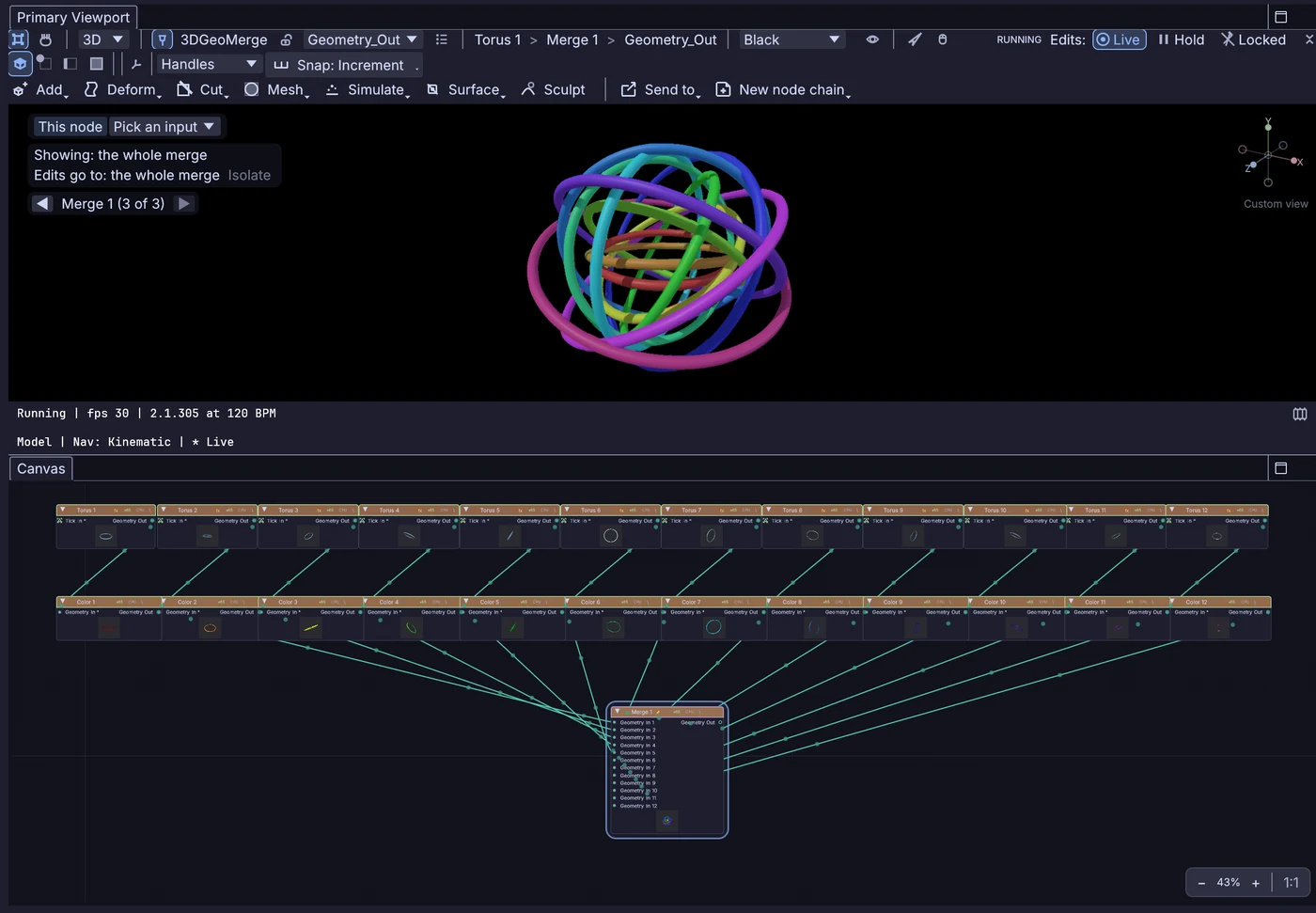
Kinematic after rings.py ran: the viewport shows the rings, the canvas shows twelve Torus nodes, twelve Color nodes and one Merge, all wired
the canvas after rings.py ran: 12 tori, 12 colors, 1 merge, all wired
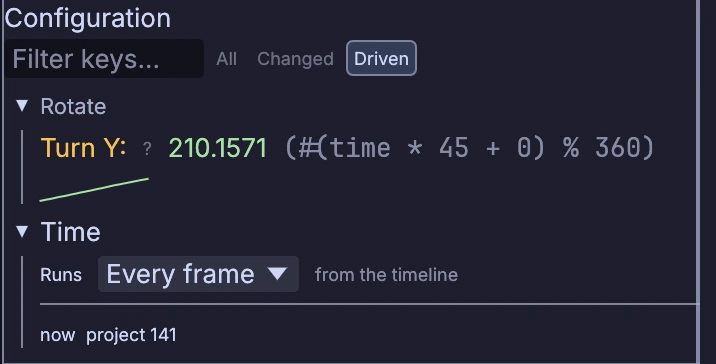
Properties filtered to driven settings: Turn Y follows #(time * 45 + 0) % 360, with its value and a small graph of the last few seconds
one ring's Turn Y, following the driver rings.py wrote
02

Put code on any setting

Start a value with # for a fast expression or @ for a line of Python. It runs again every frame with time, the frame and other nodes' values in reach, and Properties shows what it gives right now.

drivers in three settings
t_ry      #(time * 45) % 360
cutoff    #channel("pose", "left_wrist_x") * 4000
label     @f"take {f}: {sin(t):.2f}"
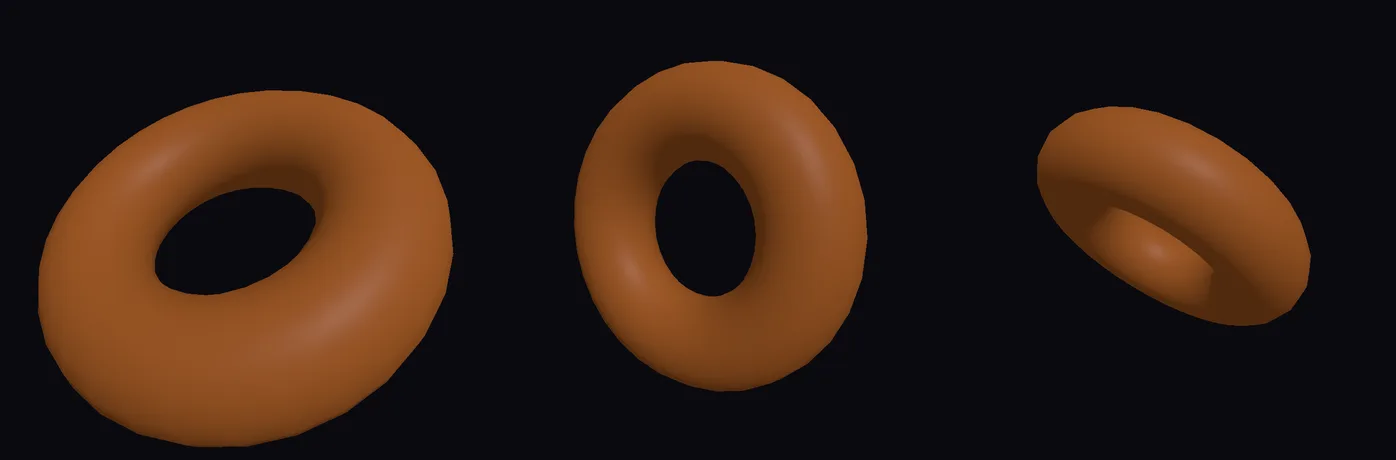
Tutorial: spin a donut with one line of Python →
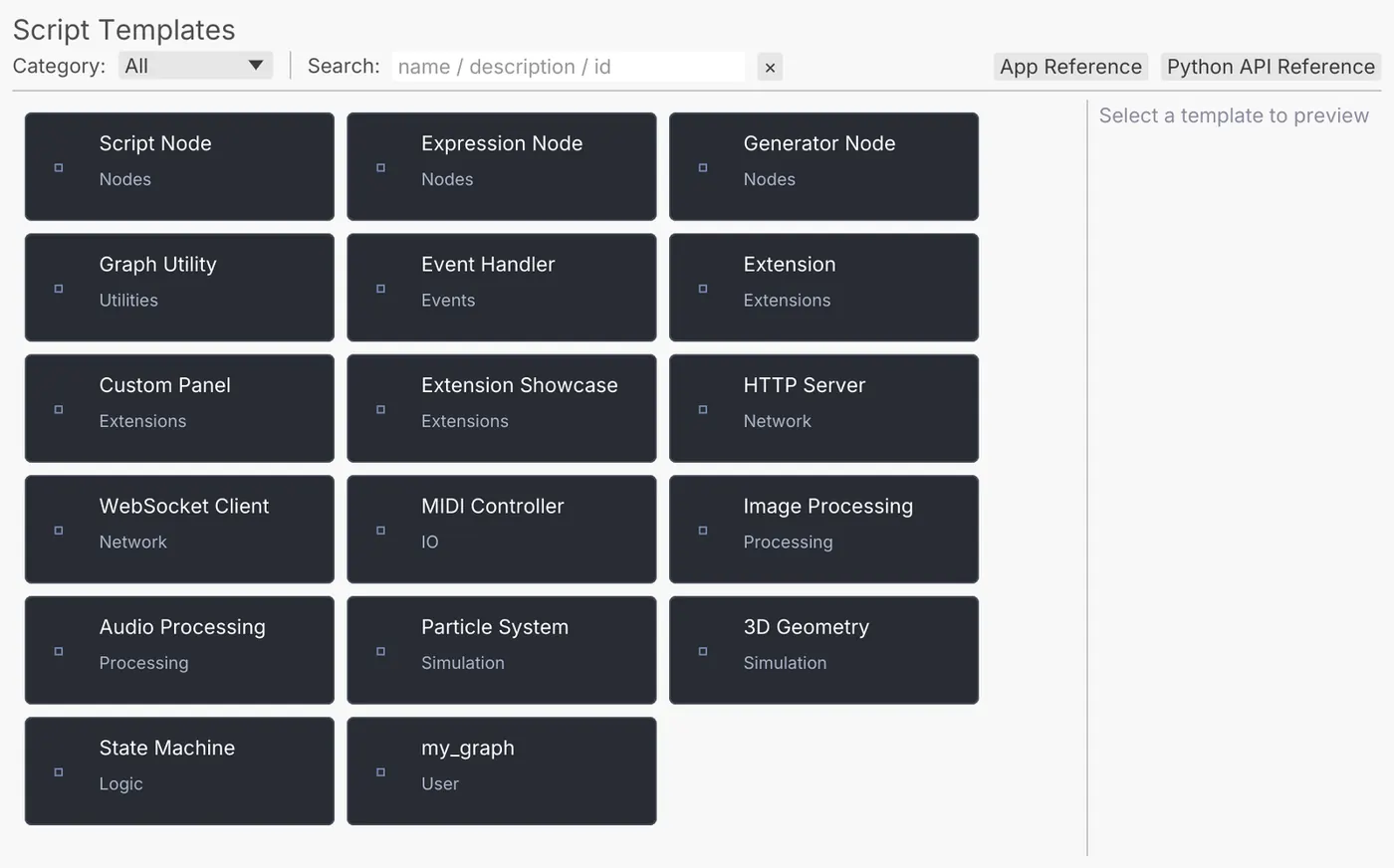
The Script Templates window: script, expression and generator nodes, an extension, a custom panel, an HTTP server, a WebSocket client and more
Help > Python > Script Templates
03

Write your own nodes

A Python class with ports and an execute method turns into a node in the palette, beside the built-in ones. Save it and it compiles; a green node means it loaded. Templates start you off.

gain.py
import kinematic
from kinematic.node import PythonScriptNode, PortDecl

class Gain(PythonScriptNode):
    type_name = "Gain"
    inputs = [PortDecl.channel_data("Value_In")]
    outputs = [PortDecl.channel_data("Value_Out")]
    config = {"gain": {"type": "float", "default": 1.0}}

    def execute(self, ctx):
        msg = ctx.pop_input(0)
        if msg is not None:
            v = msg.as_float() * float(ctx.setting("gain"))
            ctx.post_output(0, kinematic.values.Value.channel_data([v], 1))
Python nodes on the Developers page →
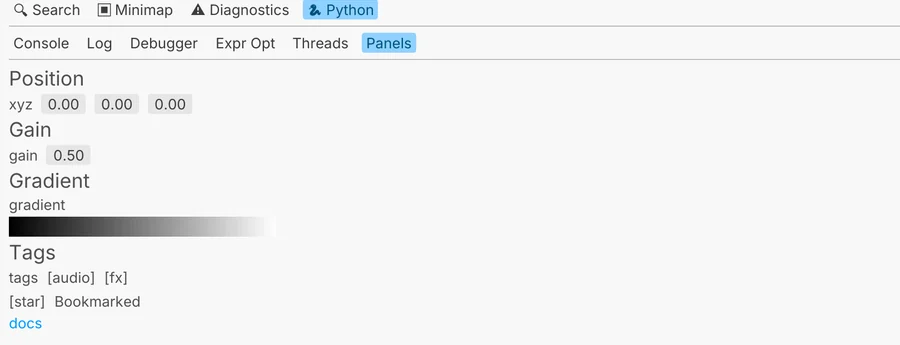
A panel from an extension, docked in the studio: a position, a gain, a gradient and tags
a panel from an extension
04

Package a tool for your team

Package nodes, panels, menu commands, viewport tools and starter graphs as one extension. Build it into a single .kinext, sign it with your own key, and serve it from a folder or web address your team adds as a repository.

terminal
$ kinematic extension new stage-tools --template panel
$ kinematic extension test stage-tools
$ kinematic extension build stage-tools
$ kinematic extension index ./repo
Extensions on the Developers page →
The work you know

Write shaders in GLSL or WGSL.

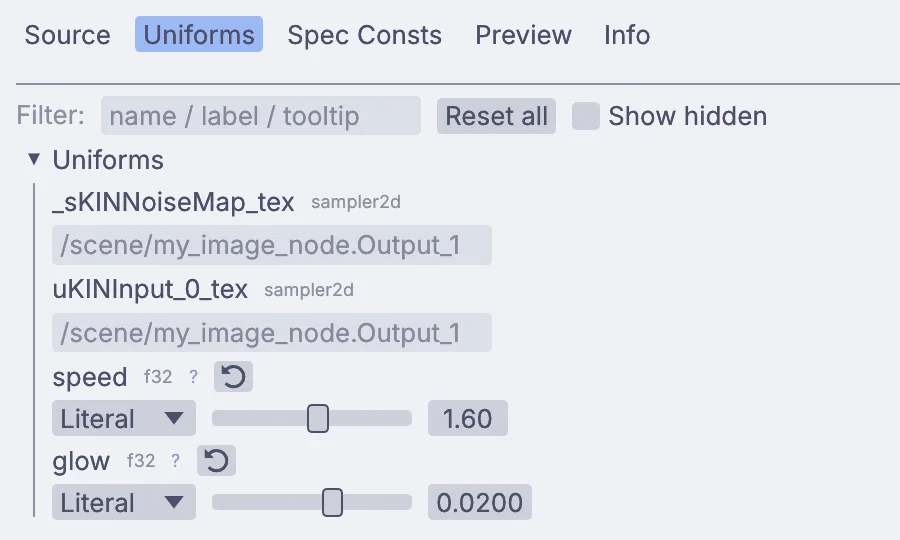
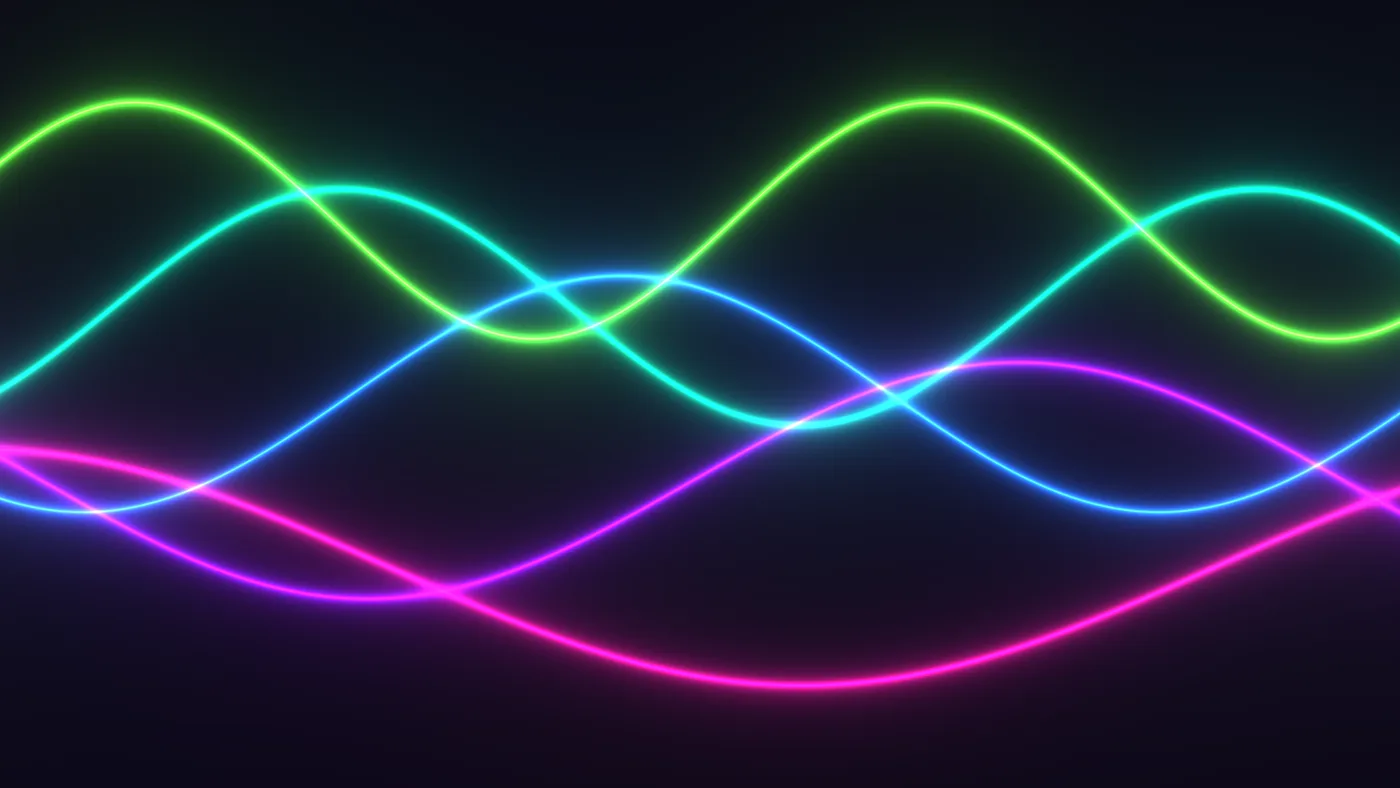
Paste a Shadertoy and it runs. Put a block of values at the top and each one gets a slider in Properties. Errors point at the line you wrote, #include pulls in shared code and the built-in libraries, and the same two languages shade pictures, materials and geometry.

ImageShaderShaderMaterialAttributeShaderGeometryComputeShader
the Shadertoy tutorial shader, as it renders
ribbons.glsl
// Glowing ribbons that sway across the screen.
void mainImage(out vec4 fragColor, in vec2 fragCoord)
{
    vec2 uv = (fragCoord*2.0-iResolution.xy) / iResolution.y;
    vec3 col = vec3(0.02, 0.01, 0.05);
    for (int i = 0; i < 5; i++) {
        float fi = float(i);
        float wave = 0.3 * sin(uv.x * (1.5 + fi * 0.4) + iTime * (0.6 + fi * 0.15) + fi * 1.7);
        float d = abs(uv.y-wave+0.22*fi-0.44);
        vec3 tint = 0.5 + 0.5 * cos(6.2831 * (fi * 0.15 + vec3(0.0, 0.33, 0.67)) + iTime * 0.3);
        col += tint * 0.012 / (d + 0.004);
    }
    fragColor = vec4(col, 1.0);
}
The Uniforms tab: speed and glow, each with a slider
speed and glow, as sliders
the 120 frames the first command wrote, played back
terminal
$ kinematic render twisted_torus.kin \
    --out "frames/torus_{frame:04}.png" --frames 120 --resolution 1080x1080
$ kinematic render shot.kin --out shot.mp4 --clock virtual --frames 240
$ kinematic lint --strict --json show.kin
$ kinematic test show.kin --expect-output "done" --json
$ kinematic batch graphs/ out/ --python export.py
The work you know

Render and test from the terminal.

Render any graph to a video or a numbered sequence with no window, and add --plan to see what it will write first. On the virtual clock time moves only when the render steps it, so the same graph does the same work at the same time stamps on every run. Split a long render across machines with --start-frame and --end-frame.

Lint and test exit with codes a CI job reads, with JSON reports. Batch runs a folder of graphs in one process, and a sweep runs once per value.

Free. Put it on every CI runner and render machine you have. No license server, no seats to count.

What Kinematic adds

Connect your code to sound, light and video.

A driver can read a song's loudness, a MIDI fader, OSC from a phone or a tracked hand. The same graph can run a fire simulation, pixel-map it onto a wall of lights over DMX and send the picture to another machine over NDI.

a fire sim, and the same frames on 640 RGB fixtures over DMX
a song's loudness and hits driving a particle burst
the drivers on the particle node in that clip
emission_rate   #channel("fit_emit", "output")
gravity         #channel("fit_grav", "output")
turbulence      #channel("fit_turb", "output")

Each value follows a node that listens to the song. On the wall above, ImageToDmx samples every frame at each fixture, and Art-Net, sACN or a USB adapter carries it to the rig. More than 1,500 fixture profiles come with the app.

AudioToVolumeAudioOnsetDetectImageToDmxArtNetSendInterfaceStreamingNDISendInterface
What Kinematic adds

Run a show as a service.

kinematic run plays a graph with no window, as a service. It answers a health check for systemd or a container, exits when nothing has run for too long, keeps one log file a day and clears out the old ones, and stops cleanly when a stop file appears.

Give it a control socket and change a value, recall a state or take a screenshot from another terminal or another machine. For screens and projectors, --perform opens the show with the editor hidden.

one picture across three walls and the floor, previewed in 3D
terminal
$ kinematic run show.kin --control unix:/run/show.sock \
    --health-port 8080 --watchdog 30s --log-file show.log --log-keep 14
$ kinematic ctl unix:/run/show.sock set blur.amount 3
$ kinematic ctl unix:/run/show.sock state recall act_two
$ kinematic ctl unix:/run/show.sock screenshot /tmp/now.png
In and out

Code, files and protocols.

What your code can read, write and talk to. Every format and device is on Works with.

Code and tools

Python, with pip into the appType stubs for your editorWGSL and GLSLJavaScriptCLAP and VST3 pluginsLV2 on Linux.kin files are plain JSON, ready for git

Files in and out

glTFFBXUSDAlembicOBJPLYSTLEXR, layered tooImage sequencesMP4, MOV, MKV, WebMH.264, H.265, ProRes, VP9 outWAV, FLAC, MP3CSV and JSON tablesSVGMIDI files

Protocols

HTTPWebSocketWebhooksOSCOSCQueryMIDISerialDMX, Art-Net, sACNNDISyphon on macOSRTMP, RTSP, HLS
Runs onmacOS on Apple SiliconWindowsLinuxRaspberry Pi, experimental
Where to start

Tutorials and demos.

Five short lessons from a new project or a demo, and demos that come with the app. Open a demo from Help > Browse Demos, press Play, then read its graph.

Tutorials

Demos

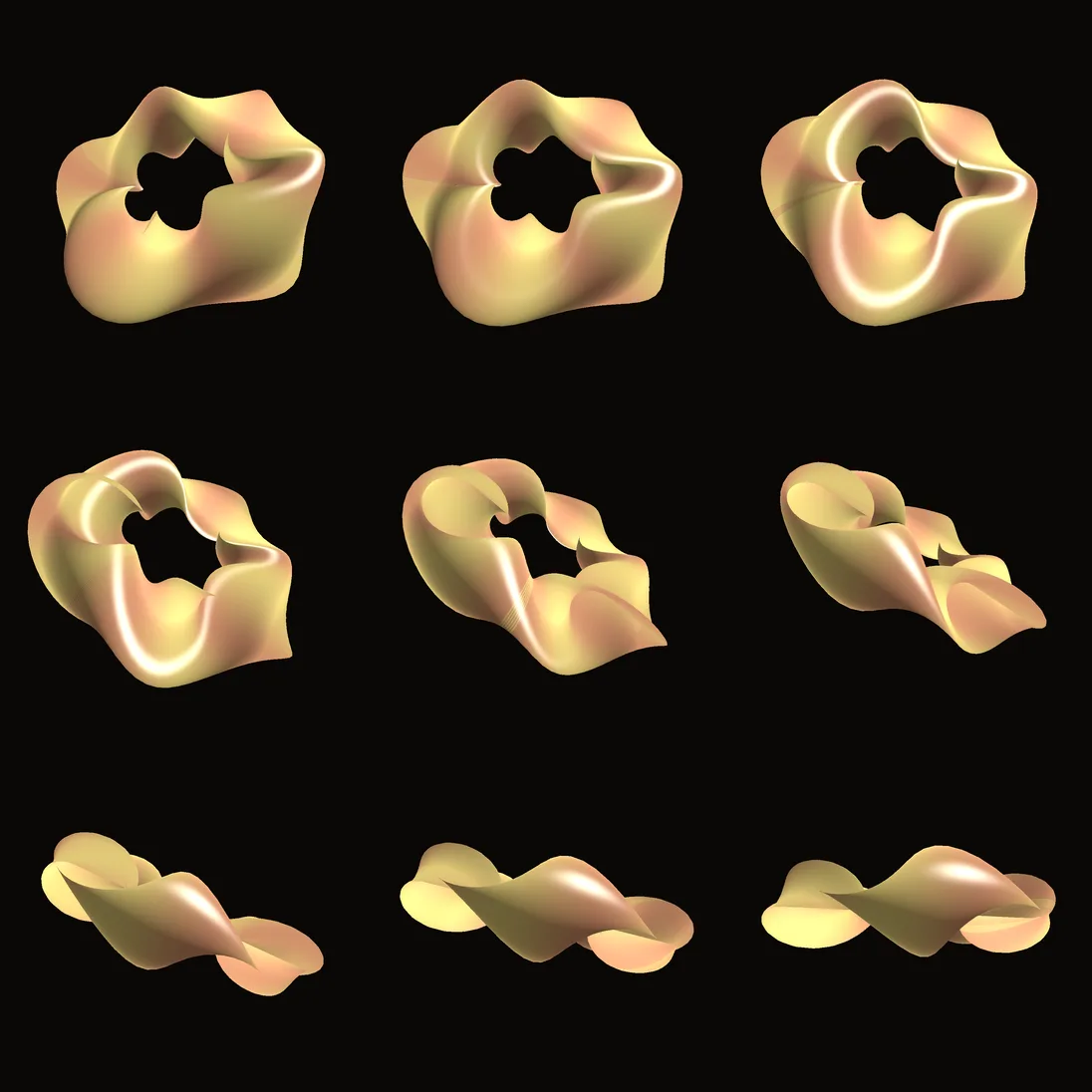
Twisted torusA torus twisted in its vertex shader, with copper and gold stripes. Both shader tutorials start here.In the Demos browser
Uniforms live editGlowing rings whose shader values you change in Properties while it runs.In the Demos browser
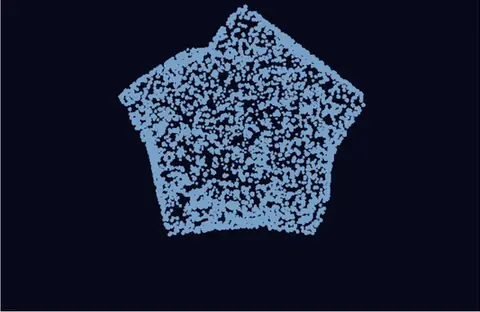
Leaves tilting in the windThousands of leaf points, each with its own frame written by an AttributeShader.In the Demos browser
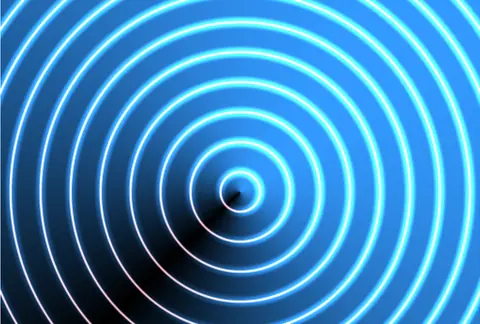
Three pass neon bloomThree passes in one ImageShader: neon rings, then a blur each way, then the glow.In the Demos browser
Trail painterDots that leave fading trails, from a shader that reads its own last frame.In the Demos browser
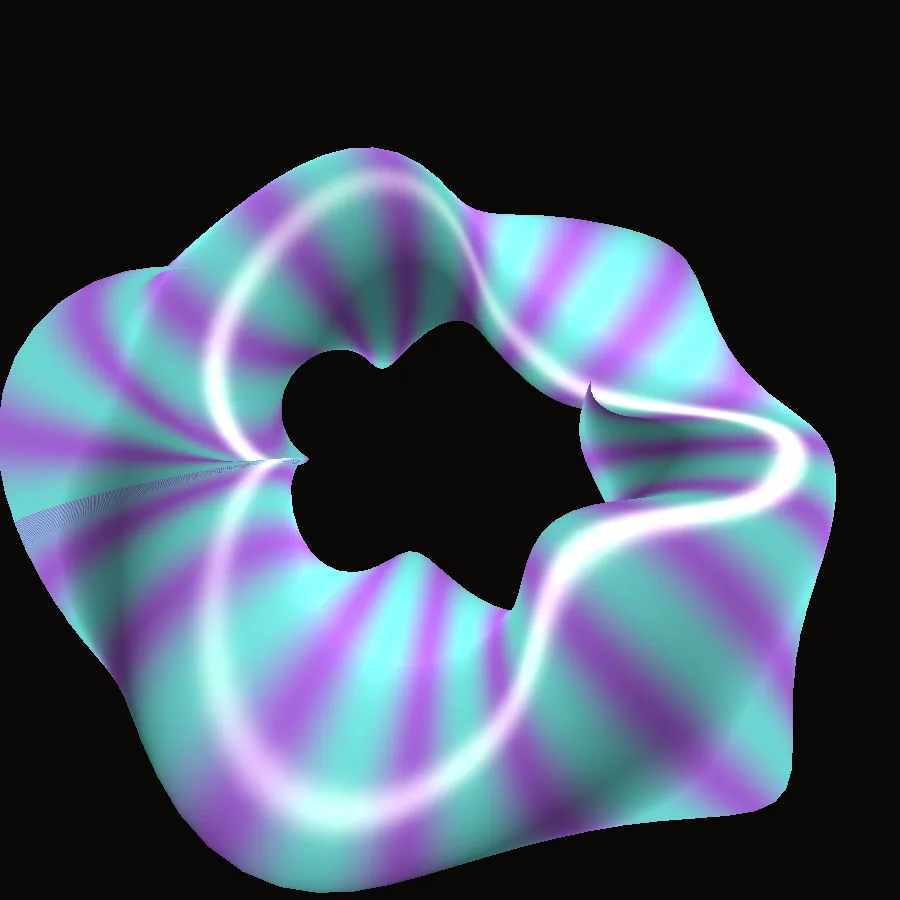
Oil slick in GLSLAn oil-slick pattern with a turning palette, written in GLSL.In the Demos browser
Honest gaps

What it does not yet do.

Better to know before you build on it. Something missing that you need? Reach out.

  • No extension storeShare a .kinext file, or host a repository of your own. Nothing is uploaded anywhere.
  • No Spout yetSharing video between apps on Windows is on the roadmap. NDI works in the meantime.
  • VDB files do not openFire and smoke save to OpenVDB today. Reading VDB is on the roadmap.
  • No GPIO, I2C or SPI nodesReach a board over a serial port instead.
  • No Ableton LinkLeft out on purpose because of its license. Share tempo between machines over OSC.
  • Custom shader materials on Raspberry PiThey do not run there, and 3D renders use a lighter mode. Test the piece on the board.
  • A person accepts the license onceThe first headless run on a new profile asks for it. A container build cannot answer, so copy in a settings file that was accepted.

Download Kinematic.

Free. No account, no license key. macOS, Windows, Linux and Raspberry Pi.