Create.
Model, sculpt, texture, rig, animate and render. Draw vectors and bring in scans.
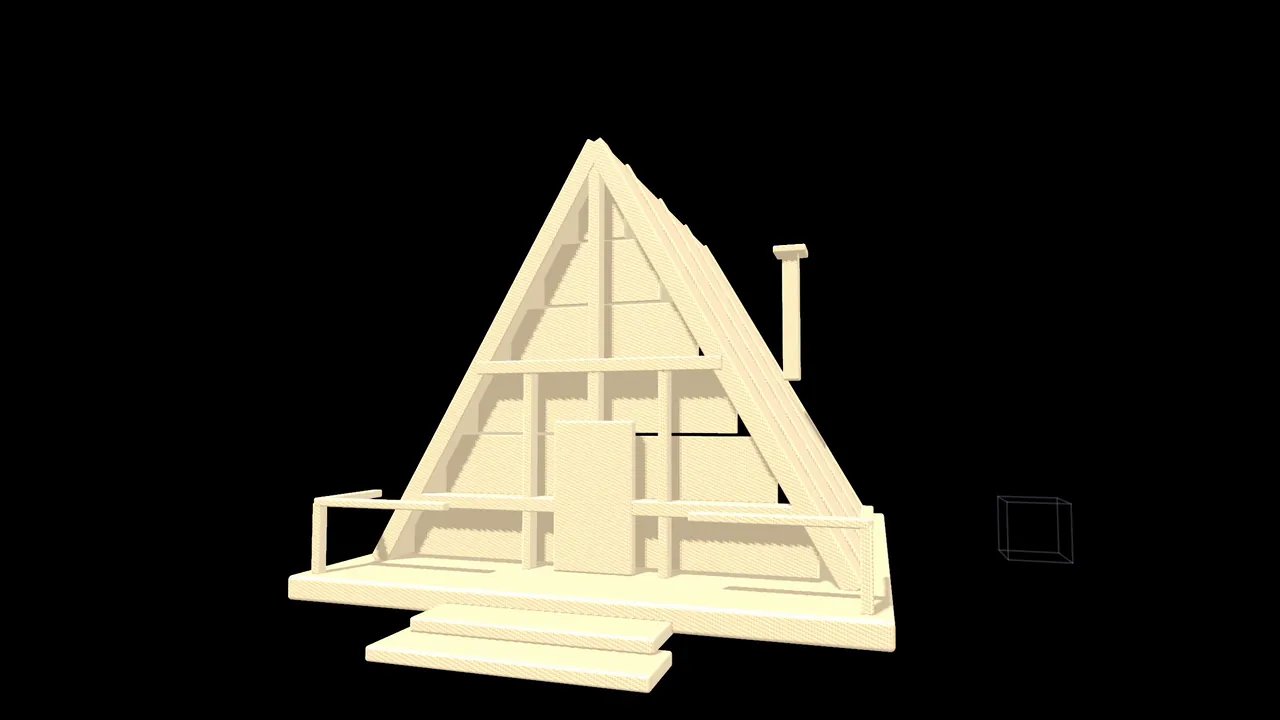 ModelModel in the viewport.
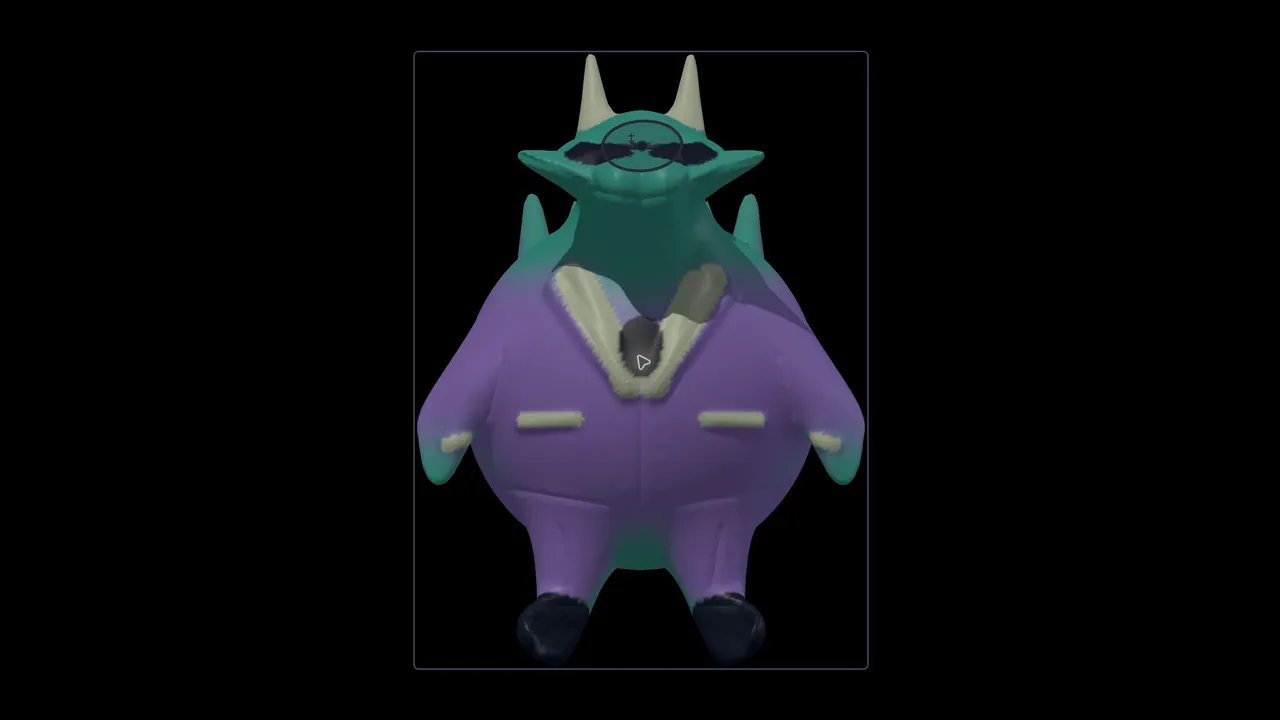 SculptSculpt characters and creatures.
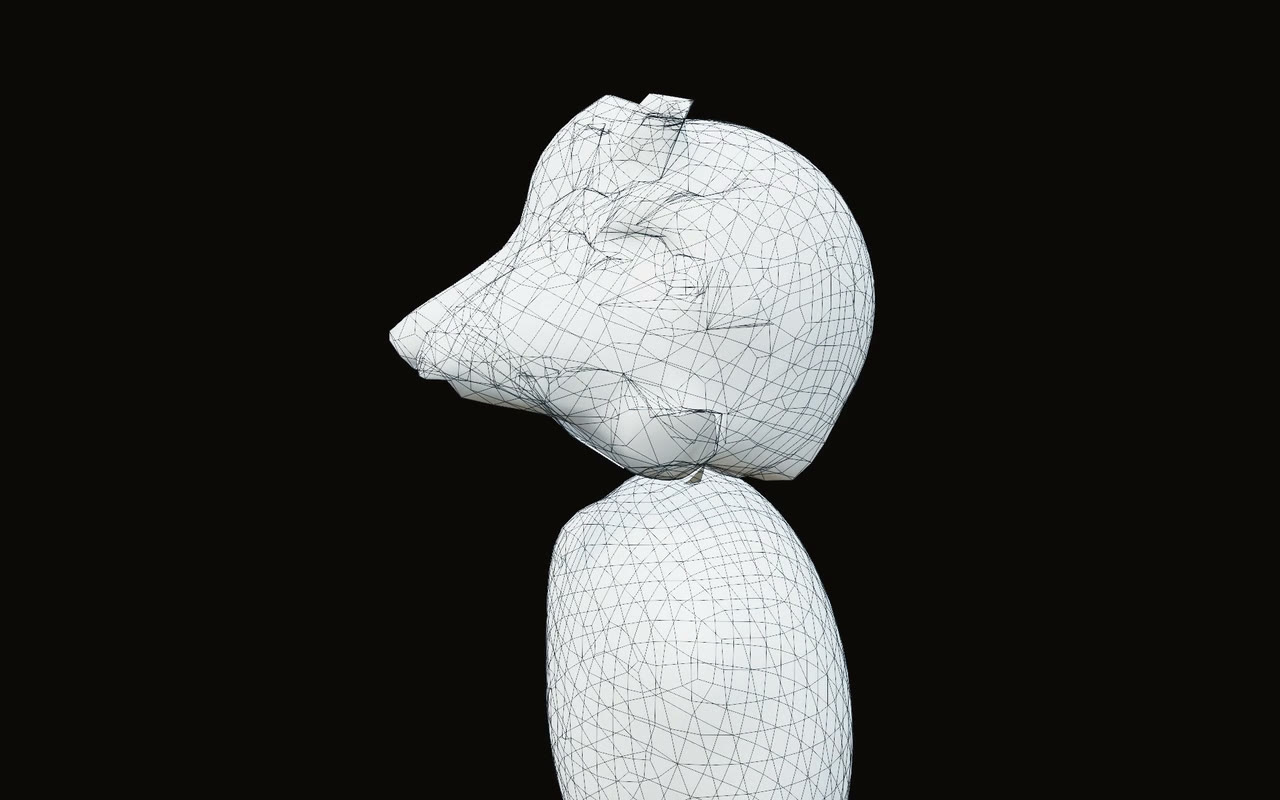 Retopo & UVTurn sculpts into clean, textured models.
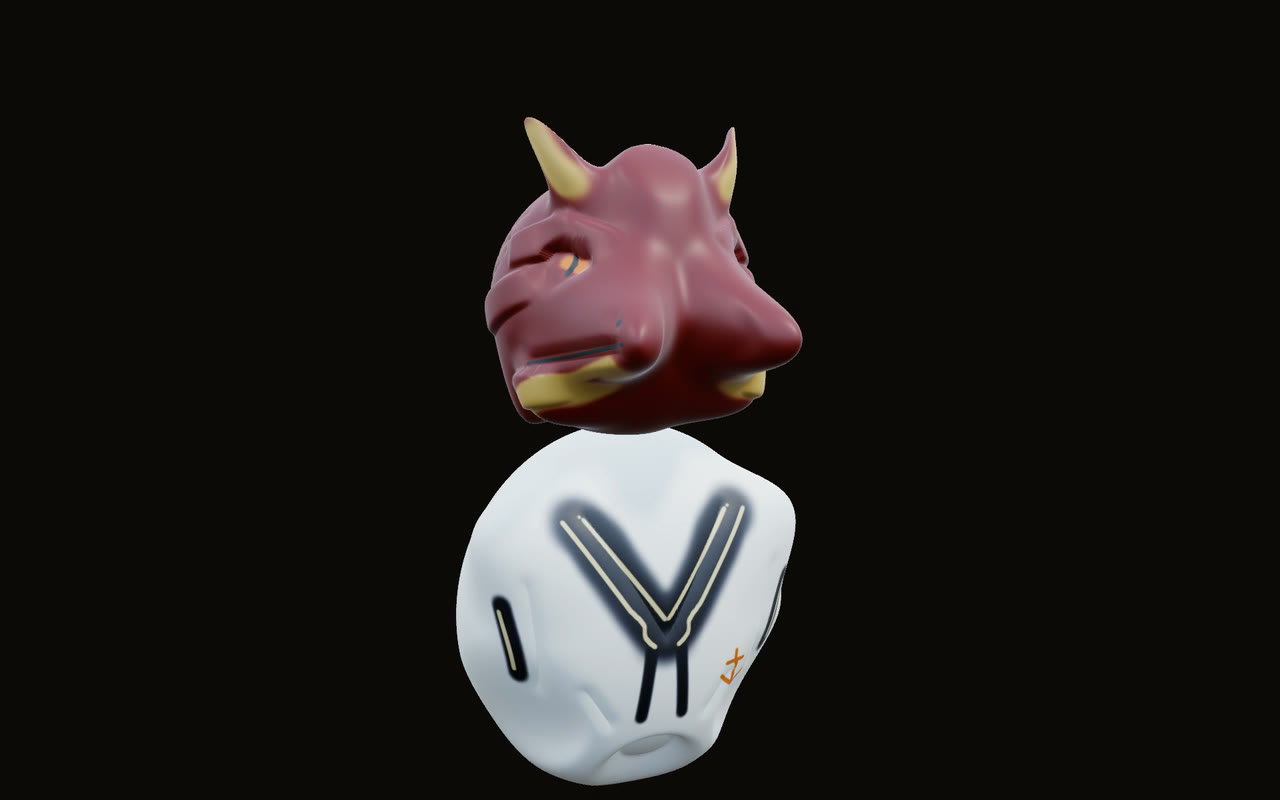 TexturePaint textures on your models.
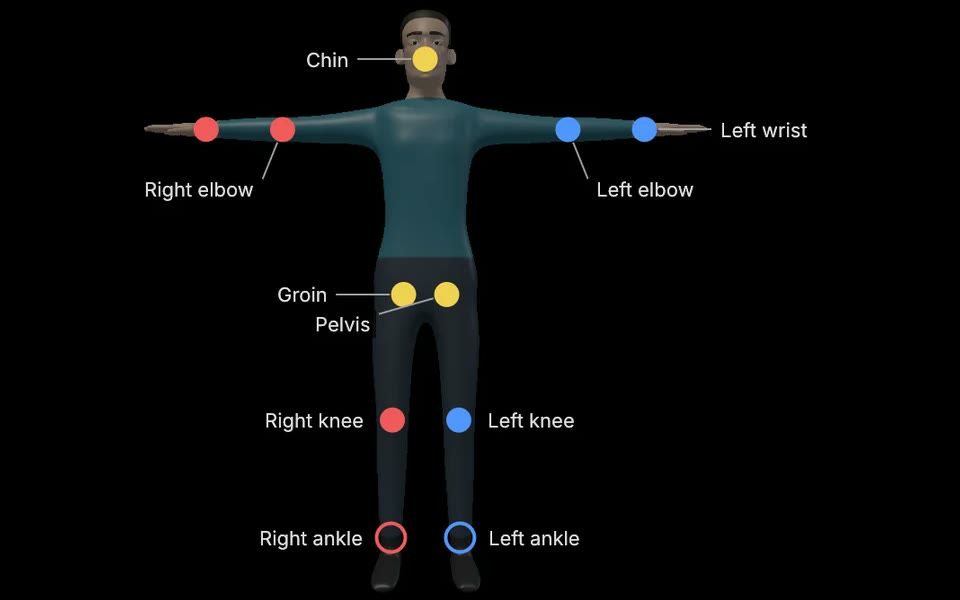 RigRig any character.
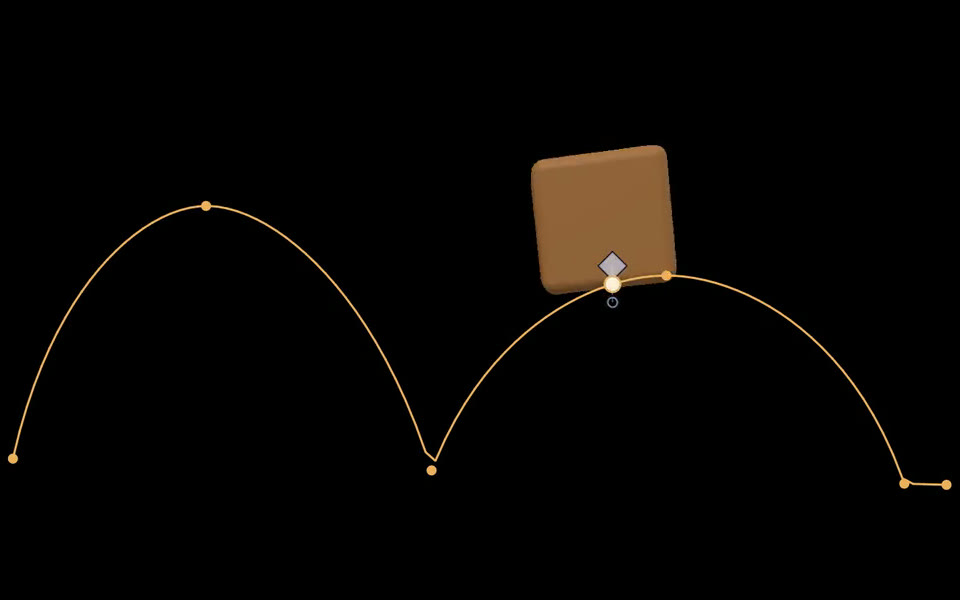 AnimateAnimate characters and objects.
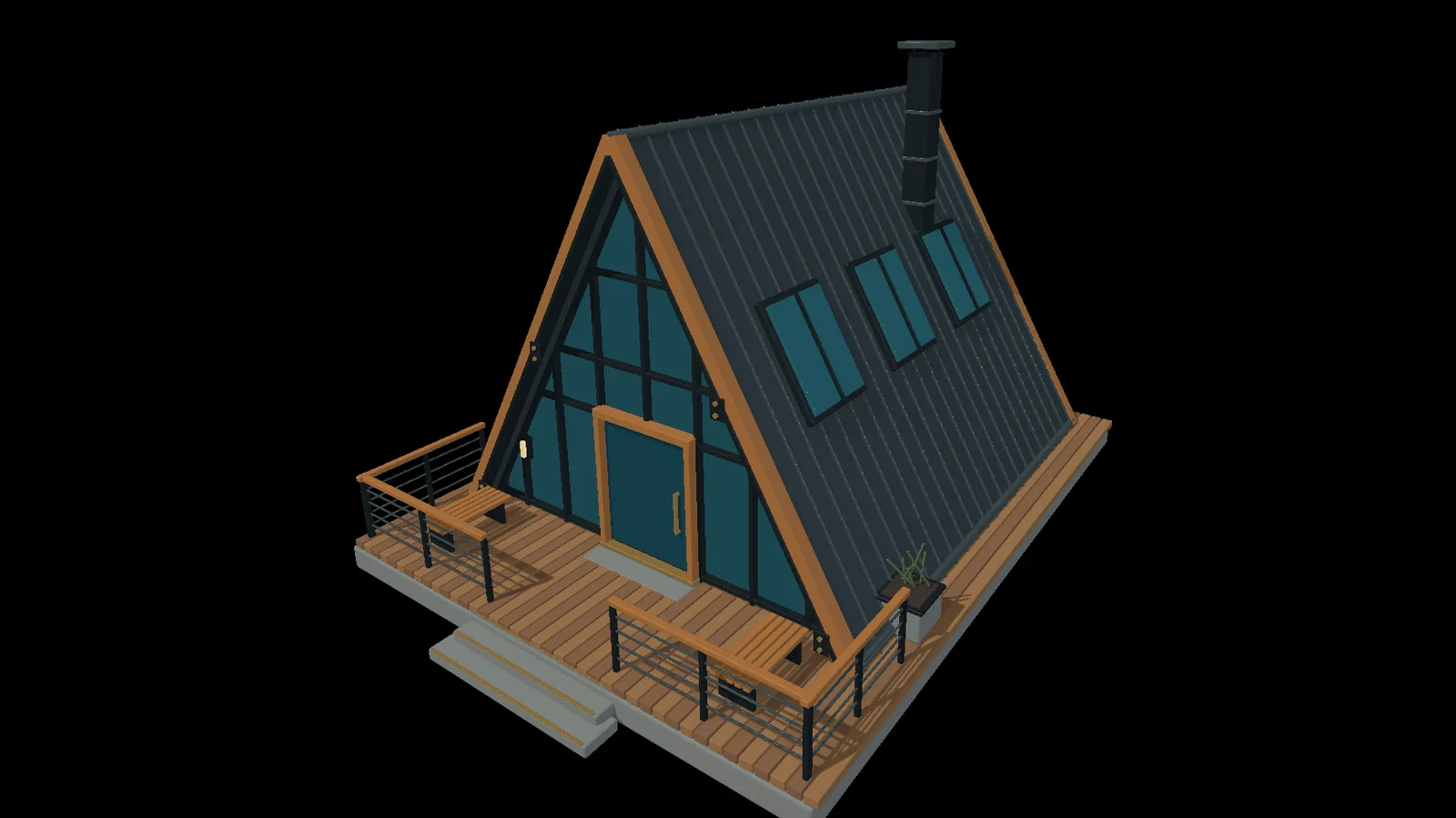 RenderLight and render your scenes.
 VectorDraw and edit vector art.
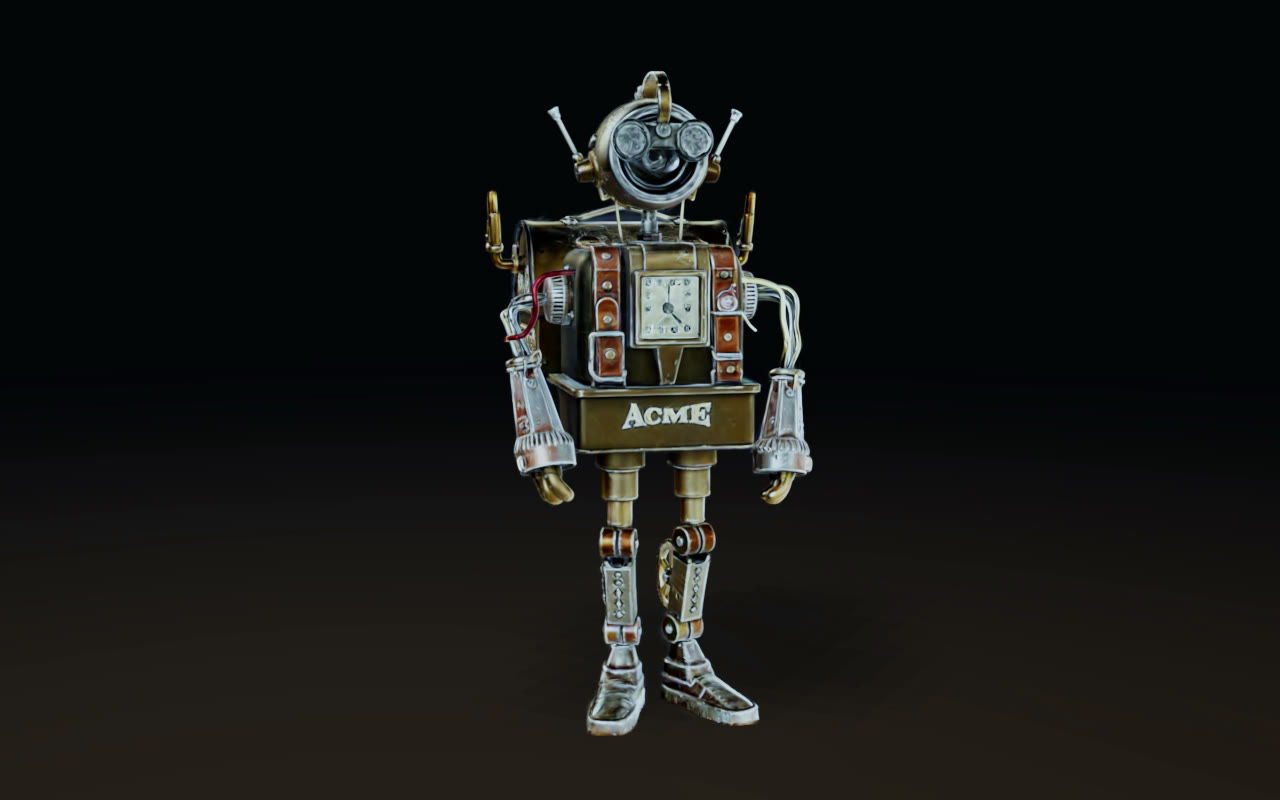 ScansUse 3D scans of real places and things.
Model
Pick points, edges or faces and edit them in the viewport. Every edit is a step you can reopen.
adds 3DGeoExtrude · 3DGeoLoopCut · 3DGeoKnife · 3DGeoPolyBevel · 3DGeoBoolean
Learn more about modeling →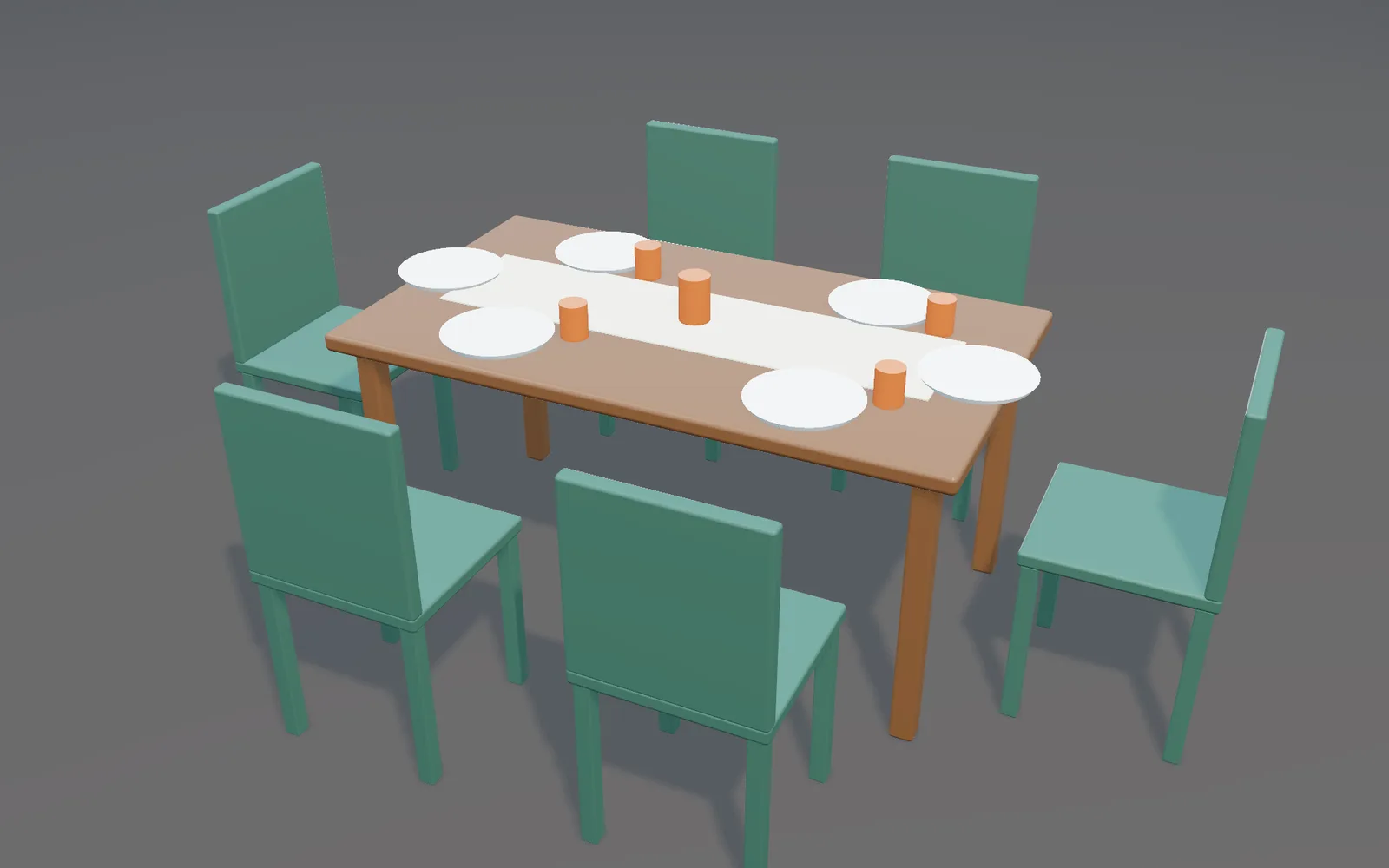
Sculpt
Pen pressure, tilt and the eraser end. The scene keeps running while you work.
adds 3DGeoSculpt · 3DGeoDynamicSculpt · 3DGeoExtractShell · 3DGeoTrim
Learn more about sculpting →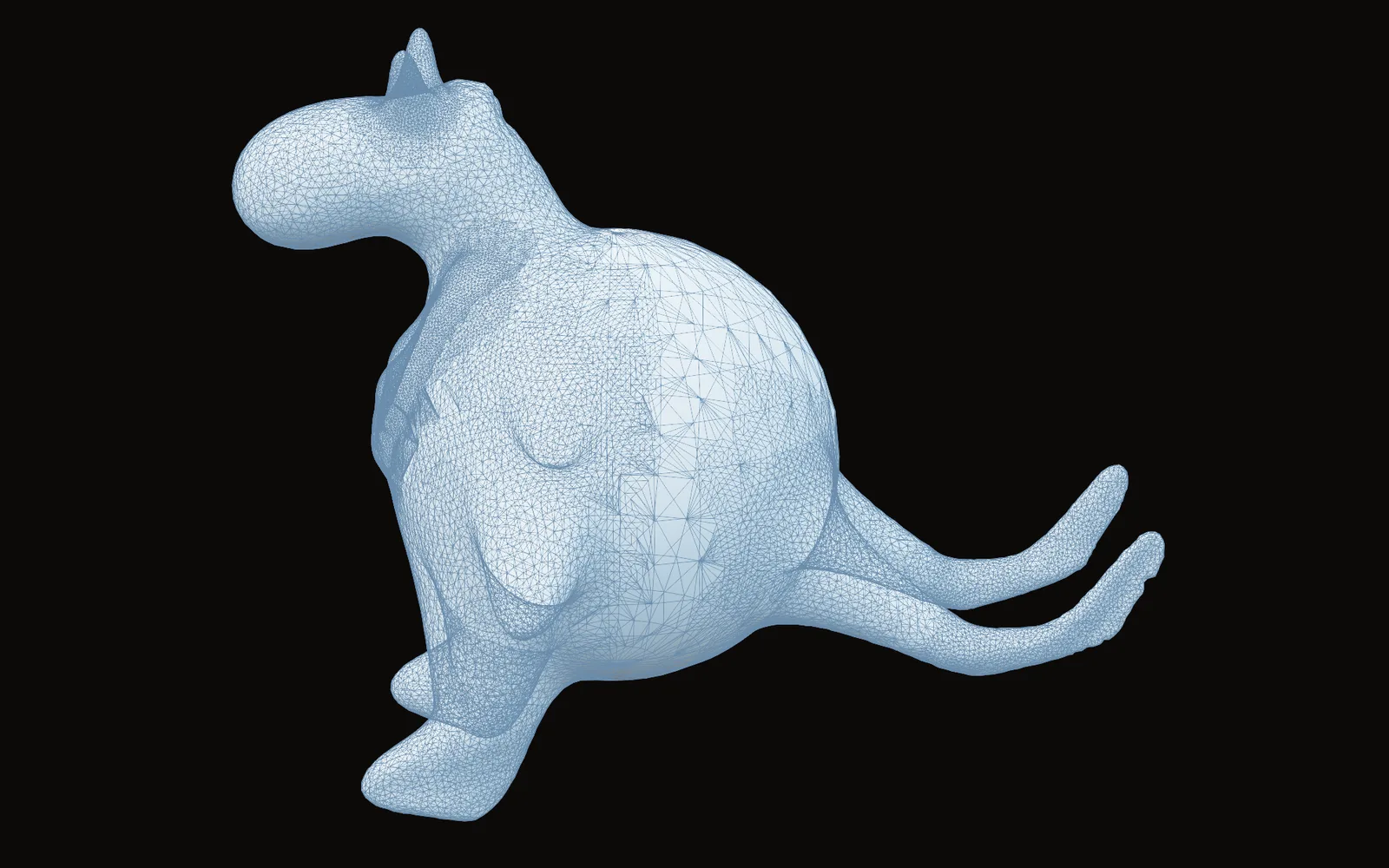
Retopo, UV, bake
Draw a clean mesh over a sculpt, unwrap it, bake the detail down.
adds 3DGeoRetopo · 3DGeoQuadRemesh · 3DGeoUVUnwrapAtlas · 3DGeoBakeMaps
Learn more about retopo and UVs →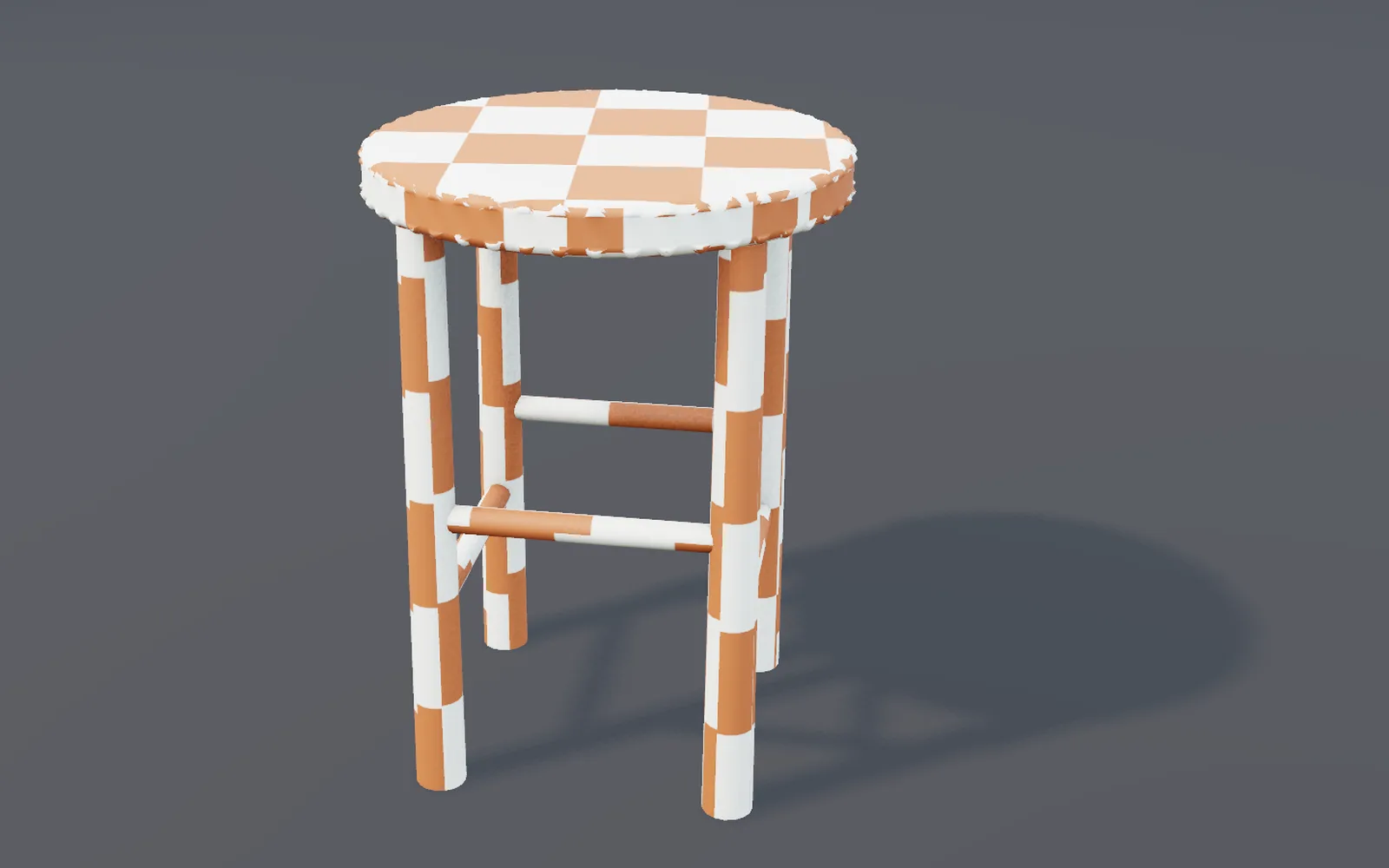
Texture and materials
Paint color, roughness, metal and height in layers. Place decals and copies by hand.
adds 3DGeoTexturePaint · 3DGeoDecal · 3DGeoPlacePoints · PbrMaterial · ShaderMaterial
Learn more about texturing →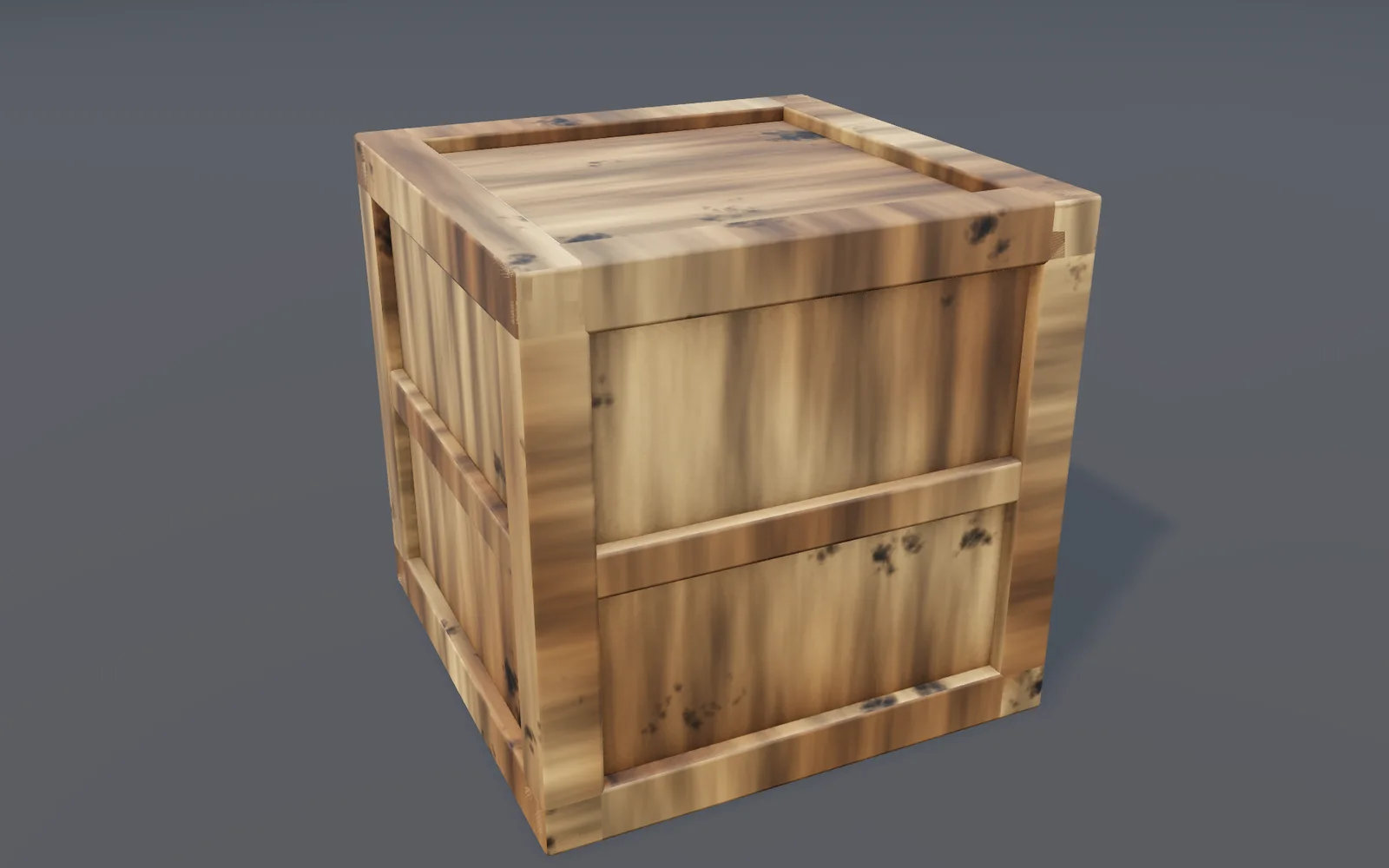
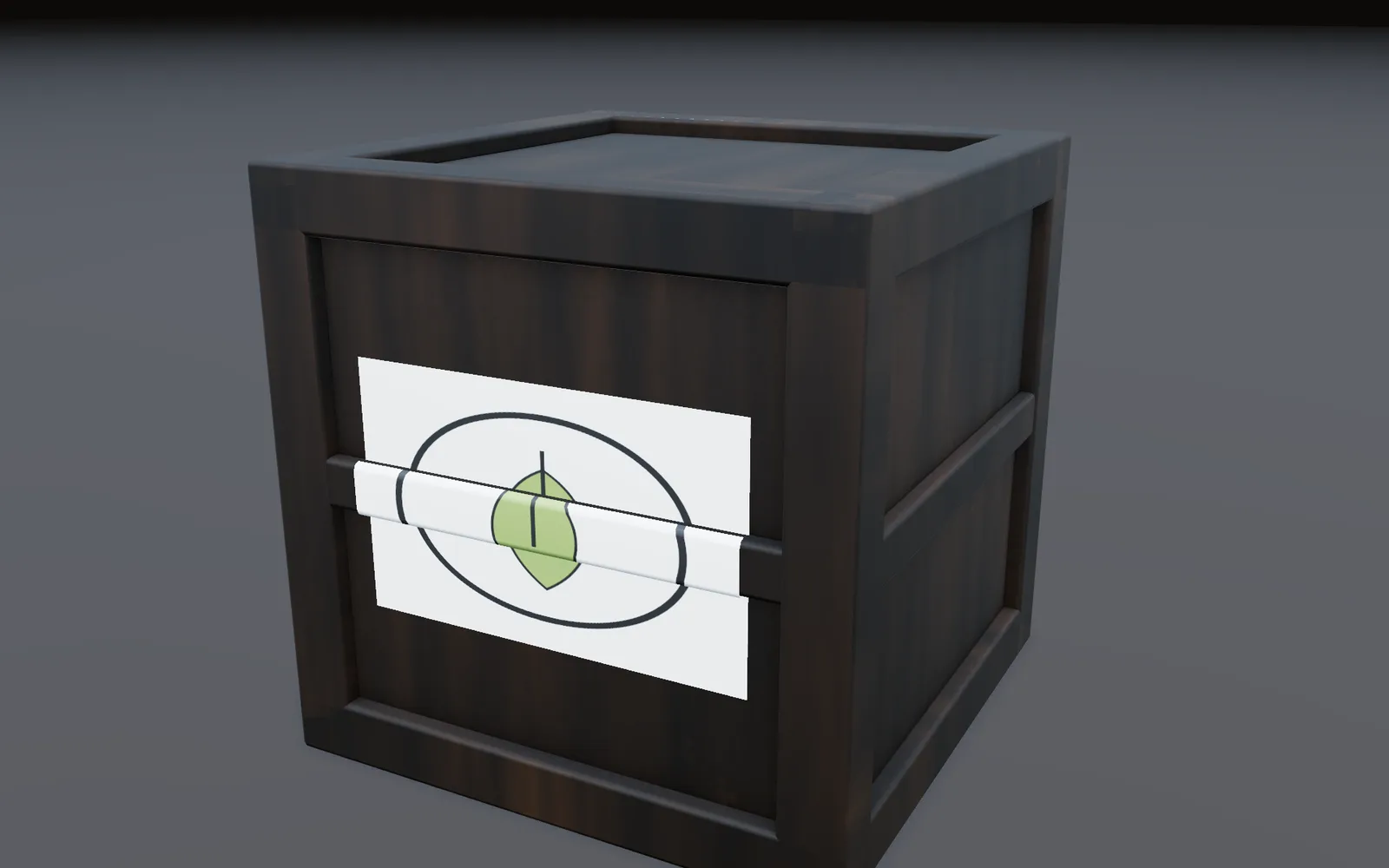
Rig
Skeletons, weights and controls you can grab, right in the viewport.
adds 3DGeoRigWeightPaint · 3DGeoRigFullBodyIK · 3DGeoRigIkFkSwitch · 3DGeoRigControls
Learn more about rigging →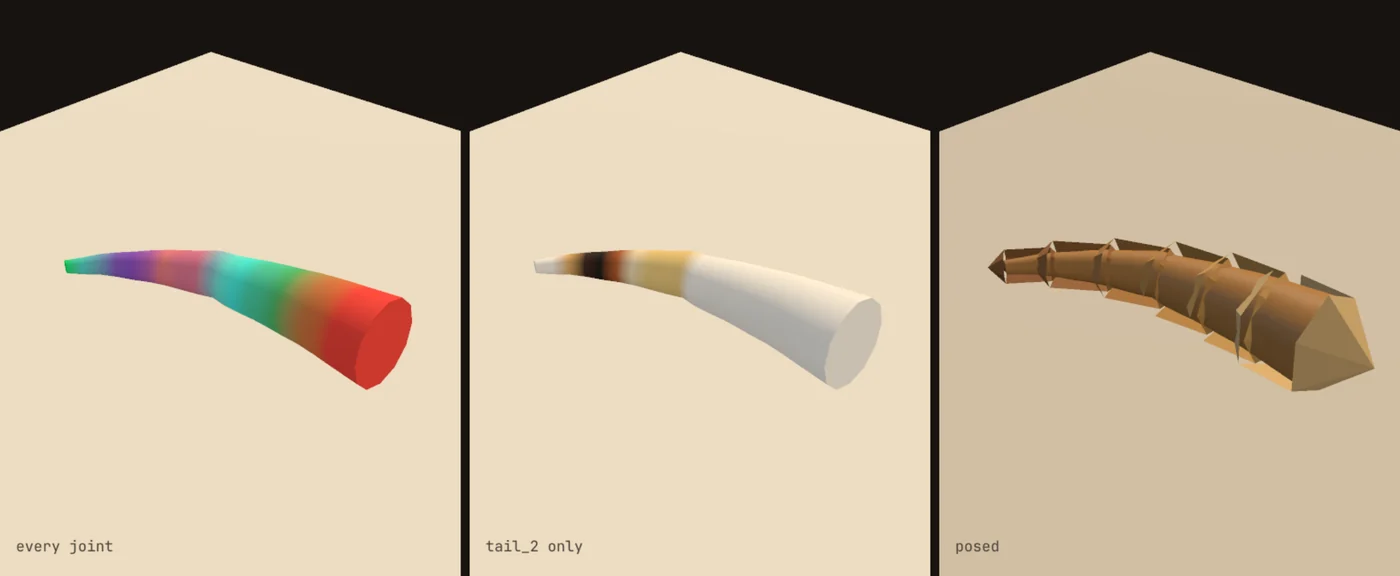
Quick rig
Select a person's mesh and pick Quick rig. Drag any dot that missed, press Looks right, and the skeleton, weights and controls arrive.
adds 3DGeoRigQuickRig
Learn more about Quick rig →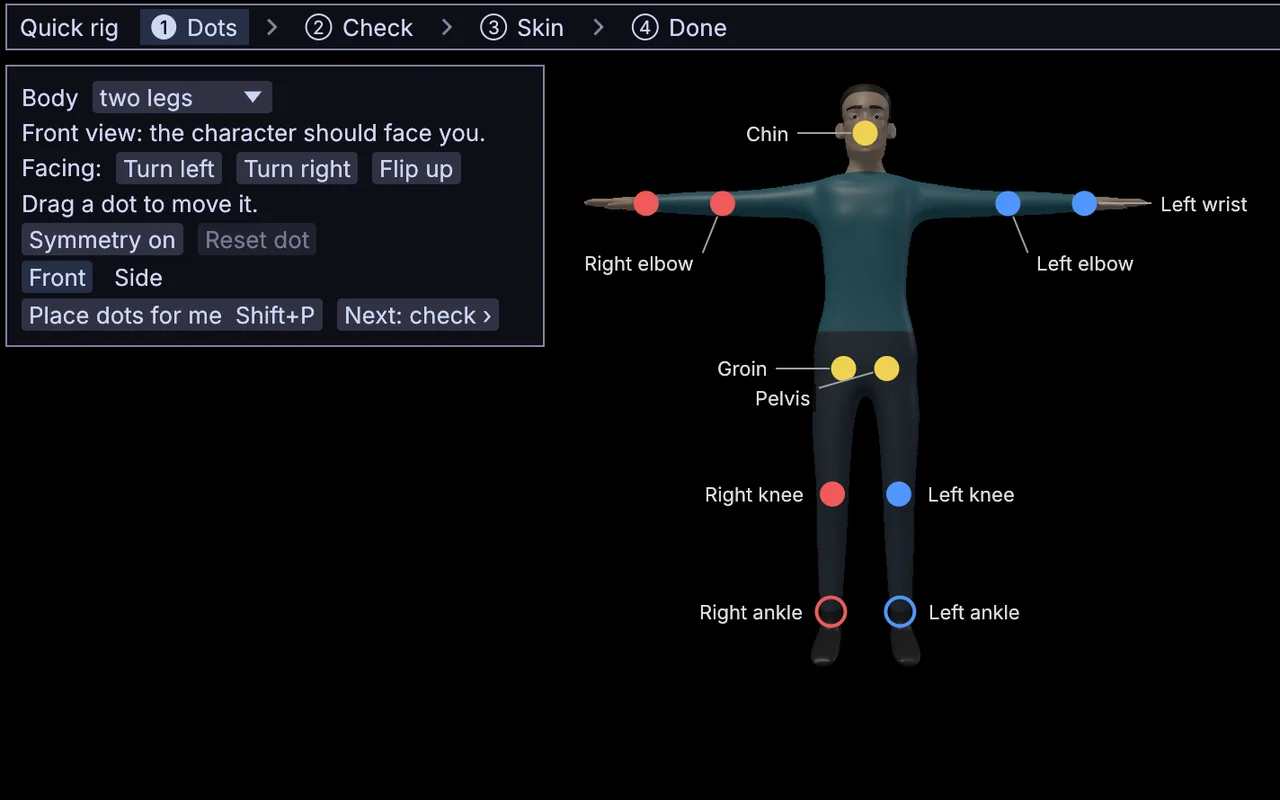
Face rig
About 45 dots land on the head, and the jaw, eyes, lids, lips and brows are rigged from them. Pose the face from a board laid out like a face.
adds 3DGeoRigFace · 3DGeoRigFaceShapes
Learn more about the face rig →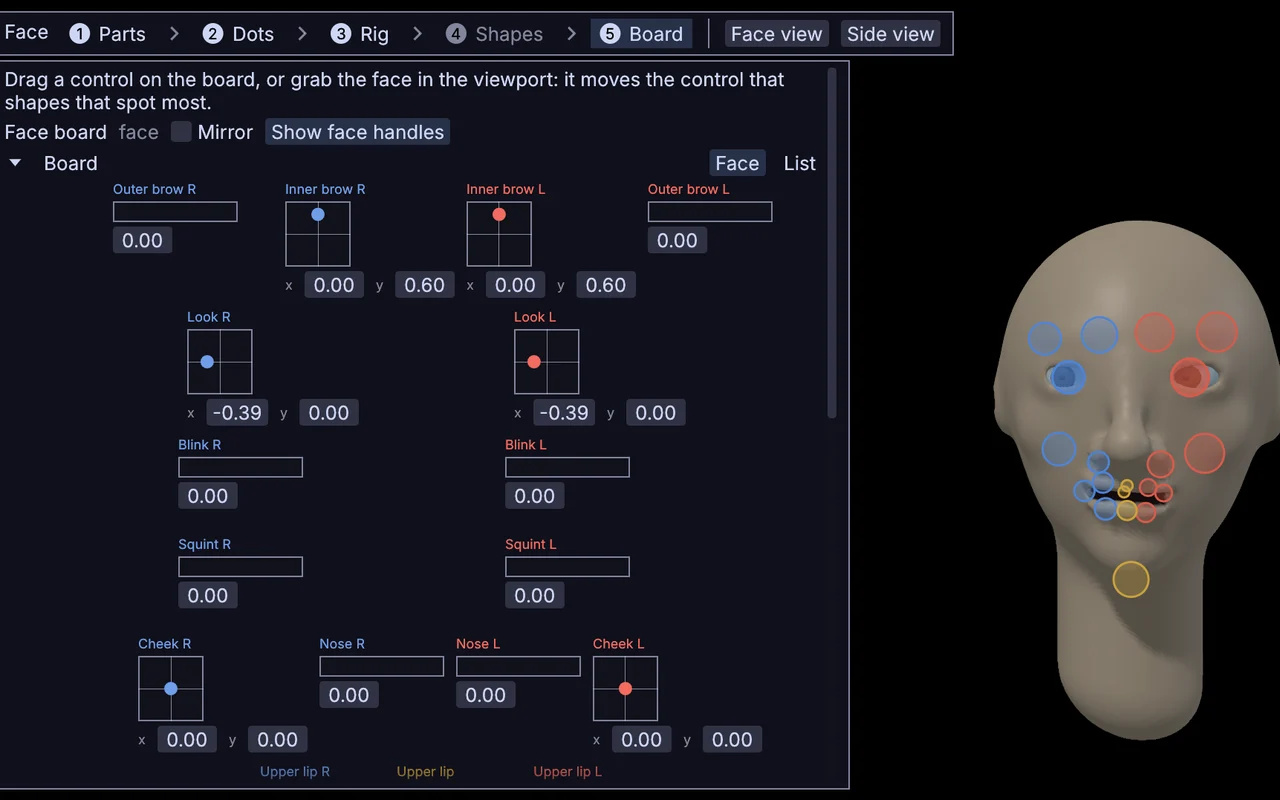
Rig from parts
Start from a template and change any part in the Builder: arms with IK and FK, feet that roll, a spine on a curve, finger curls. Update rig keeps your paint strokes and keys.
adds 3DGeoRigTemplate · 3DGeoRigBuild
Learn more about building a rig →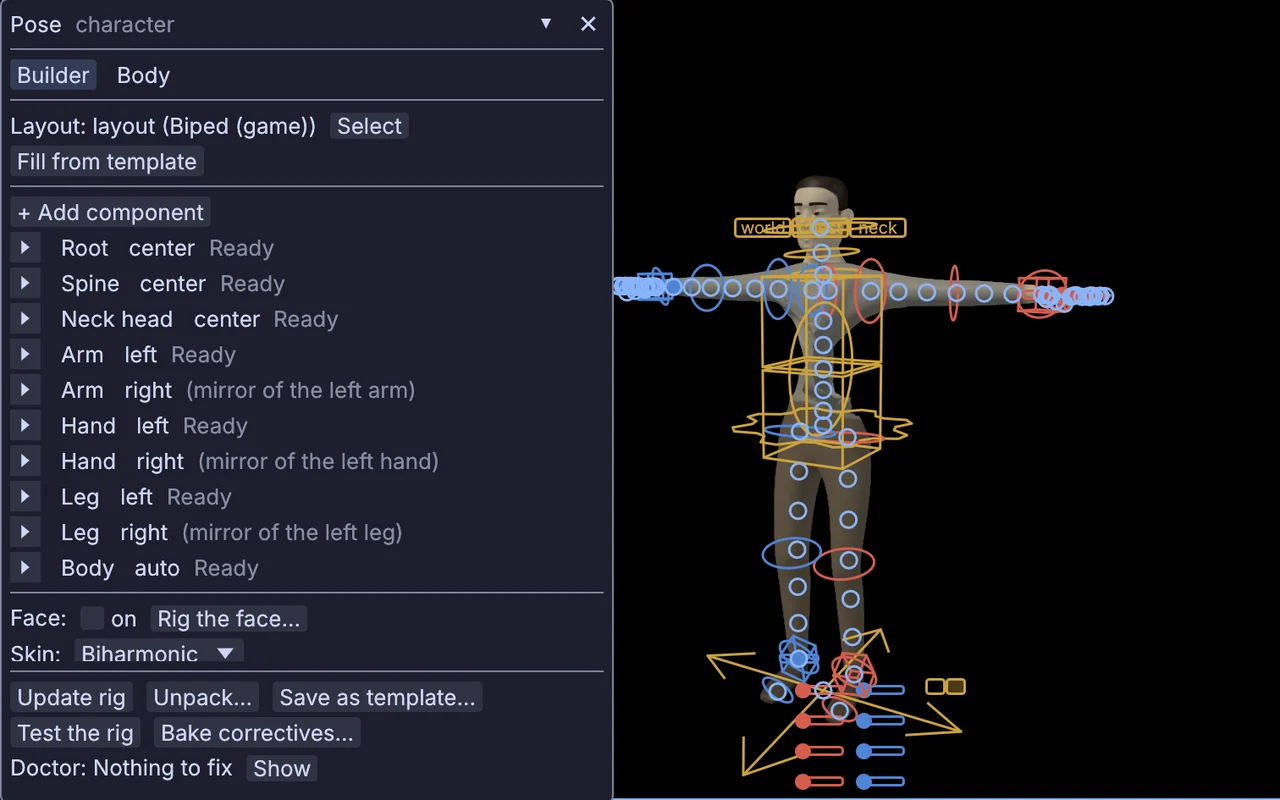
Animate
Keys, curves and takes on one timeline. Feet that stay planted.
adds 3DGeoRigRetarget · 3DGeoRigPoseBank · 3DGeoRigMocapReceiveInterface · Timeline
Learn more about animation →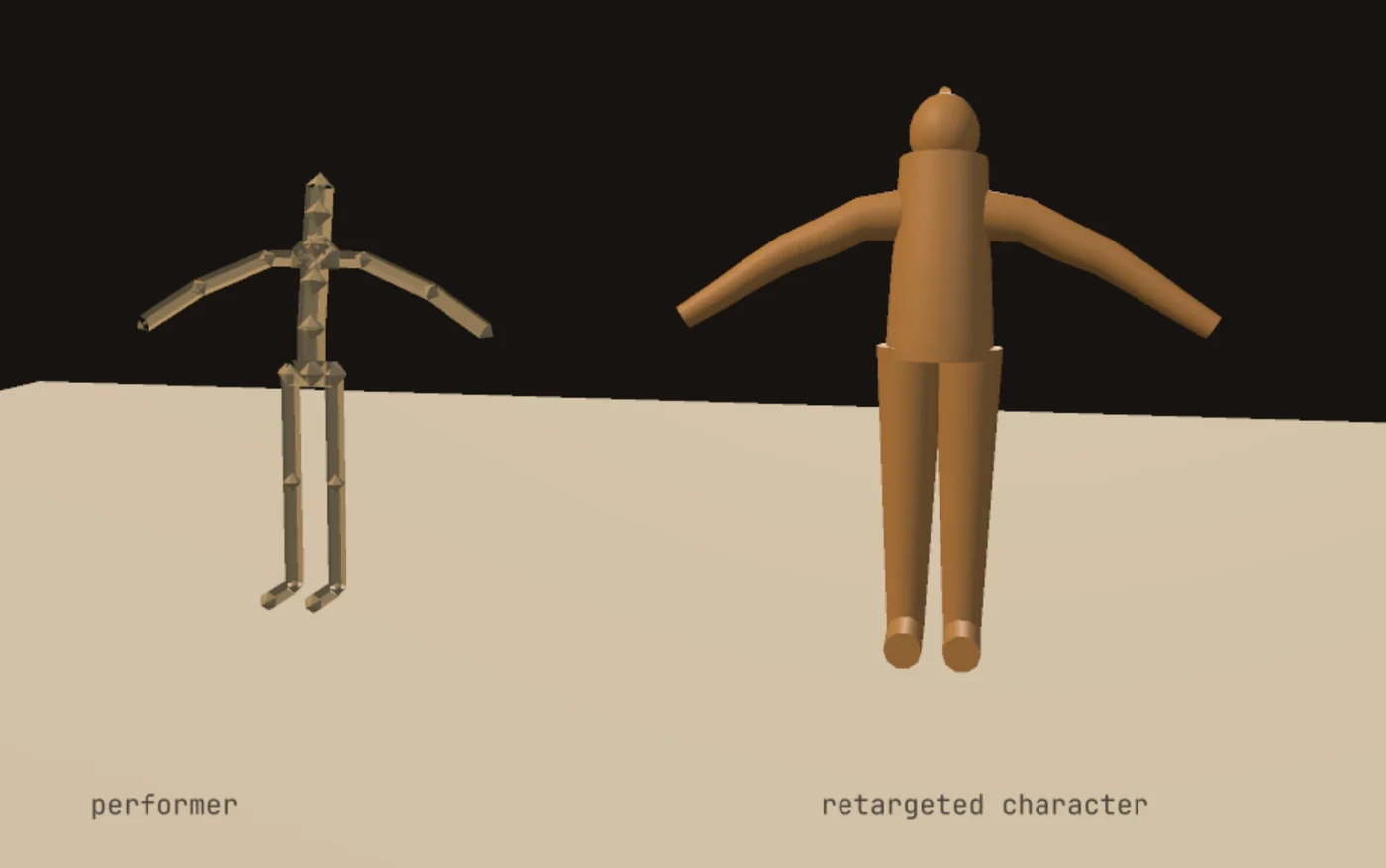
Dope sheet
Keys from the whole graph on one sheet, MIDI notes and light cues included. Box keys across rows, then drag them or type a Scale % to retime the shot.
opens from Window · Timeline
Learn more about the Dope sheet →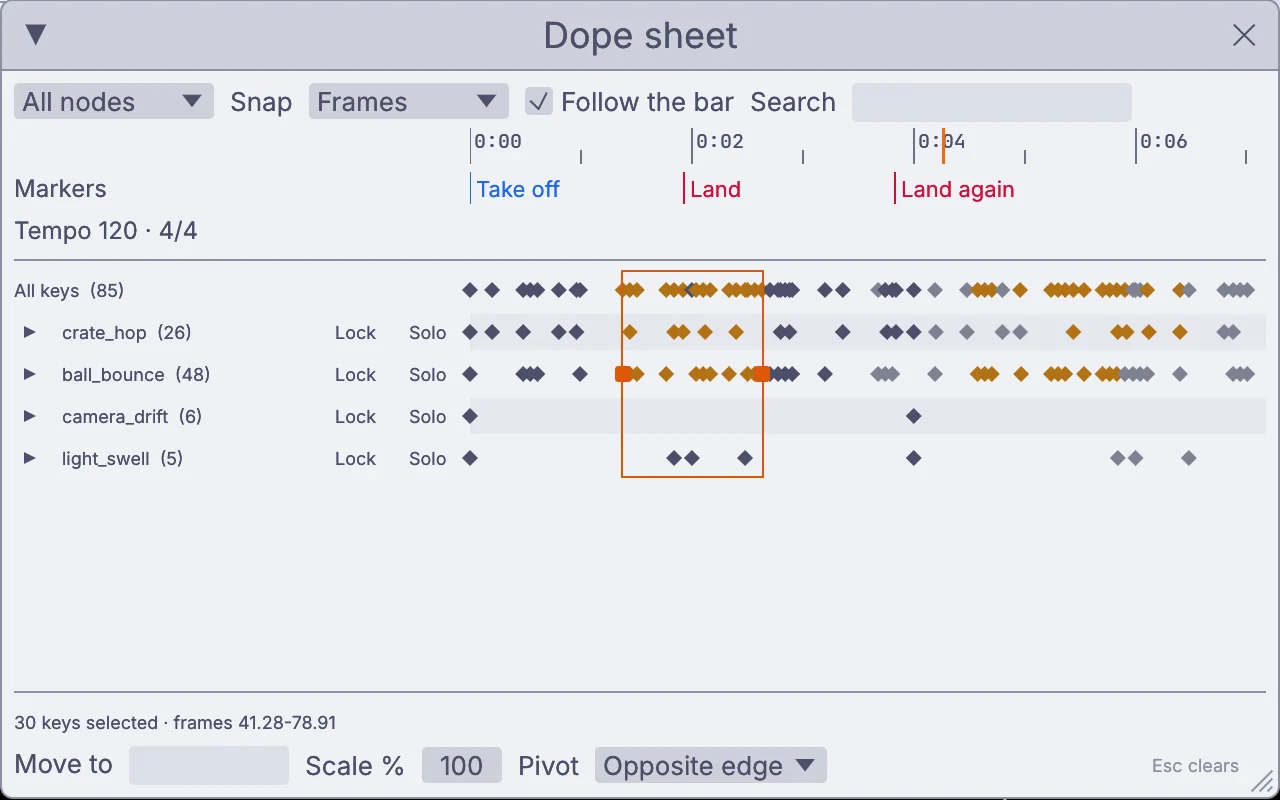
Render
Lifelike materials, HDR light and real shadows, out to full 32-bit float.
adds 3DGeoSceneRenderToImage · 3DGeoSceneRenderPassToImage · ShaderMaterial
Learn more about rendering →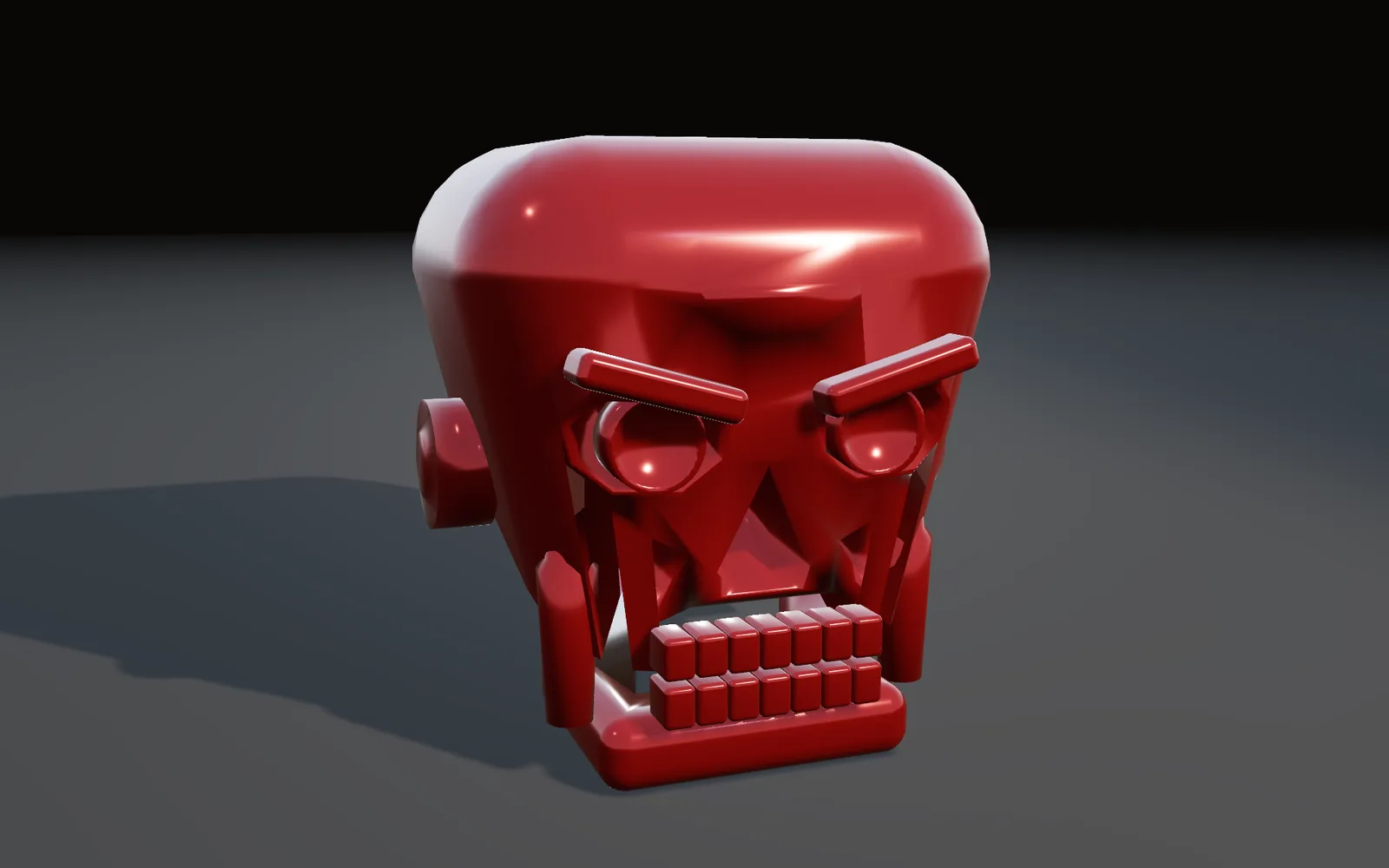
Vector
Draw with the SVG pen, edit it live, and use it as a picture anywhere in the scene.
adds SvgCanvas · SvgFill · SvgClipPath · ImageToSvg
Learn more about vector drawing →
Scans
Gaussian splats as plain geometry. Select, paint, crop, relight and mesh them.
adds LocalAISplatSegmentGroup · 3DGeoAttribPaint · 3DGeoSplatPbrRelight
Learn more about scans →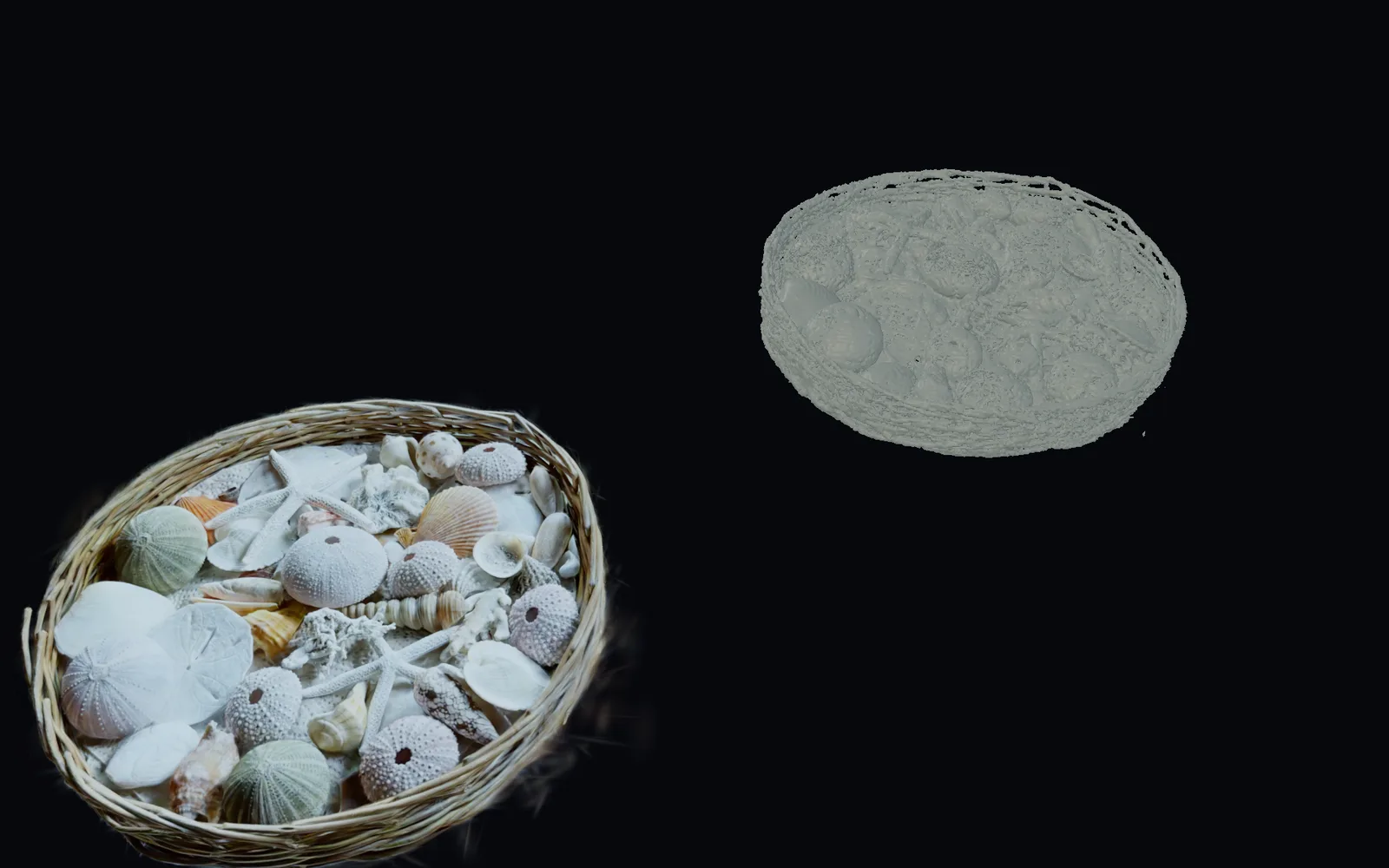
Your hands already know this.
See what carries over, what you gain, and where they are still ahead.
Kinematic for Maya artists →Free and open. Yours, forever.
No account, no license key. macOS, Windows, Linux and Raspberry Pi.