Scan the collection
Bring an object in as a Gaussian splat or a mesh. Cut away the table it stood on, match its light to the gallery, and save a small file that the collection website can show.
3DGeoImportSPZ3DGeoSplatCrop3DGeoExportSOG
Scans →A camera, a depth sensor or a microphone notices the person in front of the piece, and the picture, the sound and the light respond. Build it in one free app, then leave it running for the whole season.
Here a video file stands in for the gallery camera. In the room, a webcam node takes its place.
Basket scan by Marc (superspl.at), CC BY 4.0.The jobs that come up on every exhibit, from the first scan to the visitor who walks up. Each one is a handful of nodes in the same graph.
The objects, the places and the film the room is built around.
Bring an object in as a Gaussian splat or a mesh. Cut away the table it stood on, match its light to the gallery, and save a small file that the collection website can show.
Model a temple, a room or a street from boxes, one piece at a time, then render it for the exhibit film or show it live on the gallery wall.
Modeling →Clips on tracks, trimmed, faded and titled. Render it to one file, or play it straight from the timeline on the gallery screen.
Cameras and depth sensors that notice people. Every model downloads once and then runs on your own machine, so nothing filmed in the gallery leaves the room.
Set a few boxes in the air in front of a depth camera. Each one fires when someone steps in, again when they leave, and reports how close they are.
Bodies, hands and faces from a plain webcam, with a running count of the people in frame. For a busy foyer, a crowd counter estimates how many are there and never identifies anyone.
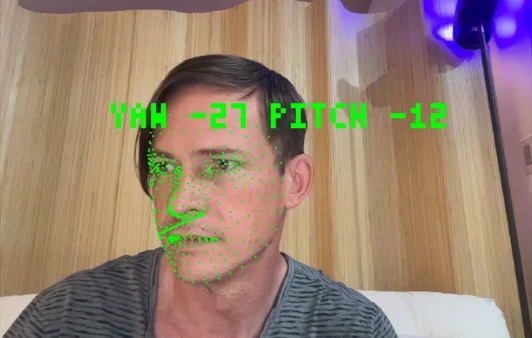
A webcam estimates where a visitor is looking. Glances land in zones you set, and a separate trigger fires when they look straight at the camera.
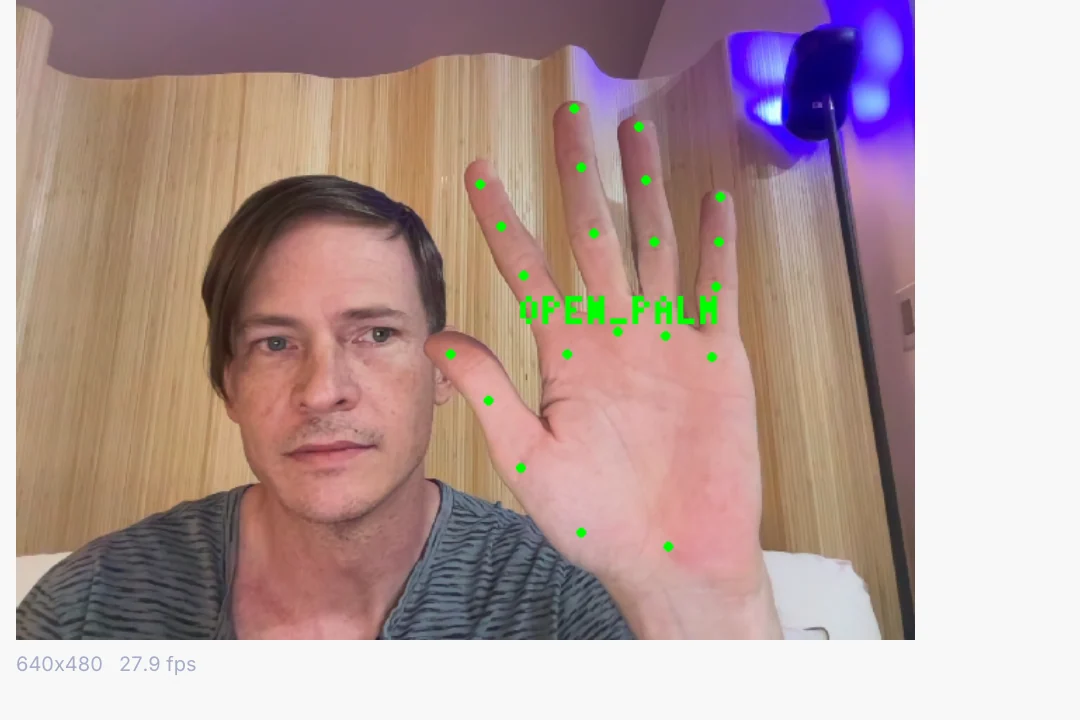
Thumbs up, open palm, fist and more arrive as named triggers. Wire one straight to a scene change, a sound or a light cue.
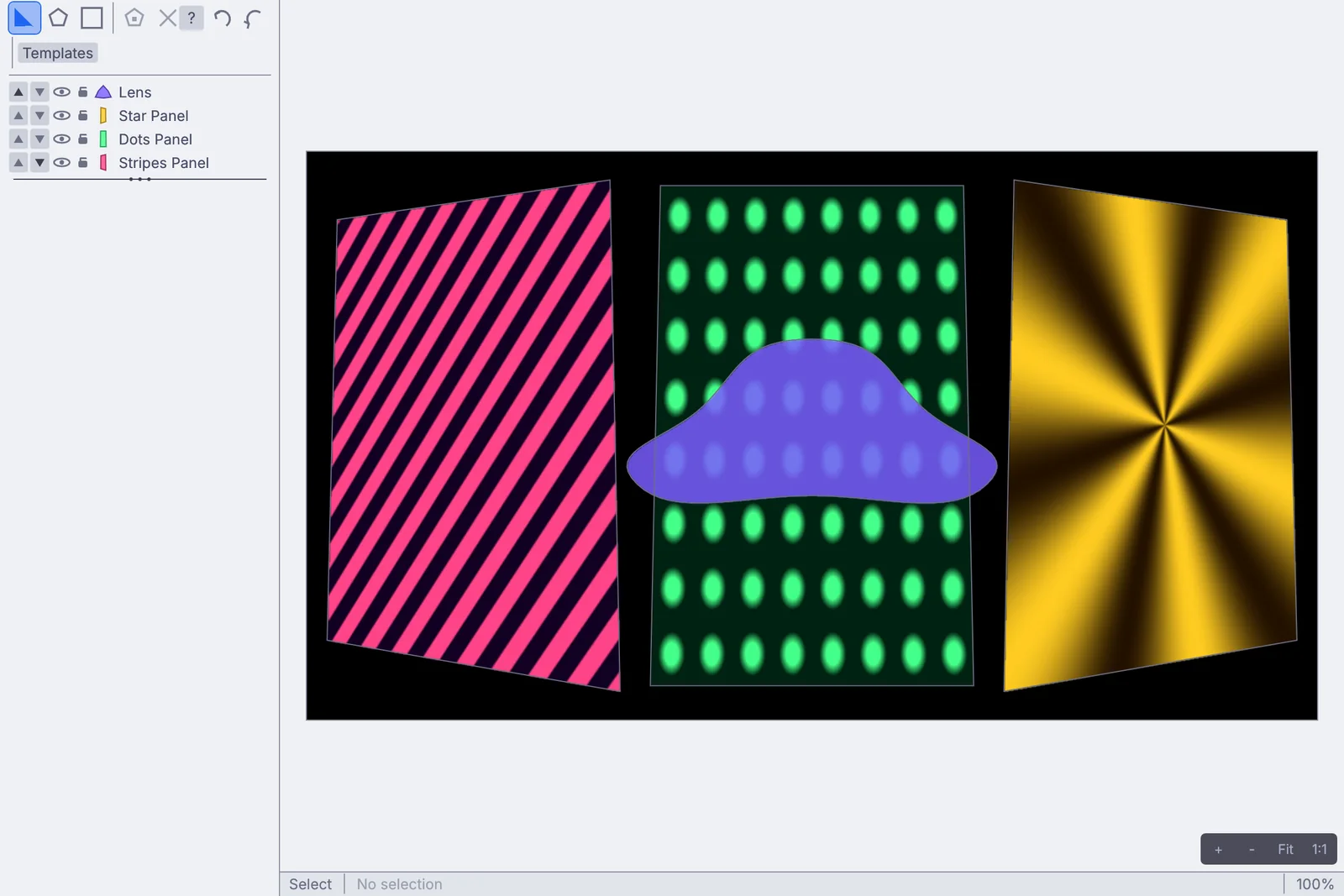
Pin a picture to a wall, wrap it around a column, cut the windows out of a facade, and blend several projectors into one picture. It all lives in the graph, so a visitor, a sound or a schedule can move any of it.
The soundscape, the voice detector and the picture share one graph. A visitor speaking can bend the shape on the wall, and an echo canceller keeps the piece from hearing its own speakers.
The scanned object, the fire on the LED wall and the moving lights that follow a visitor can all sit in the same graph. Nothing is exported from one app to the next, so a change to the scan or the sim reaches the wall while the piece runs.
An installation is judged on the day nobody is watching it. These are the parts that keep a piece running for months on its own.
$ kinematic piece.kin --kiosk --display 1 --no-controls \
    --restart-on-panic 10 --watchdog 30s --health-port 9797 \
    --error-strip off --log-file /var/log/kinematic/piece.log --log-keep 14
Add it to the login items on a Mac, or a desktop session service on Linux, and it starts with the machine.
A health check on a port reports whether the piece is running, which frame it is on and how many frames it dropped, for whatever watches the building.
Align the timeline to the wall clock and machines that started at different times still show the same frame. Keep their clocks set over the network.
Turn the error strip off and nothing is painted over the picture. Errors still go to the log and the health check.
The tracking models download once. After that, an offline launch never waits on a download.
Pass a value at launch, such as the room name or which screen it is, and every machine runs the same graph file.
For a kiosk with a mouse, keys or a controller, an idle timer brings the attract loop back after a quiet spell.
What plugs in, what it drives, and the files that come and go. Every entry is on the full list of what Kinematic works with.
Short lessons that end with something working, and demos that come with the app. Open a demo, take it apart, and keep what you need.
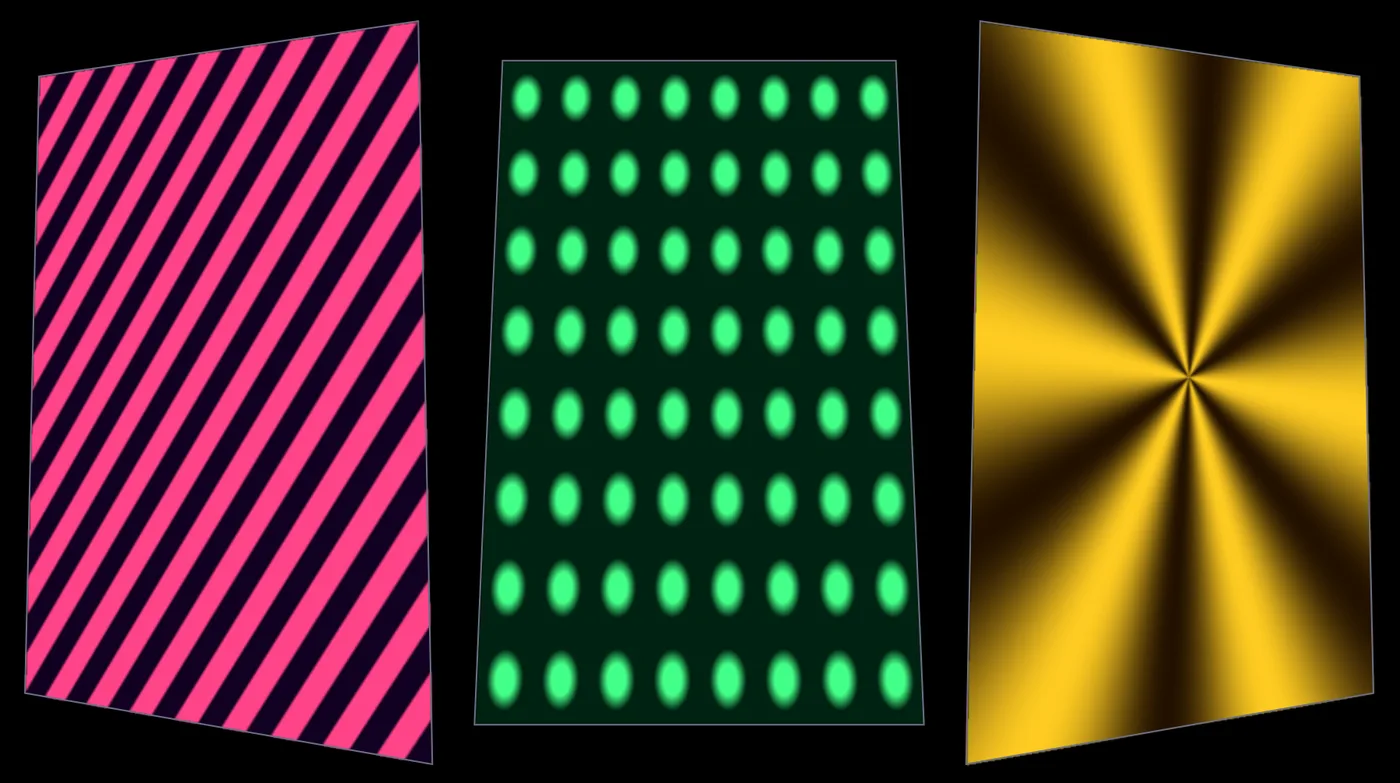 TutorialMap moving patterns onto three panels10 min
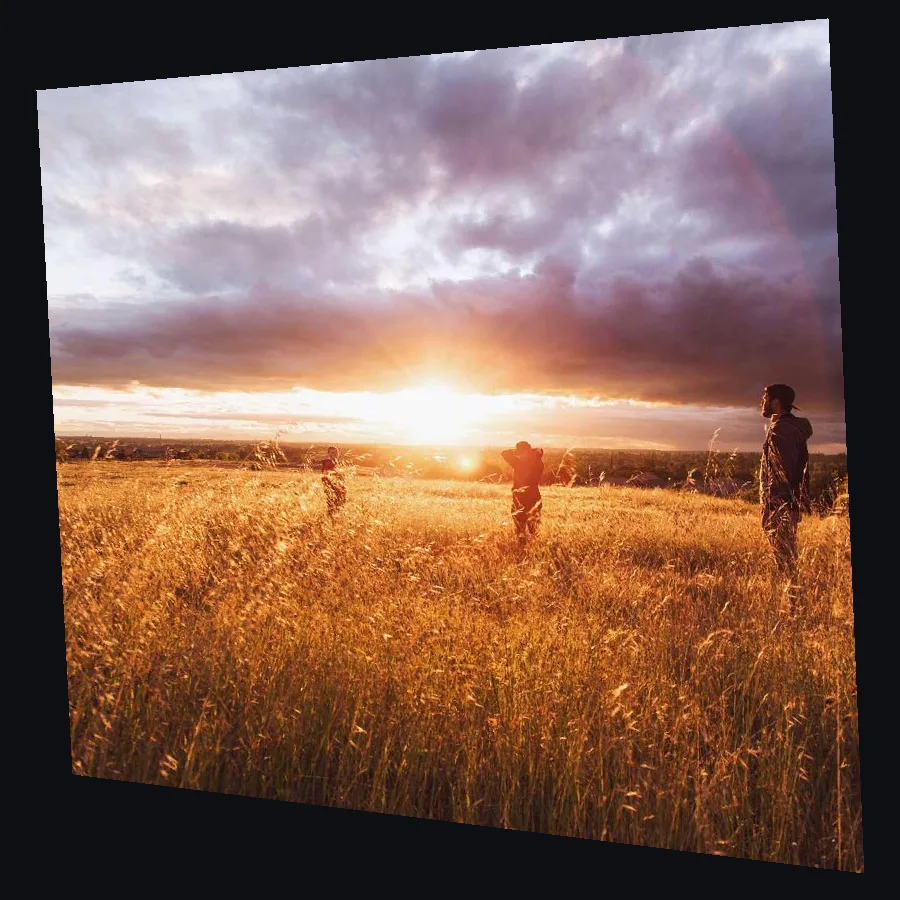 TutorialLine up a projection on a wall from the side7 min
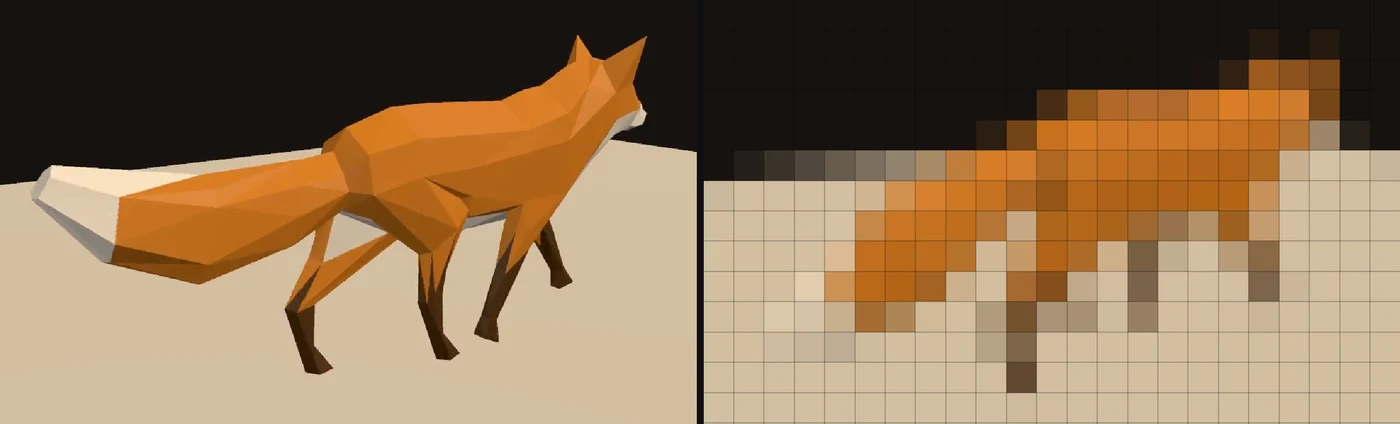 TutorialPlay a video on a wall of LED lights9 min
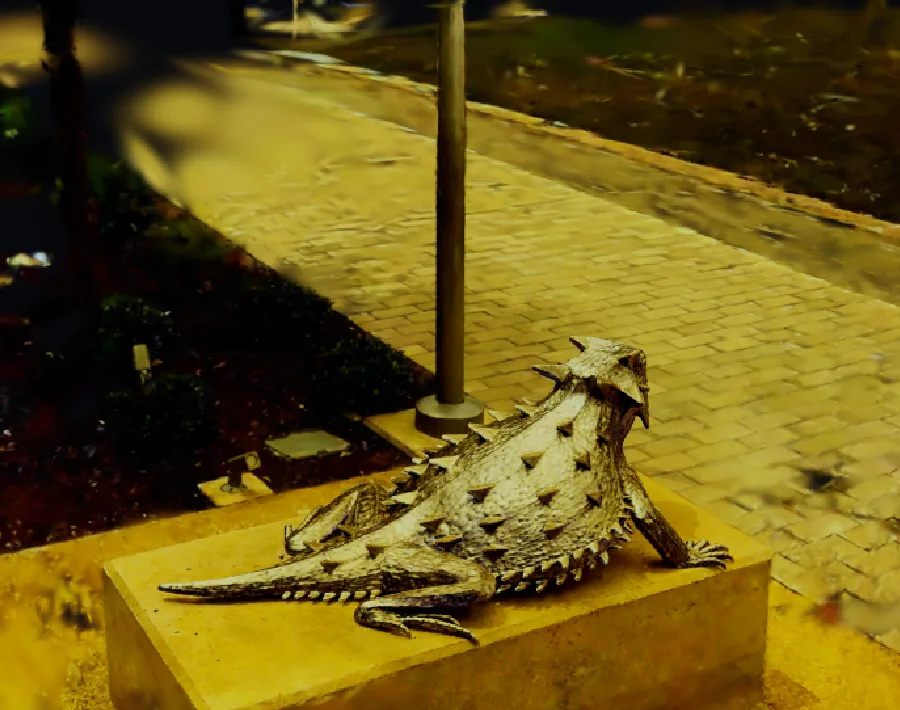 scan by Niantic Labs, MIT licenseTutorialGive a 3D scan a golden glow10 min
 TutorialMake a visual that pulses to your music12 min
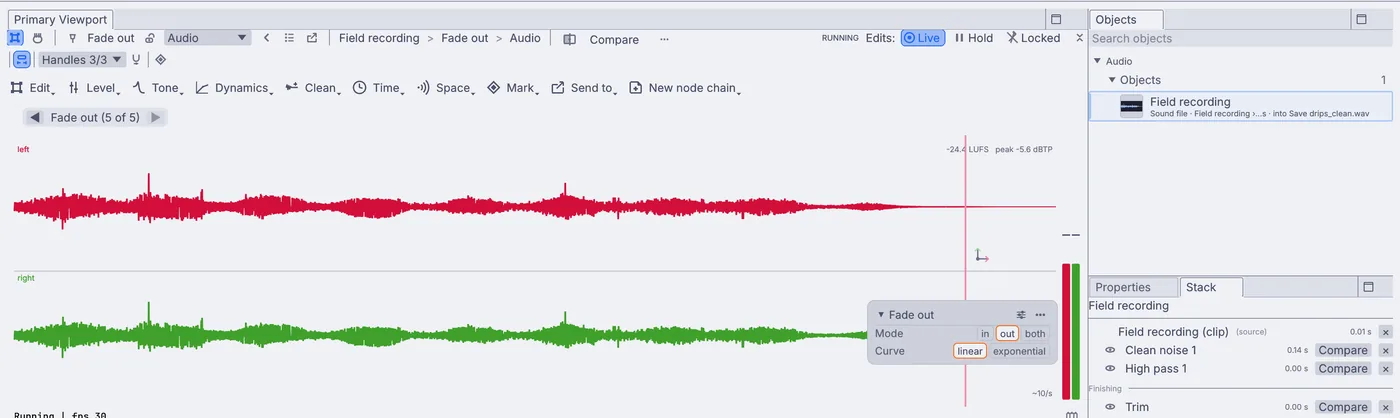 TutorialClean up a field recording8 min
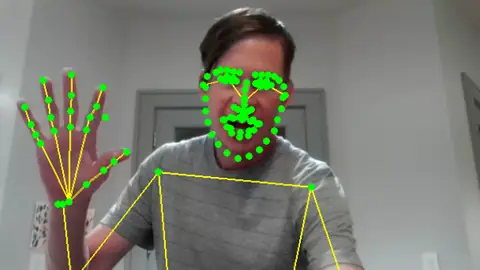 WebcamWhole body skeleton overlayEvery point on the body over the live camera, 133 in all, with a count of the people in frame.In the Demos browser
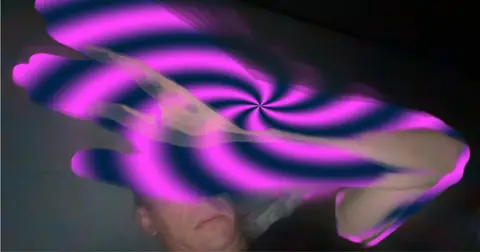 Motion-detect swirl overlayA swirl painted only where something moves, with a short trail behind it.In the Demos browser
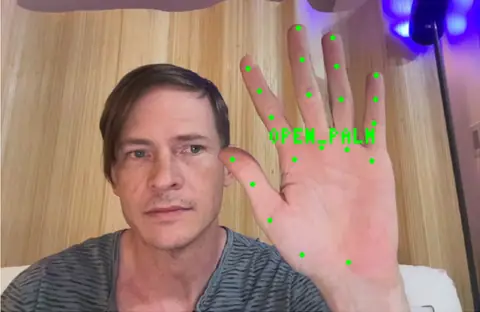 WebcamGesture triggerThumbs up, open palm or fist, each a named trigger for a scene, a sound or a light.In the Demos browser
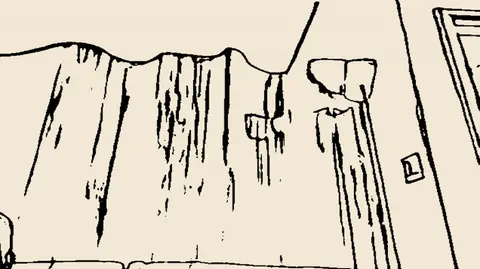 WebcamInk roomThe room redrawn as live ink on warm paper. Point it at anything.In the Demos browser
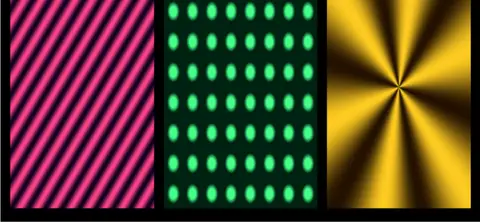 Projection mapper multi-textureStripes, dots and a star, each fitted to its own panel in the mapper.In the Demos browser
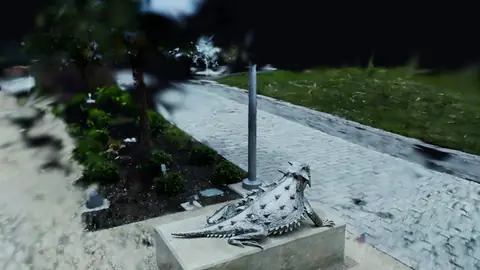 GPUscan by Niantic Labs, MIT licenseSplat turntableA carved lizard on a low plinth, turning slowly on the spot.In the Demos browser
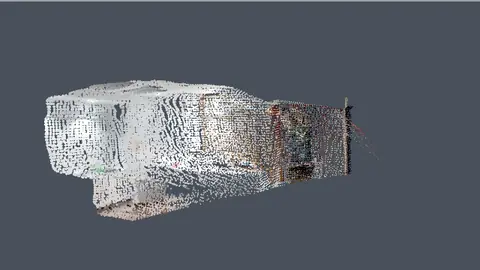 Webcam, GPUScan a room by walking through itWalk the camera through a room and it builds itself out of colored points.In the Demos browser
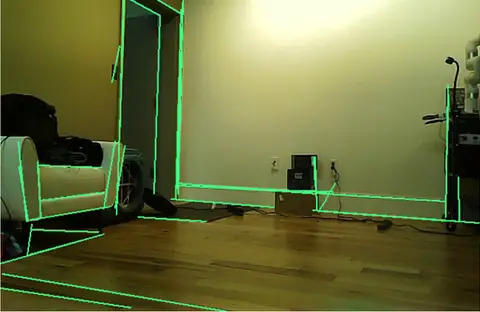 WebcamRoom linesThe edges of walls, frames and shelves, traced live over the camera picture.In the Demos browser
Better to know now. Something here would stop your exhibit? Reach out.
Free. No account, no license key and no seat count, so every exhibit machine in the building can run it, even for commercial use. macOS, Windows and Linux, with experimental Raspberry Pi support. Nothing to renew halfway through the run.