Learn.
Make something real in your first hour, then pick a path. Every tutorial starts from a new project or a demo, works right in the viewport, and stands on its own.
- 1Start from a sphere
- 2Pull out arms and legs
- 3Raise horns and spikes
- 4Carve a suit and buttons
- 5Paint it teal
- 6Paint the suit purple
- 7Paint the lapels cream
- 8Add sunglasses and shoes
Your first hour.
Eight short projects, about 87 minutes in all. Pick any one: each starts from scratch and ends with something you made. Install the app from the download page, open it, and go.
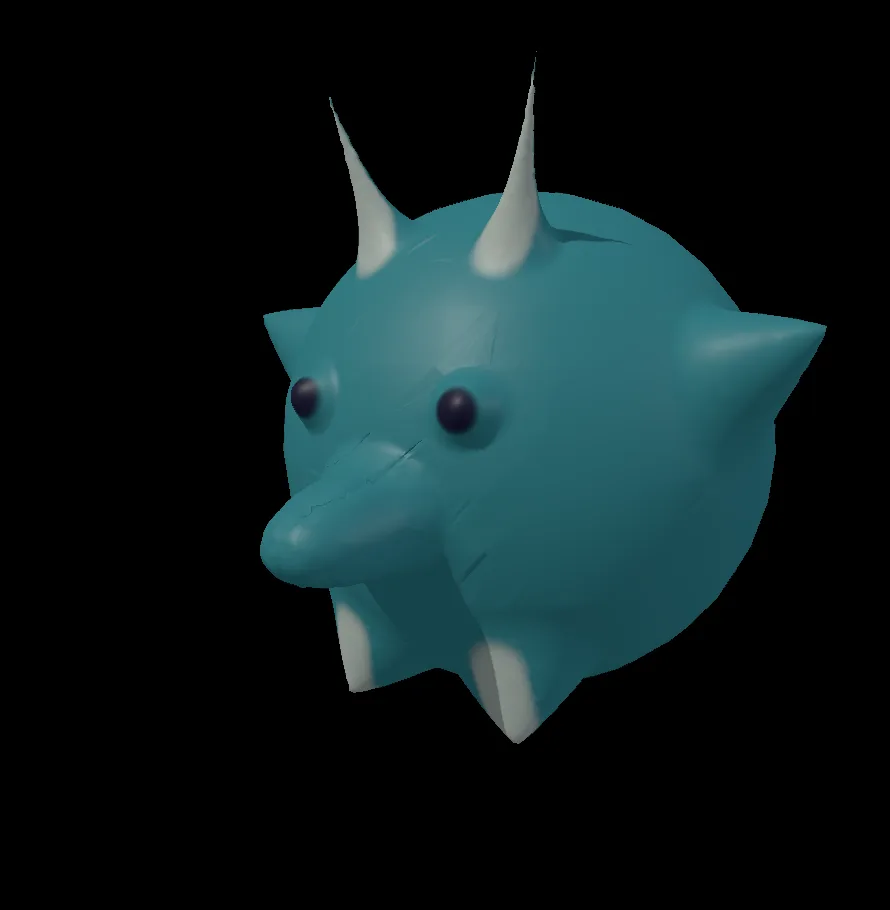
Sculpt a little horned creature
A round teal critter with horns, pointy ears, stubby feet, a snout and dark eyes, sculpted and painted from a plain ball.
Starts from a new projectMake it →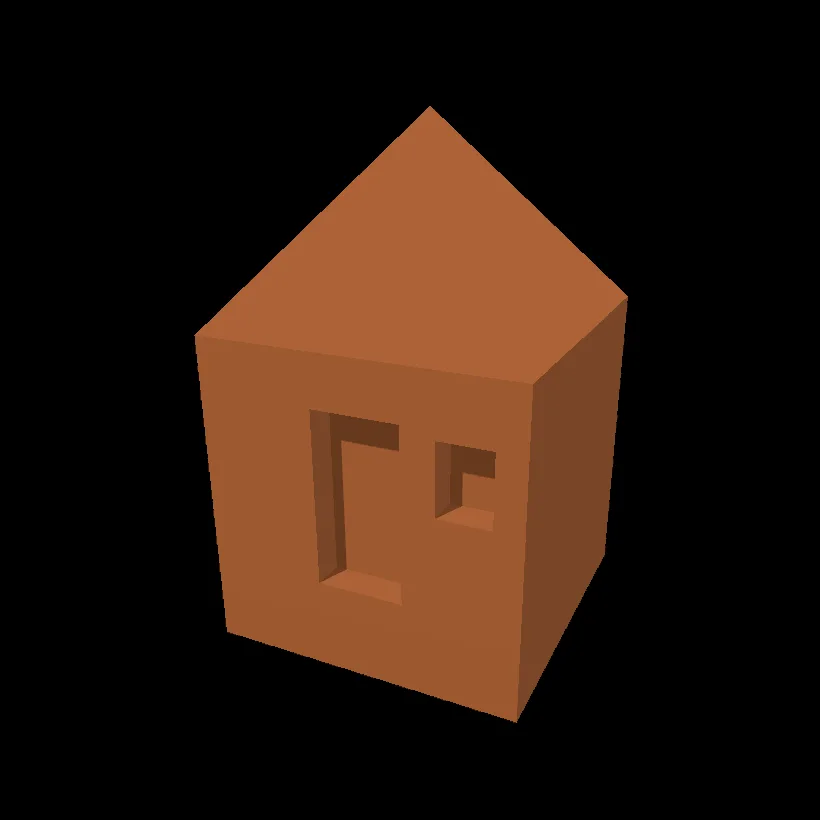
Model a little hut
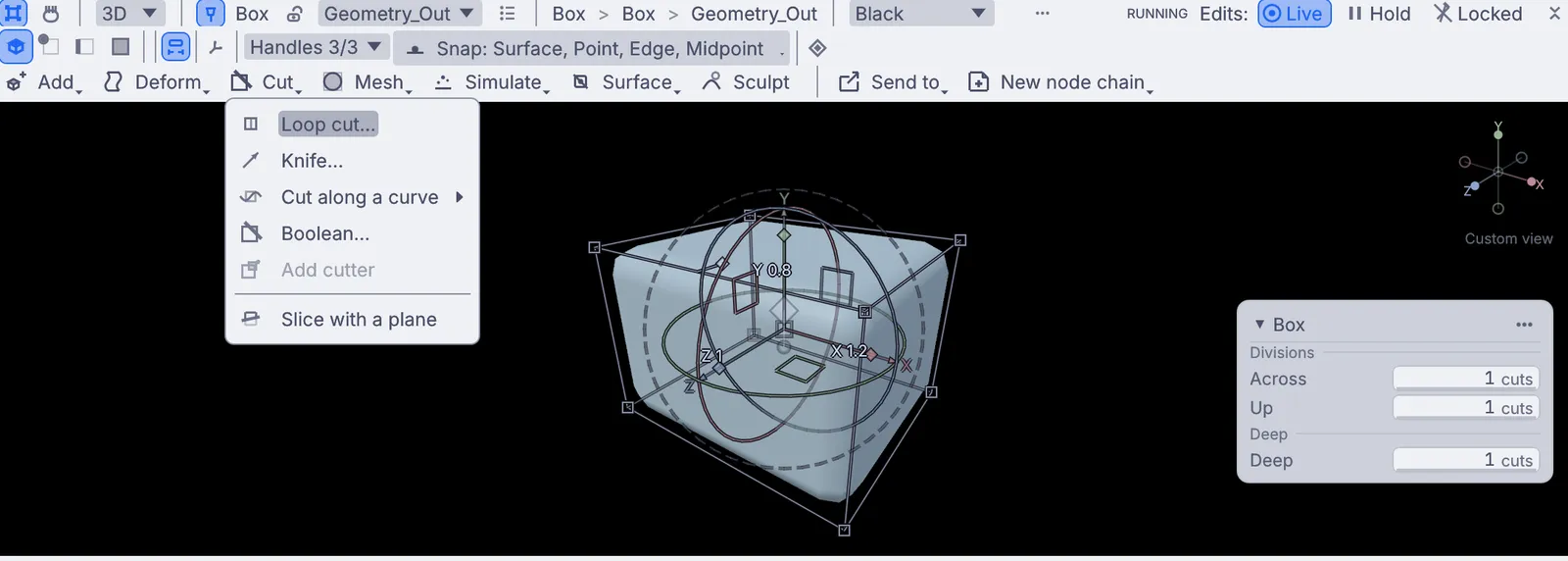
A little terracotta hut with a pointed roof, a front door and a window, modeled from one box.
Starts from a new projectMake it →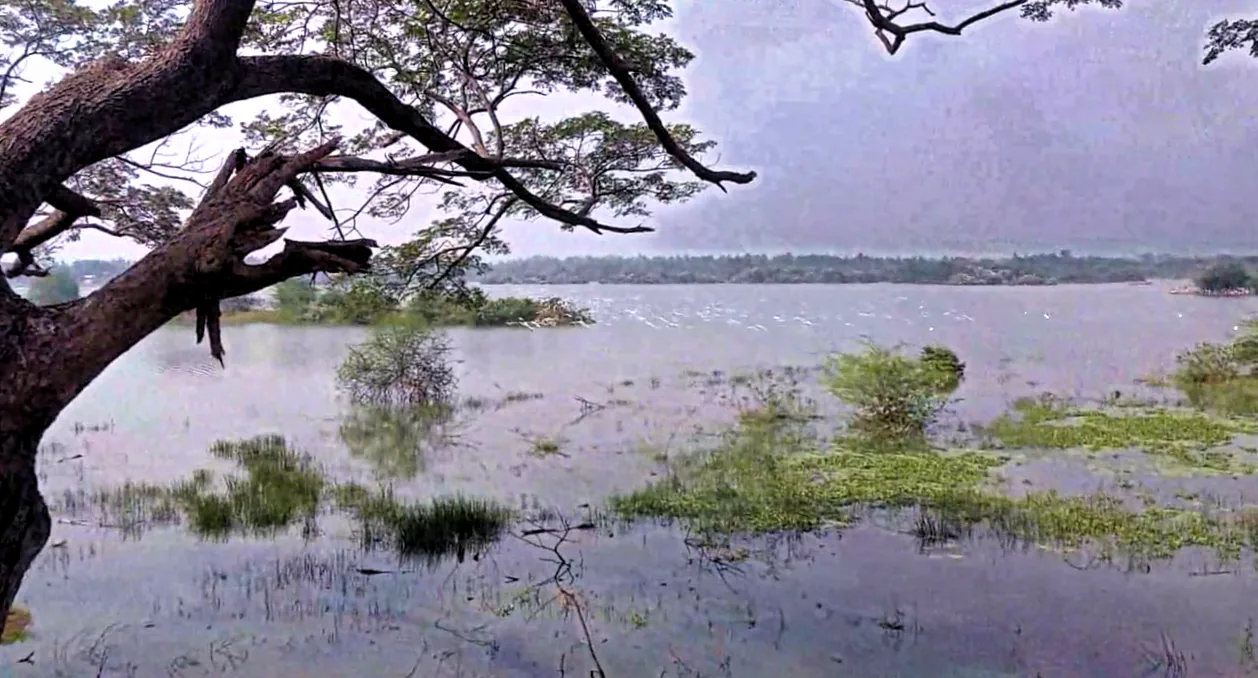
Make a photo pop
Your own photo, clearer and brighter, with a deeper sky, a level horizon and soft dark corners, saved as a new picture file.
Starts from a new projectMake it →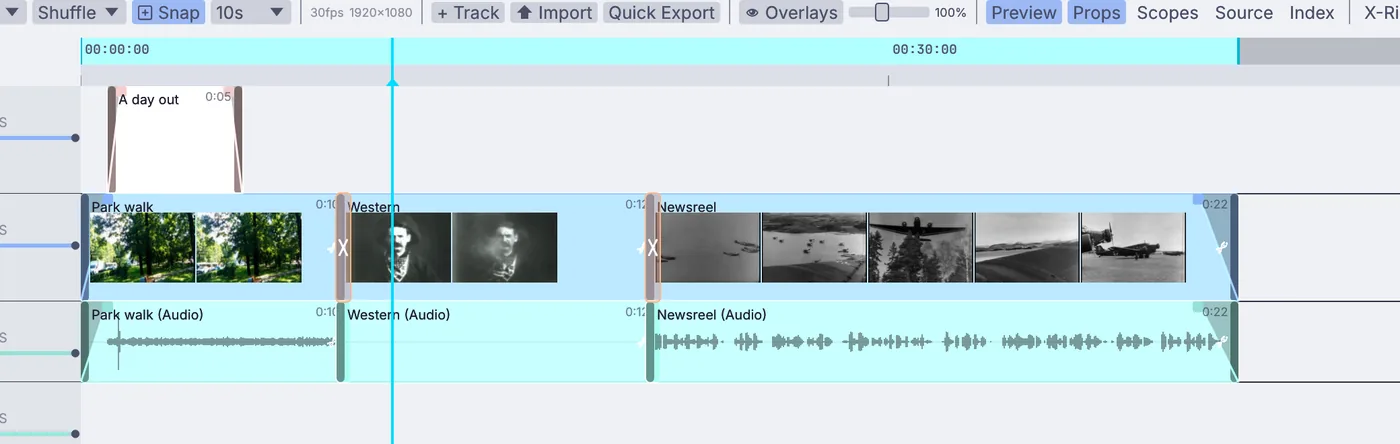
Cut a short video
A short video from your own clips, put in order and trimmed, with fades, dissolves and a title, exported as an MP4 file.
Starts from a new projectMake it →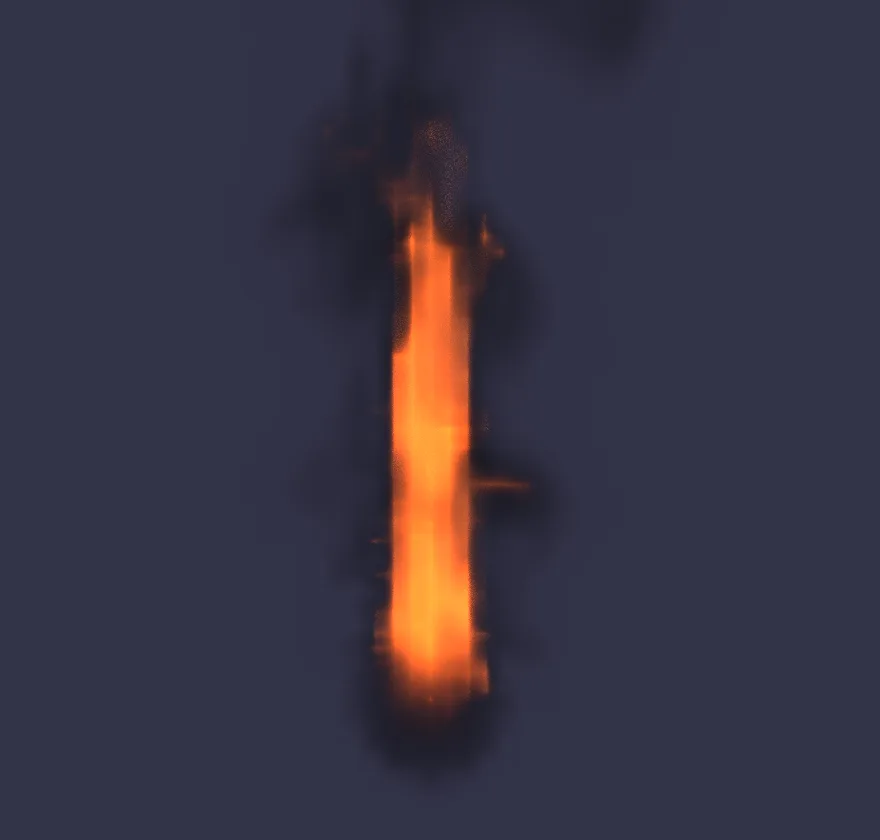
Light a torch
A torch flame that burns off a small ball, made taller and warmer by you, and drawn the way a final render draws it.
Starts from a new projectMake it →
Make a visual that pulses to your music
A field of glowing bokeh that zooms in on every loud beat of a song you choose, playing on the whole screen.
Starts from the Drifting Bokeh Field demoMake it →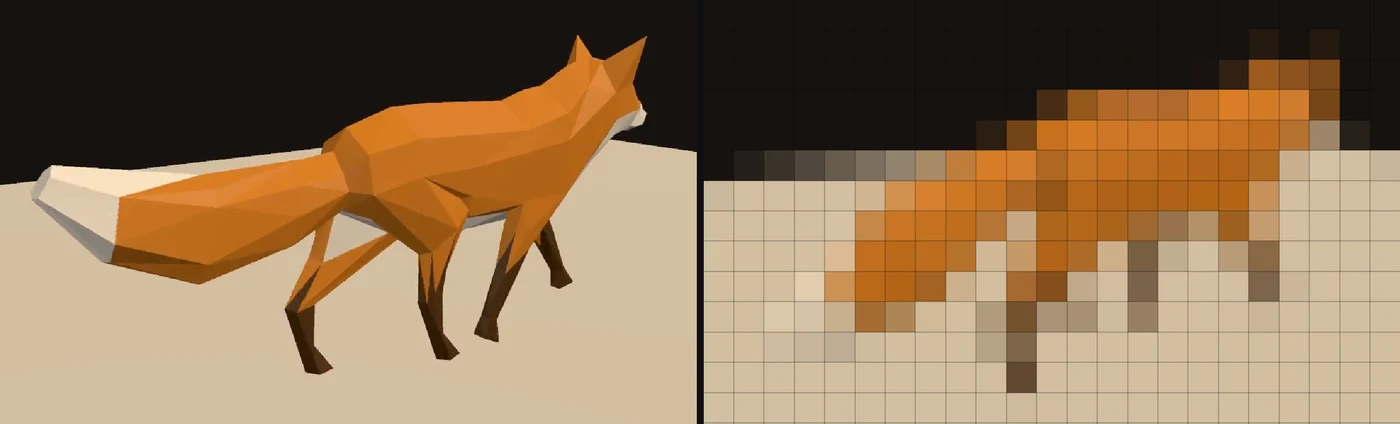
Play a video on a wall of LED lights
A video playing on a 32 by 18 LED panel in the app's own panel view, every light the color of the picture under it, ready to wire to a real panel.
Starts from a new projectMake it →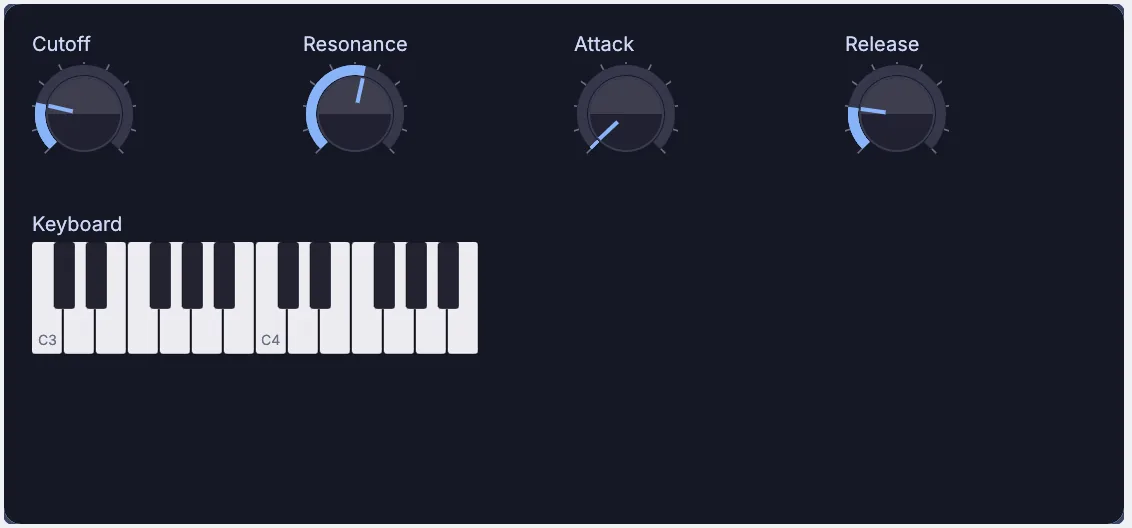
Patch a synth you can play
A synth with a saw oscillator, a filter and an envelope, played from keys on screen, with its own panel of four knobs that can open in a window.
Starts from a new projectMake it →What do you want to make?
Each path has tutorials that stand on their own, demos to pull apart, and guides in the app for going deeper.
Create
6 tutorials- Sculpt a little horned creature
- Model a little hut
- Draw a mountain logo
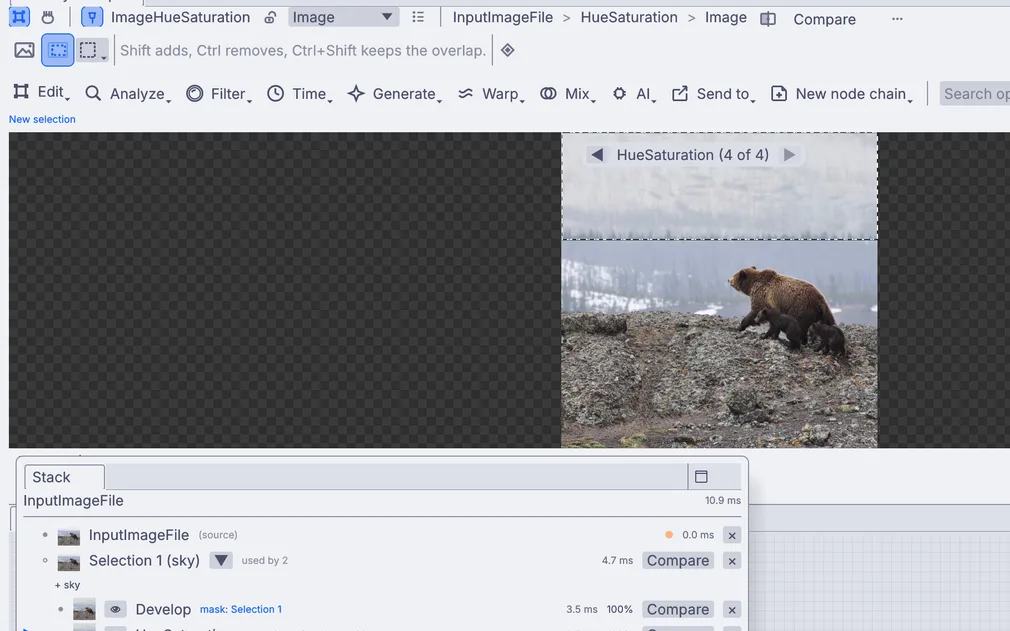
Edit
6 tutorials- Make a photo pop
- Cut a short video
- Give a photo a film look
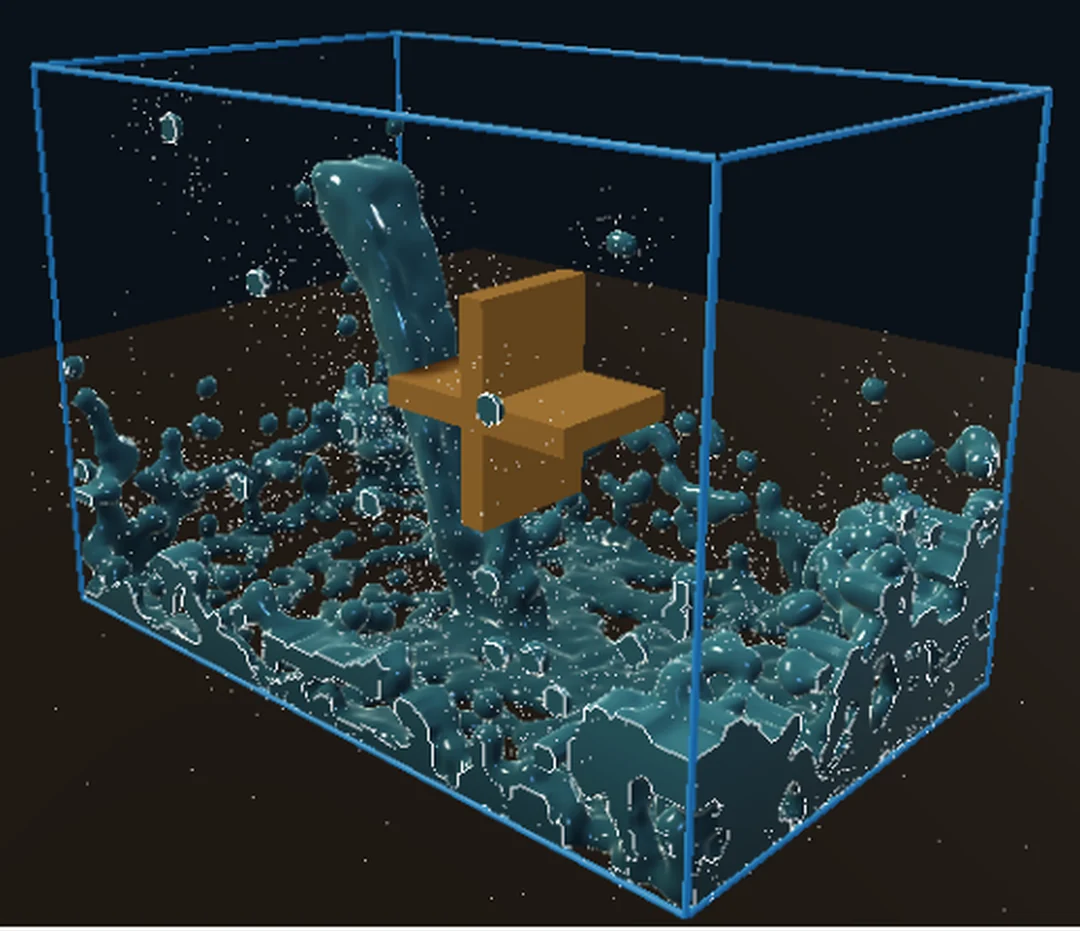
Simulate
5 tutorials- Light a torch
- Shatter a ball into pieces
- Break a dam, then turn the water to mud
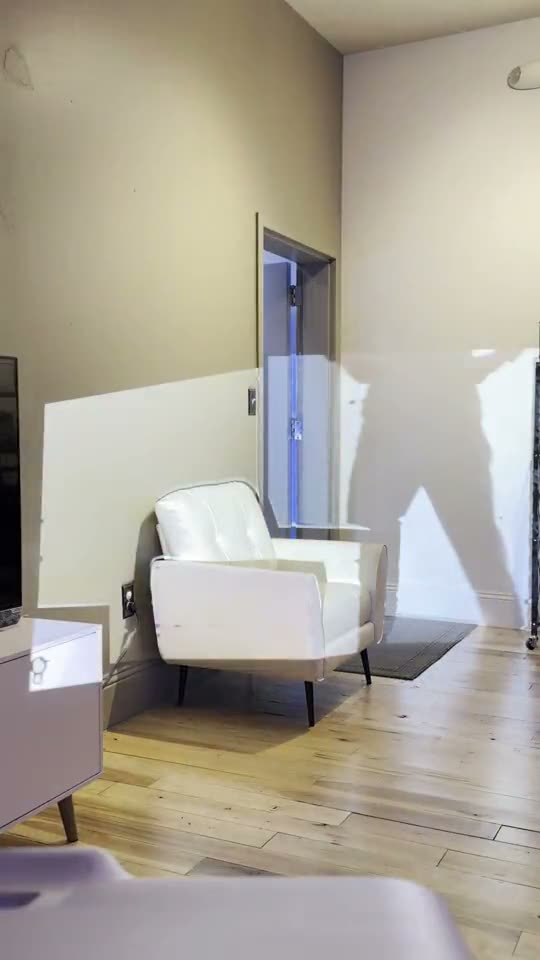
Perform
5 tutorials- Make a visual that pulses to your music
- Play a video on a wall of LED lights
- Line up a projection on a wall from the side
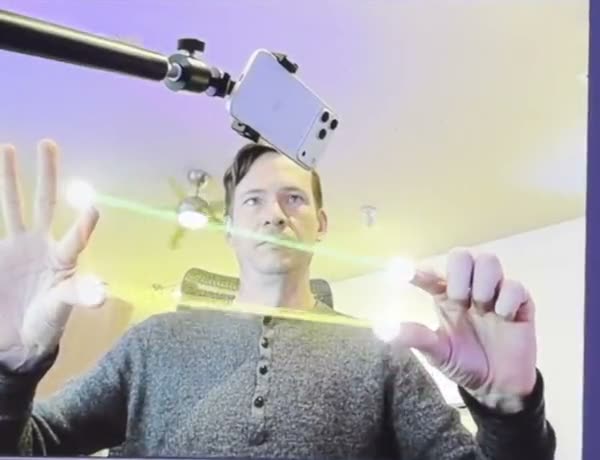
Play
6 tutorials- Patch a synth you can play
- Clean up a field recording
- Turn a creak into a whoosh
Develop
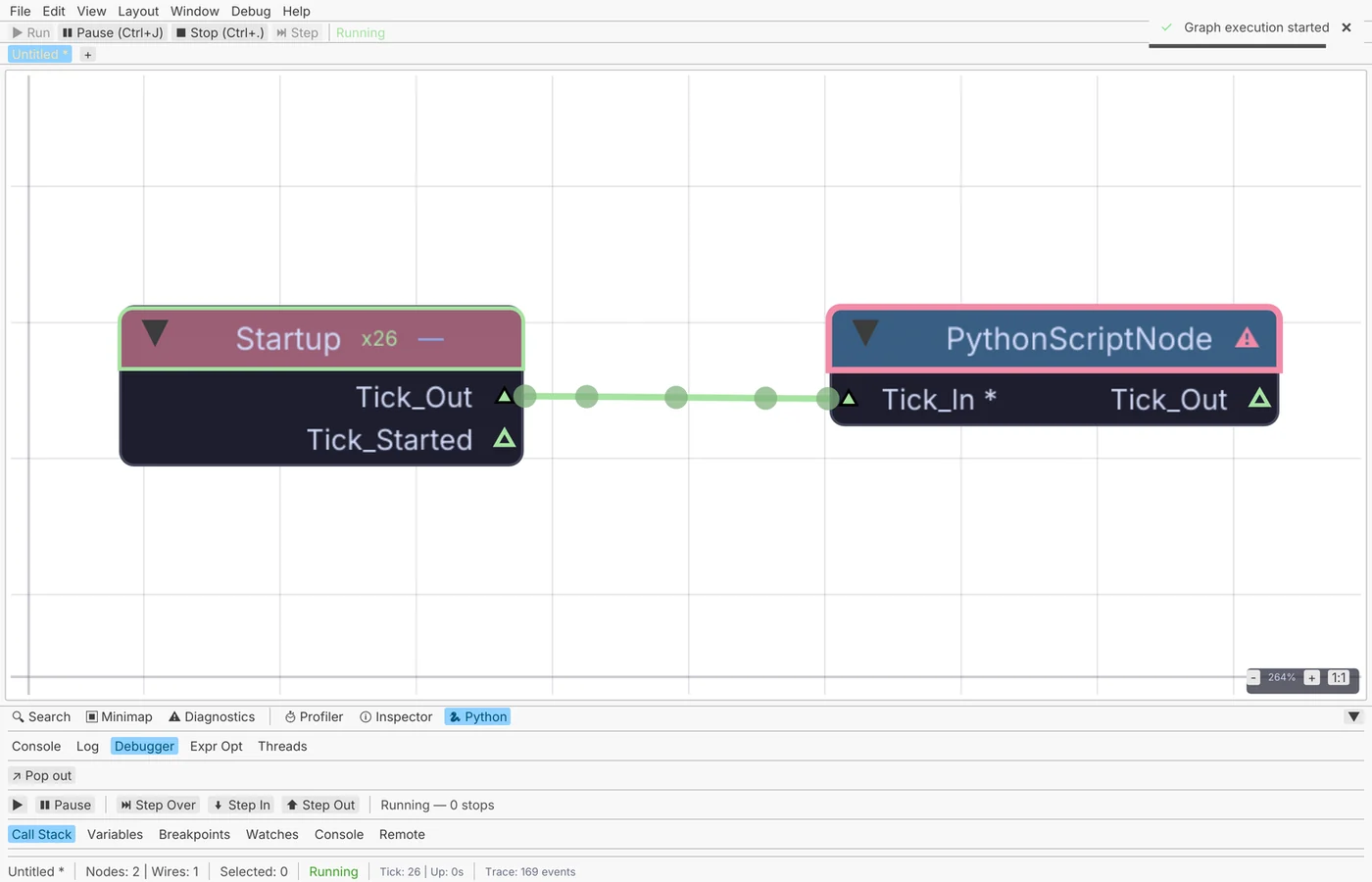
5 tutorials- Spin a donut with one line of Python
- Paste in a Shadertoy and give it sliders
- Recolor a twisting torus in its shader
KinematicFree &
Open.
One app for 3D, pictures, video, simulation, live shows and sound. What you make with it is yours.
Free to use.No account, no license key, no revenue cap. Use it for paid work on every machine you own.
Fully open.No lock-in, nothing proprietary. Your models, pictures, video and sound open anywhere.
Runs on your machine.Tracking, depth, transcription and every other AI tool run on your machine, with no cloud account.
Made to be extended.Python, shaders, your own nodes and extensions, all documented here. For developers →
Every node, every panel, every command.
The full reference lives in the app under Help, so it works offline. The command line and shader API are on the developers page.
Stuck? Reach out.
Report a bug
This gathers your version, your system details and the graph into a folder you can attach.
$ kinematic report --graph show.kin
Questions
The FAQ covers files, performance, audio, DMX, Python and more. It is in the app, under Help.
Reach out
Questions, ideas, or something you made.
Free and open. Yours, forever.
No account, no license key. macOS, Windows, Linux and Raspberry Pi.