Reach out when something breaks. Show us what you made. Fix a lesson, build a node, teach a class. Each one makes the app better for the next person who opens it.
Want to give more of your time? Volunteer as an artist, tester, teacher or organizer, or help start the Kinematic foundation.
01 · Report a bug
Reach out when something breaks.
One command gathers the facts we would otherwise ask you for one by one. It writes them to a folder on your computer, so you can look before you send.
What kinematic report collects
This build
The version, the graphics card it found, and whether video, Python, plugins, NDI and Syphon are ready. Also your fonts, clock sync and the permissions the app holds.
This machine
Every camera, audio device, MIDI port, serial port, display and stream it can see. It never opens a camera or a microphone to look.
Your graph
Add --graph and the file is loaded and checked for problems. It is never played.
The log
Add --log-file and the last 500 lines of that log come along.
Your privacy
Add --redact to take out file paths and anything that looks like a key or a password.
terminal
$ kinematic report --graph show.kin --redact -o bug-report
# a folder: this build, this machine, what the checks found$ kinematic report --graph show.kin --log-file show.log -o bug-report
# the same, plus the last 500 lines of that log
Then send it
In the app, open Help ▸ Report a Bug. Pick a category, say what happened, and tick the boxes to add the log and the graph.
Add the folder's files under Relevant Resources, up to 8 files and 25 MB, then press Submit.
App won't open at all? Use the form here. Reach out with what you did, what you expected, and what happened instead.
Pictures, words, code or a classroom. Pick the one that fits and press its button.
Made in Kinematic
02 · Share what you made
Show us what you made.
A render, a clip, a show, a patch, a strange experiment. Send a link through the form, and reach out with how you made it.
Sending the project itself? A project is one .kin file plus the pictures and sounds it uses, so copy them together. A sculpted file also keeps a .kin.blobs folder beside it. Send that too.
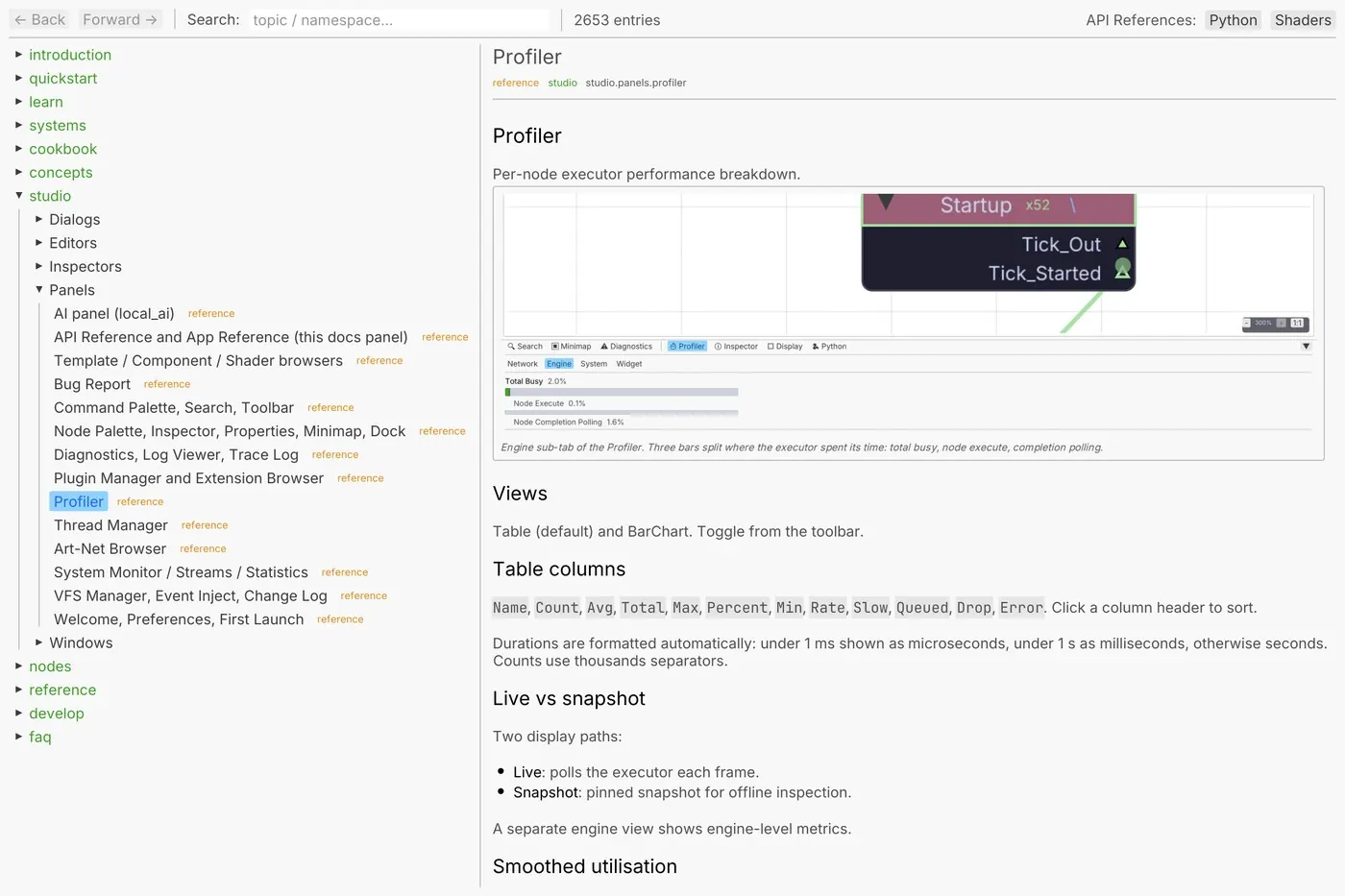
The docs come inside the app: quick starts, lessons, tutorials, recipes and answers, each a plain text page in the docs panel. The node pages are made from the app's own source, so they match the version you have.
Found a step that doesn't match the screen, a word that lost you, or a lesson you wish existed? Reach out with the page and what tripped you up. In the app, the Bug Report window has a Documentation category for this.
Add the part the app is missing. Your nodes sit in the palette beside the built-in ones.
There is no extension store. Hand the file over, put it on a shared drive, or host a folder of them as a repository of your own. People who trust your key see "Signed by" your name when they install.
terminal
$ kinematic extension new my-extension
$ kinematic extension validate my-extension
$ kinematic extension build my-extension
# packs one .kinext file into dist/, ready to hand over$ kinematic extension keygen --signer"Your Name" --out my-key.secret
$ kinematic extension sign dist/my-extension-1.0.0.kinext --key my-key.secret
Python nodes
Write a class with ports and an execute method. It becomes a node in the palette and saves with the graph.
Every student gets the whole app, at home and on the lab machines, with no account and no license key. The file format is open, and the graphs they build keep working after they graduate.
Built a graph that teaches a trick? Put it in an extension's templates folder and it appears under File ▸ New from Template for everyone who installs it. Each one opens as a fresh copy, so the original never changes.
Think it belongs with the demos that come with the app? Send it to us.
A good starter graph shows one picture, driven by a Timer, so it plays the moment it opens.