Pick something to make.
Fire, water and things that fall apart. Each tutorial starts from a new project or one demo, and you shape the result by turning a few settings while it plays. Pick any of them, in any order.
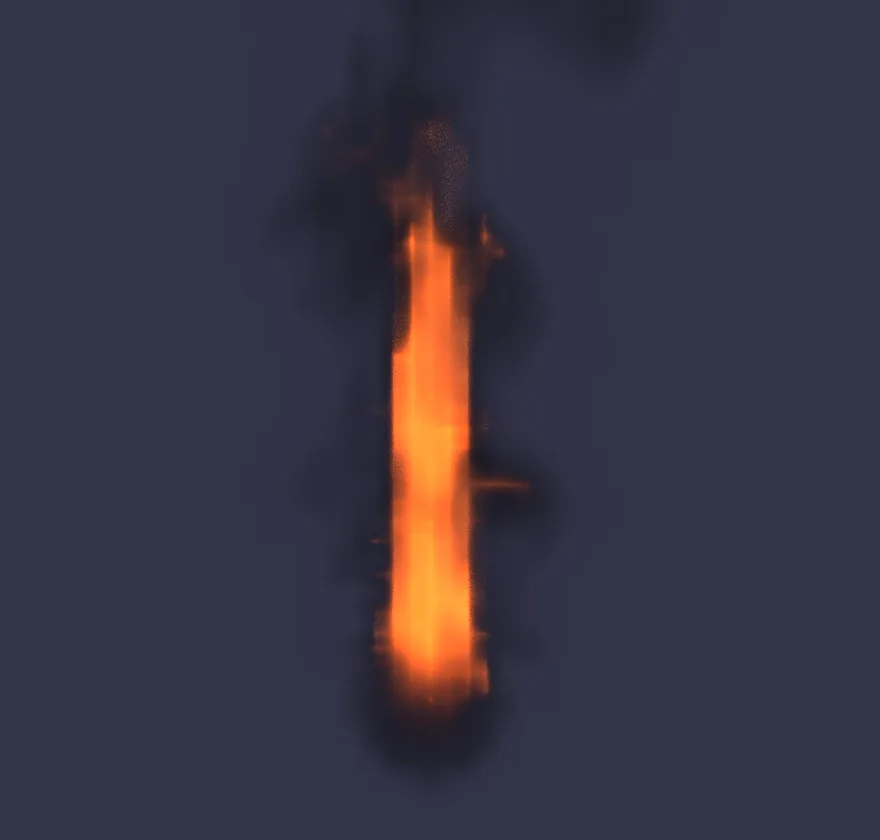
Light a torch
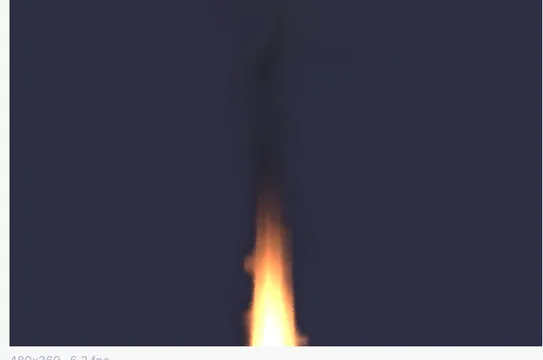
A torch flame that burns off a small ball, made taller and warmer by you, and drawn the way a final render draws it.
- Add a ball
- Set it on fire
- See it rendered
- Make the flame yours
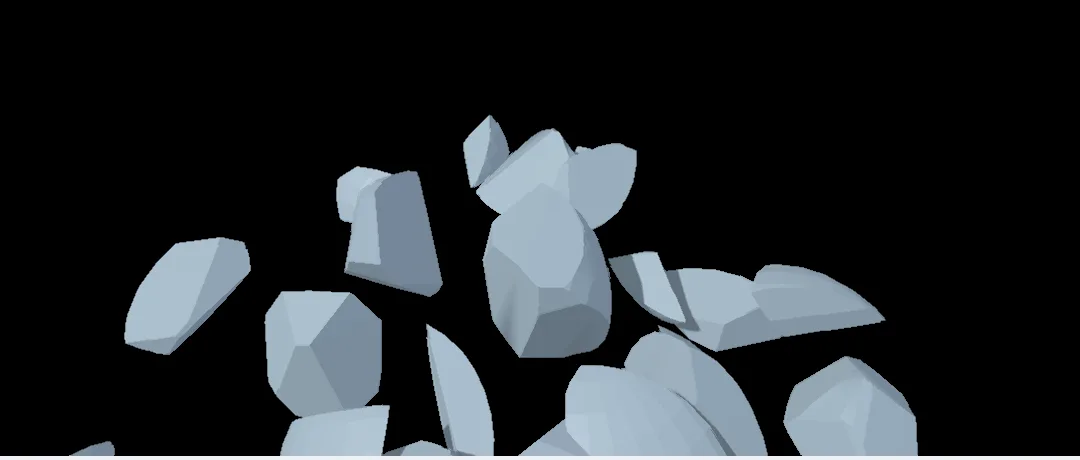
Shatter a ball into pieces
A ball that cracks into two dozen shards, which fly apart, tumble and settle on the floor, with a push you can turn up into an explosion.
- Add a ball
- Break it into pieces
- Turn up the push
- Make them bounce
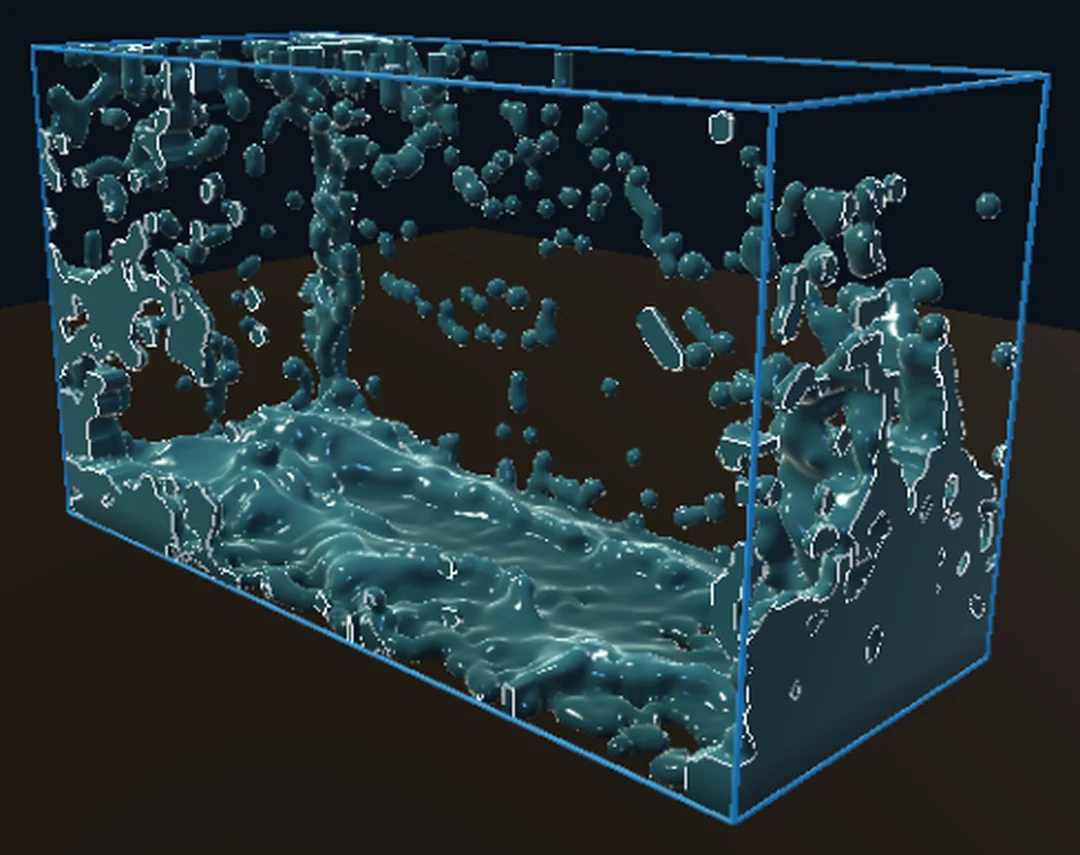
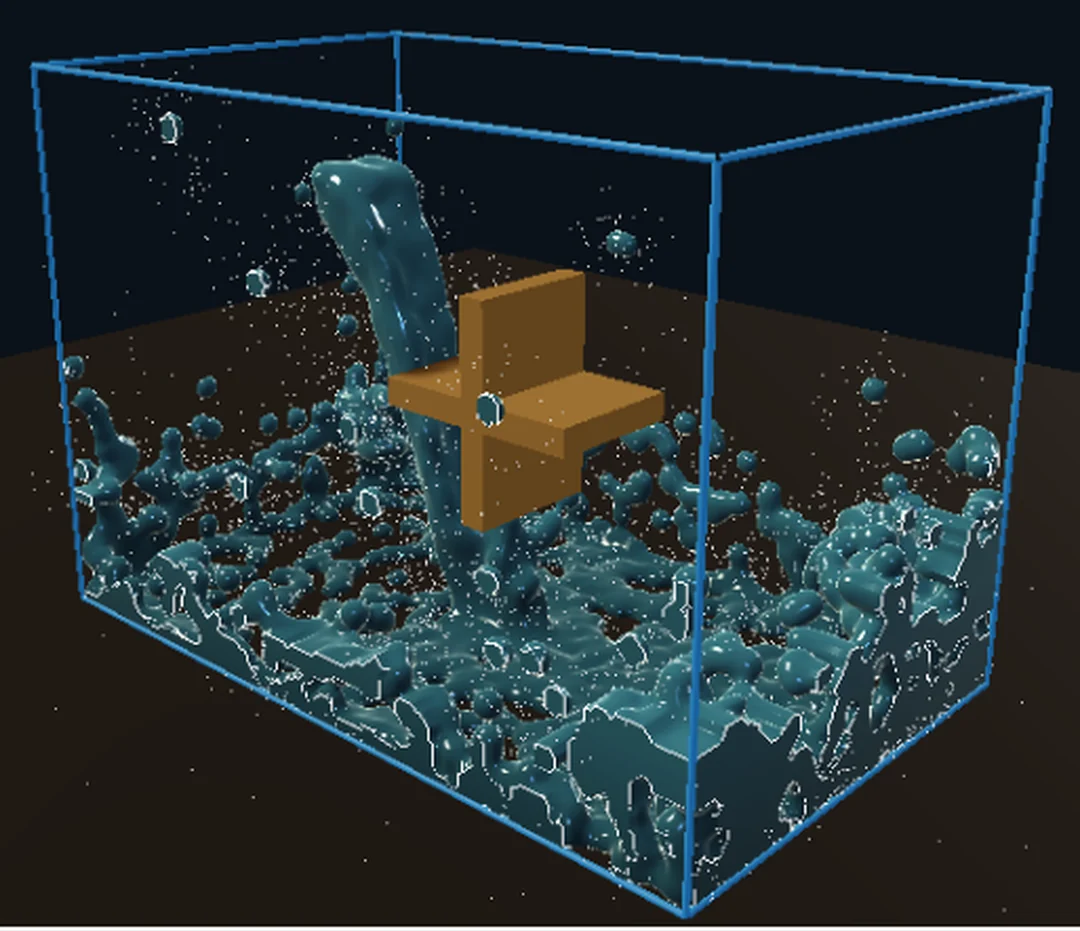
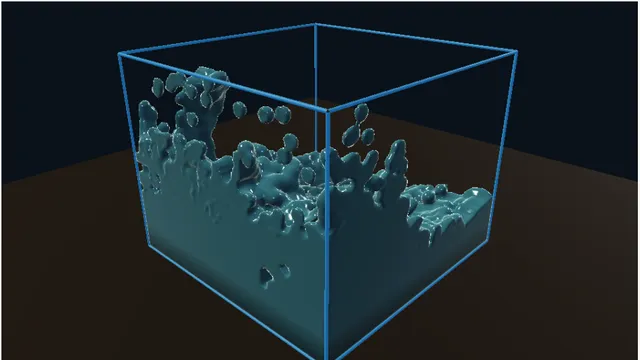
Break a dam, then turn the water to mud
The first liquid to try, with foam where the water churns: a column of water lets go, slams the far wall and sloshes back. Then you make it thick and slow, and give it more water.
- Open the demo
- Watch it slosh
- Make it thick
- Add more water
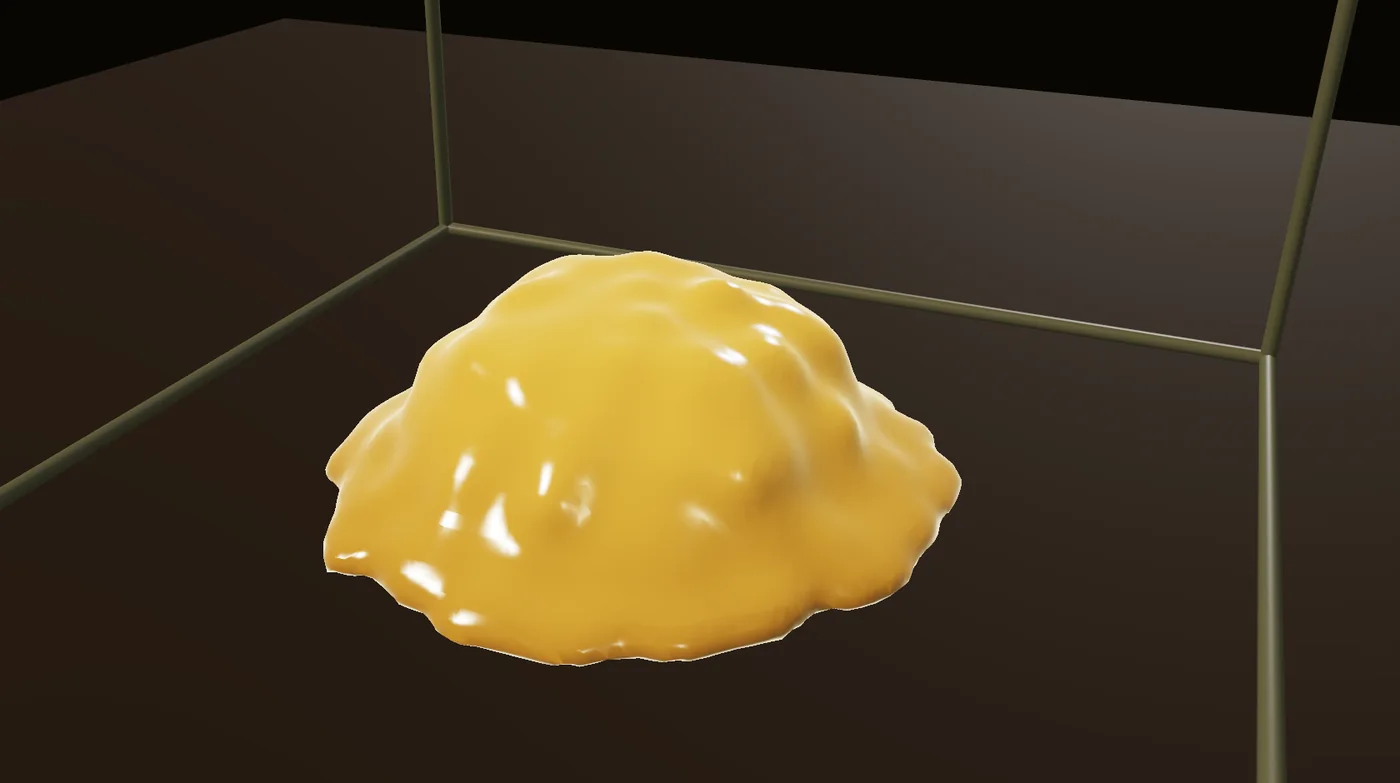
Drop honey that piles up as it lands
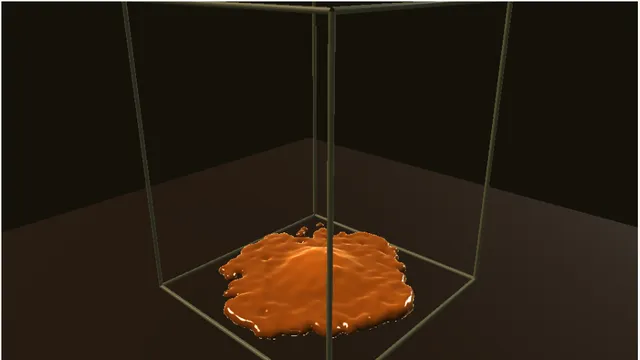
A block of honey let go above a glass tank. You make it thick enough to land as a glossy mound, then bring the camera in close and sharpen the picture.
- Open the demo
- Make it thick
- Smooth the skin
- Frame it up close
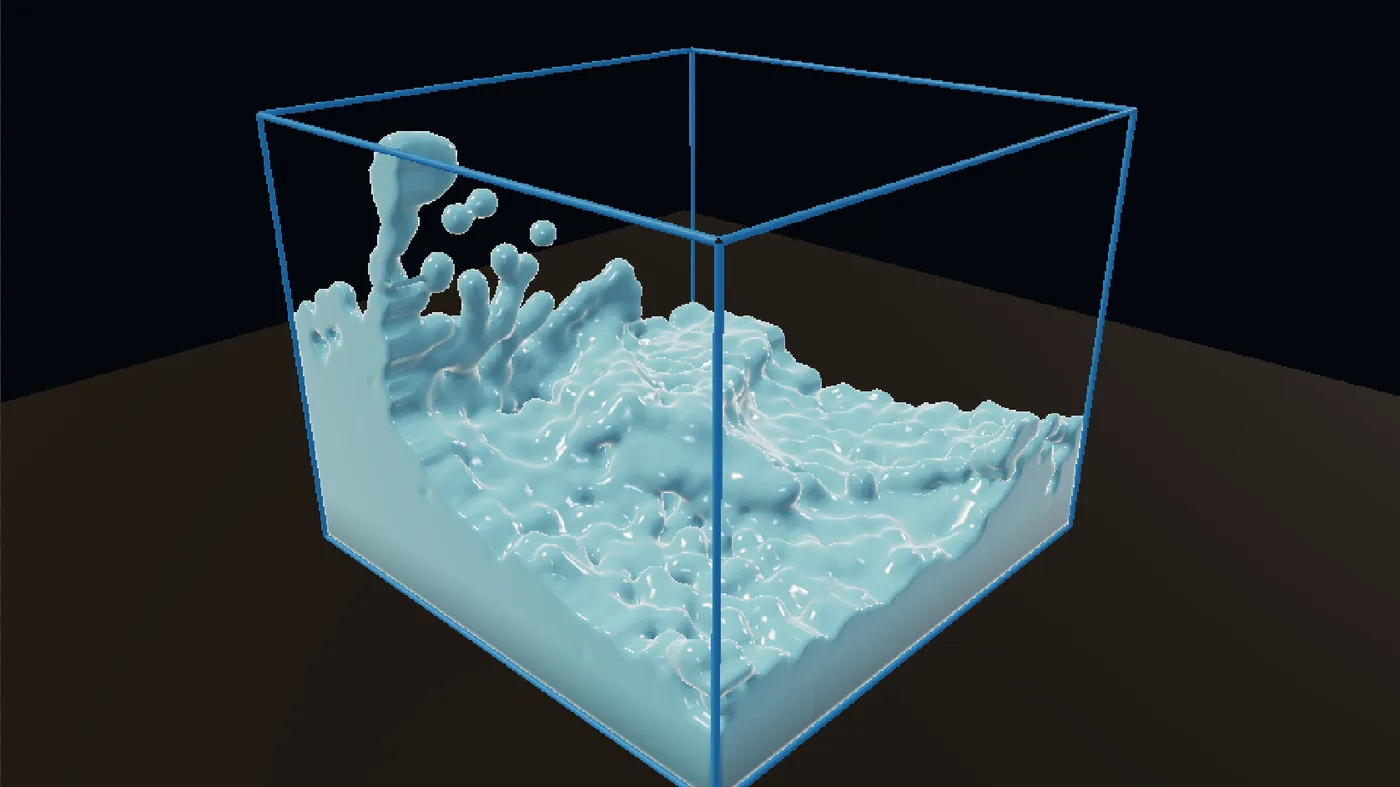
Swirl a pool into a whirlpool
A tank of water stirred with no paddle. Gravity leans around in a circle, the water banks into a spin, and you make it swirl faster and splash higher.
- Open the demo
- Find the tilt
- Stir it faster
- Lean it harder
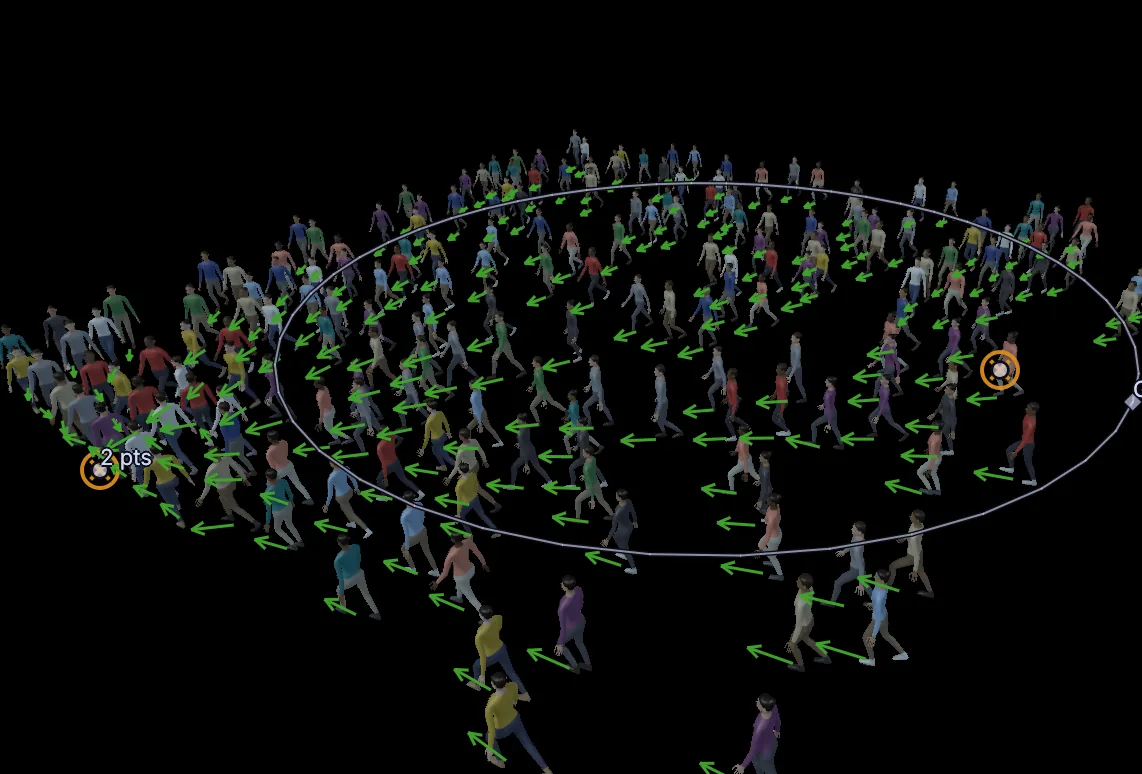
Fill a plaza with walkers
Two hundred people on a 30 m square who walk back and forth between two spots you click and weave past whoever comes the other way. Drag the timeline back and they replay.
- Lay a ground
- Add a crowd
- Click two targets
- Drag it back
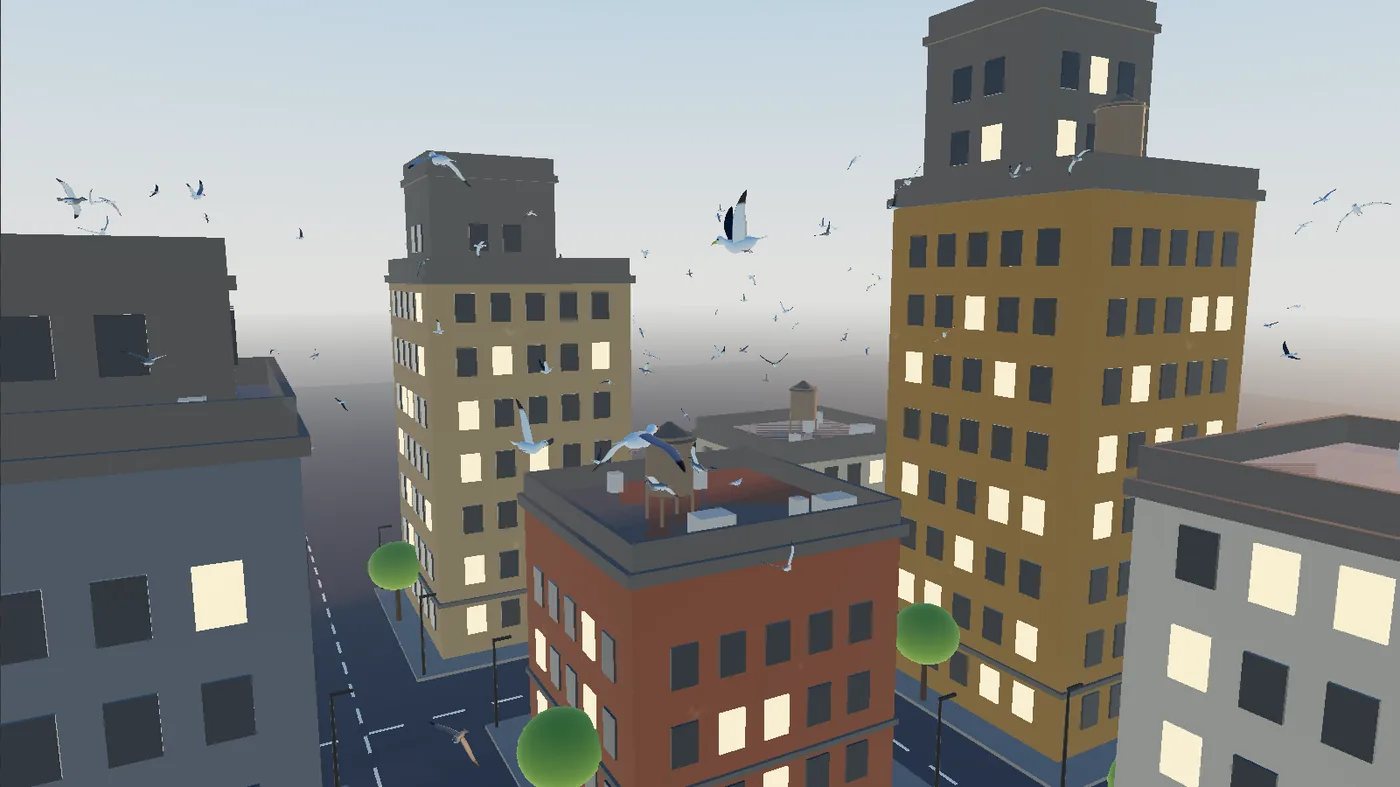
Scatter a flock with a timeline marker
Two hundred gulls over a city block that rest on the roof edges and all take off at a bang. You move the bang to a new moment, then open the behavior editor to see how the gulls hear it.
- Watch the bang
- Move the marker
- Play it again
- Read the behavior
Pull these apart.
Open any of them from Help > Browse Demos in the app, watch it run, and change whatever you like.
Guides and ideas.
Guides, under Help in the app
Things to make
Free and open. Yours, forever.
No account, no license key. macOS, Windows, Linux and Raspberry Pi.