In Nuke: Merge
Merge
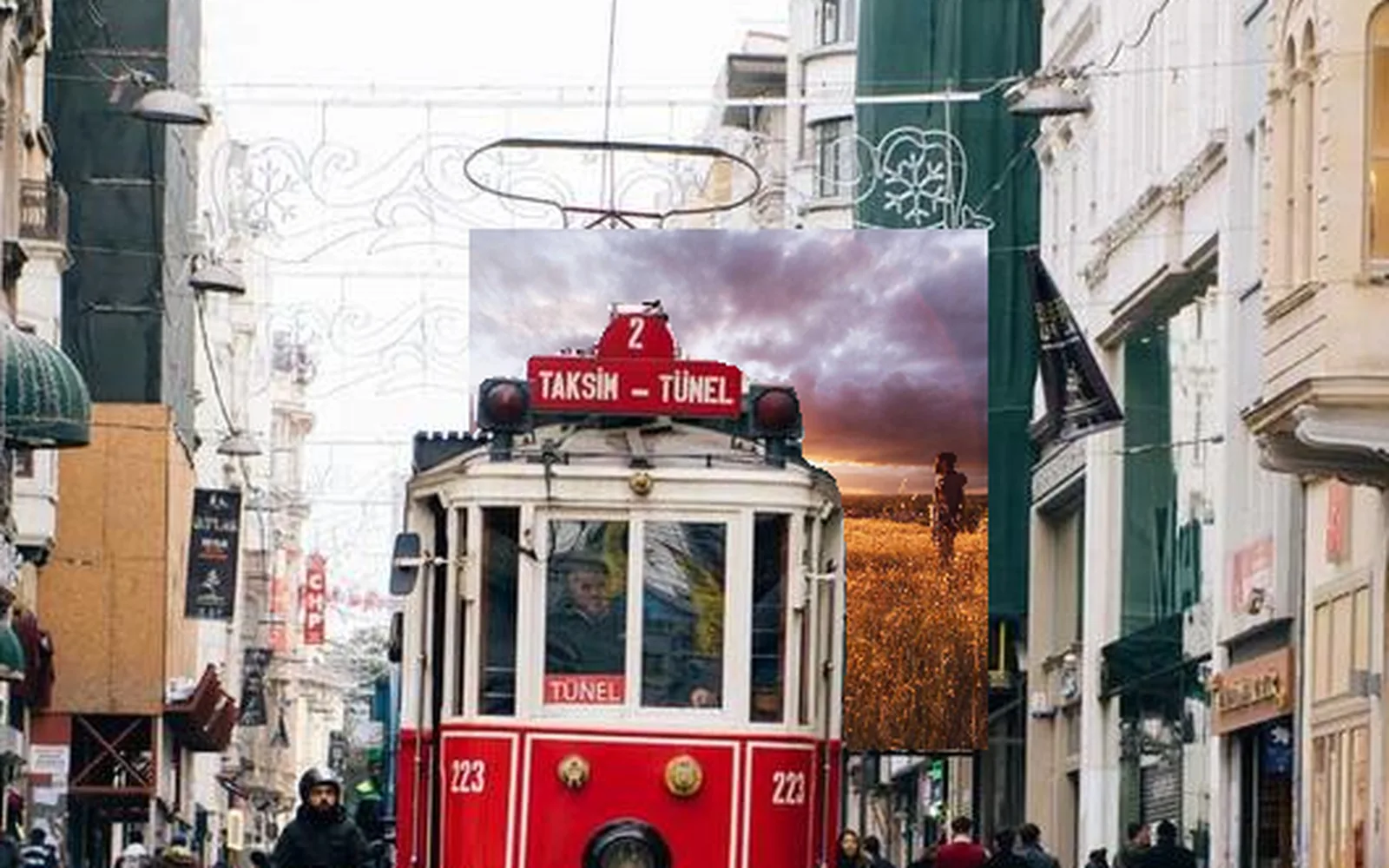
Over, under, atop, inside, outside, xor and dozens more modes, on two inputs or sixteen. Premultiply and Unpremultiply are nodes of their own, and Shift+R swaps A and B.
ImageMergeImagePremultiplyImageUnpremultiply
A node graph that reads the way yours does, in 32-bit float with OpenColorIO. Then the things a comp never had: the fire sim in the same file, a song riding the grade, and an output that goes to projectors, LED walls and NDI. Free to use, at any resolution.
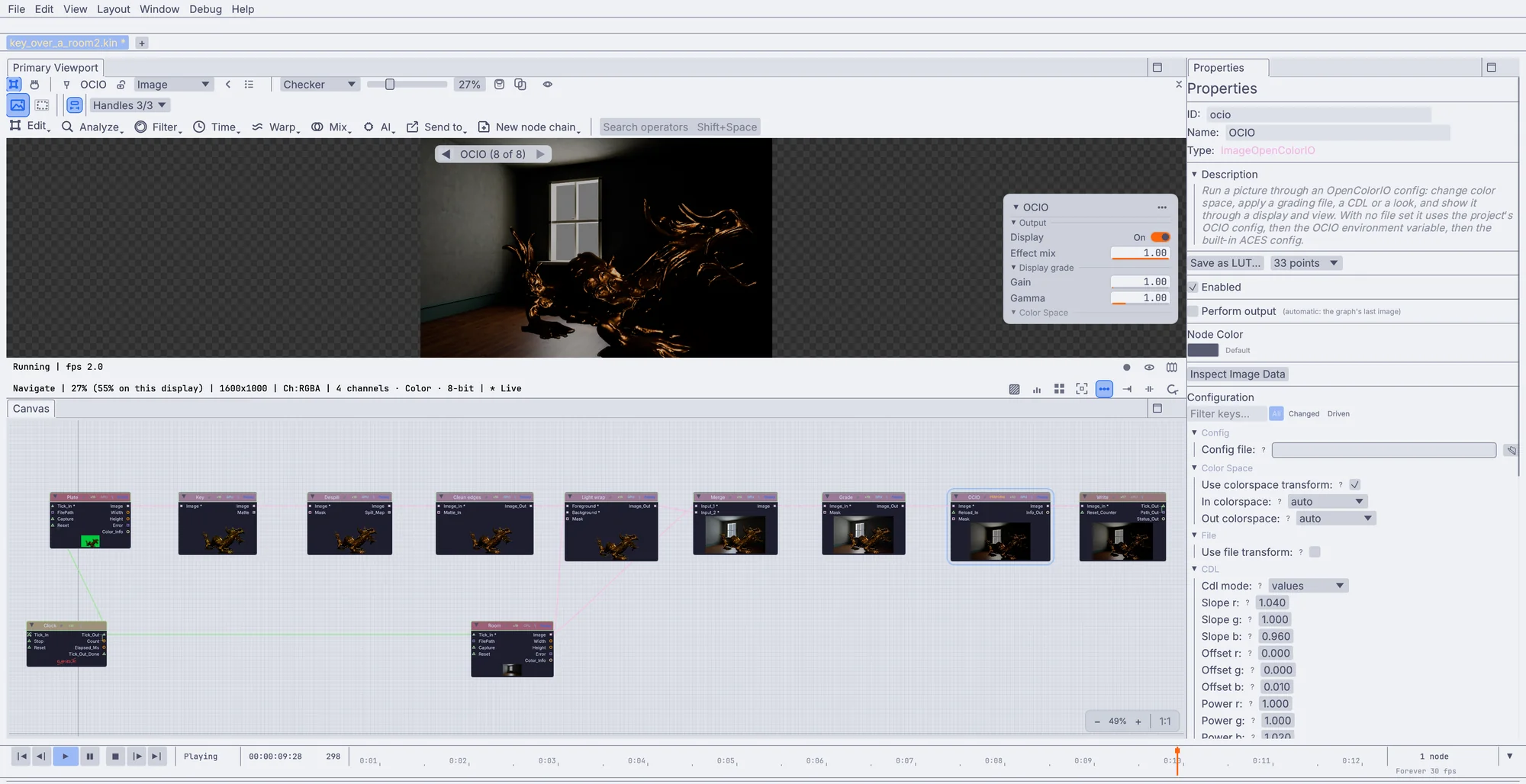
Reads, a viewer, properties, and wires that carry pictures, mattes and depth. The layout will feel like home, and most of the names are plain English.
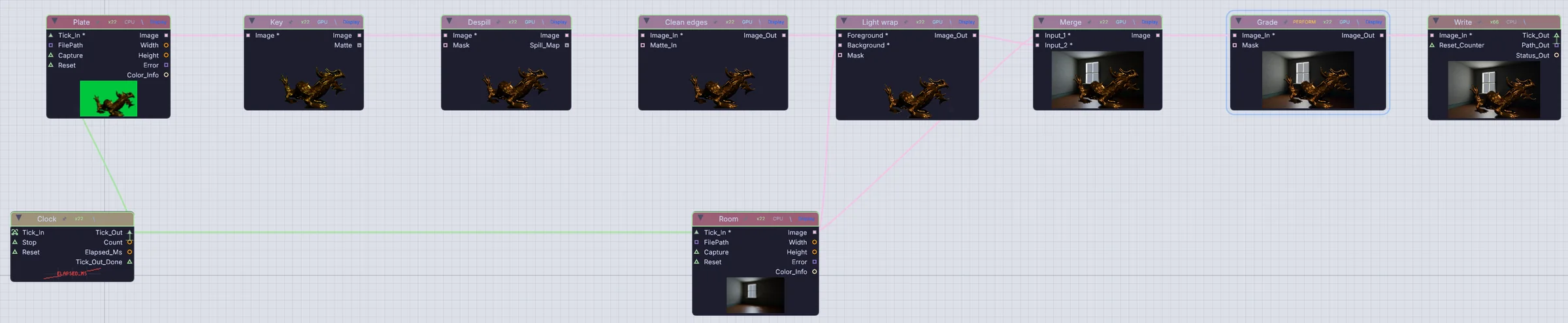


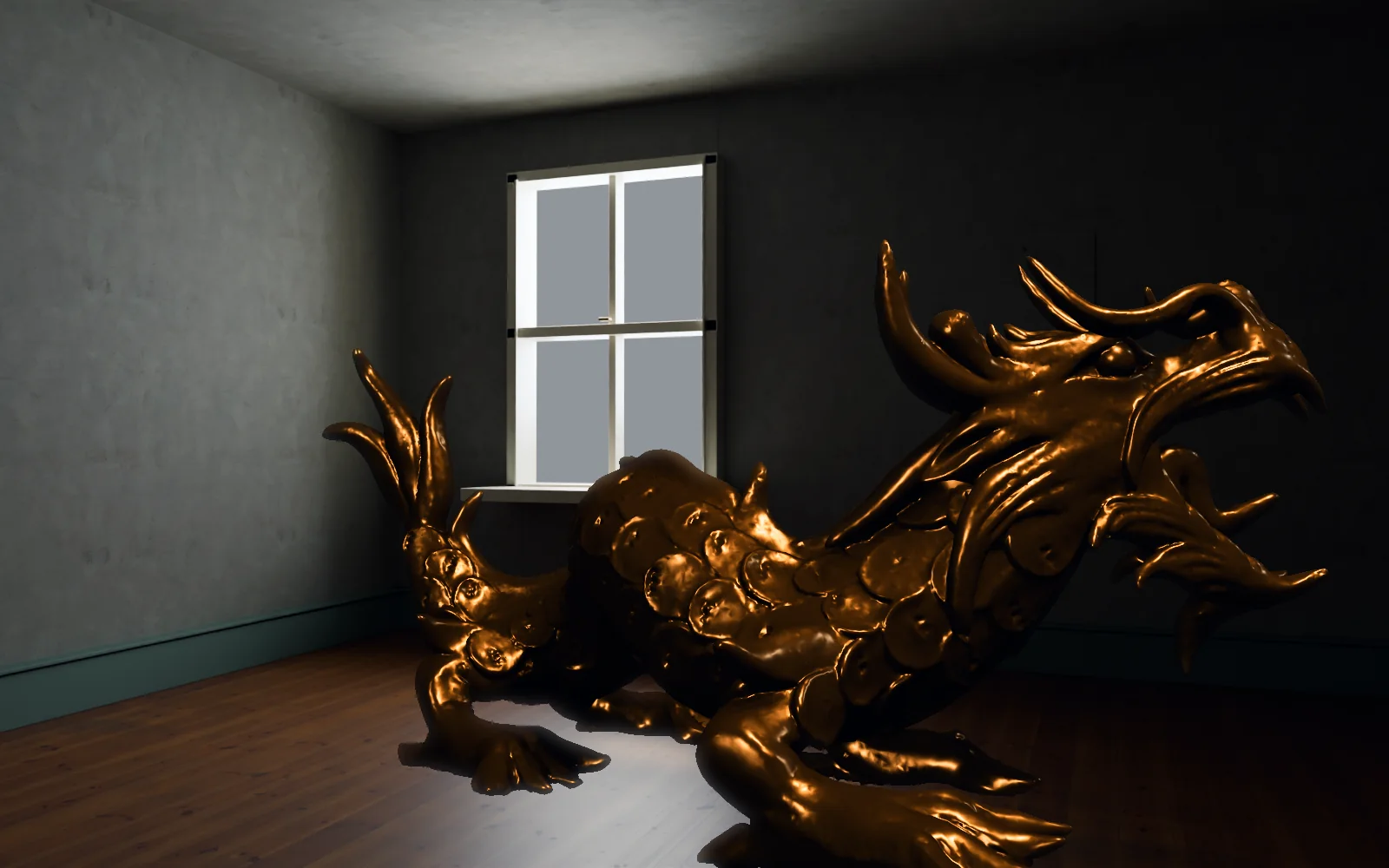
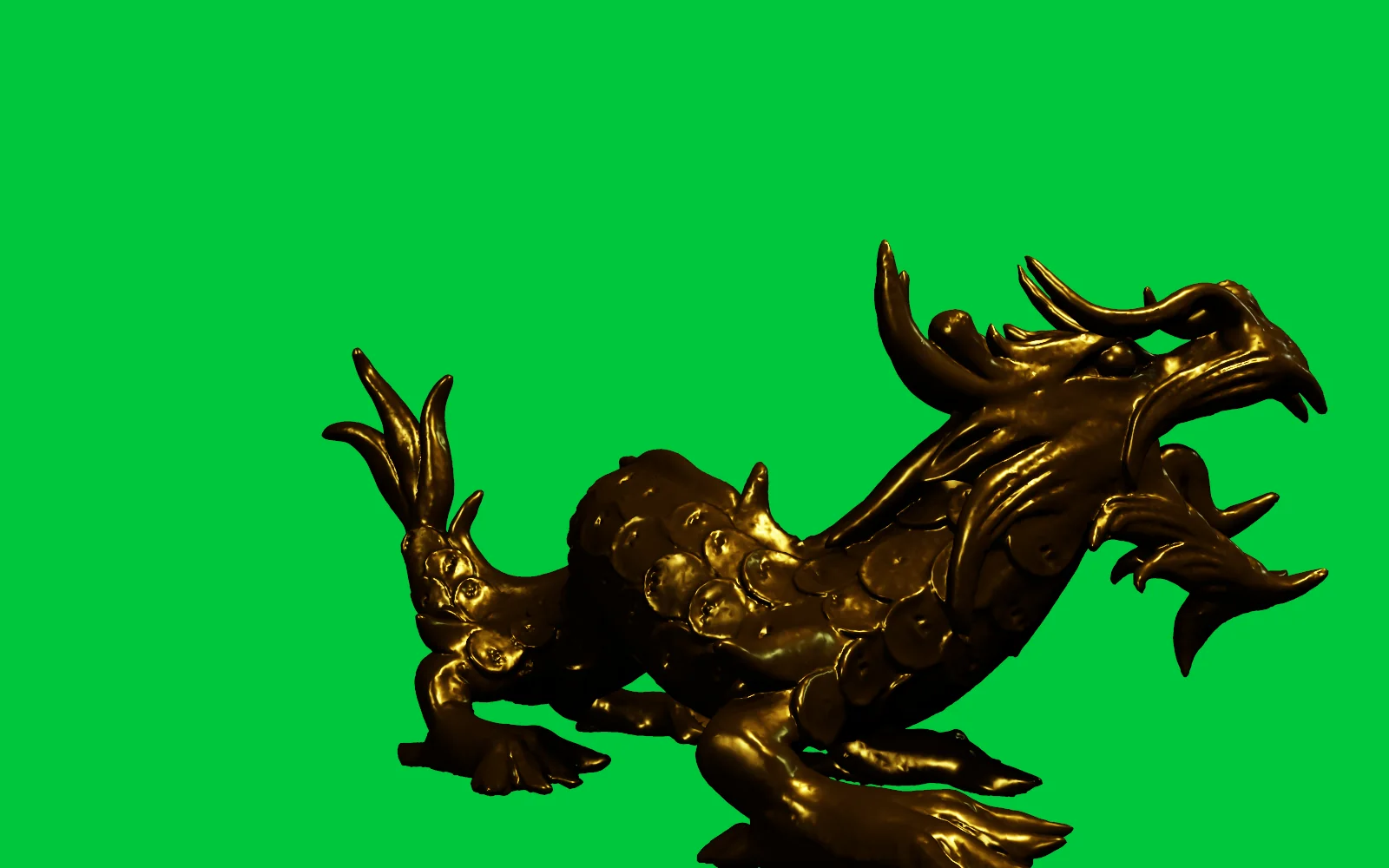
Over, under, atop, inside, outside, xor and dozens more modes, on two inputs or sixteen. Premultiply and Unpremultiply are nodes of their own, and Shift+R swaps A and B.
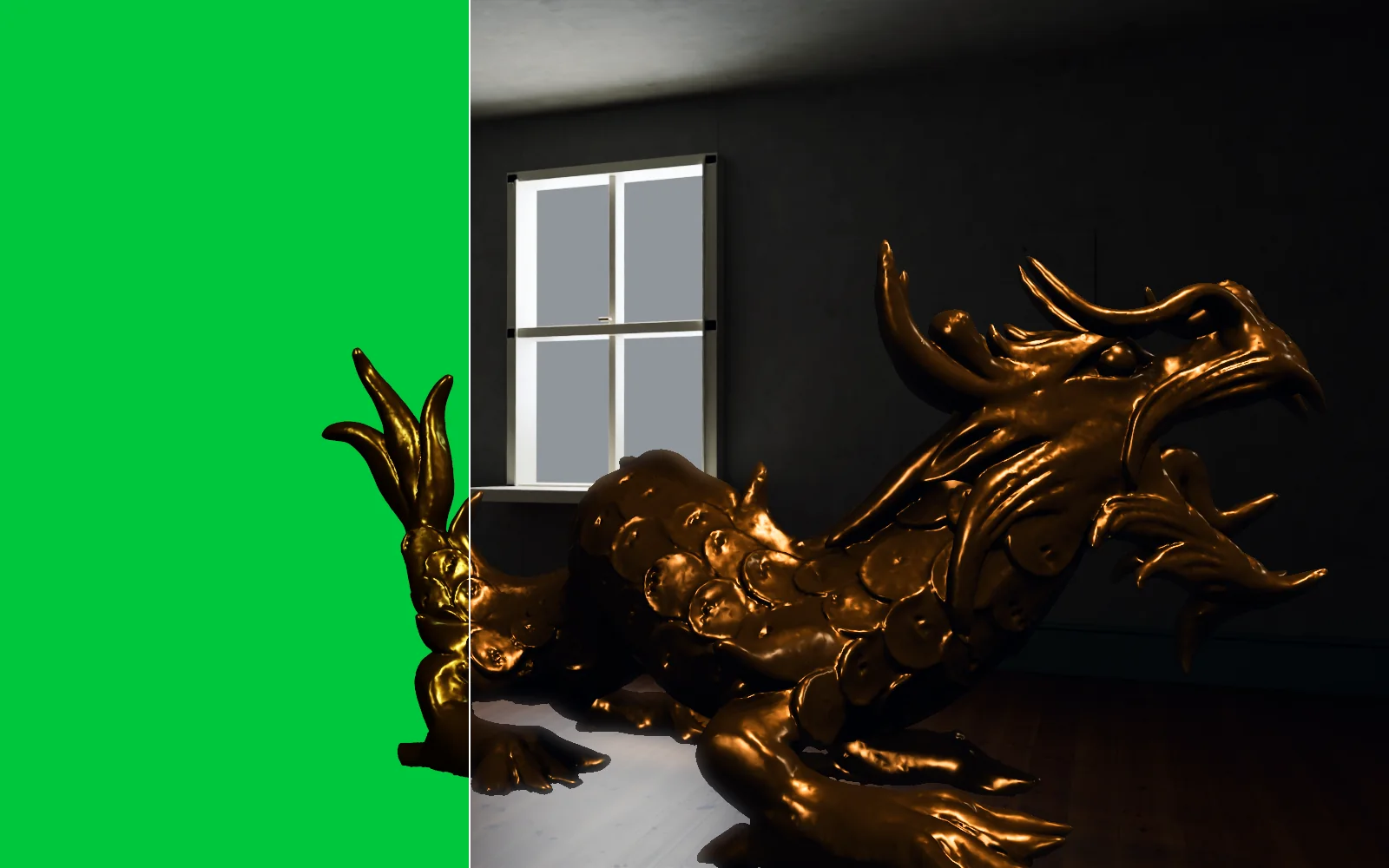
Key on a color, a hue range or the green or blue difference. Despill hands you its spill map, then clean the edge and let the plate's light wrap around it.

Draw an outline, step to another frame and move the points to key it. A shape can ride a track. Paint, Clone and Heal take brush strokes right on the frame.
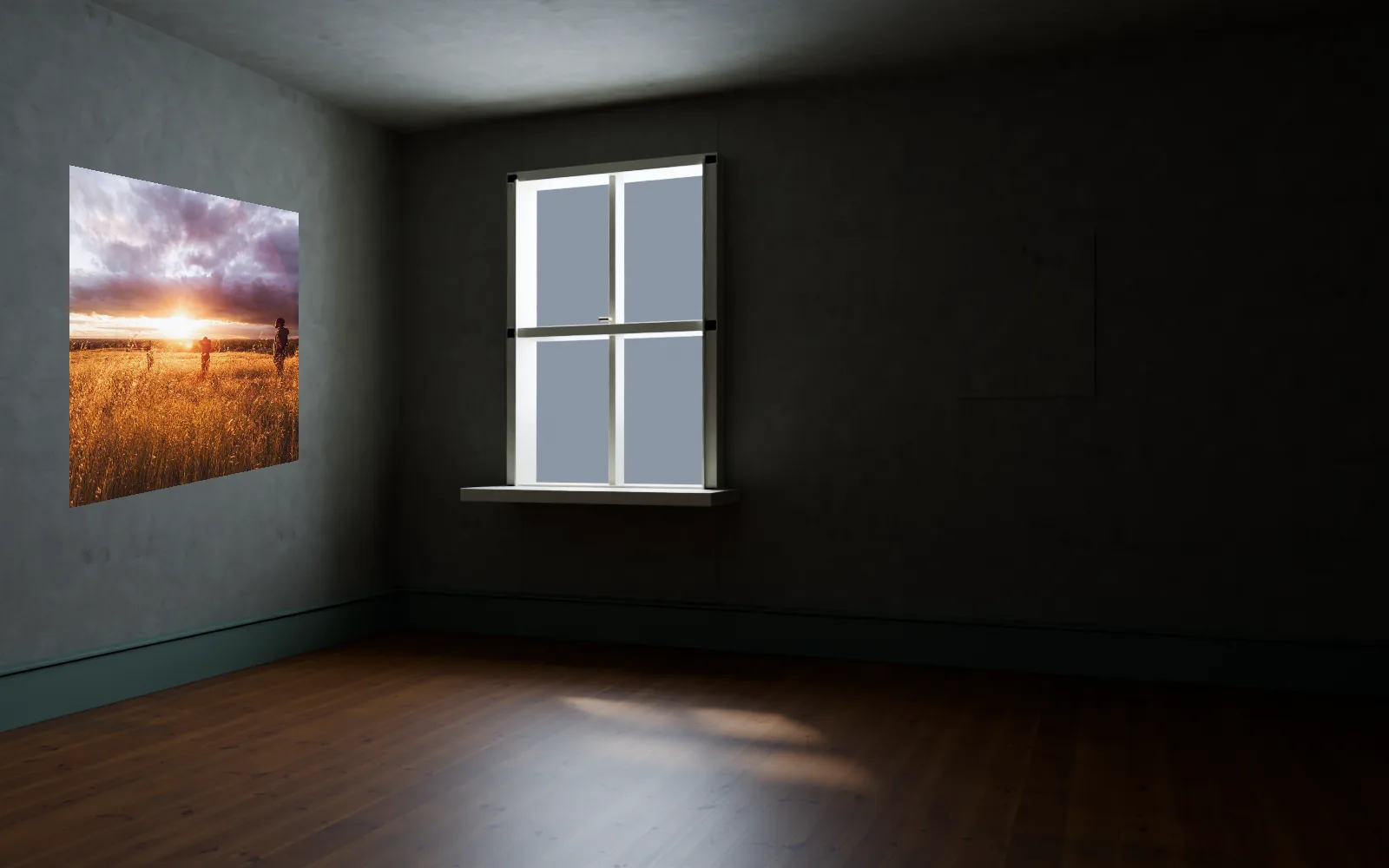
Planar track a screen, a sign or a wall for its four corners on every frame, then stabilize with that track or pin a picture onto it.
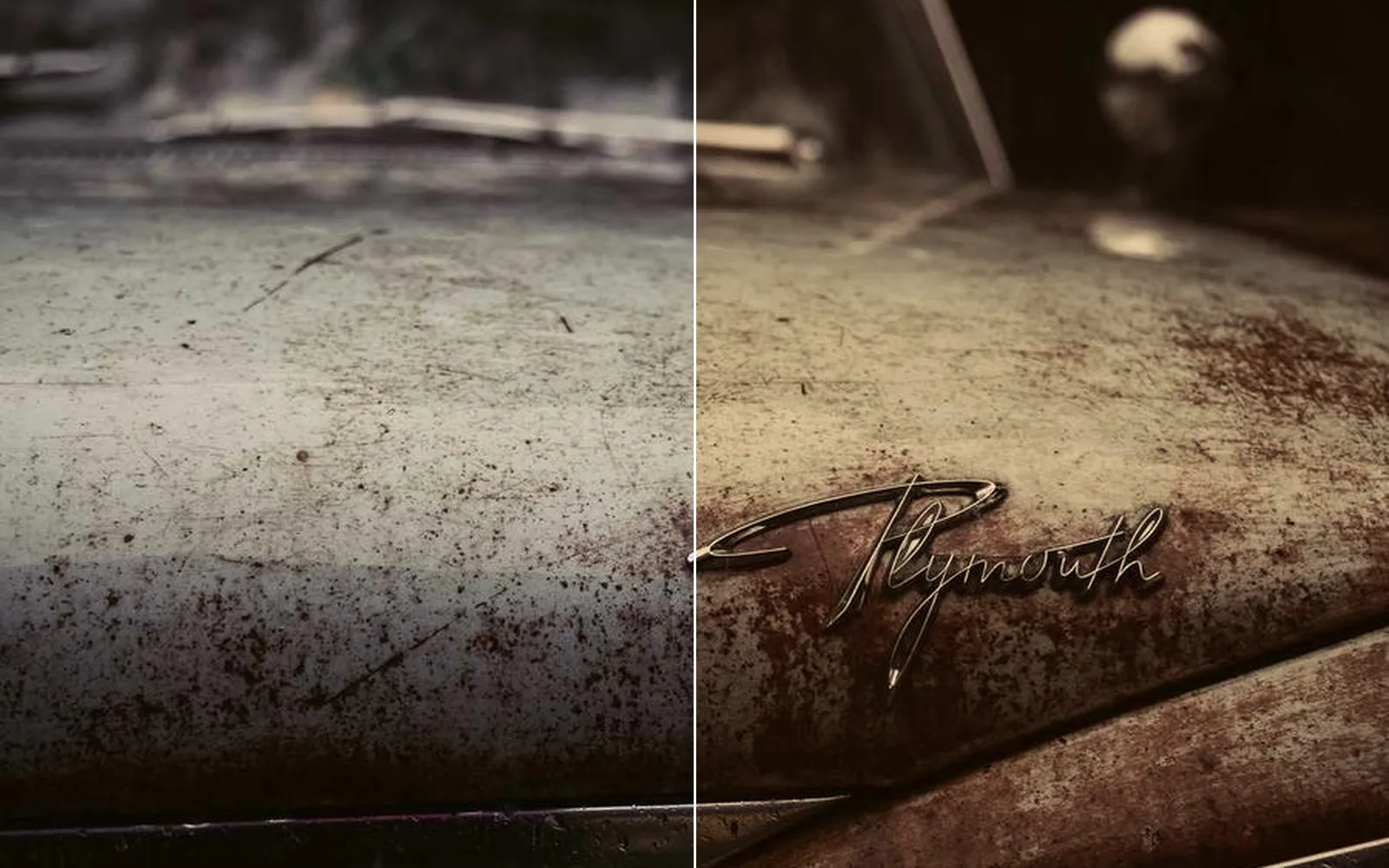
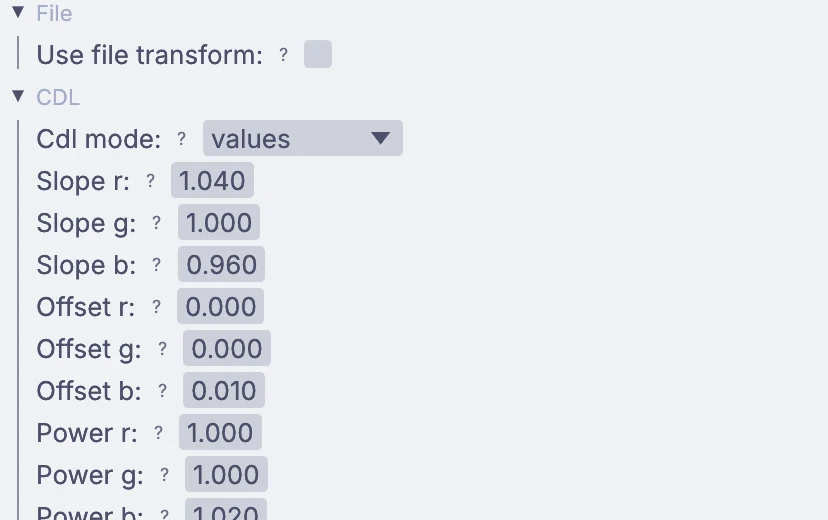
Grade by shadows, midtones and highlights, with curves and hue curves. One OpenColorIO node changes color space and applies looks, CDLs and display views.
Merge two pictures by depth so the nearer pixel wins, blur by distance like a wide-open lens, or add depth fog. No depth pass? A local model works one out from the frame.
Layered EXRs come in with every layer. Pull one out by name, shuffle channels, pack layers back up, and pick objects from a Cryptomatte by name.
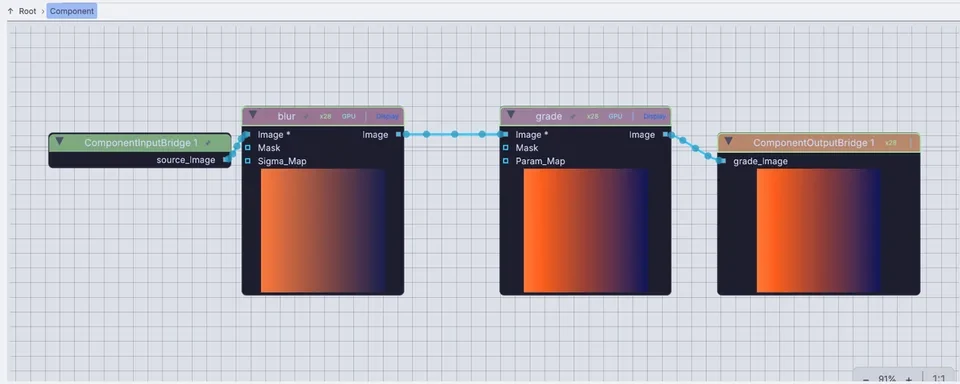
Wrap a chain as one node with its own public settings. Share it, or clone it so every copy follows the original.
Python nodes, a console, and an API that builds a whole graph. For pixels, write WGSL or GLSL that runs on the GPU over up to eight inputs, with errors on your own lines.
The nodes you reach for most in Nuke, and the node that does that job here. Type the plain word in quick-add and it is usually there.
Everything in Edit →InputImageSequenceOutputImageFileImageLayerShuffleImagePremultiplyImageColorCorrectImageOpenColorIOImageLumaKeyImageDiffMatteImageTransformImageReformatImageCropImageBokehBlurImageDepthOfFieldImageZCompositeImageUVRemapImageMotionBlurImageGrainImageCrossfadeImageSolidColorImageTimeWarpImageCryptomatte3DGeoCameraCreate3DGeoSceneRenderToImageLocalAICameraSolveRoto a hat through a shot, build a clean plate from the frames themselves, steady a walk and take the flicker out of an old newsreel. Every fix stays a node you can open again tomorrow.
Float pictures stay linear from the read to the write, and pictures carry a tag that says whether they hold linear light, display values or data. Bring your OCIO config, the colorist's CDLs and the show LUTs, and they behave the way they do at home.
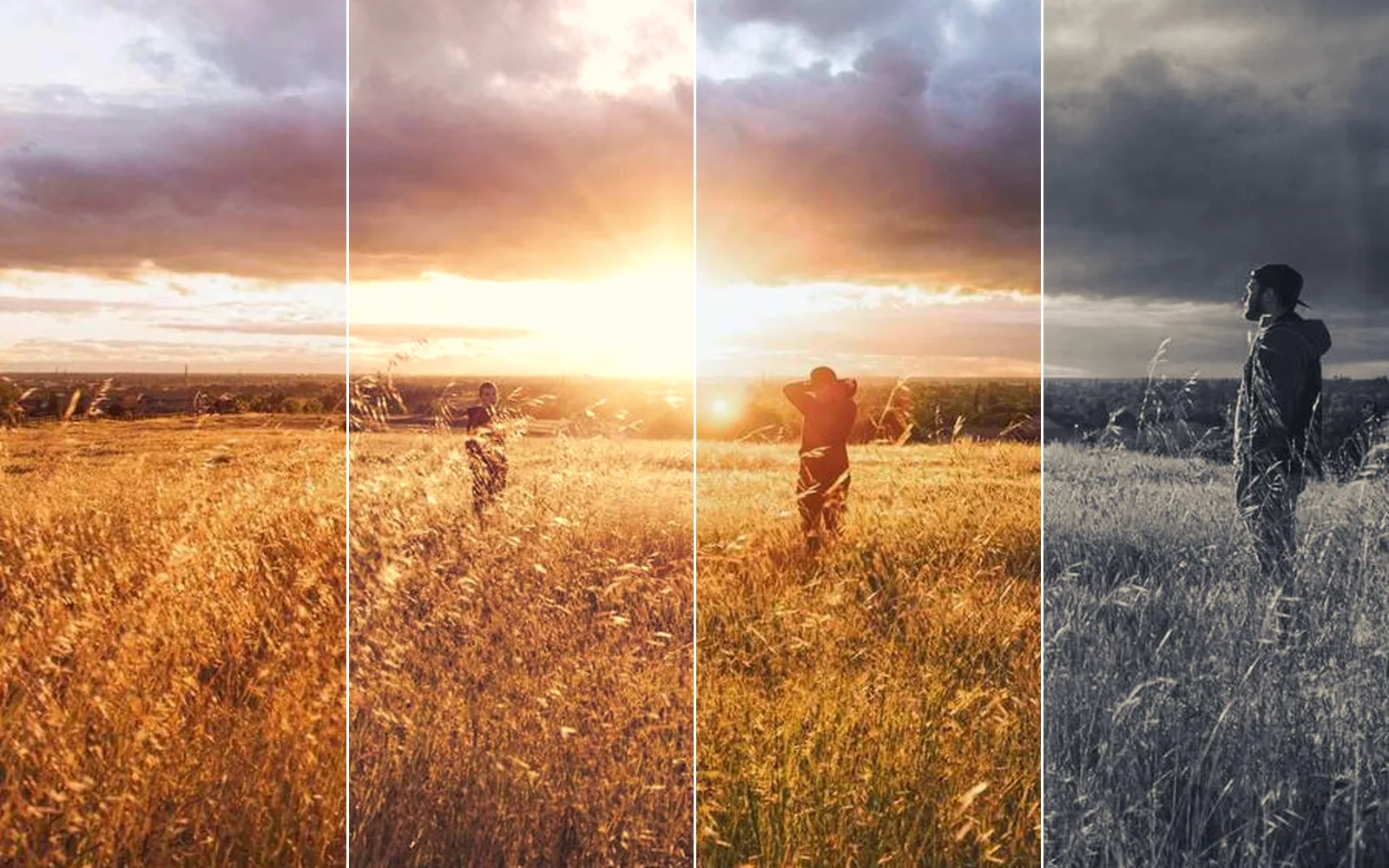
Simulate the fire, light it and render it beside the comp, so a change to the sim lands in the shot with no export in between. Depth from the render, or worked out from a photo, drives Z merges, fog and focus.
The graph keeps running, so the comp can sit on a live camera or an NDI feed and go straight out to projectors, an LED wall or the network. Sound lives in the same file: a song can ride the exposure and a MIDI fader can push the grade.
Your words, your files and your color pipeline all come along. Here is what to expect in the first hour.
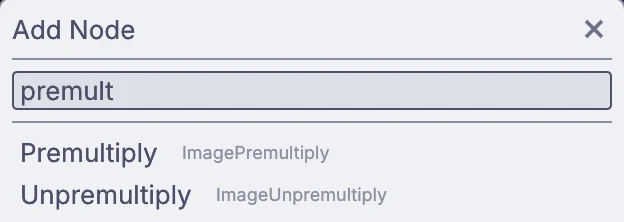
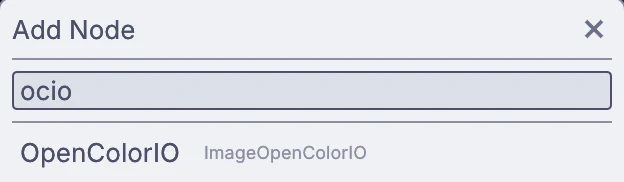
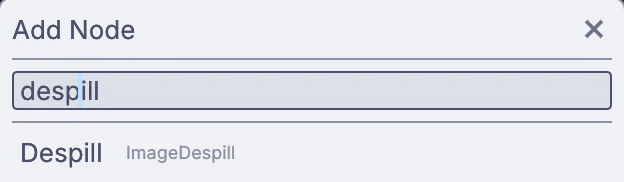
Press Space over the canvas and type. Quick-add finds nodes by name and by plain words, so premult, ocio and despill land on the node you meant, under its own name.
Merge, Shuffle, Reformat, Transform, Crop, Cryptomatte and Grain go by the same names here.
Nobody has to move a whole show at once. Pass plates and renders back and forth as EXR sequences, and keep one OCIO config, one set of LUTs and the colorist's CDLs for both.
.nk scripts do not open in Kinematic (these are proprietary). Comps are rebuilt rather than converted, and everything they point at opens as it is.
The app you comp in also renders from a terminal, over SSH or in a build job. Write a frame range as a numbered EXR sequence, or split a long shot into chunks across machines.
$ kinematic render shot.kin -o out.%04d.exr \
    --timeline-range 0..239
$ kinematic render shot.kin -o out.%04d.exr \
--start-frame 120 --end-frame 239--timeline-rangea range of frames, written at the project frame rate--start-framewith --end-frame, one chunk of a longer shot--eachthe same graph once per file, so a folder of plates goes through one compexit 0a clean finish. Exit 8 means the output did not finishThe keys you will use in the first hour. Ctrl on Windows and Linux is Cmd on a Mac.
Take the app tour →Nuke has earned its place at the center of film and TV compositing. Here is where it still leads, and what Kinematic does not do yet.
Use both. Pass EXR sequences, LUTs and CDLs back and forth, and use Kinematic where the comp has to run live.
Kinematic costs nothing, even for commercial use: no subscription, no license server, no seat count. The Nuke side comes from Foundry's own pages.
All checked October 2026. Prices in US dollars.
They all come with the app. Open one, take it apart, and keep what you need.
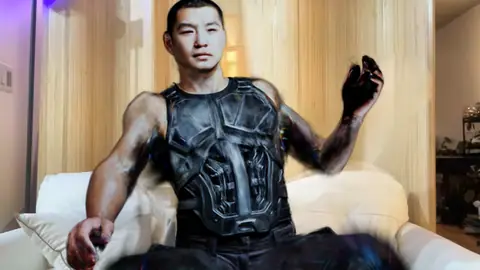 Webcam, GPURigged person infillStep out of the webcam picture and a scanned man stands in your place, with the room painted back behind him.In the Demos browser
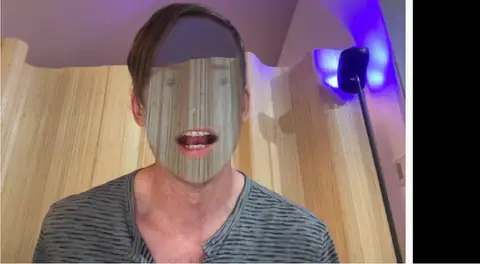 WebcamHidden face effectThe graph remembers the empty background and paints it back over your face as you move. A clean plate, live.In the Demos browser
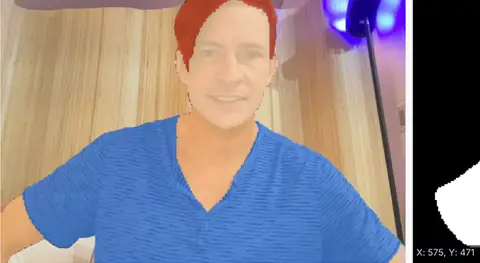 WebcamHuman parsing recolorMattes for hair and clothes from a local model, with the clean matte in a window of its own.In the Demos browser
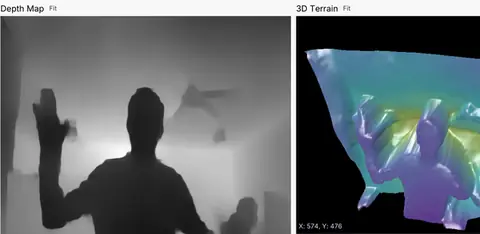 WebcamLive depth terrainDepth from a plain webcam, beside the lit 3D surface built from it.In the Demos browser
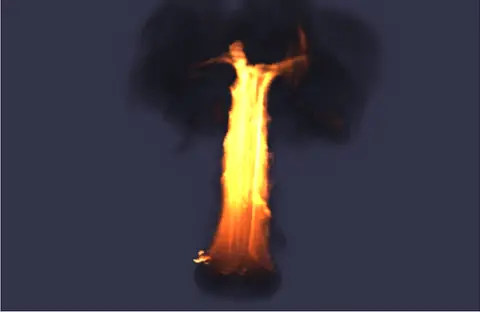 BurningA burning object throws up a pillar of fire into dark smoke, simulated and rendered in one graph.In the Demos browser
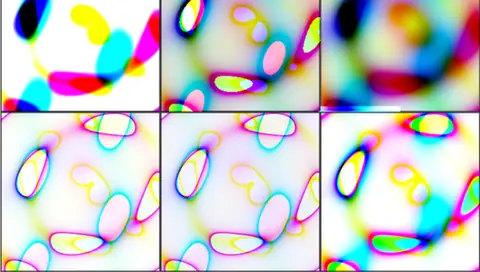 GPUSix ways to tone map one pictureOne HDR source through six tone maps side by side, Reinhard, Hable, ACES and more.In the Demos browser
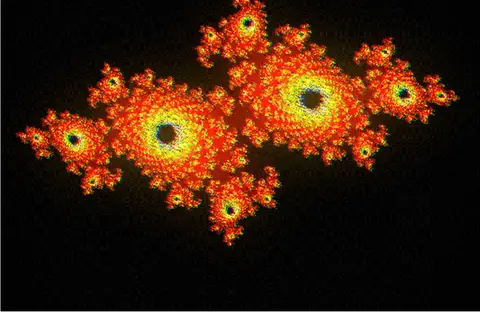 Film look chainA film grade as a chain: teal shadows, warm highlights, halation, lens fringes, grain and a vignette.In the Demos browser
 GPUOil slick in GLSLA thin-film oil slick written in GLSL. Open the shader and change it while it runs.In the Demos browser
No (these are proprietary). Comps are rebuilt in Kinematic rather than converted. Your EXR sequences, LUTs, CDLs and OCIO configs open as they are.
Yes. OpenColorIO with your own config, the studio config or the built-in ACES one, camera log decoded as it loads, and 32-bit float from file to file.
Yes. Every layer comes in. Pull one out by name, shuffle channels, and write layered EXRs back out with zip, piz or DWA compression.
No. Z composite merges two pictures by their depth passes, so the nearer pixel wins, but there are no deep images.
No. Each model downloads once, then runs on your machine.
Yes, even for commercial use, at any resolution, with no account and no license key.
Free. No account, no license key, no license server. macOS, Windows, Linux and Raspberry Pi. Bring the plate you are working on.