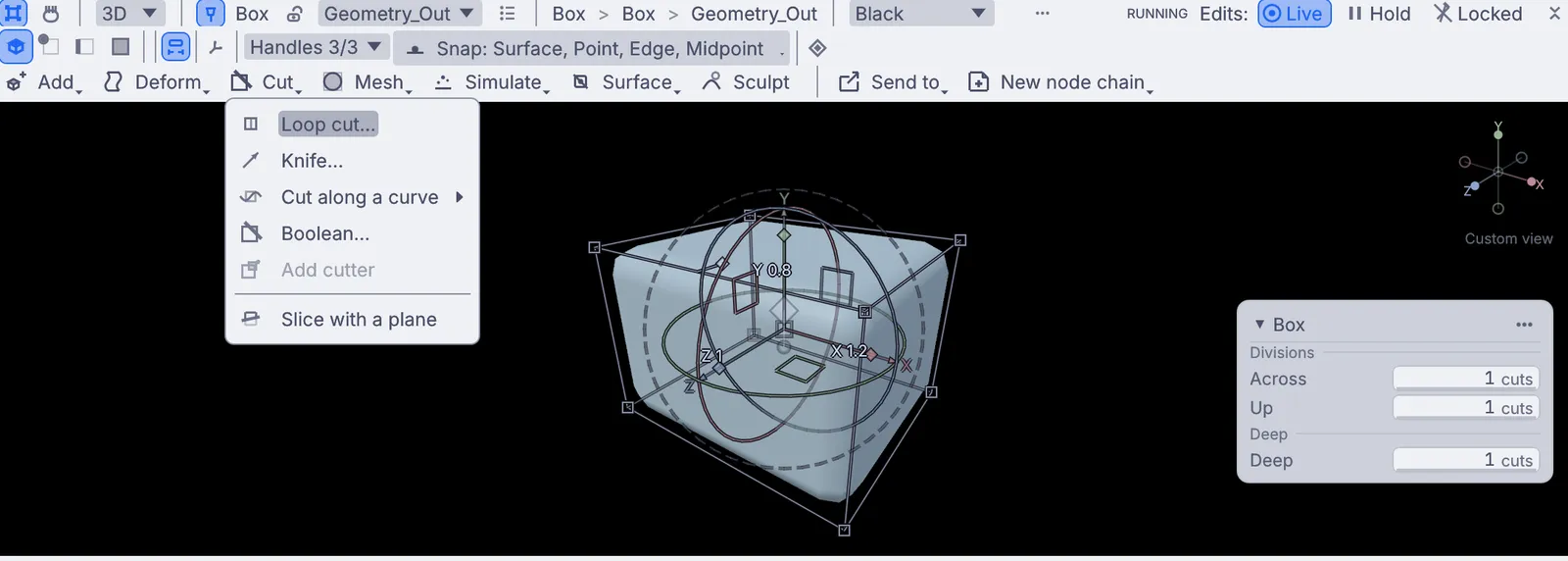
Pick something to make.
Make things you can turn around and admire: a creature sculpted from a ball, a hut cut from a box, a twisted vase, a logo, a gold ring and a scanned statue in warm light, all made in the viewport. Pick any of them, in any order.
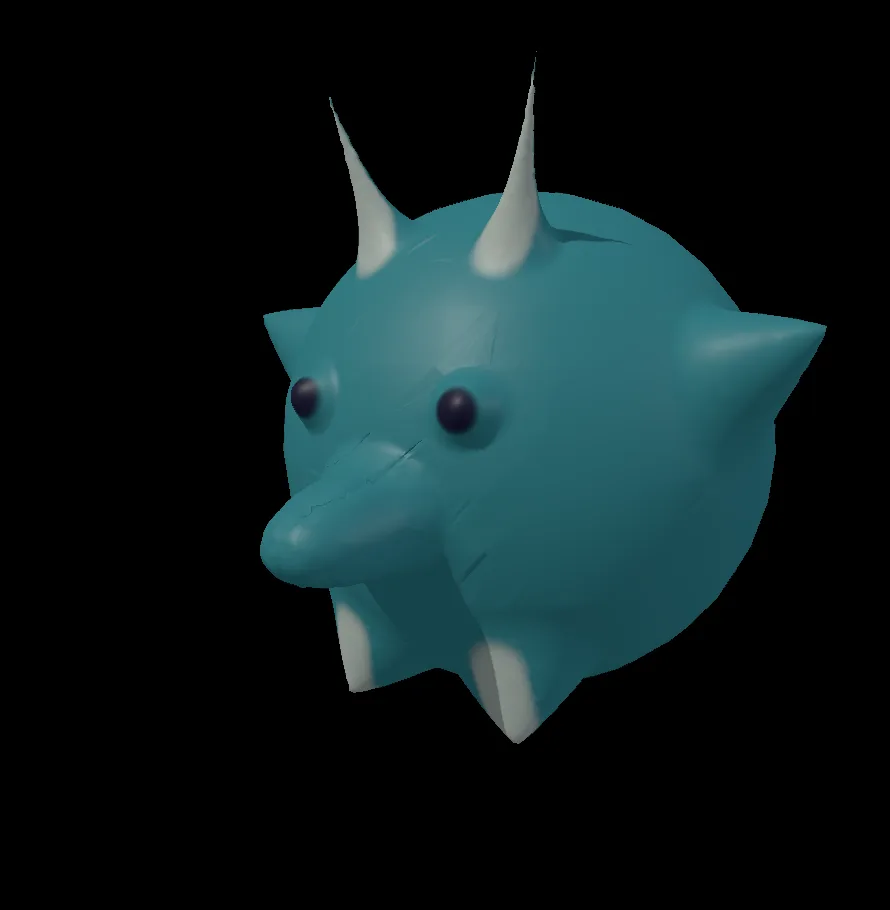
Sculpt a little horned creature
A round teal critter with horns, pointy ears, stubby feet, a snout and dark eyes, sculpted and painted from a plain ball.
- Start from a ball
- Pull out horns and ears
- Puff up eyes and a snout
- Paint it
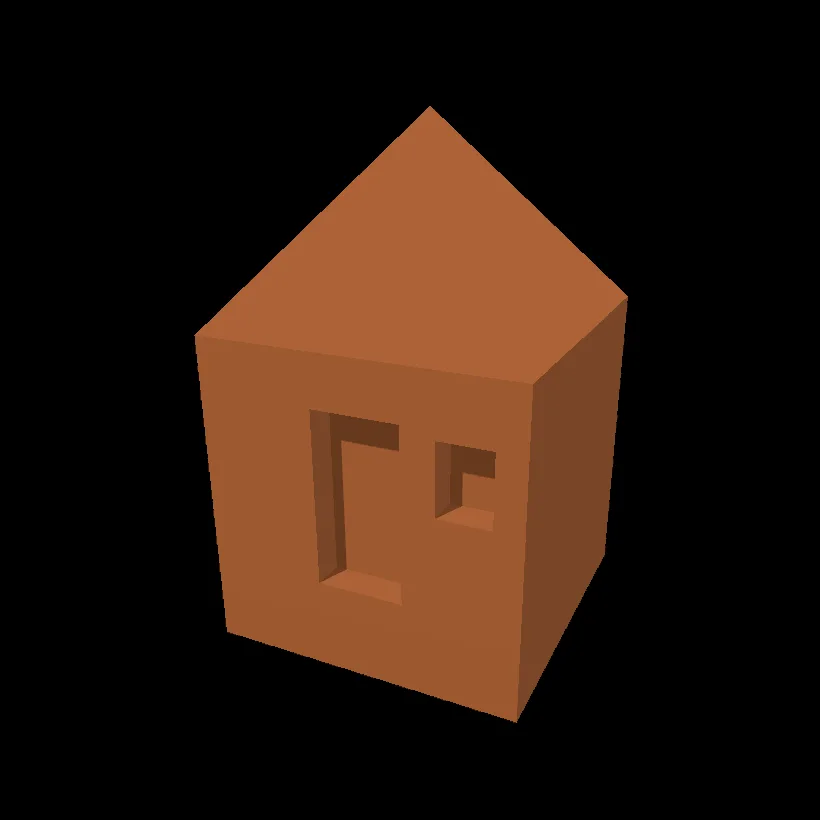
Model a little hut
A little terracotta hut with a pointed roof, a front door and a window, modeled from one box.
- Start from a box
- Raise a pointed roof
- Cut a door and a window
- Color it

Draw a mountain logo
A clean little logo of two green peaks and an orange sun, drawn with the pen on a white page.
- Start a blank page
- Click out three shapes
- Fill each one
- Pick your colors
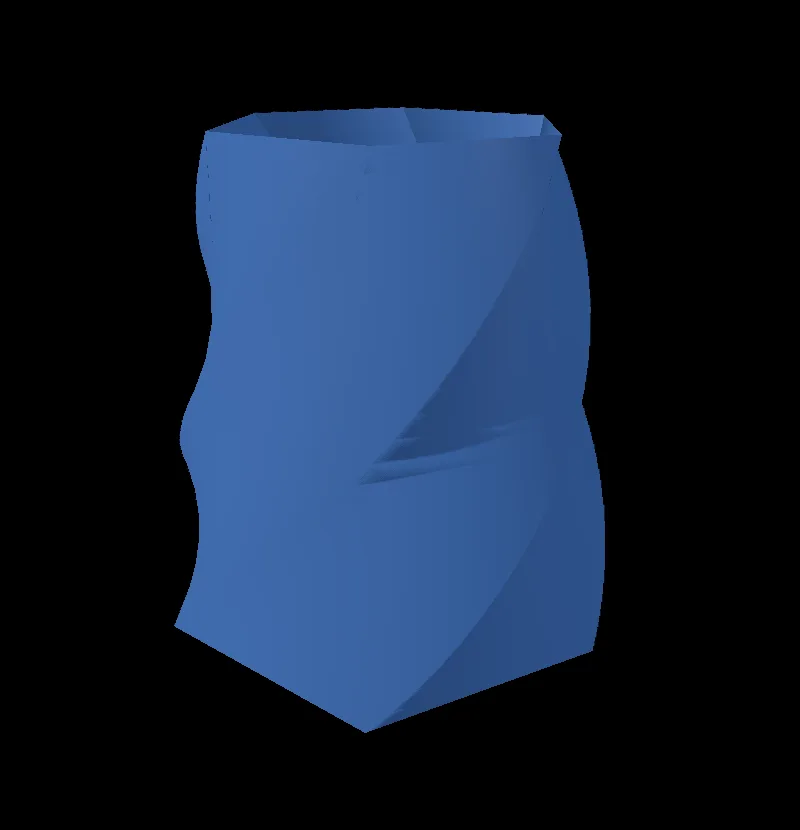
Make a twisted vase
A six-sided blue vase with a deep opening, narrowed at the top and twisted a third of a turn.
- Start from a cylinder
- Hollow out the top
- Taper and twist
- Color it
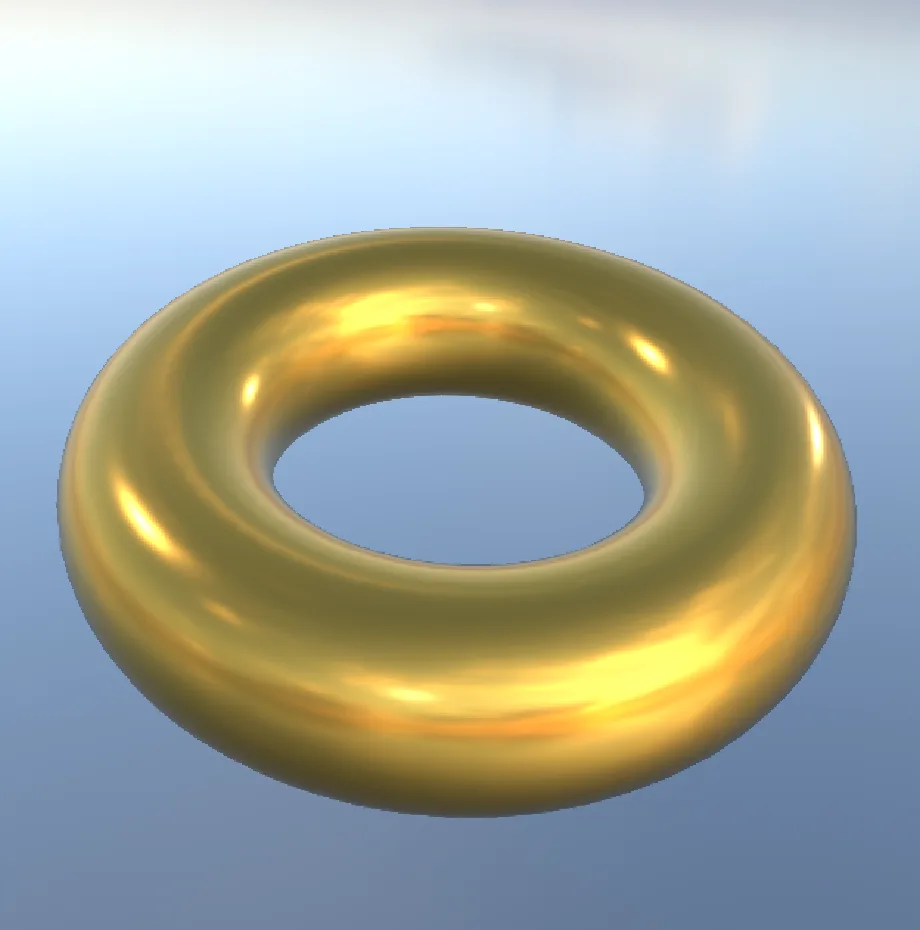
Turn a chrome ring into gold
A polished gold ring floating in a real sky, seen from a little above, with the sky turned so the light falls the way you want.
- Open the chrome ring
- Make the metal gold
- Turn the sky
- Look from above
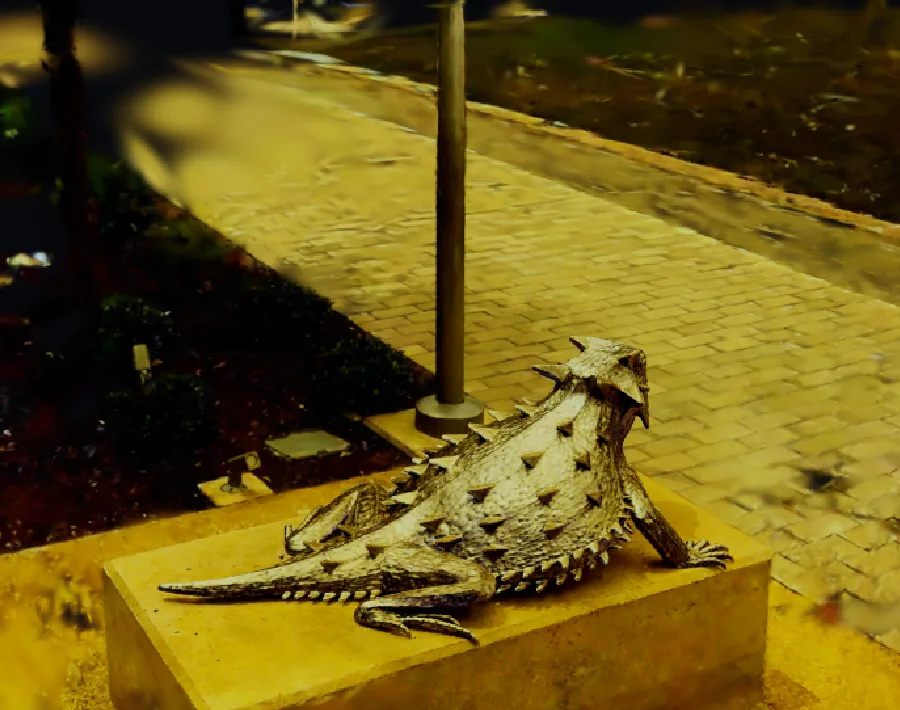
Give a 3D scan a golden glow
A real carved lizard statue, captured as a 3D scan, bathed in warm late afternoon light.
- Open the scanned statue
- Pick the capture
- Add a color grade
- Warm it up
Pull these apart.
Open any of them from Help > Browse Demos in the app, watch it run, and change whatever you like.
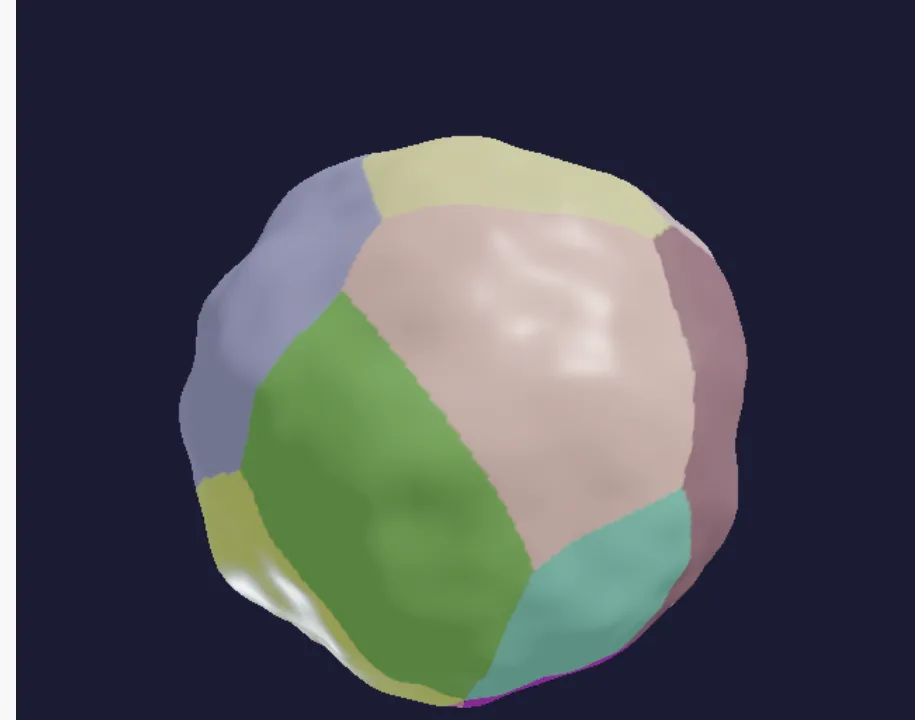 PBR textured planet
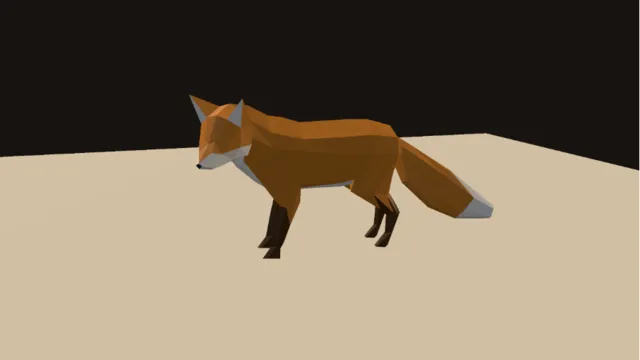 Rig playback
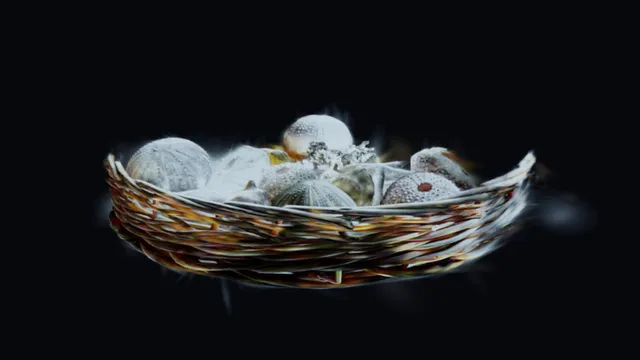 Splat probe relight
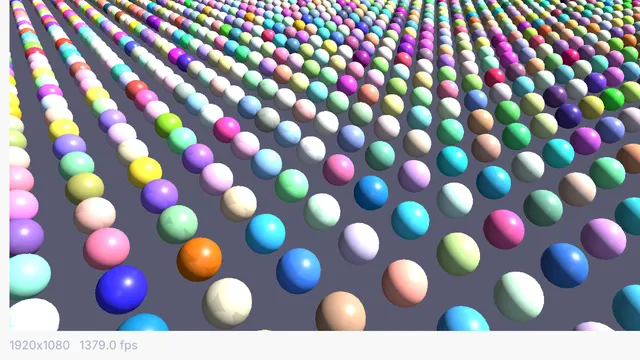 Instanced spheres 10k
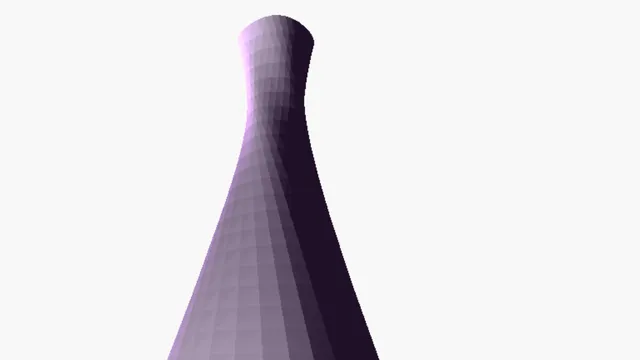 NURBS twisted vase
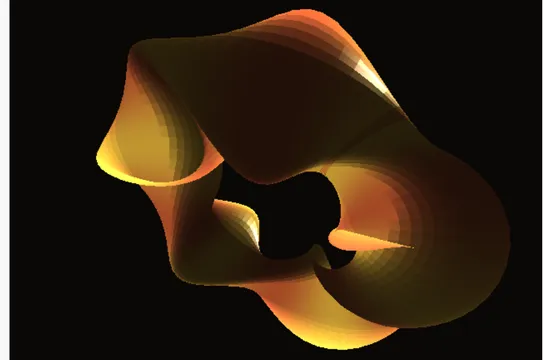 Twisted torus
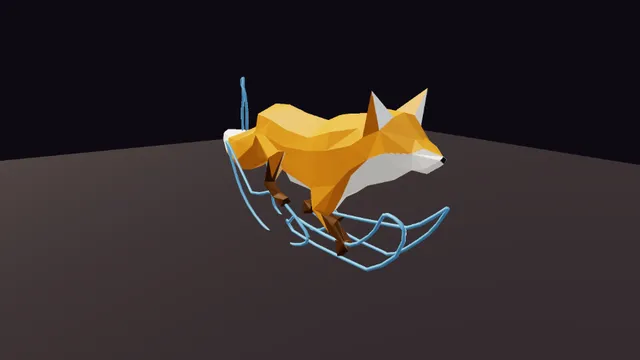 Motion arcs
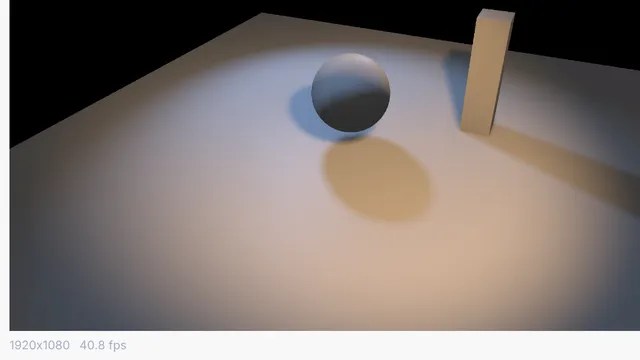 Spotlight shadow cast
Guides and ideas.
Guides, under Help in the app
Free and open. Yours, forever.
No account, no license key. macOS, Windows, Linux and Raspberry Pi.