Kinematic 0.5.0 is out. Modeling and sculpting in the viewport, a timeline on every graph, photo and sound editing. What's new
Kinematic / Edit / Posters & layouts

Design posters and layouts.

Posters, social sets, badges and print files, with text and vector layers, versions, and one design saved at every size.

a layered poster and a headline lettered on a curve
01

Make a poster with layers

A gold star with a glow clipped inside it and a title with a stroke and a soft shadow, all on one photo.

  1. Place a gold star top right with the Screen blend at 80 percent and clip a warm glow to it.
  2. Set OPENING NIGHT as a text layer with a dark stroke and a drop shadow.
  3. Add Curves above the layers for contrast and save the PNG.
InputImageFile→ImageComposite→ImageComposite→ImageRGBCurves→OutputImageFile+ImageSDFShape+TextRenderToImage
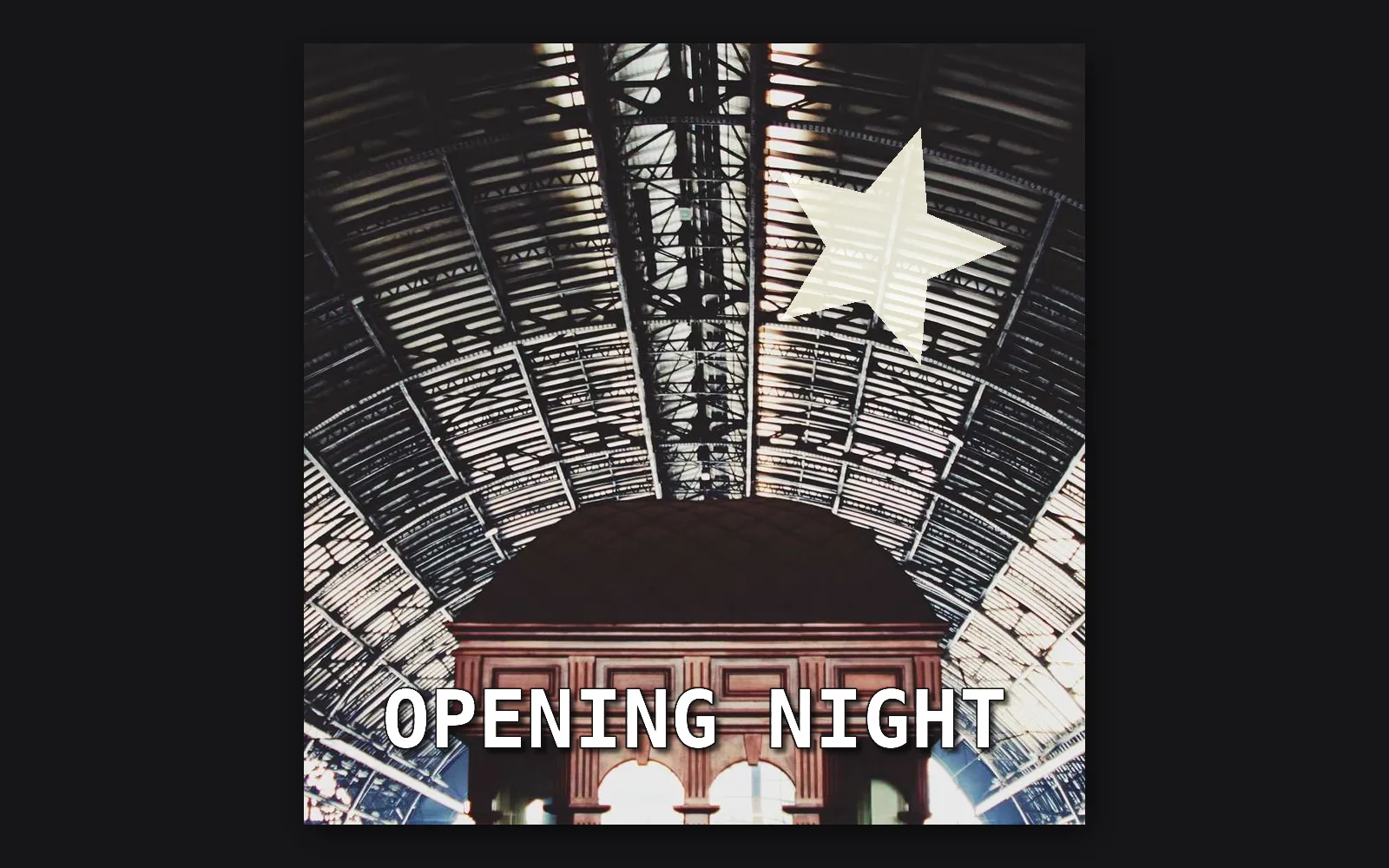
a glowing star and a stroked, shadowed title over the station roof
02

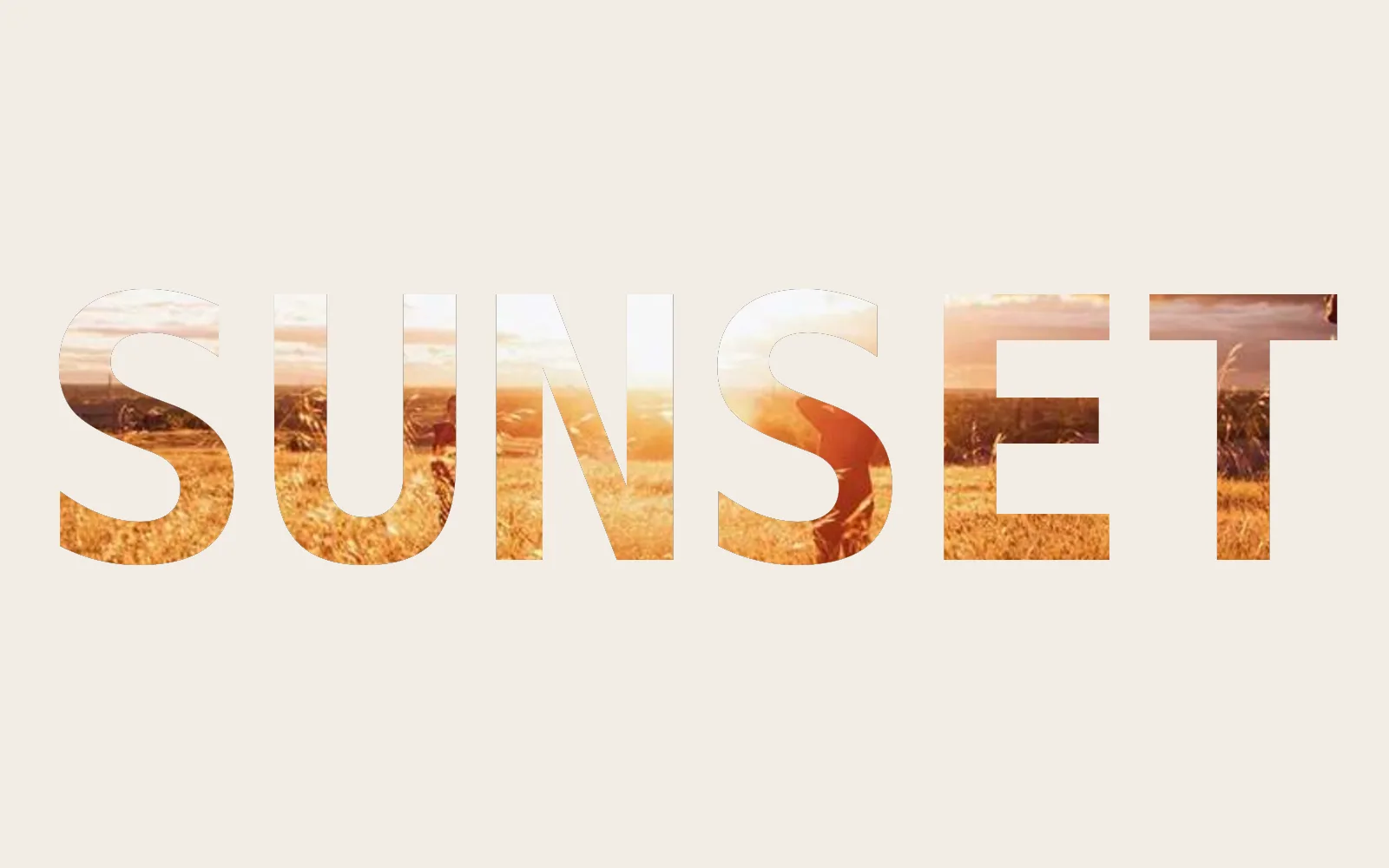
Fill a word with a sunset

The letters of SUNSET cut from a photo, on warm paper.

  1. Set the word as a big text layer on a paper color.
  2. Place the photo and clip it to the text layer below.
  3. Move and scale the photo so the brightest sky runs across the word.
TextRenderToImage→ImageExtractChannel→ImageComposite→ImageComposite+InputImageFile+ImageSolidColor
SUNSET cut from a photo of a field at sunset, on warm paper
03

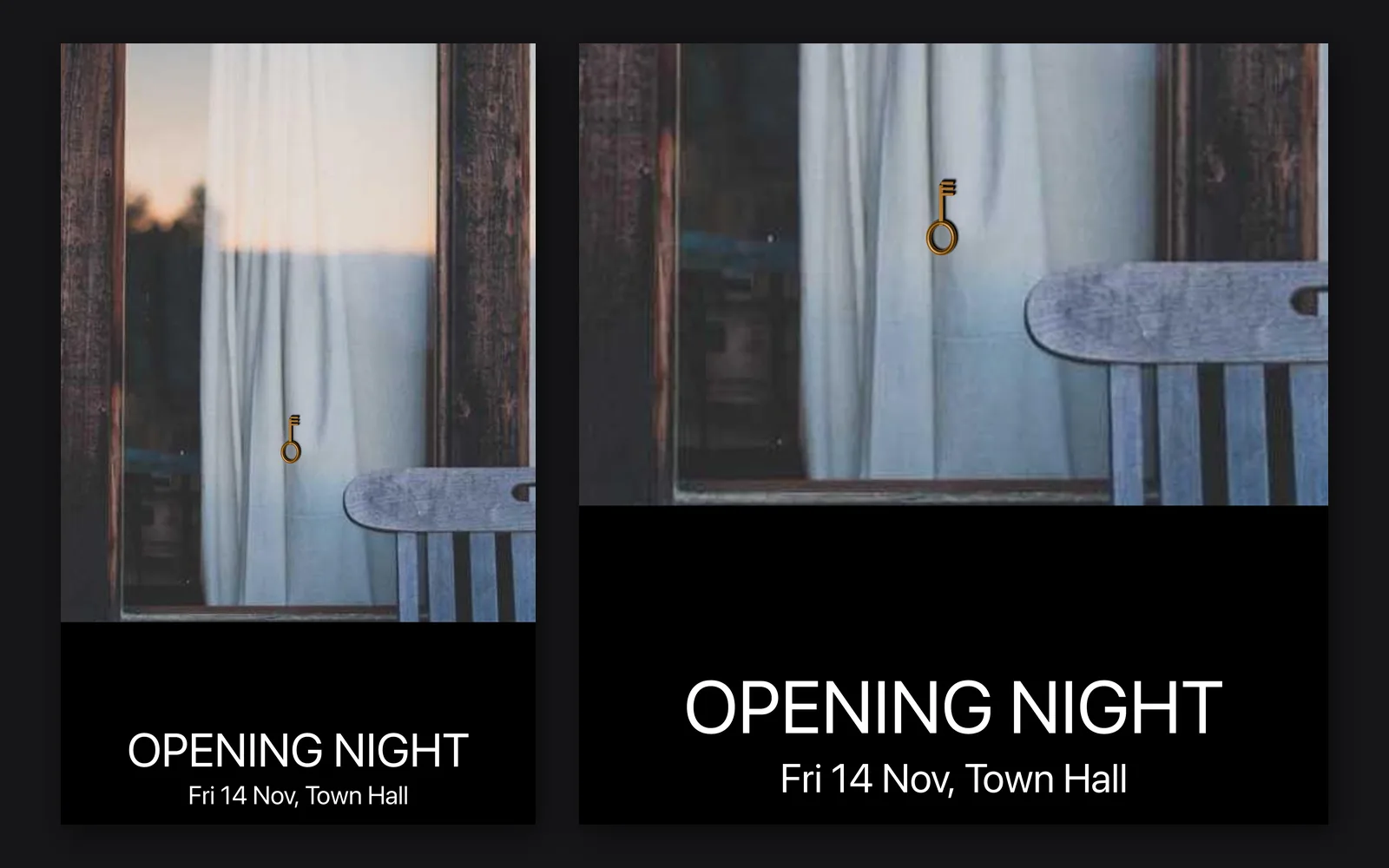
Print an A3 event poster

One photo, a black band, two lines of text and a logo, at 3508 by 4961.

  1. Crop to A3 proportions and resize to 3508 by 4961.
  2. Add a black band along the bottom with Canvas size.
  3. Set two centered lines of text on the band, place the logo and save the PNG.
InputImageFile→ImageCrop→ImageReformat→ImagePad→TextRenderOverImage→ImageComposite→OutputImageFile
the A3 event poster, with a close look at its text band
04

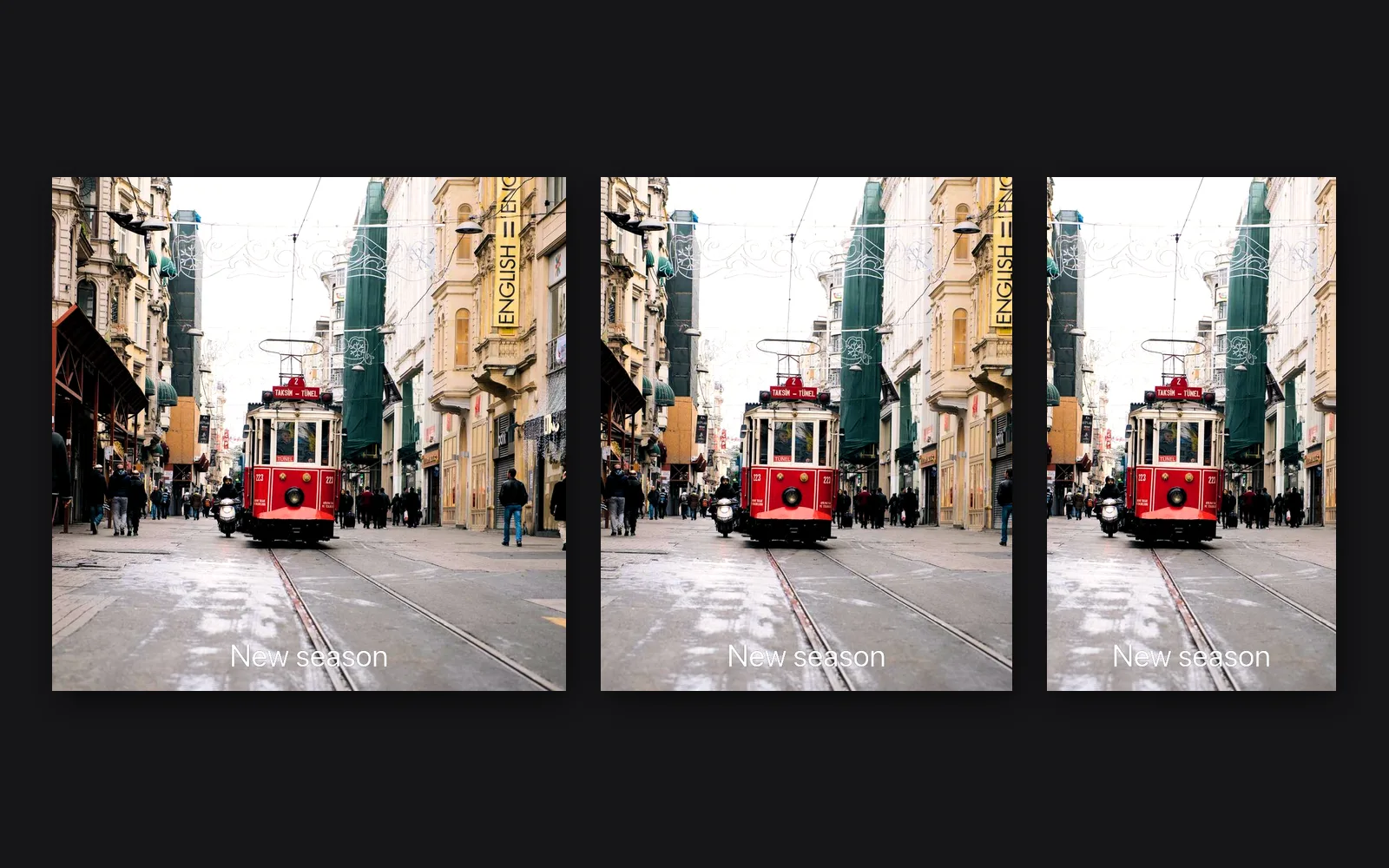
Post one photo three ways

One look, cropped 1:1, 4:5 and 9:16, each with its own line of text and its own file.

  1. Make the look once with Develop and Hue and saturation.
  2. Branch two more versions. Crop each to its shape and give it a line of text.
  3. Change the look once and all three follow.
InputImageFile→ImageDevelop→ImageHueSaturation→ImageCrop→TextRenderOverImage→OutputImageFile
one look cropped square, 4:5 and 9:16, each with its own line
05

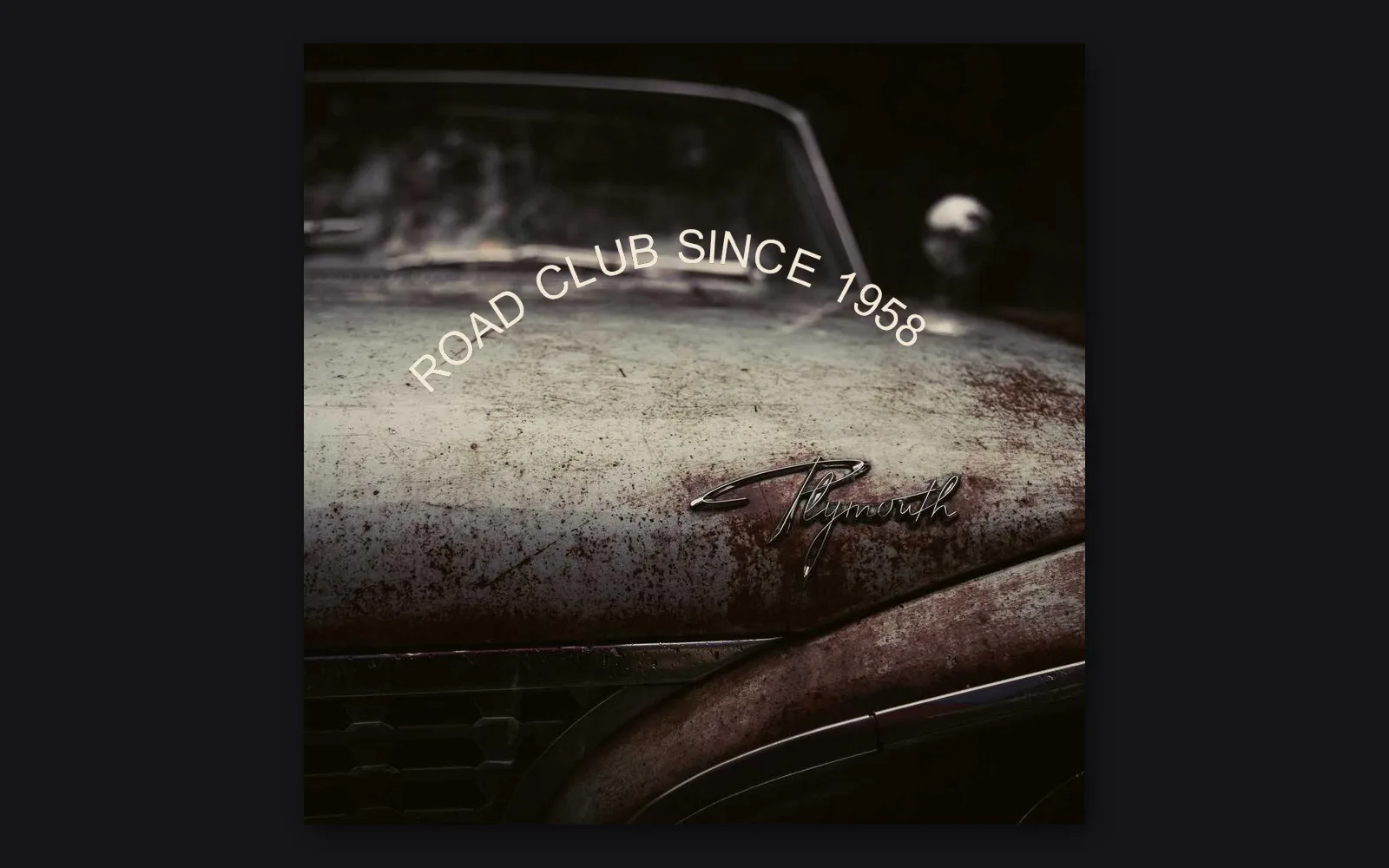
Curve a headline like a badge

A headline set on a curve, sharp at any size.

  1. Pick Layer > Text layer > On a path. The words start on an arc.
  2. Drag the start handle to slide them, and the path handles to bend the curve.
  3. Scale the layer with its own handles. It is a vector, so it stays sharp.
SvgPath→SvgTextOnPath→SvgToImage→ImageComposite+InputImageFile
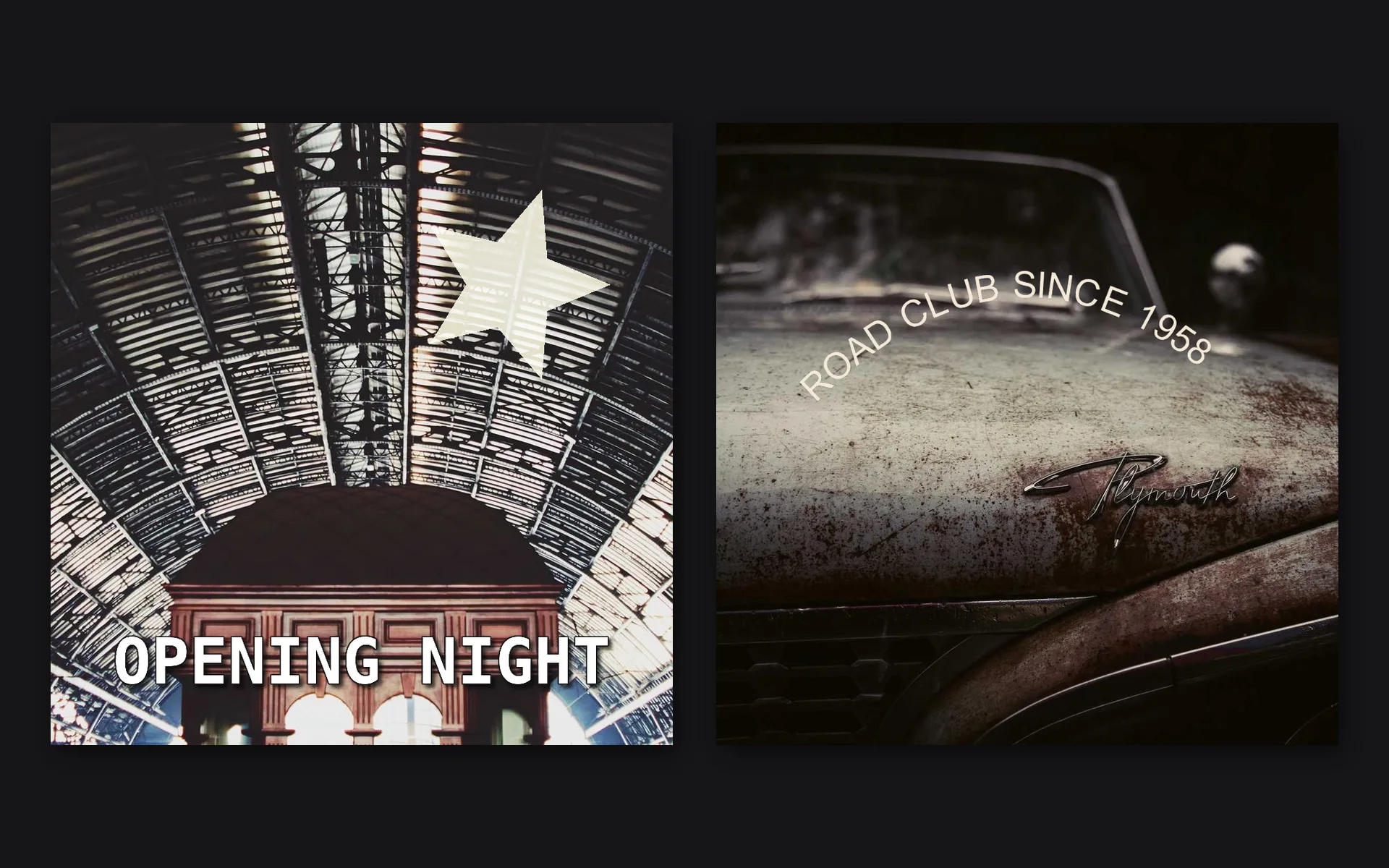
ROAD CLUB SINCE 1958 set on a curve over an old car
06

Save one design for web and print

A 2048 pixel JPEG for the web and a 16-bit A4 TIFF at 300 dpi, from one press of Save.

  1. Add the Web 2048 and Print 300 dpi export presets from the Save menu.
  2. Fill in Copyright and Creator on each.
  3. Press Save. Both files are written with their own names.
InputImageFile→ImageDevelop→ImageReformat→ImageSharpen→OutputImageFile
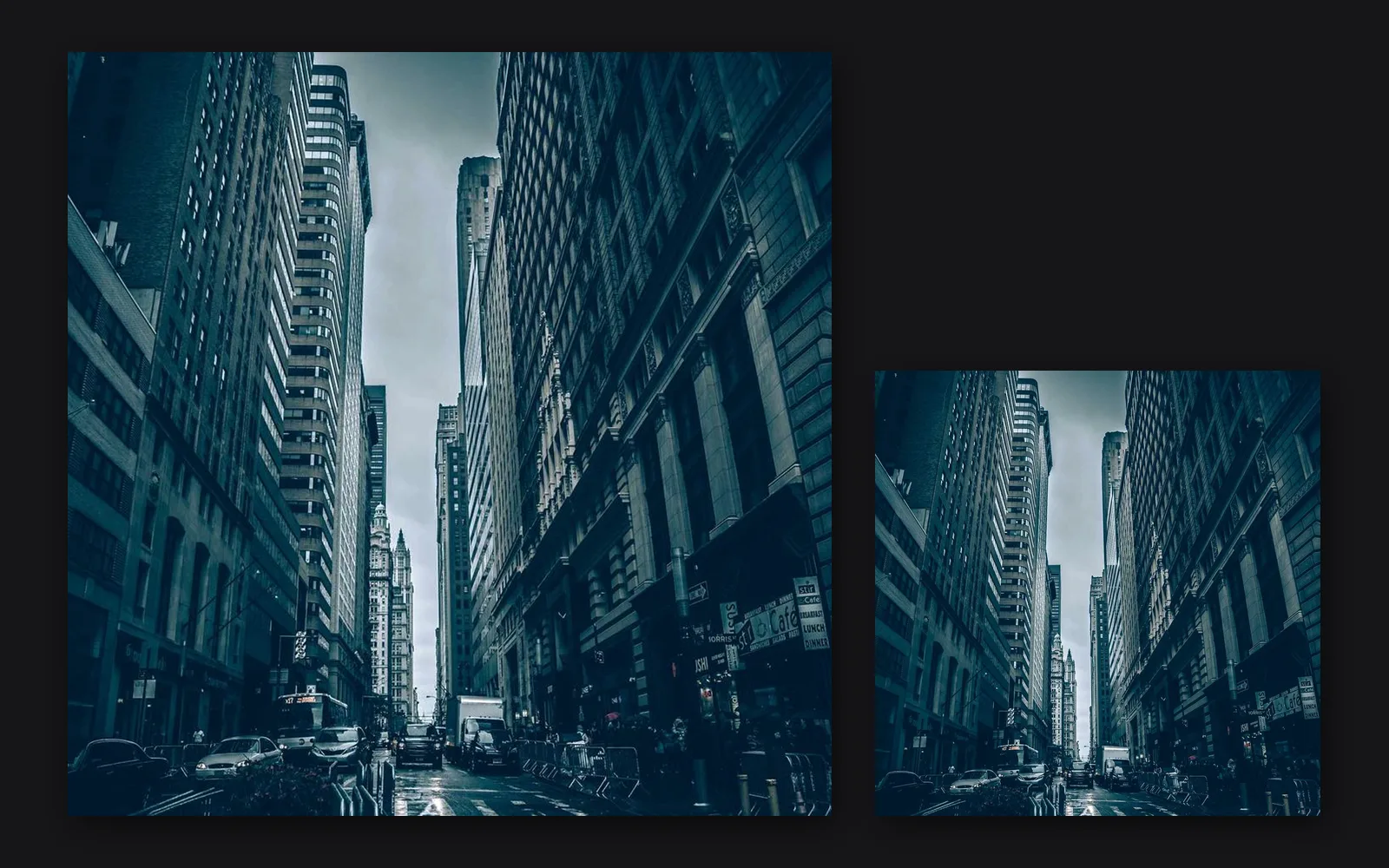
the print file beside the smaller web copy, saved from one design
Take it further

It all connects.

Every part of Kinematic works with the others. Wire one into the next.

Keep going

Free and open. Yours, forever.

No account, no license key. macOS, Windows, Linux and Raspberry Pi.

Download Kinematic 0.5.0