Kinematic 0.5.0 is out. Modeling and sculpting in the viewport, a timeline on every graph, photo and sound editing. What's new
Kinematic / Who it's for / Musicians and producers

Make your music in Kinematic.

Write in the piano roll, build synths and drum machines, record takes and mix, with your CLAP and VST3 plugins in the chain. Then make the visuals, the light show and the cover from the same file. Free, even for commercial use.

  • Producers
  • Songwriters
  • Beatmakers
  • Live performers
  • Bands
  • Instrument builders
Piano roll with CC lanesHosts CLAP and VST3Follows Ableton Live and MIDI clockmacOS, Windows and Linux
Piano roll playing
Sound to picture a song

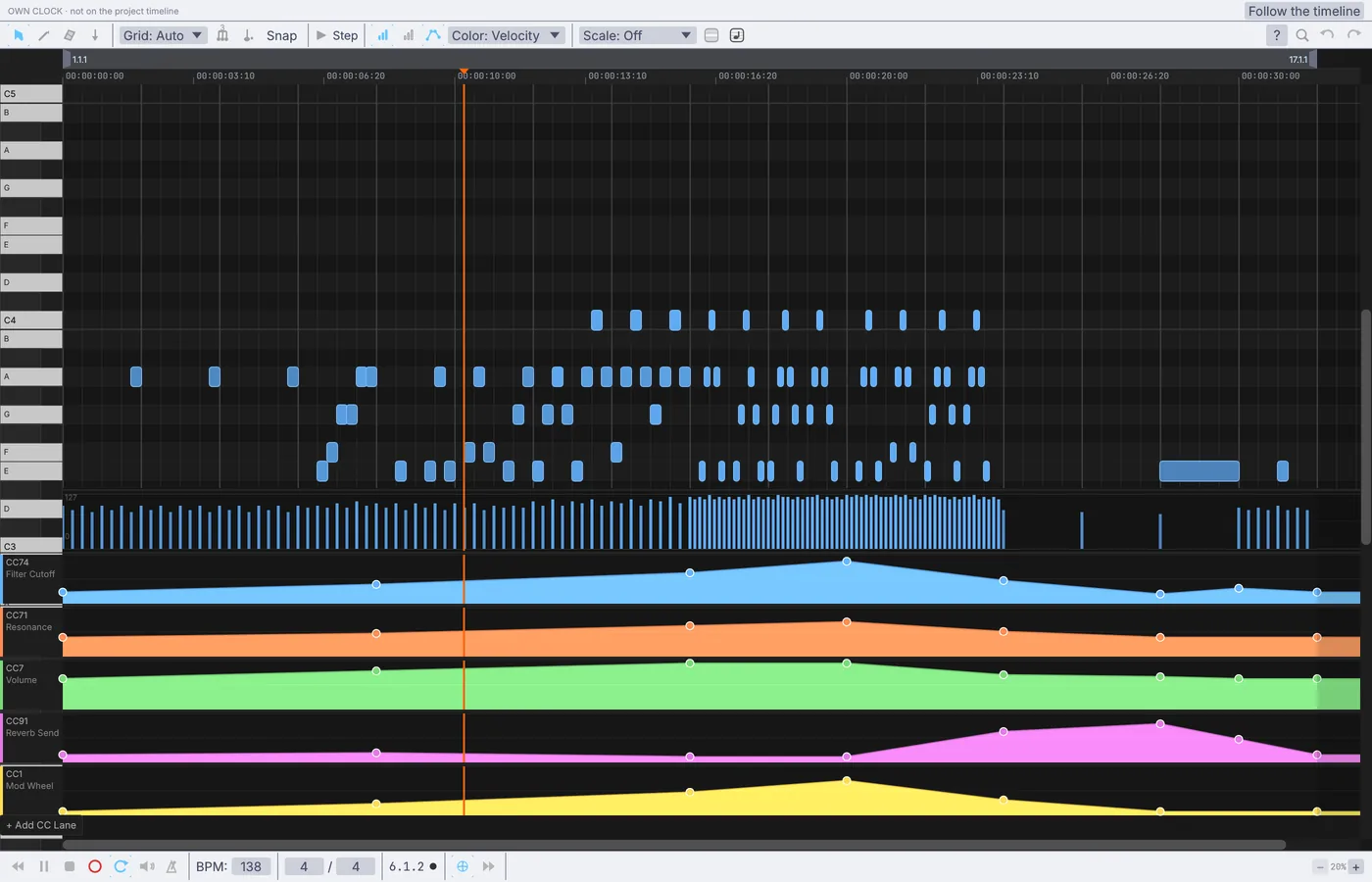
Behind, the MIDI Clip Synth demo playing its 16 bar loop at 138 BPM, with the filter sweep, resonance, volume, reverb and mod wheel drawn in lanes under the notes. In front, a song deciding how many particles fly.

The work, start to finish

Write, record, mix and release.

What fills a week in the studio, and how each job goes in Kinematic. Every picture here is the app.

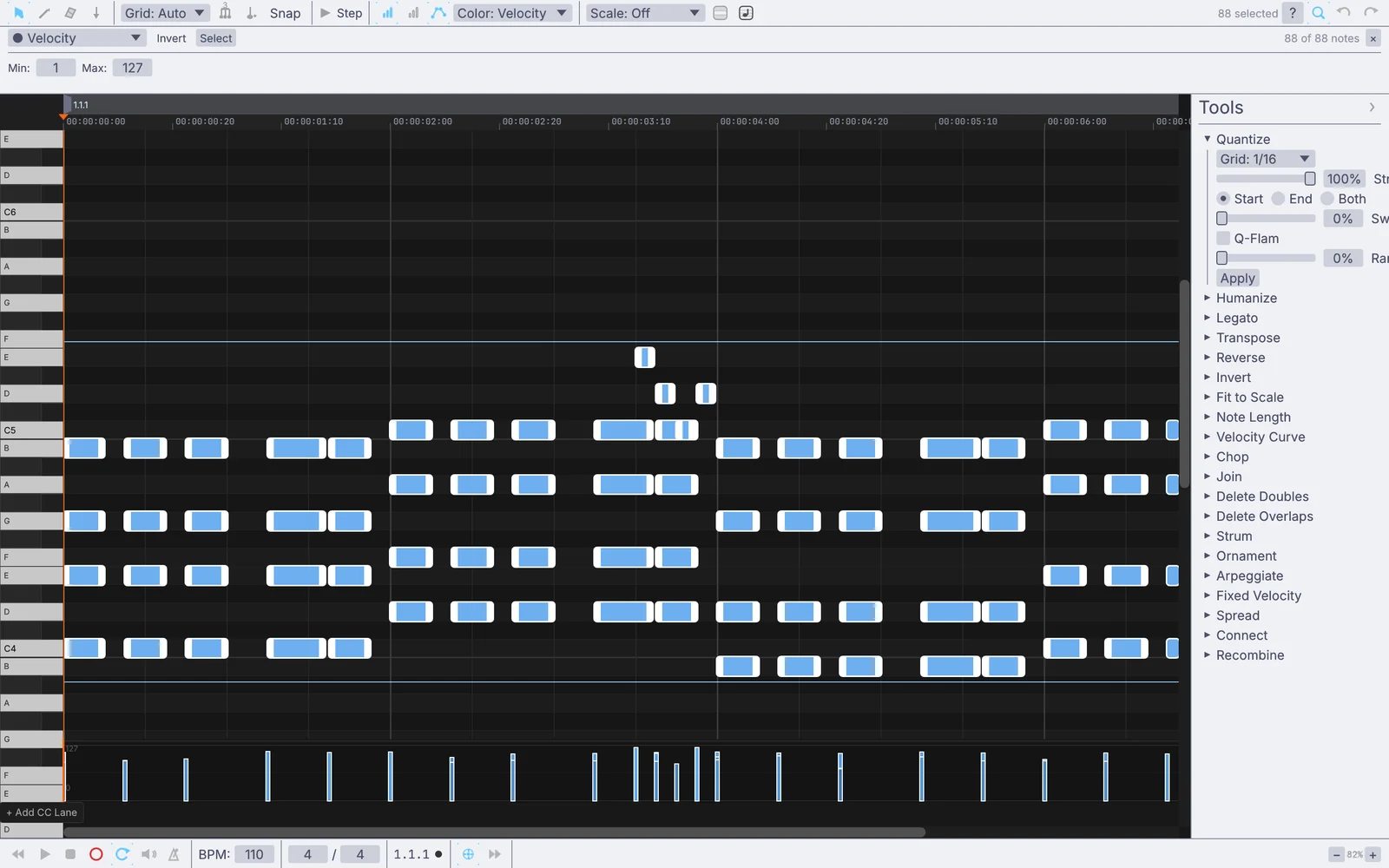
a keys take selected in the piano roll, with the Quantize tool open
a keys take, about to be quantized
01Write

Write the parts in the piano roll.

Play a take in from your keyboard and snap it to the grid, or step the notes in from the computer keys with no controller at all. Draw the filter sweep in a lane under the notes.

  • Quantize, swing and humanize, and find every soft ghost note at once
  • Chords from one finger, an arpeggiator, Euclidean rhythms and drums that keep writing themselves
  • Open a MIDI file from your DAW with its CC lanes, and save it back out
MidiClipPlayerMidiChordGenArpeggiatorOperMidiEuclideanSequencerMidiFileLoad
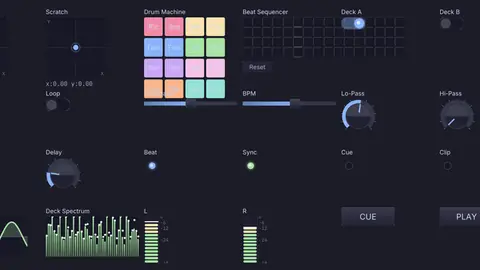
a drum machine playing from its own panel
02Sound

Build the sounds.

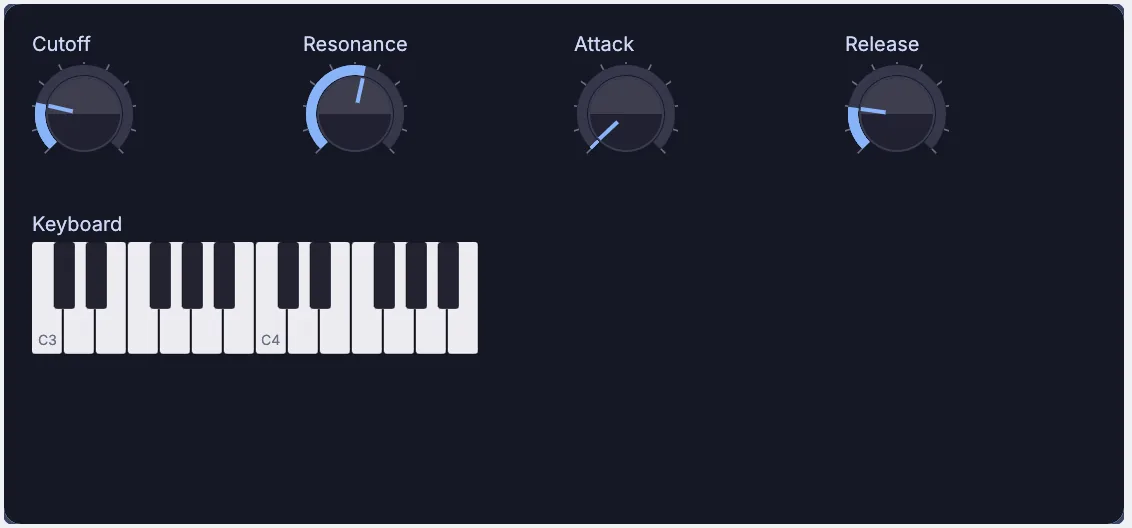
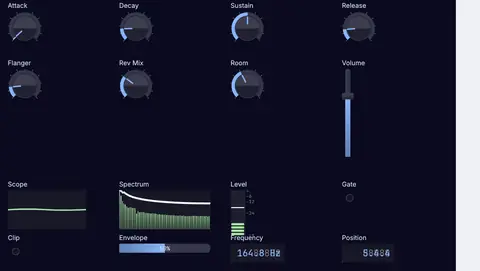
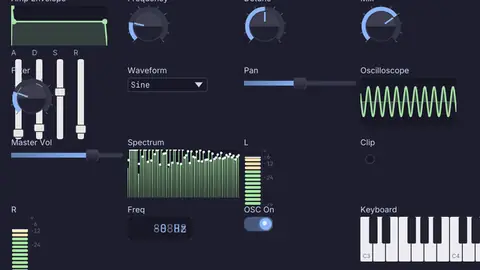
Patch a synth from oscillators, filters and envelopes, or a drum machine on a step grid, and lay its knobs out on a panel you play live. Your own plugins sit in the same chain.

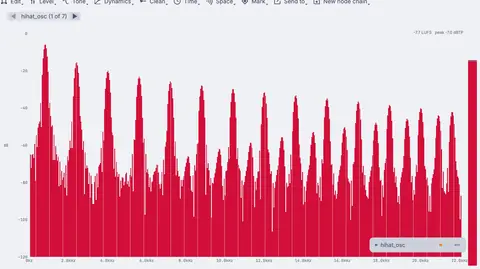
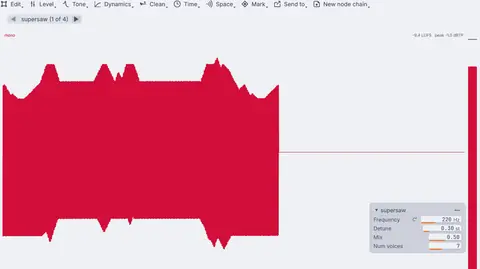
  • Wavetable, FM, supersaw, additive and plucked strings, through ladder, diode and state variable filters
  • Kick, snare, hats and toms built from parts, on a sixteen step grid
  • CLAP and VST3 instruments and effects, played from MIDI and tweaked in their own windows
AudioWavetableAudioFMOperatorAudioLadderFilterUIStepSequencerPluginHost
a voice take, then the same voice in grains
03Record

Record takes and sample them.

Record from any input on your interface, keep the take you like and trim it on its waveform. Loop your voice, stretch it, shift its pitch or scatter it into grains.

  • A tuner, and pitch correction for a vocal line
  • Sing a melody and a synth plays it: your voice turns into MIDI notes
  • Loop and overdub, freeze one moment into a drone, play it backward
AudioTakeAudioLooperAudioTimeStretchAudioGranularMidiAudioToMidi
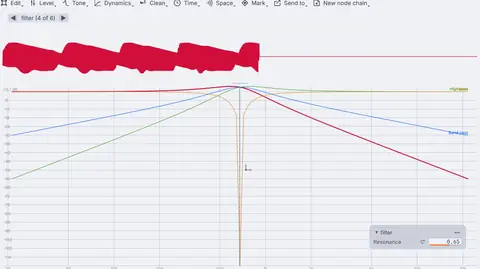
a resonant filter, swept live
04Mix

Shape and mix.

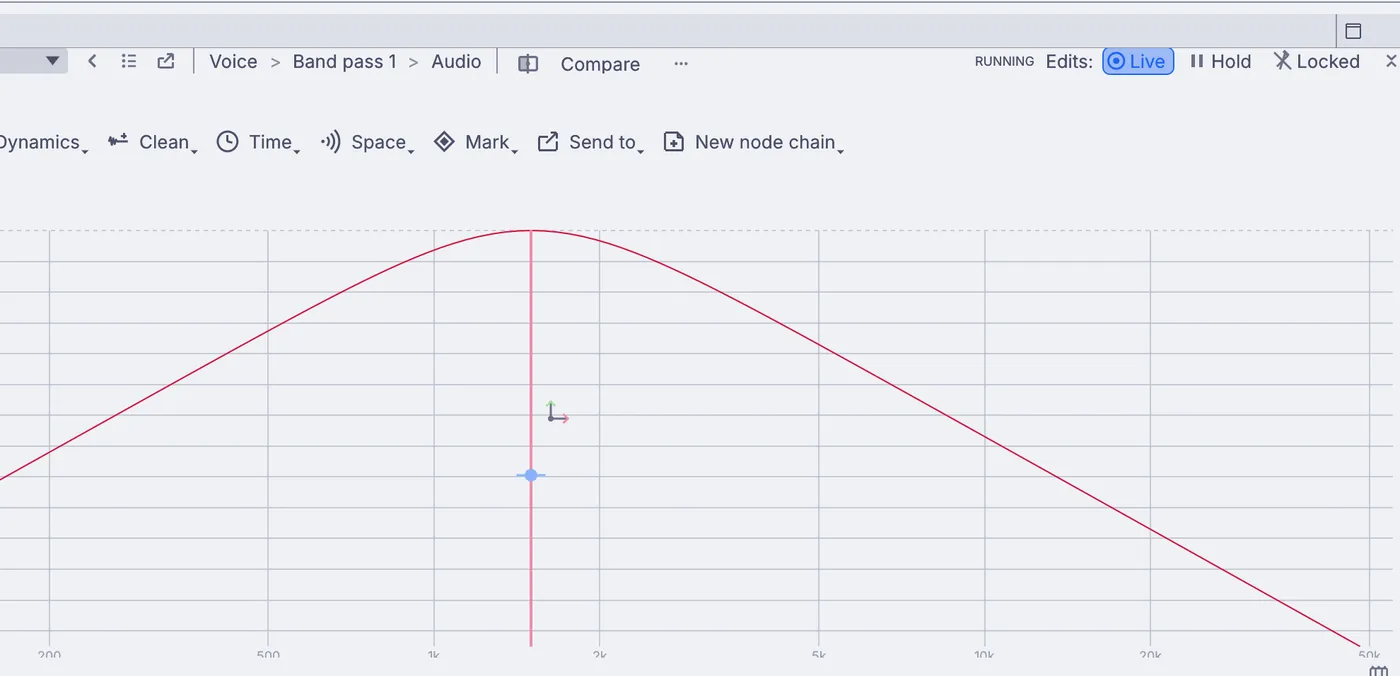
EQ, compression, saturation, delay and reverb. Filters, EQ and compressors draw their curves in the viewport while you work. Make the pad pump with the kick, or sweep a filter with your hand on an XY pad.

  • Sidechain ducking, multiband compression, a limiter and a transient shaper
  • A mixer console with faders, pan, mute and solo, on a panel you lay out yourself
  • Your plugin effects in the chain, each in its own process if you do not trust it
AudioParametricEQAudioCompressorAudioSidechainAudioPlateReverbUIMixerConsole
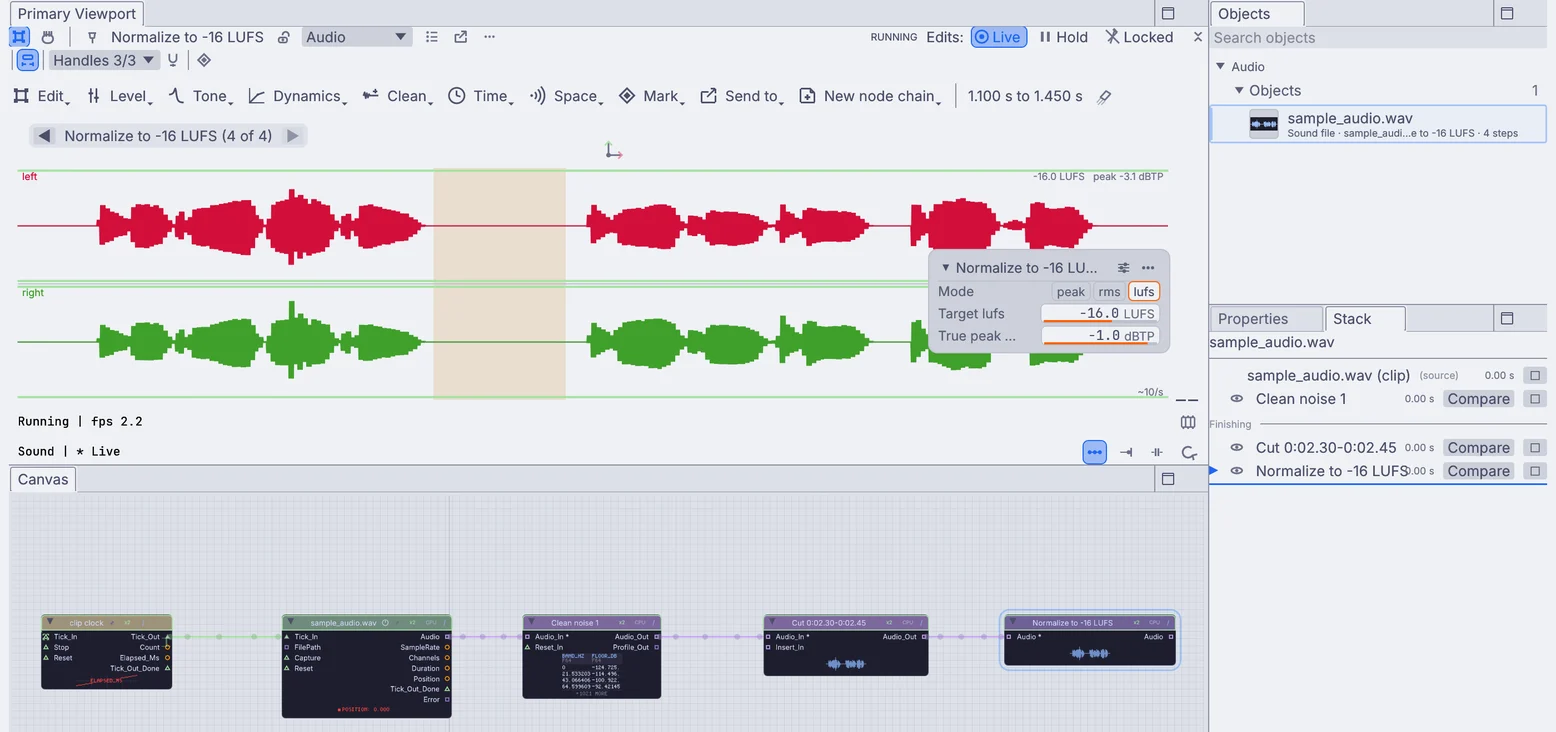
a sound cleaned, cut and set to -16 LUFS: the waveform above, each edit as a step in the Stack and as a node on the canvas
each edit a step in the list and a node below
05Finish

Master and bounce.

Set the loudness to -14 LUFS for streaming, then save to WAV, AIFF, FLAC, MP3 or OGG with the title, artist, album and tempo written into the file.

  • A loudness meter that reads momentary, short term and integrated LUFS
  • Every edit stays a step you can open and change later, and a node on the canvas
  • MIDI files out too, split into one track per channel
AudioLoudnessAudioLimiterAudioNormalizeOutputAudioFileMidiFileSave
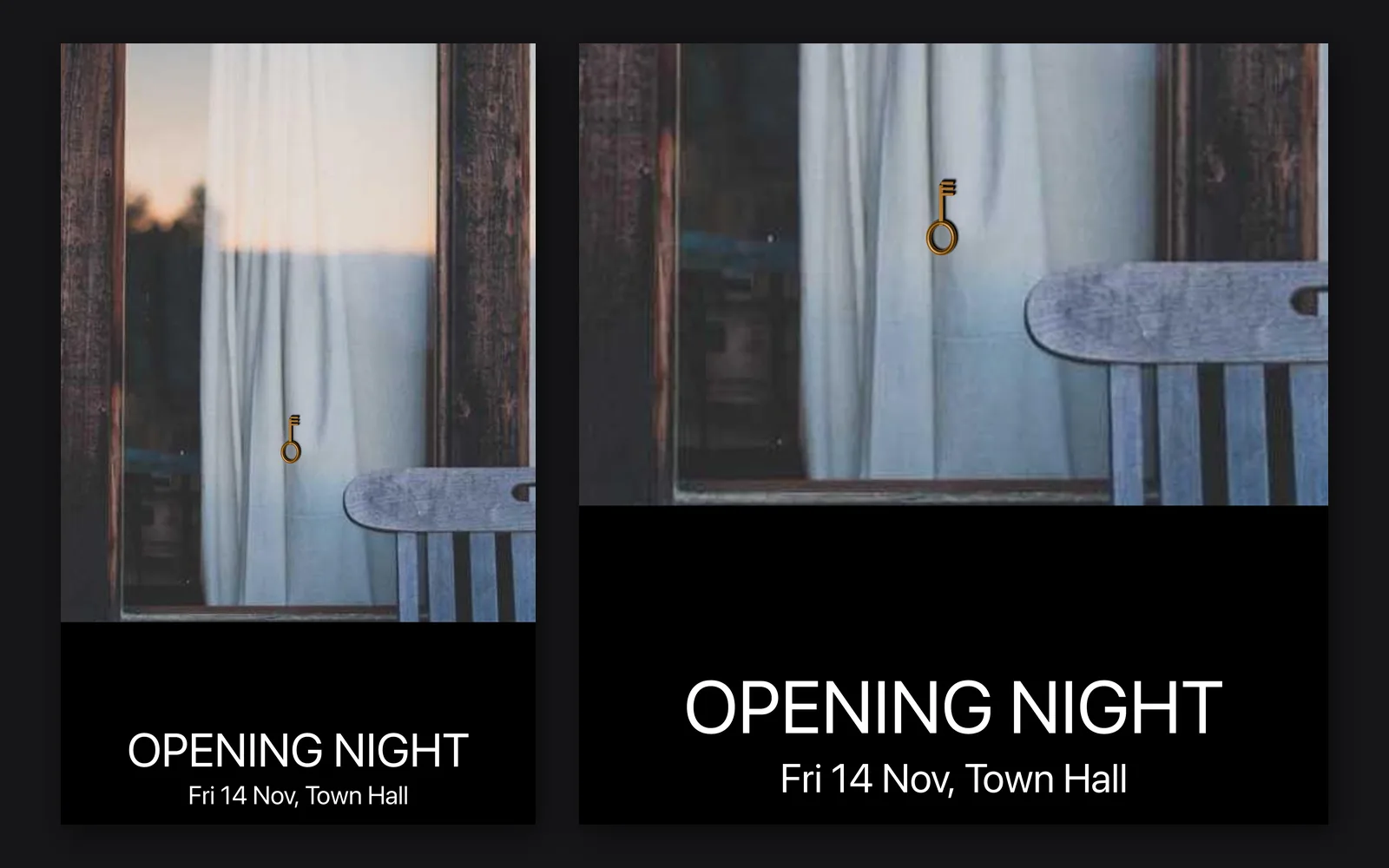
an event poster: a photo, a black band and two lines of text, beside a closer look at the band
a poster for the show, at print size
06Release

Make the cover, the poster and the posts.

Edit a photo into a cover, set the title and save the poster for the show at print size. One look goes out square, 4:5 and 9:16 for the posts, each with its own file.

  • Develop, retouch and grade the photo, with text and vector layers on top
  • A headline set on a curve, sharp at any size
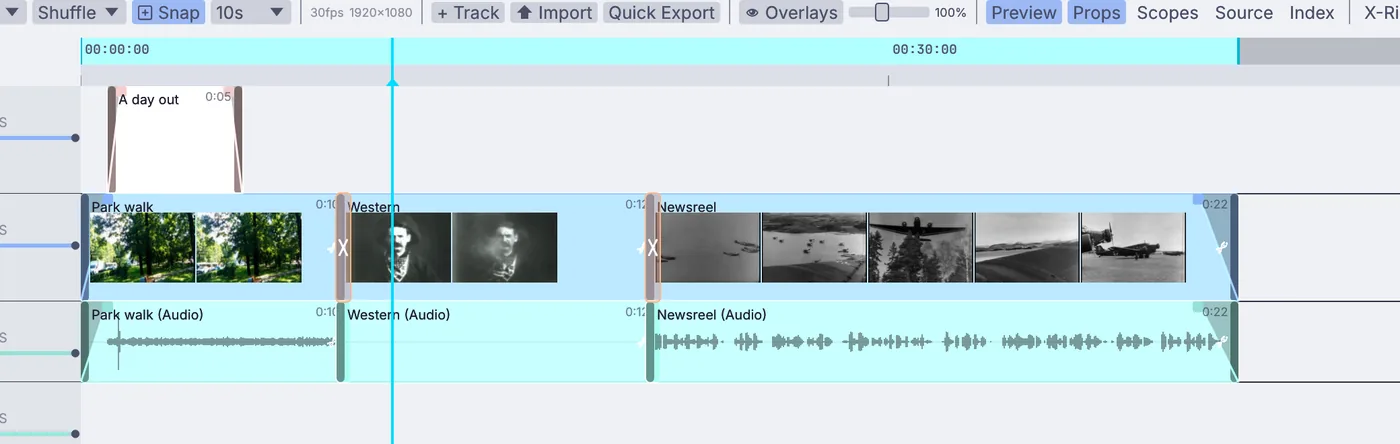
  • Cut a video to your track on the video timeline, with fades and titles
ImageDevelopTextRenderOverImageImageCropOutputImageFileVideoArrangementPlayer
What you gain: sound to picture

Make the pictures for your music.

Any sound, beat or level can drive any number in a scene. The bass lifts the ground, a voice twists a shape, every hit flashes the lights. Then save the picture with your track under it.

  • Hear the song: hits, tempo, key and chords, from a file or a live input
    AudioOnsetDetectAudioBPMDetectAudioKeyDetectLocalAIAudioToChords
  • Split it into bass, mids and treble, and drag each one onto any setting
    AudioCrossoverAudioEnvelopeFollower
  • Bend meshes, push particles and grade video with what you hear
    3DGeoDisplaceByChannelData
  • Save it as an MP4 with your track as its sound, ready to post with the release
    OutputVideoFile
ground raised by a song's bass, mids and treble
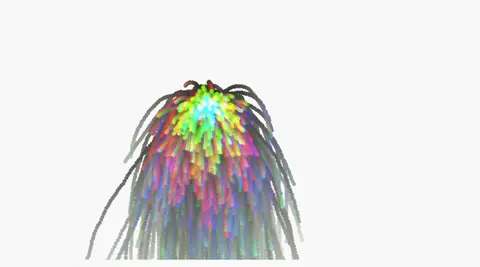
a shape swelling and twisting with a voice
a picture graded by the loudness of a song
What you gain: the show

Take the set on stage.

The lights, the LED wall and the screens run from the same file as the music, locked to Ableton Live or to MIDI clock. Press F1 and the editor steps aside for the show.

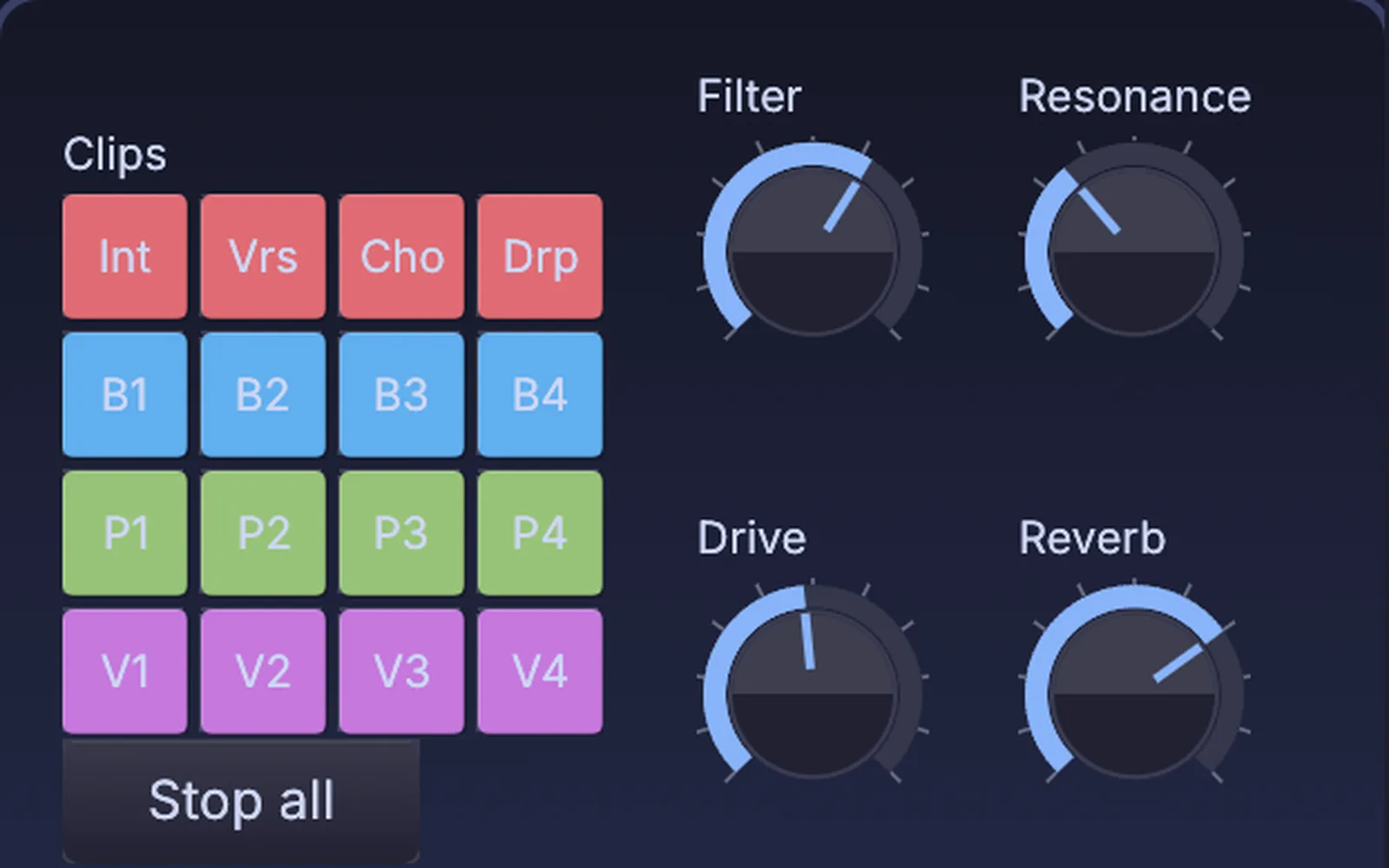
  • Follow Live's tempo, beat and bar, fire its clips and scenes, and ride its device knobs
    AbletonLiveLinkAbletonClipFireAbletonSceneFire
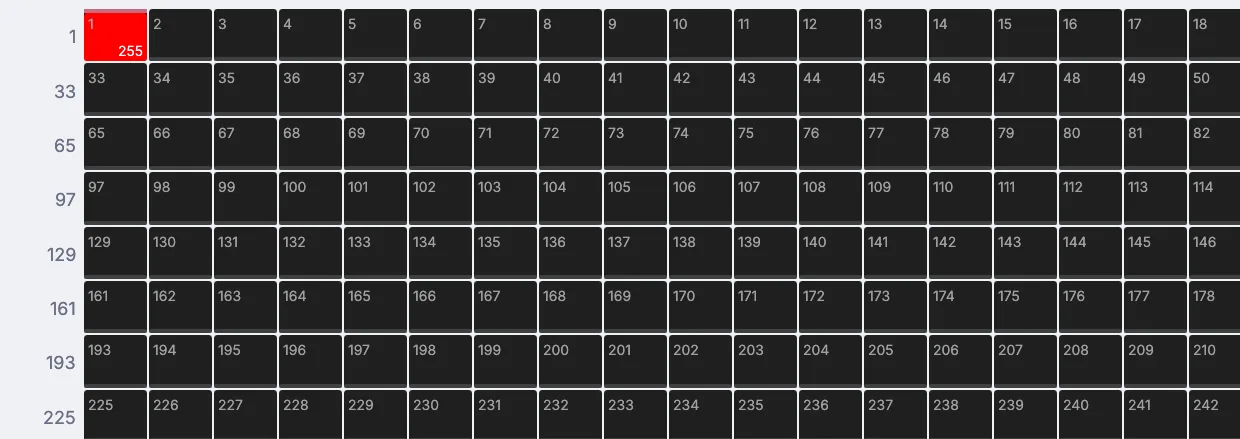
  • Flash the lights on the beat and turn the room white on the drop, over Art-Net or sACN, with more than 1,500 fixture profiles built in
    AudioOnsetDetectChannelDataToDmxArtNetSendInterface
  • A fire simulated in the same file, played across a wall of lights
    3DGeoFluidSimpleSolverImageToDmx
  • MIDI clock in and out, MIDI timecode and LTC, so the timeline follows the band
    MidiClockInMidiClockOutMidiLtcDecode
an LED wall, side screens and beams, in the 3D preview
strobes on every beat
a fire played across a wall of lights
What you gain: new ways to play

Play it with your hands and your gear.

Your controller maps in one press, Push lights up in your own colors, and a plain webcam can read your fingertips. Sing a line into the mic and a synth plays it back.

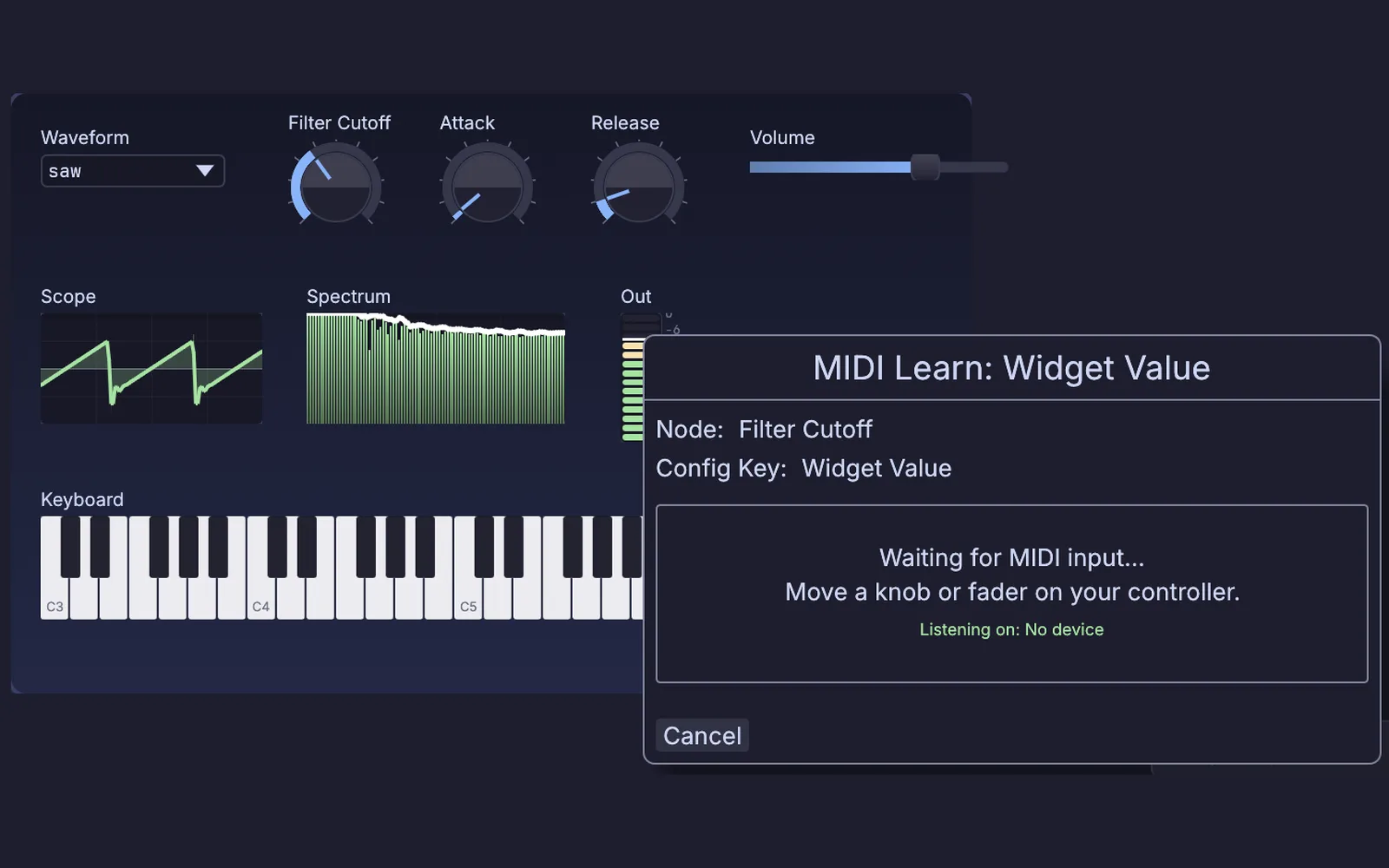
  • Ready-made maps for the nanoKONTROL2, Launchpad, APC40, MPK249, Maschine MK3, X-Touch and more, or MIDI Learn on any knob
    MidiLearn
  • Ableton Push 2 and Push 3 pads read over USB and lit in your own colors
    PushSurface
  • MPE keyboards, network MIDI between computers, and virtual ports into your DAW on macOS and Linux
    MidiPolyExpressionInMidiRtpSessionMidiVirtualPort
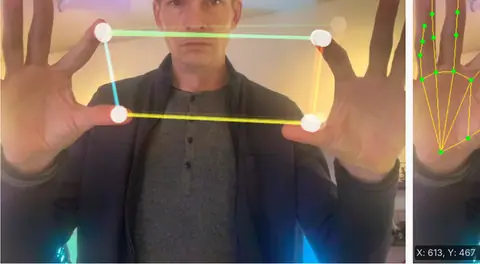
  • Hands and gestures from a webcam, worked out on your own machine
    LocalAIImageToHandKeypointsLocalAIImageToHandGestures
fingertips playing a synth, pitch one way and filter the other
MIDI Learn waiting for a knob on a controller, over a synth panel
MIDI Learn on a synth panel
clip pads and dials on a panel; Filter and Resonance are wired to a device knob in Live
clip pads and dials riding Live
How it fits

Work with your files, gear and DAW.

Kinematic runs as its own app beside your DAW and follows it. Your sounds, MIDI files, plugins and controllers come along as they are.

Beside your DAW
  • Ableton LiveTempo, beat and bar in. Fire clips and scenes and ride device knobs, through the free AbletonOSC script.
    AbletonLiveLink
  • Any DAWFollow its MIDI clock or send yours, read MIDI timecode, and play into it through a virtual MIDI port on macOS and Linux.
    MidiClockInMidiTimecodeInMidiVirtualPort
  • Other computersRTP-MIDI and ipMIDI carry MIDI with no cable. OSC talks to TouchOSC, QLab and Resolume.
    MidiRtpSessionOSCSend
  • Video appsSend the picture to other apps and machines over NDI, or over Syphon on a Mac.
    StreamingNDISendInterfaceStreamingSyphonSendInterface
Files
Opens
WAVFLACMP3OGGMIDI filesMIDI 2.0 streamsMP4 and MOV videoPNG, JPEG, EXR
Saves
WAVAIFFFLACMP3OGGMIDI filesPlugin presetsMP4 with soundPNG, JPEG, TIFF

Plugins: CLAP and VST3 on every platform, LV2 on Linux. AIFF saves but does not open yet.

Gear
Audio interfaces and mics
Record from any input and play out to your speakers.
MIDI keyboards and controllers
Notes, CC, pitch bend, SysEx and MPE, in and out. Move a knob to map it.
Controller profiles
Korg nanoKONTROL and nanoKONTROL2, Novation Launchpad, Akai APC40 and MPK249, Push 2, Maschine MK3, Behringer X-Touch and FCB1010.
Ableton Push 2 and Push 3
Pads read over USB and lit in your own colors.
Lights
USB DMX adapters, Art-Net and sACN, with more than 1,500 fixtures in the Profile Library.
On the night

Open the set straight onto the second screen, or run an instrument with no window for the length of a set, on a small box beside the rack.

terminal
$ kinematic set.kin --perform --display 1
$ kinematic run rig.kin --for 3h
Where to start

Tutorials and demos.

Each tutorial stands alone and takes a few minutes. The demos come with the app: open one from Help, then Browse Demos, and take it apart.

Tutorials Demos to open first
Honest gaps

What it does not yet do.

Better to know now. Something missing that you need? Reach out.

  • Audio Unit pluginsThey do not load. CLAP and VST3 do on every platform, and LV2 on Linux.
  • A plugin versionKinematic does not load inside your DAW. It runs beside it and follows it.
  • A DAW arrange windowEach take is its own node, edited on its own waveform, so tracking a whole band is still a job for your DAW.
  • A polyphonic synth nodeNot yet. Play chords through a plugin, or build a voice for each note with the voice allocator.
  • Stem splittingIt cannot pull the vocal or the drums out of a finished mix.
  • Scales in pitch correctionIt snaps to the nearest semitone. It does not follow a key or a scale yet.
  • Ableton LinkLeft out on purpose because of its license. Tempo travels over MIDI clock, OSC or the AbletonOSC script.
Your next track

Download Kinematic.

Free. No account, no license key, no subscription, even for commercial use. macOS, Windows, Linux and Raspberry Pi, on every machine in the studio.

sixteen lights flashing white on the hits of a song