Make it move
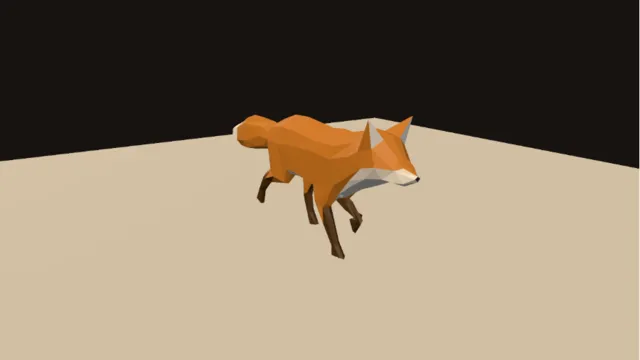
Blend two walks so the feet never skate, then check the arcs of the head, tail and paws as lines on the floor.
How to make it →Sculpt a character, cut it down to a mesh your engine can afford, unwrap it, bake it and paint it. Rig it, give it a run, erode the land it lives on, and send it all to Unreal, Unity or any engine that reads FBX or glTF.
Every step you take in the viewport lands on the canvas as a node. Change the third step after the tenth and the asset rebuilds from there.
Sculpt it, cut it down, rig it and make it move.
Blend two walks so the feet never skate, then check the arcs of the head, tail and paws as lines on the floor.
How to make it →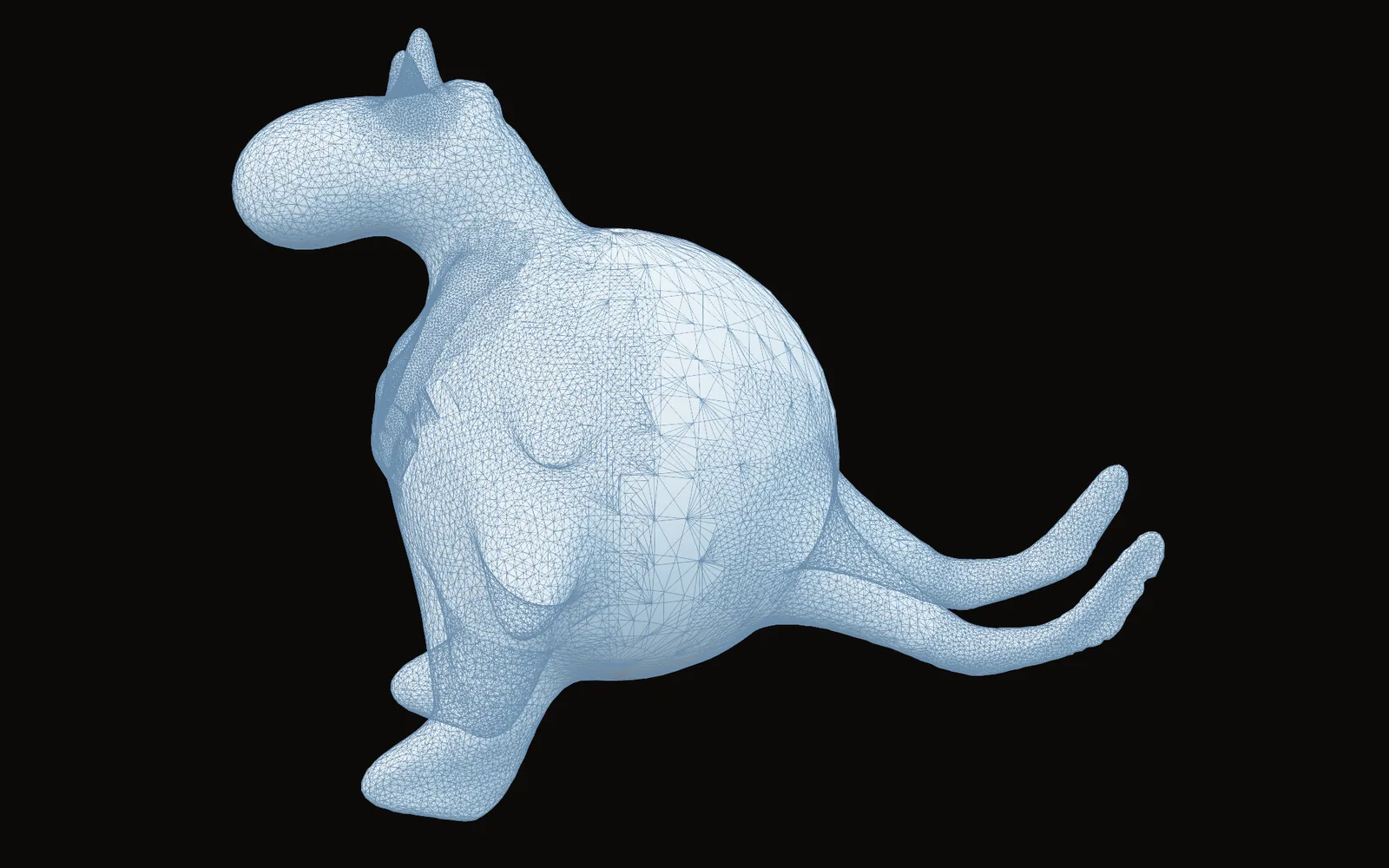
Pull horns and ridges out of a sphere. The mesh adds fine detail only under the brush.
How to make it →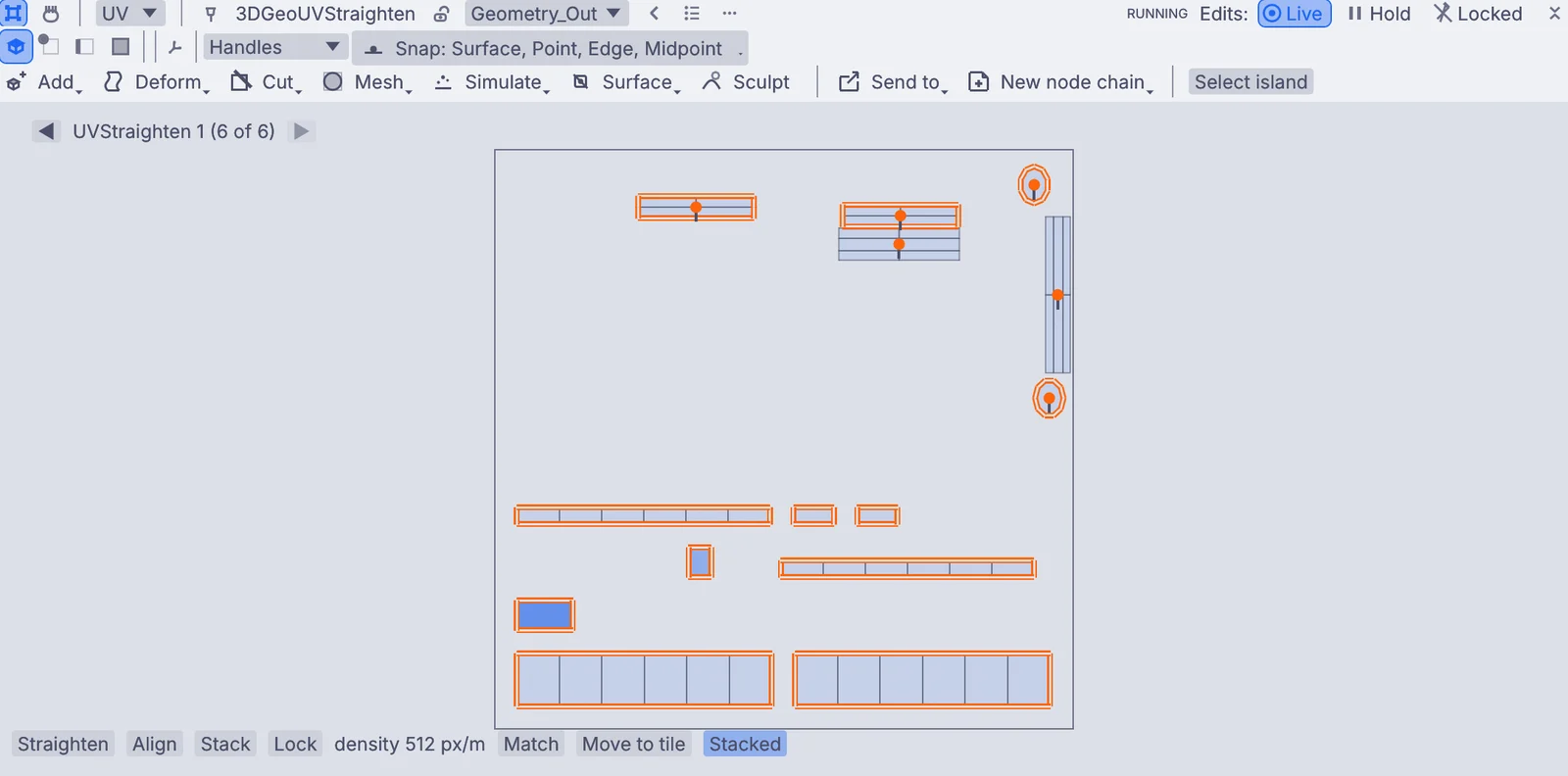
Draw a clean low mesh over the sculpt, mark seams, relax the stretch and pack the islands.
How to make it →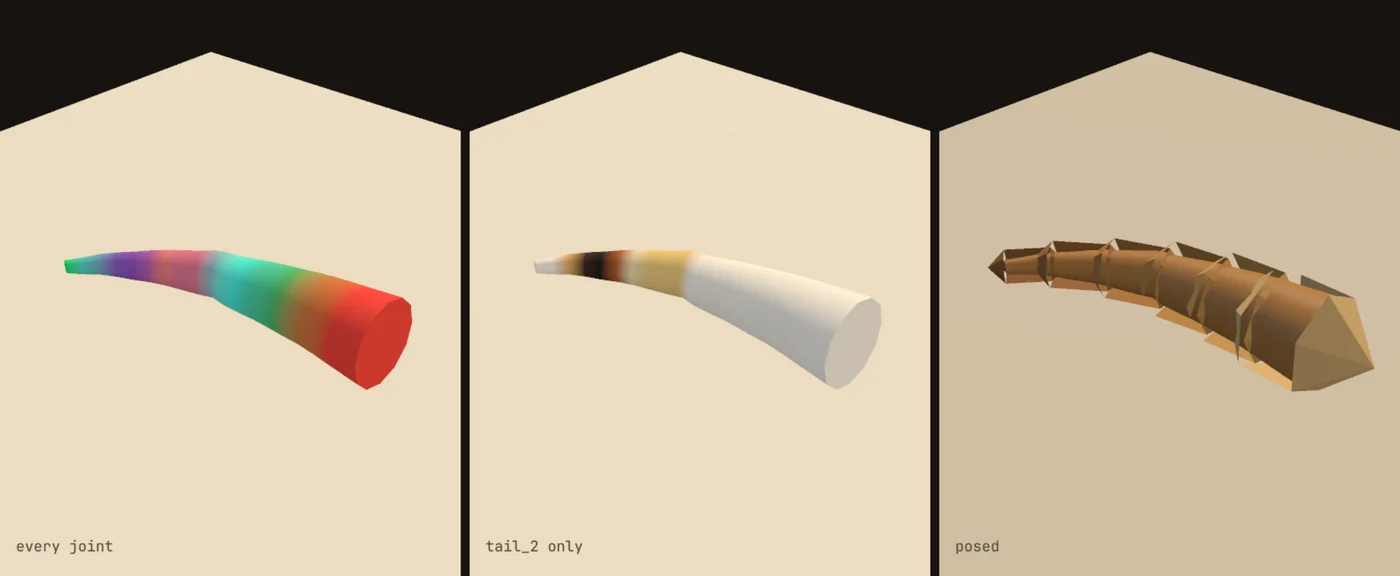
Place the joints, bind the mesh, and paint the weights where the bend looks wrong.
How to make it →Hard surface, painted wear and textures that tile.
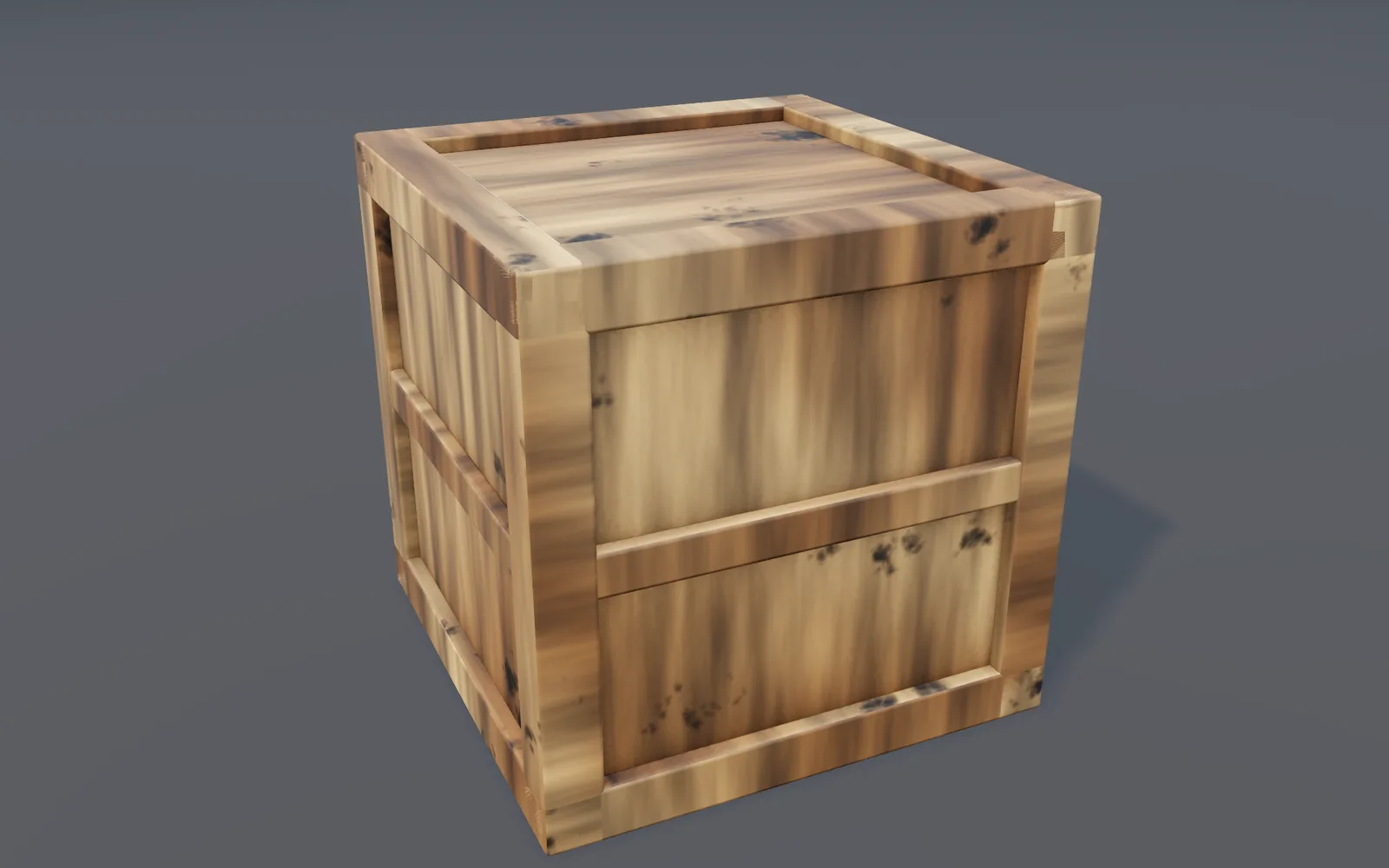
Wood, roughness and dirt that only lands in the dents, each on its own layer with a mask.
How to make it →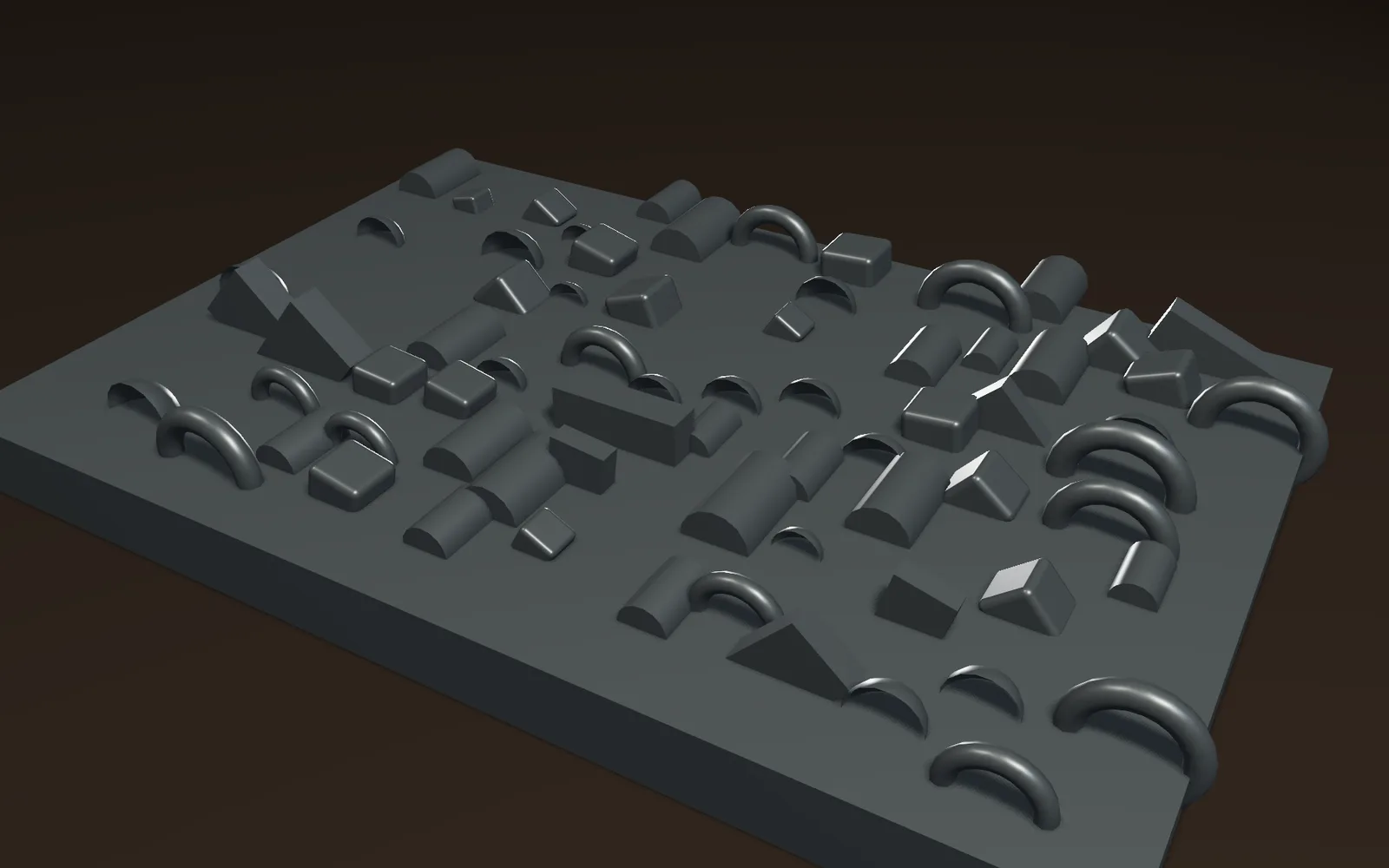
Click detail pieces onto a hull plate, each copy a little different in size and turn.
How to make it →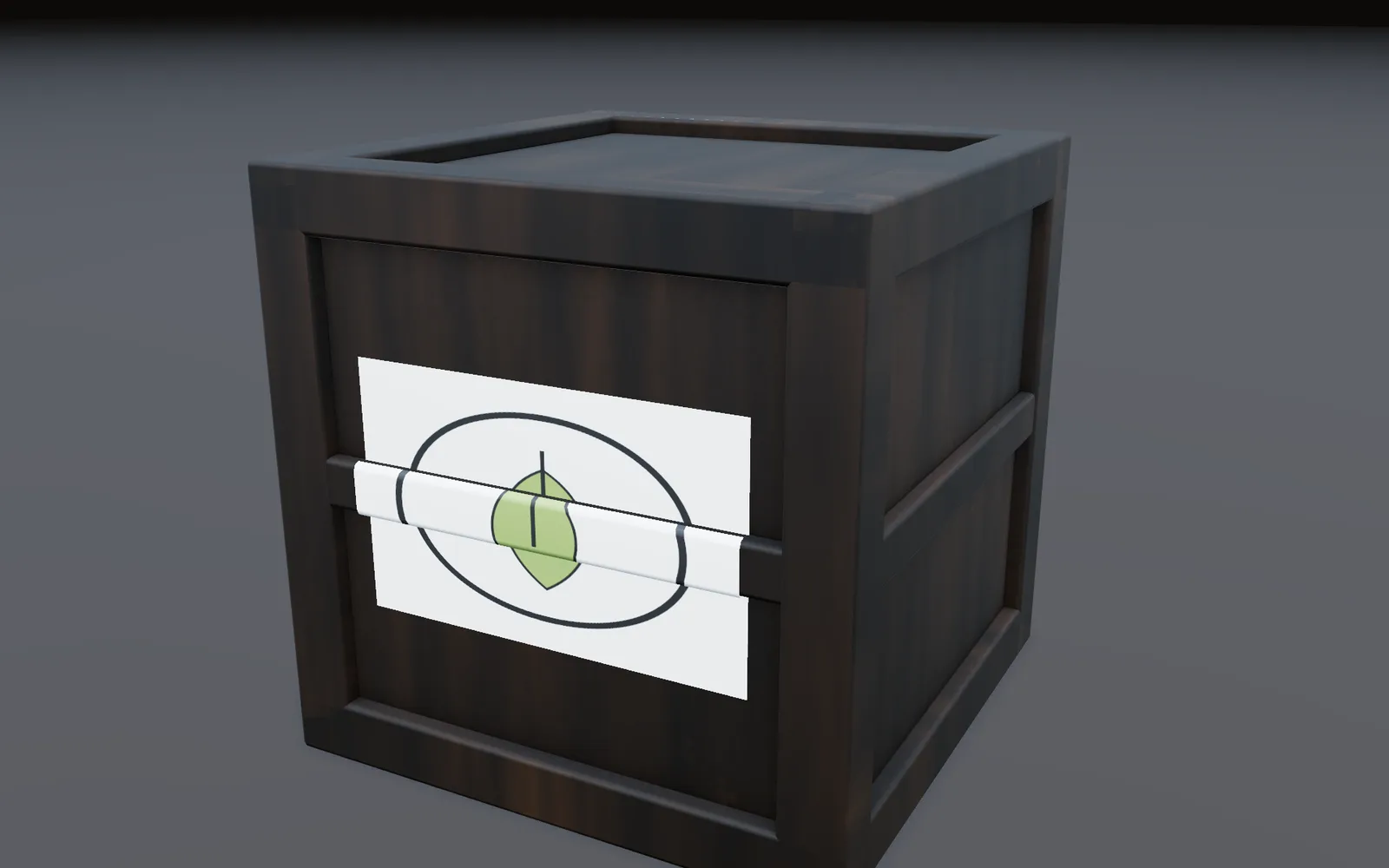
Stick a label on, slide it into place, and it goes out with the crate when you export to glTF.
How to make it →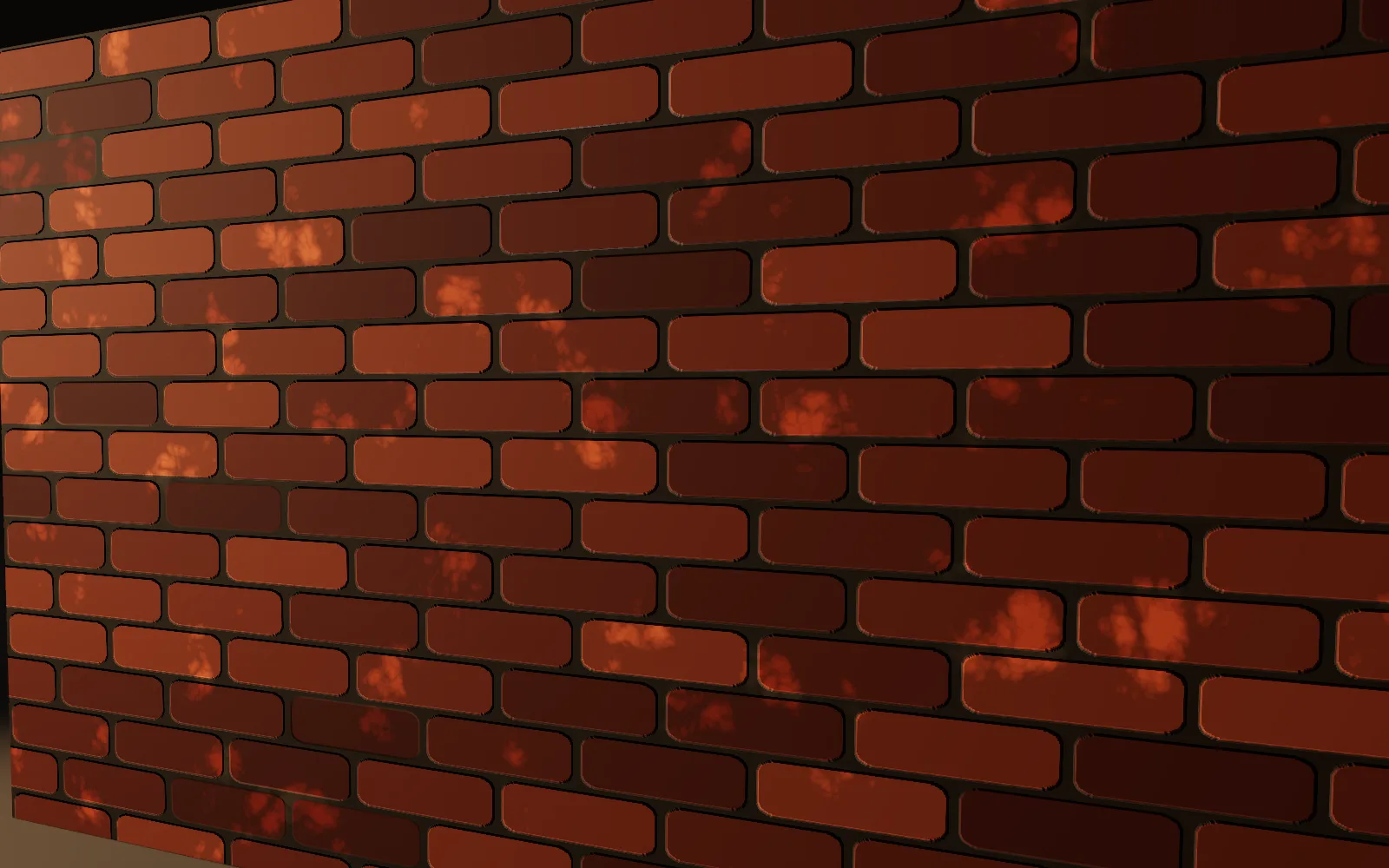
Bricks you can resize, wear and recolor, used for color and height in one material.
How to make it →Block out the level, grow the land, set the mood.
Model buildings by hand in the viewport. Every step stays on the canvas, so a wall you placed early still moves later.
Model in the viewport →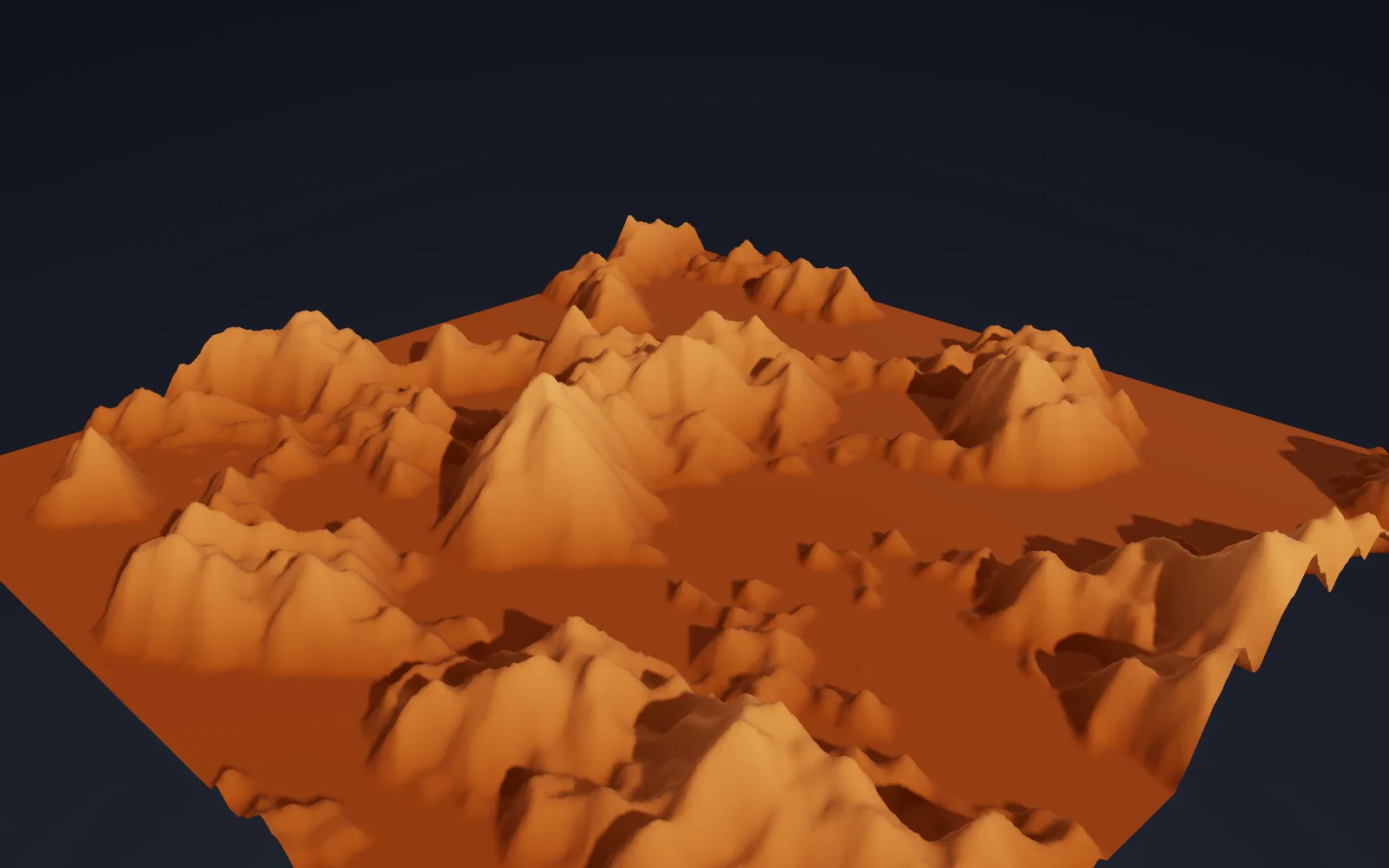
Water cuts the channels into a plateau and steps form in the rock bands.
How to make it →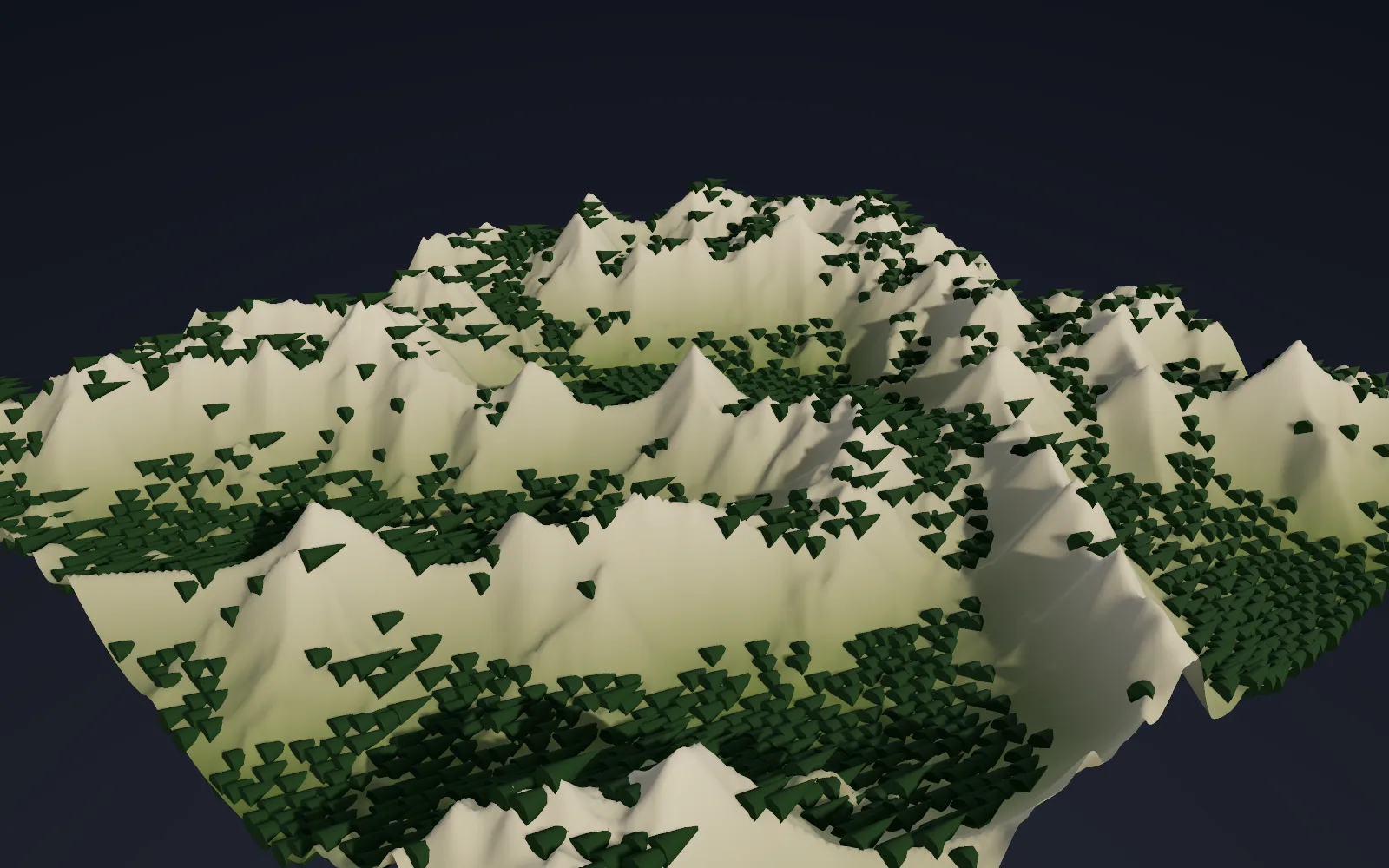
Mask the land by slope and height, then put a tree on every point, so the steep faces stay bare rock.
How to make it →Pillars sunk in colored fog with a light sweeping through, to find the mood of a level before it is built.
How to make it →Sprites for a 2D game, and the pictures that sell it.
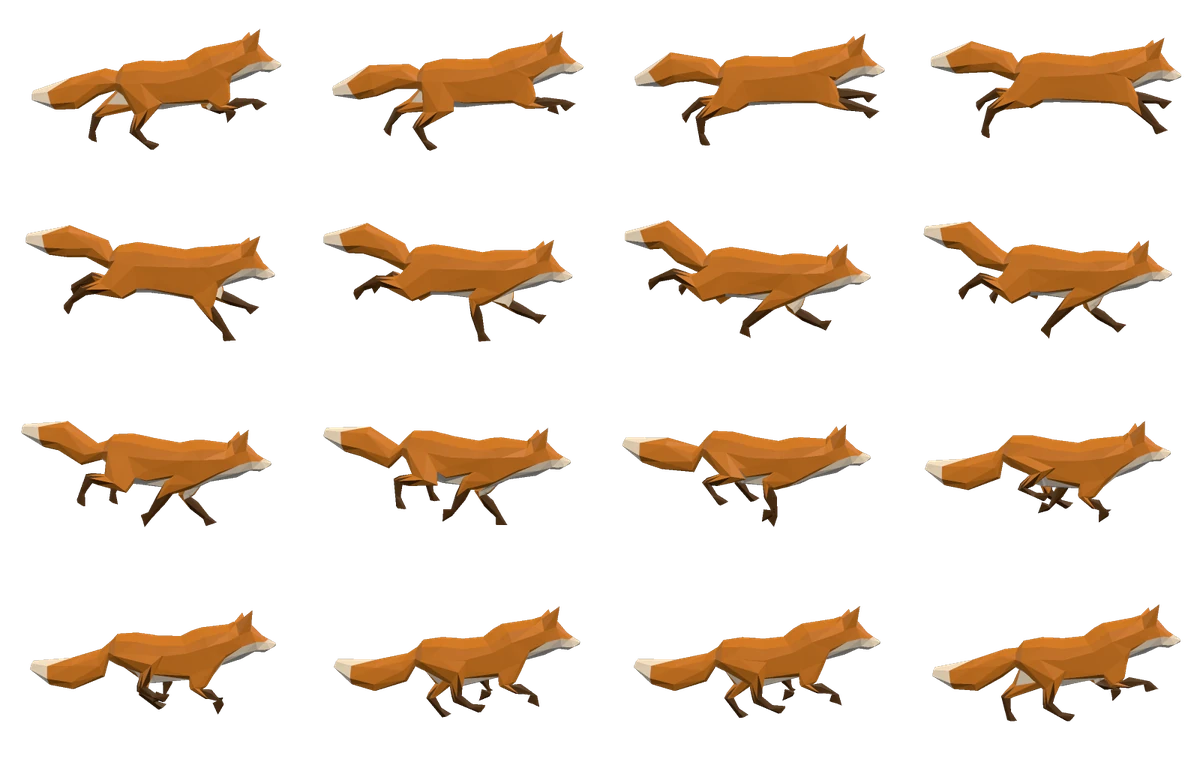
Render the rigged fox side on with a clear background, then pack sixteen frames of one stride into a single sheet.
Render frames from the terminal →A camera that circles your model once, saved as a video for the store page or your portfolio.
How to make it →Put your captures in order, trim them, add fades and a title, and export an MP4.
Cut a short video →Go live on YouTube or Twitch from the same app, with your scene or your camera on screen.
How to go live →Exports know the engine on the other end. A landscape goes out in the layout the landscape importer expects, and a character comes in standing up, at the right size, with the bone names the engine already uses.
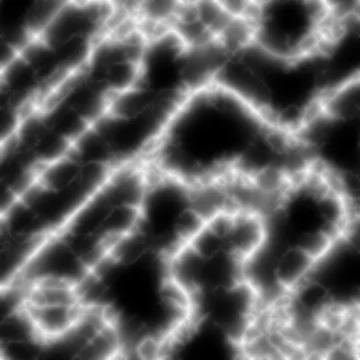 peaks_height.pngheight, 16-bit
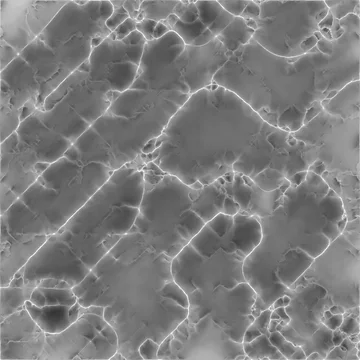
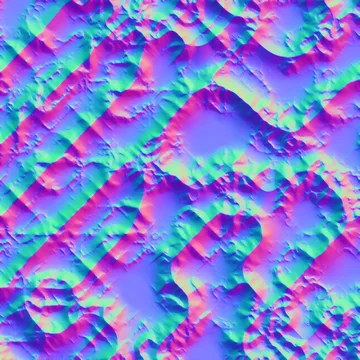 peaks_normal.pngnormal, DirectX green
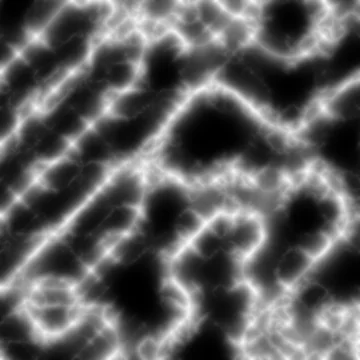
 peaks_ao.pngambient occlusion
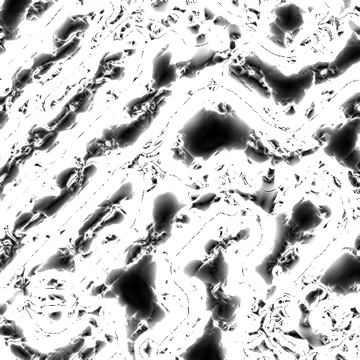
 peaks_weight_snow_mask.pngsnow layer
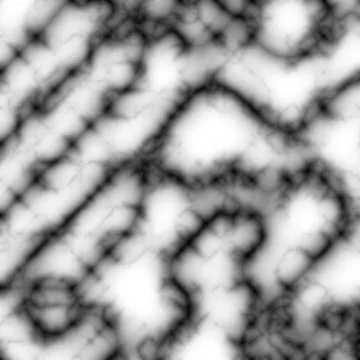
 peaks_weight_rock_mask.pngrock layer
 peaks_weight_grass_mask.pnggrass layer
Heightfield Unreal export writes the 16-bit height and one weight mask per layer, plus a small file that keeps the height range, so the landscape comes in at its real size. Heightfield texture export bakes the normal, occlusion, slope and curvature maps beside them. Unity gets RAW16 and splat maps from its own export.
format       fbx
axis_preset  unreal    # Z up, centimeters
bone_names   unreal_5  # hips become pelvis, the left thigh thigh_l
root_joint   add       # one root bone above everything
fbx_version  7500      # binary
A torch, a wall that breaks, a soft body that lands, a burst of sparks. Each one starts as a single node with presets, and opens into the full chain when you want to take it apart.
3DGeoFluidSimpleSolverPhysicsWorldPBDSimSolver3DGeoParticleSimpleEmitterFire and smoke knobs change while the sim runs. Any moving mesh goes out as an Alembic cache or as a mesh sequence, one file per frame.
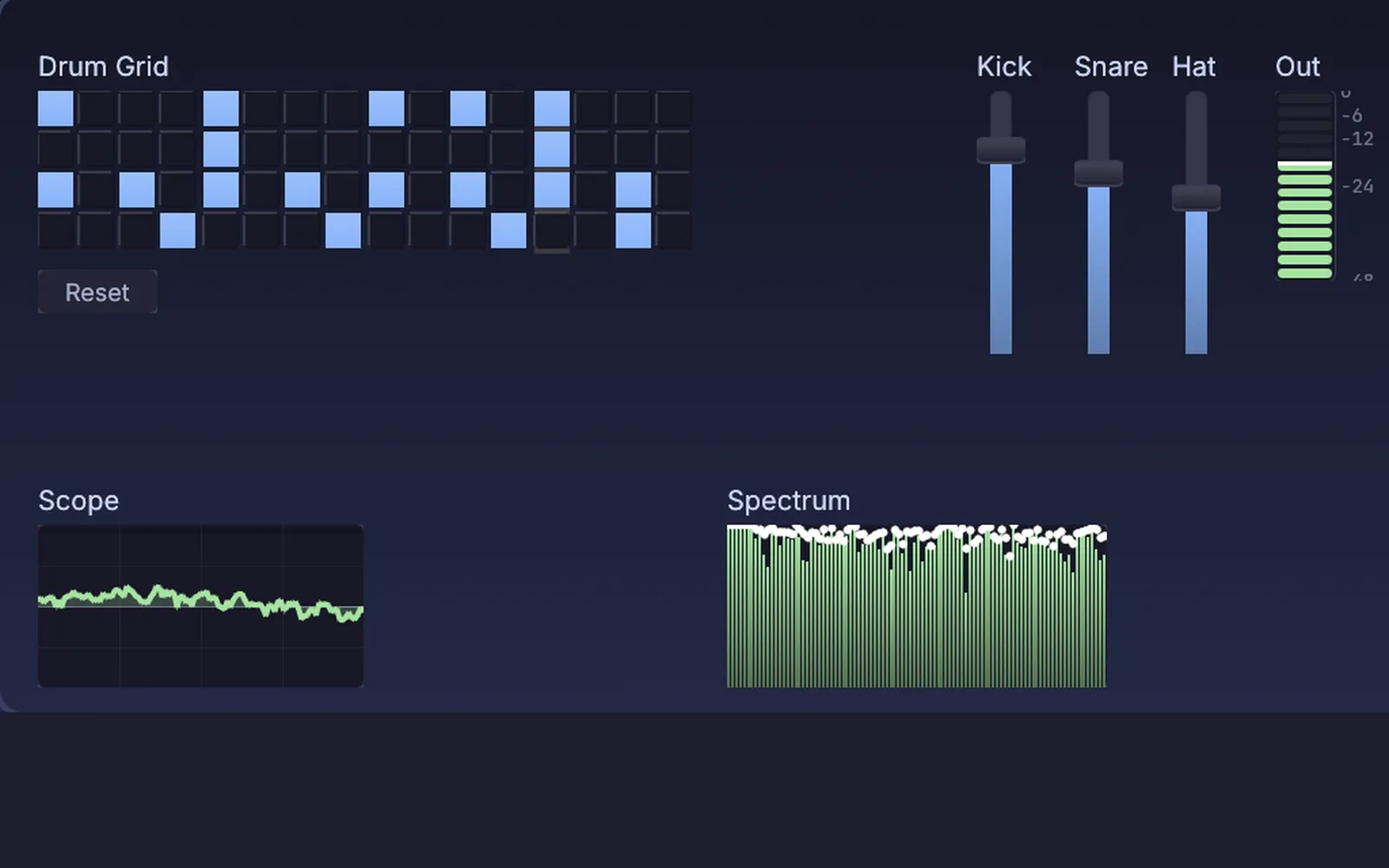
Record a door creak, reverse it, stretch it and give it a long reverb, and it is a whoosh. Clean up a field recording, cut and layer takes, run your own plugins, and patch a synth or a drum machine for the soundtrack.
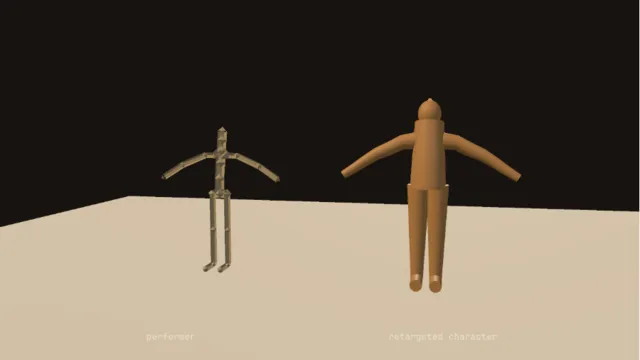
No suit. A plain webcam reads a body, the points become a skeleton, get smoothed and are retargeted onto your character while you move. Face capture apps on a phone drive the face, motion files come in as BVH or C3D, and when a hit lands the same rig can go limp as a ragdoll.
What crosses into Kinematic, what goes back out to the engine, and what you can plug in. Every format is on Works with.
Python builds and poses rigs, opens and changes graphs, and drives the exports, with or without a window. The command line runs a whole folder of graphs in one process, renders frames with no window, and fails a build on a lint warning.
$ kinematic batch props/ out/ --python export.py
$ kinematic render fox.kin --out sprites/run_%04d.png
$ kinematic lint --strict level.kin
Geometry crosses both ways through FBX, USD, glTF and Alembic. These pages walk through the ideas you already know and what they are called here.
Each tutorial takes one sitting and ends with something finished. The demos come with the app: find them in the Demos browser, press Play, then open the canvas and take them apart.
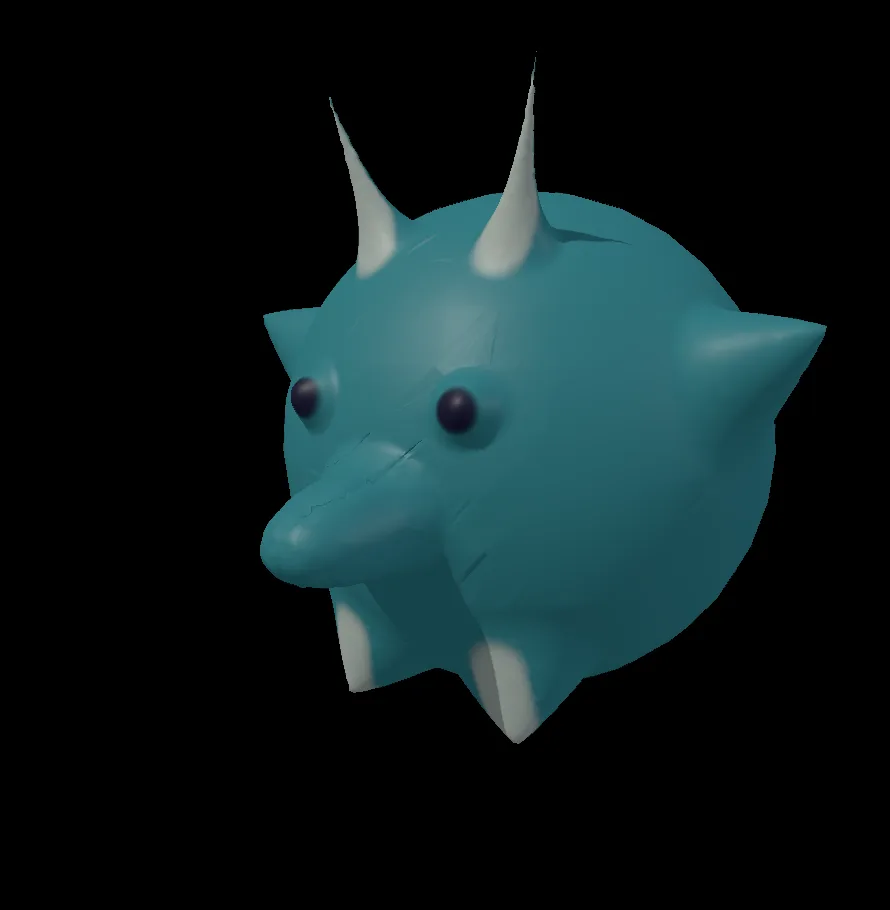 Sculpt a little horned creatureSculpt and paint a horned creature from a plain ball.Tutorial →
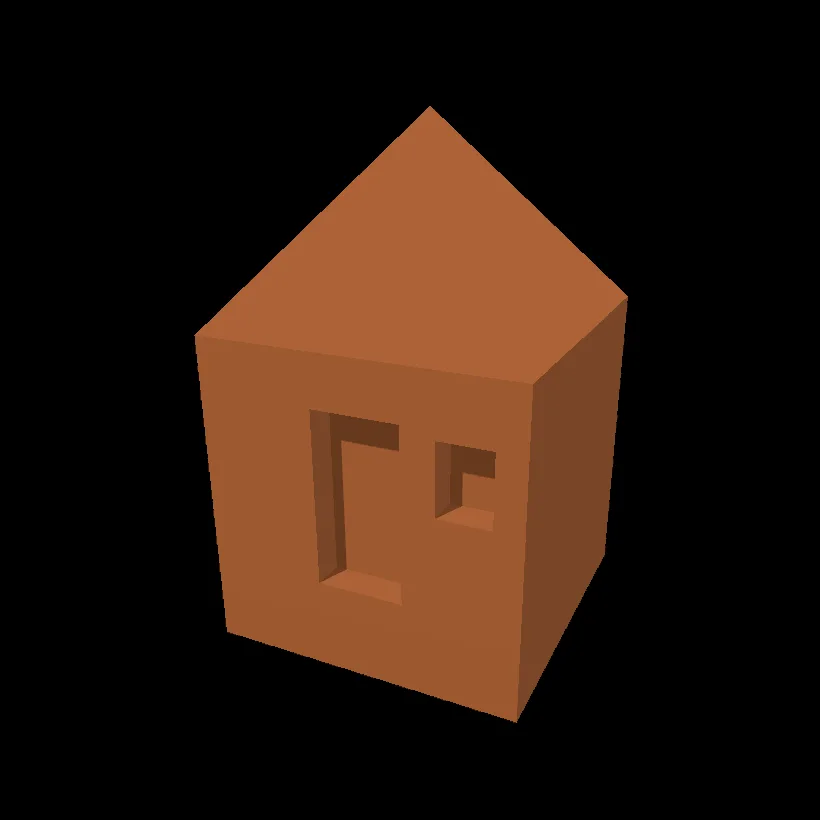 Model a little hutModel a hut with a roof, a door and a window from one box.Tutorial →
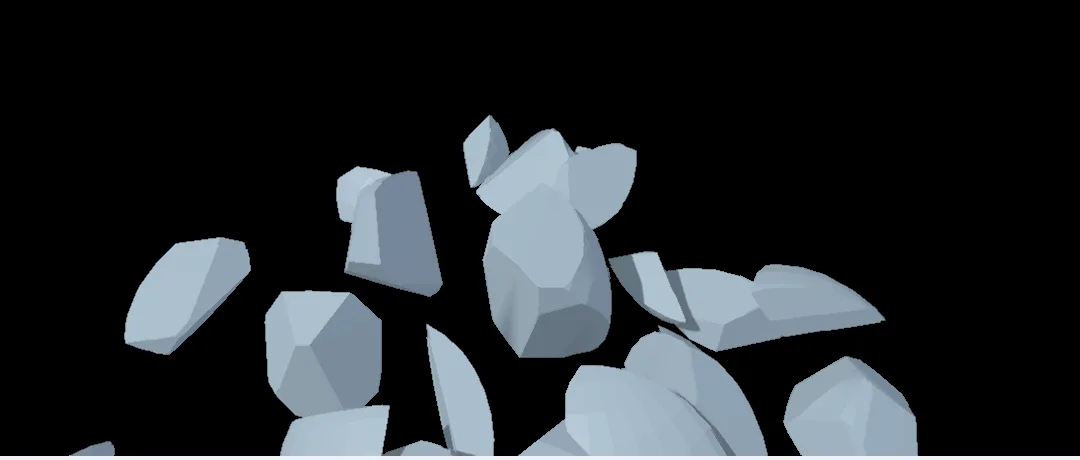 Shatter a ball into piecesCrack a ball into shards that fly apart and settle.Tutorial →
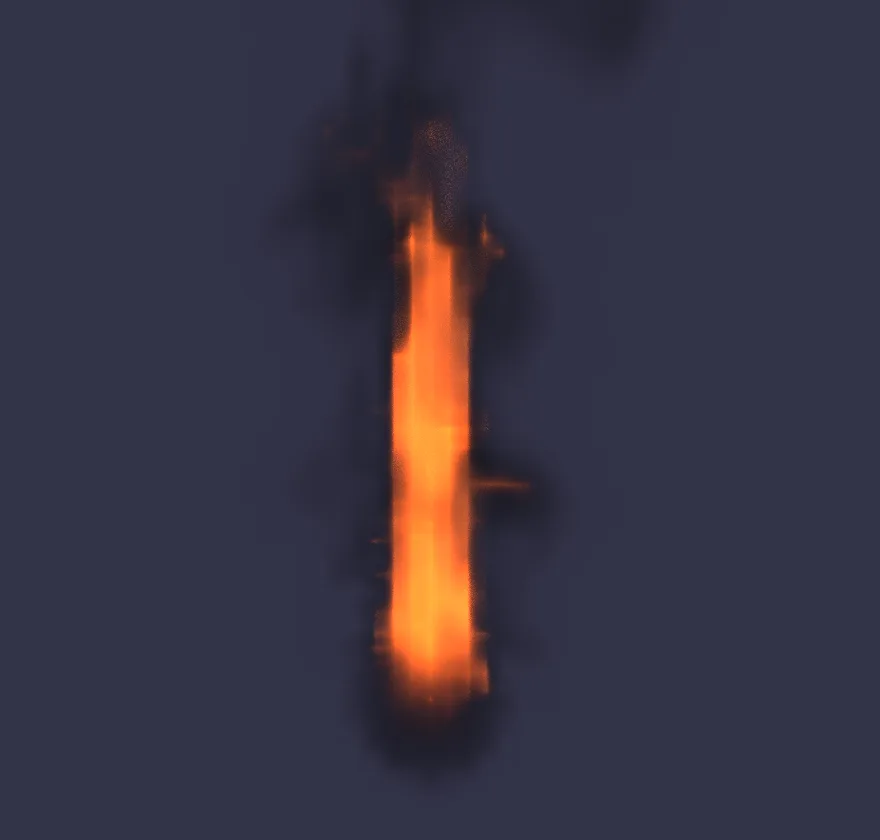 Light a torchLight a torch flame, then make it taller and warmer.Tutorial →
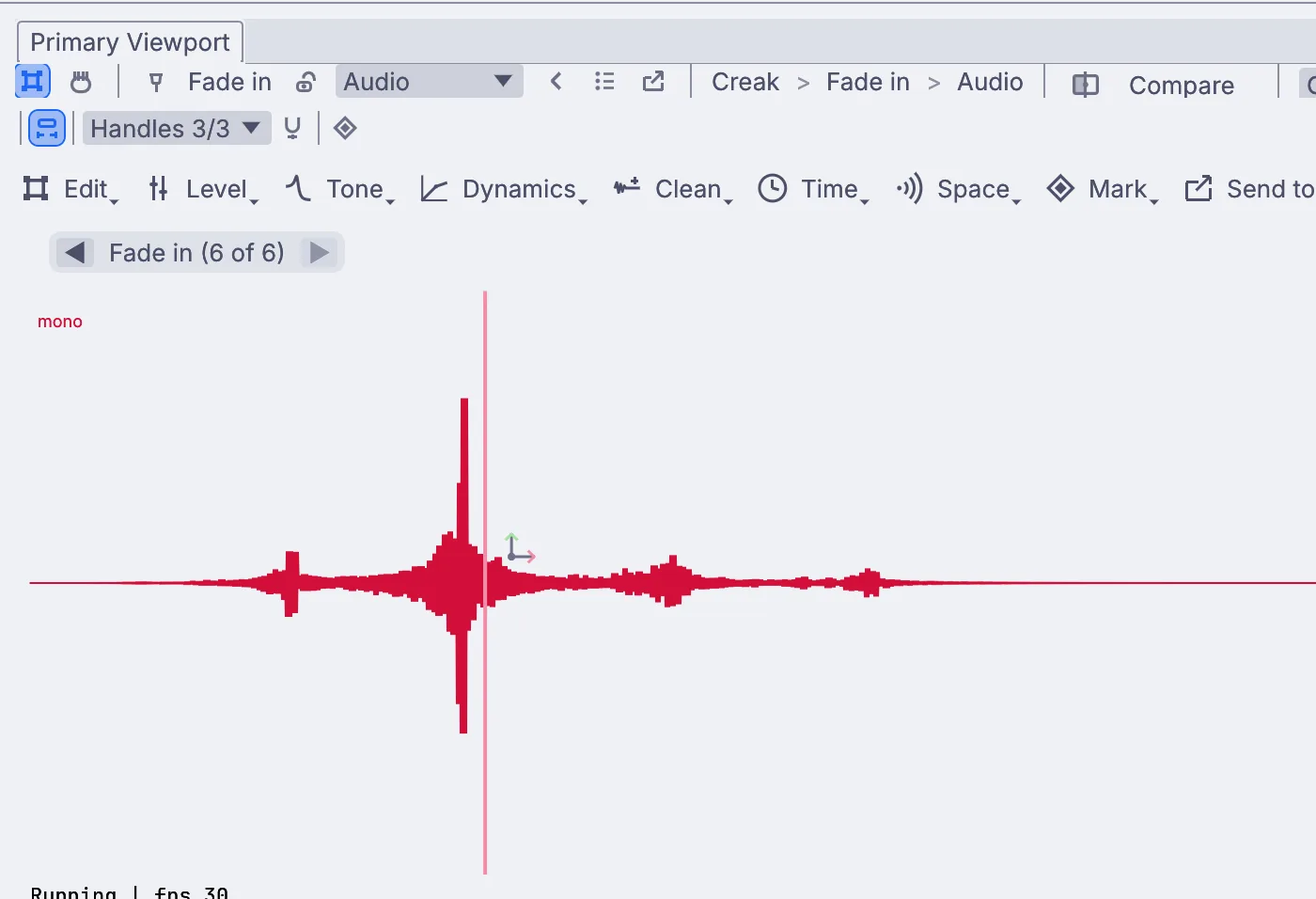 Turn a creak into a whooshTurn any short sound into a swelling whoosh for a game.Tutorial →
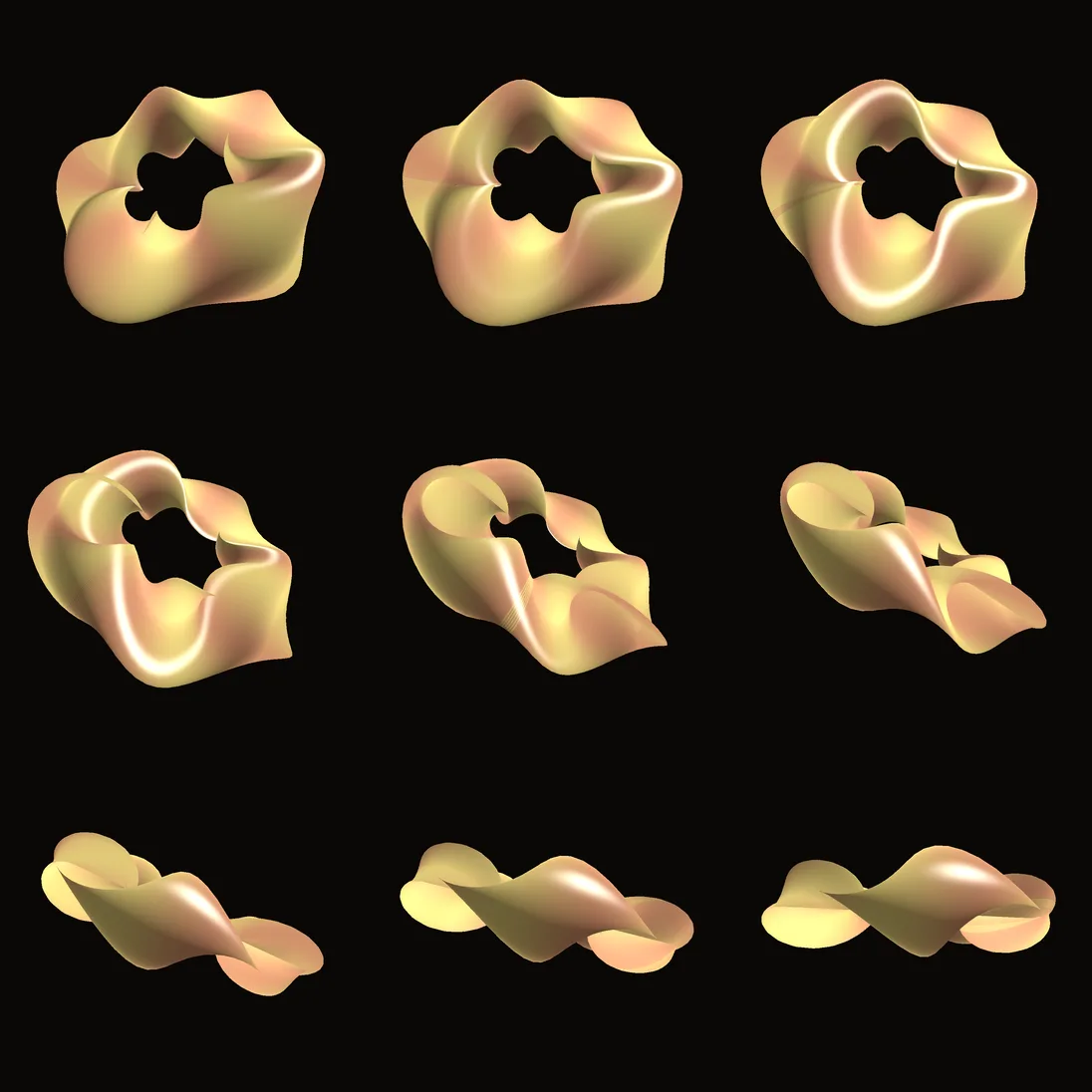 Render a demo to pictures from the terminalRender every frame of a demo to pictures with one command.Tutorial →
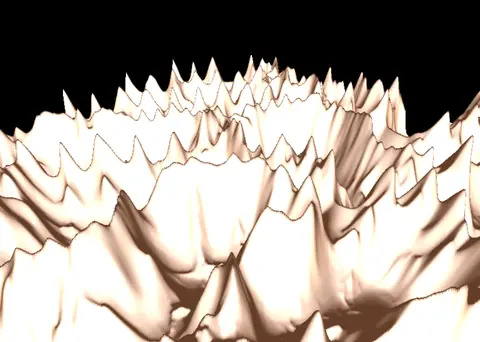 Unreal exportRidged peaks with hydro and thermal erosion, written out for an Unreal landscape.In the Demos browser
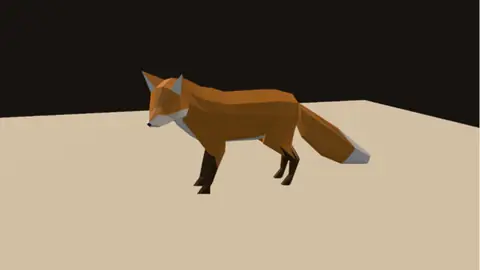 Rig playbackA rigged fox from a glTF file, with its weights and its take, playing on a loop.In the Demos browser
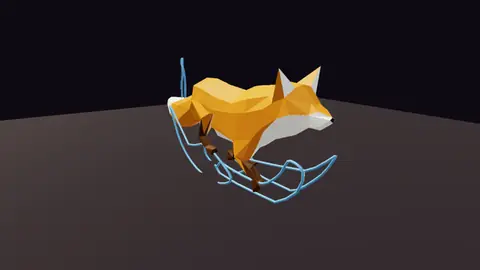 Motion arcsA running fox with the arcs of its head, tail and paws drawn on the floor.In the Demos browser
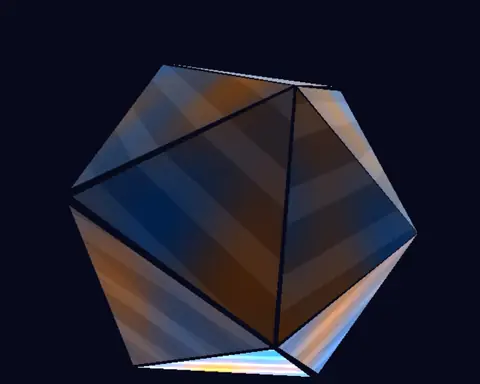 Triplanar crystalA crystal shaded with a world-space triplanar blend, so its veins flow across the folds with no seams.In the Demos browser
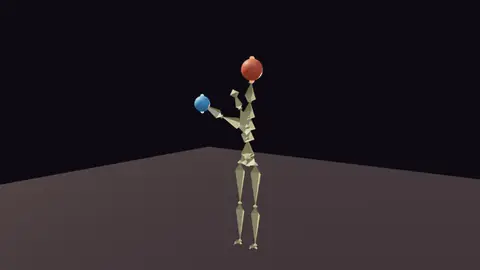 Full body reachHands that stay on two drifting balls while the spine twists to help.In the Demos browser
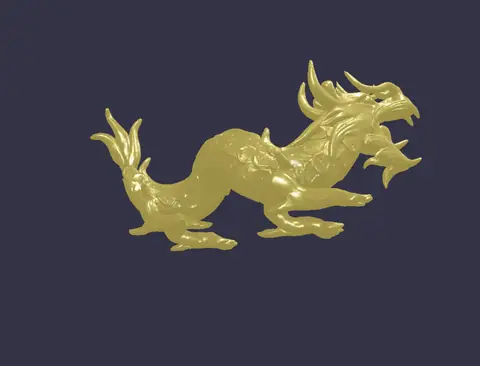 Million-poly dragonA dragon of about 250,000 triangles, lit and circled live.In the Demos browser
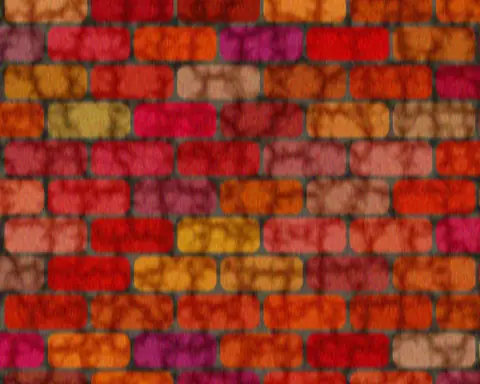 Procedural wall textureA brick wall built from patterns and noise, with rain streaking down it.In the Demos browser
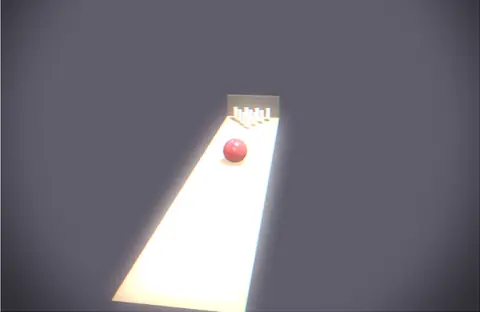 BowlingA ball rolls down a lane and scatters ten pins against the back wall.In the Demos browser
Better to know now. Missing something your team needs? Reach out.
Free. No account, no license key, nothing owed when your game ships. macOS, Windows, Linux and Raspberry Pi.