Kinematic 0.5.0 is out. Modeling and sculpting in the viewport, a timeline on every graph, photo and sound editing. What's new
Kinematic / Edit / MIDI editor

Edit MIDI.

A piano roll with CC lanes, step input, quantize, find and select, and takes recorded from your keyboard.

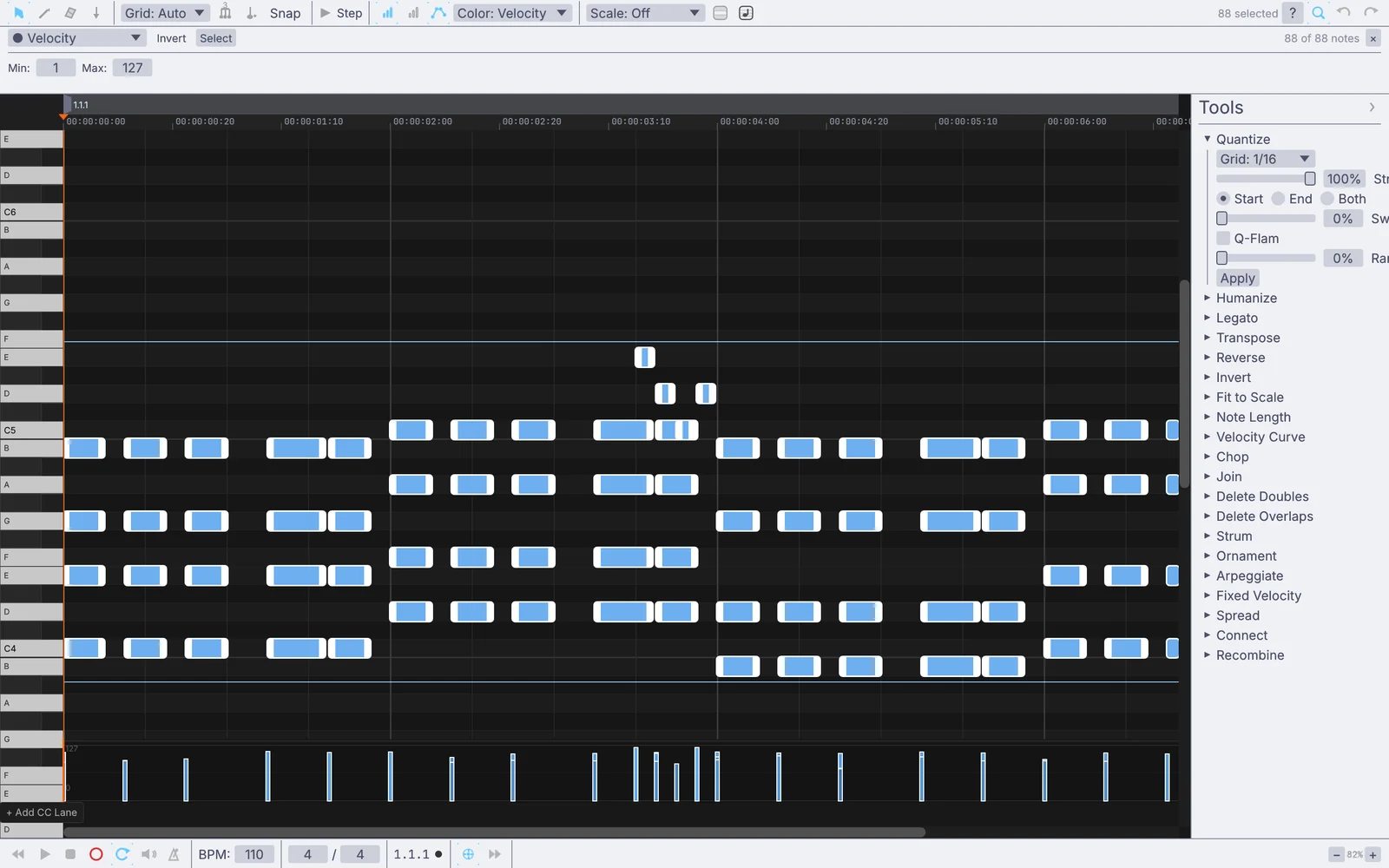
chords, a melody and a bassline in the piano roll
01

Draw a filter sweep under a bassline

The cutoff climbs and falls across the loop, drawn in a lane under the notes.

  1. Select the clip player and press E for the piano roll.
  2. Pick Brightness (CC74) from Add CC Lane.
  3. Click in points. Alt-drag a segment to bend it.
MidiClipPlayer→MidiCCIn→FitRangeNumeric→AudioLadderFilter
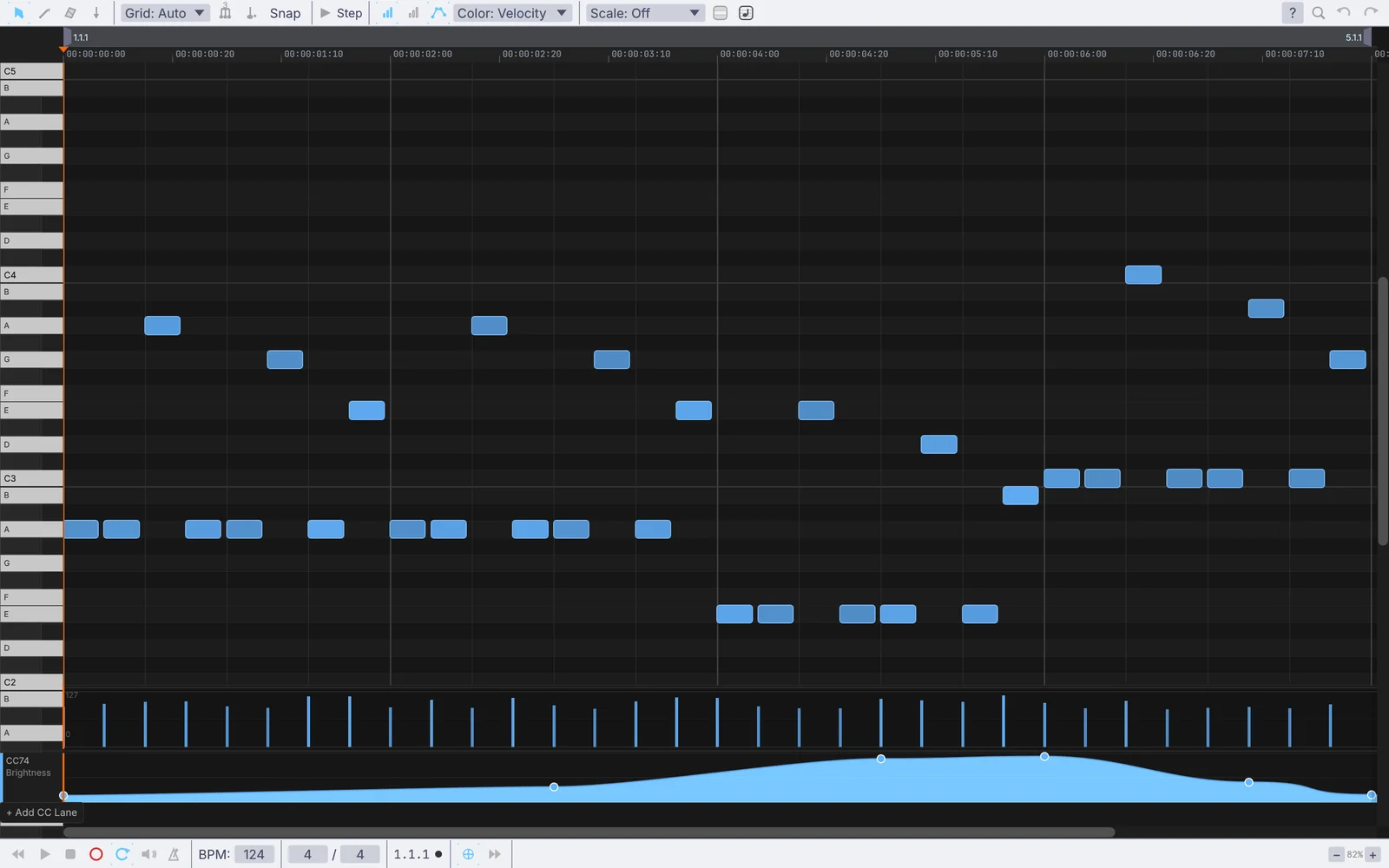
a bassline with a Brightness sweep drawn under it
02

Record a take and tighten it

Played in from a keyboard, layered over a loop, then snapped to the grid.

  1. Press R to arm. Two bars count in, then play your part.
  2. Leave it on Overdub and loop a bar. Each pass layers on top.
  3. Select the notes, press Q and quantize them.
MidiClipPlayer→PluginHost→AudioDelay→AudioPlaybackInterface
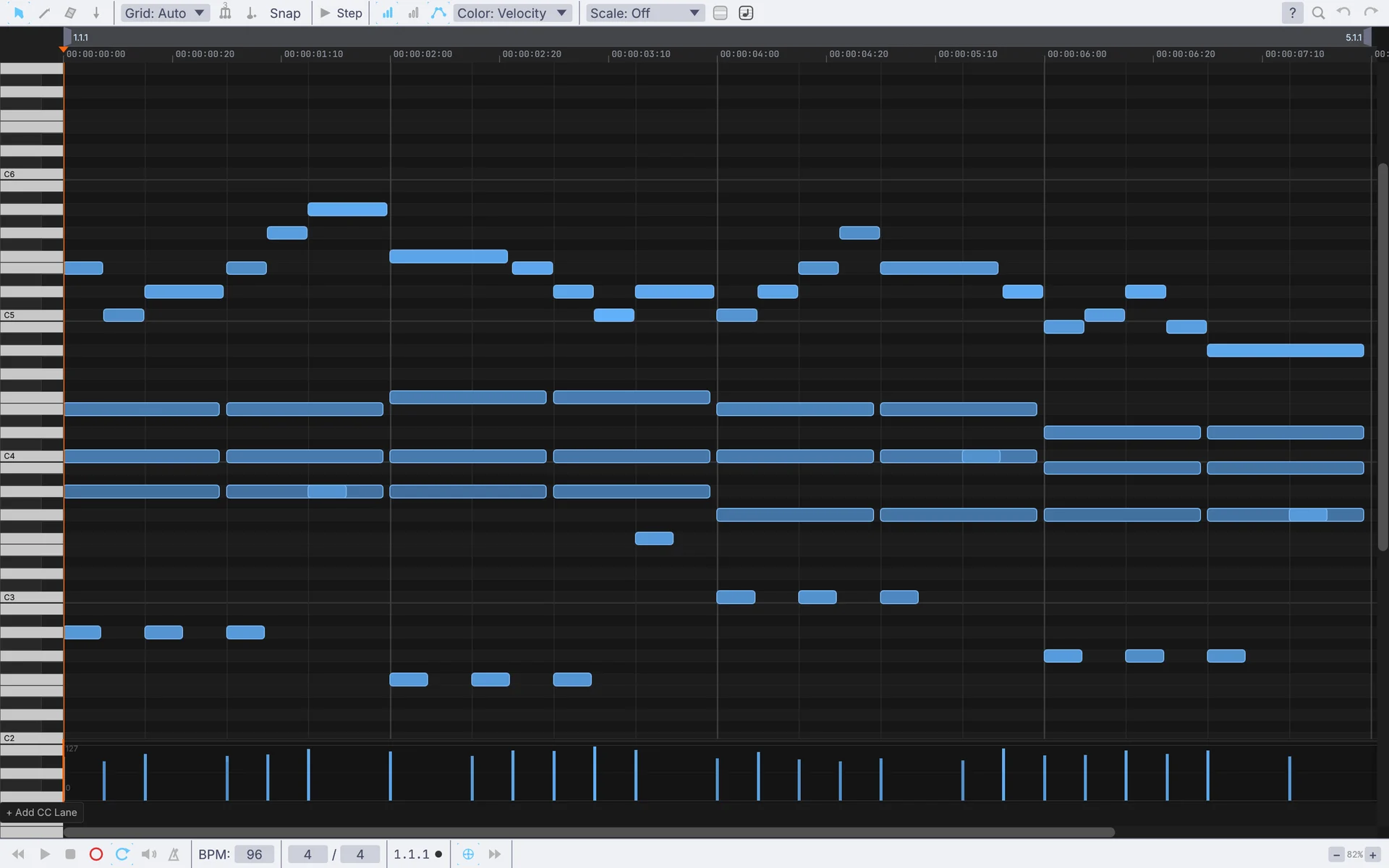
a keys take selected, with the Quantize tool open
03

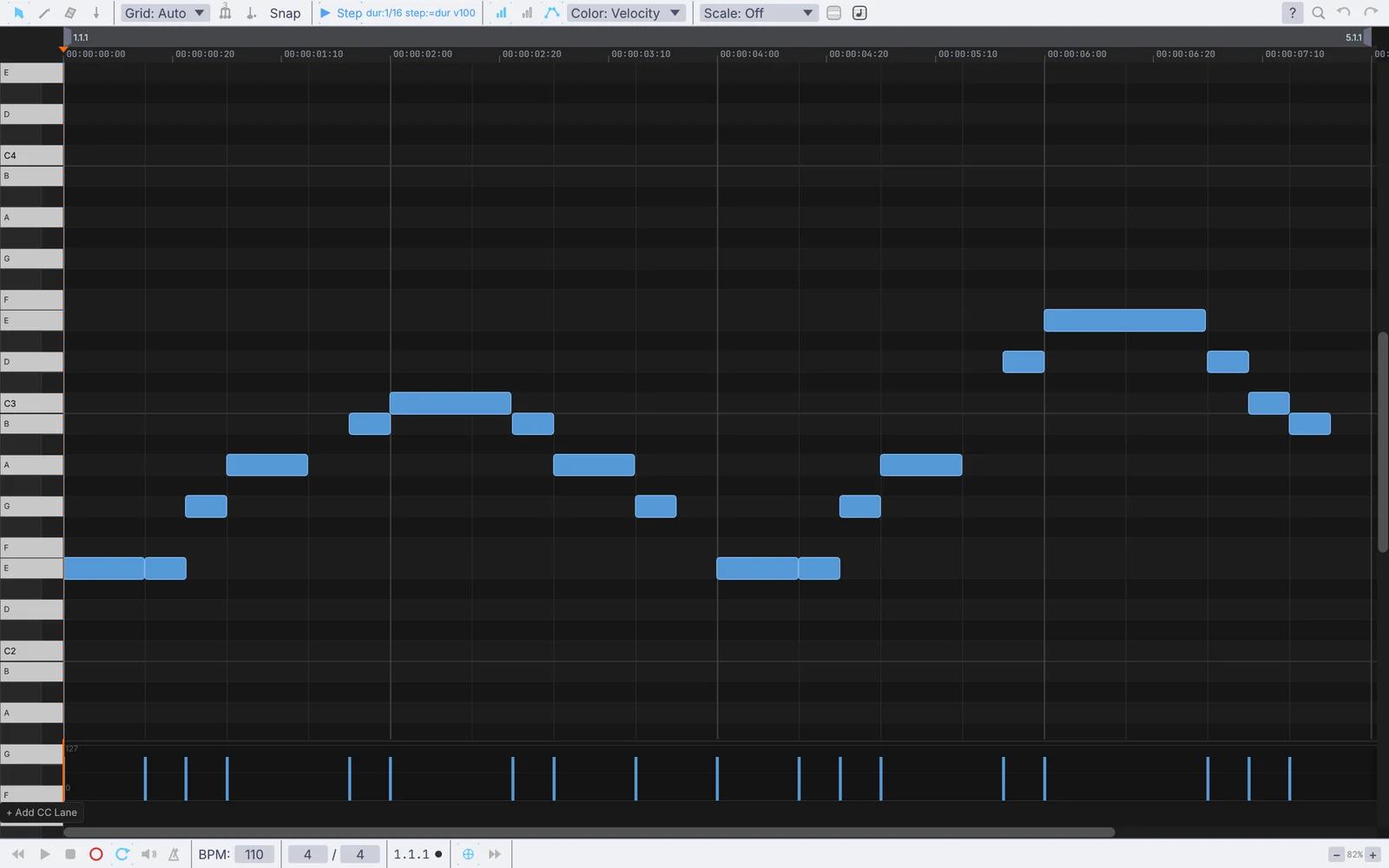
Type in a bassline note by note

Note by note from the computer keyboard, no controller needed.

  1. Press N for step input and pick a length with the keys 1 to 8.
  2. Press Ctrl+K and play the A to K row. Each note lands and the cursor moves on.
  3. Tab ties the last note longer. The Right Arrow leaves a rest.
MidiClipPlayer→MidiNoteIn→MidiToFreq→AudioOscillator→AudioADSR
a bassline stepped in note by note, step input on
04

Thin out a busy part

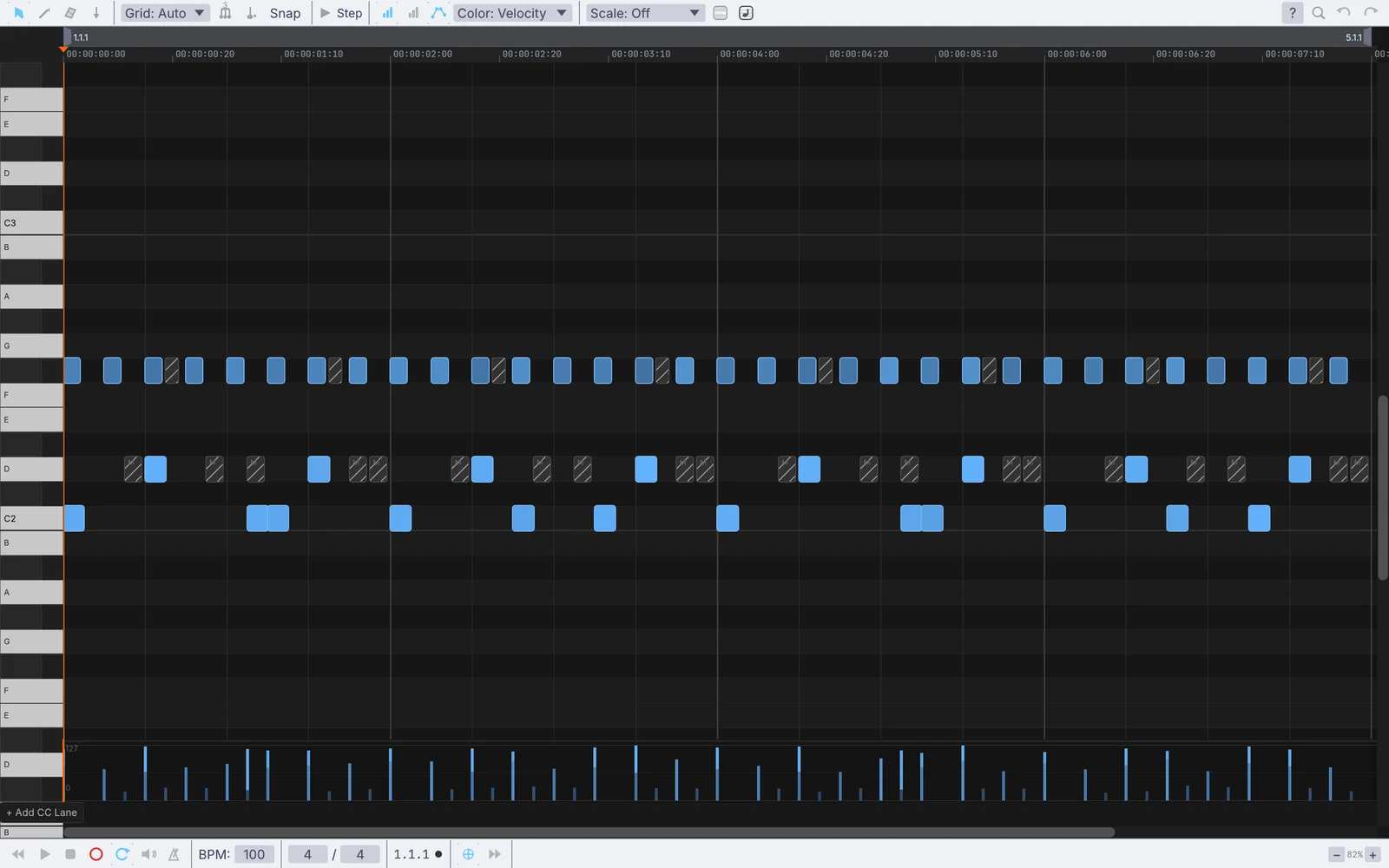
Every soft ghost note found at once, then muted or gone.

  1. Press Ctrl+F to open Find and Select Notes.
  2. Add the Velocity filter and set it to the soft range. The matches are selected as you go.
  3. Press 0 to mute them, or Delete to lose them.
MidiClipPlayer→MidiSendInterface
a drum part with its soft ghost notes muted
05

Loosen a stiff part

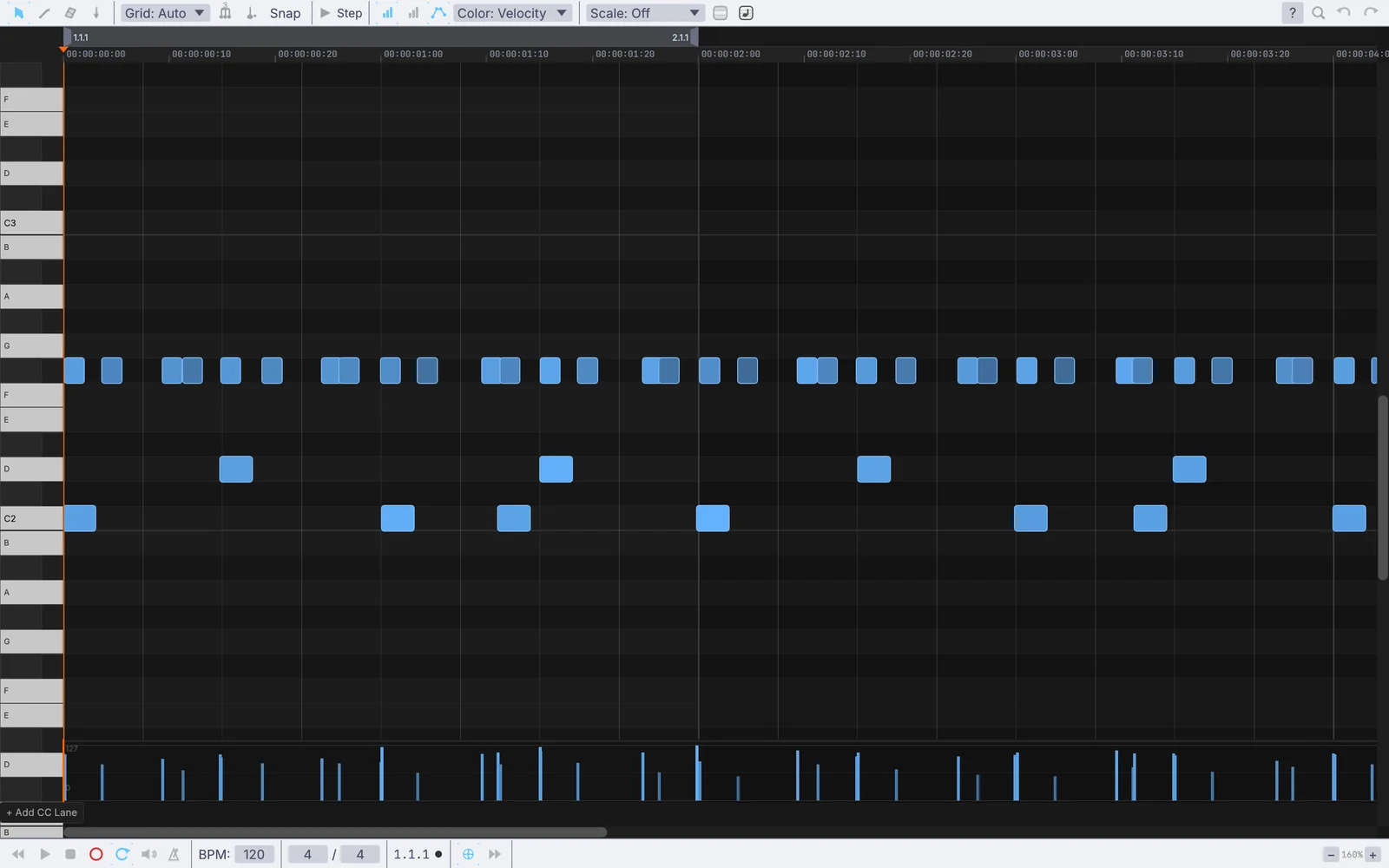
Swing on the off-beats and a little wobble, played the same way every run.

  1. Raise Swing on the clip player. 50 is straight, 58 to 66 shuffles.
  2. Add a little timing and velocity humanize so it feels played.
  3. Keep the seed and the take plays the same way every run.
MidiClipPlayer→PluginHost→AudioPlaybackInterface
a straight hi-hat part played with swing and a little humanize, recorded back into a clip
06

Fix a MIDI file from your DAW

Loaded with its CC lanes, edited in the roll, saved back out.

  1. Load the .mid file. It lands as a clip, CC lanes and all.
  2. Open it in the piano roll and fix what needs fixing.
  3. Save it back out, snapped to sixteenths if you like, one track per channel.
MidiFileLoad→MidiClipPlayer→MidiFileSave
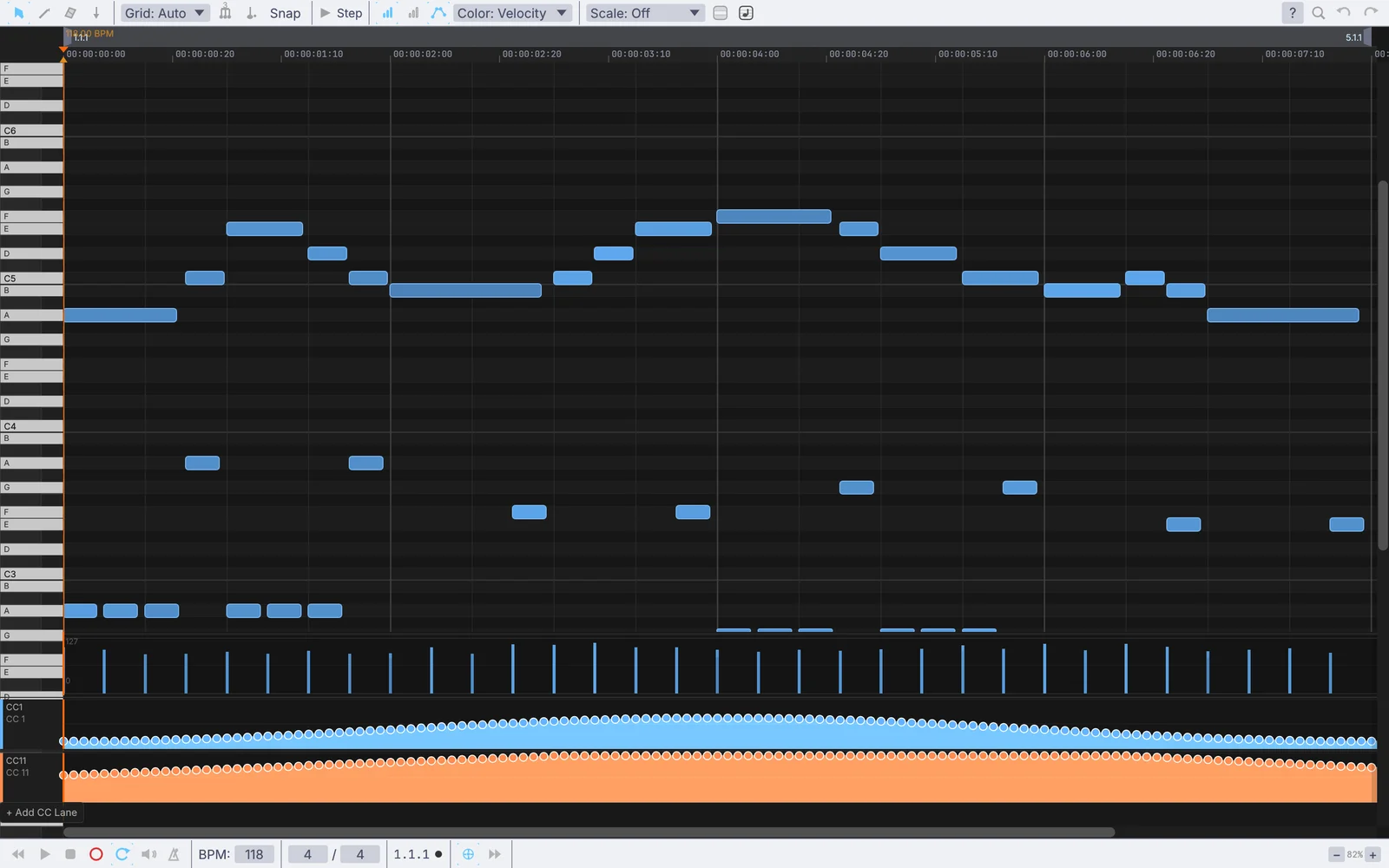
a MIDI file loaded with its mod wheel and expression lanes
Take it further

It all connects.

Every part of Kinematic works with the others. Wire one into the next.

Keep going

Free and open. Yours, forever.

No account, no license key. macOS, Windows, Linux and Raspberry Pi.

Download Kinematic 0.5.0