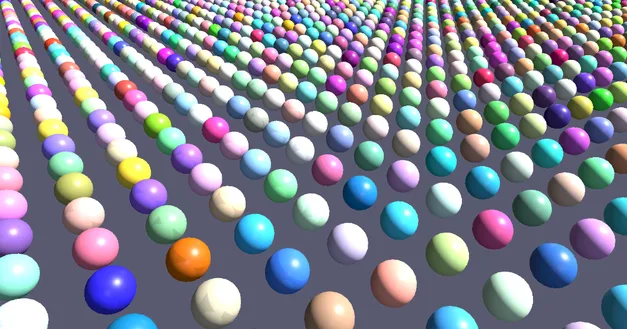
 ten thousand spheres, one on every point
Cinema 4DCloner
→Copies
Put a copy on every point, along a curve or scattered over a surface. Ten thousand of them draw at once.
3DGeoInstanceOnPoints→3DGeoCopyAlongCurve→3DGeoInstanceScatter
Copies, fields, splines, deformers and sims, the way you think about them in Cinema 4D. Here they render while you tweak them, sound can push any value, and the same file plays on a projector or an LED wall. Free to use.
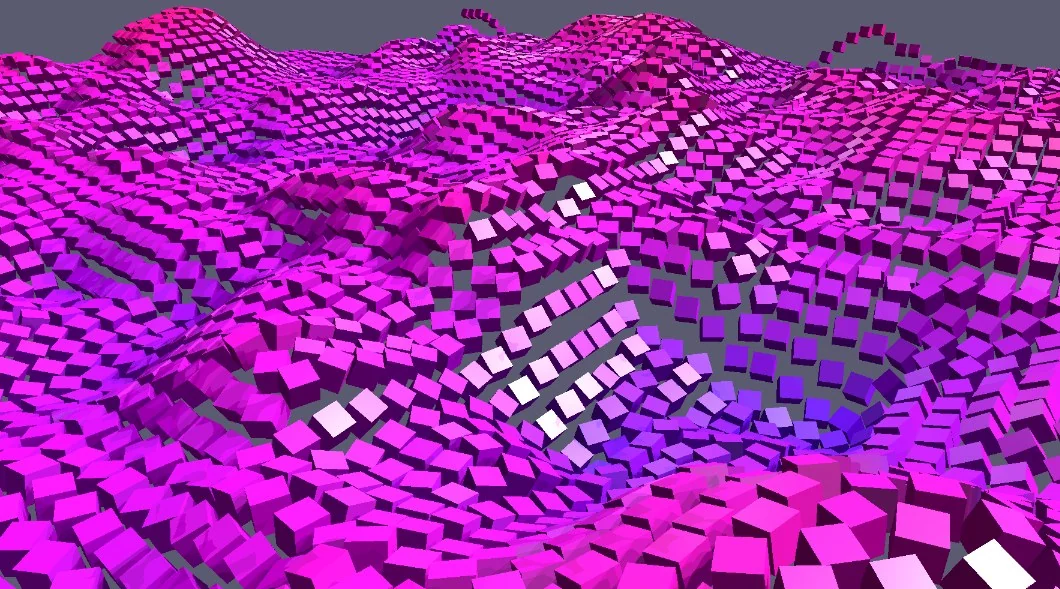 10,000 cubes riding a noise field
The tools you reach for in Cinema 4D all have a match in Kinematic, often under a plainer name. Each one is a node, so nothing is ever baked down.
ten thousand spheres, one on every pointCinema 4DCloner
Put a copy on every point, along a curve or scattered over a surface. Ten thousand of them draw at once.
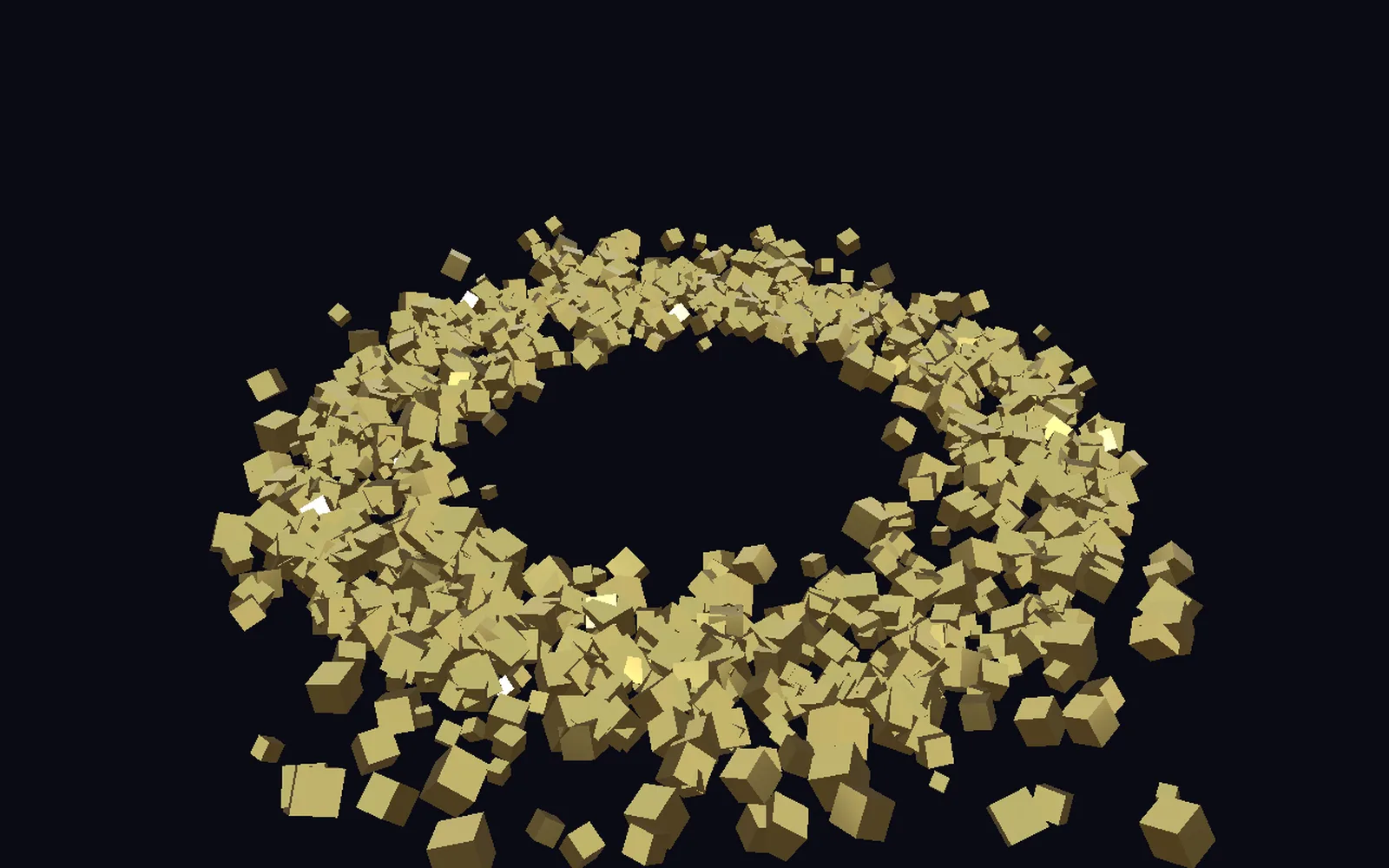 gold boxes tumbling in orbit around a center
Cinema 4DEffectors and fields
Give every copy its own size, turn or color from noise or random numbers. Lay a soft weight from a sphere, a box or a plane and fade a change in.
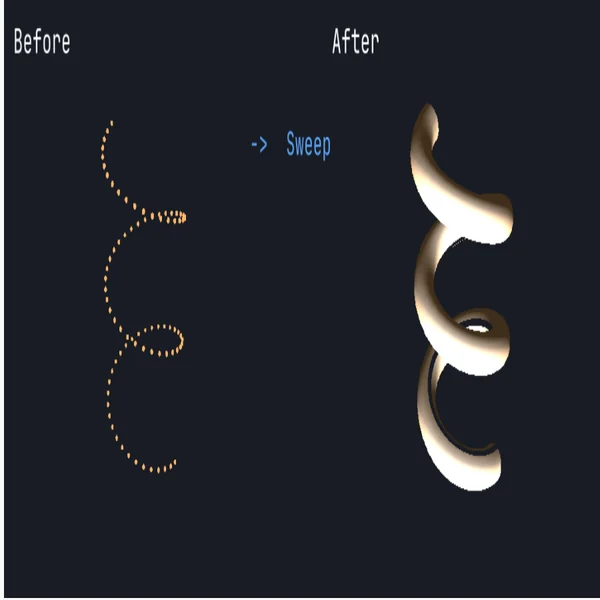 a dotted path, then a tube swept along it
Cinema 4DSplines, Sweep, Lathe, text
Sweep a profile along a path, revolve half an outline into a vase, or extrude your own font with bevels.
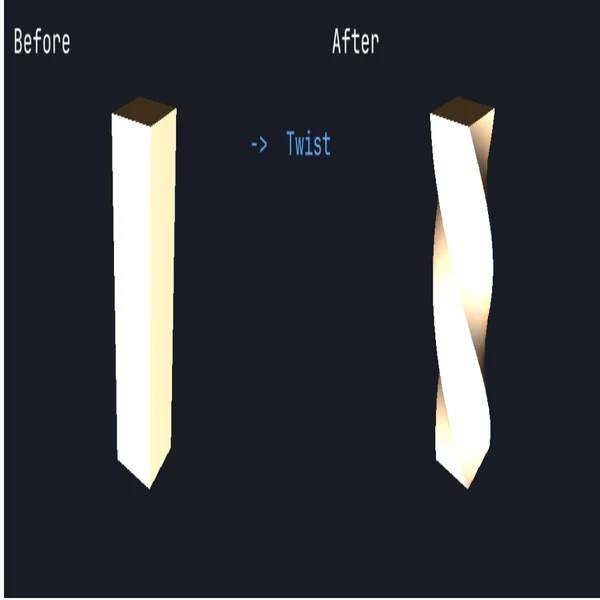 a column, before and after a twist
Cinema 4DDeformers
The deformers you stack in Cinema 4D are steps here. Each one stays open, and you can reorder them.
Cinema 4DVoronoi Fracture
Shatter a mesh into pieces, glue them back together, and let a hard enough hit break the glue.
Cinema 4DVolume Builder
Add, carve and blend simple shapes into one soft surface, then freeze it into a mesh.
Cinema 4DTracer
Drag a ribbon of light behind every particle, or keep a line of where each point has been.
Cinema 4DSound effector
Follow the level of a mic or a song, catch each hit, or split off the bass first. Then drag the level onto any number.
Cinema 4DDynamics and cloth
Drop it, drape it, stuff it. One solver handles flags, jelly, balloons, sand and stuffed toys.
The managers you keep open all day, under the names Kinematic gives them.
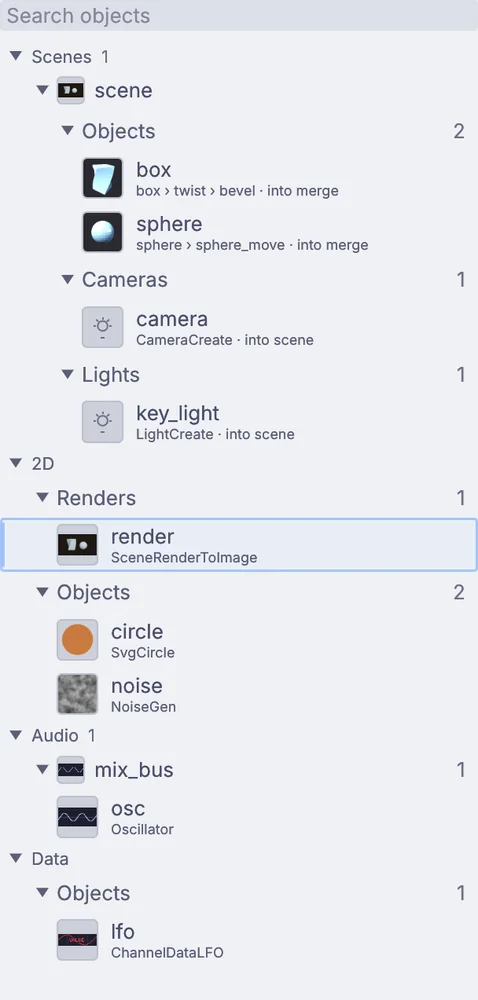 the Objects panel: a scene, its render, a circle and an oscillator
Cinema 4DObject Manager
Everything the scene makes, each with a small live picture and its steps in order: box, twist, bevel.
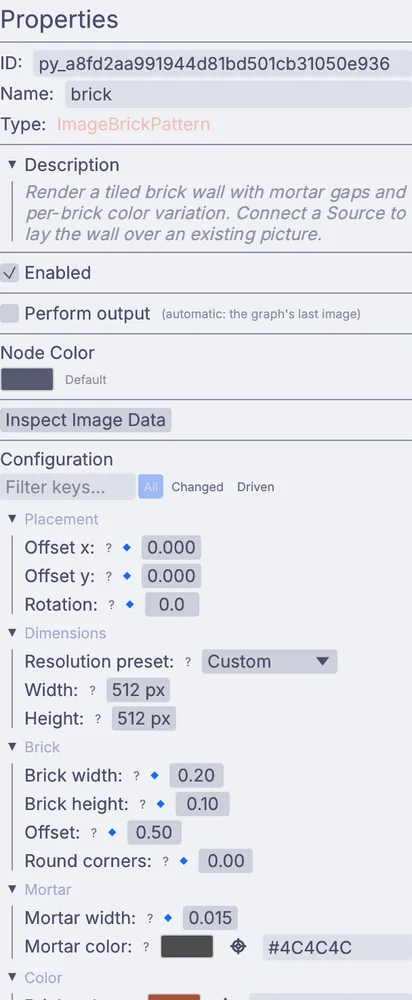 Properties for a brick pattern, in groups
Cinema 4DAttribute Manager
Every setting of the node you pick, in groups. Right-click one to key it or drive it with an expression.
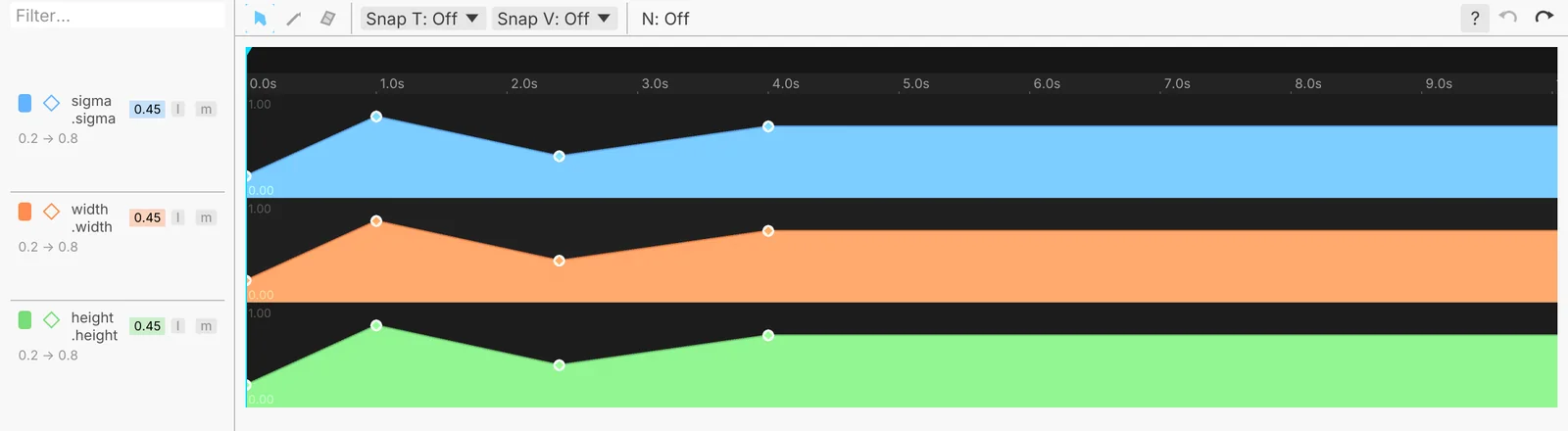 the keyframe editor with three lanes
Cinema 4DTimeline and F-Curves
Play, scrub, loop and mark. Shape the curves, or draw one freehand and let it settle into a few clean keys.
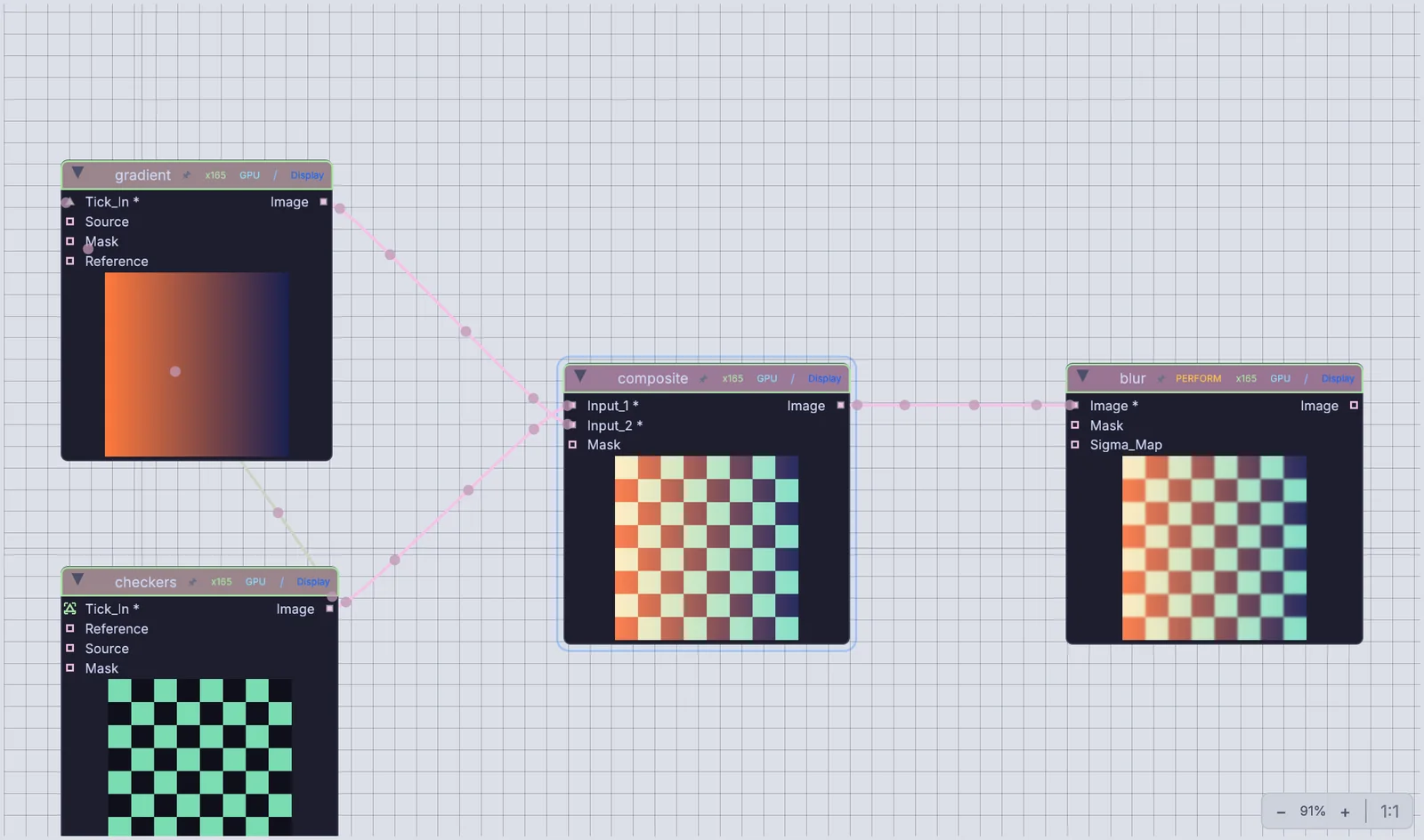 a gradient and checkers into a composite, then a blur
Cinema 4DXpresso and nodes
The same scene as wires. Drag from an output to an input to connect them, and double-click a component to step inside.
Model the way you do now. Add a shape, pull its handles, bevel, cut, place copies, sculpt. Each tool writes an ordinary node right after the step it changes, so the model reads top to bottom as a list of steps and any of them opens again later.
Ctrl+B the viewport, the canvas, or both
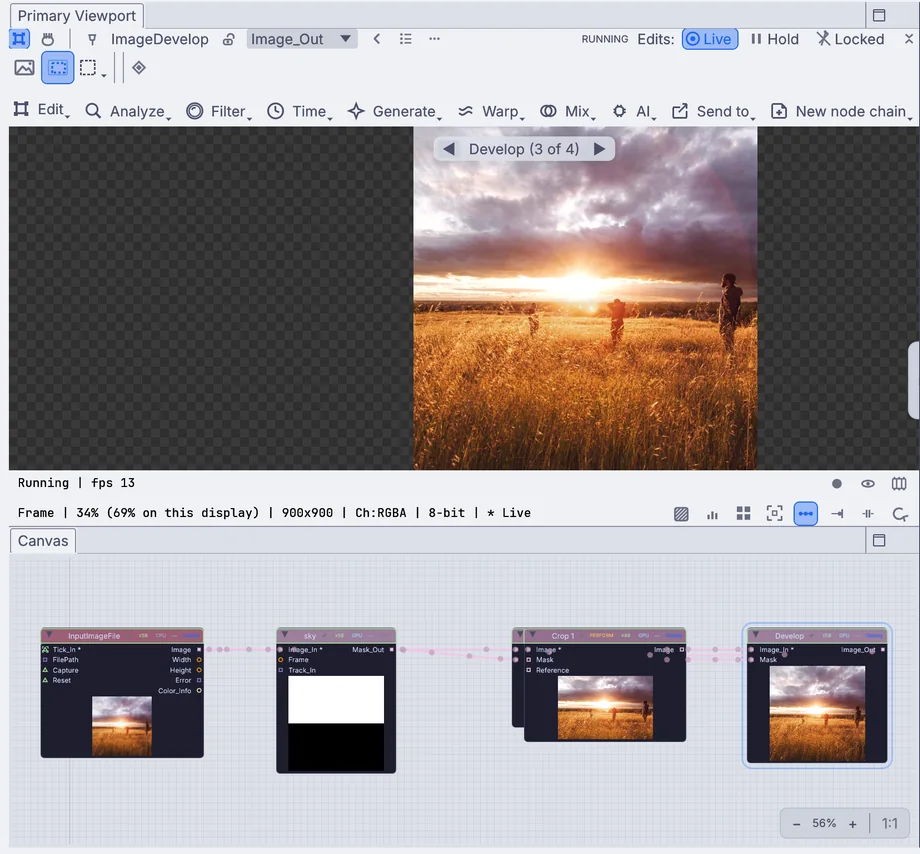 the viewport above, the same steps as nodes below
There is no render queue between you and the look. Materials, HDR skies, shadows, fog and bloom all render live, so the frame you tweak is the frame you send out.
$ kinematic render loop.kin -o loop.mp4 --timeline-range loop
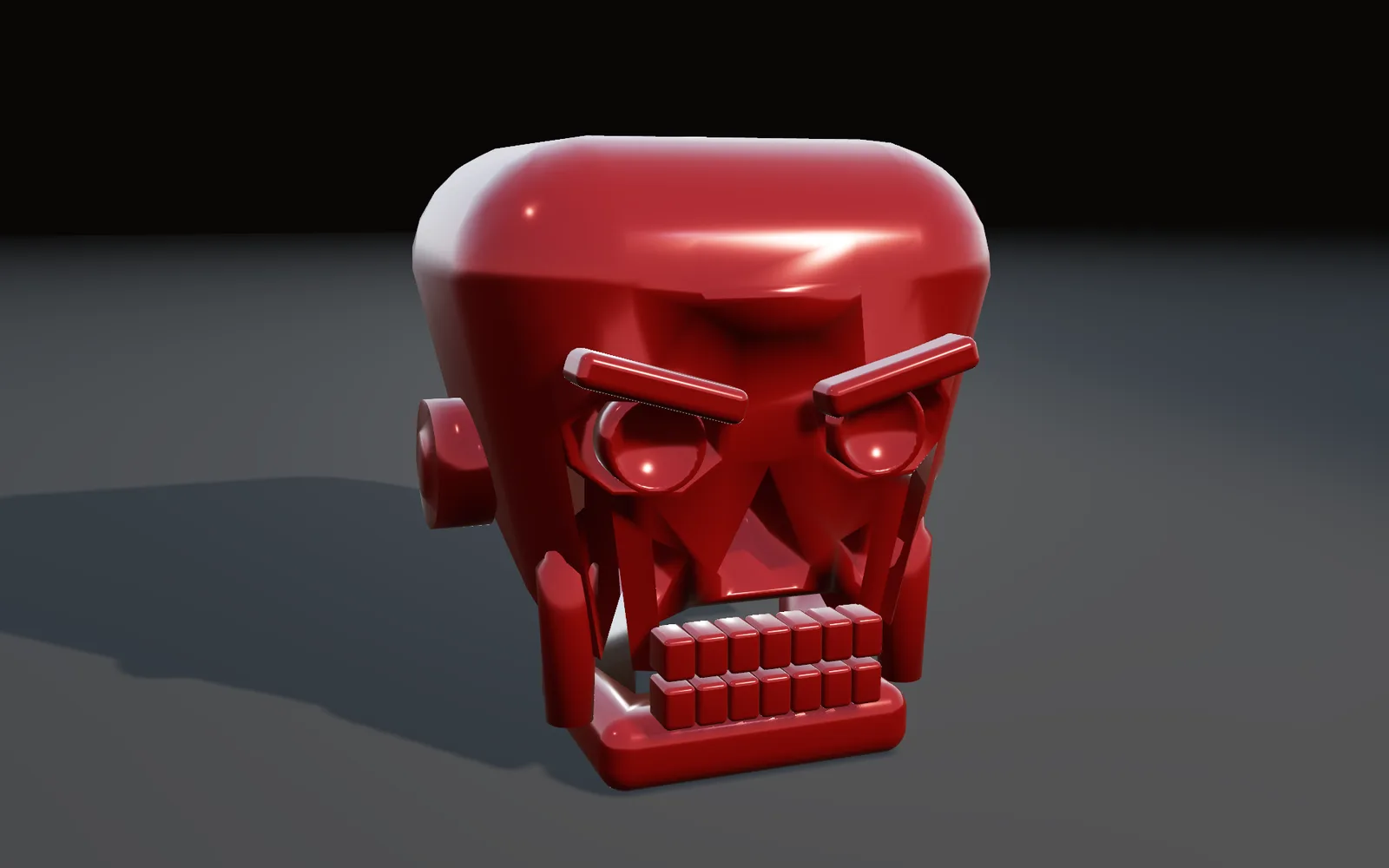 a glossy red skull, the shine placed across its brow and eyes
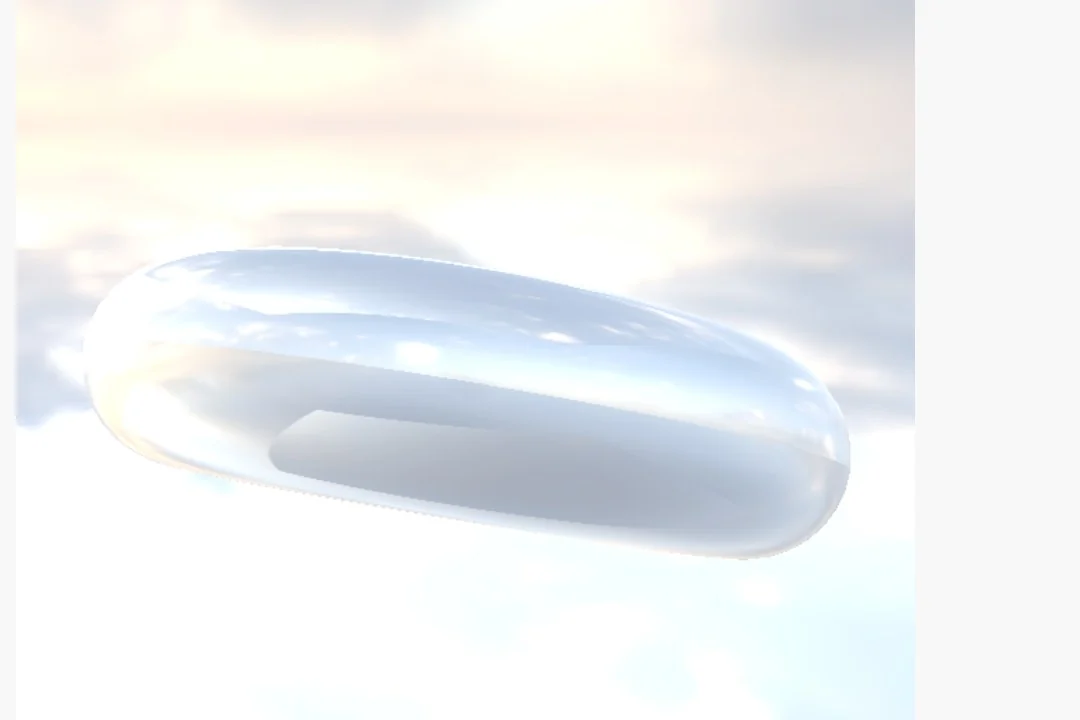 a glass torus lit by an HDR sky
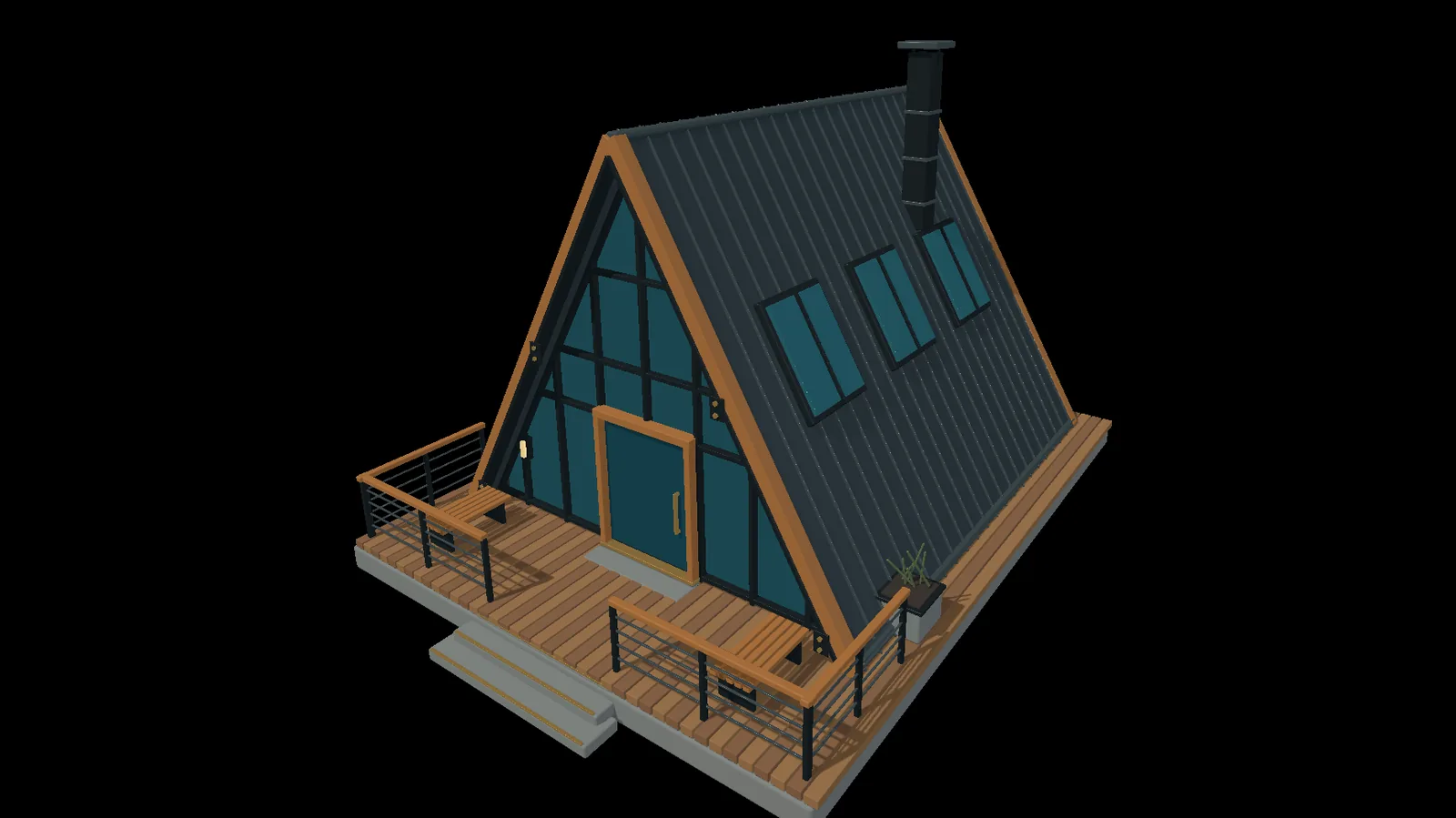 a cabin with glass, timber and a metal roof
A mic, a song file or Ableton Live can push your copies, your deformers or your camera while they play. Nothing to bake first.
Fire, smoke, liquids, cloth and rigid bodies run in the same graph as your copies and your camera, and they can reach past the screen into a real lighting rig.
The loop you built does not have to end as a file. Send it to a projector, an LED wall, a vision mixer or a stream, from the same graph, while it runs.
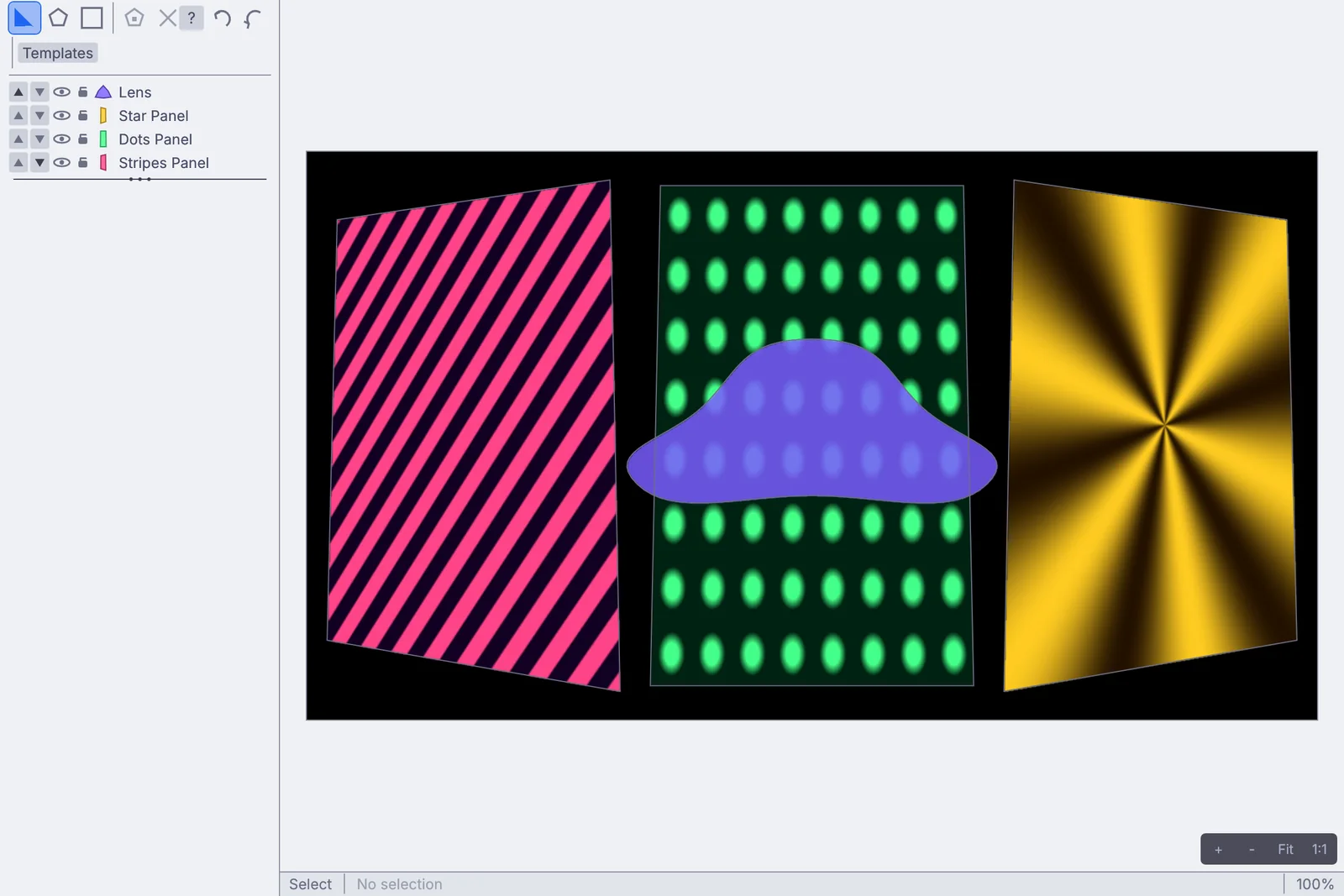 the Projection Mapper: three tilted panels and a curved shape
Your scenes come with you, your hands already know the moves, and the first hour has a plan.
Scenes, curves, type, skies and sound open as they are. Renders and caches leave in the formats your other apps read.
Kinematic does not open .c4d files (these are proprietary). Save as FBX, Alembic, USD or glTF on the way over. Every file Kinematic opens and saves
The first time you open a viewport, Kinematic asks how you like to move around: Kinematic, Blender, Maya or Houdini. Pick Maya and Alt with the left, middle and right buttons orbits, pans and dollies, the moves your hand learned in Cinema 4D.
Change it any time from the viewport's Navigation menu or Preferences.
From a fresh install to a loop that reacts to your voice.
No account, no license key. The Welcome screen has Explore demos.
The first viewport asks how you like to move around. Pick Maya for Alt and drag.
In the app, open 10,000 cubes on a noise field from the Demos browser. Click a node on the canvas and change any number while it plays.
Add a mic and an envelope follower, then drag its output onto a number in Properties. Talk.
Press F1 and the loop fills the screen. Or send it over NDI, or render a file from the command line.
Cinema 4D is a great tool with a great community. Here is where it does more than Kinematic today.
Use both. Build in Cinema 4D, bring it over with FBX, Alembic, USD or glTF, and use Kinematic where it has to react, run live or go out to a room.
What matters when you pick a tool for a studio, a class or a tour, with the price where it belongs: at the end.
Yes. Build in one and perform in the other. FBX, Alembic, USD and glTF go both ways.
No. Kinematic renders live with PBR materials, HDR light and shadows. For path-traced finals, render in Cinema 4D.
Yes. Extrude your own .ttf or .otf with bevels and end caps, lay type along a path, or pull the outlines out as curves and sweep a tube along them for neon.
Yes. Render ProRes, H.264 or numbered PNG and EXR frames, and take depth, normal, ID and motion passes out beside the color.
Yes, even for commercial use, with no account and no license key. Install it on every machine in the studio.
They are all in the app, under Help, then Browse Demos. Each one opens as a copy, so change anything you like.
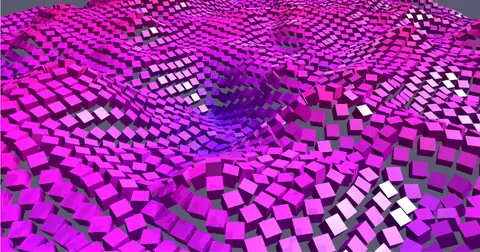 Create10,000 cubes on a noise fieldTen thousand cubes ride a moving noise field, each one driven by its own value.In the Demos browser
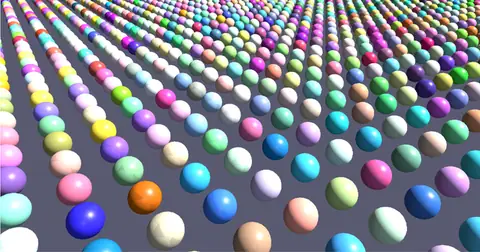 Create10,000 spheres, built onceTen thousand colored spheres, built once. Only the camera moves, so every frame stays light.In the Demos browser
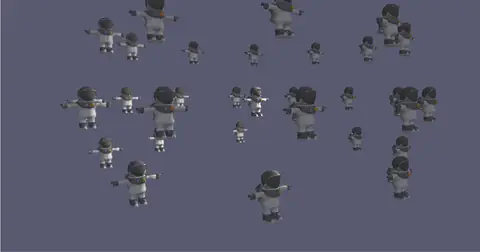 CreateAstronaut orbitAn imported model drawn 31 times: one in the middle, thirty in a ring around it.In the Demos browser
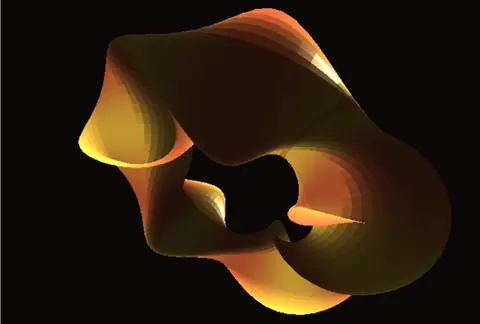 PerformTwisted torusA torus with a helical twist and a pulsing tube, copper to gold, from a custom material.In the Demos browser
 SimulateOrbital gravityMetal boxes orbit a center of gravity, tumbling and glinting as they fade in and out.In the Demos browser
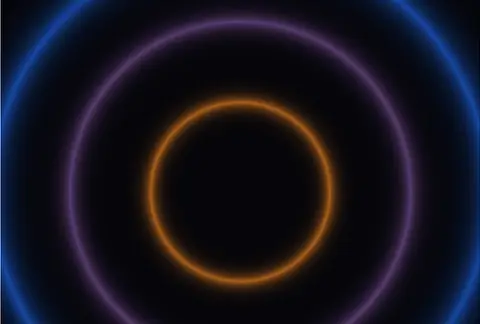 PlayShader volume bloomThree glowing rings that follow a microphone. Until one is wired in, a slow wave stands in.In the Demos browser
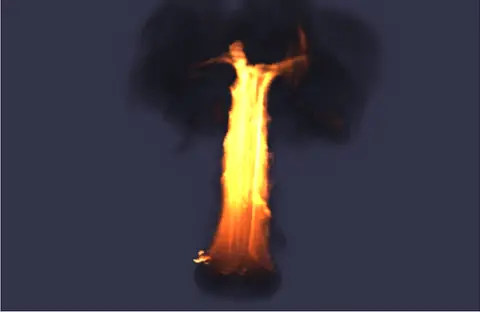 SimulateBurningA burning ring throws up a pillar of fire that mushrooms into dark smoke.In the Demos browser
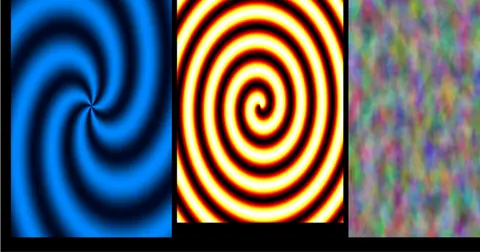 PerformSwirls on a projectorThree moving swirls through the Projection Mapper, out to a projector on a second display.In the Demos browser
Free. No account, no license key. macOS, Windows, Linux and Raspberry Pi.