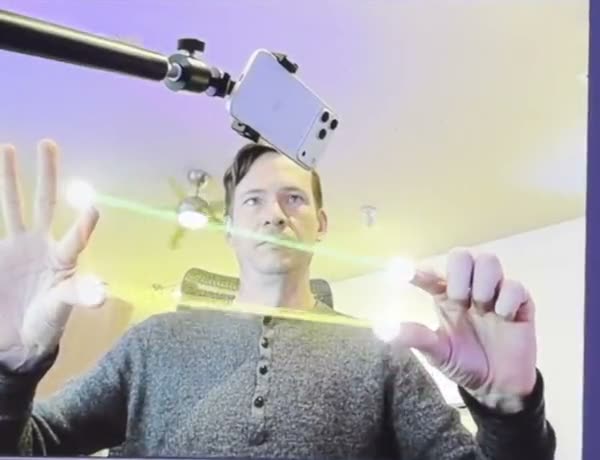
Pick something to make.
Make sound and fix it: patch a synth you can play, clean up a field recording, turn a creak into a whoosh, tidy a podcast, make a voice sound like an old radio and write a synth line in the piano roll. Pick any of them, in any order.
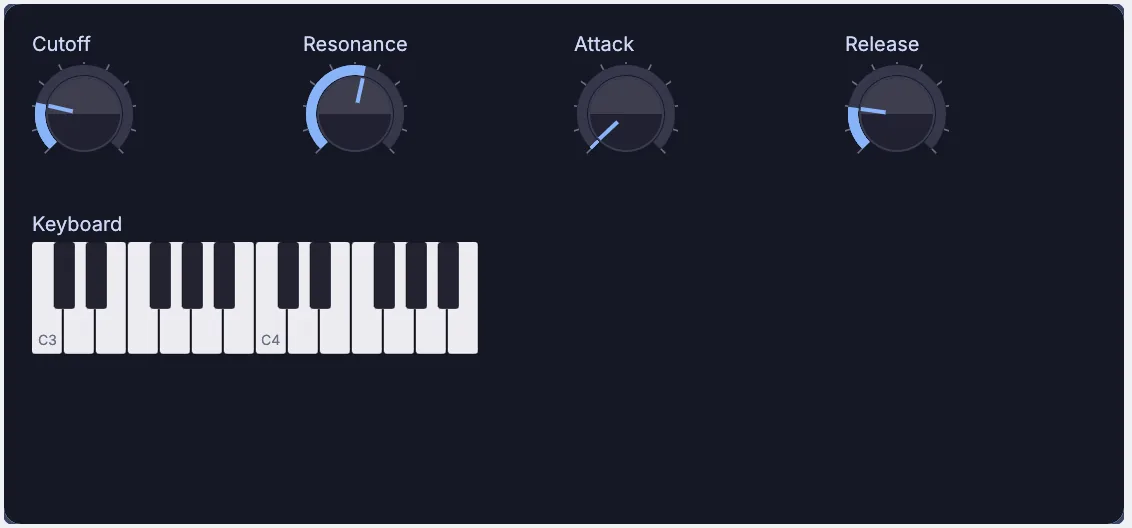
Patch a synth you can play
A synth with a saw oscillator, a filter and an envelope, played from keys on screen, with its own panel of four knobs that can open in a window.
- Start an oscillator
- Add a filter and speakers
- Wire up keys and an envelope
- Build its panel
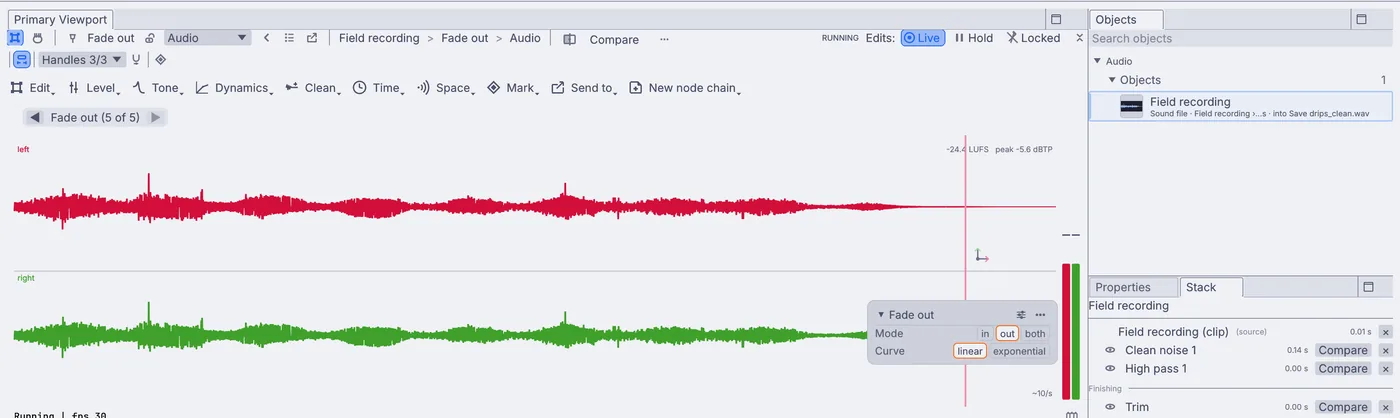
Clean up a field recording
Your recording with the steady background noise turned down, the rumble gone, the bumps at the start trimmed off and a gentle fade at the end, saved as a new sound file.
- Drop in your recording
- Clean the noise
- Cut the rumble
- Trim, fade and save
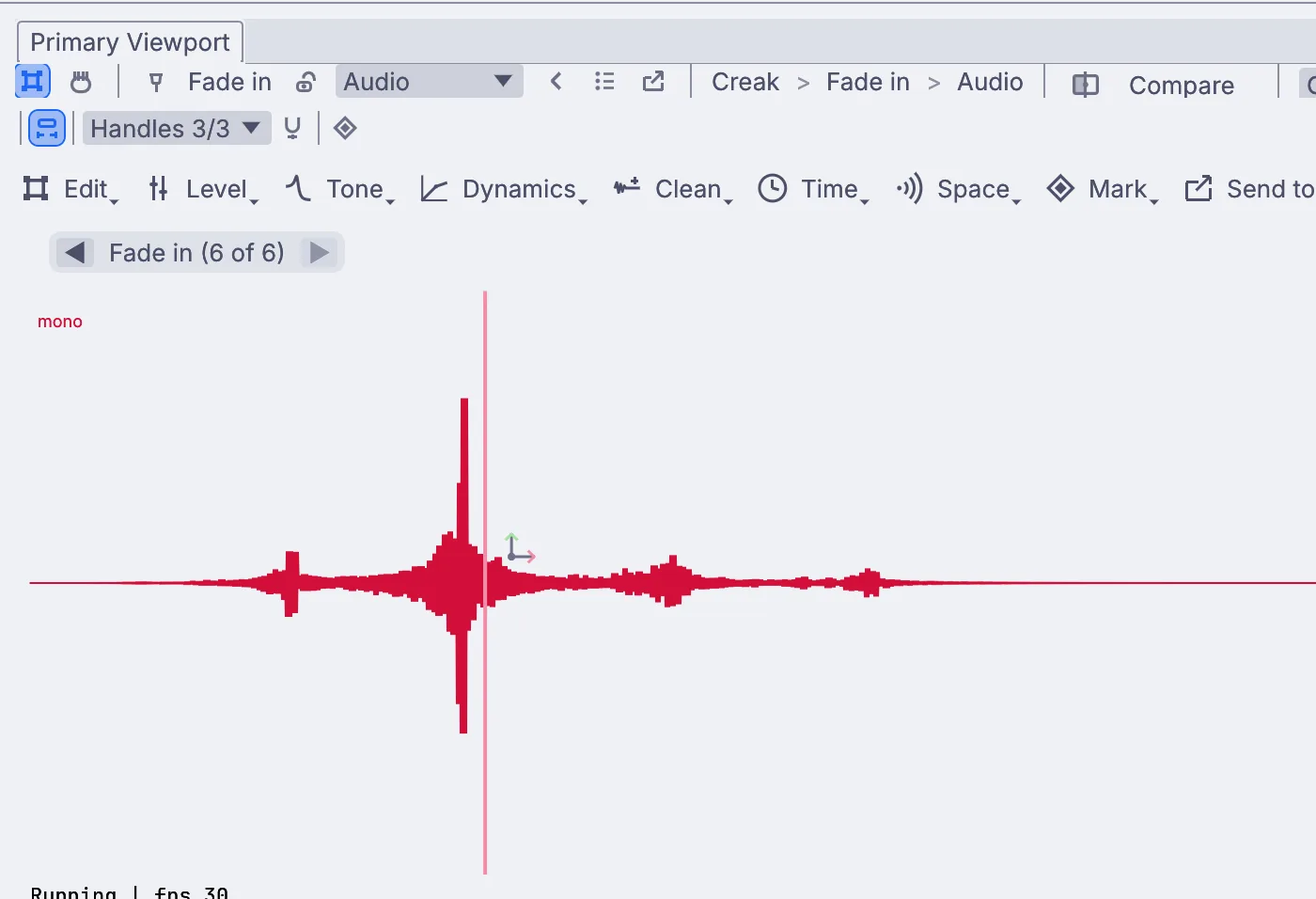
Turn a creak into a whoosh
A swelling whoosh for a film or a game, made from any short sound, such as a creak, a scrape or a drawer sliding shut, saved as a sound file.
- Play it backward
- Stretch it
- Add a plate reverb
- Fade it in
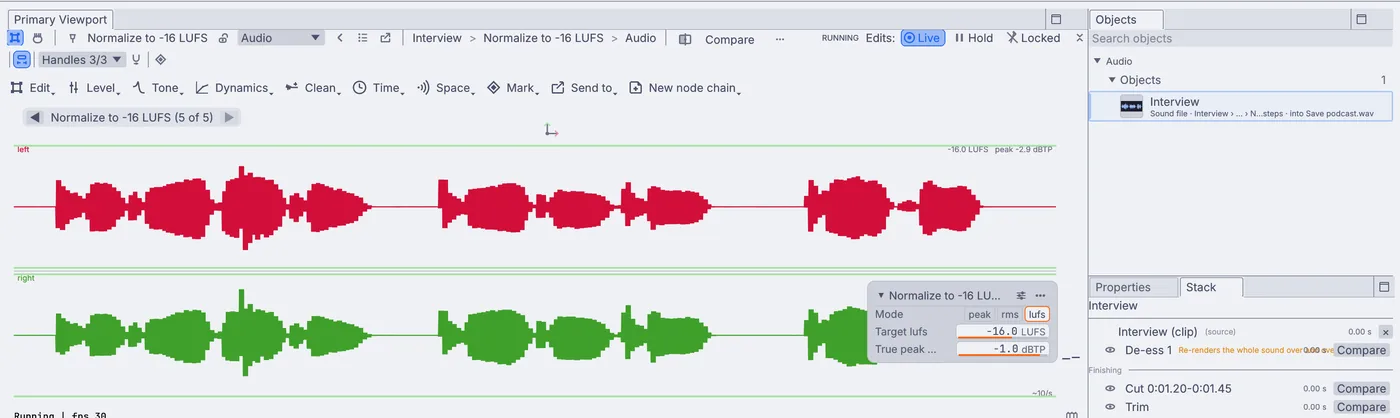
Tidy a podcast episode
A spoken recording with the long pauses and stumbles cut, harsh S sounds softened, the level evened out and set to -16 LUFS, the usual loudness for podcasts.
- Cut the pauses
- Soften the S sounds
- Even out the level
- Set the loudness
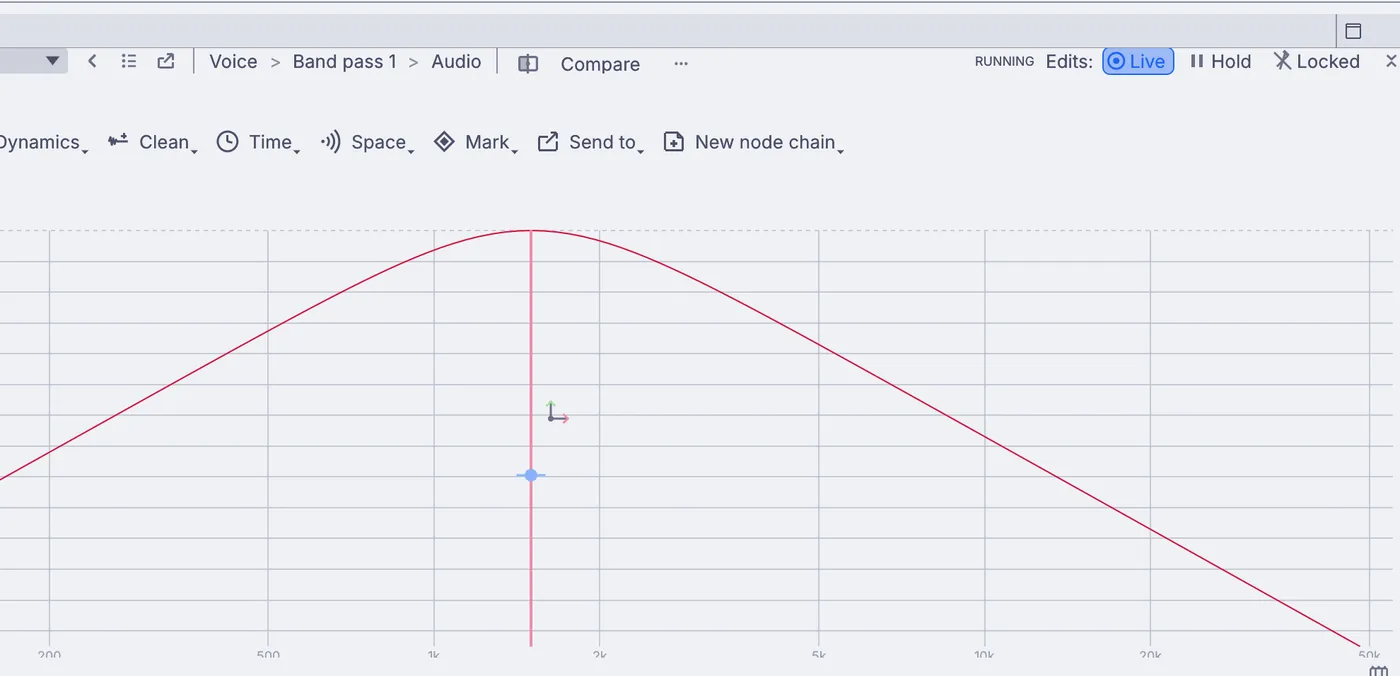
Make a voice sound like an old radio
Any voice recording turned thin, crunchy and boxed in, like a voice from a small old radio, saved as a sound file.
- Keep only the middle
- Add some crunch
- Put it in a small speaker
- Squeeze it and save
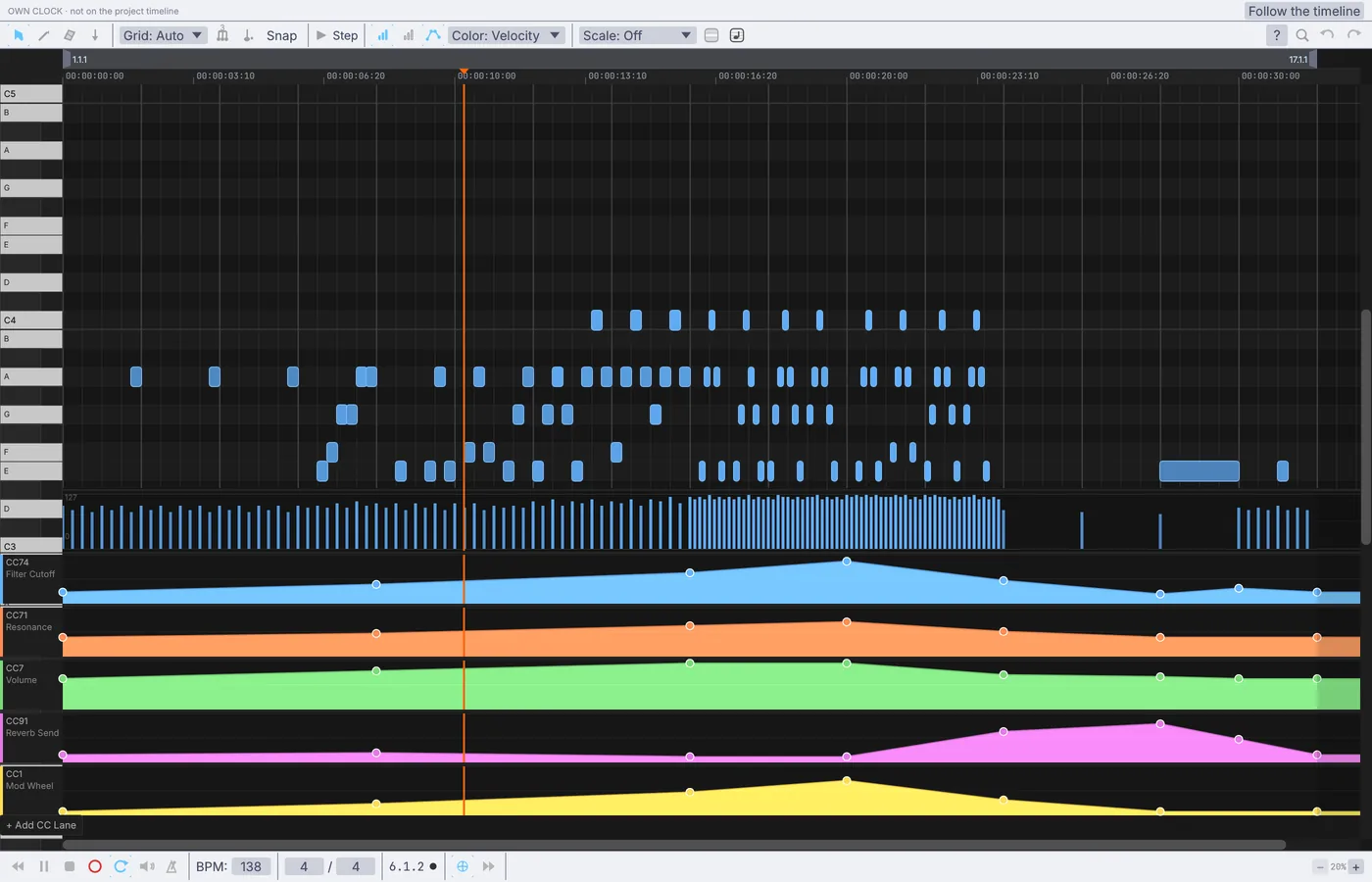
Draw your own bass line in the piano roll
Your own looping bass line in place of the demo's, with a filter sweep drawn under it, playing a synth you shape from its panel.
- Open the demo
- Clear it and draw notes
- Draw a filter sweep
- Shape the synth
Pull these apart.
Open any of them from Help > Browse Demos in the app, watch it run, and change whatever you like.
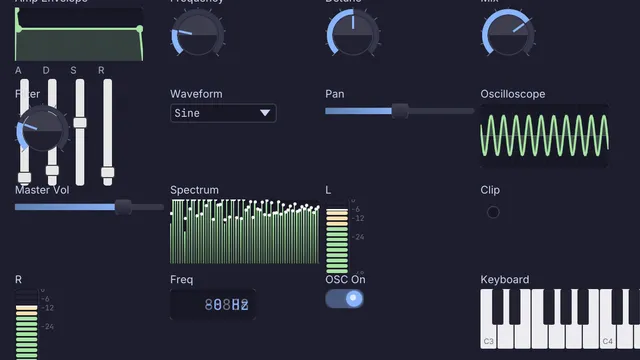 Synth control panel
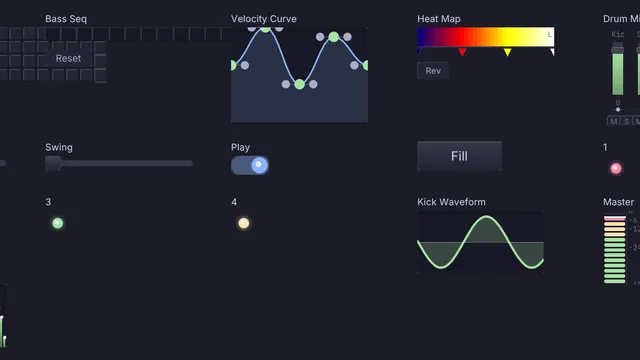 Beat pattern lab
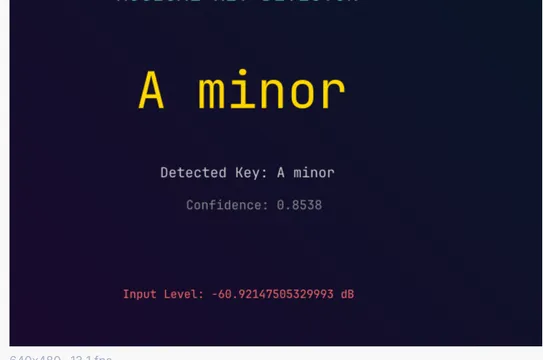 Live key detect
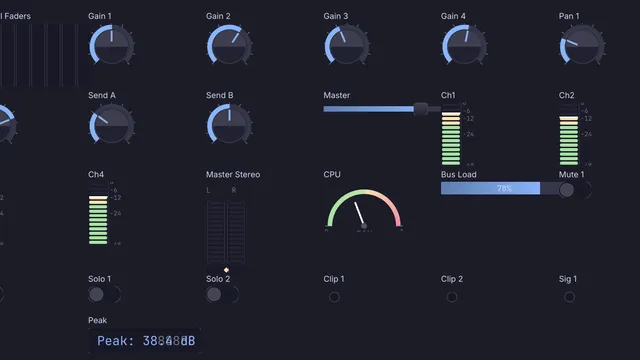 Mixing console
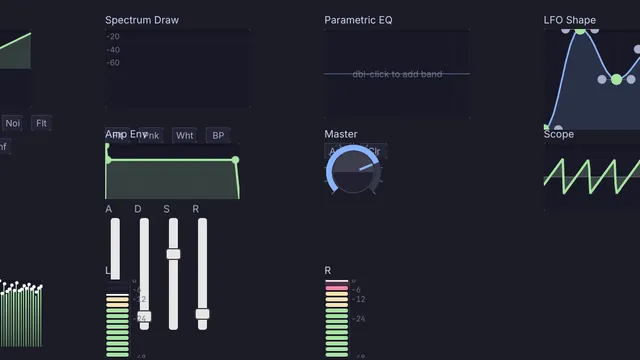 Sound design studio
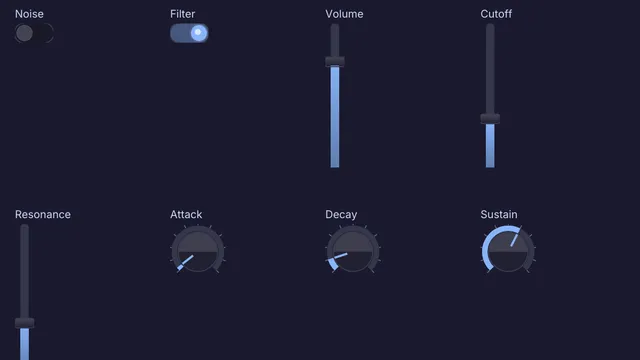 Vintage synth panel
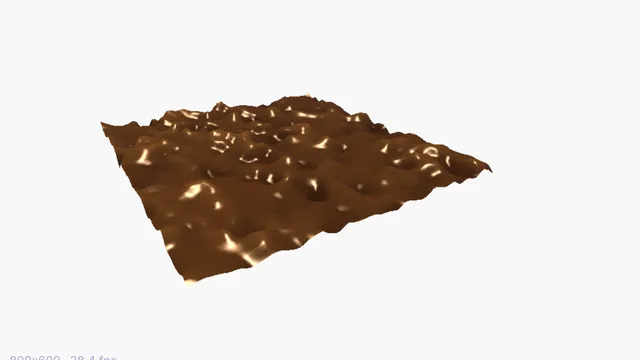 Spectrogram terrain
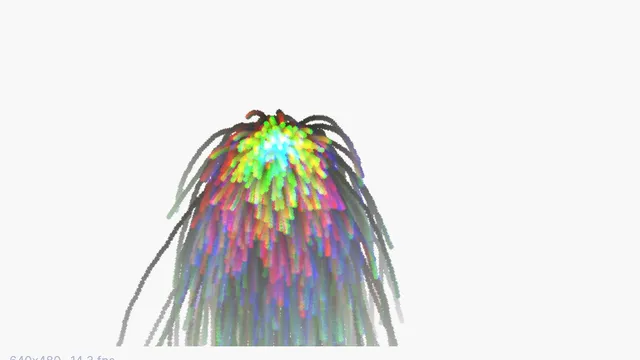 Audio reactive particles
Guides and ideas.
Guides, under Help in the app
Things to make
Free and open. Yours, forever.
No account, no license key. macOS, Windows, Linux and Raspberry Pi.