Block out the poses
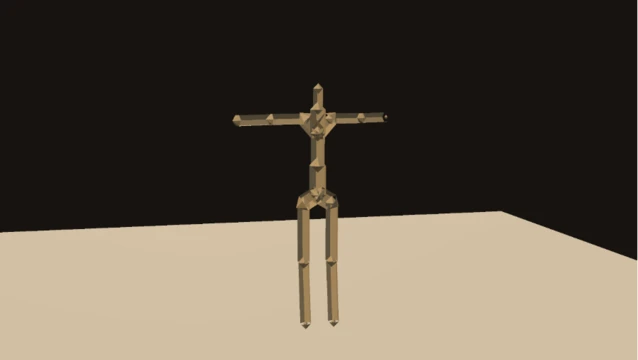
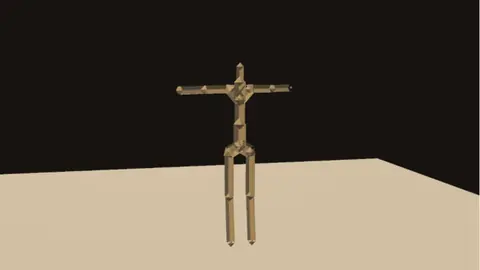
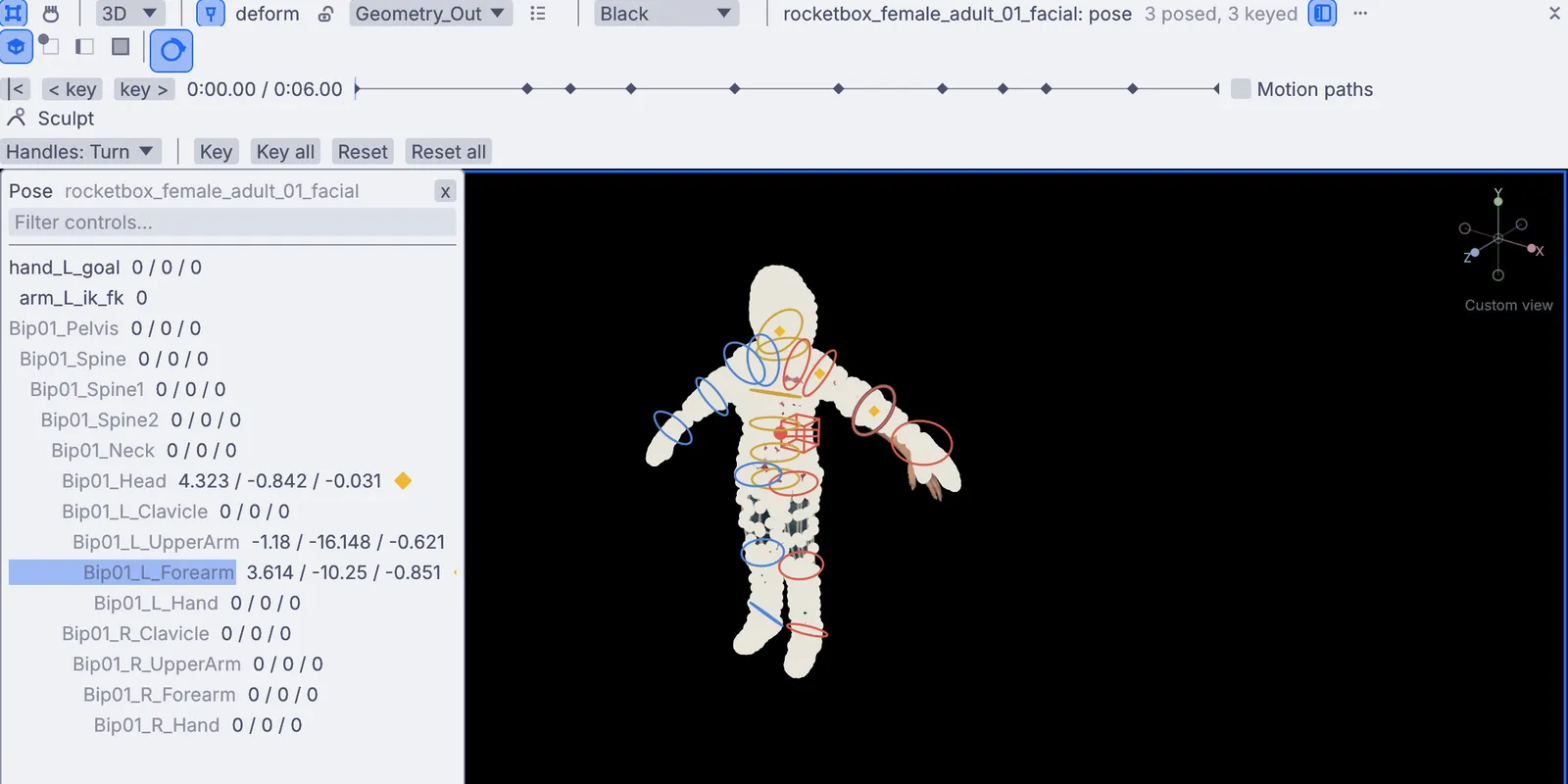
Pose this skeleton puts a control on every joint. Pose with the handles, press Key all at the playhead, and save the pose to your library. Apply it from the shelf to another character, mirrored if you like.
Pose in the viewport, key at the playhead and shape every curve in the keyframe editor. Check your arcs, sync lips to a voice, clean up mocap, then render the shot frame by frame.
Robot scan by Seeget3D (superspl.at), CC BY 4.0
Play, pause and step a frame on the timeline bar.
Set the loop range at the playhead, and work on one stretch of the shot.
Drop a marker on a beat or a line of dialogue.
Draw a curve freehand in the keyframe editor. It lands as a few clean keys.
The jobs that fill a week of animation, and where each one lives in Kinematic. Every picture on this page is the app.

Pose this skeleton puts a control on every joint. Pose with the handles, press Key all at the playhead, and save the pose to your library. Apply it from the shelf to another character, mirrored if you like.

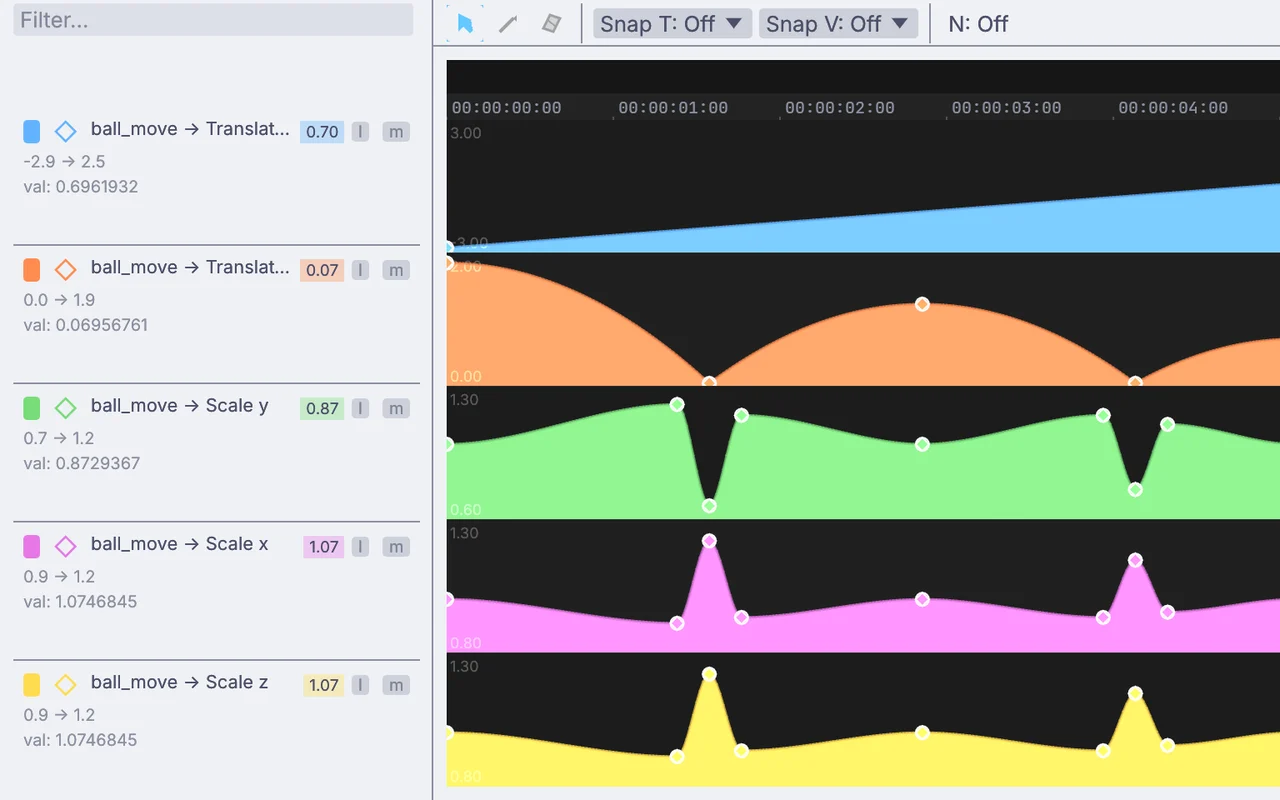
Every animated value gets a lane in the keyframe editor. Drag bezier handles, switch a key to linear or stepped, or draw a stroke and let it settle into a few keys. Cycles, noise and clamp sit on top without moving a key.
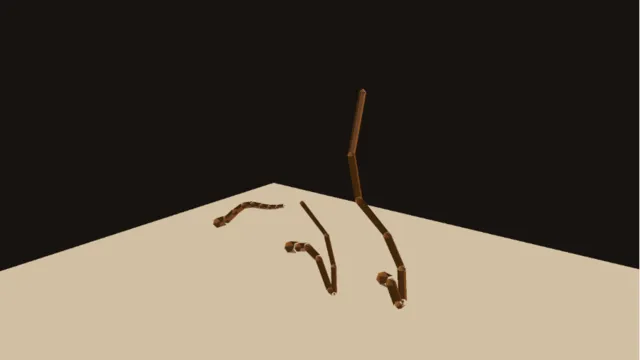
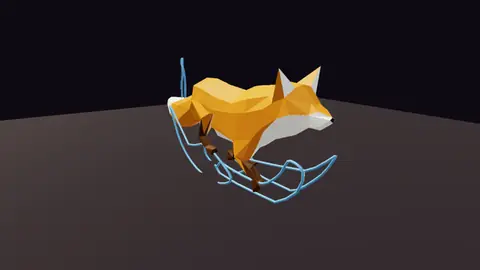
Tick Motion paths and each animated handle draws the path it travels, with a bead on every key. Drag a bead to move the key, or a diamond on the time strip to retime it. For a clip, Rig clip extract draws the trail of any joint, or a ghost of every tenth pose.

Two-bone IK with a pole you drag, full body IK that twists the spine in to help, and plant lock so feet stay where they land. Put lag, jiggle or spring on any chain for the follow-through.
Repeat a walk with no pop at the loop and keep it walking forward. Lay an arm gesture over it as an additive layer, chain one clip into the next with the travel lined up, or speed up, trim and reverse a take.

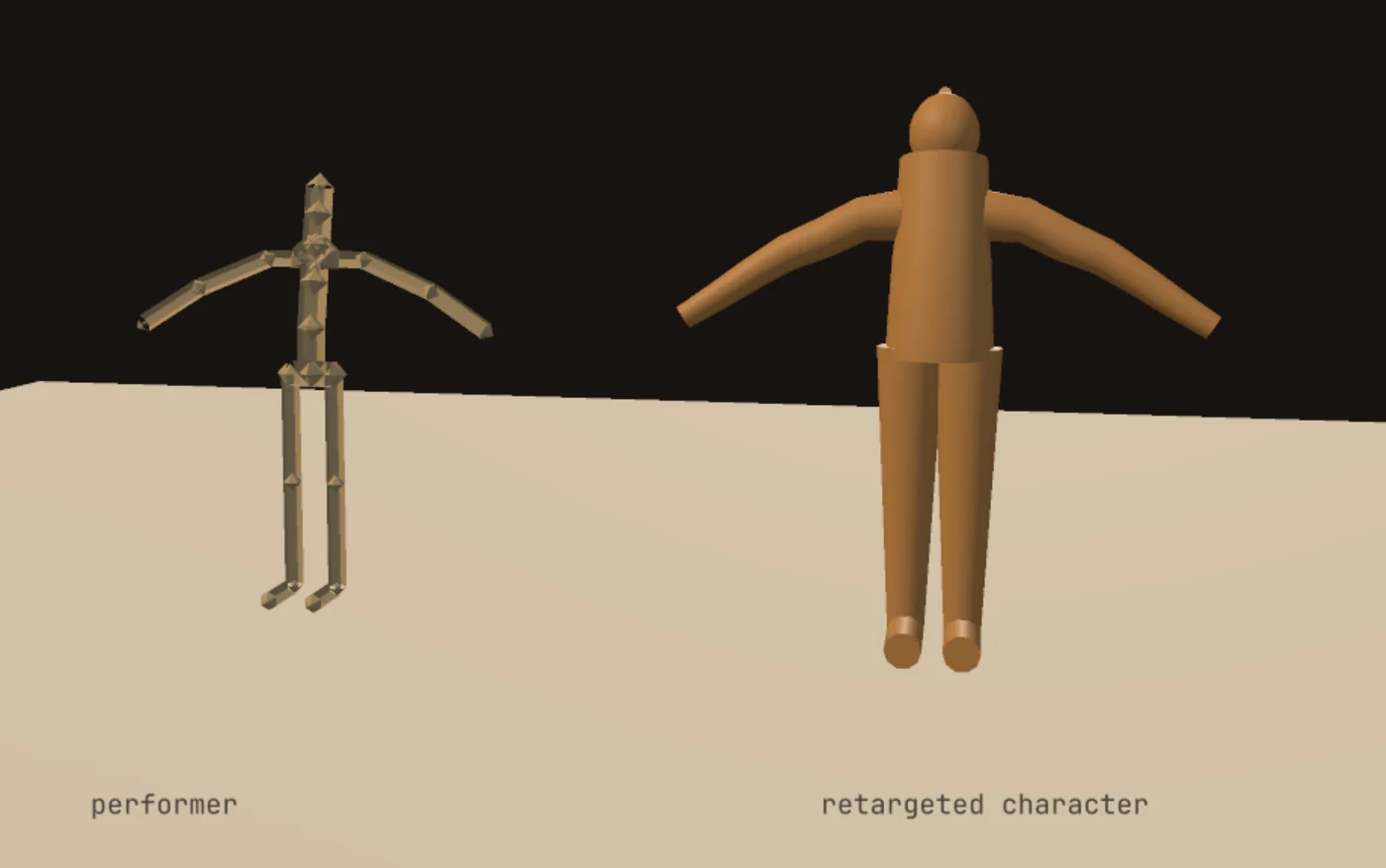
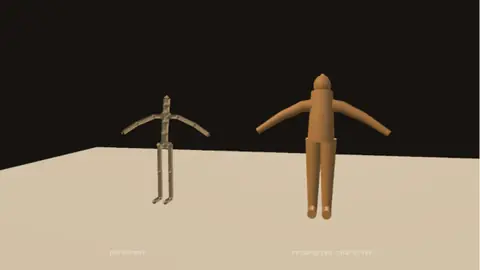
Act it out on a webcam, or bring a take from a suit, a phone or a BVH file. Calm the jitter, then put the performer on any character: two legs, four legs, wings or a tail.
Fly a camera along a curve that follows the timeline and banks into the turns, or blend between two shots with an ease. Match a camera to moving video with Camera solve. Set the project to 24, 25, 30 or any rate you type, and the time strip reads in frames.
Render from the command line on a clock that moves one frame at a time, so a slow frame never turns into a dropped one. A numbered path writes an image sequence, and a frame range splits the shot across machines.
$ kinematic render shot.kin -o shot.mov \ --clock virtual --frames 240 $ kinematic render shot.kin -o frames/shot_%04d.exr \ --clock virtual --frames 240 $ kinematic render shot.kin -o part_b.mov --clock virtual \ --frames 240 --start-frame 120 --end-frame 239
Sound lives in the same file as the shot. Feed a voice into Rig audio to face and the jaw and lips follow it as it plays, with blinks while it talks. Drag a song's level onto a spine, an arm or a camera, and the motion keeps time with the track.

Cloth, fire, smoke, liquids and rigid bodies sit beside your rig and your lights, and keep running while you change them. Pick an object and choose Fire from this, Liquid from this, Cloth or Make dynamic.
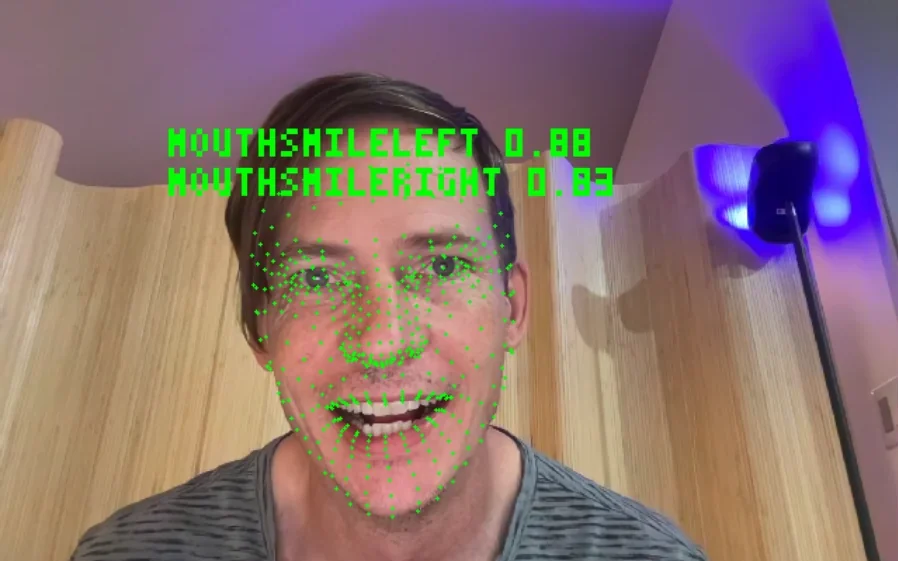
The character you animate can also play live. A webcam reads a face or a body on your own machine, a phone face app streams 52 face channels, and the character follows in the same frame. Send it to a VTuber app, put it on a wall, or press F1 for Perform Mode.

Characters, takes and caches go in and out in the formats your studio already reads. Your webcam, your phone and your mocap system plug in.
Maya, Blender and Cinema 4D scene files do not open here. Save FBX, USD or Alembic from them first. Every format
Make a character, move it with an expression, and render it to frames. The demos come with the app: open one from the Demos browser, press Play, then take it apart on the canvas.

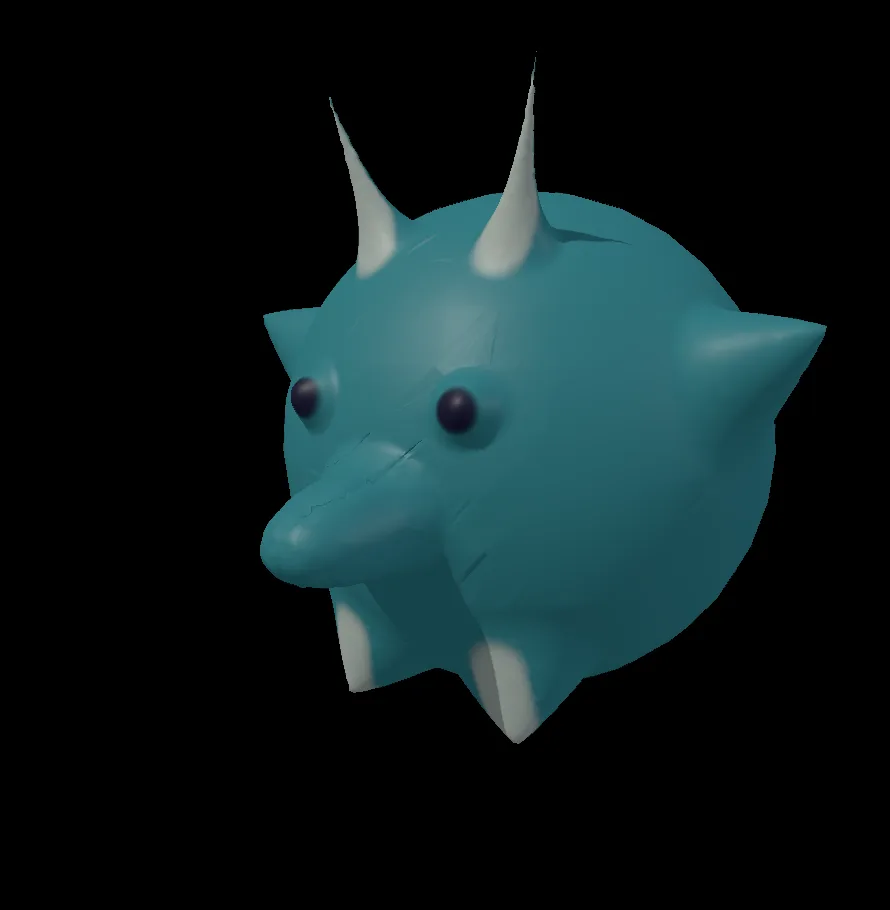
A character of your own, sculpted and painted from a plain ball.

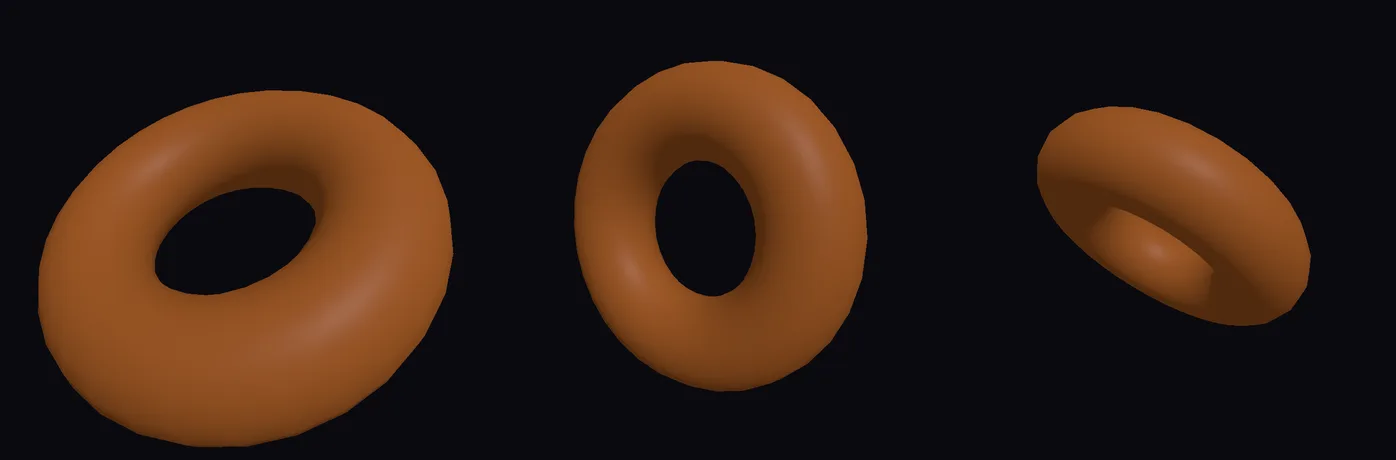
Any number can follow an expression on every frame, for motion you would rather not key.

One command, a folder of numbered frames, and no window.

Put a song's loudness on a number and watch it move on the beat.
How-to pages with every step: Animate characters and objectsRig any characterCameras and tracking

A run cycle with the arcs of the head, tail and paws drawn as lines you can check by eye.
In the Demos browser
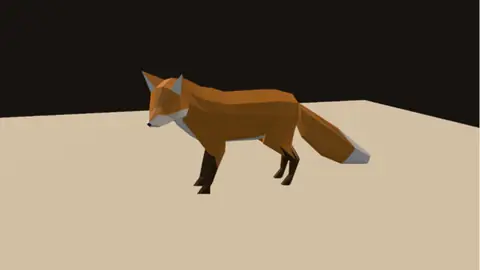
A rigged fox comes in from glTF with its skin weights and its walk, and plays on a loop.
In the Demos browser
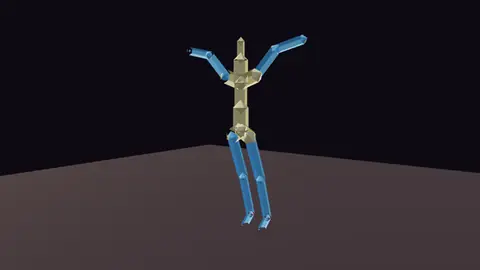
A figure dancing to a track: the spine and arms follow the music and the head trails behind.
In the Demos browser
A webcam performance moved onto a character, live. A built-in performer drives it with no camera.
Webcam optionalIn the Demos browser
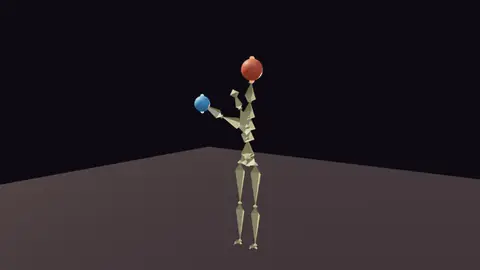
The hands stay on two drifting balls while the spine twists in to help and the feet stay planted.
In the Demos browser
Only half of the figure is animated. A mirror grows the other half on every frame.
In the Demos browserBetter to know now than halfway through a shot. Missing something you need? Reach out.
Free. No account, no license key. macOS, Windows, Linux and Raspberry Pi.