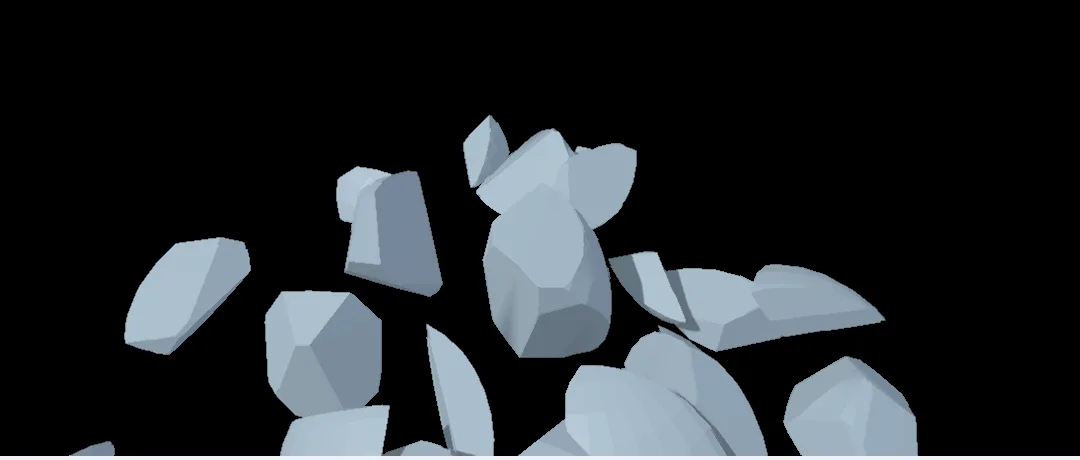
Real rigid pieces from one menu pick: the ball cracks, the pieces fall and knock into each other on a floor.
Steps
On the start screen, click New Project. On the viewport's start card, under 3D, click Add a shape and pick Sphere.
With the ball picked, open the Simulate menu along the top of the viewport and choose Break into pieces.
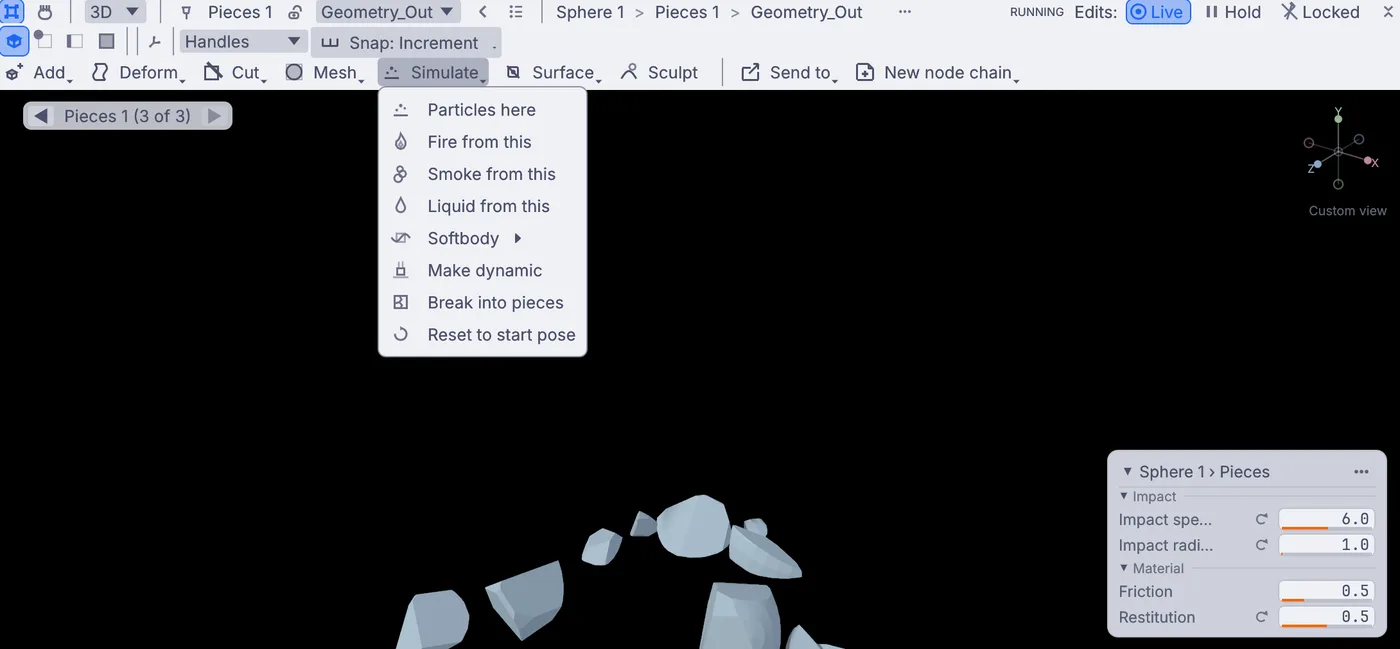
The Simulate menu open over the ball, with Break into pieces at the bottom. Your project is already playing. The ball cracks into pieces that are pushed gently apart and drop onto a floor below. To watch it again, choose Reset to start pose from the same Simulate menu, or press the stop and play buttons on the timeline at the bottom.
A card on the right of the view holds the pieces' settings: Impact speed, Impact radius, Friction and Restitution. Set Impact speed to
6and Restitution to0.5. Restitution is bounciness: at0the pieces land dead, at0.5they hop and skitter.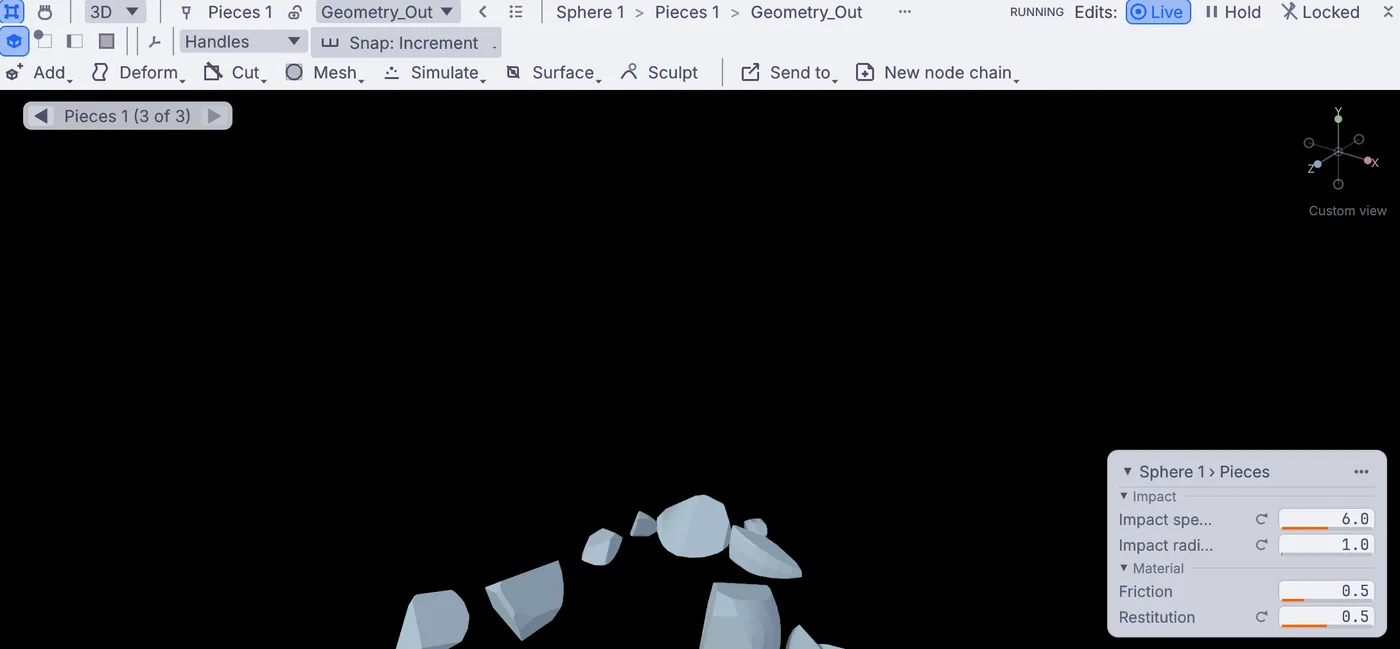
Pieces flying apart, with the card showing Impact speed, Impact radius, Friction and Restitution. The pieces take these settings when they are made, so press the stop button on the timeline at the bottom of the window, then play. Now the ball bursts outward and the shards bounce.
Set Friction to
0.1, then stop and play again: the shards slide across the floor like ice.For more, smaller pieces, click the Voronoi fracture points 1 node on the canvas below the viewport and set Count in Properties to
60. Stop and play once more: the ball breaks into more, smaller pieces.
On the canvas
Break into pieces added the nodes after your 3DGeoSphere: 3DGeoVoronoiFracturePoints scatters the seed points, 3DGeoVoronoiFracture cuts the ball along them, and PhysicsBodiesFromPieces turns every piece into a rigid body in a PhysicsWorld with a PhysicsGround floor.
Make it yours
- Start from Add a shape > Torus or Cylinder for a broken ring or a snapped pillar.
- On Voronoi fracture points 1, set Distribution to
impact, then stop and play: pieces come out small near the hit and big far from it. - Set Impact speed to a negative number such as
-3and the pieces collapse inward first. - Change Seed on Voronoi fracture points 1, then stop and play, for a new crack pattern.