Kinematic 0.5.3 is out. Crowds and traffic that find their own way, and a Clip Launcher that plays on the beat. What's new
Kinematic / Simulate / Fire & smoke

Simulate fire and smoke.

Candles, campfires, fireballs and rocket exhaust. Start from a demo or set any model alight, then turn the knobs while it burns.

Back to Simulate →
On the GPU, live.8 presets to start fromOpenVDB outFree
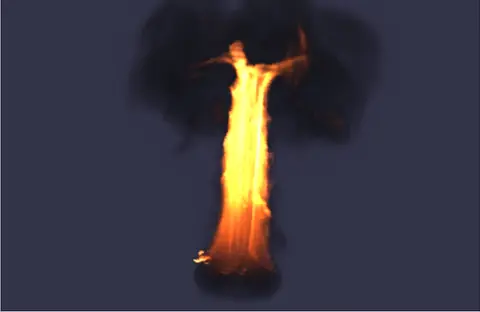
a ring catching fire, flames climbing into a column of smoke
the nodes behind it
3DGeoTorus→3DGeoFluidSimpleSolver→3DGeoFluidRender
What you can make

From a candle
to a rocket engine.

Six fires to start from. Under the clips are the steps that made them and the settings that matter.

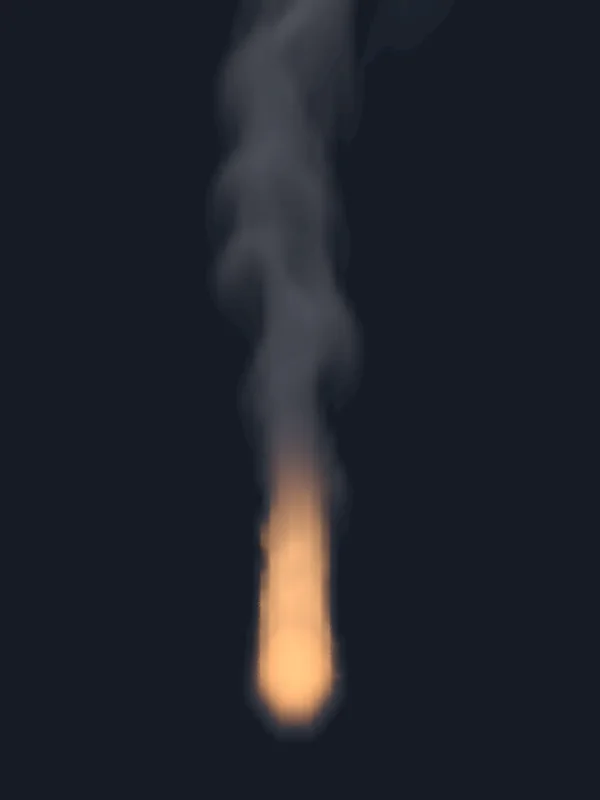
a candle flame on a dark table, bent over by a draft and standing back up, a thread of smoke above it
01

Light a candle

A small flame on a wick that bends over in a draft and stands back up.

  • Put a tiny sphere on the wick and start from the flames preset.
  • Turn the cooling rate up and the turbulence down. The flame stays short and smooth.
  • Type a gust into the wind speed. The flame bends, then rights itself.
In this clip
Preset: flamesVoxel size 0.01 mCooling rate 5Max flame kelvin 2600Wind speed: a typed gust
3DGeoSphere→3DGeoFluidSimpleSolver→3DGeoFluidRender+3DGeoSceneRenderToImage
Inside the solver
3DGeoFluidSource3DGeoFluidWind

Start from Candle in the Demos browser.
a wooden chair catching fire, the flames climbing into a pillar with smoke rolling over the top
02

Set something on fire

Fuel pours off the surface of a wooden chair, and the plume rolls up into smoke. Any model can burn the same way.

  • Bring in the model. The chair here is a glTF file.
  • Wire it into the solver on the burning object preset. Fuel comes off its surface.
  • Turn off the smoke source, so all the smoke comes off the flames.
In this clip
Preset: burning objectVoxel size 0.055 mFuel source scale 4Smoke from flame 0.25
3DGeoImportGLTF→3DGeoFluidSimpleSolver→3DGeoFluidRender
Inside the solver
3DGeoFluidSource3DGeoFluidBurn

Start from Burning in the Demos browser, and swap its torus for your model.

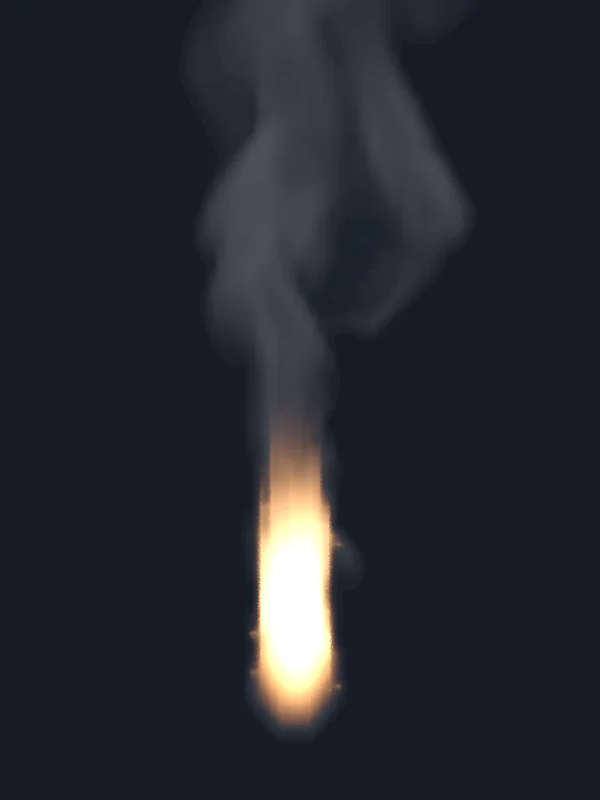
flames curling up between three logs in a ring of stones, thin smoke drifting off above
03

Build a campfire

Flames lick up between three logs and thin out into smoke, with firelight flickering on the stones.

  • Lay three logs in a ring of stones and tuck small fuel shapes between them.
  • Turn up shredding and turbulence so the flames tear into licks.
  • Cap the flame at 2400 kelvin for orange instead of white.
  • Hang a warm light in the fire and give its brightness a flicker.
In this clip
Preset: flamesVoxel size 0.025 mShredding 0.55Turbulence 0.9Max flame kelvin 2400
3DGeoMerge→3DGeoFluidSimpleSolver→3DGeoFluidRender→ImageAlphaOver+3DGeoSceneRenderToImage+3DGeoLightCreate
Inside the solver
3DGeoFluidSource3DGeoFluidBurn3DGeoFluidShredding

Start from Campfire in the Demos browser.
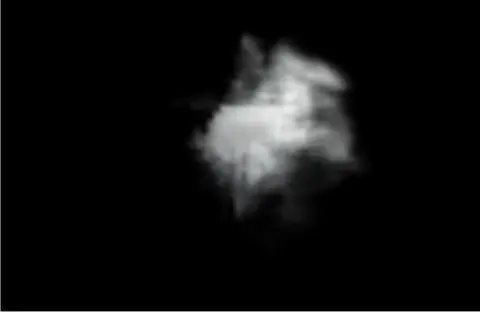
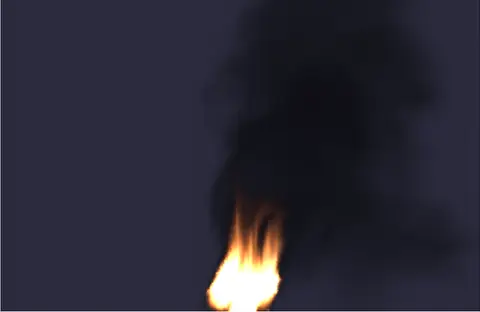
a nozzle fires a burst of smoke that billows out and curls up into a loose cloud as it slows
04

Fire a smoke jet

A hard sideways blast of smoke that slows down and curls into a loose cloud.

  • Put a nozzle on the left and let it puff smoke for the first 37 frames.
  • Hold a strong wind in a small box at the nozzle, so only the jet gets pushed.
  • Let a driver ease the wind to zero. The cloud slows and curls up on its own.
In this clip
Preset: smokeVoxel size 0.05 mWind speed 12.5 m/s in a boxEmits on frames 1 to 37
Timer→ChannelDataExpression→FluidParameterDriver→3DGeoFluidSimpleSolver→3DGeoFluidRender
Inside the solver
3DGeoFluidSource3DGeoFluidWind

Start from Jet in the Demos browser.

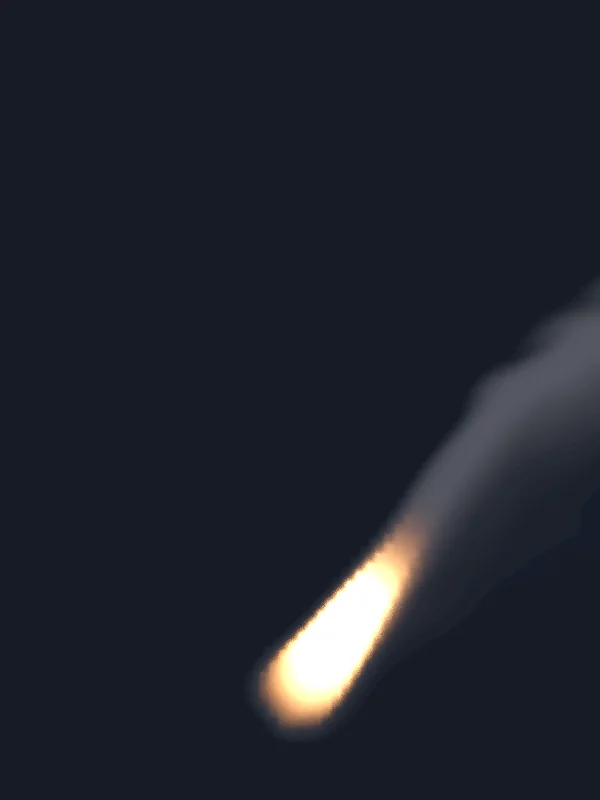
a burst of fire blooming into a glowing cap, then breaking up into smoke
05

Blow a fireball

One burst of fuel blooms into a glowing cap, then cools into thin smoke.

  • Start from the fireball preset. The fuel all goes in on the first frame.
  • Let it burn. The heat swells it into a rising cap.
  • Cap the top speed so it blooms instead of tearing apart.
In this clip
Preset: fireballMax speed 14 m/sAir resistance 0.15
3DGeoSphere→3DGeoFluidSimpleSolver→3DGeoFluidRender
Inside the solver
3DGeoFluidSource3DGeoFluidBurn3DGeoFluidFlameExpand

Start from Fireball in the Demos browser.

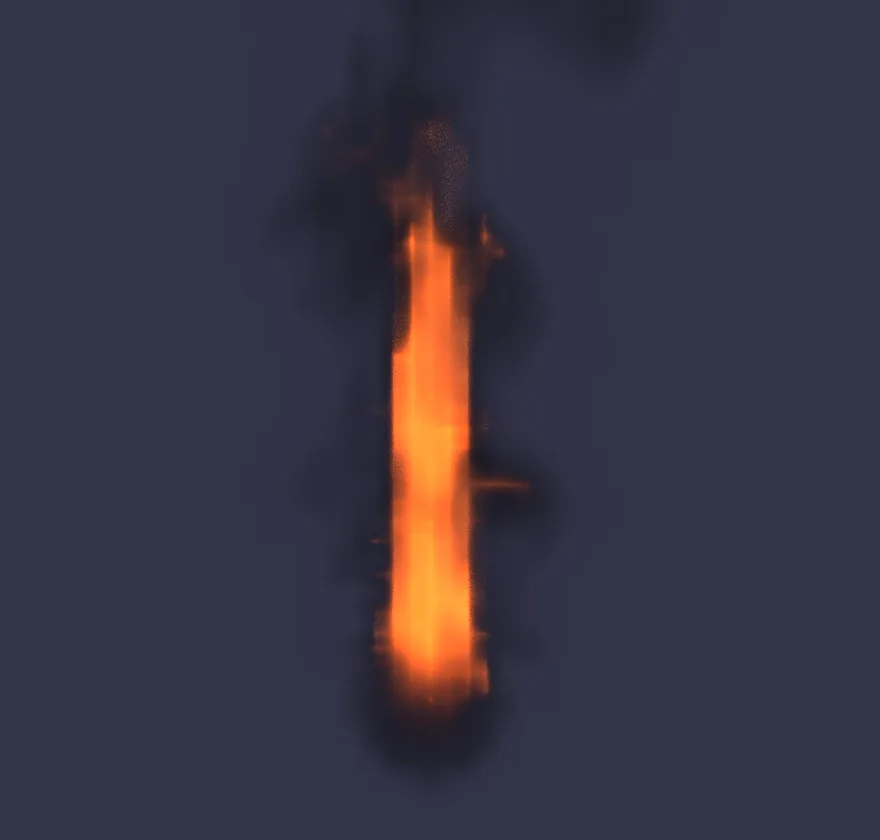
an engine on a test stand firing a white-hot column straight down, the exhaust rolling out across the deck in a cloud
06

Fire a rocket engine

A white-hot column fires straight down and rolls out across the deck in a cloud.

  • Fill the engine bell with fuel and burn it fast.
  • Blow a strong wind straight down in a column under the nozzle.
  • Leave the floor of the box closed. The exhaust hits it and rolls out across the deck.
  • Turn up the fire intensity in the render so the core reads white hot.
In this clip
Preset: flamesVoxel size 0.12 mBurn rate 7Wind speed 24 m/s, straight downFire intensity 12000
3DGeoCylinder→3DGeoFluidSimpleSolver→3DGeoFluidRender
Inside the solver
3DGeoFluidSource3DGeoFluidWind3DGeoFluidBurn

Start from Rocket in the Demos browser.

Sim and shot in one file

Render the fire inside your scene.

The fire has its own volume renderer, and it sits in the same graph as the set. Lay the flames over a scene render and put a warm light in them. A change to the sim then shows up in the shot, with nothing to export.

  • Smoke that shadows itself, with soft bounce light inside thick plumes
    3DGeoFluidRender
  • Flames colored by their temperature, or by a color ramp you set
  • The set rendered first as the backdrop, with its depth so things in front hide the flame
    3DGeoSceneRenderToImage
  • A warm light in the fire, its flicker one line typed into its brightness
    3DGeoLightCreate
  • Float frames that keep the fire's full brightness for the comp. The depth pass and motion vectors come along
    ImageLayerWrite
the campfire: the set and the flames composed in one graph
the end of that graph
CREATE3DGeoMerge SIMULATE3DGeoFluidSimpleSolver SIMULATE3DGeoFluidRender EDITImageAlphaOver EDITImageColorManage CREATE3DGeoSceneRenderToImage CREATE3DGeoSceneRenderToImage
Driven while it runs

Drive the flame from a song or a fader.

The sim keeps running while you change it, so a number on the solver can follow a signal. Type a driver into the knob, or wire one in from anywhere in the graph.

  • A song's loudness, smoothed so the flame swells instead of strobing
    InputAudioFile→AudioEnvelopeFollower→FluidParameterDriver
  • A fader or a knob on a MIDI controller
    MidiCCIn→FluidParameterDriver
  • A timed curve, like the burst in this smoke jet
    ChannelDataExpression→FluidParameterDriver
  • Many settings at once, from one node
    FluidBundleDriver
the two drivers behind the candle's gusts
wind_speed  #0.03
            + 1.5 * exp(-((time - 2.7) * (time - 2.7)) / 0.22)
            + 0.8 * exp(-((time - 4.3) * (time - 4.3)) / 0.14)
wind_dir_x  #1.0 - 2.0 * (time > 3.6)
a driver holds the wind at the nozzle, then eases it off

In this clip a Fluid parameter driver holds the wind at 12.5 m/s while the nozzle puffs, then takes it to zero over six frames.

On stage

Send the fire to lights or a projector.

The graph keeps running after the sim, so its frames can go straight out to the room. There is no render to wait for and no file to hand across.

  • Pixel-map the frames onto LED fixtures, up to 170 to a universe, over Art-Net or sACN
    ImageToDmxArtNetSendInterfaceSAcnSendInterface
  • Full screen on a projector, corner pinned to fit the wall
    ImageCornerPin→ImageDisplay
  • Out to other apps over NDI, or Syphon on a Mac
    StreamingNDISendInterfaceStreamingSyphonSendInterface
  • Press F1 for Perform Mode: the editor goes away and the fire fills the screen
the fire, and the same frames on 640 RGB fixtures

Right: four DMX universes of 160 fixtures, drawn back from the DMX values. Over 1,600 fixture profiles come with the app.

How it works

One node runs
the fire.

A shape goes into one solver node, and the solver feeds a render. After that it is mostly turning knobs, while the fire keeps burning.

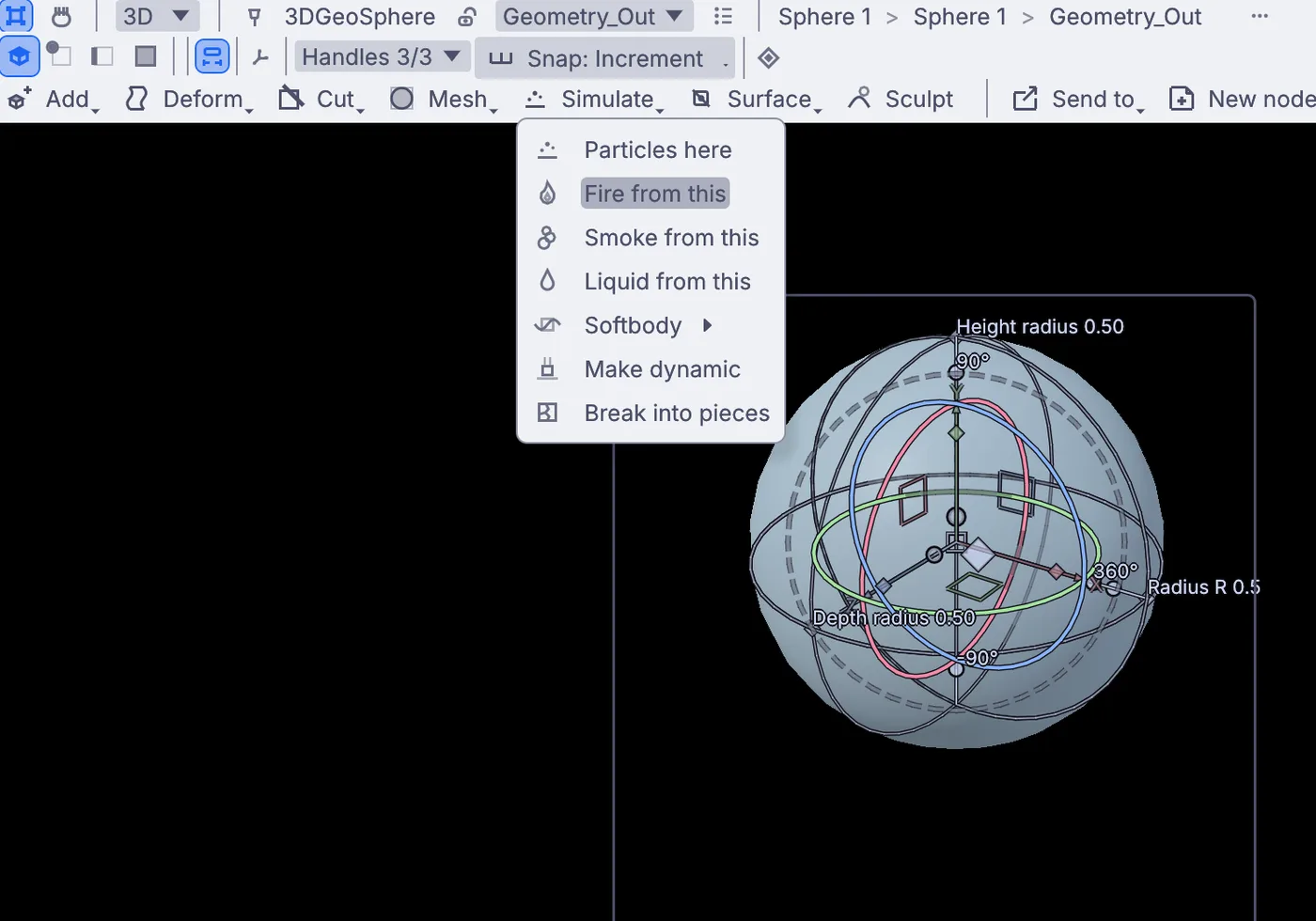
the Simulate menu over a ball: Particles here, Fire from this, Smoke from this, Liquid from this
01Pick a shape and choose Fire from this.It sits on the Simulate menu over the viewport. Smoke and liquid are on the same menu.
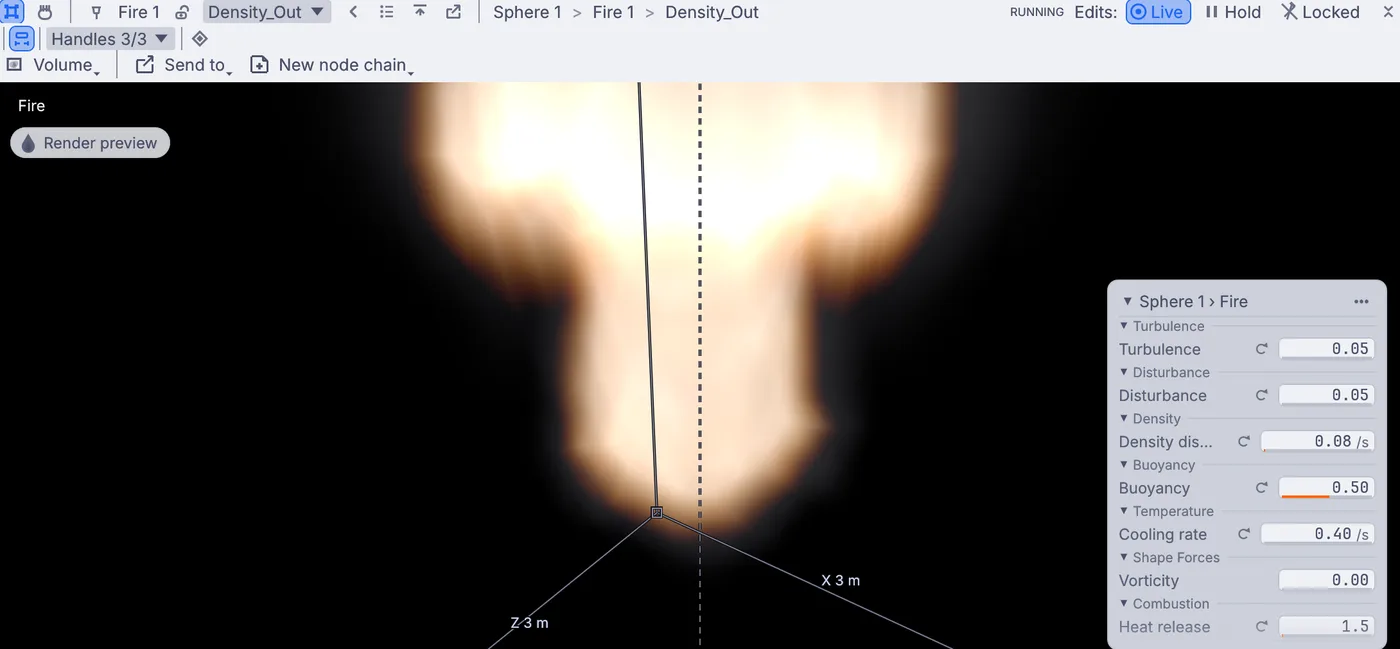
the fire glowing in the viewport above the ball, with the settings card on the right
02The fire burns in the viewport.The settings you reach for most sit on a card beside it, and they change the fire while it burns.
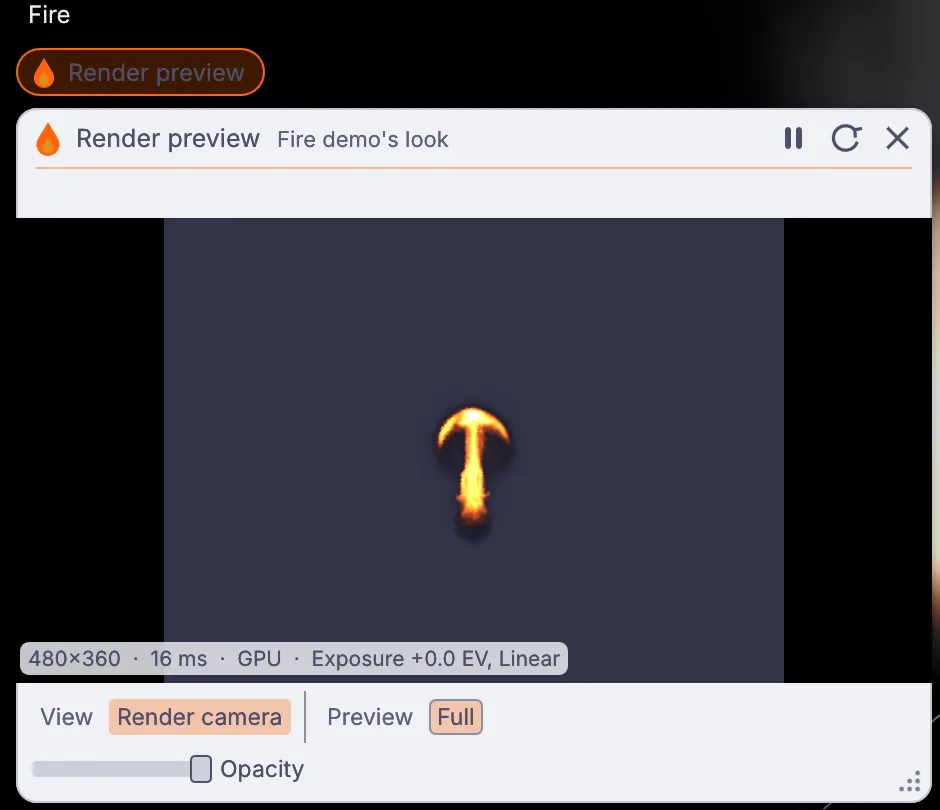
the Render preview window: a small flame, 480 by 360, drawn in 16 ms on the GPU
03Render preview draws the final look.It draws the fire with light and shadow, the way a final render will. Here: 480 by 360 in 16 ms, on the GPU.
what Fire from this adds, with a render on the end
CREATE3DGeoSphere SIMULATE3DGeoFluidSimpleSolver SIMULATE3DGeoFluidRender CREATE3DGeoCameraCreate
On the GPU, live.

The grid is sparse: it only works where there is smoke or fire, and it grows with the plume. On the GPU the fields stay on the card between steps. Pick CPU instead on a machine without a usable graphics card.

One setting at a time.

The first is the fire from the Torch demo, at a finer voxel size. The other four change one setting and leave the rest alone.

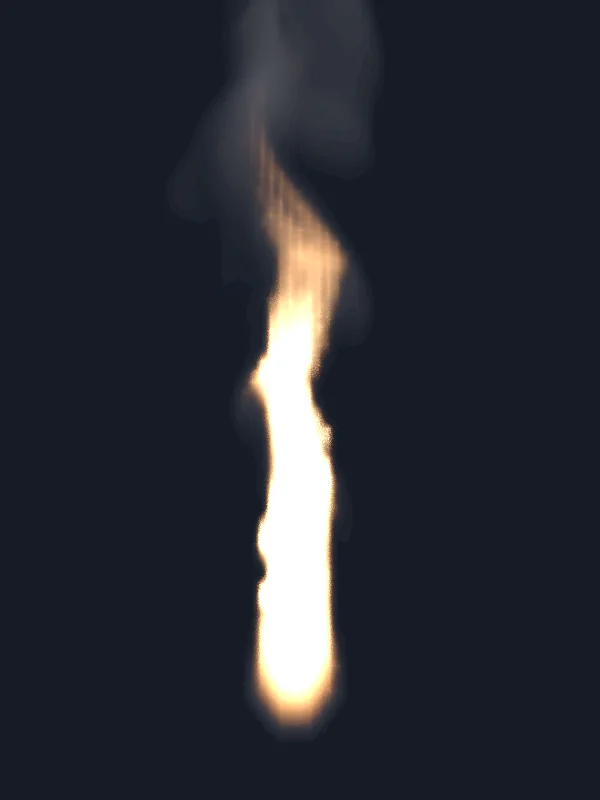
the torch flame, The torch flames preset
The torchflames preset
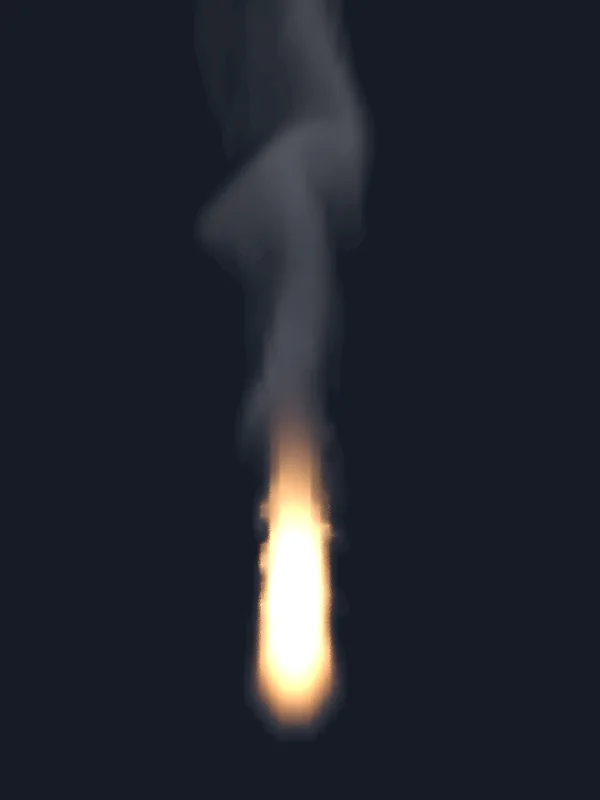
the torch flame, Cooling rate 2 → 0.6
Cooling rate2 → 0.6
the torch flame, Max flame kelvin 5000 → 3000
Max flame kelvin5000 → 3000
the torch flame, Wind speed 0 → 1.2 m/s
Wind speed0 → 1.2 m/s
the torch flame, Turbulence 0.2 → 1.2
Turbulence0.2 → 1.2

The settings that matter.

Most of them change the fire while it burns. A few rebuild the sim and start it over, such as the voxel size or the box size.

Open it up.

Inside, the solver is a chain of stages. Wire the chain yourself to reorder them or splice in a stage of your own, written in WGSL or GLSL.

3DGeoFluidSource→3DGeoFluidChainEmitter→3DGeoFluidBuoyancy→3DGeoFluidWind→3DGeoFluidTurbulence→3DGeoFluidShredding→3DGeoFluidBurn→3DGeoFluidFlameExpand→3DGeoFluidAdvect→3DGeoFluidIntegrateForce→3DGeoFluidPressureSolve→3DGeoFluidChainSolver+3DGeoFluidShader
  • PresetA starting look: smoke, wispy smoke, billowy smoke, flames, explosion, fireball, burning object or combustion.
  • Voxel sizeThe size of one cell. Smaller cells give finer detail and take longer.
  • Cooling rateHow fast heat fades. Lower it and the flame climbs higher before it turns to smoke.
  • BuoyancyHow hard hot air rises. Negative makes it sink.
  • Heat releaseHow much heat burning fuel gives off. The main brightness knob.
  • Max flame kelvinThe hottest the fire gets. Near 2500 it burns orange like a campfire, higher it goes white.
  • TurbulenceSwirling detail that breaks up a smooth plume.
  • ShreddingTears the flame front into licks.
  • Wind speedA steady push, with its direction beside it.
  • Max speedA speed cap that reins in explosions.
  • Max substepsMore solver steps per frame keep a violent sim stable, at more cost.
How it fits

In from your models,
out to your renderer.

Burn a model from another app, then send the fire on as OpenVDB, float frames or a live feed.

Goes in

Meshes from glTF, FBX, USD, Alembic or OBJ, to burn or to blockMoving and deforming collidersPoints and particlesA terrain heightfield as the groundA velocity volume to push the air

Comes out

OpenVDB frames, one grid per fieldA cache to scrub inside Kinematic32-bit float pictures, EXR tooDepth passMotion vectorsCoverage maskVideo: MP4, MOV, MKV, WebMA mesh of the smoke

Live

Art-NetsACNNDISyphon on a MacA projector or second screen
Everything it works with →

Bake it to OpenVDB.

Set Fluid cache write to vdb and it writes numbered .vdb frames that other 3D apps load as a volume, with one grid per field:

densitytemperatureflamefuelv
3DGeoFluidSimpleSolver→3DGeoFluidCacheWrite

Keep a Kinematic cache beside it to scrub the bake here. Fluid up res runs a coarse bake again at two to four times the resolution, with extra swirl that rides the flow.

3DGeoFluidCacheRead→3DGeoFluidUpRes
Coming from Houdini? →

Render it with no window.

The same file renders from a terminal. A timeline render steps one frame at a time and waits for the sim, so no frame is dropped.

$ kinematic render fire.kin -o fire.%04d.exr \
    --timeline-range 0..239

Turn on the solver's frame cache and scrubbing back replays frames instead of simulating them again. Long bakes can save checkpoints to resume from.

Render from the terminal →
Where to start

Tutorials and demos.

Light a torch from a new project in ten minutes, or start from a demo that already burns and pull it apart.

Browse the fire and smoke demos →
Honest gaps

What it does not yet do.

Better to know now. Need one of these for your shot? Reach out.

  • VDB saves but does not openFire and smoke save to OpenVDB. Opening VDB files is on the roadmap.
  • The fire does not light the scene by itselfPut a light in the flames and flicker it, the way the campfire does.
  • No path tracerThe fire renders with its own volume renderer. For a path-traced final, send the VDB frames to your renderer.
  • Sims run on one machineThere is no way to spread one sim across a farm. It runs on the computer in front of you.
Take it further

It all connects.

Every part of Kinematic works with the others. Wire one into the next.

Keep going

Free and open. Yours, forever.

No account, no license key. macOS, Windows, Linux and Raspberry Pi.

Download Kinematic 0.5.3