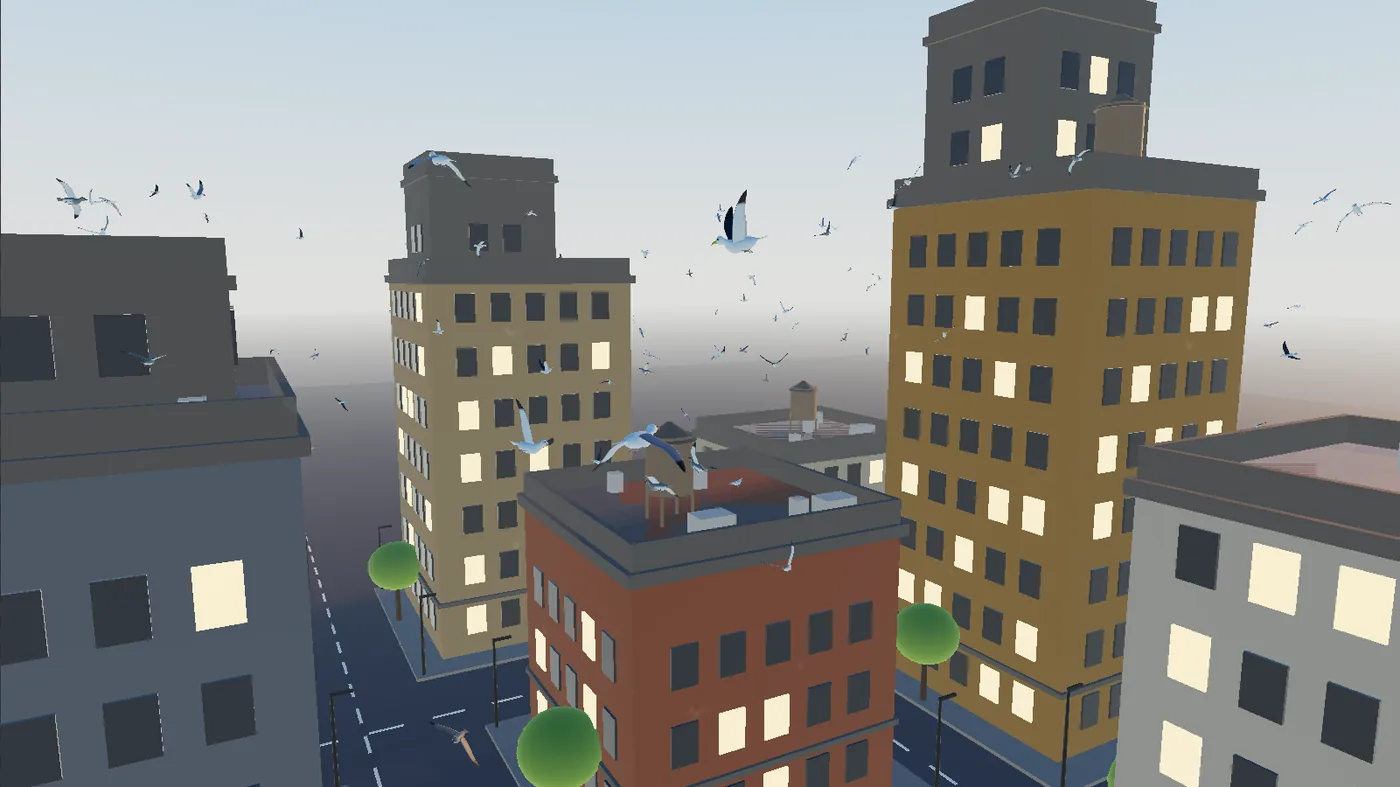
A marker on the timeline can be an event a crowd hears. All two hundred gulls in this demo are listening for one called bang.
Steps
Choose Help > Browse Demos..., type
birdsin the search box and open Life Birds Roofs. It plays at once: gulls circle the towers on loops above the streets, and now and then one glides down to rest on a roof edge.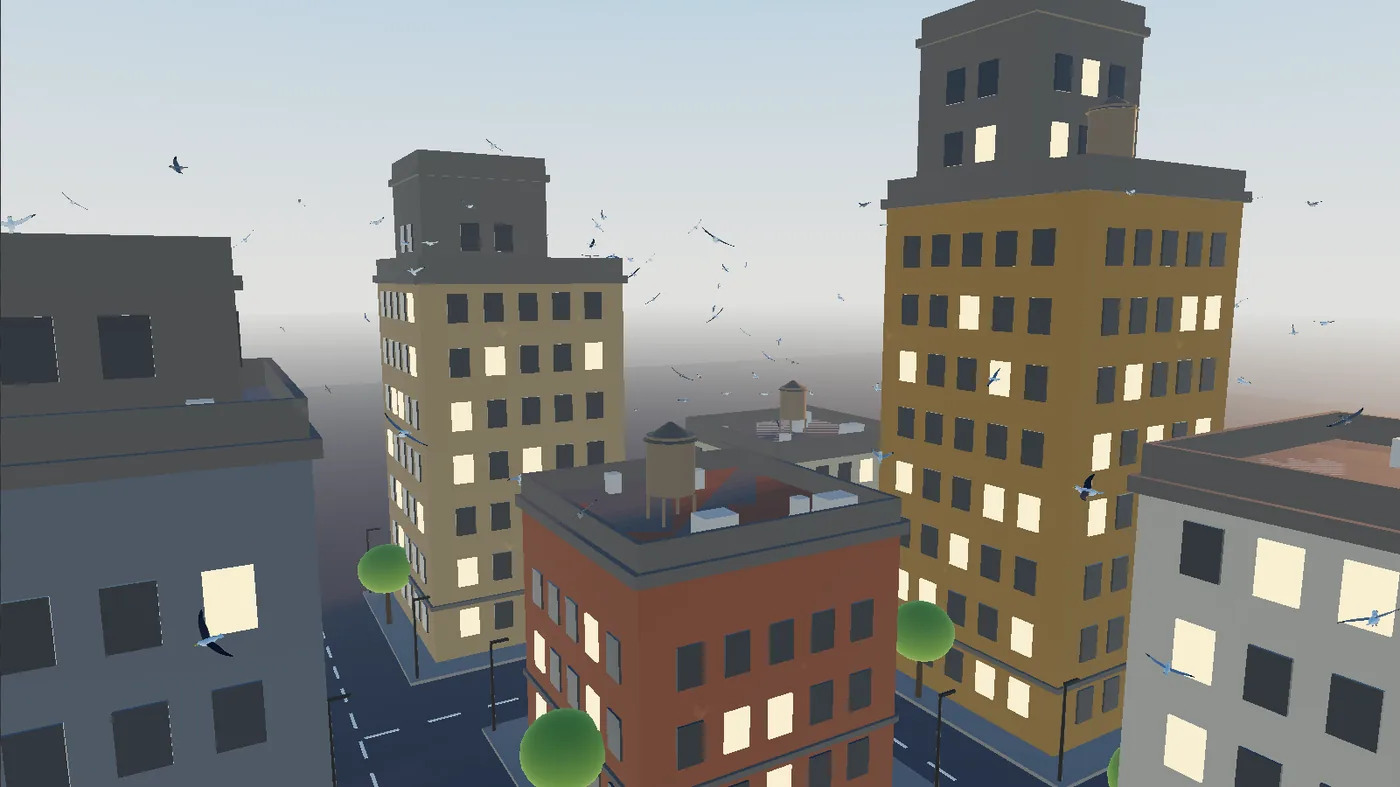
The demo as it plays: gulls circling a block of towers in the evening haze. Look along the timeline at the bottom of the window. A red flag named bang sits at 15 seconds. When the playhead reaches it, every gull takes off at once and scatters, and a few seconds later the flock settles back into its loops.
Move the bang. Right after the scatter, while the flag is still in view, right-click it and choose Edit marker....
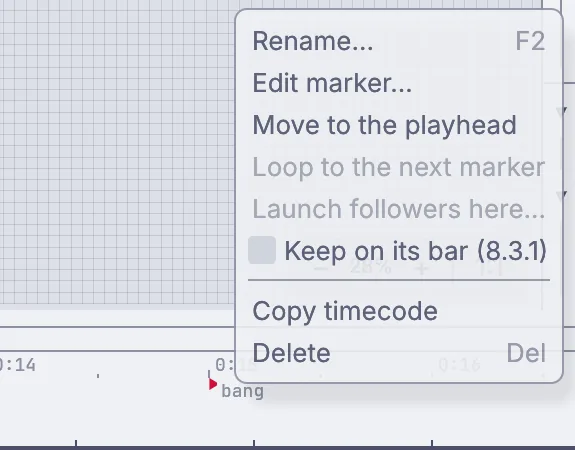
The menu of the bang flag on the timeline: Rename, Edit marker, Move to the playhead, Copy timecode and Delete. In the Marker window, click Start, type
00:00:06:00and pressEnter, then close the window. The flag jumps back to six seconds.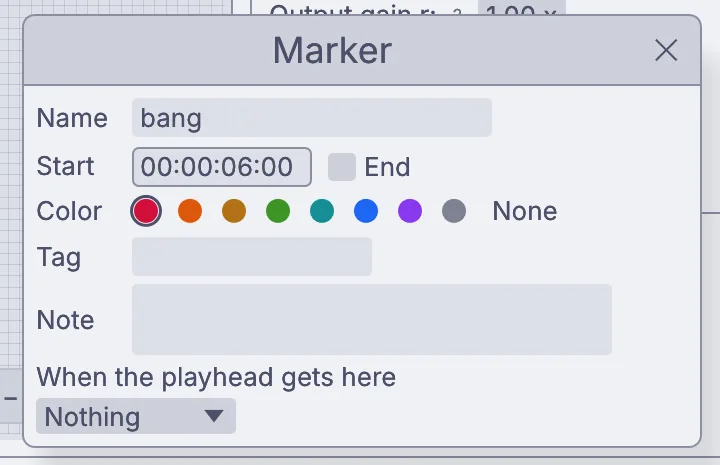
The Marker window for bang, its Start set to 00:00:06:00. Press stop and then play on the timeline. This time the gulls burst into the air six seconds in.
See how they hear it. Choose View > Frame All so the whole graph shows on the canvas below the viewport, and click the node named crowd, the tall one near the left with the most wires. The viewport switches to the gulls as dots, with the crowd's card on the right. On the card, click Open the behavior editor.
The editor draws the gulls' states as boxes, Fly, Approach, Perch, Takeoff and Scatter, with arrows that say when a gull moves on. A gull rests on its perch for 10 to 40 seconds, then takes off. Lower down, an arrow runs from From any state to Scatter when "bang" arrives: whatever a gull is doing, the bang sends it into Scatter, and 4 to 8 seconds later it is flying again.
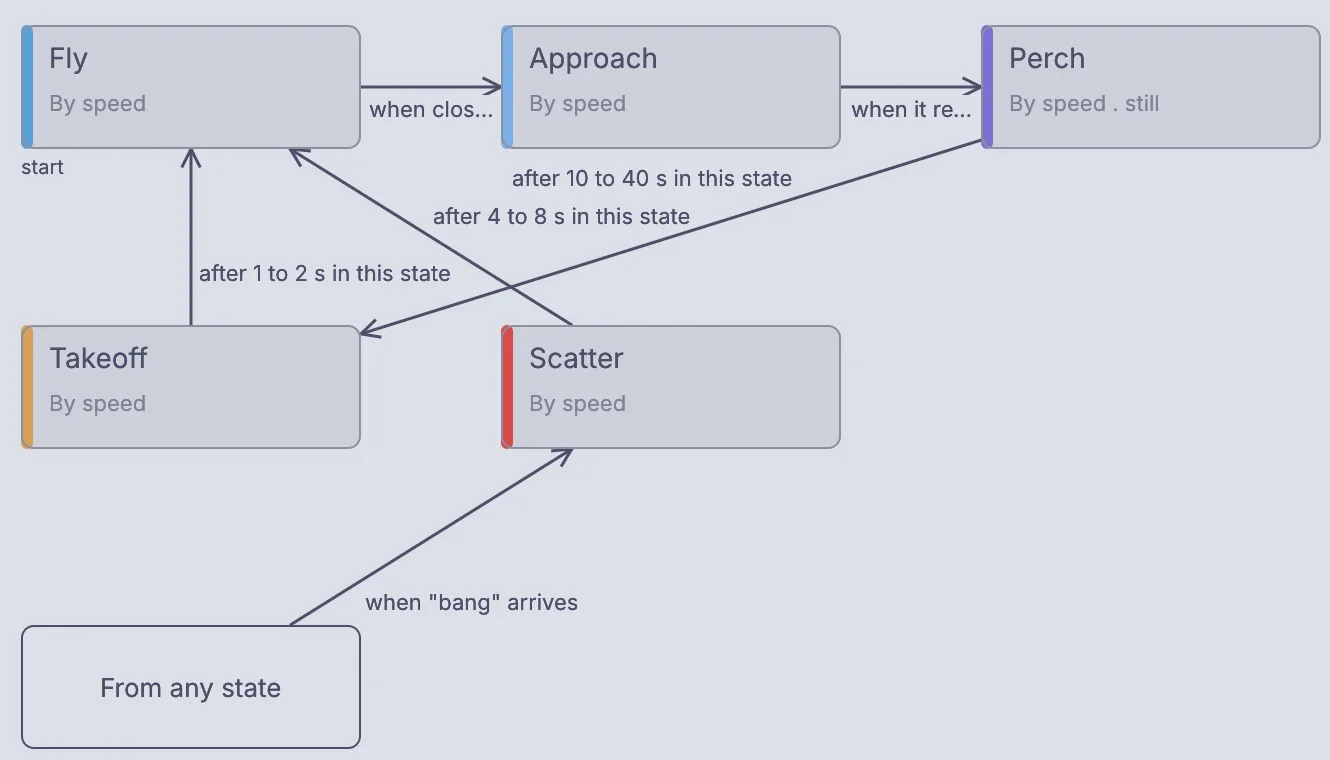
The behavior editor for the gulls: Fly, Approach, Perch, Takeoff and Scatter joined by arrows, and From any state into Scatter when bang arrives. Click the back arrow in the viewport's header (its tip reads Back to what you were looking at) to see the rendered city again.
On the canvas
The demo's 3DGeoCrowd named crowd runs the gulls. Its Trigger markers setting lists bang, so the marker reaches them as an event with no wire. A 3DGeoNavVolumeBuild named air works out the open sky between the towers, and a 3DGeoCrowdObjects named roof_edges finds the edges where a gull can land.
Make it yours
- Move the bang to
00:00:25:00so the flock has longer to settle on the roofs first. - Right-click the flag and choose Move to the playhead to put the bang wherever the playhead is.
- Set Count on the crowd's card to
400for a bigger flock.