Kinematic 0.5.0 is out. Modeling and sculpting in the viewport, a timeline on every graph, photo and sound editing. What's new
Kinematic / Simulate / Liquids

Simulate any liquid.

Water, honey and paint, from a glass of water to the open sea.

a dam break: the water lets go, hits the far wall and sloshes back
01

Break a dam

A wall of water lets go, slams the far wall and sloshes back.

  1. Fill one end of a tank with water.
  2. Press Play and let it go.
  3. Shade it as deep water with foam on top.
3DGeoFlipSource→3DGeoFlipSimpleSolver→3DGeoFlipSurface→3DGeoSceneRenderToImage
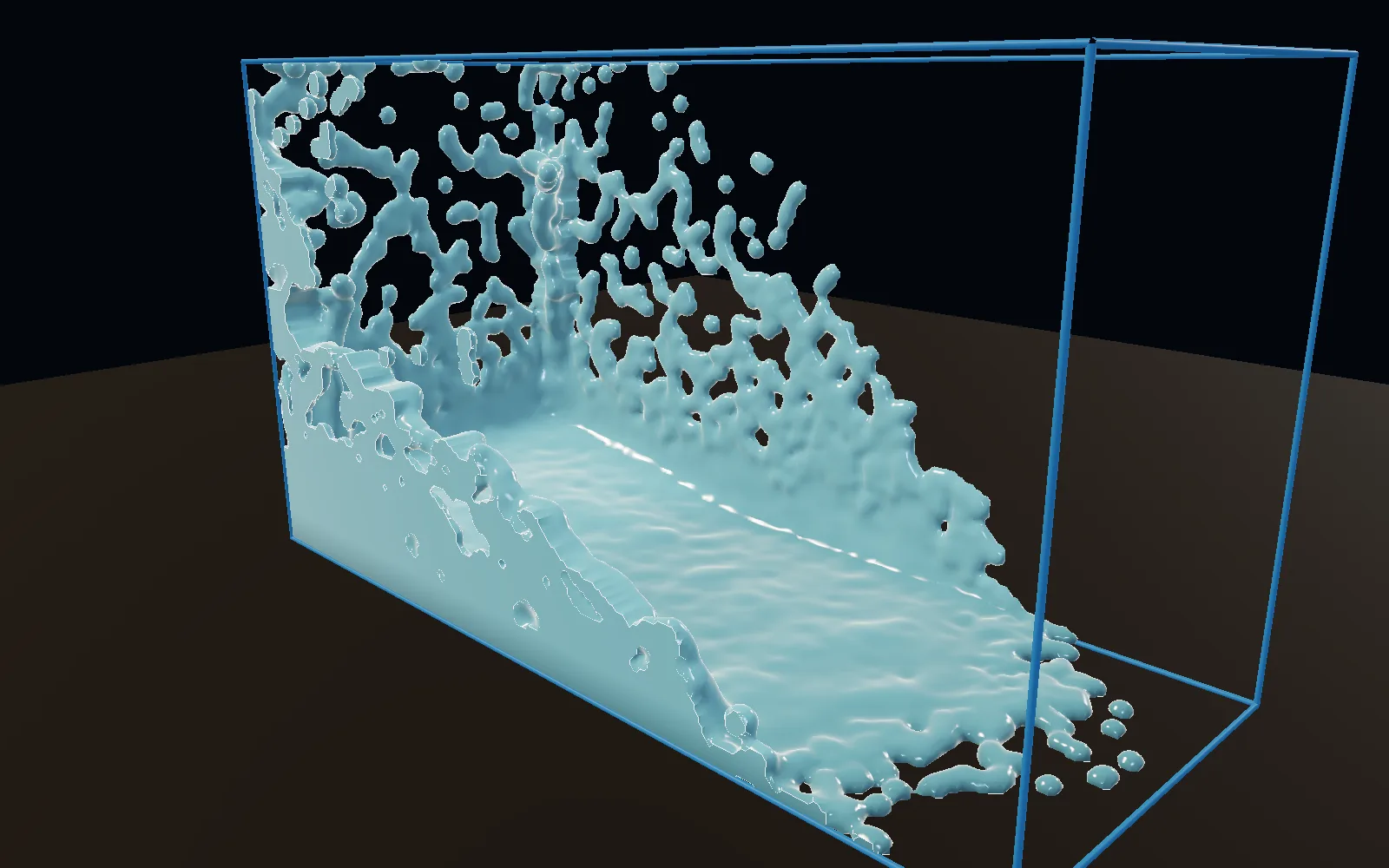
the wave racing across the tank, spray flying off the top
02

Turn a waterwheel

Water pushes the paddles. There is no motor.

  1. Hang the wheel on a hinge.
  2. Point a stream at the paddles.
  3. Let the water and the wheel push each other.
3DGeoFlipSimpleSolver→3DGeoFlipRbdFeedback→PhysicsWorld
a falling stream turning a paddle wheel as the tank fills
03

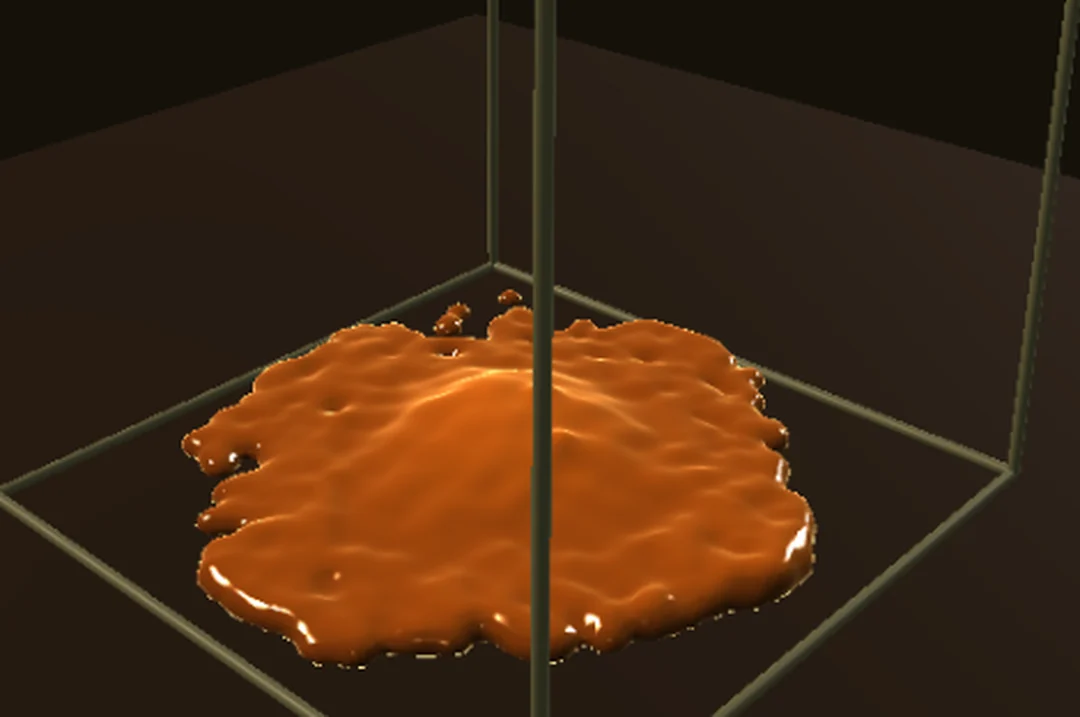
Pour honey

It stretches, coils where it lands, and piles up.

  1. Make the liquid thick.
  2. Drop it from a height.
  3. It folds instead of splashing.
3DGeoFlipSource→3DGeoFlipViscosity→3DGeoFlipSimpleSolver
honey pooled thick
honey pooled thick
04

Run a river over rocks

Foam and spray where the current piles up, wet rocks where it hits.

  1. Pump water in at one end and out at the other.
  2. Add whitewater where it churns.
  3. Darken the rocks where they get wet.
3DGeoFlipSimpleSolver→3DGeoFlipWhitewaterSource→3DGeoFlipWhitewaterSolver→3DGeoFlipWetmap
water pouring down a channel and piling up around two rocks
05

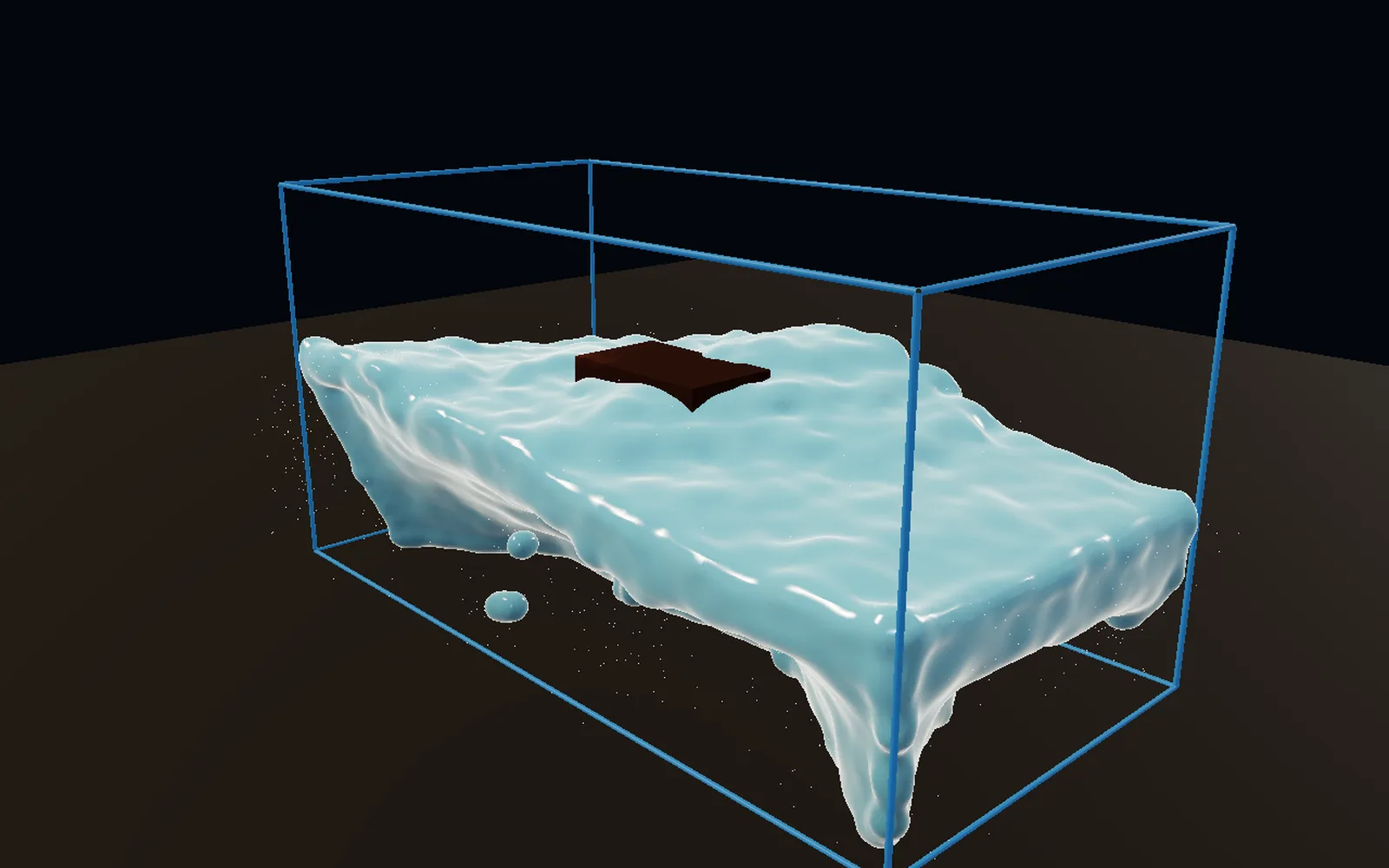
Moor a boat in open water

Swell rolls in, breaks around the hull, and leaves a wake.

  1. Set the wind and the swell.
  2. Moor a hull in it.
  3. Spray rides the wave faces.
3DGeoFlipOceanSpectrum→3DGeoFlipOceanEvaluate→3DGeoFlipSimpleSolver
a moored hull riding the swell in a tank of water
06

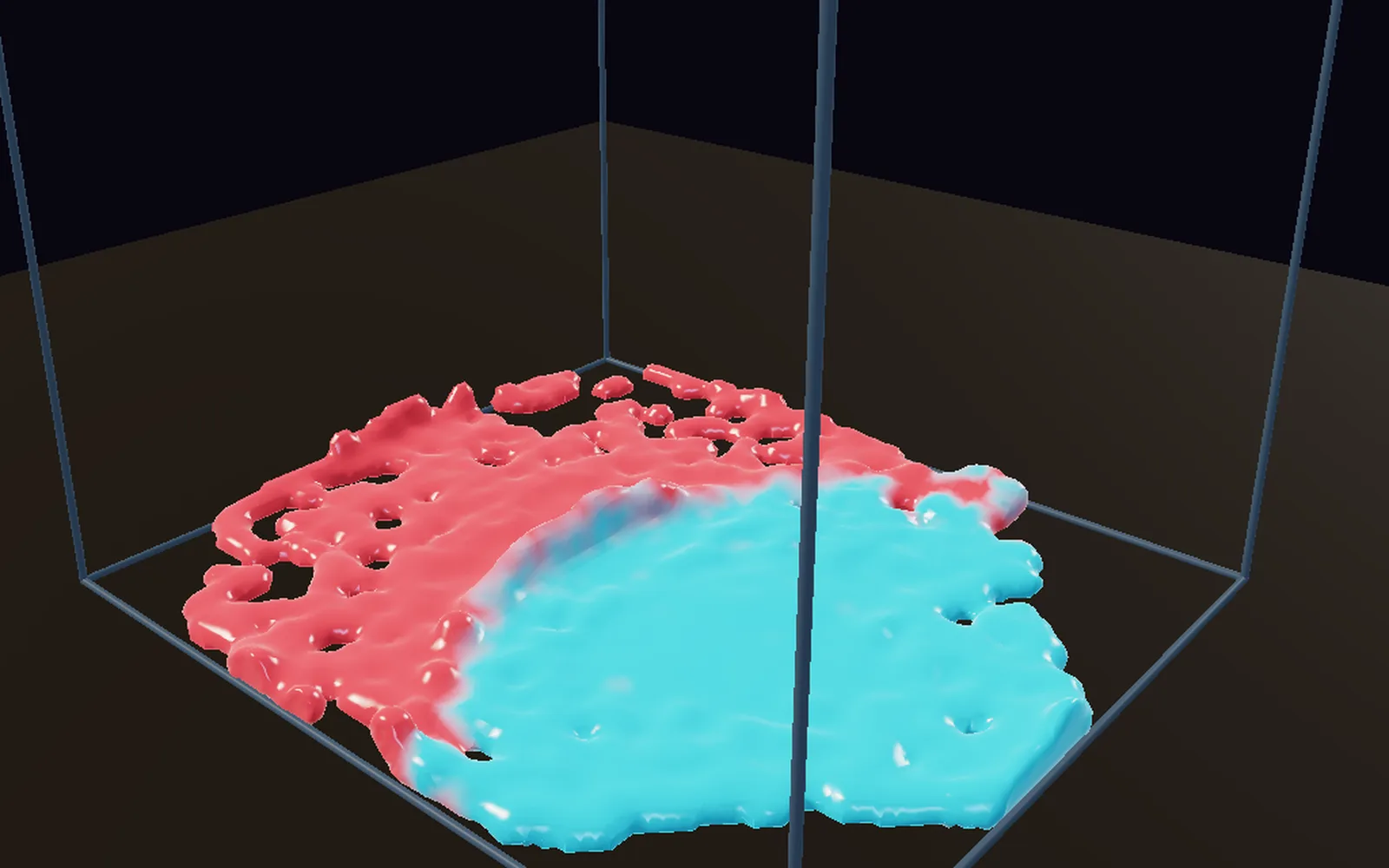
Splash two paints together

Red and teal drop into a tray and marble.

  1. Drop two colors of paint.
  2. Each keeps its own color as they mix.
  3. Shade them as glossy wet paint.
3DGeoFlipSource→3DGeoFlipSimpleSolver→3DGeoFlipSurface
red and teal paint spreading into each other in a tray
Take it further

It all connects.

Every part of Kinematic works with the others. Wire one into the next.

Keep going

Free and open. Yours, forever.

No account, no license key. macOS, Windows, Linux and Raspberry Pi.

Download Kinematic 0.5.0