Kinematic 0.5.0 is out. Modeling and sculpting in the viewport, a timeline on every graph, photo and sound editing. What's new
Kinematic / Simulate / Volumes

Shape with volumes and fields.

Clay sculptures from simple shapes, coral that grows, blobs that merge and split.

two clouds of blobs pulling together and splitting apart
01

Sculpt a clay owl from ten shapes

Each shape adds, blends or carves. Freeze it when you love it.

  1. Add a shape for the body, then the head.
  2. Blend in the wings, carve the eyes.
  3. Freeze it into one light piece.
3DGeoSdfPrimitive→3DGeoSdfCombine→3DGeoSdfSmooth→3DGeoSdfToMesh
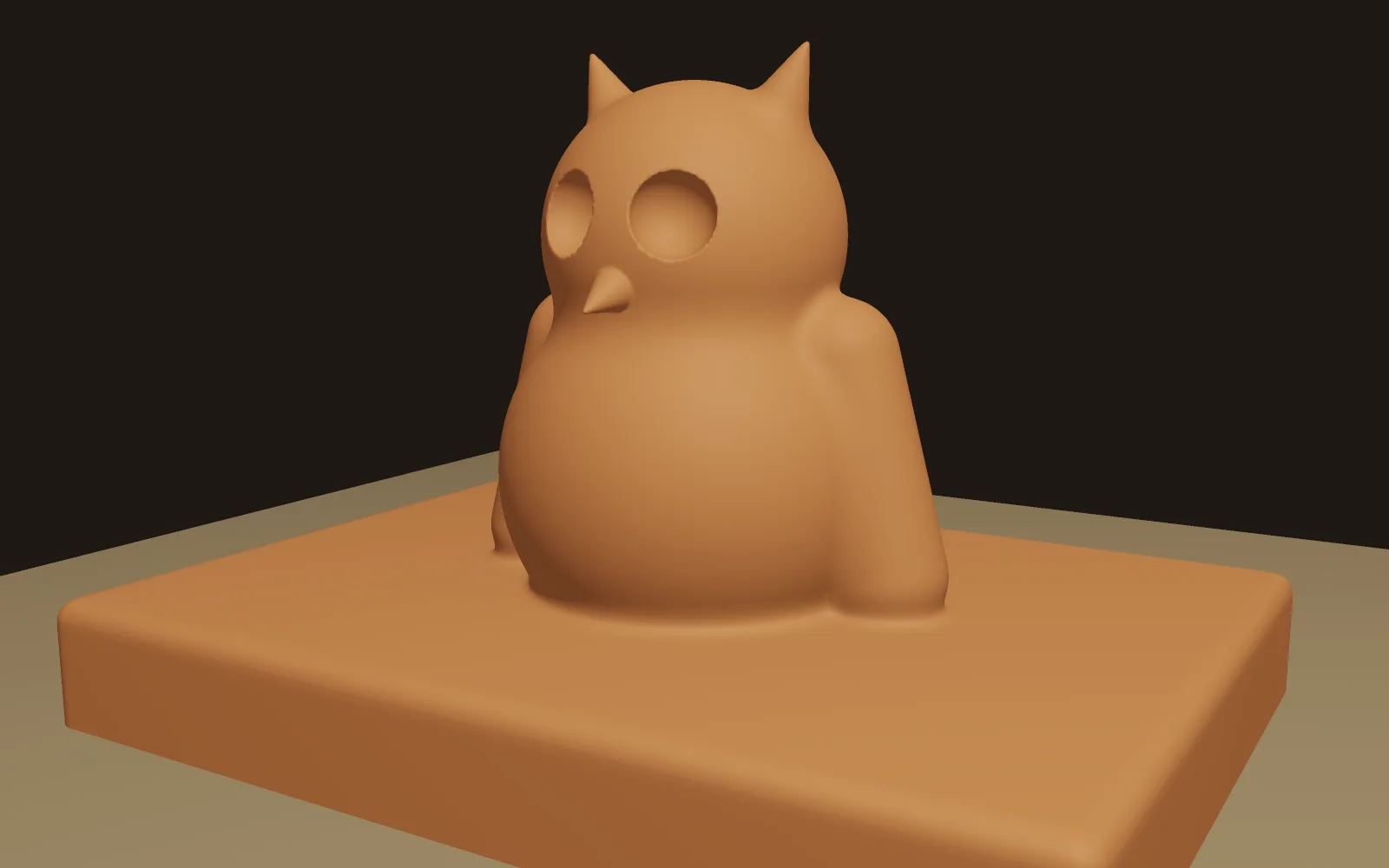
a clay owl built from ten shapes, with the eyes carved out
02

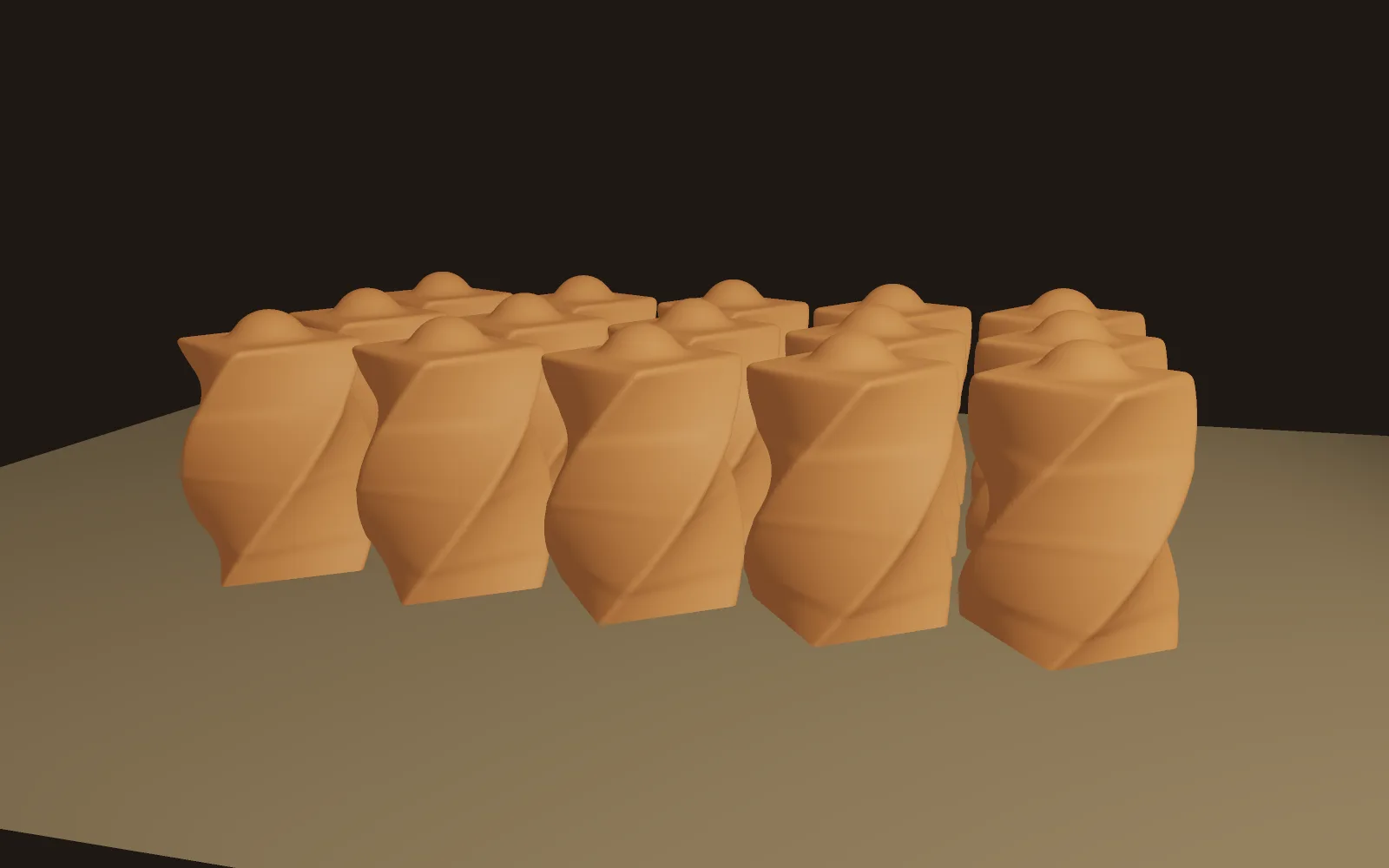
Build a twisted colonnade

One clay column, wrung with a twist, repeated into a row.

  1. Build one column from a few shapes.
  2. Twist it.
  3. Repeat it, and set the spacing and count.
3DGeoSdfPrimitive→3DGeoSdfCombine→3DGeoSdfRepeat→3DGeoSdfToMesh
one twisted clay column, repeated into rows
03

Melt shapes together

A sphere, a box and a ring, joined with a soft seam.

  1. Make two or three shapes.
  2. Join them with a soft blend.
  3. Turn the softness up until they melt.
3DGeoSdfPrimitive→3DGeoSdfCombine→3DGeoSdfToMesh+3DGeoSdfPrimitive
a sphere, a box and a ring melting together as the blend softens
04

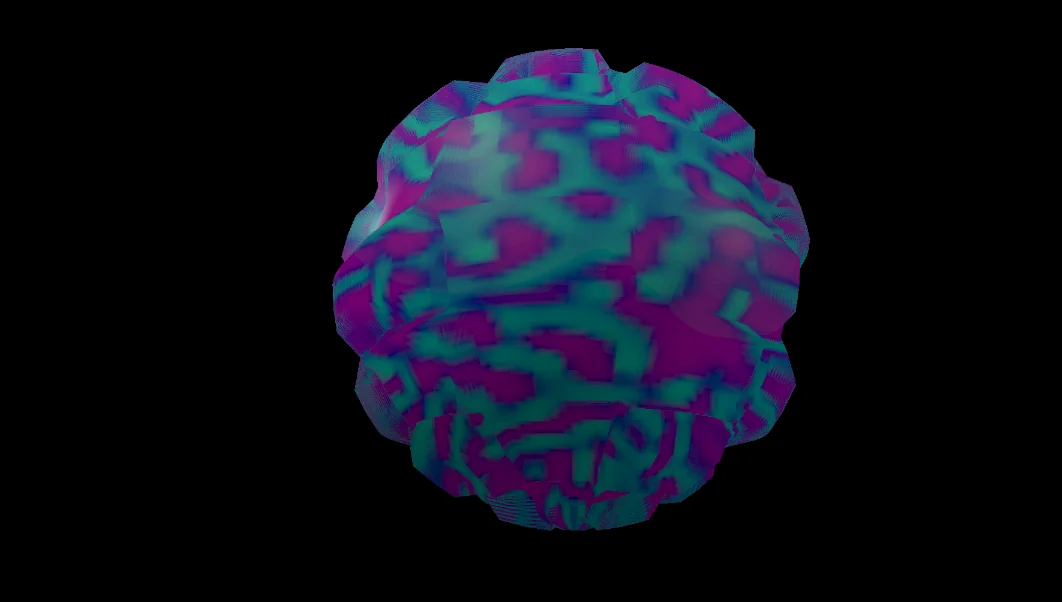
Grow coral on a sphere

A living pattern carves the surface.

  1. Grow a pattern on a picture.
  2. Slowly change how it grows.
  3. Push a sphere out by the pattern.
ImageReactionDiffusion→3DGeoDisplaceByMap→3DGeoSceneRenderToImage+3DGeoSphere
a sphere carved by a growing coral pattern
05

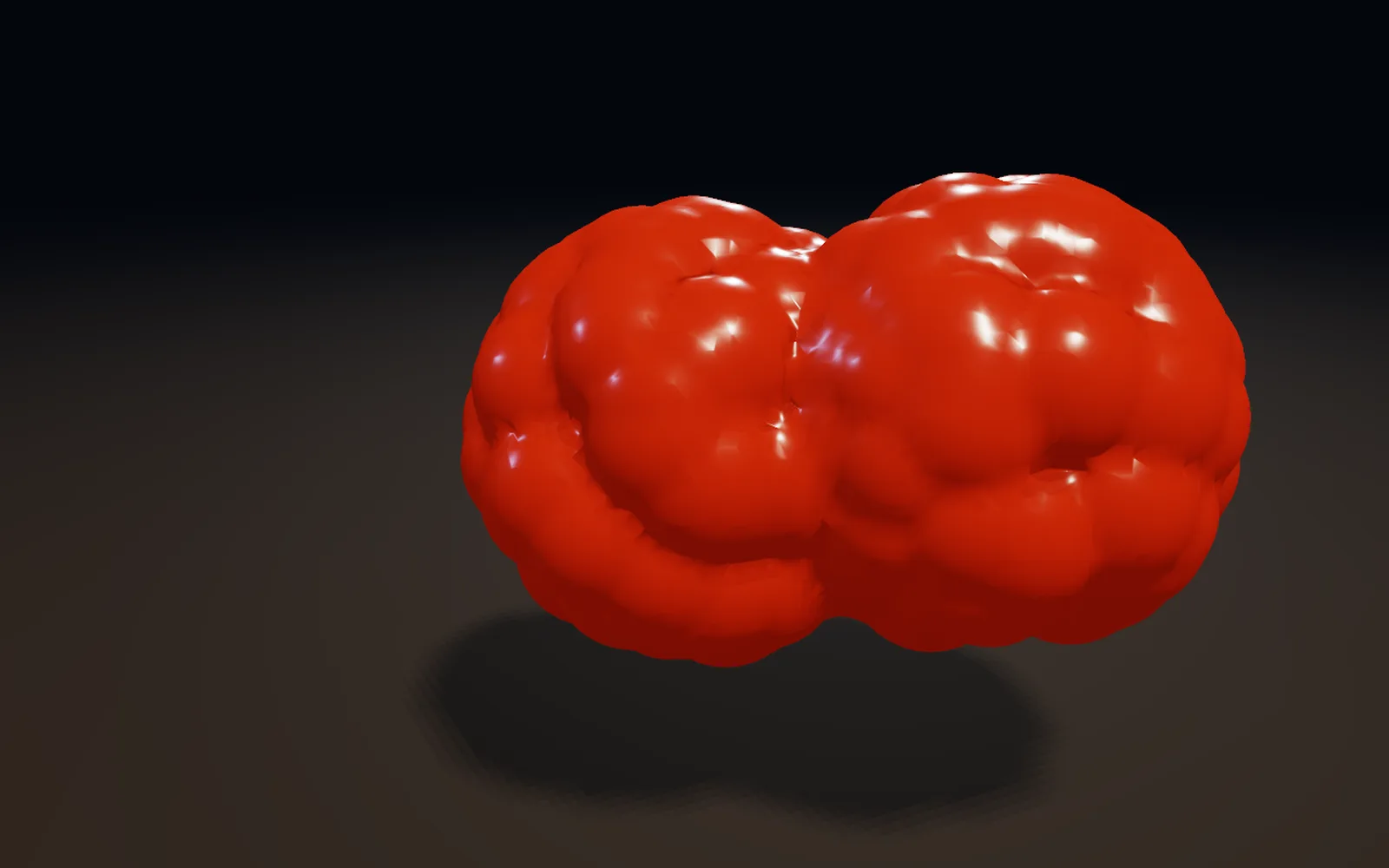
Make blobs that merge and split

Blobs that pull together and split apart.

  1. Scatter two clouds of points.
  2. Orbit one of them.
  3. Wrap them in a surface.
3DGeoScatter→3DGeoMerge→3DGeoMarchingCubes
metaballs mid merge, wrapped in one smooth surface
06

Morph a ball into a ring

One shape becomes another, smoothly.

  1. Make a sphere and a torus.
  2. Morph between them.
  3. Animate the blend.
3DGeoSdfPrimitive→3DGeoSdfMorph→3DGeoSdfToMesh+3DGeoSdfPrimitive
a ball smoothly turning into a ring and back
Take it further

It all connects.

Every part of Kinematic works with the others. Wire one into the next.

Keep going

Free and open. Yours, forever.

No account, no license key. macOS, Windows, Linux and Raspberry Pi.

Download Kinematic 0.5.0