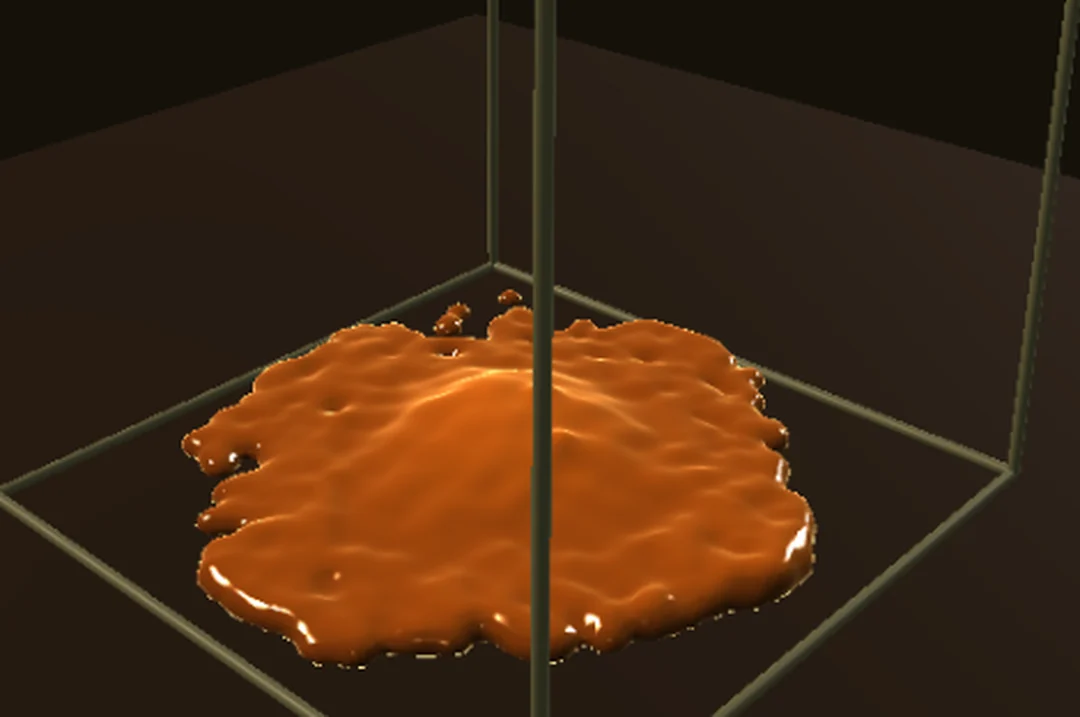
Thick liquids fold and pile instead of splashing. One setting decides how thick.
Steps
Choose Help > Browse Demos..., type
honeyin the search box and open Liquid Honey Drip. It plays at once: a block of honey drops into the tank, stretches and spreads into a heavy amber pile.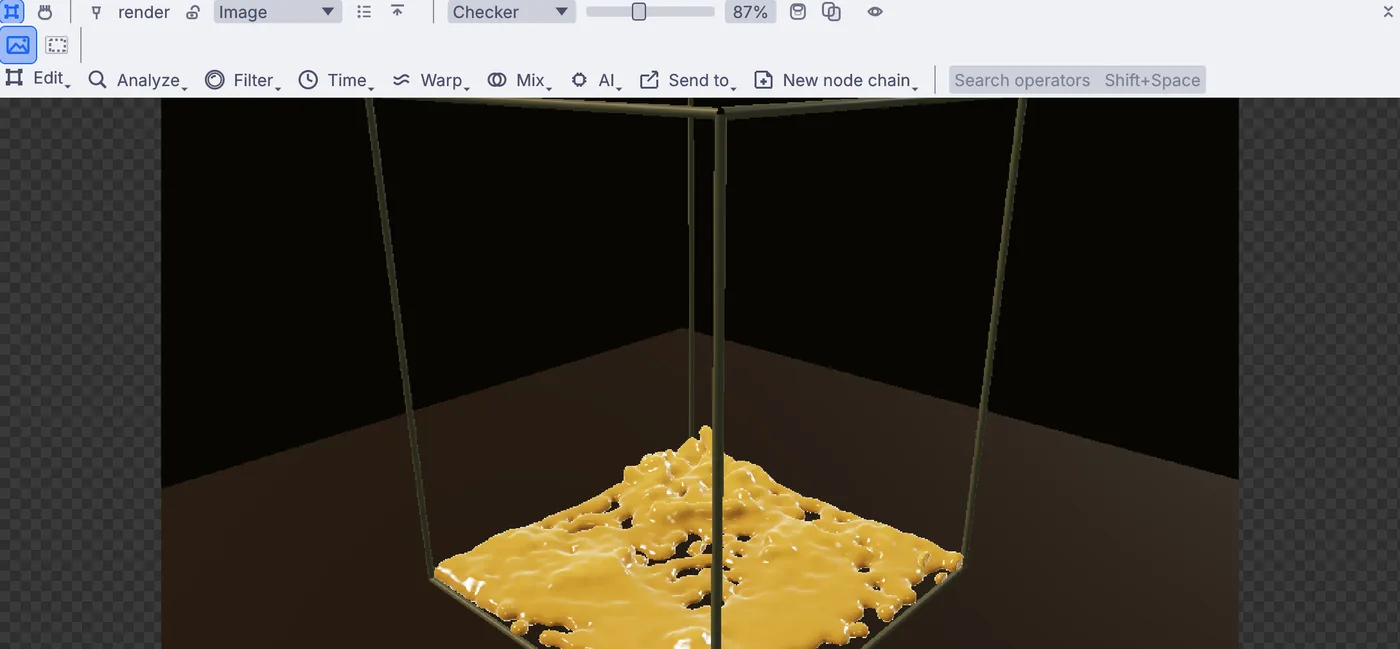
The honey spreading into a thick amber pile on the floor of the tank. In the Objects panel, under Simulations, click flip. A card on the right of the view shows the liquid's settings. The Viscosity enable switch is on, and the value under it,
0.005, is what makes this honey and not water.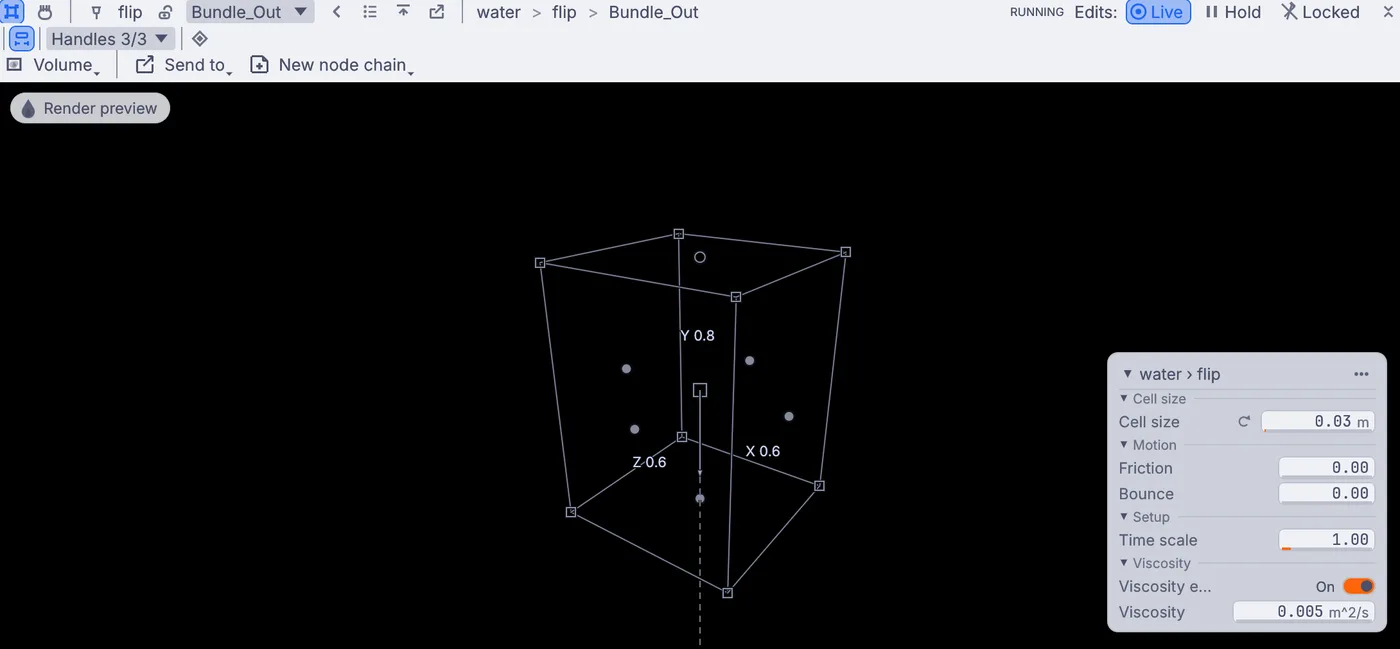
The settings card for the honey, with Viscosity switched on at 0.005. Set Viscosity to
0.05, then press stop and play on the timeline at the bottom of the window to drop it again. The honey now holds its shape longer and creeps out across the floor like cold syrup.Drop it from higher. In the Objects panel, under 3D, click water: the block the honey starts as, with handles on every side. In Properties, set Center y to
0.7, then stop and play. The honey falls further, so it stretches into a longer drip.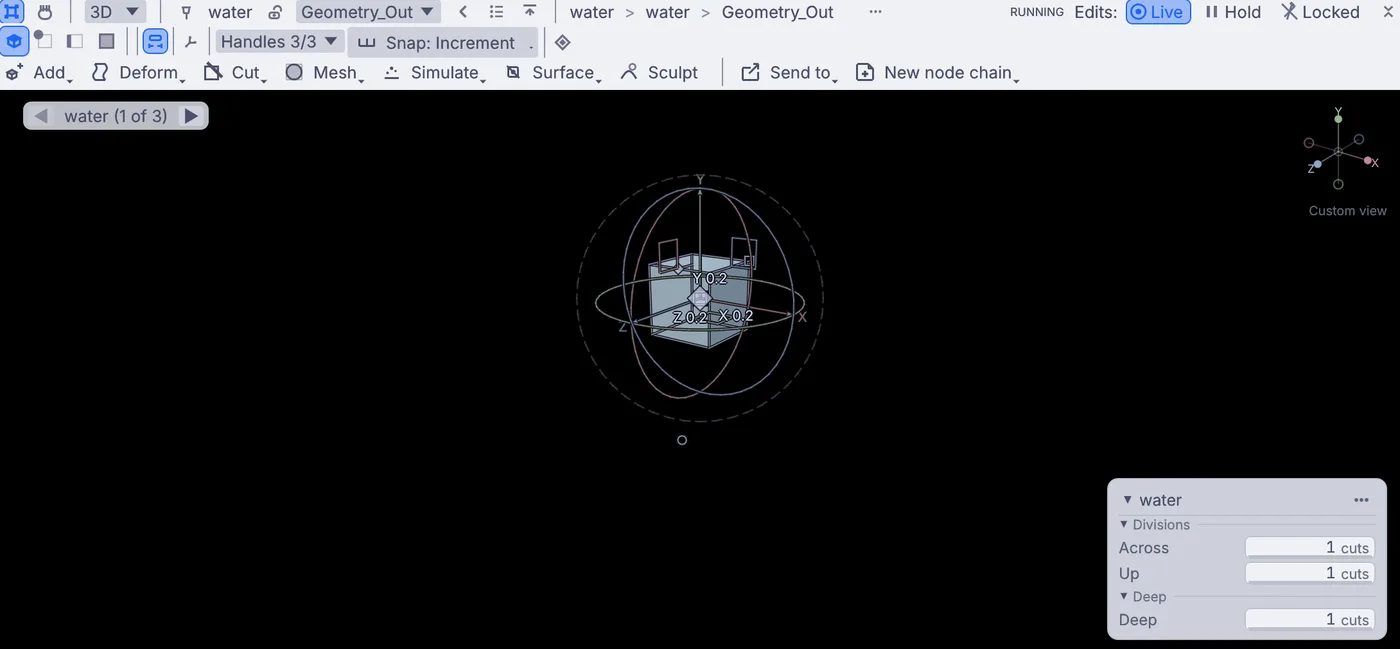
The starting block of honey picked in the viewport, lifted higher in the tank. Click the back arrow in the viewport's header (its tip reads Back to what you were looking at) until you see the shaded honey again.
On the flip card, set Time scale to
0.5to watch the drip in slow motion.
On the canvas
The demo's 3DGeoBox named water is the starting block, and one 3DGeoFlipSimpleSolver named flip runs the liquid on its viscous_honey preset. The other nodes light and shade the picture.
Make it yours
- Set Viscosity to
0.001for a runny syrup, or0.5for something closer to wet mud. - Make the starting block bigger with its handles for a heavier pour.
- In Properties, change the solver's Preset to
paintand compare how it lands. - Make Cell size smaller for finer drips. It runs slower.