Kinematic 0.5.0 is out. Modeling and sculpting in the viewport, a timeline on every graph, photo and sound editing. What's new
Kinematic / Who it's for / Audiovisual artists

Make sound and picture in Kinematic.

Write the beat and the visuals in the same file. Split the music into bands and let each one move a shader, a scan or a fire, let a hand play the synth, follow Ableton Live, then take the whole set to the projector. Free, even for commercial use.

  • AV artists
  • VJs
  • Electronic musicians
  • Live coders
  • Installation artists
Sound drives any valueShaders in WGSL and GLSLFollows Ableton Live and MIDI clockmacOS, Windows and Linux
One graph the beat and the picture
The beatKickHatsBass→ListenLowMidHigh→PictureRingsGlow→OutScreen

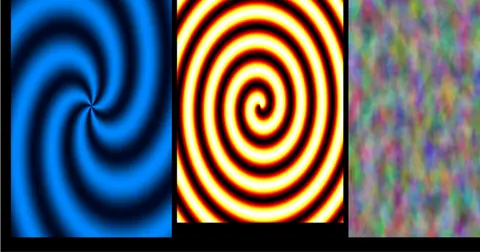
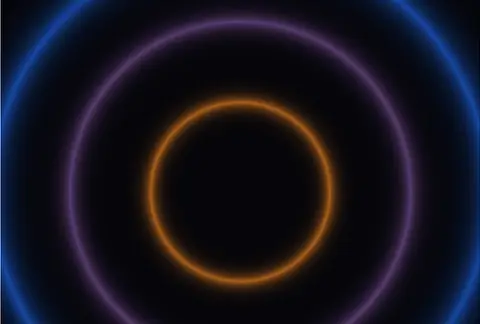
A kick, hats and a bass line built from an oscillator, noise and a saw. Their lows pull the rings tighter, the mids push the two centers apart, and the highs light the crossings. The beat's spectrum runs underneath. One file, rendered straight from the app.

The work

What you make each week.

A look for the next track, the music under it, the controls for the night, the release and the room that runs for a month. Every picture here is the app.

the patch behind the clip at the top of this page
01Looks

Build a look for each track.

Split the track into low, mid and high, follow each band, and drag it onto any number: a uniform in your shader, the size of a ring, the speed of a camera. Every step stays a node on the canvas, so the patch still reads next month.

  • Every hit, the key, the chords and the tempo, read from the music as it plays
  • Write the shader in WGSL or GLSL, or paste a Shadertoy and give it sliders
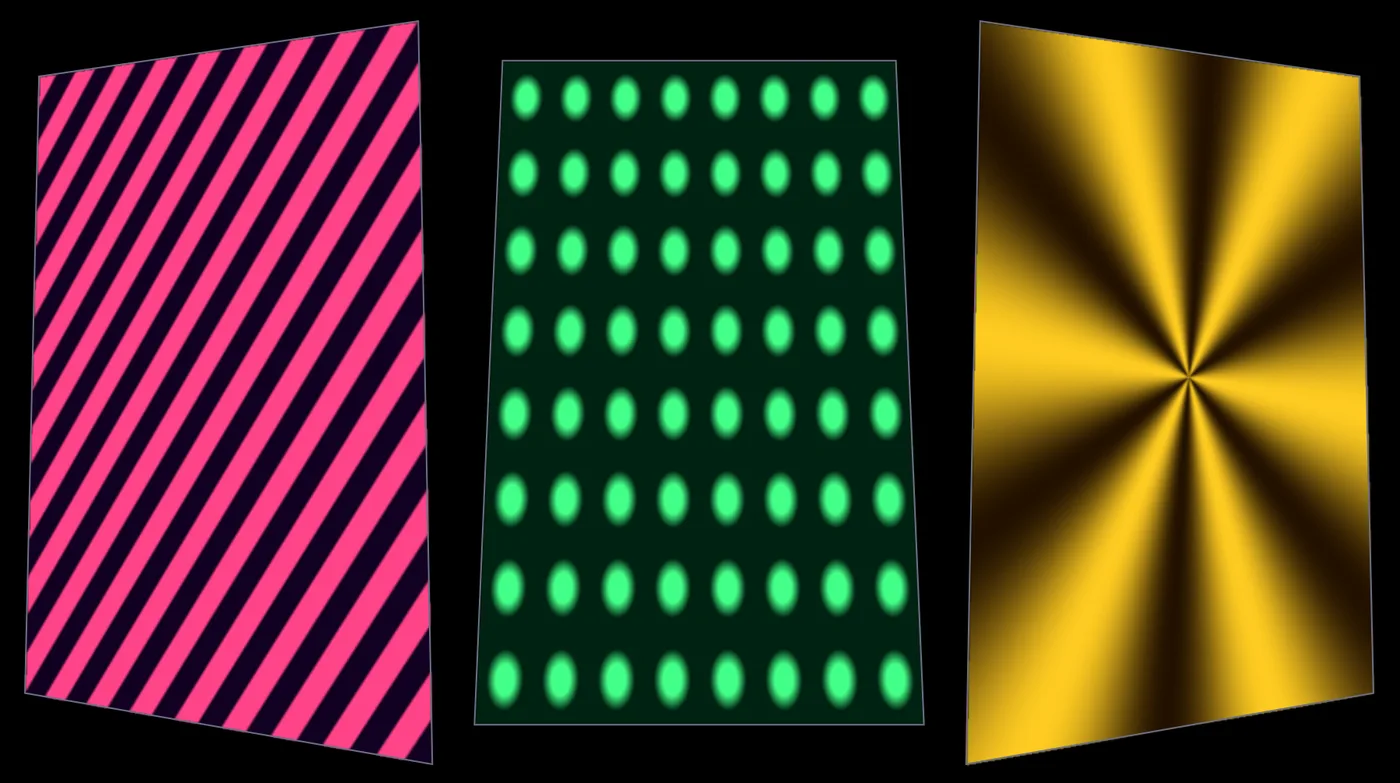
  • Feedback, trails, kaleidoscopes, pixel sorts and datamosh on any picture
AudioCrossoverAudioEnvelopeFollowerAudioOnsetDetectImageShaderImageFeedback
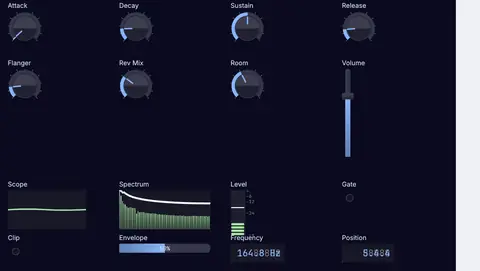
a drum machine playing from its own panel
02Sound

Make the music in the same file.

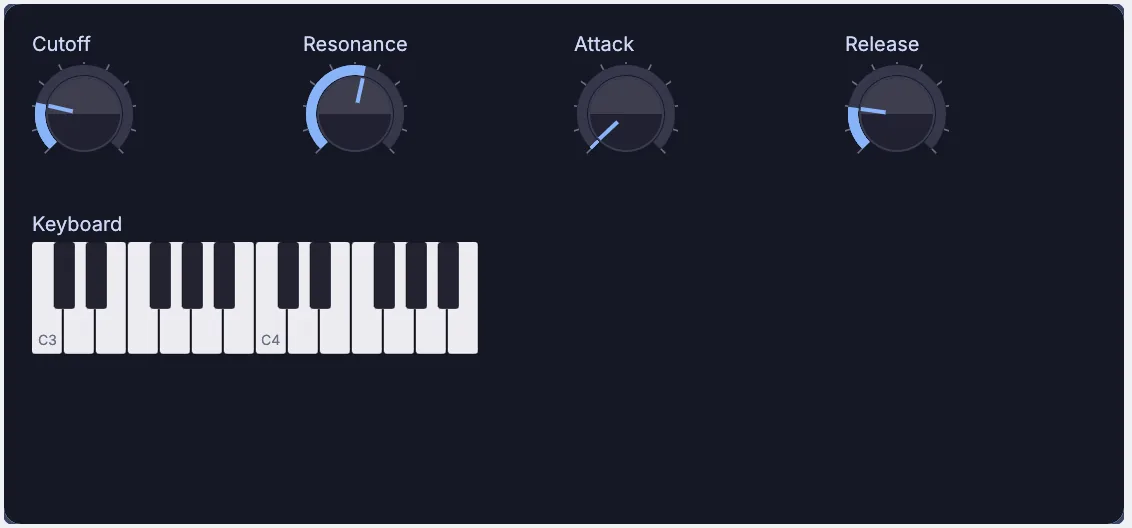
Build synths and drum machines from nodes, write the parts in the piano roll, and play your own CLAP and VST3 plugins beside them. The sound you make is the sound the picture hears, with nothing to route between two apps.

  • Oscillators, FM, wavetables, sampling, granular and step sequencers
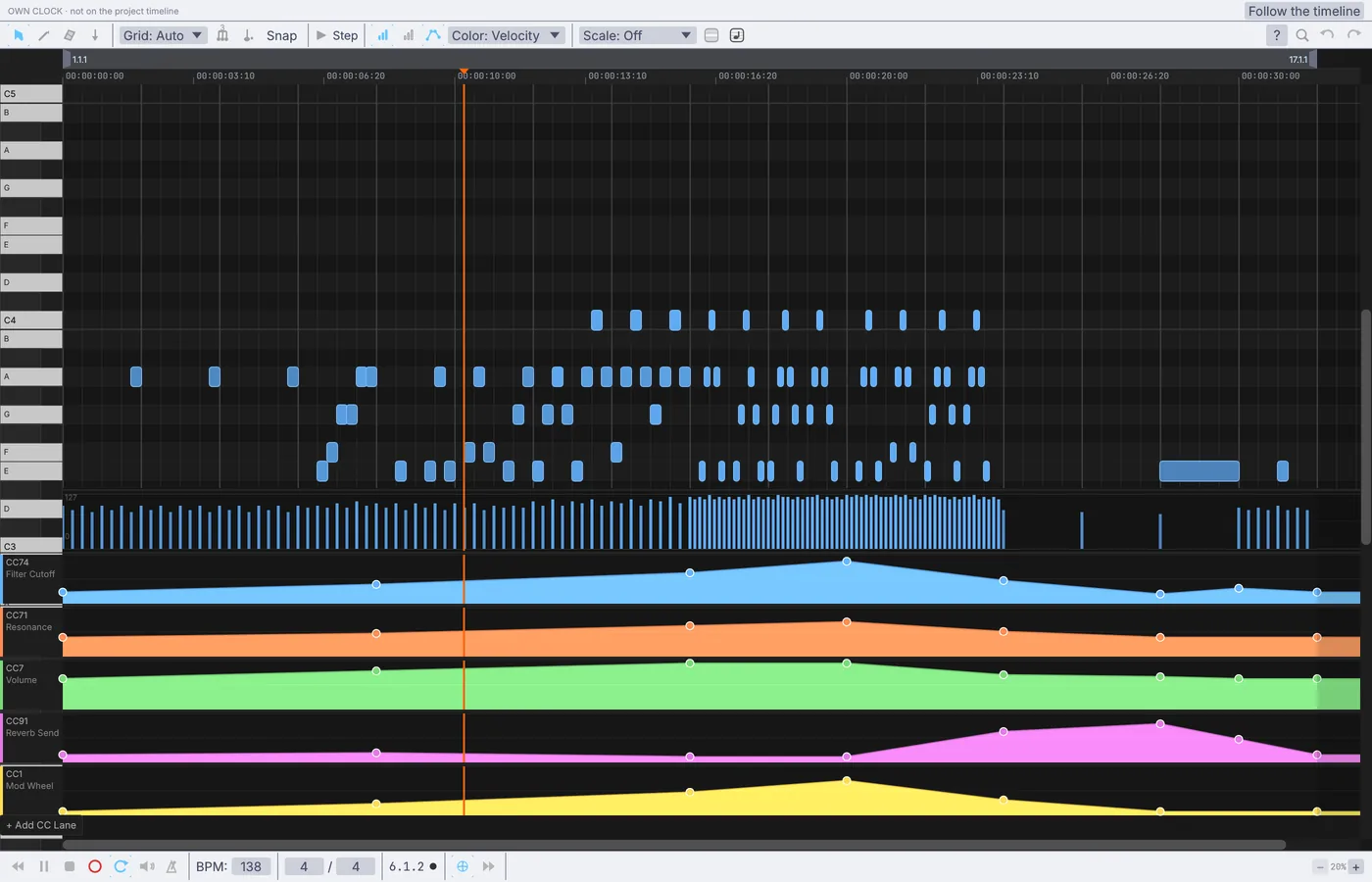
  • A piano roll with lanes under the notes for any controller value
  • Record what you play to WAV, FLAC or MP3
AudioOscillatorAudioWavetableUIStepSequencerMidiClipPlayerPluginHost
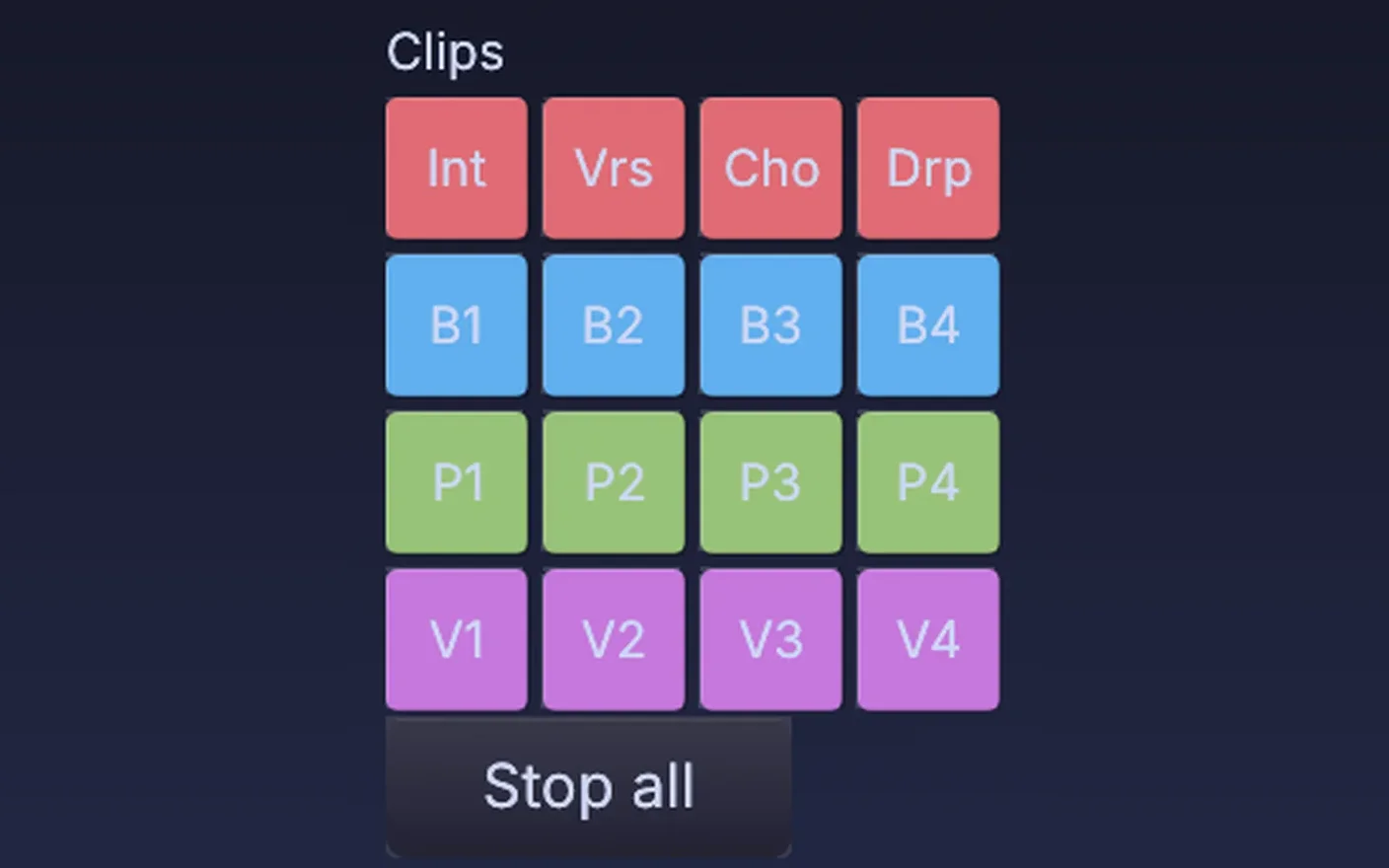
clip pads on a panel, one per clip and colored by track, ready to fire
Live's clips as pads on a panel
03Play

Play the set from your controllers.

Click Learn on any knob and move a fader on your controller: it is mapped. Push 2 and Push 3 pads light up in your own colors, Live's clips and scenes fire from a panel, and MIDI clock from a drum machine or a DAW sets the tempo.

  • Ready-made maps for popular controllers, with the lights lit where they have them
  • Panels with faders, pads and an XY pad, on a second screen or a tablet
  • Fire Live's clips by name, and cut the picture on Live's bar
MidiLearnPushSurfaceAbletonLiveLinkAbletonClipFireUIPanel
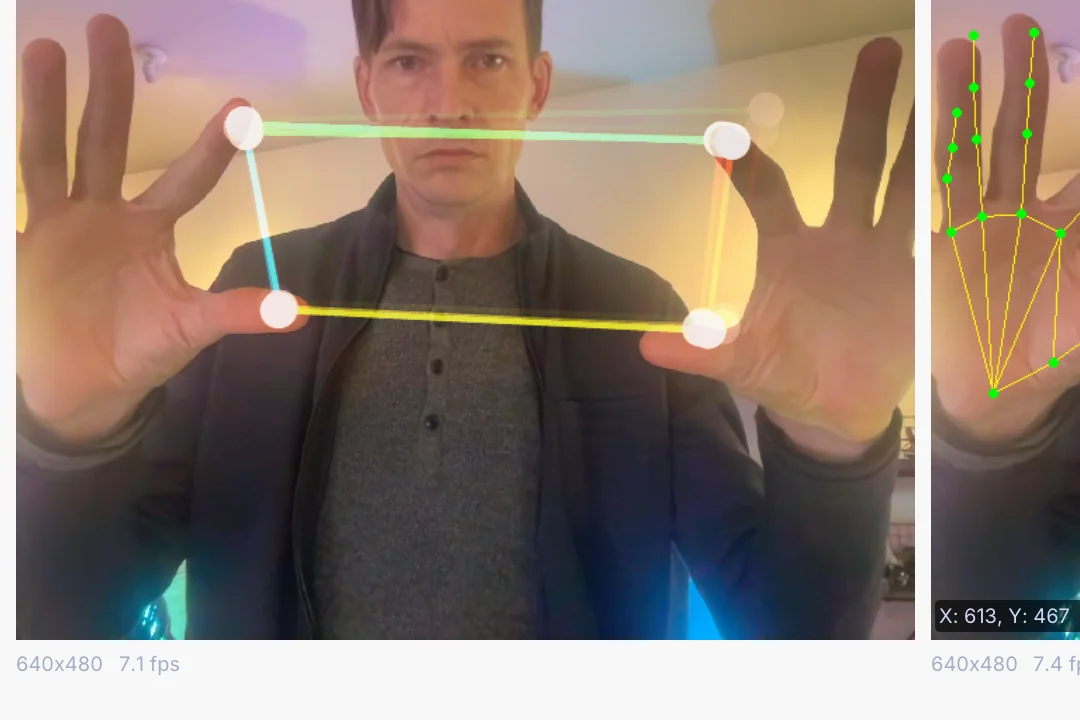
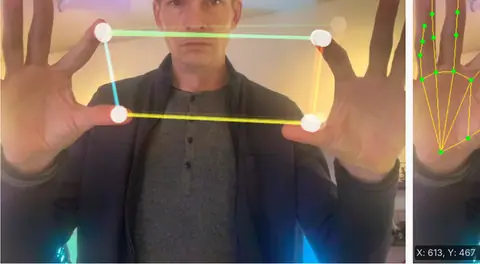
two hands tracked from a webcam, one setting the pitch of a synth and the other its tone
one hand sets the pitch, the other the tone
04Bodies

Let a body play the sound.

Track hands, a body or a face from a plain webcam, worked out on your own machine, and drag a joint onto a pitch, a filter or a plugin knob. Or read the brightness down a camera picture and turn it into notes.

  • Hand gestures fire Live's clips and the next cue
  • A dancer's wrist sets how many mirrors the kaleidoscope has
  • Depth cameras see the room in 3D
VideoCaptureInterfaceLocalAIImageToHandKeypointsLocalAIImageToBodyPoseImageToChannelDataChannelDataToMidi
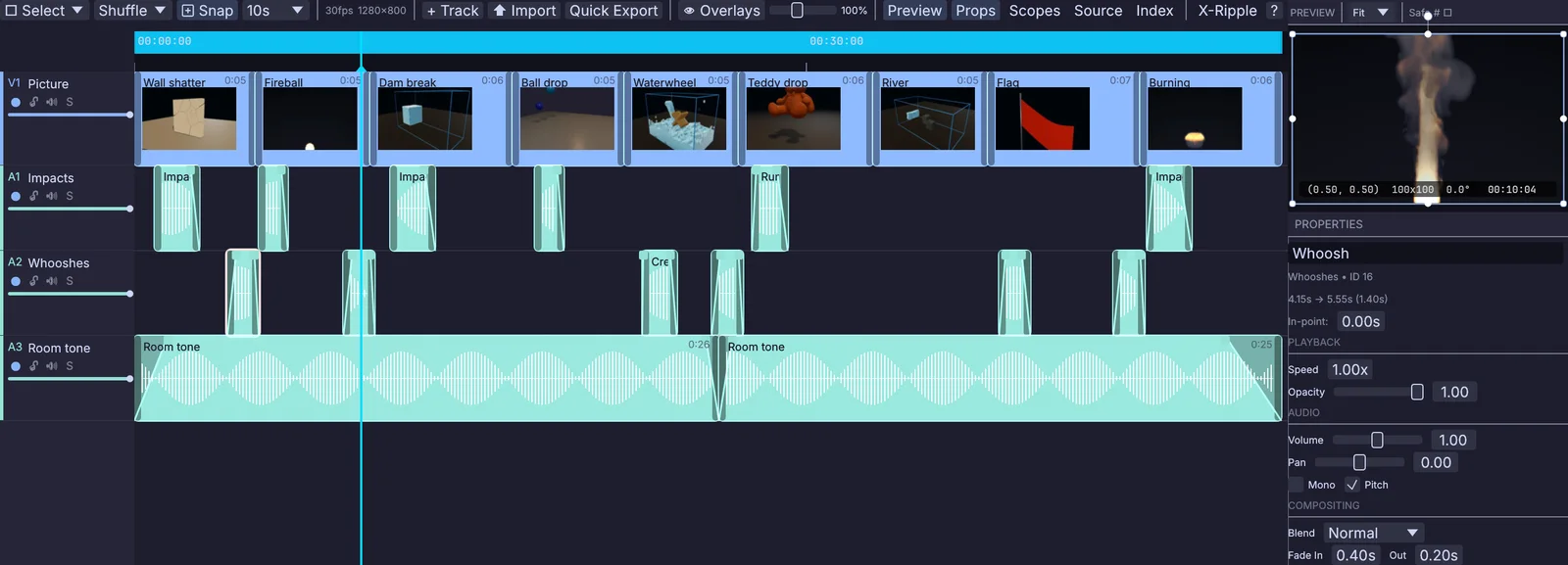
the video timeline: renders on the picture track and sound clips on three tracks below, with one selected and its volume, pan and fades open on the right
picture over three sound tracks on the timeline
05Release

Render the piece with its sound.

Cut the music video on the timeline, with picture tracks over the song and a fade on every clip, and save it with the sound in the file. For a visualizer, render every frame of the set from the command line, with no window open.

  • H.264, H.265, ProRes and VP9, with 10-bit for HDR
  • PNG and EXR frames for the editor or the grade
  • Record the set as it plays, picture and sound together
terminal
$ kinematic render set.kin --out "frames/set_{frame:04}.png" \
    --frames 300 --render-node frame --port Image
VideoArrangementPlayerOutputVideoFileOutputImageFile
four speakers, each glowing with the level it gets
06Rooms

Leave a piece running in a room.

Open straight into the show in kiosk mode, with a quit key only you know. If it ever crashes, it comes back on its own. Place the sound around the room with a ring of speakers, and blend the projectors into one picture.

  • Spatial pan, a room simulator and first-order ambisonics out to four speakers
  • Sensors on a serial port, phones over OSC, web pages over a WebSocket
  • A sound or light piece runs with no window at all on a small computer
terminal
$ kinematic piece.kin --kiosk --quit-key "Ctrl+Shift+Q"
$ kinematic piece.kin --perform --restart-on-panic 5
AudioSpatialPanAudioAmbisonicDecodeProjectionMapperImageEdgeBlendSerialReceiveInterface
+Every job

Sound and picture share one clock.

  • One timelineSound, picture, lights and cues sit on the same timeline. It can follow LTC, MIDI timecode or MIDI clock.
  • Drag a sound onto a knobDrag any level, band or hit onto a number in Properties, and it drives that number from then on.
  • Edit while it playsChange a shader and it recompiles while the set runs. If it does not compile, the last good picture stays on screen.
  • Code when you want itPython inside the graph, shader files you keep open in your own editor, and a command line for renders.
Sound into everything

Let the music move anything.

The analysis comes out as plain numbers, so every part of the app can follow the music: a 3D scan, a landscape, a swarm, a dancing figure, a fire. Model it, simulate it and light it in the same file the music plays in.

a scan that glows on every kick · scan by Niantic Labs, MIT license
ground from the three bands
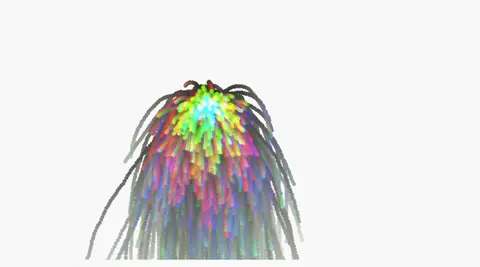
particles on each hit
  • Split a sound into as many as 64 bands and hand them to a scan as one list, each ring listening to its own band
    AudioFilterBank3DGeoSplatKernel
  • Bass lifts the ground, the mids add detail and the treble roughens it
    AudioCrossover3DGeoHeightfieldNoise
  • More fuel on the fire with every kick
    AudioOnsetDetect3DGeoFluidSource
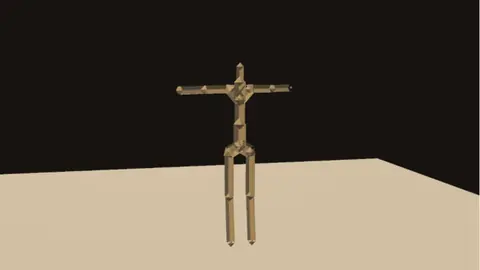
  • A character that moves with the level of the music
    AudioEnvelopeFollower3DGeoRigPose
Lights and LED walls

Light the room with the same beat.

The hits that move the picture can fire the strobes too. Pixel-map the picture onto an LED wall, let the color of a fire simulation light the room, and send it all over Art-Net or sACN from the file the set plays in.

  • Flash a light or fire a cue on each kick
    AudioOnsetDetectChannelDataToDmx
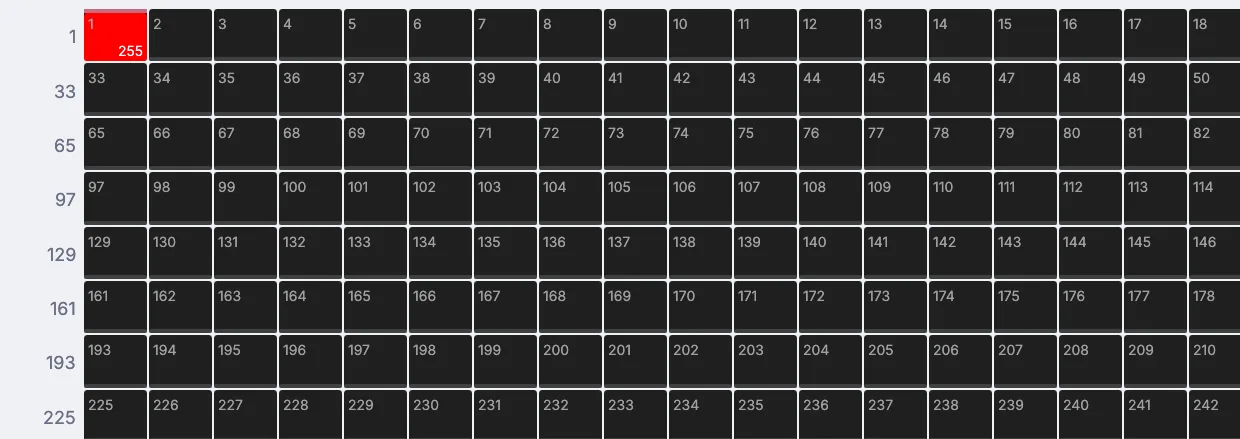
  • Every pixel of a picture becomes a light
    ImageToDmxArtNetSendInterfaceSAcnSendInterface
  • More than 1,500 fixtures in the library, and room for your own
    DmxFixtureMap
  • Keep the lighting desk and fire its cues over OSC
    DmxMa3OscClient
white strobes on every beat, in the 3D preview
a fire simulation on a wall of lights
sixteen lights flashing white on the hits
Show mode

Take the set on stage.

Press F1 and the editor steps aside, so the picture fills the screen or the projector you name. Blend two projectors into one wide picture, send your output to another machine over NDI, and record the set with its sound as it plays.

  • One window per output, each on its own display
    ImageDisplayProjectorLayout
  • Edge blends, corner pins and warps
    ImageEdgeBlendProjectionMapper
  • NDI to any machine on the network, and Syphon to other apps on a Mac
    StreamingNDISendInterfaceStreamingSyphonSendInterface
  • Keep node errors off the screen, and restart on its own after a crash
terminal
$ kinematic set.kin --perform --display 1 \
    --error-strip off --restart-on-panic 3
a concert stage in Perform Mode
the editor steps aside for the picture
one picture across two projectors, the seam feathered on both sides
two projectors, one picture
How it fits

Your gear, files and apps.

Bring your controllers, your plugins, your clips and your shader code as they are. The full list is on the Works with page.

Files
Opens
WAV, FLAC, MP3, OGG, AACMP4, MOV, MKV, WebM, AVIImage sequencesEXR and HDRMIDI files.cube LUTsGLSL and WGSL filesglTF, FBX, USD, AlembicGaussian splats
Saves
Video with soundH.264, H.265, ProRes, VP9PNG and EXR sequencesWAV, AIFF, FLAC, MP3, OGGMIDI files.cube LUTs
Hardware
Audio interfaces and mics
Listen to any input, and play out to your speakers.
MIDI controllers
Move a knob to map it. Ready-made maps for Push 2, the APC40, the Launchpad, the nanoKONTROL and more.
Ableton Push 2 and Push 3
Read the pads over USB and light them in your own colors.
Webcams and depth cameras
Hands, bodies and faces as live values. Orbbec depth cameras for the room in 3D.
Projectors and LED walls
One window per output, and pixel-mapped walls over Art-Net or sACN.
Stream Deck
One key per scene or cue.
Sync and other apps
  • Ableton LiveTempo, beat and bar in. Fire clips and scenes and ride device knobs, through the free AbletonOSC script.
    AbletonLiveLinkAbletonSceneFire
  • MIDI clock and timecodeFollow a drum machine or a DAW, or lock to LTC and MIDI timecode.
    MidiClockInMidiLtcDecode
  • Other appsNDI and Syphon carry video both ways, and OSC carries the values: OBS, Resolume, TouchOSC.
    StreamingNDISendInterfaceOSCReceive
  • Your pluginsCLAP and VST3 on every platform, LV2 on Linux. Run any plugin in its own process.
    PluginHost
Where to start

Tutorials and demos.

Each tutorial stands alone and takes a few minutes. The demos come with the app: open Help, then Browse Demos, and take one apart.

Tutorials Demos to open first
Honest gaps

What it does not yet do.

Better to know now. Something missing that you need? Reach out.

  • Ableton LinkLeft out on purpose, for its license. Live's tempo comes in through AbletonOSC, and other gear's through MIDI clock.
  • Spout on WindowsOn the roadmap. NDI works on every platform, and Syphon on a Mac.
  • Audio Unit pluginsThey do not load. CLAP and VST3 do on every platform, and LV2 on Linux.
  • Laser outputThere is no ILDA or laser controller support yet.
  • Kinect and ZED camerasNot supported yet. Webcams and Orbbec depth cameras are.
  • Patches from other appsTouchDesigner and Max patches do not open. They are rebuilt rather than converted; your clips, shaders, LUTs and MIDI files open as they are.
Your next set

Download Kinematic.

Free. No account, no license key, no subscription, even for commercial use. Rehearse at home and play the same file at the venue, on macOS, Windows, Linux and Raspberry Pi.

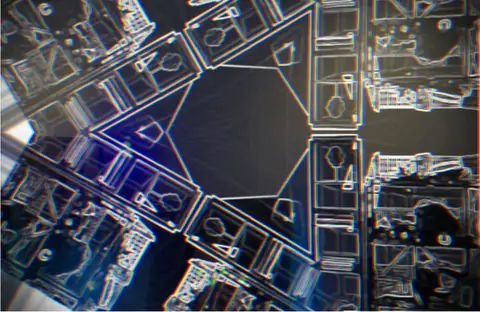
the same beat, a second look