Kinematic 0.5.0 is out. Modeling and sculpting in the viewport, a timeline on every graph, photo and sound editing. What's new
Kinematic / Perform / Video in & out

Send and receive video.

Pass video between apps and machines, steer cameras, and go live when the show goes online.

four feeds on one multiview, with the stage camera on air
01

Bring another app's video in

Grab a feed, put a look on it, send it on.

  1. Drag the feed in from the source browser.
  2. Run it through a look.
  3. Send it on to the next app.
StreamingSyphonReceiveInterface→ImageKaleidoscope→StreamingSyphonSendInterface
an incoming feed with a kaleidoscope look on it
02

Send your output to the vision mixer

Your render shows up on every machine on the network.

  1. Render your scene.
  2. Add an NDI send and name it.
  3. Pick it up on the mixer.
3DGeoSceneRenderToImage→StreamingNDISendInterface
a live 3D render, the picture an NDI send puts on the network
03

Bring in a camera from across the room

A camera on another machine, live in your show.

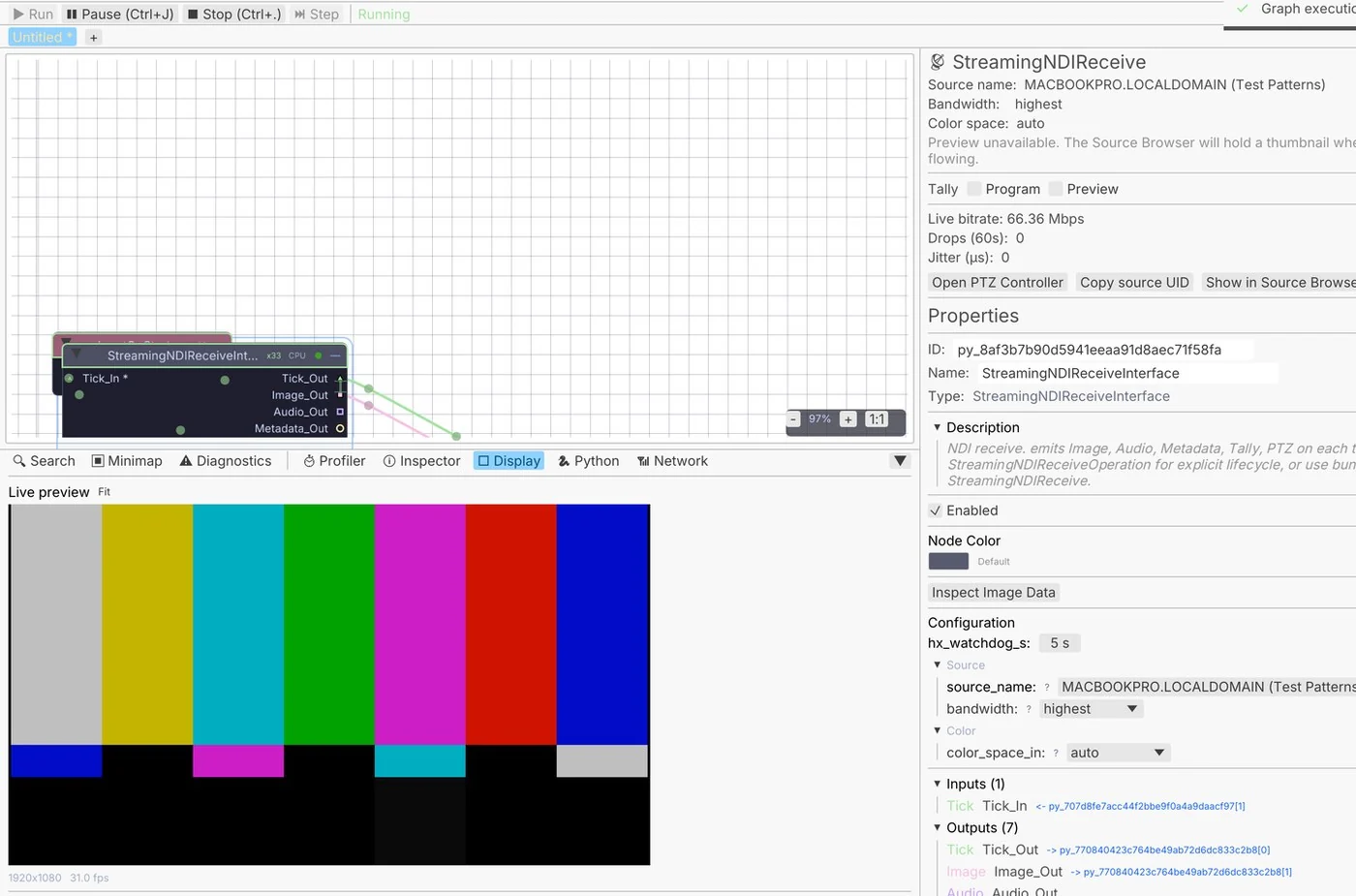
  1. Open the source browser.
  2. Drag the camera in.
  3. Use it like any other picture.
StreamingNDIReceiveInterface→ImageDevelop→ImageDisplay
a live NDI frame
a live NDI frame
04

Put a lower third over the feed

A name bar and a sponsor logo that fade in on a fader.

  1. Draw a dark bar across the bottom.
  2. Set the words from the rundown.
  3. Fade it in and out from a fader.
StreamingNDIReceiveInterface→ImageTextOverlay→ImageAlphaOver→StreamingNDISendInterface
a name bar and a sponsor logo fading in over the feed
05

Go live

Stream the show with the sound mixed in.

  1. Put together the picture you want to send.
  2. Paste the stream address.
  3. Press Play to go live.
ImageComposite→StreamingRtmpSend+AudioMixer
the program picture going out live, with a LIVE badge and the set title
06

Steer a PTZ camera

Pan, tilt and zoom from a joystick or a tracked face.

  1. Find the camera on the network.
  2. Put a joystick on a panel.
  3. Drive pan, tilt and zoom with it.
UIJoystick→StreamingPtzControl
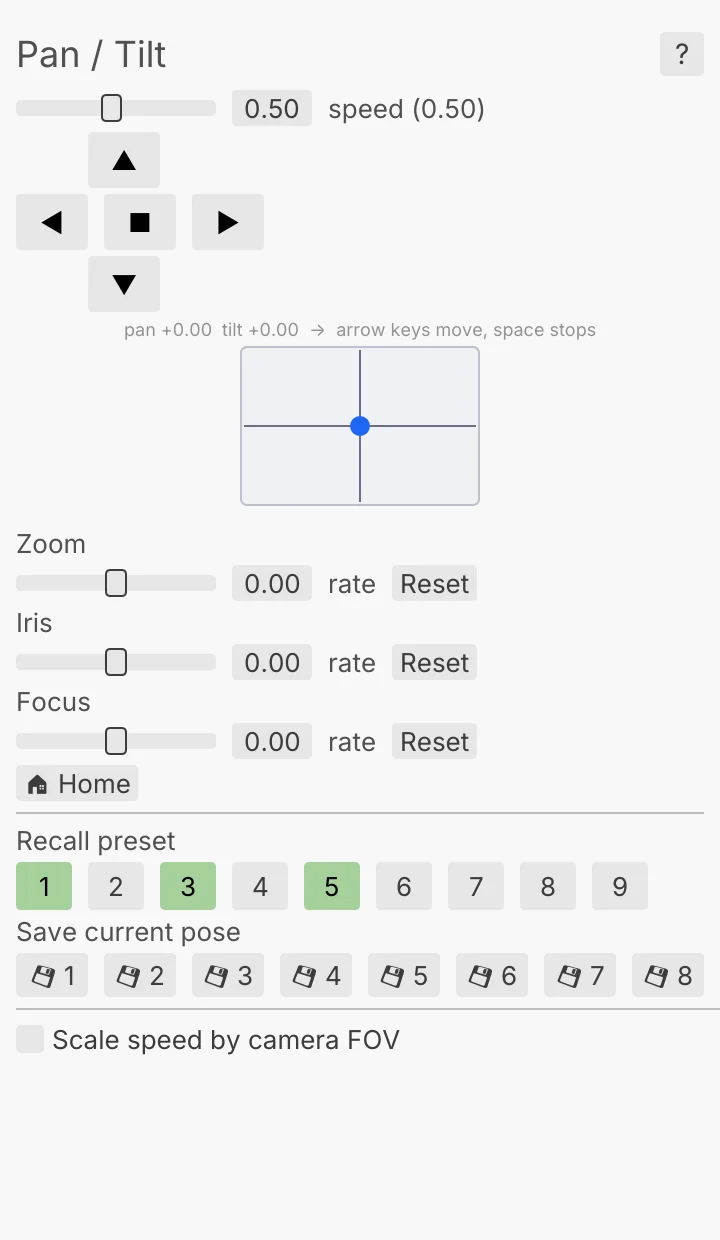
the PTZ controller: a pan and tilt pad, zoom and preset keys
Take it further

It all connects.

Every part of Kinematic works with the others. Wire one into the next.

Keep going

Free and open. Yours, forever.

No account, no license key. macOS, Windows, Linux and Raspberry Pi.

Download Kinematic 0.5.0