Kinematic 0.5.0 is out. Modeling and sculpting in the viewport, a timeline on every graph, photo and sound editing. What's new
Kinematic / Play / Synths

Build synths.

Keyboard synths, pads, basses and drum machines, patched by hand and played from anything.

an acid bass panel playing: step grid with slides and accents, knobs, scope, spectrum and level
01

Build a keyboard synth

Keys, an envelope, a filter and a panel to play it from.

  1. Add a keyboard and an oscillator.
  2. Shape each note with an envelope.
  3. Put a filter after it and grab the cutoff.
UIKeyboard→MidiToFreq→AudioOscillator→AudioADSR→AudioLowPass
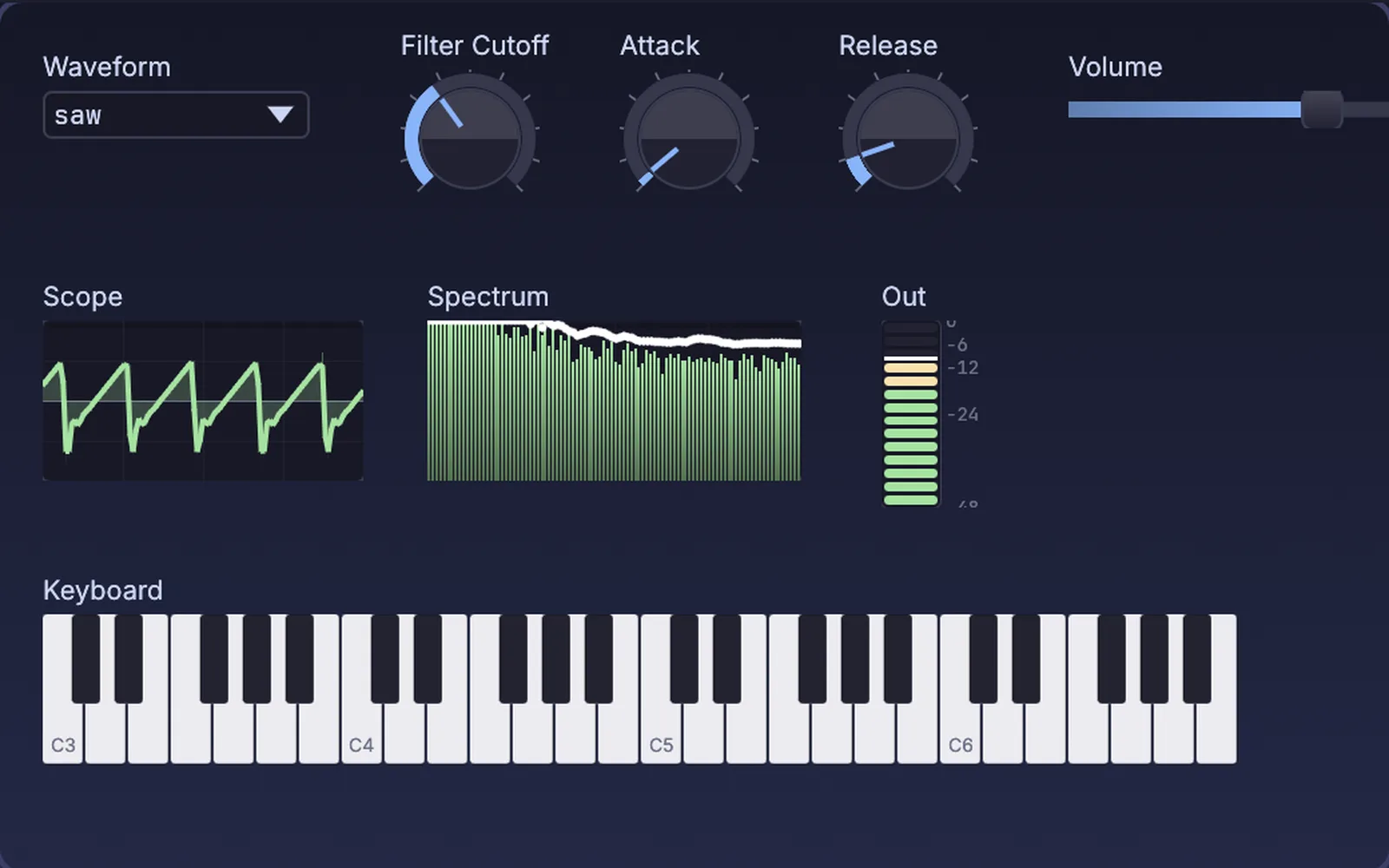
a keyboard synth on a panel: waveform, cutoff, attack and release, with a live scope, spectrum and level meter
02

Design a wide pad

Stacked, detuned saws spread across the room.

  1. Stack detuned saws.
  2. Spread them wide.
  3. Add delay and reverb.
AudioSupersaw→AudioStereoDelay→AudioReverb→AudioPlaybackInterface
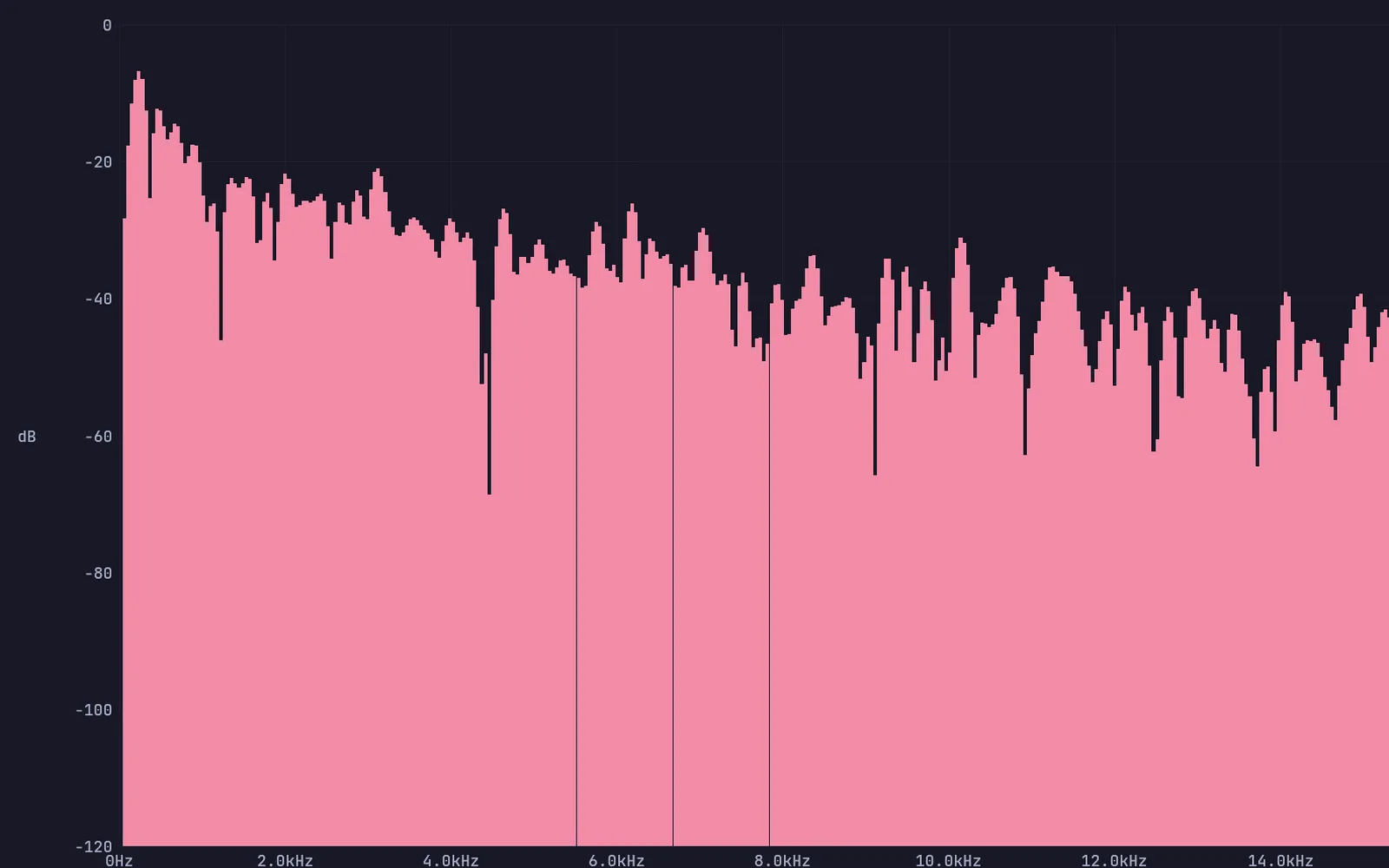
the spectrum of a wide pad: stacked, detuned saws through delay and reverb
03

Make an FM bass

Clangy or pure, from one ratio.

  1. Stack a modulator on a carrier.
  2. Turn the index for bite.
  3. Filter it to keep it round.
AudioFMOperator→AudioFMOperator→AudioLowPass
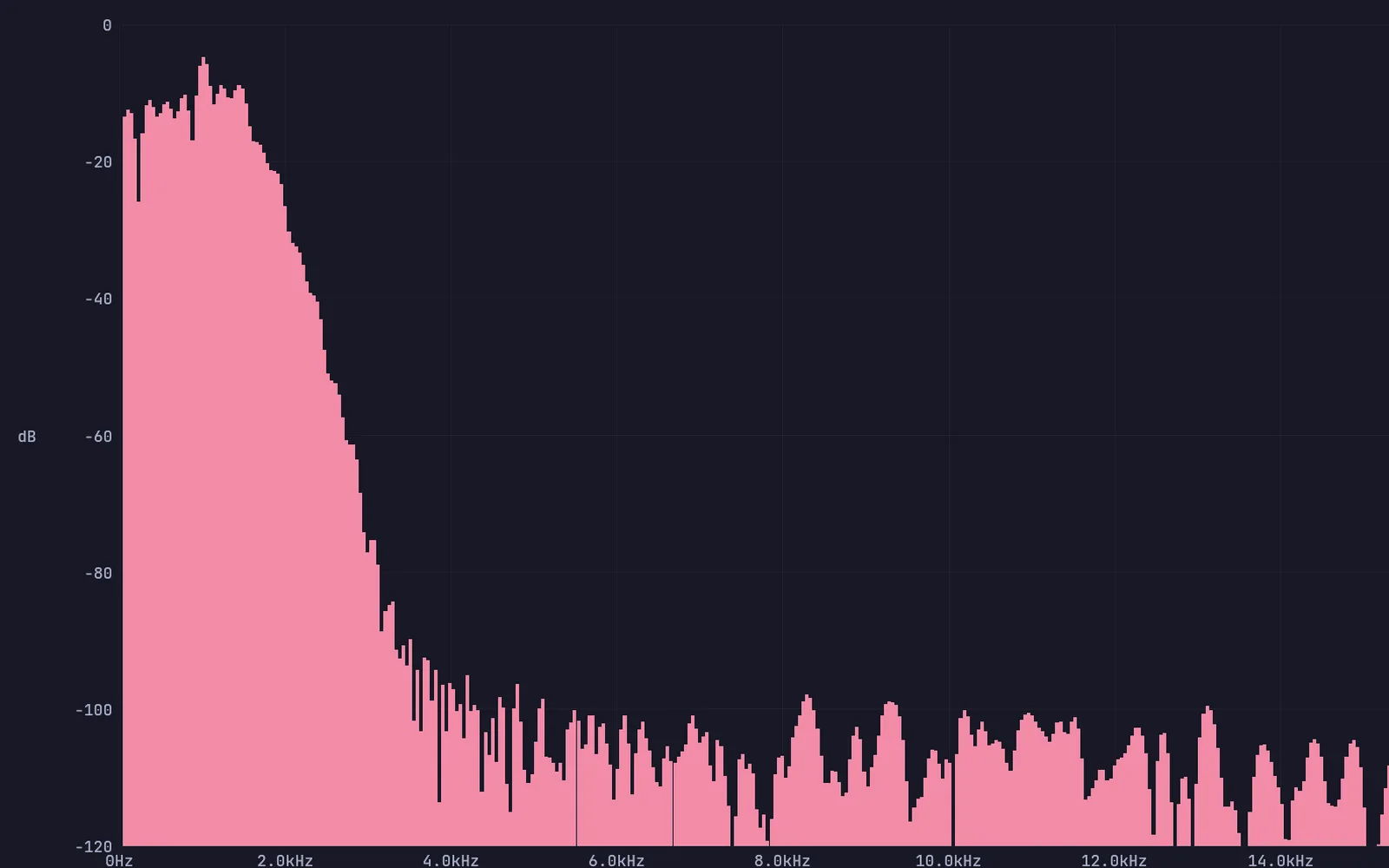
an FM bass: sidebands stacked above a low carrier
04

Build a drum machine

Kick, snare, hats and toms on a step grid.

  1. Build each drum from oscillators and noise.
  2. Program them on a step grid.
  3. Mix them with faders and mutes.
UIStepSequencer→AudioOscillator→AudioNoise→AudioMixer
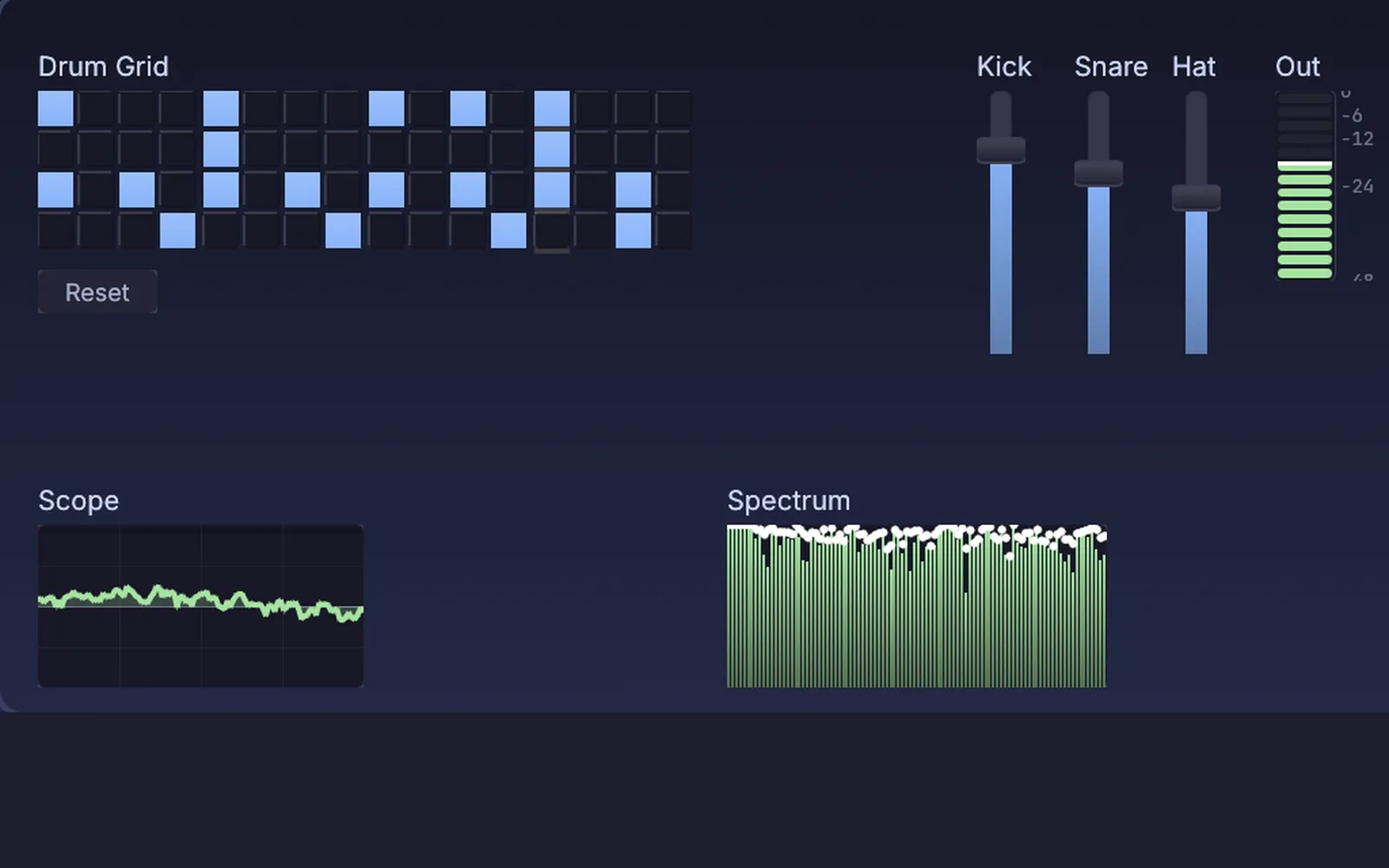
a drum machine panel: kick, snare, hats and toms on a sixteen step grid, with faders, a scope and a spectrum
05

Build an acid bass line

A squelchy filter that opens on every note.

  1. Run a saw into a resonant filter.
  2. Let an envelope open the filter on each note.
  3. Drive it into distortion.
AudioOscillator→AudioCascadeFilter→AudioDistortion
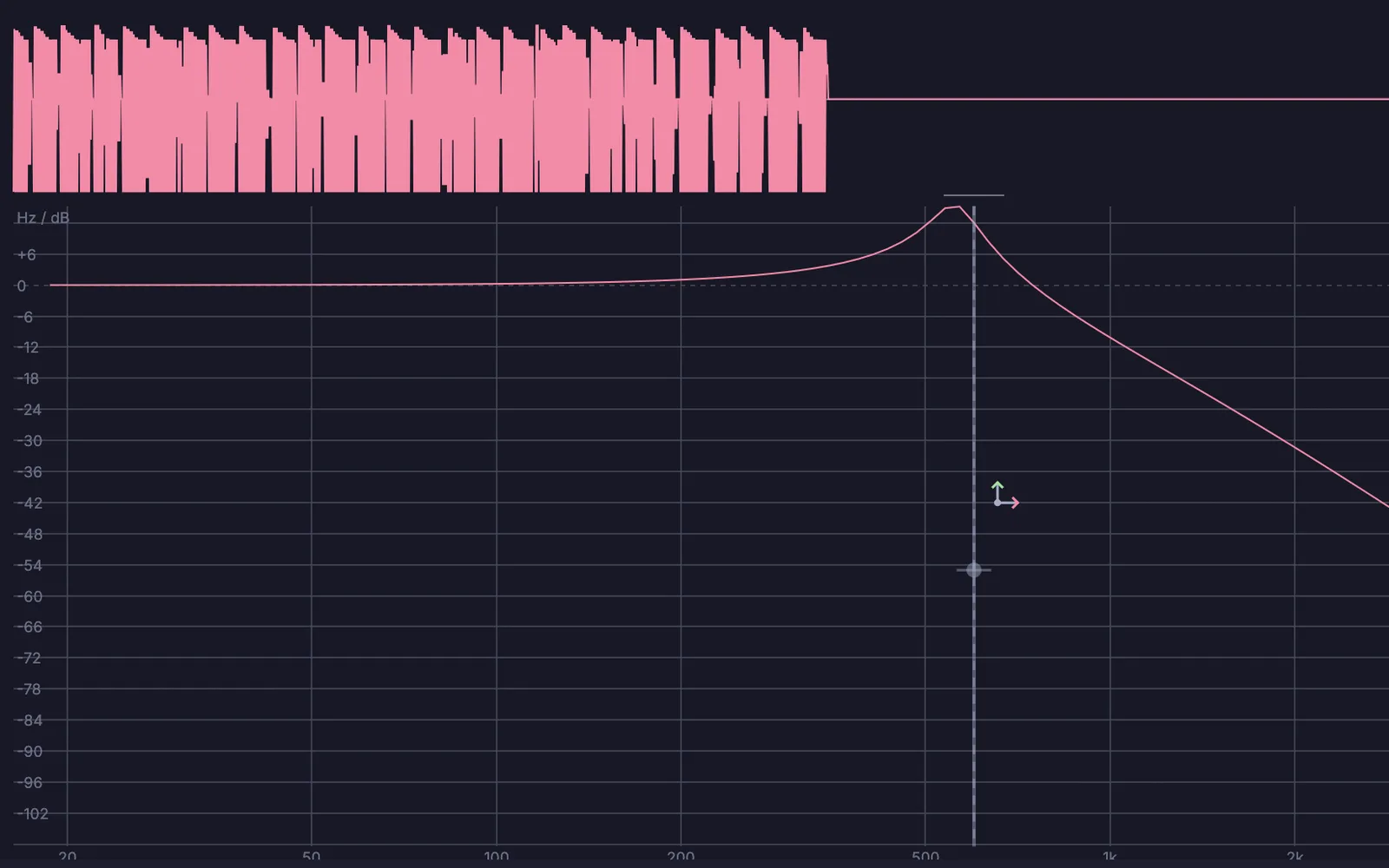
the acid line's resonant filter, with the notes it plays in the strip above
06

Draw a sound

Draw the harmonic levels and hear the tone change.

  1. Add eight harmonics.
  2. Draw their levels on a multi-slider.
  3. Listen as the shape changes.
UIMultiSlider→AudioAdditiveOsc→AudioReverb
additive harmonics
additive harmonics
Take it further

It all connects.

Every part of Kinematic works with the others. Wire one into the next.

Keep going

Free and open. Yours, forever.

No account, no license key. macOS, Windows, Linux and Raspberry Pi.

Download Kinematic 0.5.0