Kinematic 0.5.0 is out. Modeling and sculpting in the viewport, a timeline on every graph, photo and sound editing. What's new
Kinematic / Play / MIDI

Play and sequence MIDI.

Polyrhythms, chords, arpeggios and melodies, synced to the band.

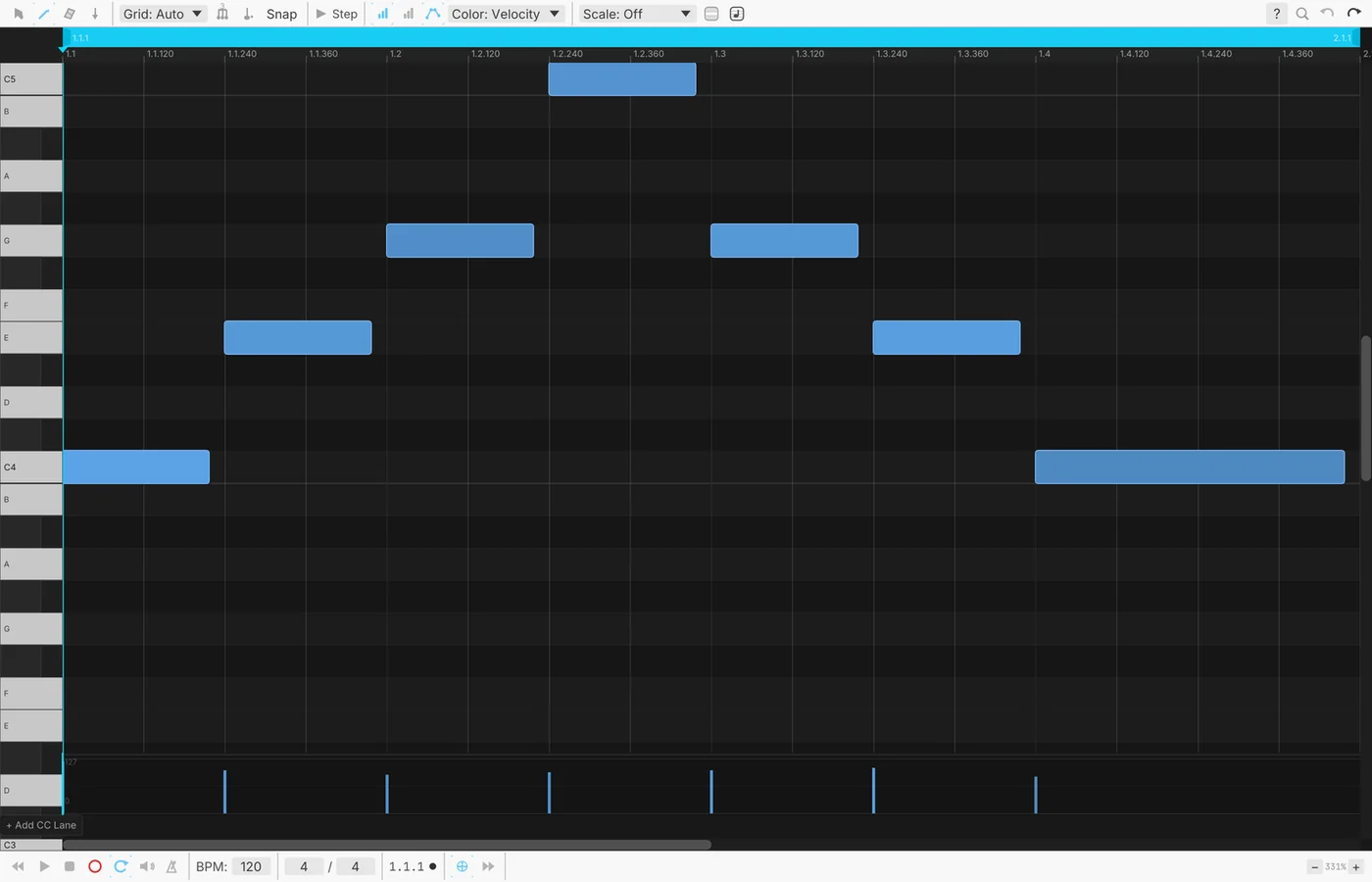
a melody in the piano roll
01

Program a polyrhythm

Three rhythms against each other, from a few numbers.

  1. Add three rhythm generators.
  2. Give each its own steps and hits.
  3. Send each to its own voice.
MidiEuclideanSequencer→AudioKarplusStrong→AudioMixer
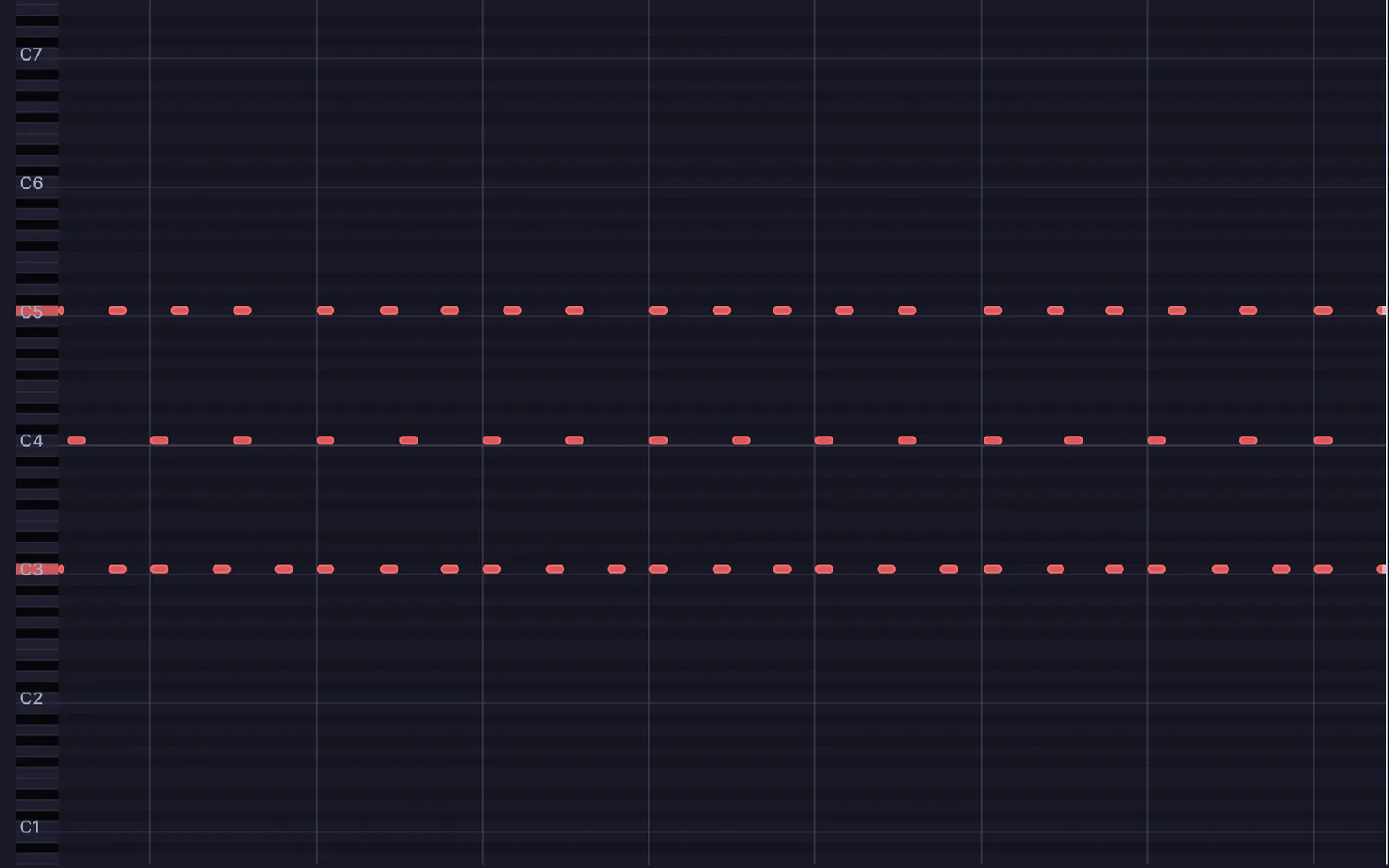
three Euclidean rhythms on three pitches, each with its own steps and hits
02

Write a melody with a filter sweep

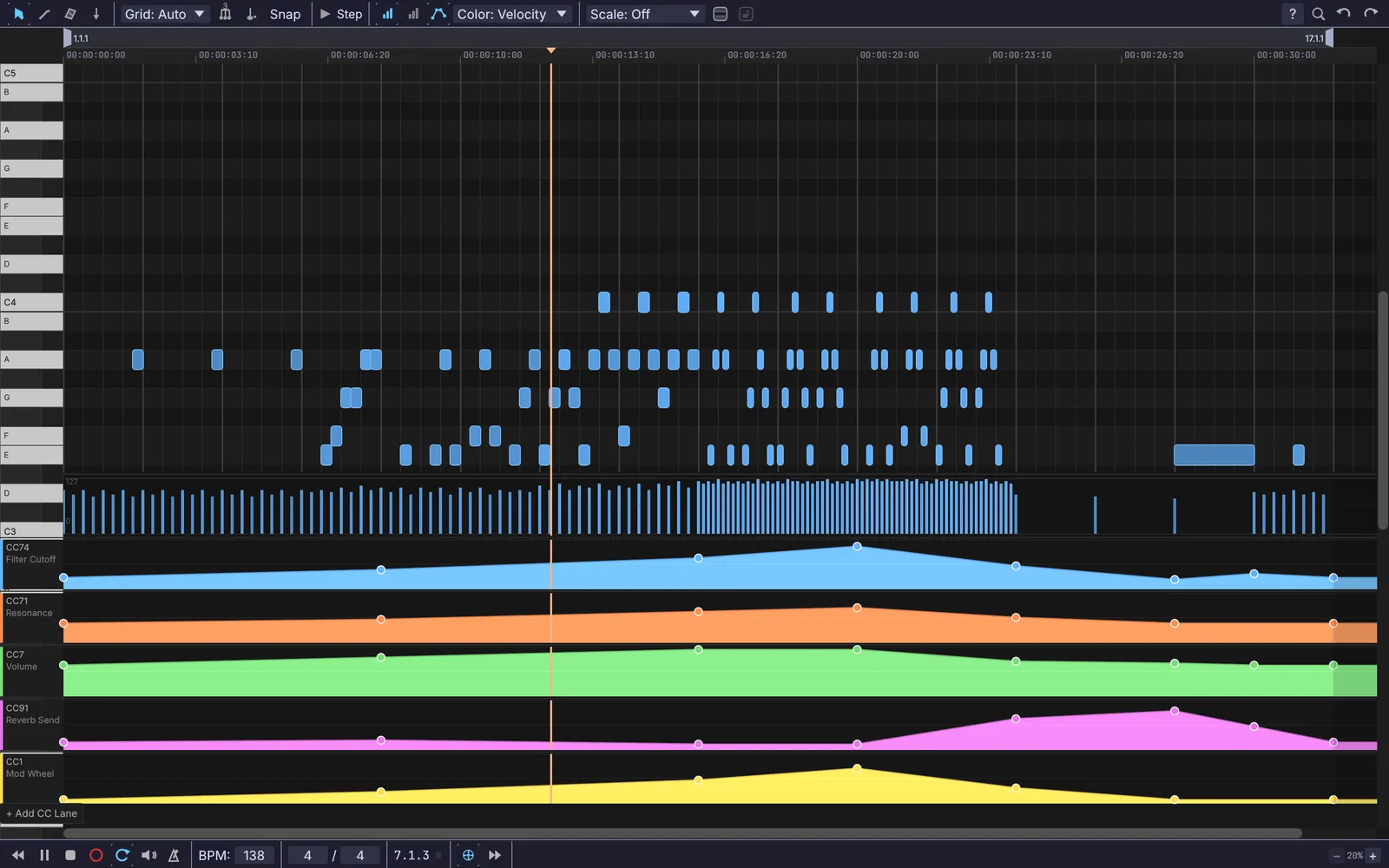
Notes in the piano roll, the sweep drawn underneath.

  1. Draw notes in the piano roll.
  2. Draw the filter sweep in a lane below.
  3. Loop it.
MidiClipPlayer→MidiToFreq→AudioOscillator→AudioADSR
a melody in the piano roll, with the filter sweep and four more lanes drawn underneath
03

Play chords with one finger

One key in, a whole chord out.

  1. Take notes from your keyboard.
  2. Pick a chord shape.
  3. Send the chord to a synth.
MidiNoteIn→MidiChordGen→MidiNoteOut
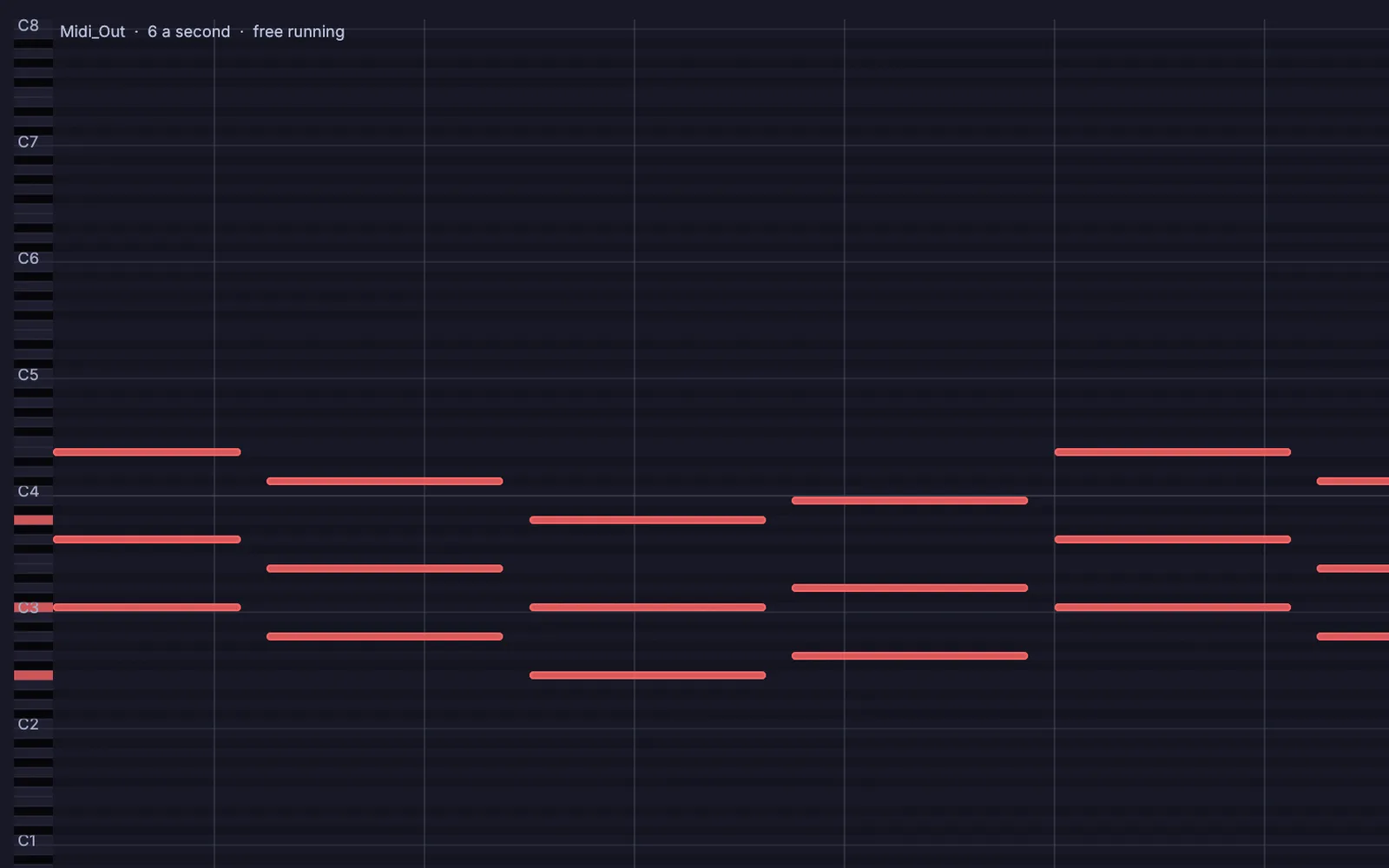
one note in, a whole chord out: each root note becomes a chord
04

Arpeggiate a chord

Hold a chord and it plays itself.

  1. Hold a chord.
  2. Pick the pattern and the rate.
  3. Send it to the synth.
MidiNoteIn→ArpeggiatorOper→MidiNoteOut
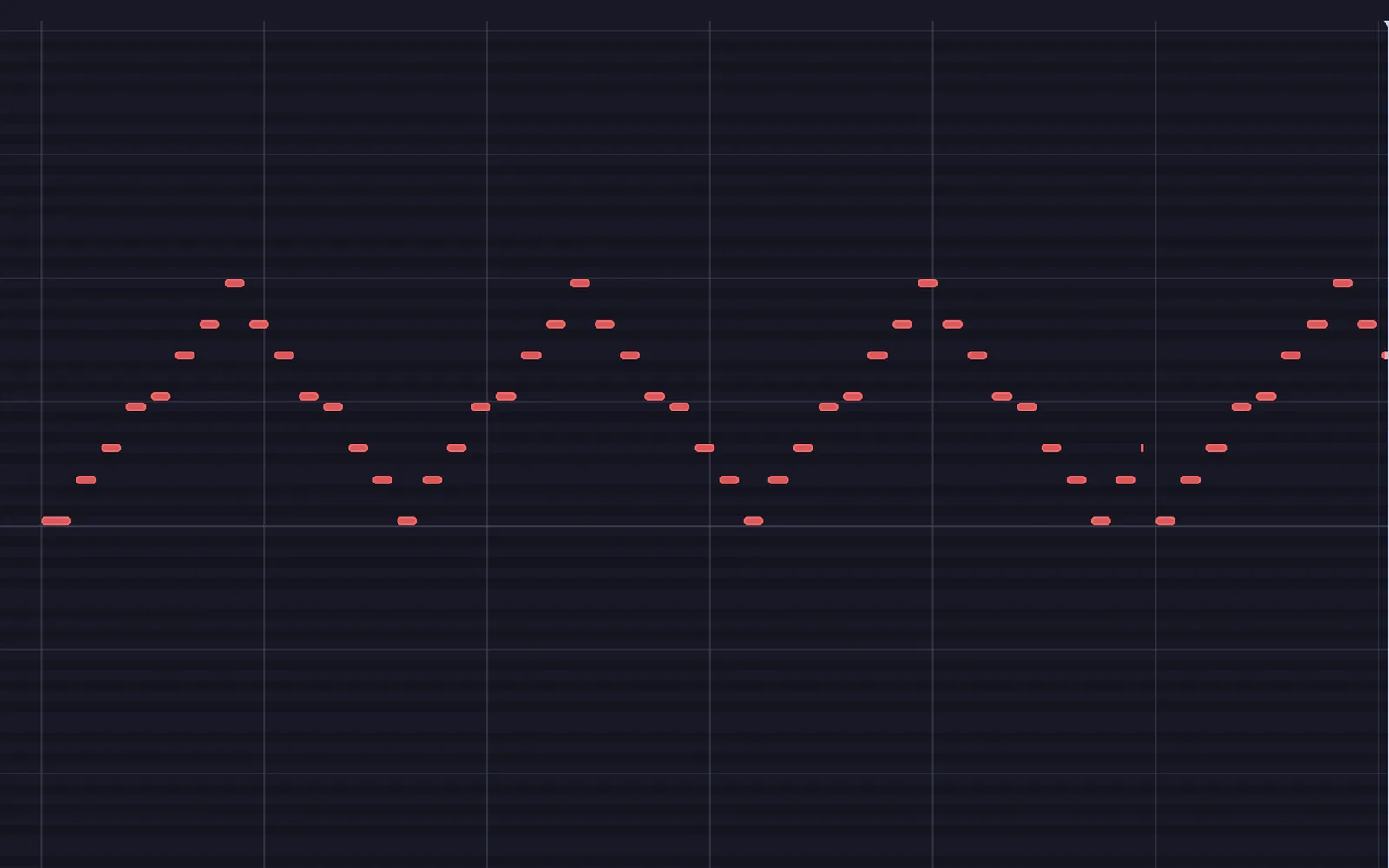
a held four note chord, arpeggiated up and down across two octaves
05

Sync to the band's drum machine

Take its clock and everything locks.

  1. Take its MIDI clock in.
  2. The project tempo follows it.
  3. Every sequencer locks to it.
the graph it makes
PLAYMidiClockIn PLAYMidiTransport PLAYMidiEuclideanSequencer
06

Let the drums write themselves

A beat that keeps changing but always grooves.

  1. Start a random drum pattern.
  2. Let each step choose the next.
  3. Play it through modal drums.
RandomValue→AudioModalSynth→AudioMixer
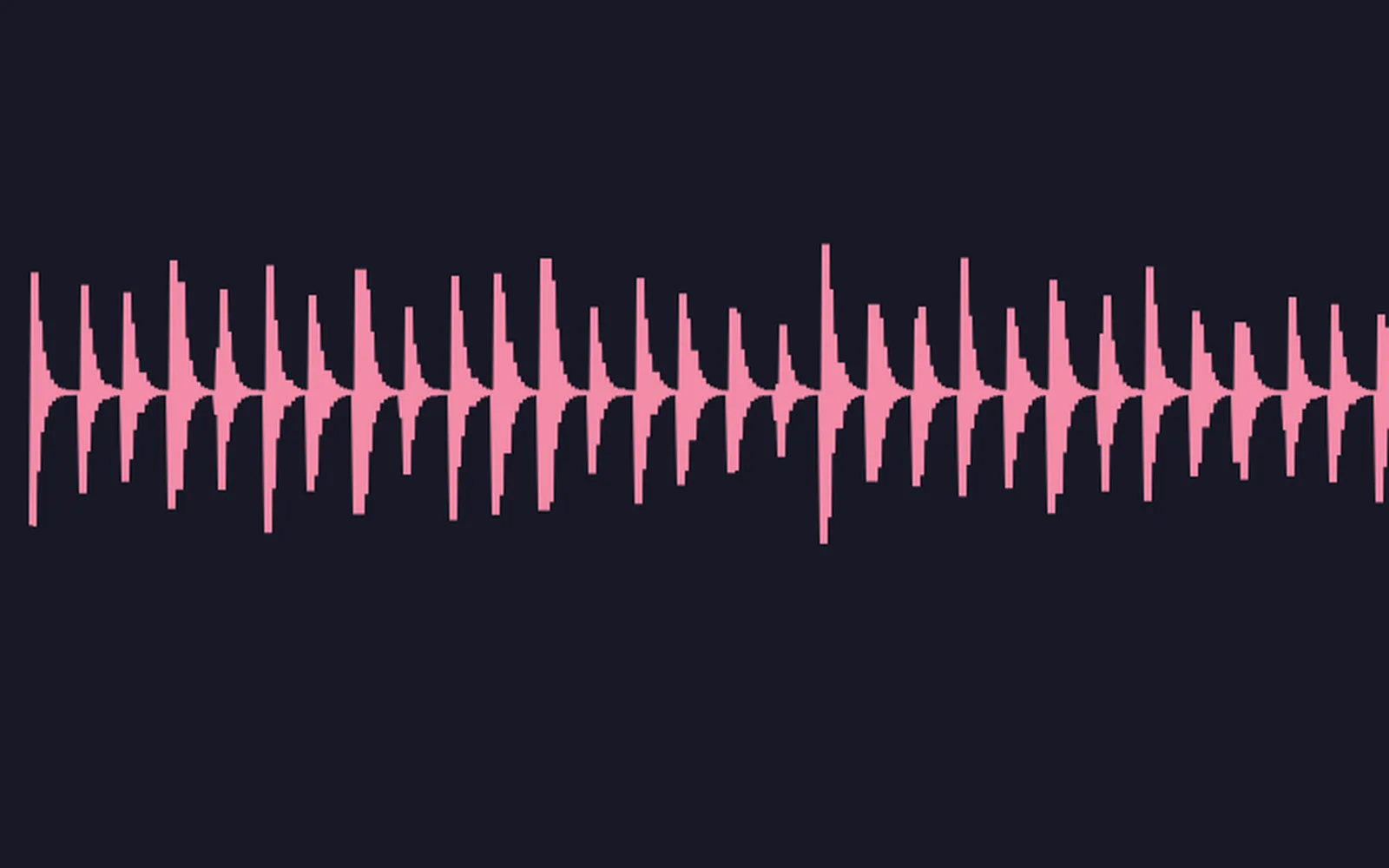
a drum line where each hit picks the next one, so it keeps changing
Take it further

It all connects.

Every part of Kinematic works with the others. Wire one into the next.

Keep going

Free and open. Yours, forever.

No account, no license key. macOS, Windows, Linux and Raspberry Pi.

Download Kinematic 0.5.0