Kinematic 0.5.0 is out. Modeling and sculpting in the viewport, a timeline on every graph, photo and sound editing. What's new
Kinematic / Play / Effects

Add audio effects.

Filter sweeps, dirty basses, pumping pads, mixes and voices turned into synths.

a low pass filter swept live: its resonant peak rises and falls
01

Sweep a filter with your hand

Drag around a pad: left and right is cutoff, up and down is resonance.

  1. Add an XY pad.
  2. Drag X onto cutoff and Y onto resonance.
  3. Play with it.
UIXYPad→AudioLowPass→AudioPlaybackInterface
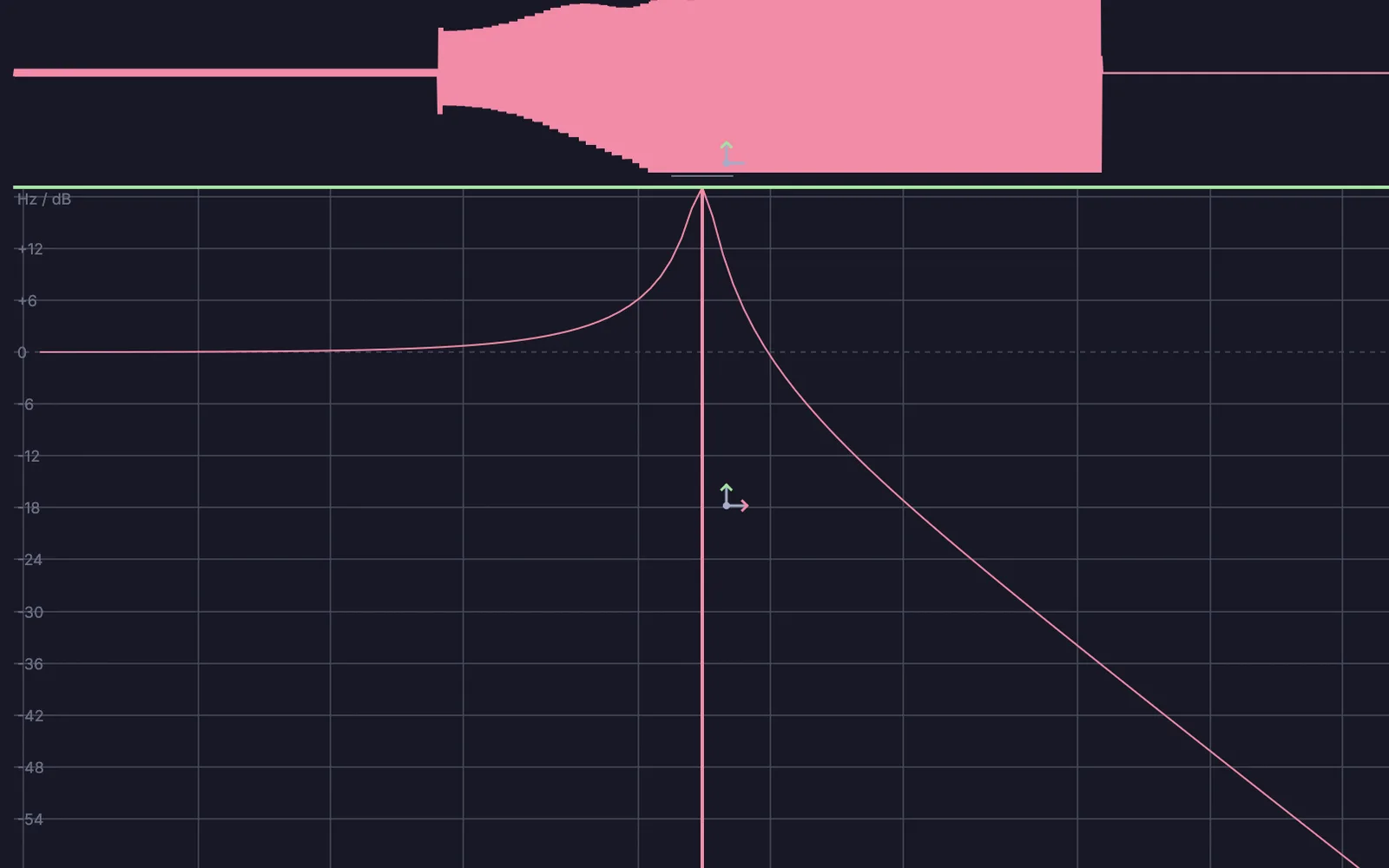
a resonant low pass with its cutoff and resonance pushed up
02

Dirty up a bass

Three kinds of grit, one after another. The order matters.

  1. Run it through a waveshaper.
  2. Saturate it like tape.
  3. Fold it, then tame it with a filter.
AudioWaveShaper→AudioSaturator→AudioWaveFolder→AudioLowPass
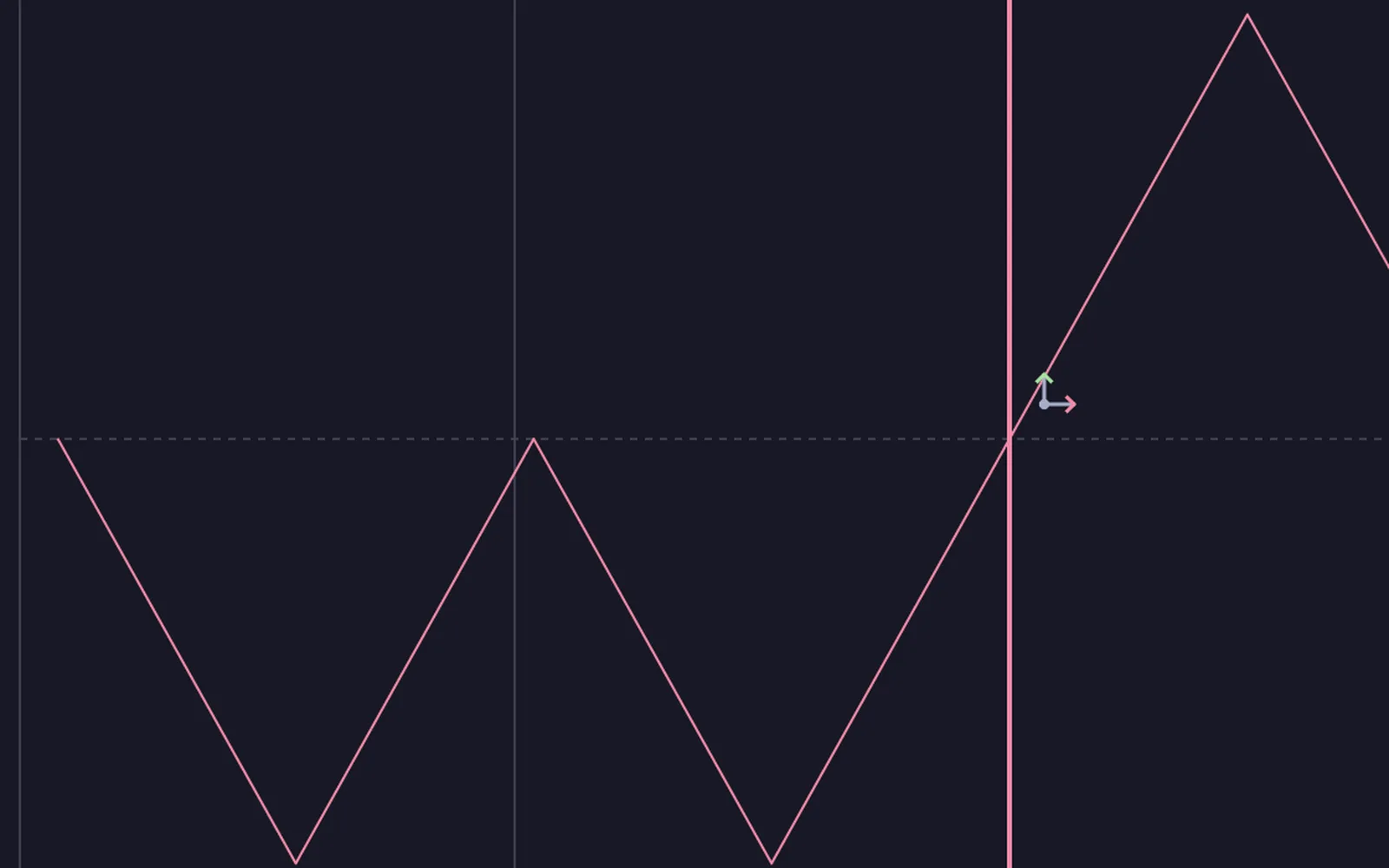
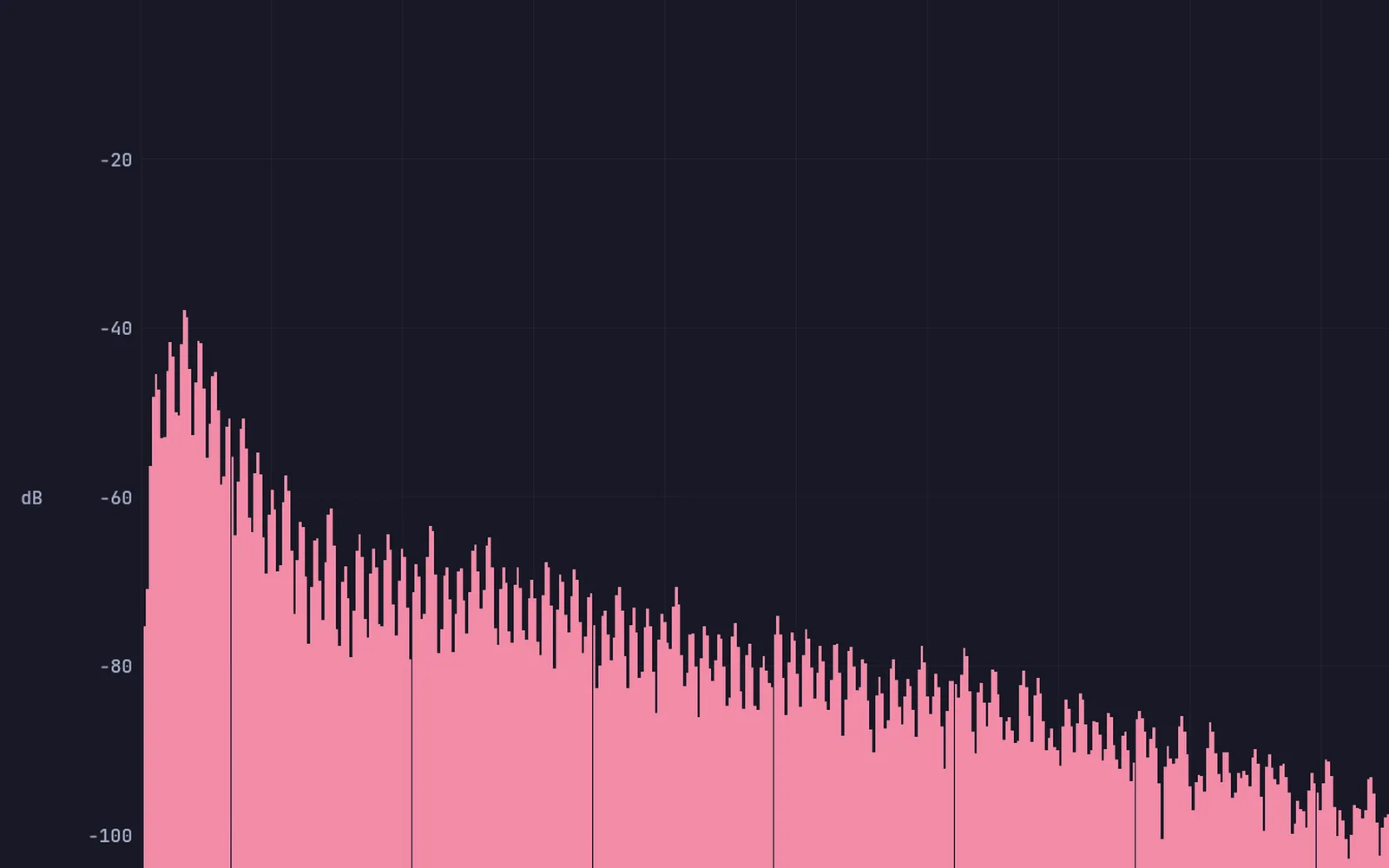
a wave folder's shape: every peak past the edge folds back down
03

Make the pad pump with the kick

The pad ducks every time the kick hits.

  1. Run the pad through a sidechain.
  2. Feed the kick to its side input.
  3. Set how deep and how fast.
AudioSidechain→AudioCompressor→AudioPlaybackInterface+AudioClipPlayer
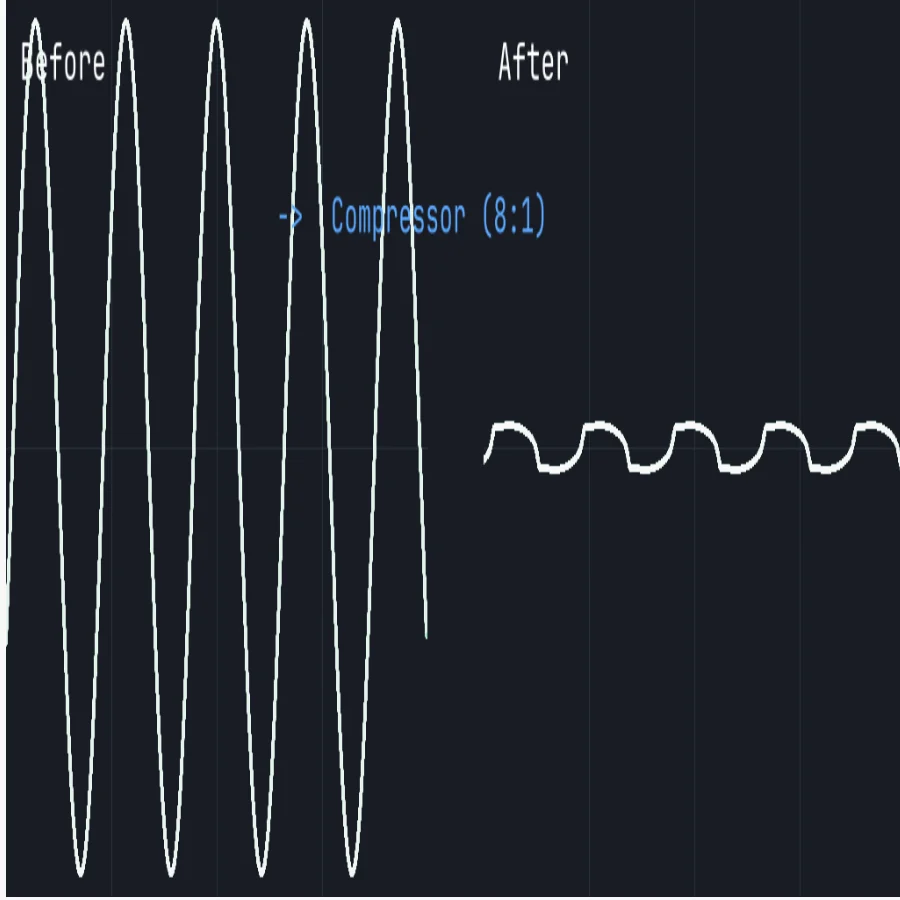
a hard compressor
a hard compressor
04

Mix a band

Faders, pan, EQ, mutes and meters on one console.

  1. Bring each instrument into its own channel.
  2. Set levels, pan and EQ.
  3. Watch the meters and the master.
AudioMixer→AudioParametricEQ→AudioCompressor→UIMixerConsole
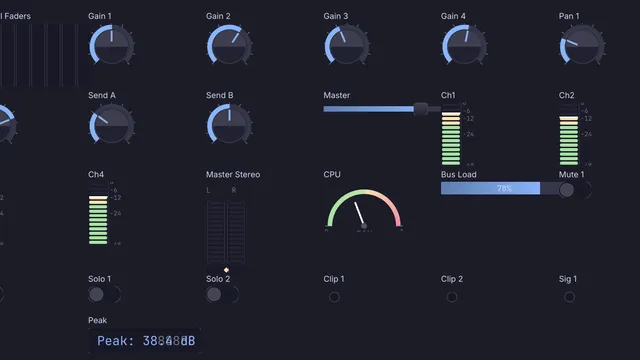
an eight-channel console
05

Fly a sound around your head

In headphones it swings left and right, and fades as it moves away.

  1. Pan it in 3D.
  2. Put it in a room.
  3. Animate where it is.
AudioOscillator→AudioSpatialPan→AudioRoomSim
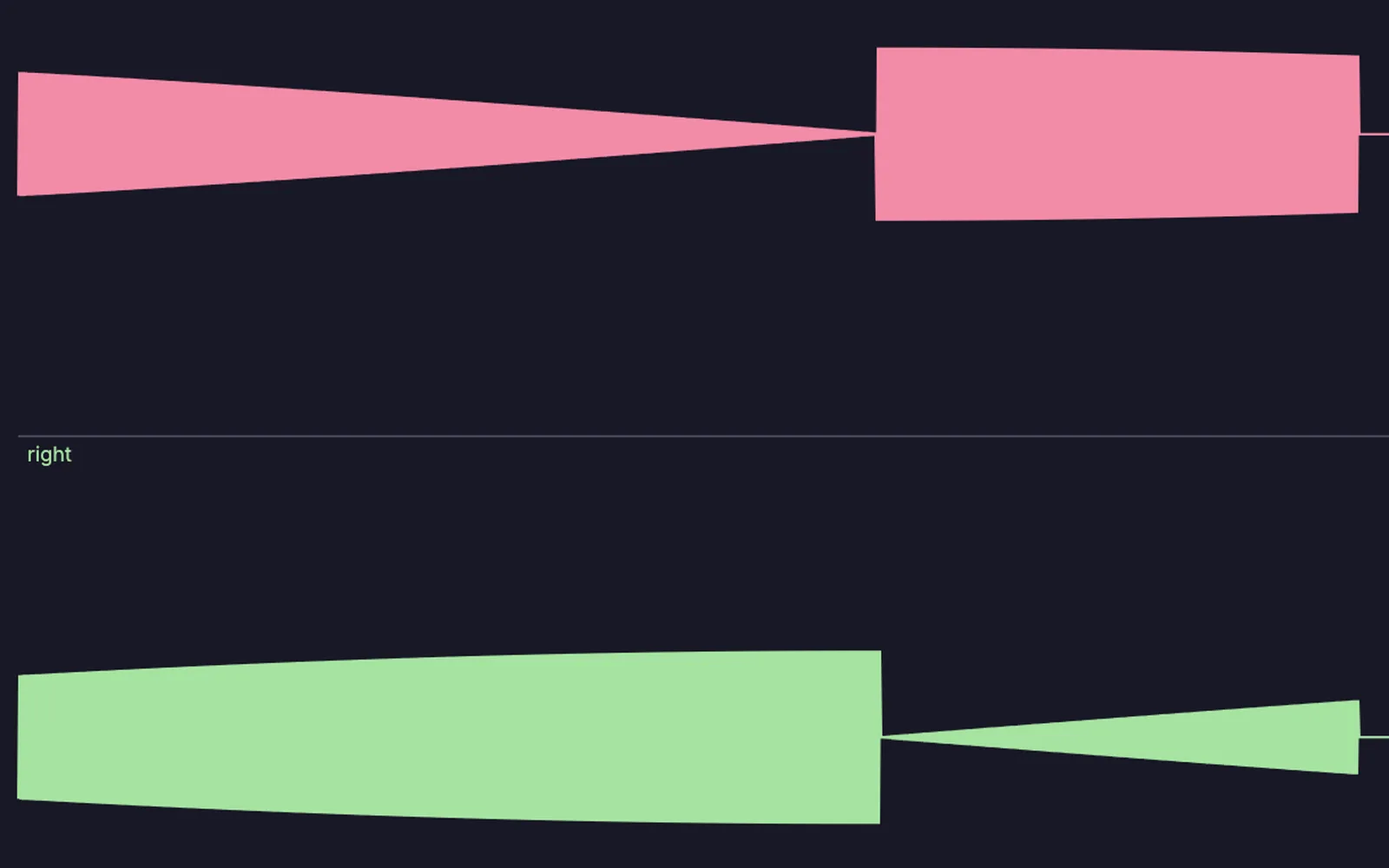
a tone circling the listener: the left and right channels trade places as it moves
06

Turn your voice into a synth

Your words, sung by a pad.

  1. Feed your voice in.
  2. Feed in a pad for your voice to shape.
  3. Talk.
AudioCaptureInterface→AudioVocoder→AudioPlaybackInterface+AudioSupersaw
the vocoder's output: a pad shaped by a speaking voice
Take it further

It all connects.

Every part of Kinematic works with the others. Wire one into the next.

Keep going

Free and open. Yours, forever.

No account, no license key. macOS, Windows, Linux and Raspberry Pi.

Download Kinematic 0.5.0