Clean a field recording, turn a creak into a whoosh, then stretch, pitch and layer it right on the waveform, with every edit open to change. Lay it under the picture, set it in a room or fire it in a show. Free, even for commercial use.
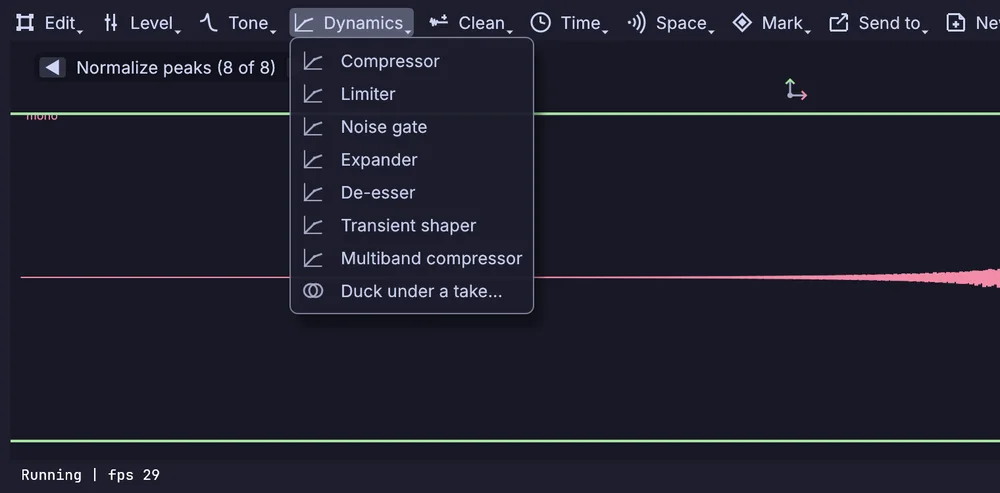
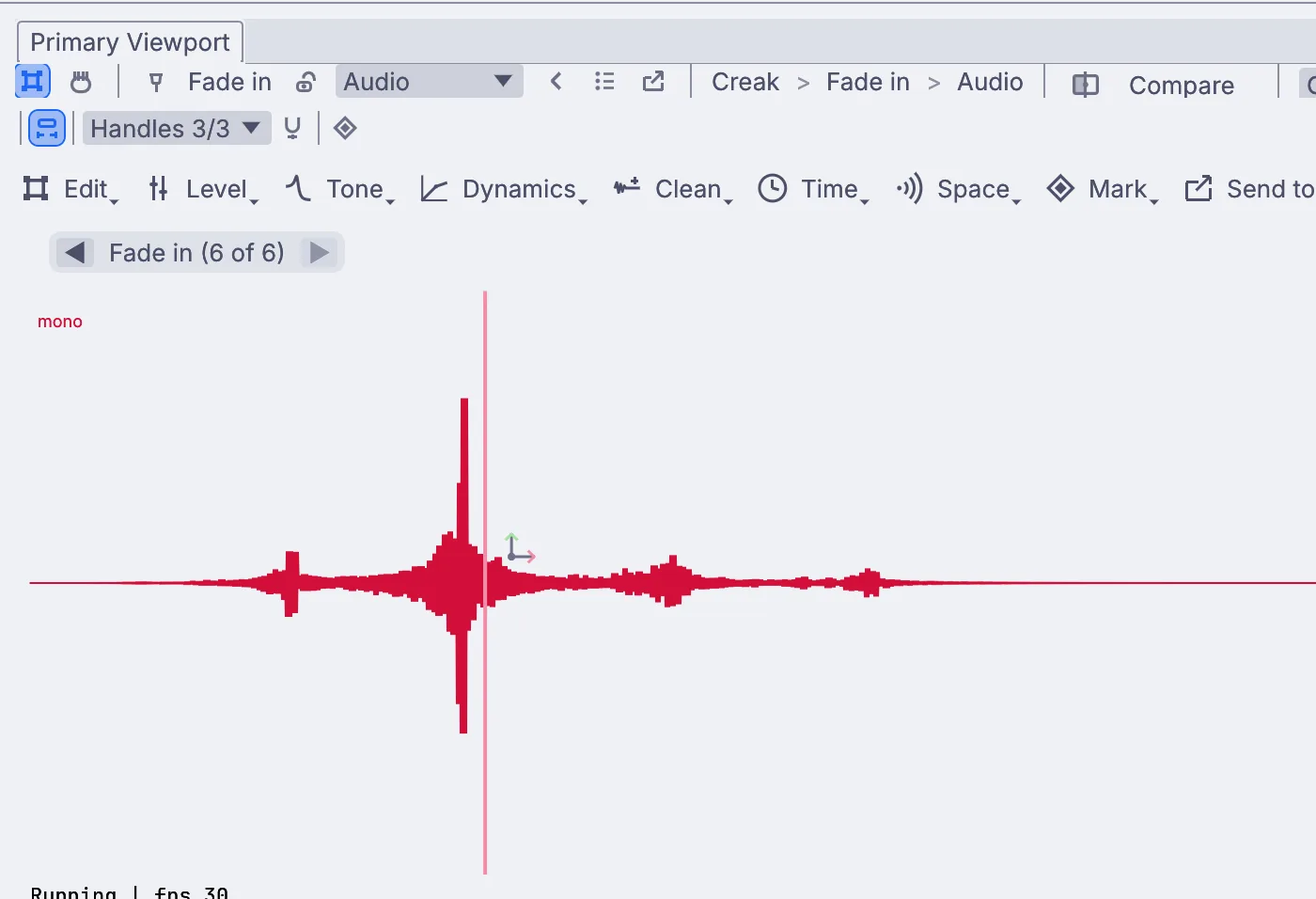
A one second creak in eight steps, from the raw sound to a swell into the hit. Each step stays open in the Stack and sits on the canvas as a node.
The work
The sounds you make each week.
Cleanup, effects, voices, beds, synthesis and the delivery, and how each one goes in Kinematic. Every picture here is the app.
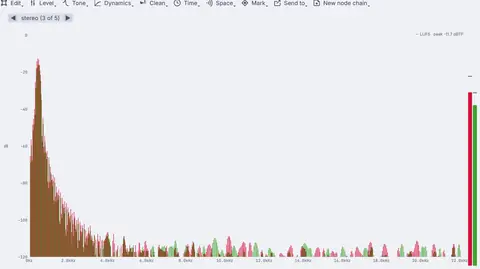
drips over a hum, before and after
01Clean
Clean a field recording.
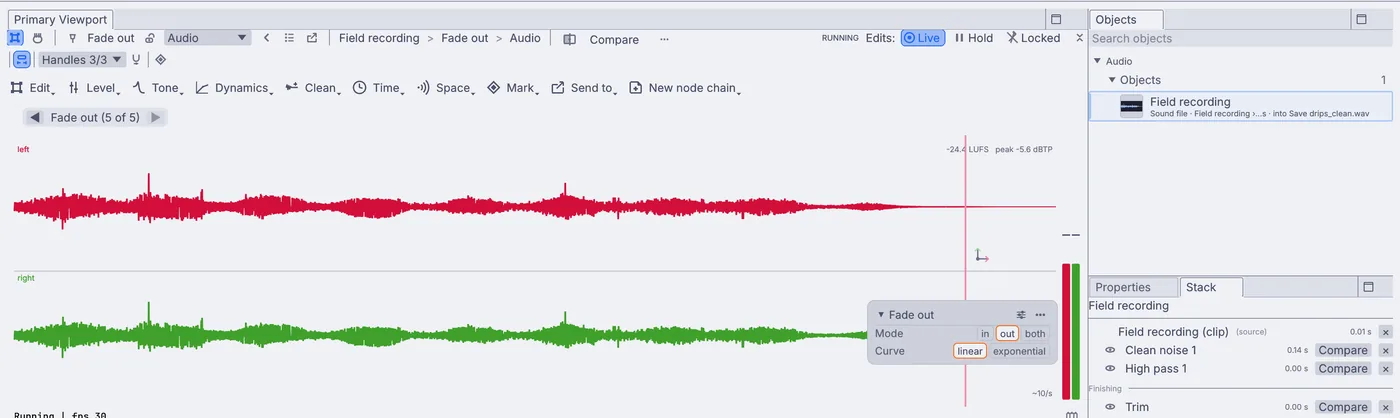
Draw a range over a stretch of plain noise and choose Denoise: the hiss, hum or room tone under the whole take comes down and the sounds you wanted stay put. Take out rumble with a high pass, trim the bumps at the start and fade the end.
Clean›Denoise→Tone›High pass→Edit›Trim›Trim to range→Level›Gain and fades›Fade out
Remove hum at 50 or 60 Hz, a DC blocker and a noise gate for the gaps between footsteps
Compare any step with the one before it, at the same moment in the take
Record from any input, keep the take you like, and trim it in place
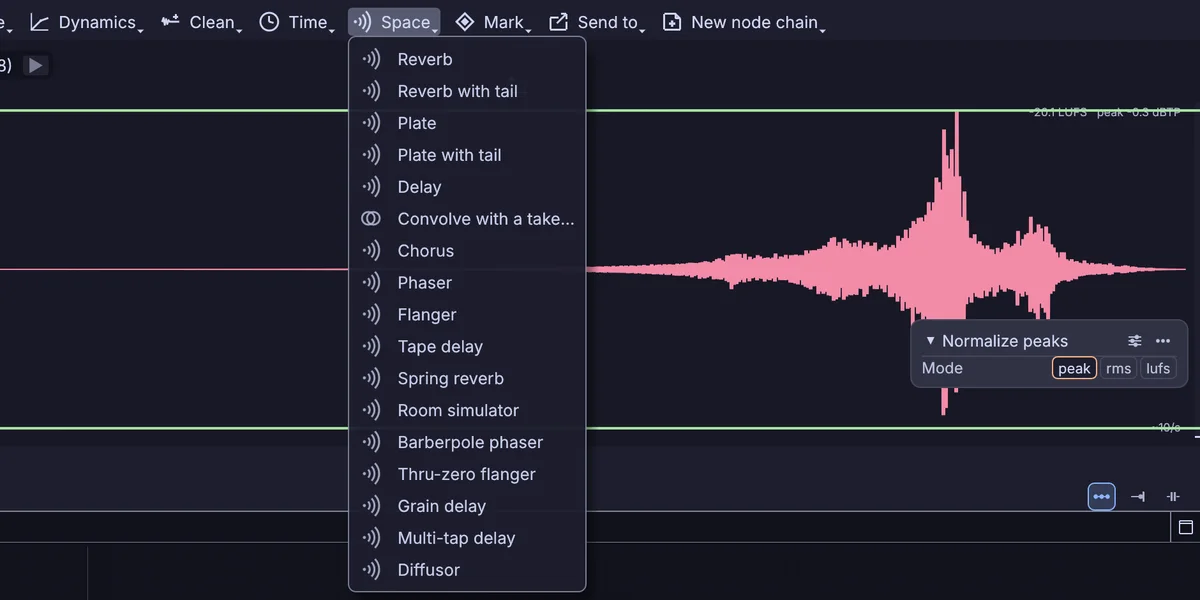
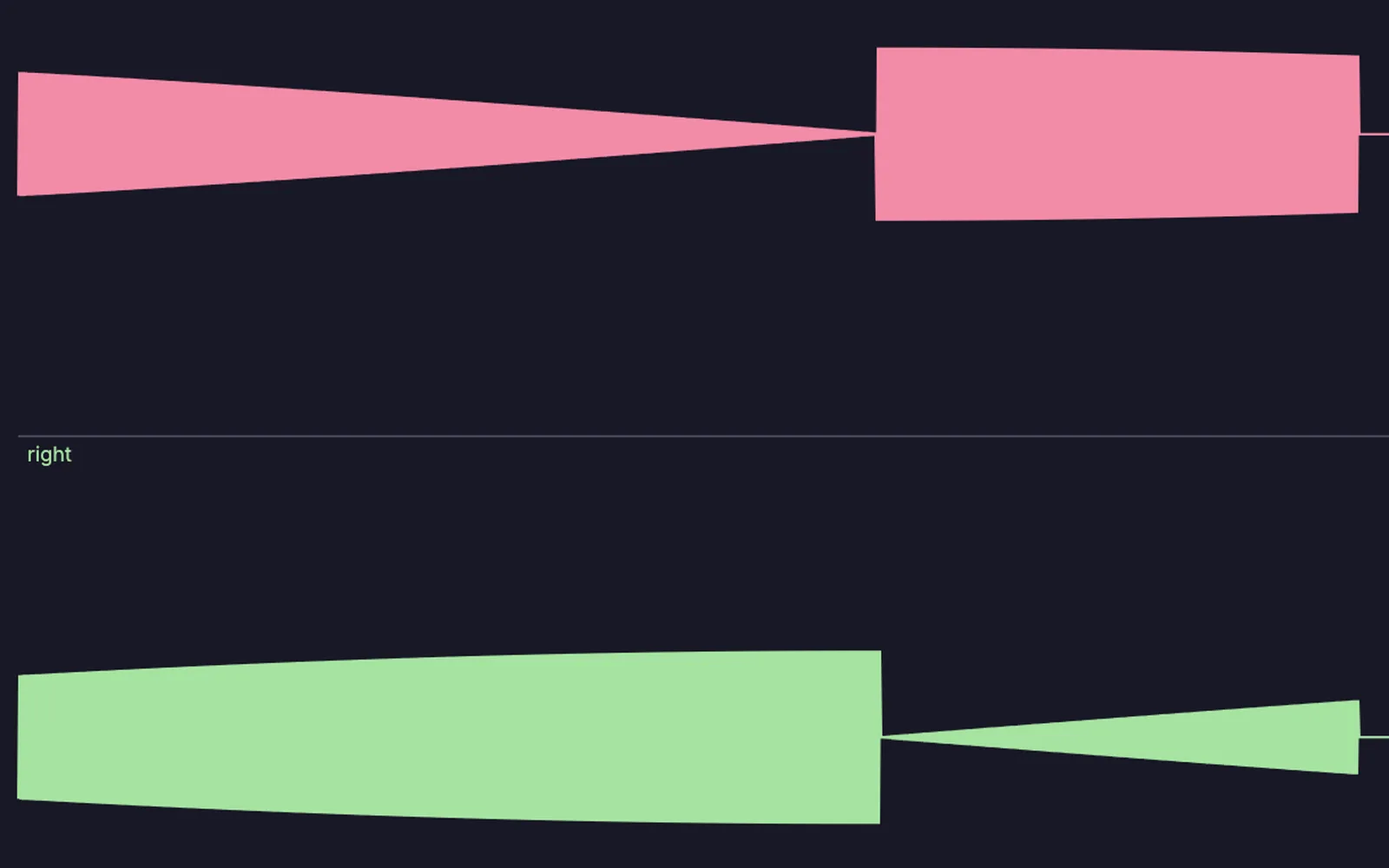
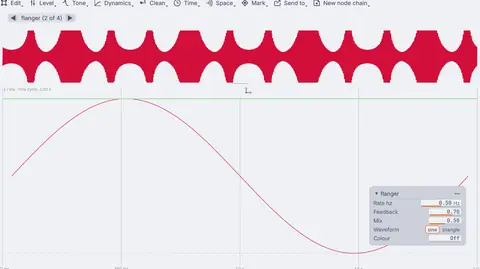
Play a sound backward, stretch it to twice the length and give it a plate with a long tail. Turn it around again and the tail swells into the hit. The Space menu holds reverbs, plates, a spring, delays, flangers and a convolver that puts the space of any take on another sound.
Edit›Split, reverse and pass›Reverse→Time›Time stretch→Space›Plate with tail→Level›Loudness›Normalize peaks
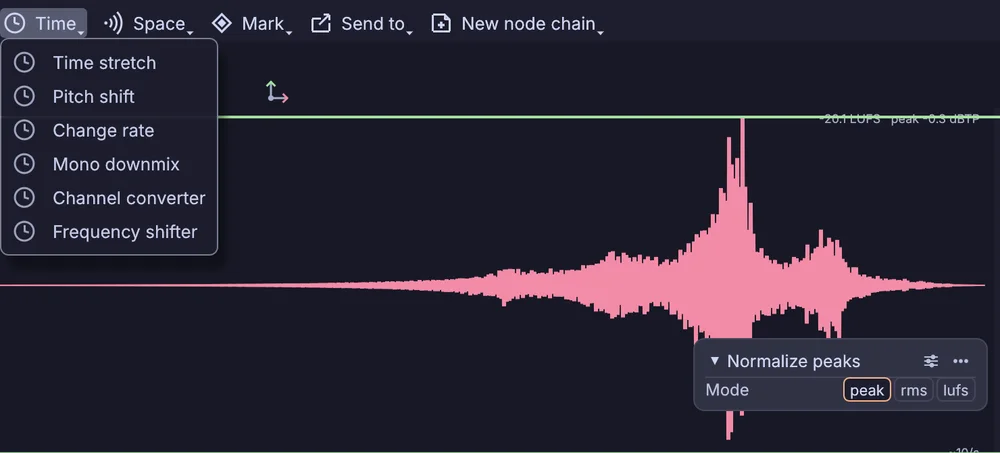
Pitch it down for weight, or shift every frequency up for something stranger
Layer the plain sound back under it with Level > Layer > Mix with a take
Save the steps as a recipe and use them on the next sound
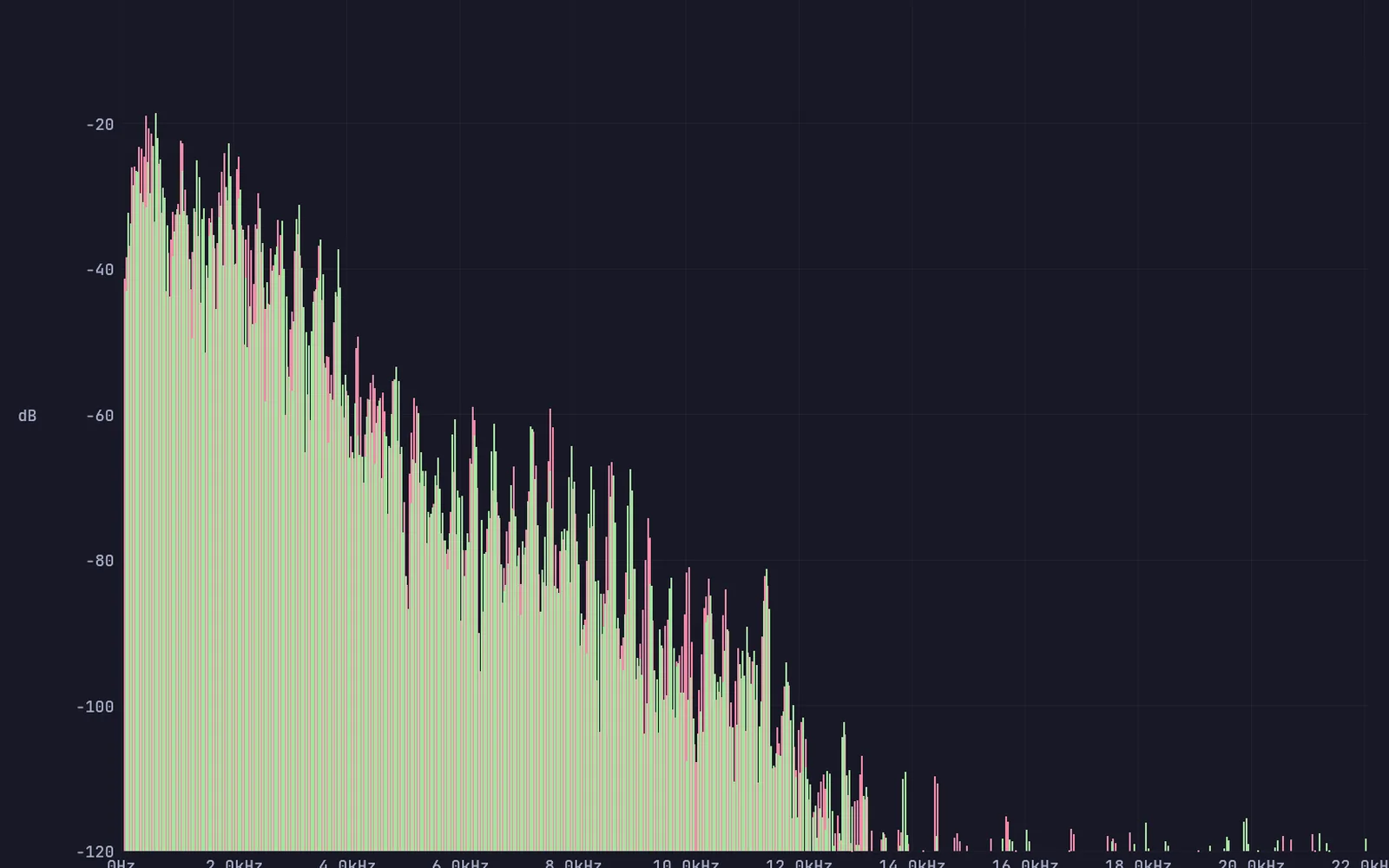
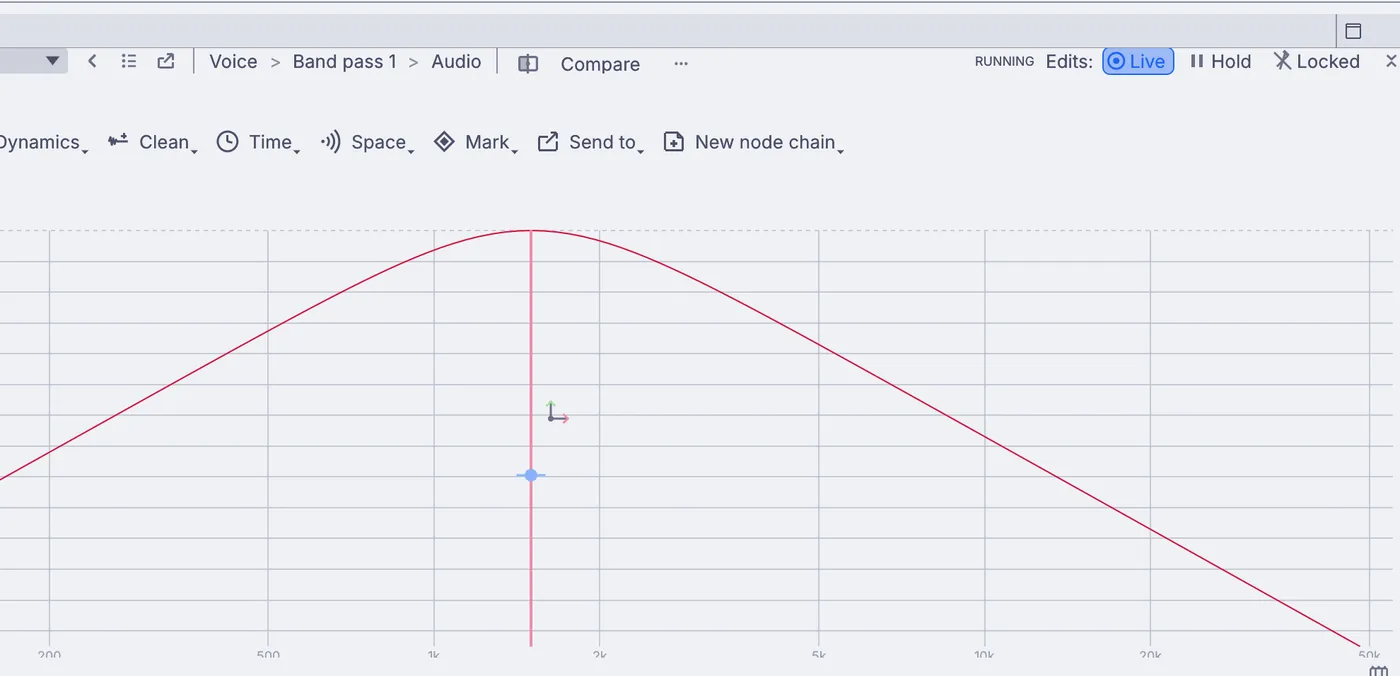
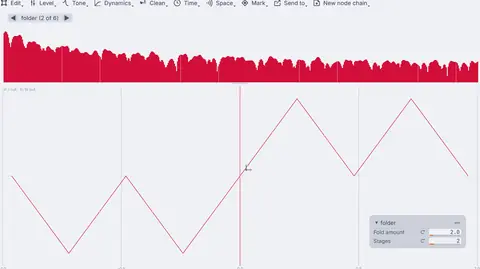
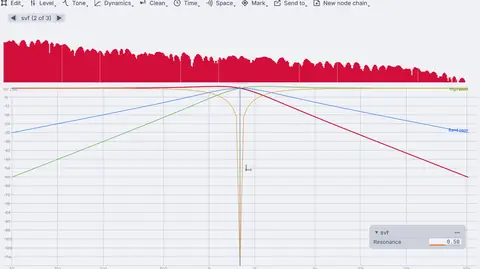
Put a voice inside an old radio or a phone, drop it an octave for a monster, or let a voice shape a synth. Each filter, saturator and cabinet draws its curve in the viewport while you set it.
Scatter a recording into a cloud of grains, freeze one moment into a drone, or blend two sounds into one with cross synthesis. Cut eight even seconds of room tone with short fades, ready to loop under a scene.
Edit›Trim›Trim to range→Level›Gain and fades›Fade in→Level›Gain and fades›Fade out
Granular, a grain delay and a spectral freeze
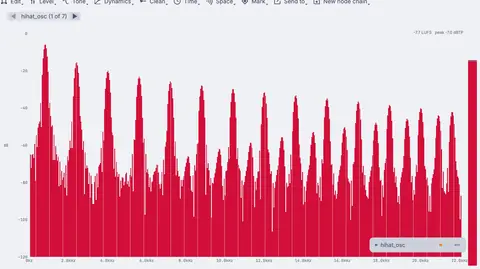
Spectral gating, freezing, blurring, shifting and stretching
Loop any part on a player that keeps its place when the sound changes
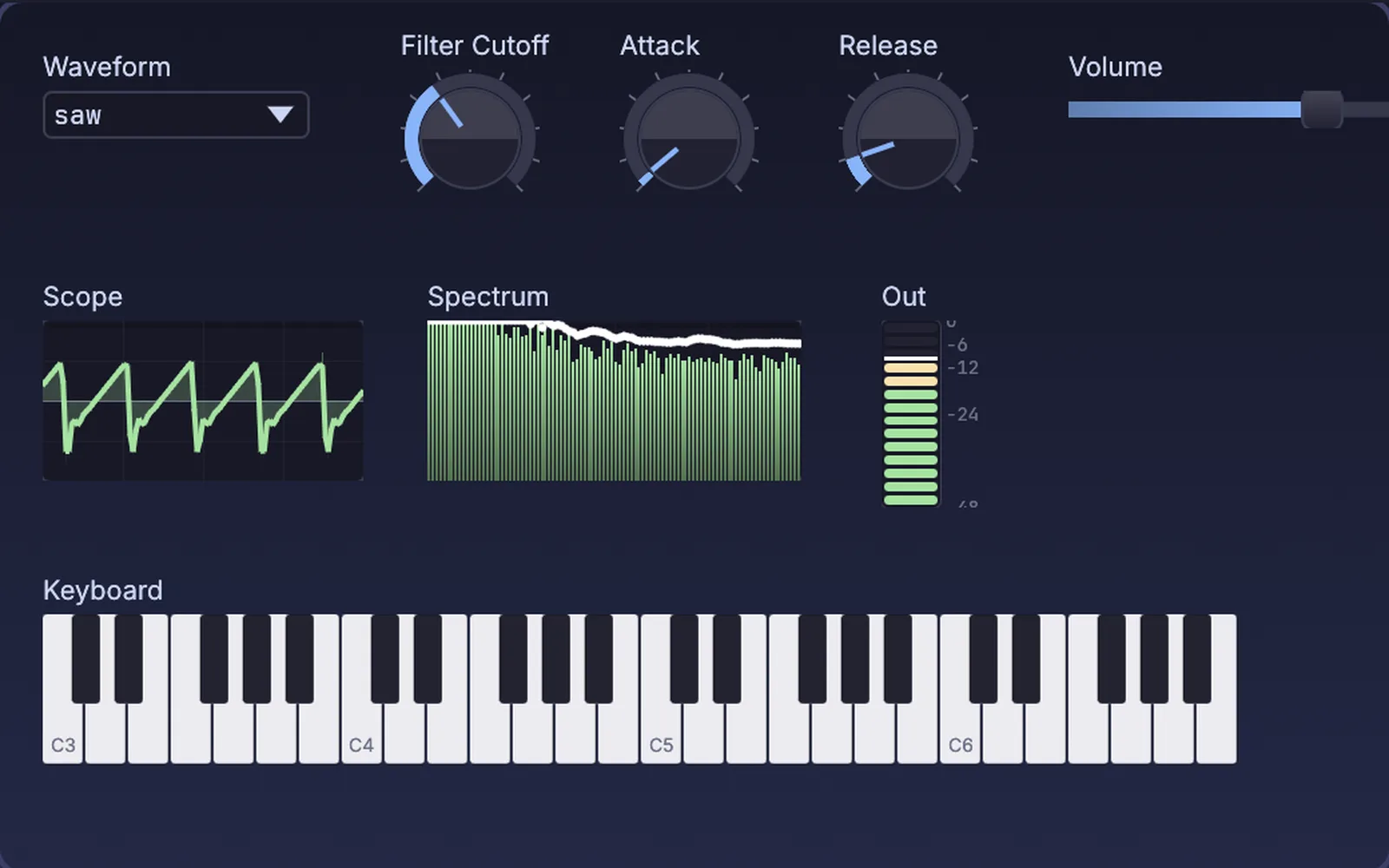
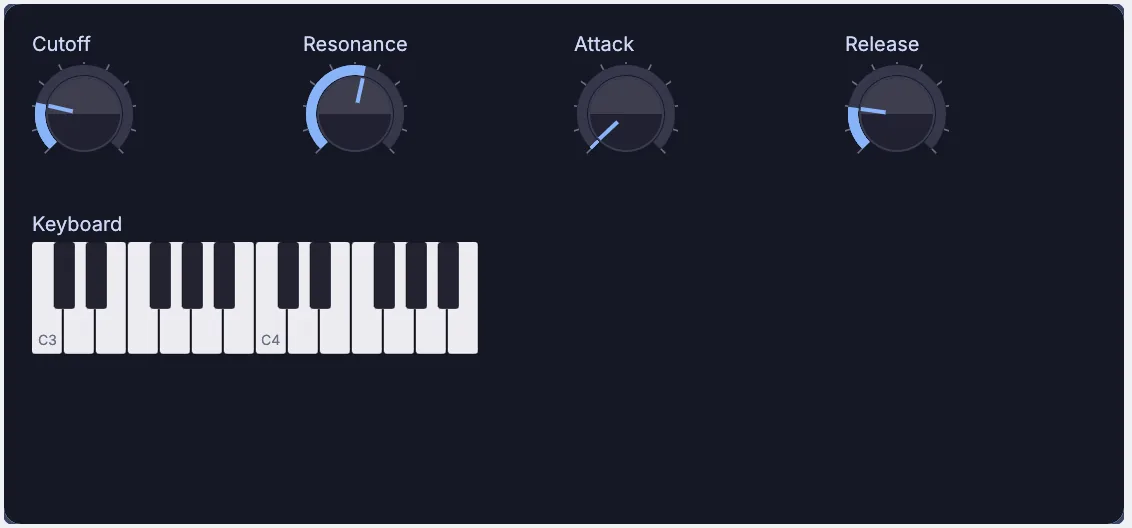
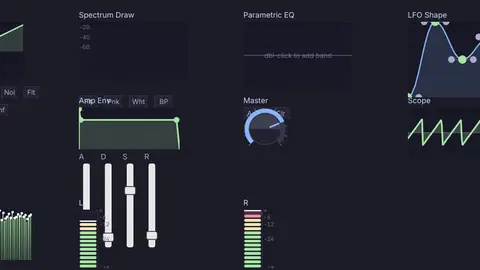
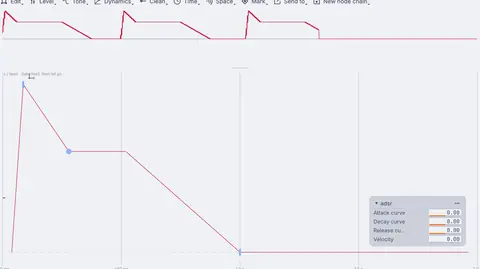
Noise, oscillators, FM, plucked strings and struck metal, through filters and envelopes you lay out on a panel of your own. Your CLAP and VST3 synths and effects sit in the same chain, each in its own process if you like.
A modal synth for bells, bars and metal hits, struck again on any trigger
Plucked strings, waveguides, and harmonics you draw by hand
Move a knob on your MIDI controller to map it to any setting
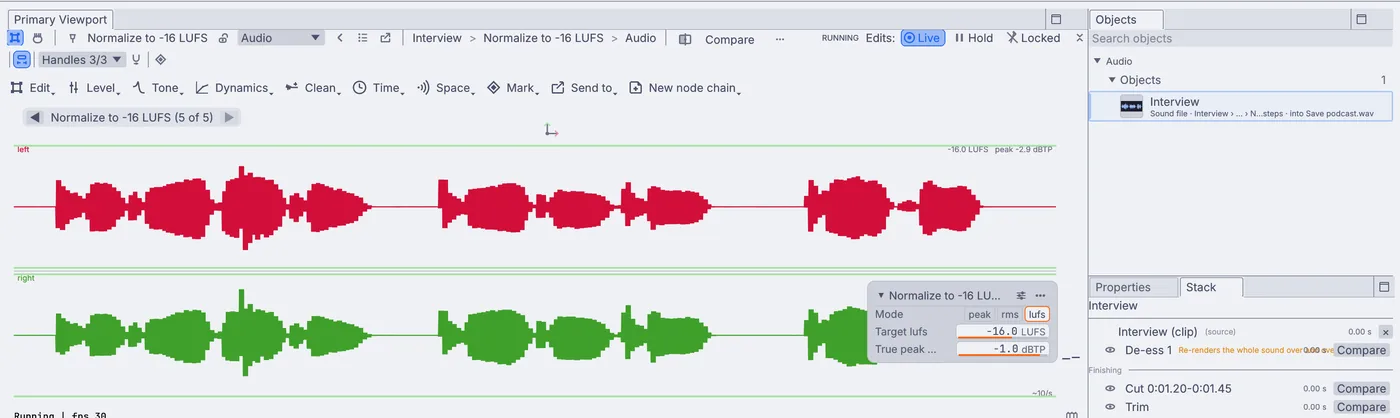
De-ess and compress the dialogue, duck the music under a voice, then set the loudness to -16, -14 or -23 LUFS and save WAV, AIFF, FLAC, MP3 or OGG with the tags written in. Find every hit in a take, split at each one and save each part as its own file.
Dynamics›De-esser→Dynamics›Duck under a take→Level›Loudness›Normalize to LUFS→Send to›Save to a sound file
A meter for momentary, short-term and integrated loudness and true peak
Copy a set of edits onto every open sound at once
Run the same chain over a whole folder from the command line
A step you can reopenEach pick from the menus adds one step to the Stack and one node to the canvas. Click any step to hear the sound at that point and change it.
Before and afterCompare plays a step against the one before it at the same moment, or the first sound against the last.
Recipes and versionsKeep a set of steps as a recipe for the next sound, or branch a second version from any step and keep the first.
No render to wait forEdit with the graph stopped and press Listen. Long sounds work in the background and say so.
Sound under picture
Lay sound under the picture.
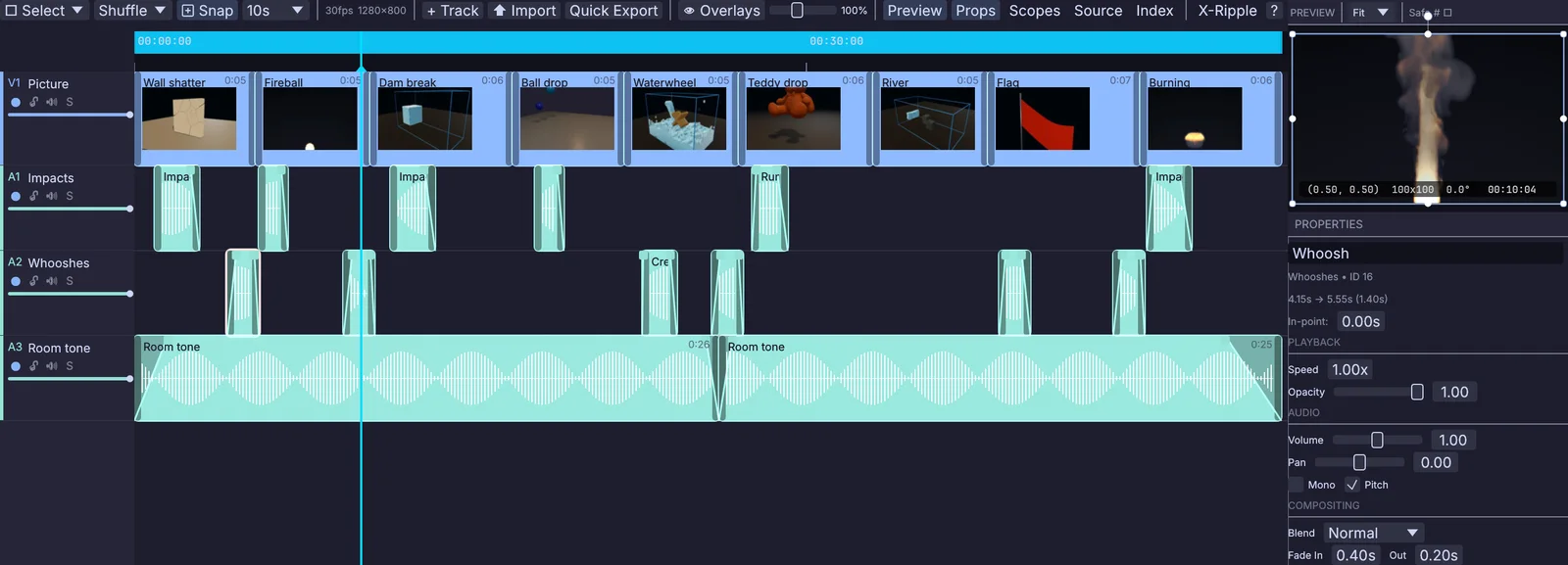
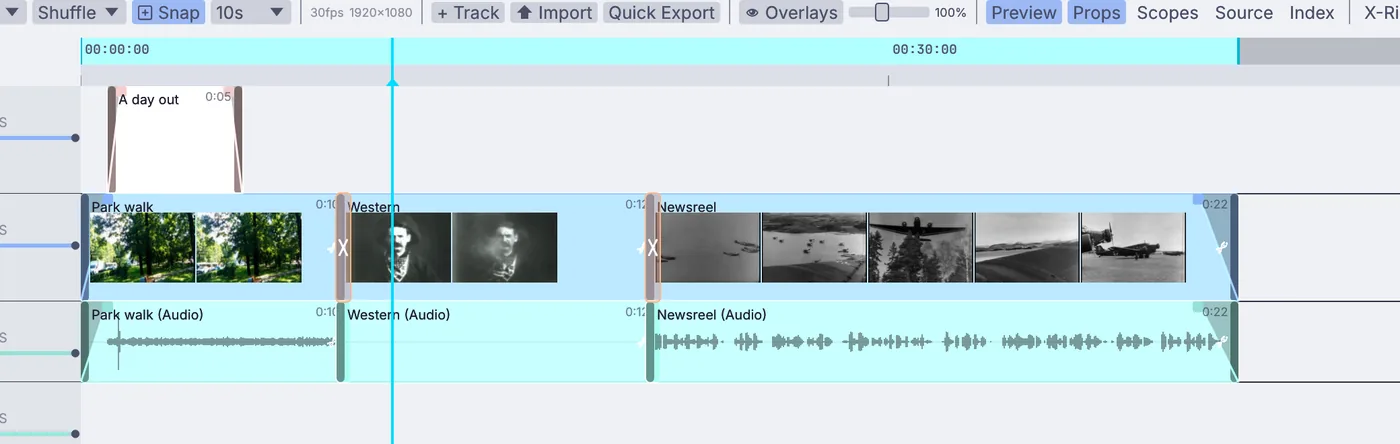
The video timeline has picture tracks and sound tracks, so effects sit on the cut and render out with it. The fire, the flood and the falling wall come from the same app, so you can make the shot and its sound side by side.
nine simulations from Kinematic, cut over impacts, whooshes and a room tone
Sound tracks under the picture, with mute and solo on each track and volume, pan and fades on each clip
VideoArrangementPlayer
Render the cut with its mix as AAC, MP3, FLAC, Opus or PCM sound
OutputVideoFile
Set a sound file to follow the project timeline beside a simulation, then render the range with the sound in it
InputAudioFile
Read LTC off an audio track, or MIDI timecode, and lock to the picture
MidiLtcDecodeMidiTimecodeIn
a wall shatter, ready for its impacta dam break, ready for its roar
The level of a sound, each hit and each band can drive any number in a scene. A voice swells a shape, a hit throws particles, the low end lifts the ground. Save it as a video with your sound in it.
Follow the level, find every hit, and split the sound into lows, mids and highs
a shape swelling and twisting with a voiceparticles driven by a songa box pulsing with the loudness
Sound in the room
Put sound in a room or a show.
Place a sound in 3D and let it fall away with distance, give it a room, or encode it to ambisonics and decode to stereo or four speakers. Fire it from the show, a camera or a sensor, and leave it running for a season with no window open.
Spatial pan, a room simulator, and first-order ambisonics in and out
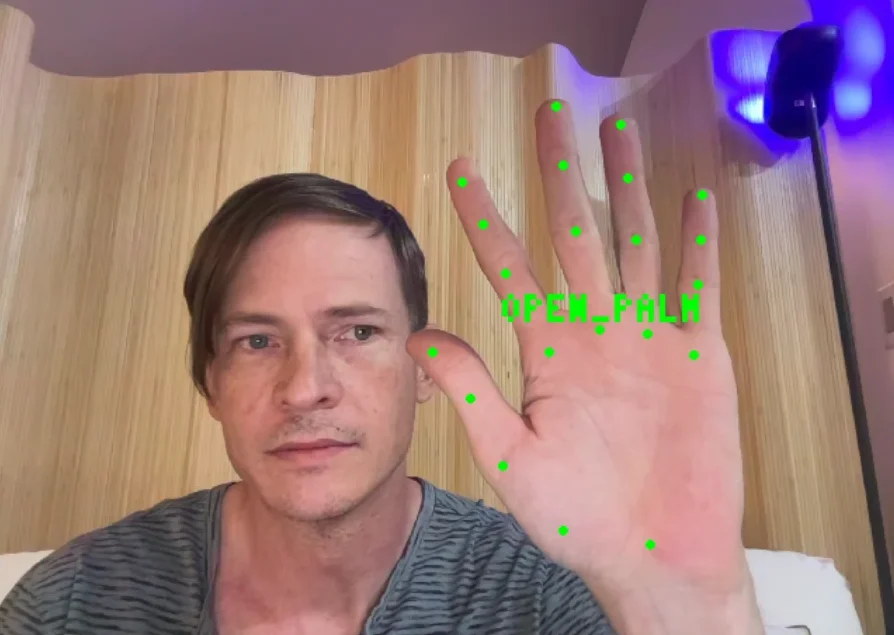
an immersive room, for sound and picturea sound moving from left to rightan open hand, read from a webcam
How it fits
Your files, plugins and gear.
Bring your recordings, your plugins and your controllers as they are. The full list is on the Works with page.
Files
Opens
WAVFLACMP3OGGAACMP4, MOV, MKV, WebM and AVI with soundMIDI files
Saves
WAVAIFFFLACMP3OGGVideo with soundMIDI files
Sound files save with title, artist and the other tags, at the rate you ask for up to 96 kHz. A long take records crash-safe, so a power cut leaves a file you can play, and a WAV past 4 GB stays one file.
Audio interfaces and mics
Record from any input, and play out to your speakers.
MIDI keyboards and controllers
Play the synths, and move a knob to map it to any setting.
Audio plugins
CLAP and VST3 on every platform, LV2 on Linux. Save presets, and run any plugin in its own process.
The cut to work against
Open an MP4 or MOV with its sound and lay your effects under it on the video timeline.
Your DAW
Kinematic runs beside it. Follow its MIDI clock, or play into it through a virtual MIDI port on macOS and Linux.
Shows, sync and games
QLab and show controlOSC over UDP or TCP, MIDI Show Control and MMC, in and out.
OSCReceiveMidiShowControlOut
TimecodeLTC read off an audio track, MIDI timecode in and out, and MIDI clock.
LtcDecoderMidiTimecodeOut
Games and web pagesA WebSocket server or client, and HTTP requests, so a game or a page can call for a sound.
WebSocketClientInterfaceHTTPRequest
Ableton LiveTempo, clips and scenes, through the free AbletonOSC script.
AbletonLiveLink
A folder at a time
Build the chain once on one sound and save the graph. Then run it over every file in a folder, four at a time, or make four pitches of one whoosh, with no window open.
Better to know now. Something missing that you need? Reach out.
More than 16 bits in an editSound travels between nodes at 16 bits. Each node works in float inside, but a 24-bit or 32-bit float save still holds 16-bit sound.
Spectral repairThere is no spectrogram to paint out a cough, a bird or a siren. Denoise handles steady noise: hiss, hum and room tone.
Surround and binauralNo 5.1 or 7.1 panner and no HRTF headphone mix yet. Spatial pan is stereo with distance, and the ambisonic decoder gives stereo or quad.
Audio Unit pluginsThey do not load. CLAP and VST3 do on every platform, and LV2 on Linux.
Sessions from your DAWIt does not open AAF or OMF. Bring the sounds in as files.
Long recordings in the editorA clip edits up to 30 minutes of stereo. A longer file still plays, but not as a clip you can edit.
Game audio middlewareNo Wwise or FMOD banks. A game can call for a sound over OSC or a WebSocket instead.
Your next sound
Download Kinematic.
Free. No account, no license key, no subscription, even for commercial use. macOS, Windows, Linux and Raspberry Pi, on every machine in the studio.