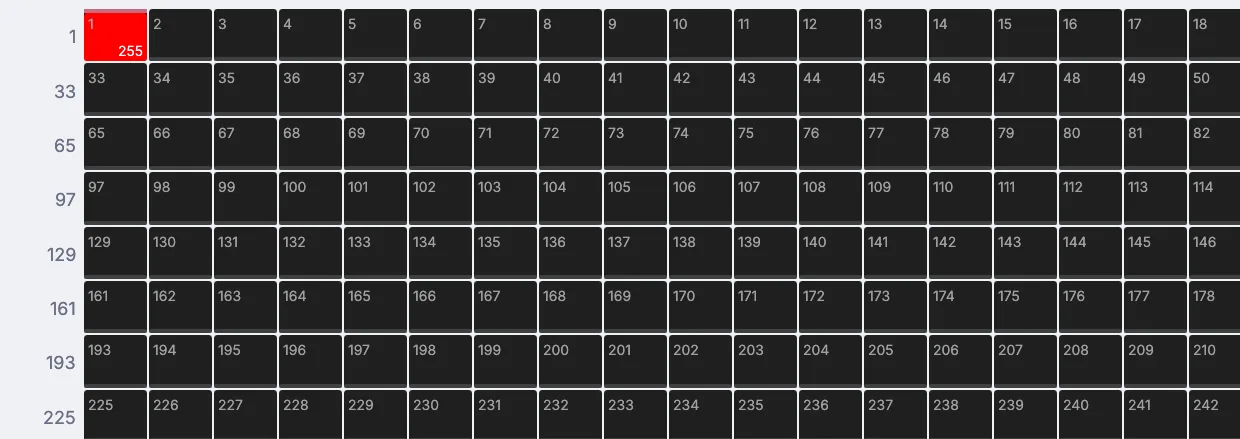
You do not need a light to start: the viewport shows the light's channel flashing. Plug in a fixture later.
Steps
On the start screen, click New Project. Drag a song from Finder or File Explorer onto the canvas below the viewport. Click the new Audio file 1 node, and the viewport shows the song as it plays.
Along the top of the viewport, open Send to and choose Play on speakers.
Open Send to again, point at DMX and choose Flash on beats. Two nodes join the graph: one that finds the hits in the song and one that turns them into a light level.
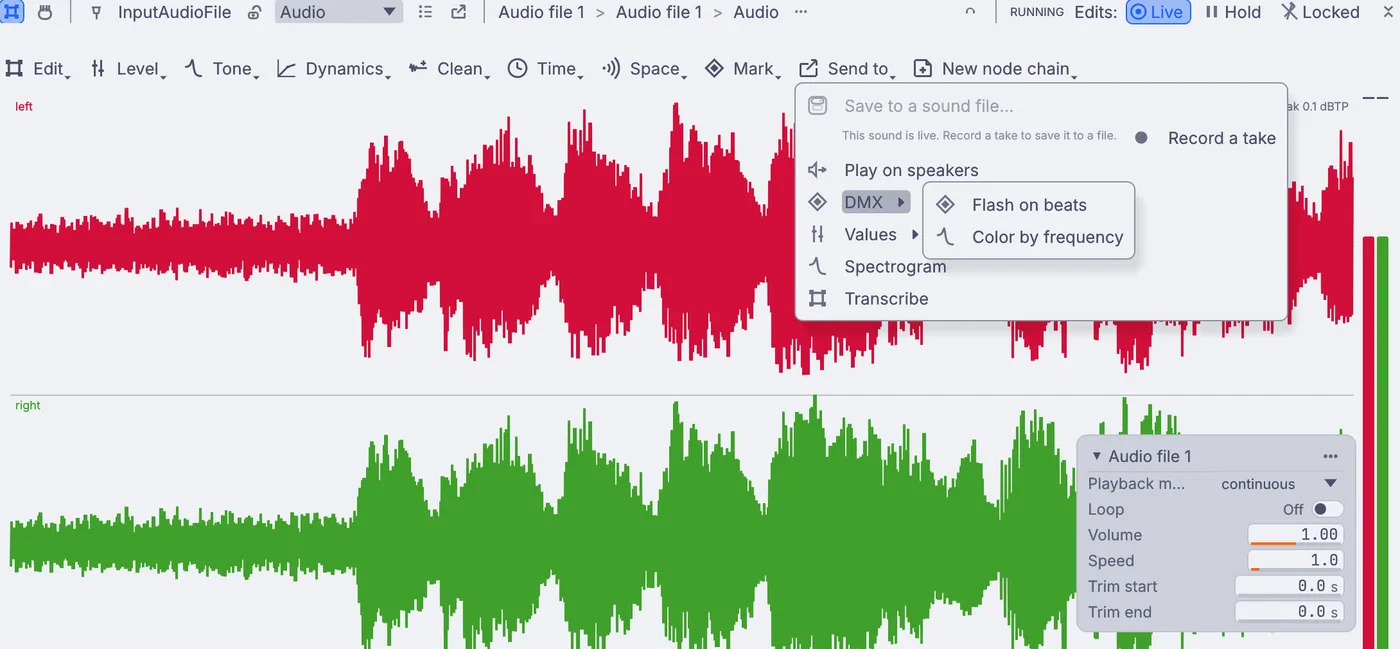
Send to open on the song, with DMX pointed at and Flash on beats and Color by frequency in the submenu. Click the new Channel data to DMX 1 node on the canvas. The viewport shows a grid of the 512 channels of a DMX universe. Channel 1 jumps to full on each hit and drops back between them.
On the card at the right of the view, set Start channel to the address of your light, for example
10, and the flash moves to that channel.Click the Onset detect 1 node on the canvas. The viewport draws the strength of every hit. On its card, raise Threshold to catch only the big hits, or lower it to catch every snare and hat. Cooldown sets the shortest time between two flashes.
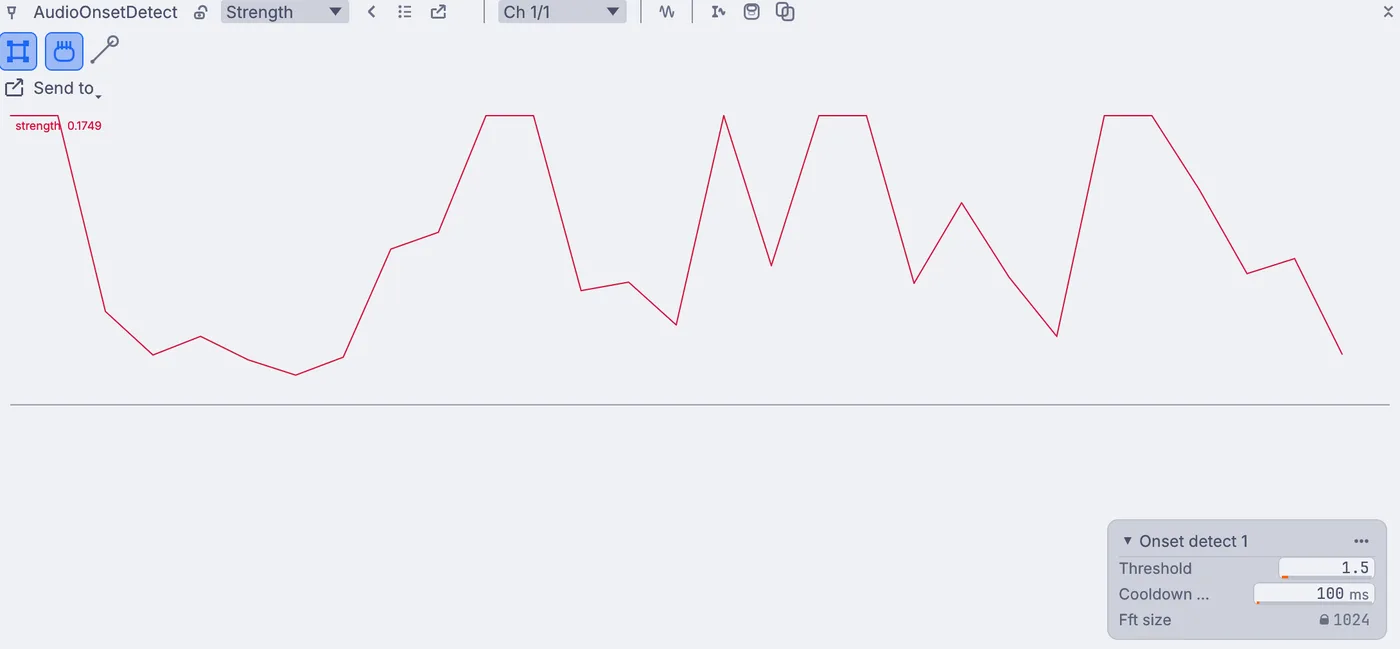
The strength of each hit drawn as a line, with the Onset detect card showing Threshold and Cooldown. When you have a light, wire Dmx_Out of the DMX node into an
ArtNetSendInterfaceon the canvas for a network lighting gateway, or aDmxSendInterfacefor a USB interface.
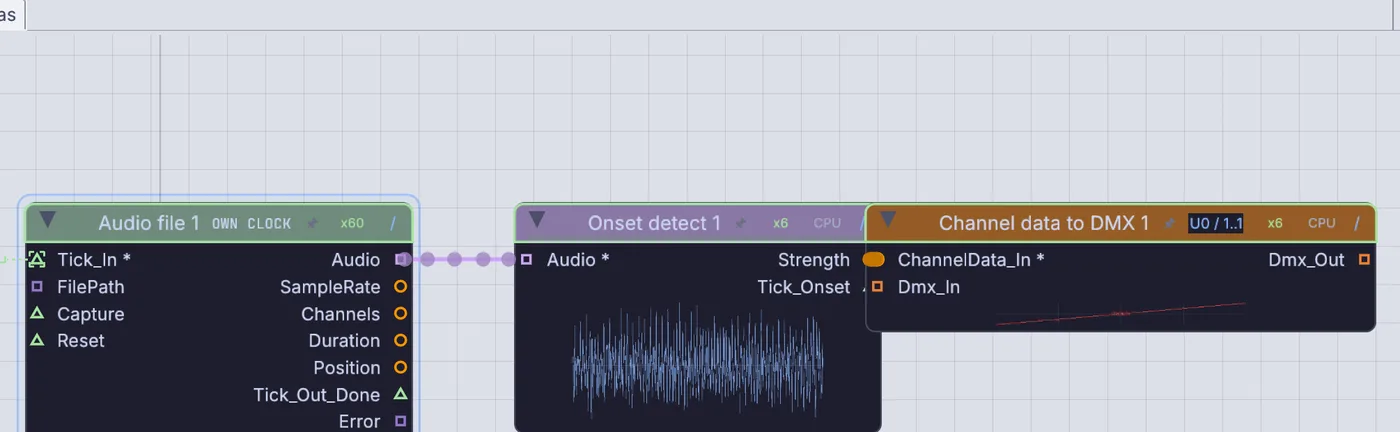
On the canvas
Flash on beats added an AudioOnsetDetect after your InputAudioFile and a ChannelDataToDmx after it. The DMX node's Dmx_Out is what a send node passes on to a real rig.
Make it yours
- Choose Send to > DMX > Color by frequency instead, to color a light from the low, middle and high parts of the song.
- Set Value mode on the DMX card to change how the hit strength becomes a level.
- Use a drum loop instead of a full song for a sharper, steadier flash.
- Point the flash at the strobe channel of your fixture for a club look.