Kinematic 0.5.0 is out. Modeling and sculpting in the viewport, a timeline on every graph, photo and sound editing. What's new
Kinematic / Play / Ableton Live

Work with Ableton Live.

Fire clips with your hands, lock visuals to the bar, and ride Live from a panel.

the Live companion, tempo and tracks
01

Fire clips with gestures

An open palm fires the chorus.

  1. Add the free AbletonOSC script to Live.
  2. Read hand gestures from the webcam.
  3. Map each gesture to a clip.
VideoCaptureInterface→LocalAIImageToHandGestures→AbletonClipFire
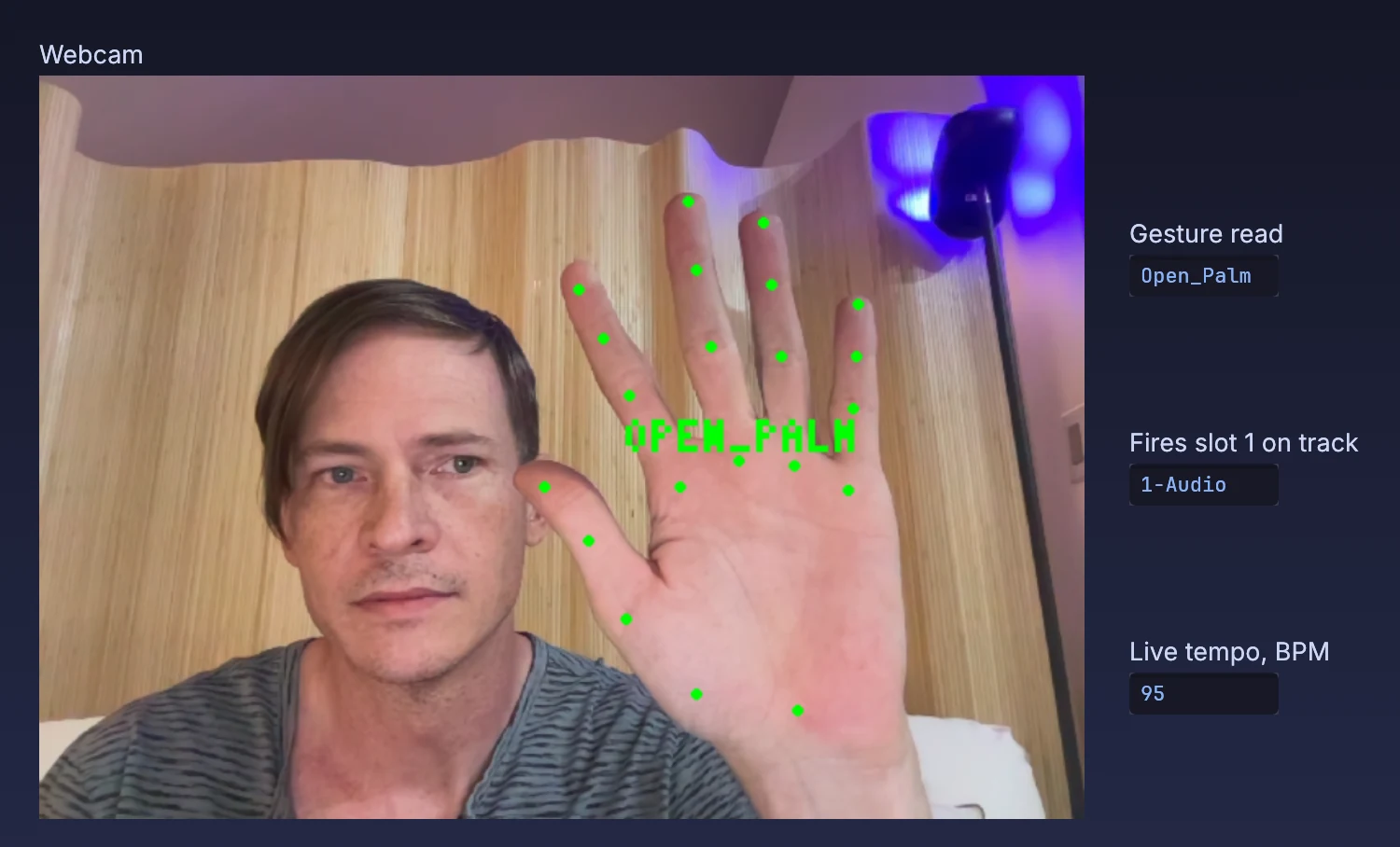
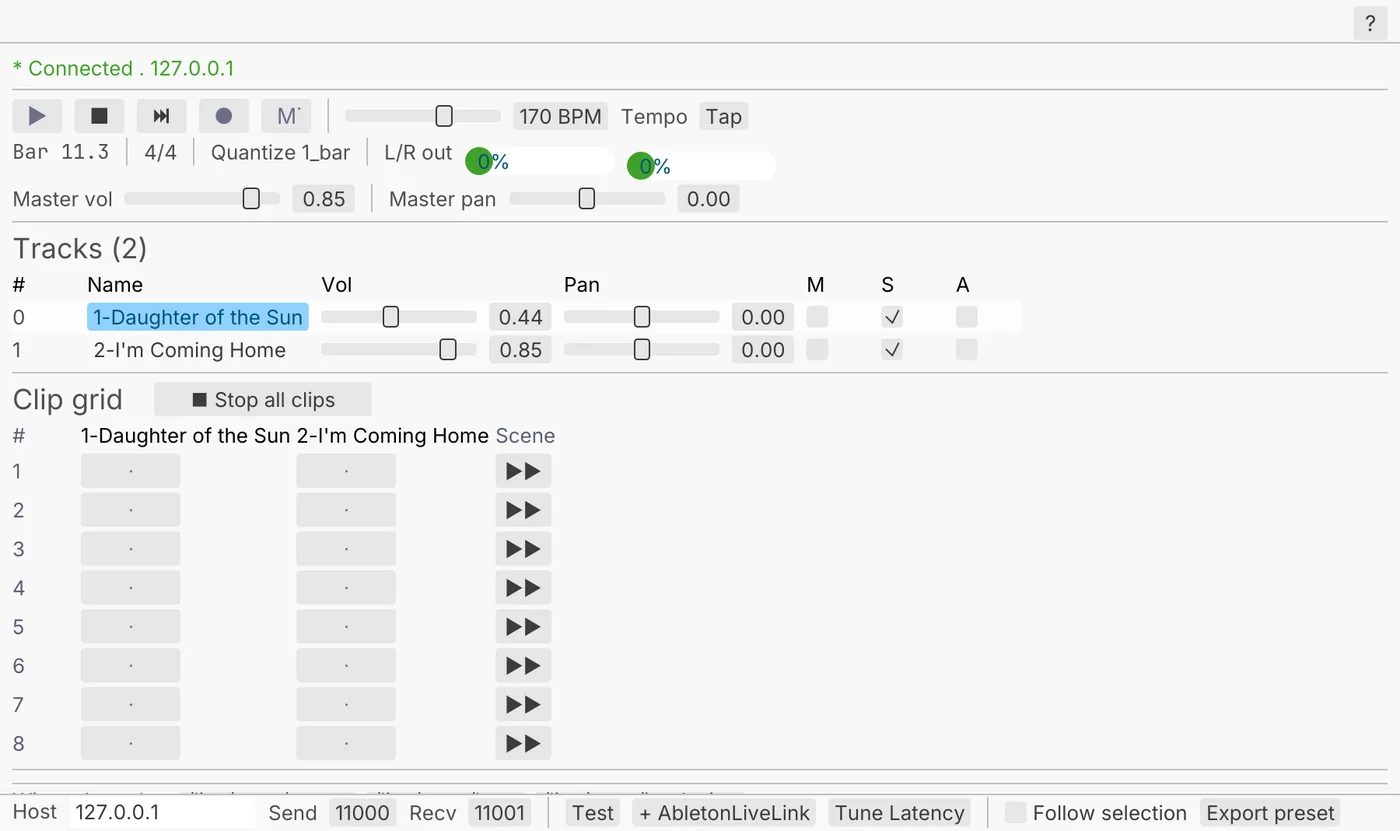
an open palm read from the webcam; the panel shows the Live track it fires a clip slot on and Live's tempo, both read from Live
02

Cut visuals on the downbeat

Pictures that change with Live's tempo and bar.

  1. Follow Live's tempo and bar.
  2. Take the tick at the start of each bar.
  3. Cut pictures on the downbeat.
AbletonLiveLink→ImageCrossfade
two clips cutting on the downbeat, one cut per bar
03

Ride a Live knob from a panel

A dial on your panel moves a knob inside Live.

  1. Pick the track and device.
  2. Pick the knob.
  3. Drag a dial onto it.
UIDial→AbletonDeviceParameter
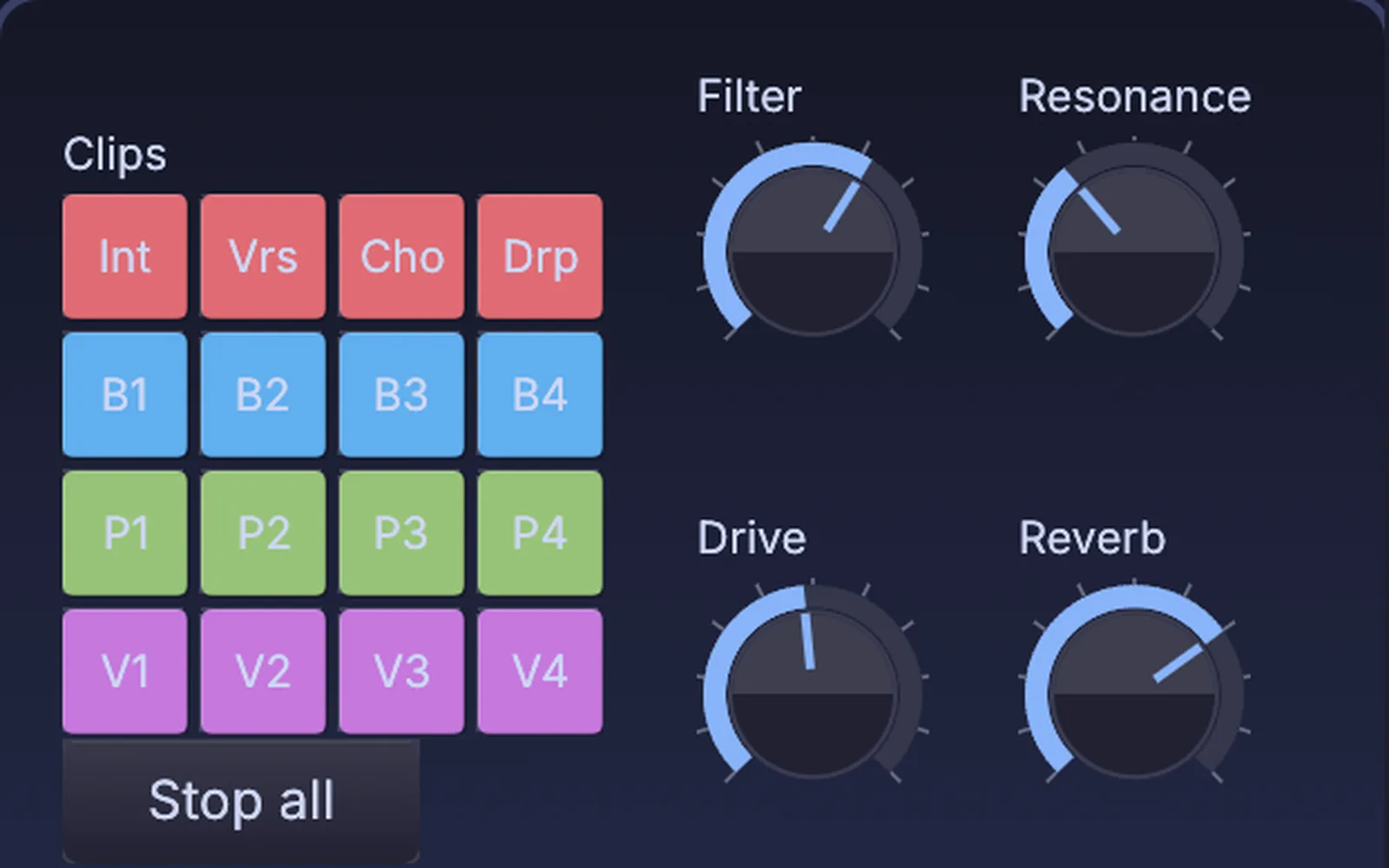
dials on a panel; Filter and Resonance are wired to a device knob in Live
04

Change scenes with the lights

The lighting cue and the music change on the same frame.

  1. Put a marker on the timeline.
  2. Fire the next scene there.
  3. The lights go at the same moment.
Timeline→AbletonSceneFire
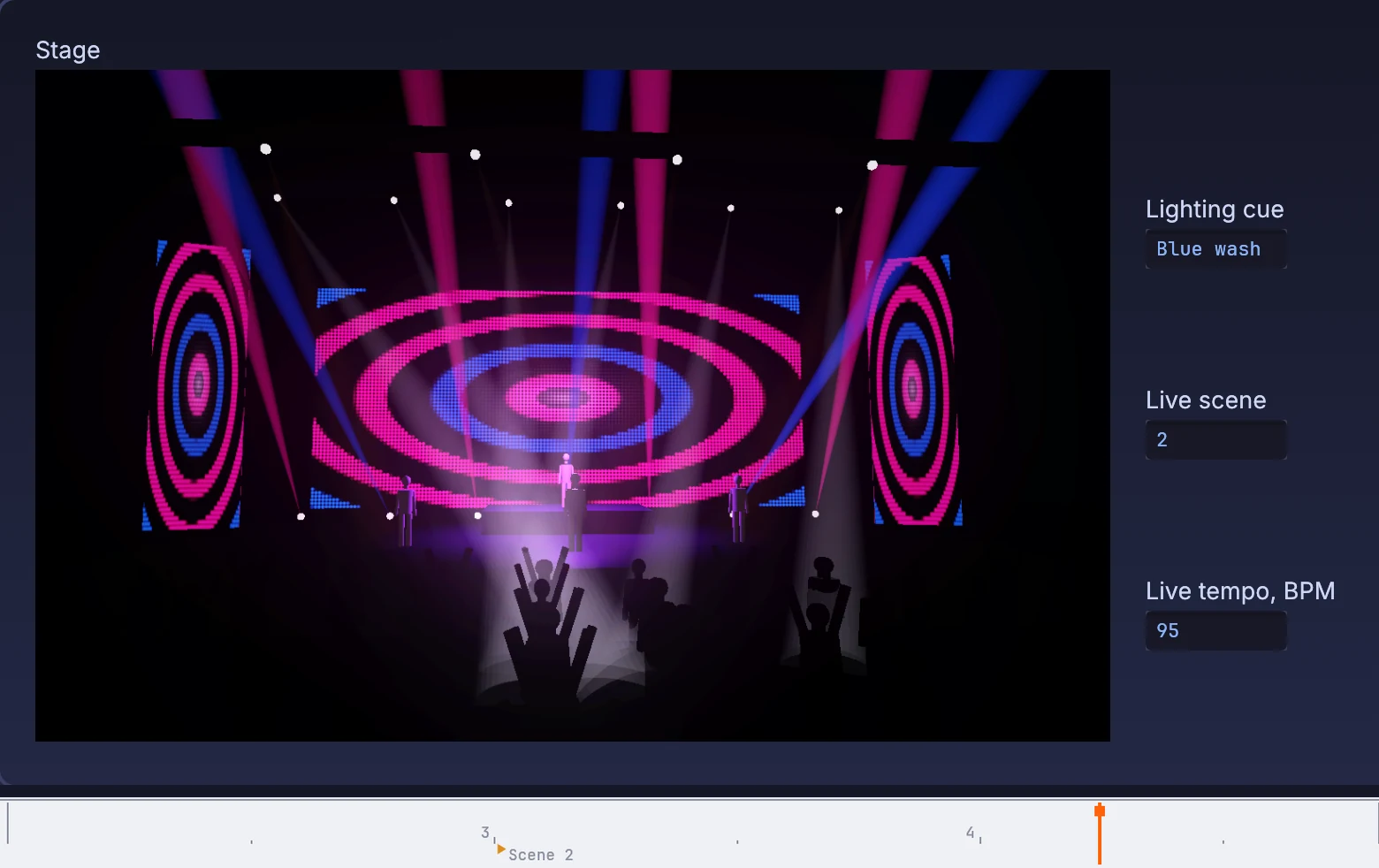
the playhead past the Scene 2 marker; Live reports scene 2 and the stage is on the blue lighting cue
05

Put Live's clips on a tablet

The clip grid on the operator's panel.

  1. Read the clip grid.
  2. Put it on a panel.
  3. Tap a cell to fire it.
AbletonClipMatrix→UIPanel
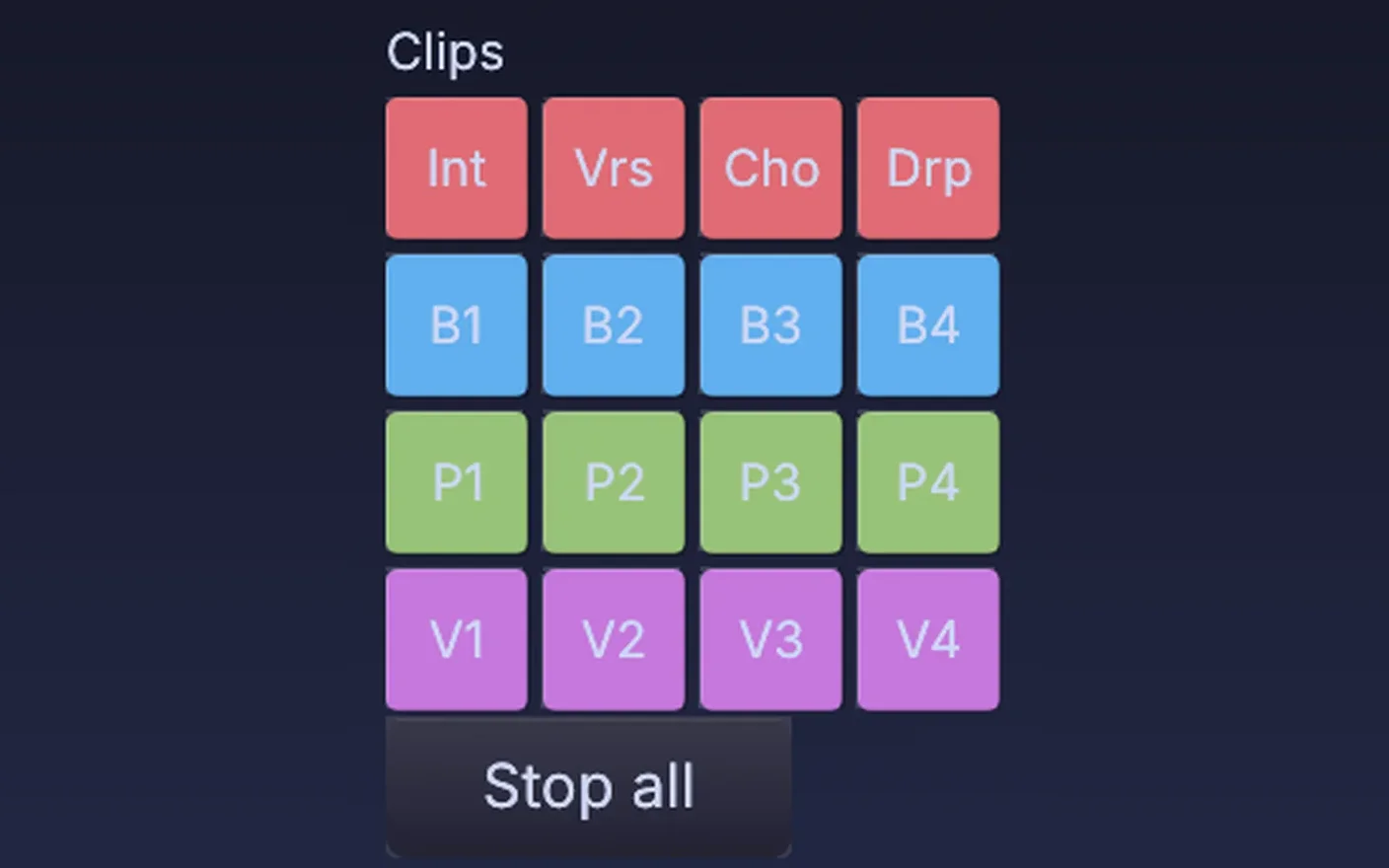
clip pads on a panel, one per clip and colored by track, ready to fire
Take it further

It all connects.

Every part of Kinematic works with the others. Wire one into the next.

Keep going

Free and open. Yours, forever.

No account, no license key. macOS, Windows, Linux and Raspberry Pi.

Download Kinematic 0.5.0