Kinematic 0.5.0 is out. Modeling and sculpting in the viewport, a timeline on every graph, photo and sound editing. What's new
Kinematic / Play / Sampling

Record and play samples.

Loops of your voice, whooshes from door creaks, pads from field recordings.

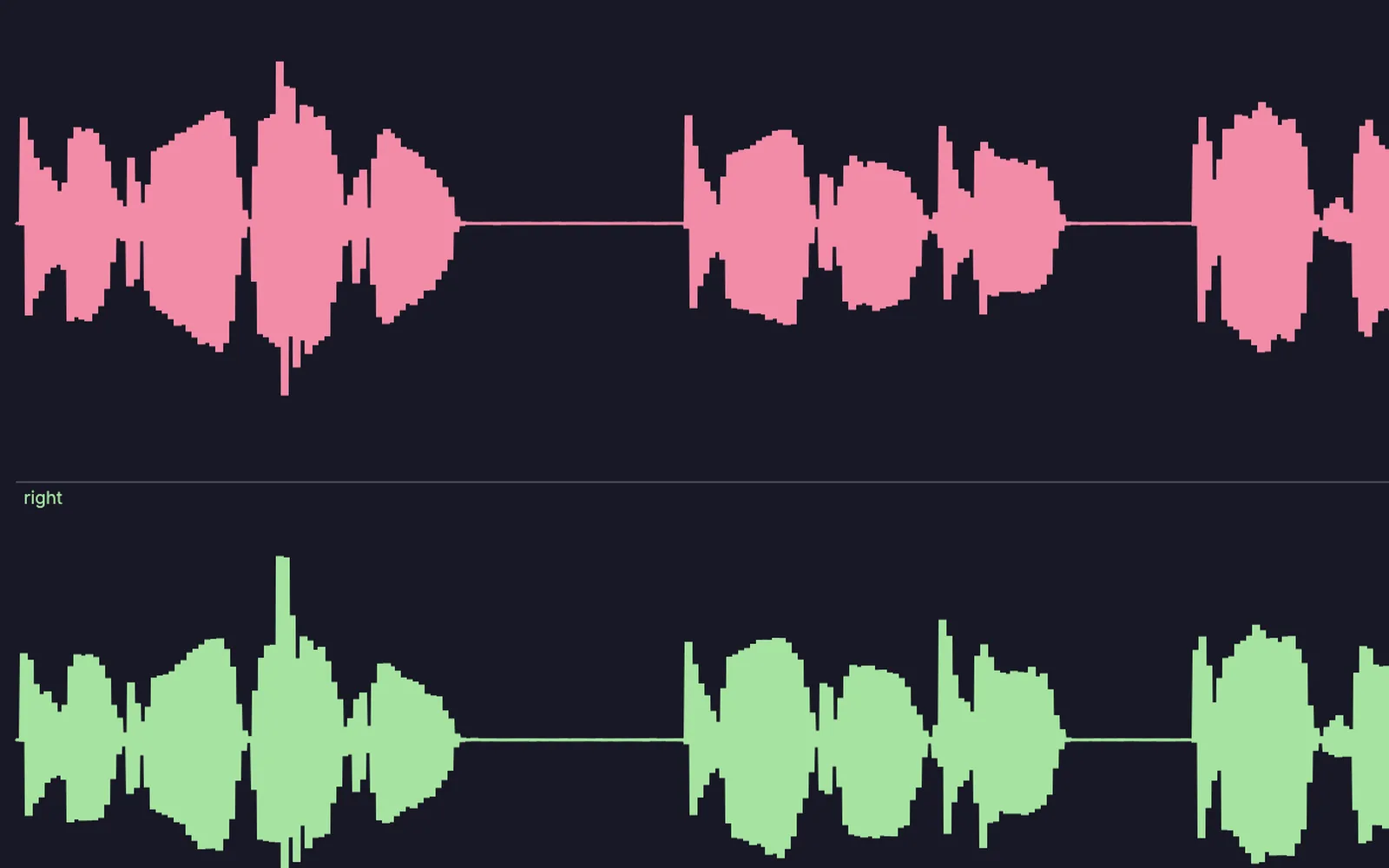
a voice take, the same voice scattered into grains, and a creak turned into a swell
01

Loop your voice

Sing a line, close the loop, sing over it.

  1. Record a phrase.
  2. Close the loop.
  3. Layer another on top.
AudioCaptureInterface→AudioLooper→AudioPlaybackInterface
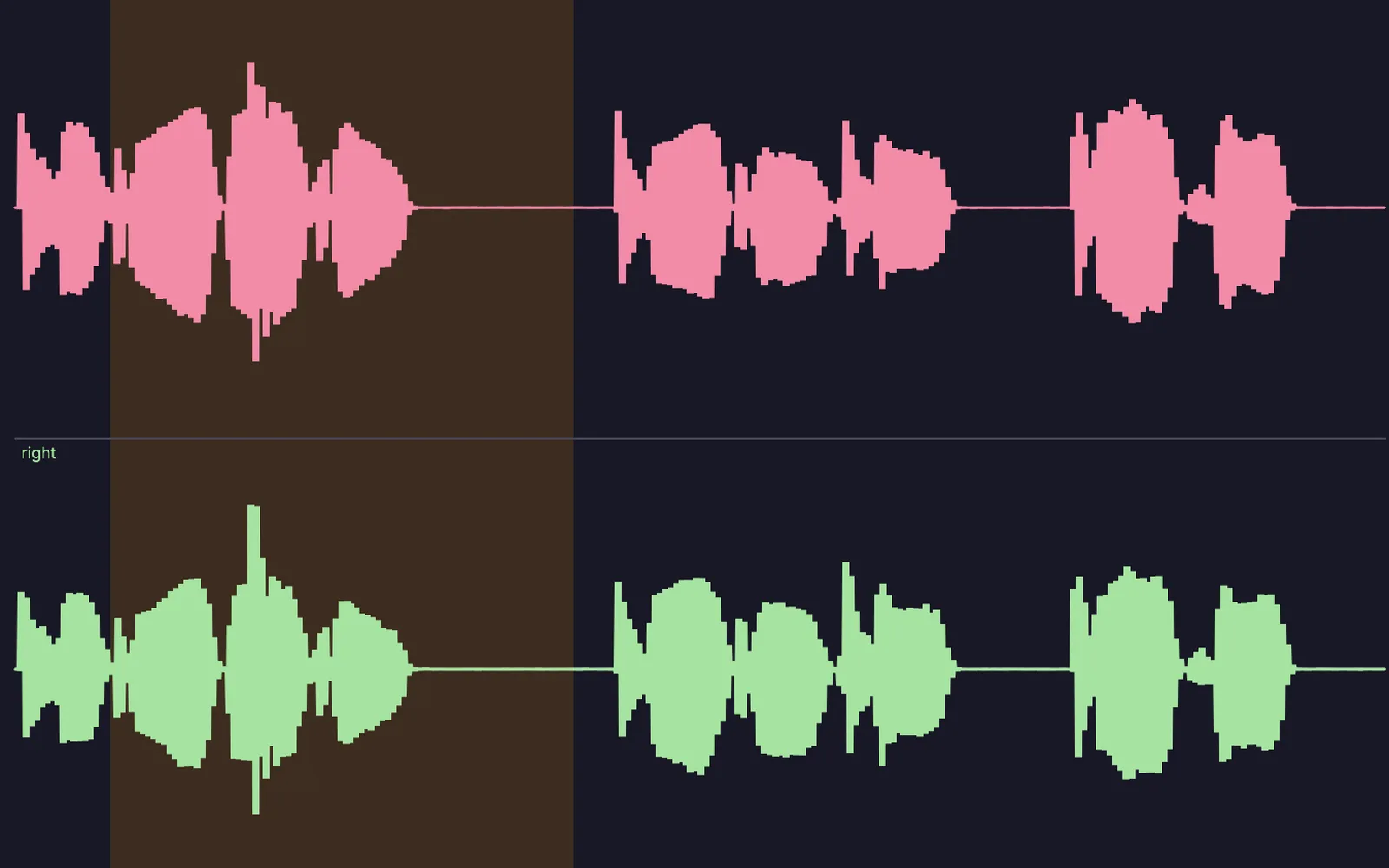
a voice take with its first phrase selected, ready to loop
02

Turn a door creak into a whoosh

A one-second creak, reversed, stretched and given a long tail.
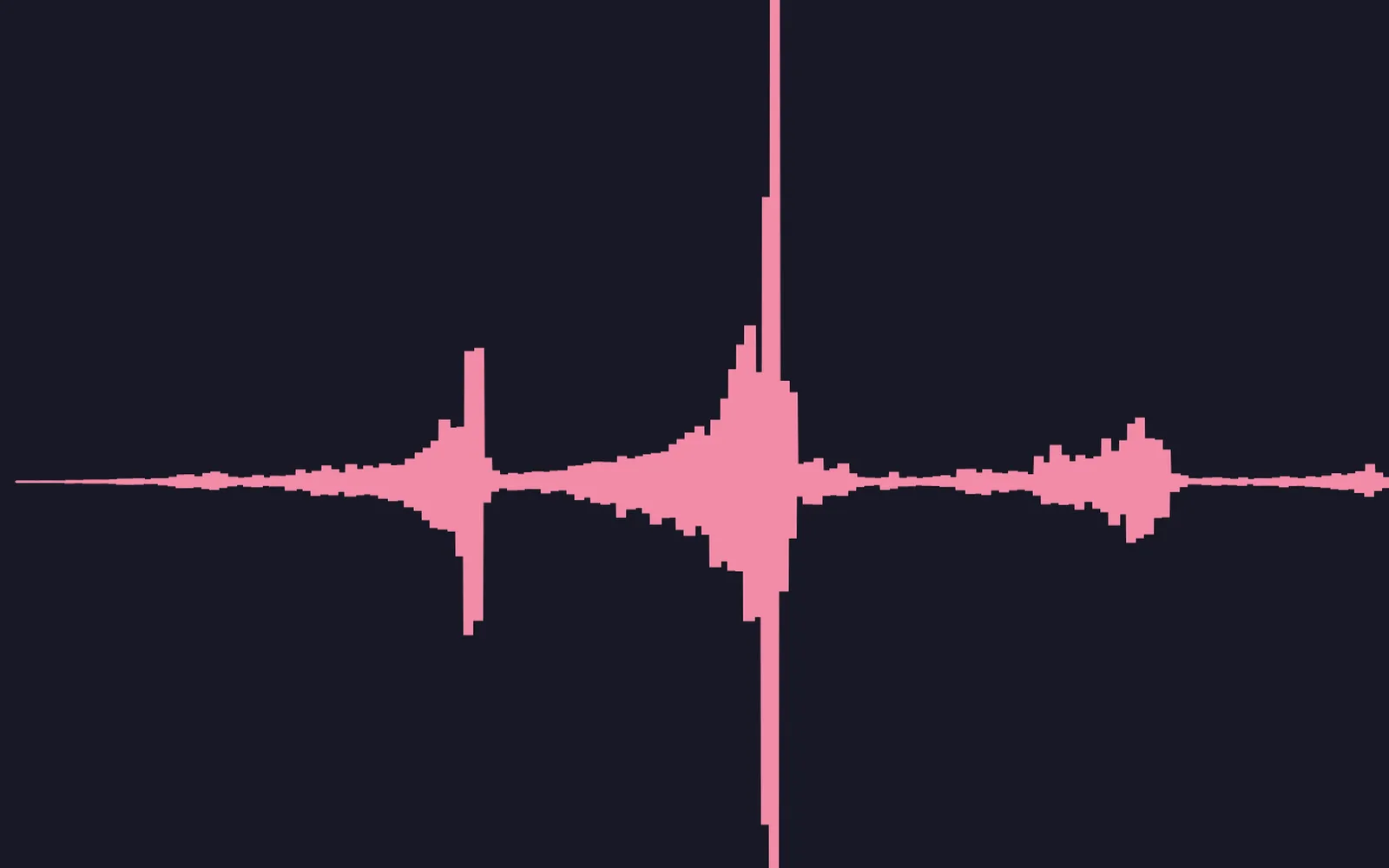
  1. Reverse it so it swells.
  2. Stretch it to twice as long.
  3. Add a plate reverb with a tail and fade it in.
InputAudioFile→AudioReverse→AudioTimeStretch→AudioPlateReverb→AudioFade
the creak reversed and stretched: it now swells into the hit
03

Turn a clip into a cloud

Tiny grains of a sound, scattered into a pad.
  1. Load a sound.
  2. Set the grain size and spray.
  3. Move slowly through the clip.
InputAudioFile→AudioGranular→AudioReverb
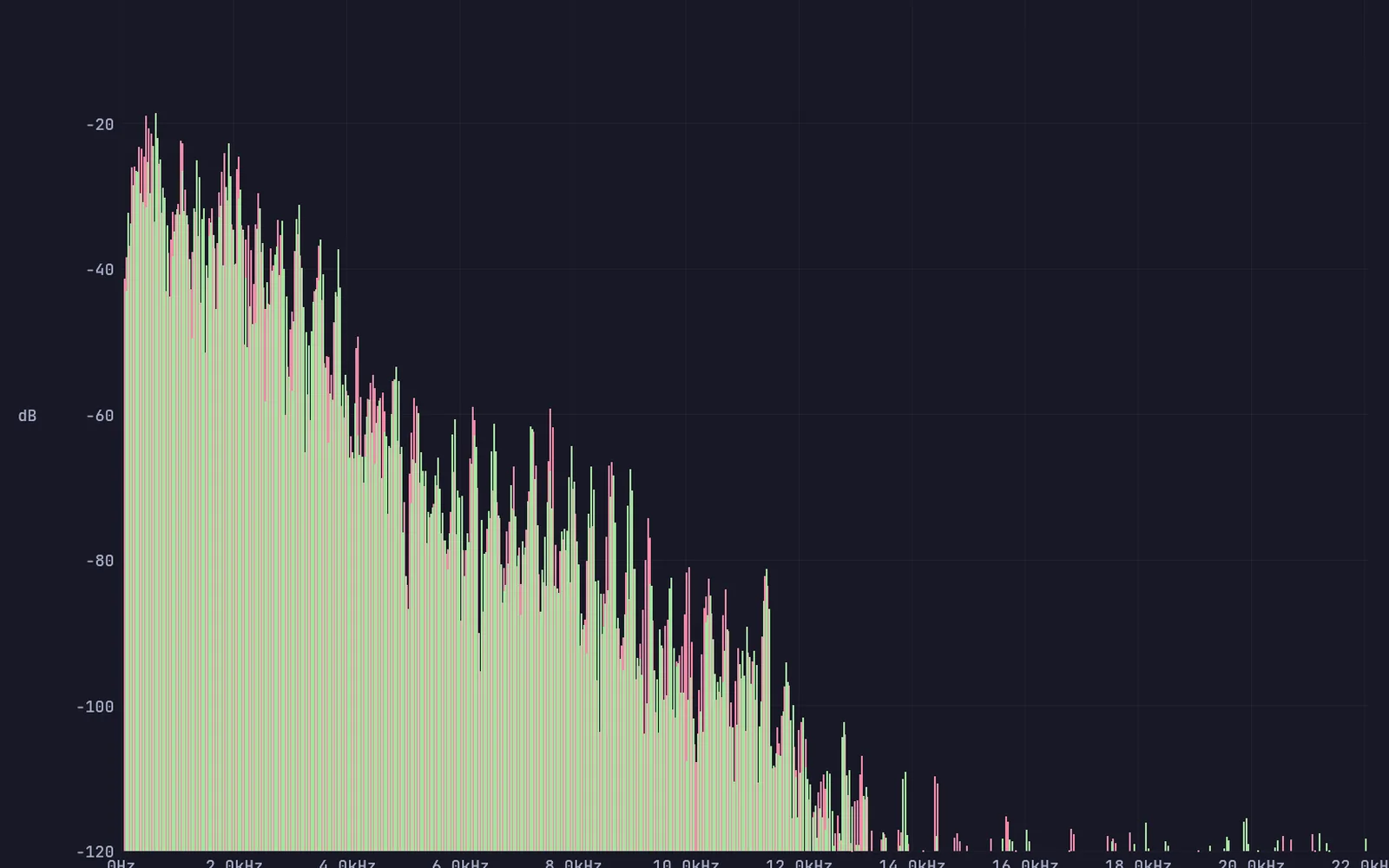
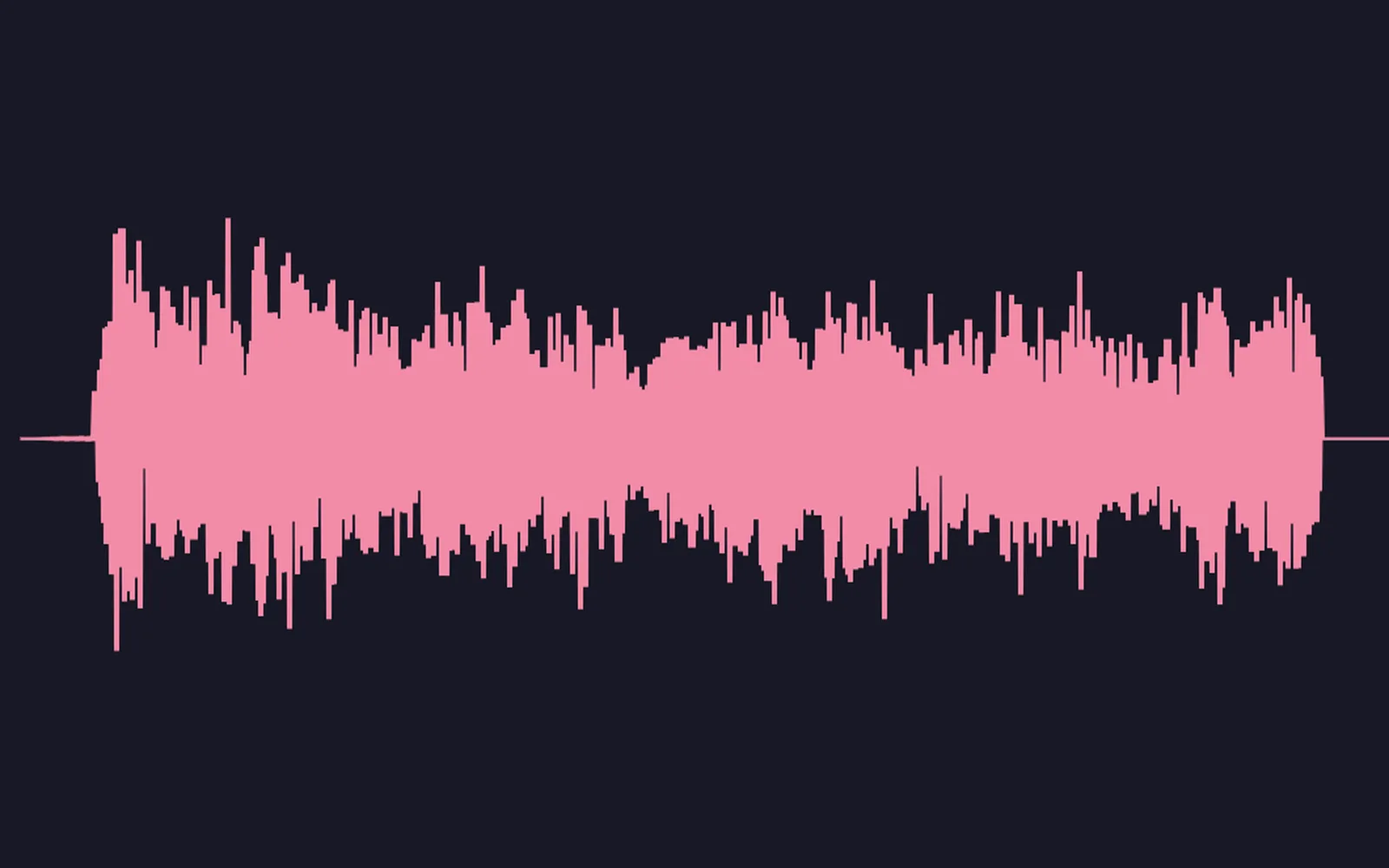
a voice scattered into a dense cloud of grains
04

Record a take and keep it

Record, keep the best one, trim it.

  1. Pick Record a take on the mic.
  2. Press Record, then Stop, then Keep this take.
  3. Drag a range around the good part and trim.
AudioCaptureInterface→AudioTake→AudioEditRange→AudioPlaybackInterface
a voice take, kept and trimmed
05

Slow a vocal down

Half speed, same pitch. Or a new pitch, same speed.
  1. Load the vocal.
  2. Stretch it.
  3. Shift the pitch on its own.
InputAudioFile→AudioTimeStretch→AudioPitchShift
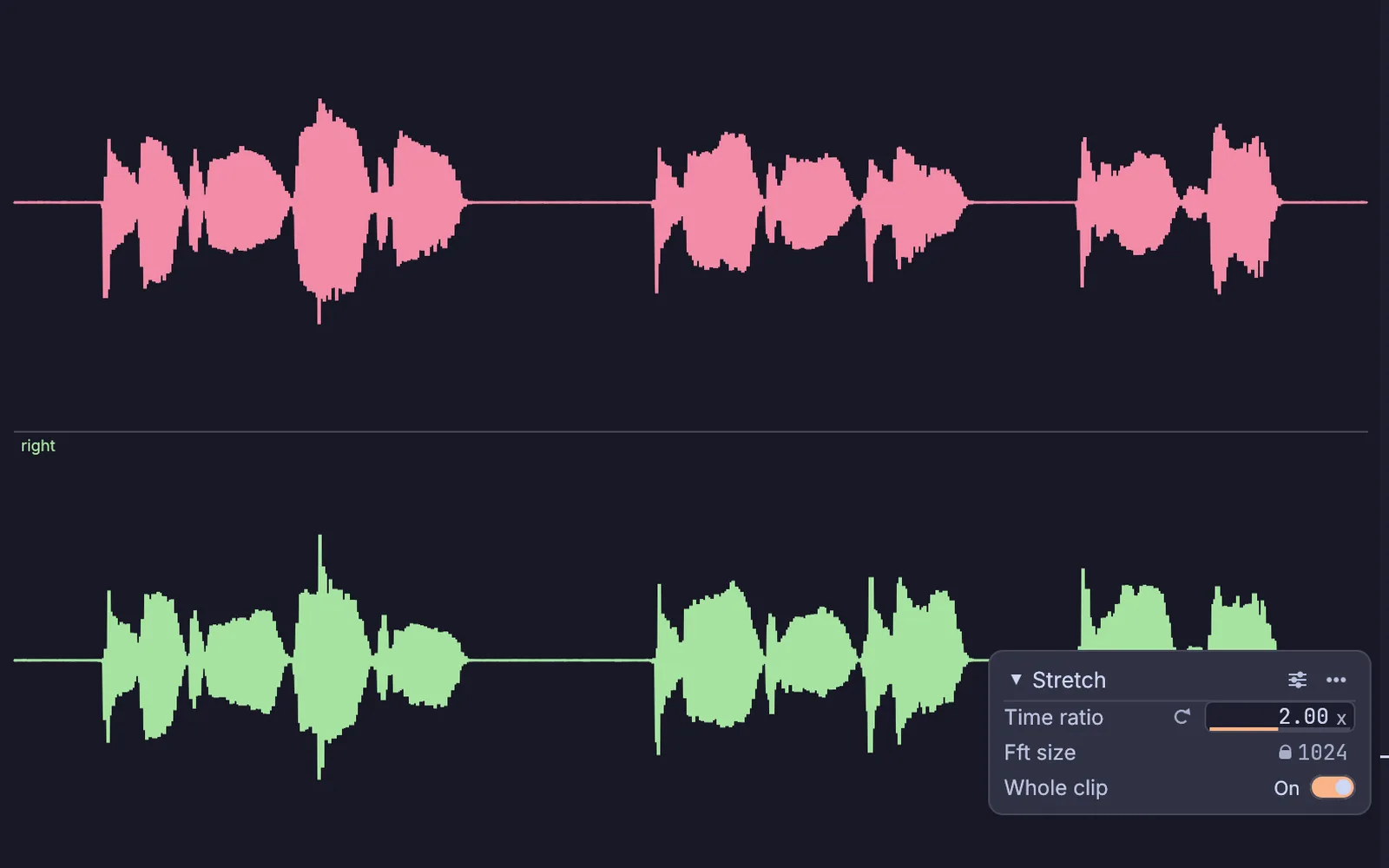
a voice stretched to twice its length, with the stretch settings open over it
06

Freeze a moment into a drone

Hold one instant of a sound forever.

  1. Play a sound through it.
  2. Hit freeze.
  3. Filter the drone.
AudioCaptureInterface→AudioFreezeFrame→AudioLowPass
one moment of a song frozen into a drone and filtered
Take it further

It all connects.

Every part of Kinematic works with the others. Wire one into the next.

Keep going

Free and open. Yours, forever.

No account, no license key. macOS, Windows, Linux and Raspberry Pi.

Download Kinematic 0.5.0