Kinematic 0.5.0 is out. Modeling and sculpting in the viewport, a timeline on every graph, photo and sound editing. What's new
Kinematic / Play / Analysis

Turn sound into numbers.

Count beats, find the key, read the chords and catch the words, then let them drive anything.

a song's spectrum, live, with the left and right channels laid over each other
01

Fire something on every beat

Every hit adds one, and anything can fire on it.

  1. Feed the mic in.
  2. Catch the hits.
  3. Count them, or fire a cue on each.
AudioCaptureInterface→AudioOnsetDetect→Counter
hits found in a song, each one adding one to the count
02

Show the song's key on screen

Hear a song, see its key.

  1. Feed the music in.
  2. Find the key over a few seconds.
  3. Print it on screen.
AudioCaptureInterface→AudioKeyDetect→ImageTextOverlay
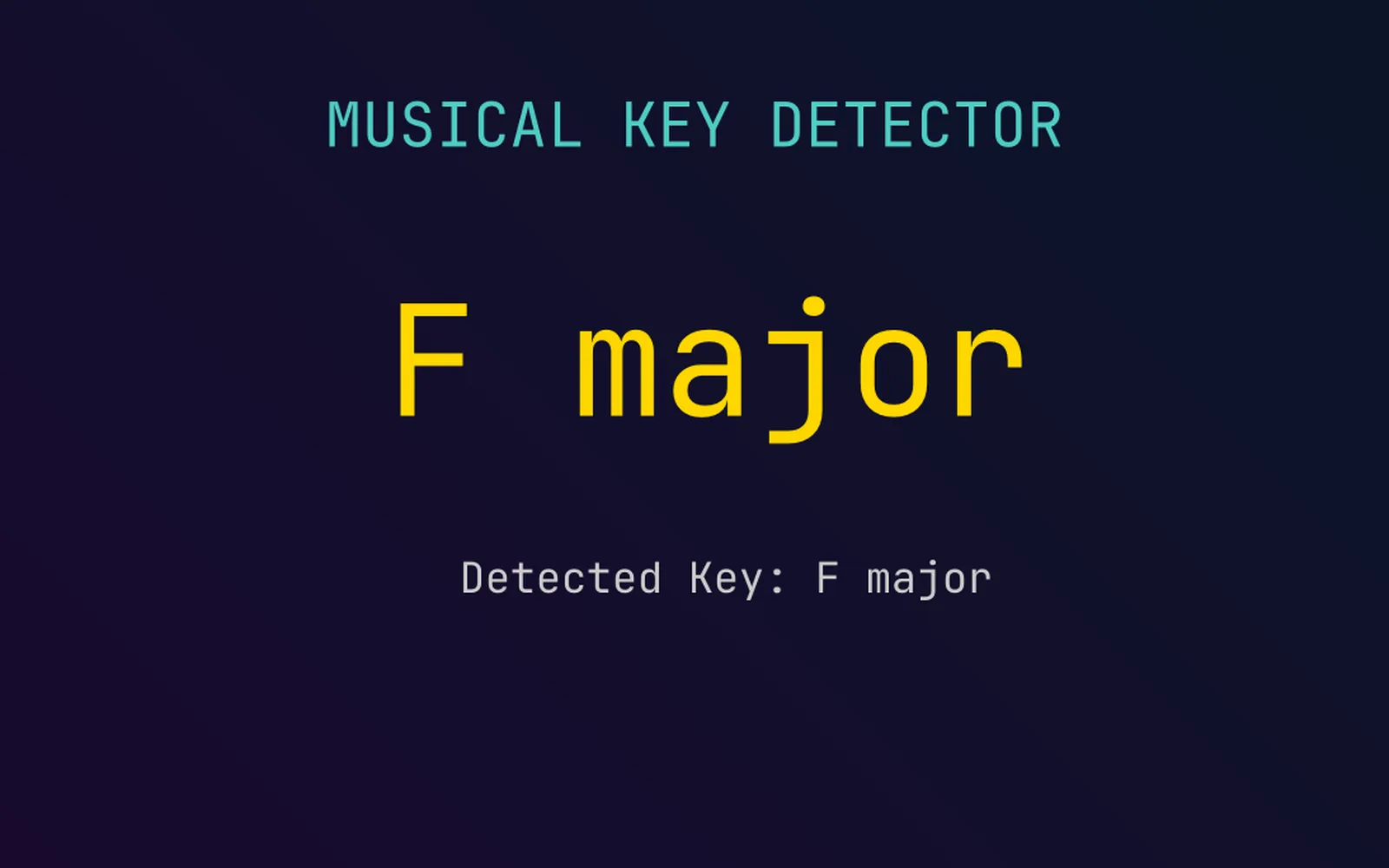
the key of a song, read from the music as it plays
03

Read the chords as they change

The chord name, live, for lights or lyrics.

  1. Feed the music in.
  2. Read the chords.
  3. Send them on as text or MIDI.
AudioCaptureInterface→LocalAIAudioToChords→TextRenderToImage
chord names read from a song as it plays
04

Split the music into bands

Bass, mids and treble, each one driving something.

  1. Feed the mic in.
  2. Run a spectrum.
  3. Drive a different thing with each band.
AudioCaptureInterface→AudioSpectrum→UISpectrumAnalyzer
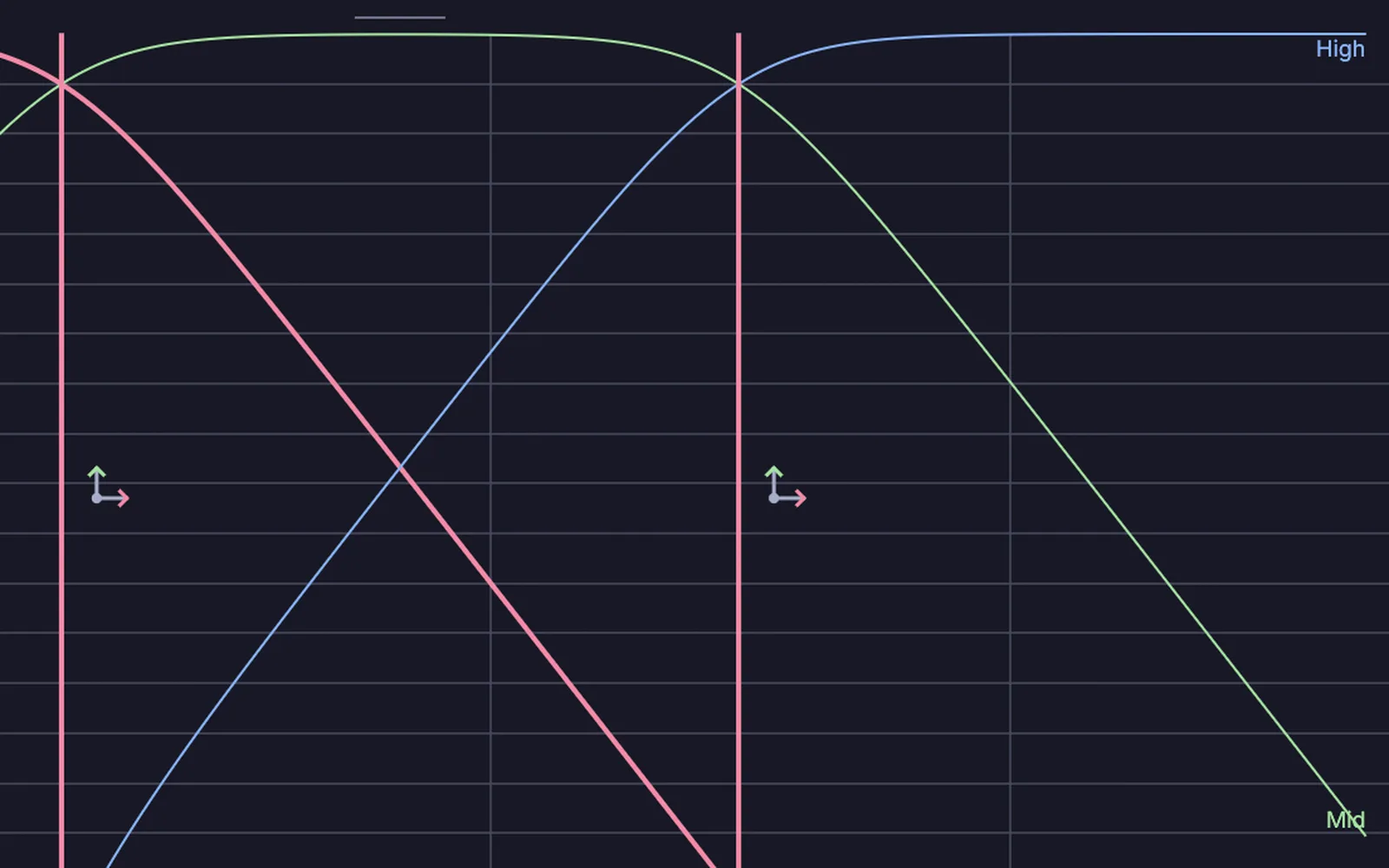
a song split into three bands, bass, mids and treble, with the two crossover points as handles
05

Make a box pulse with the music

A smooth level that swells and settles with the music.

  1. Follow the loudness.
  2. Remap it to a useful size.
  3. Drive the scale of a box.
AudioEnvelopeFollower→ChannelDataMath→3DGeoTransform
a box swelling and settling with the loudness of a song
06

Caption a talk live

Speech to text, on your own machine.

  1. Feed the mic in.
  2. Turn speech into text.
  3. Put the words on screen.
AudioCaptureInterface→LocalAIAudioTranscribe→TextRenderOverImage
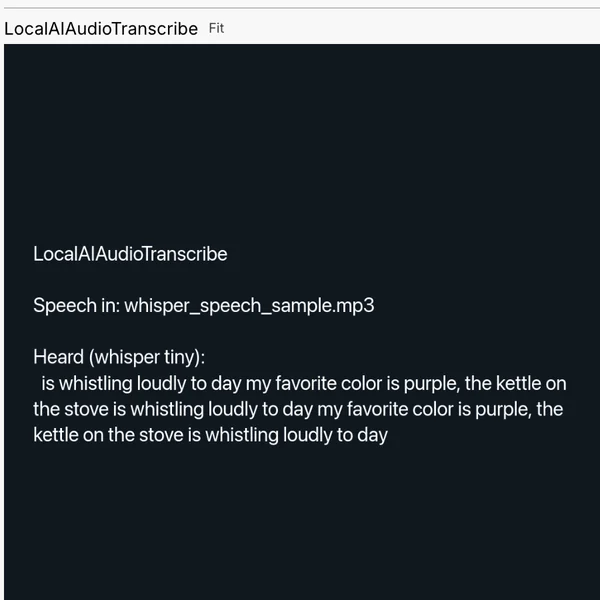
a speech clip turned into words on your own machine
Take it further

It all connects.

Every part of Kinematic works with the others. Wire one into the next.

Keep going

Free and open. Yours, forever.

No account, no license key. macOS, Windows, Linux and Raspberry Pi.

Download Kinematic 0.5.0