Record a one second sound on your phone, or use one you already have. Played backward, stretched and drowned in reverb, it turns into a whoosh.
Steps
Click New Project and drag your sound onto the viewport. If the viewport shows Edit as a clip, press it.
Choose Edit > Split, reverse and pass > Reverse. The sound now swells up instead of dying away.
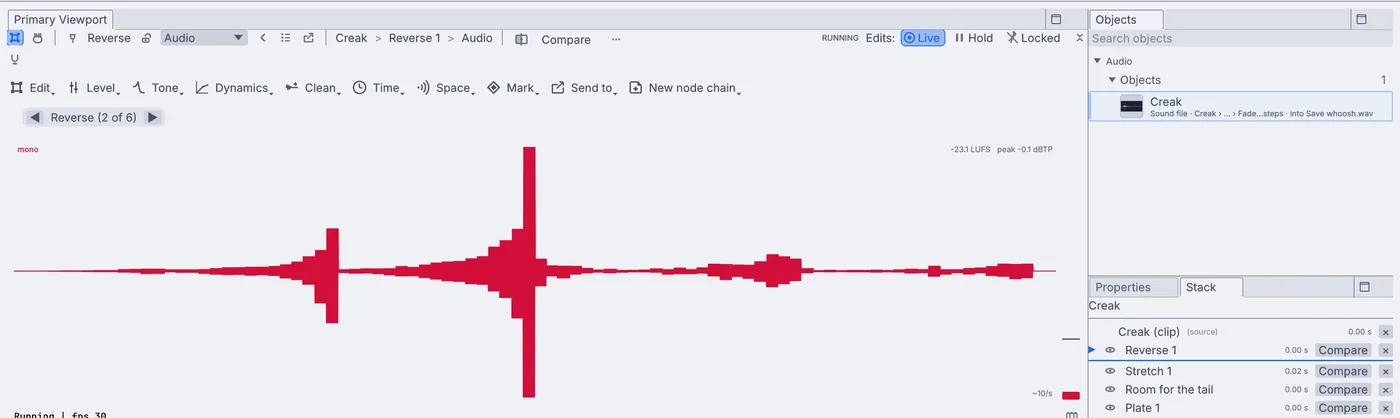
The creak played backward: it builds up to the loud part. Choose Time > Time stretch. On its card set Time ratio to
2. The sound is twice as long and keeps its pitch.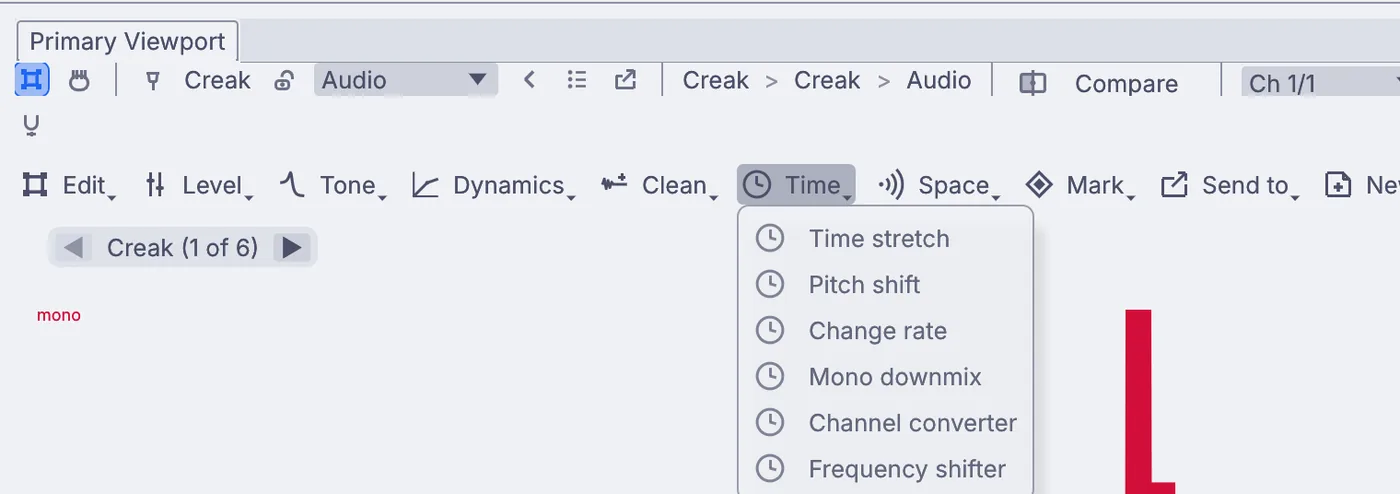
The Time menu: Time stretch, Pitch shift, Change rate and more. Choose Space > Plate with tail: a plate reverb with a long tail. It adds room at the end so the reverb rings on past where the sound stopped.
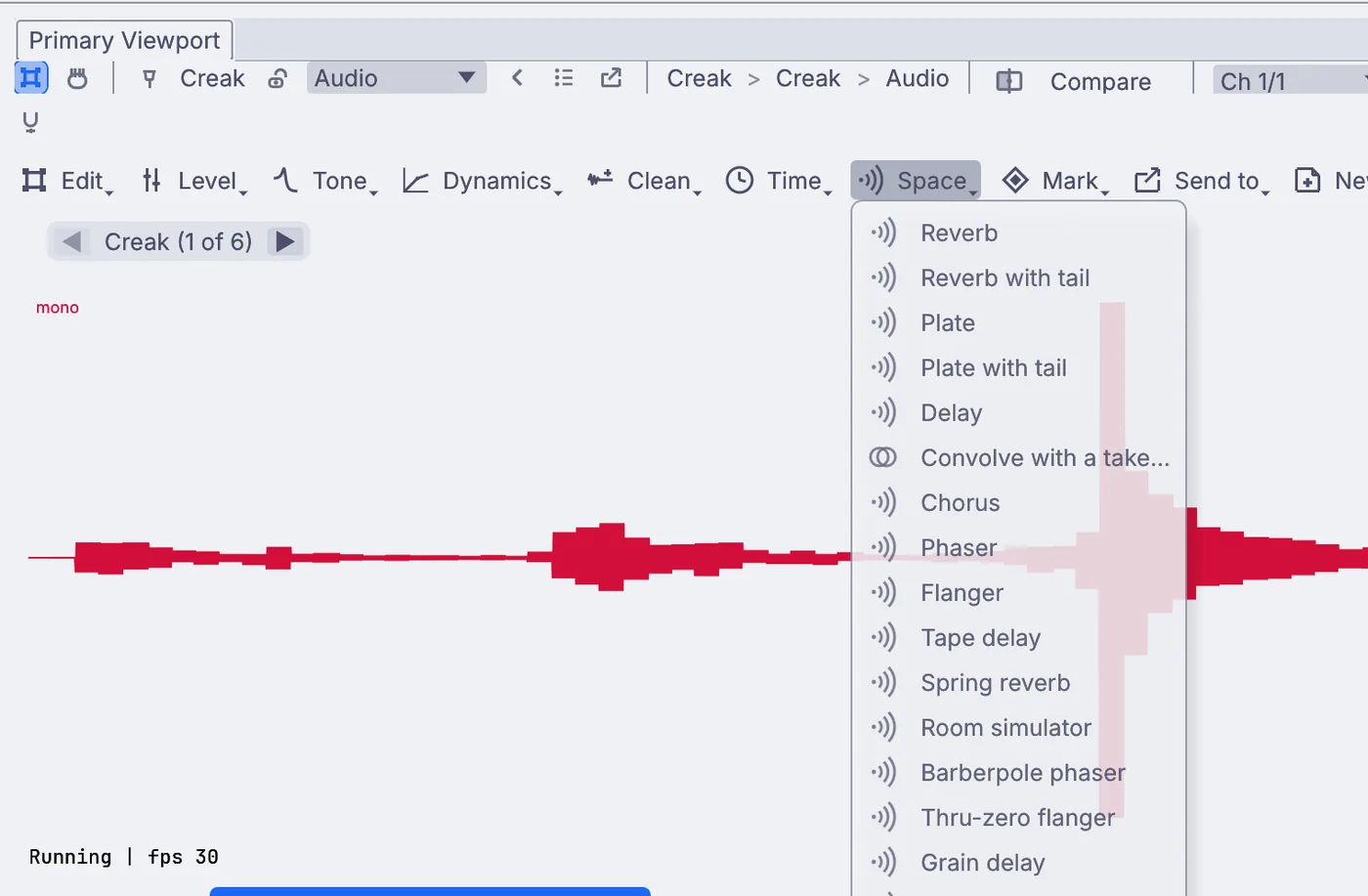
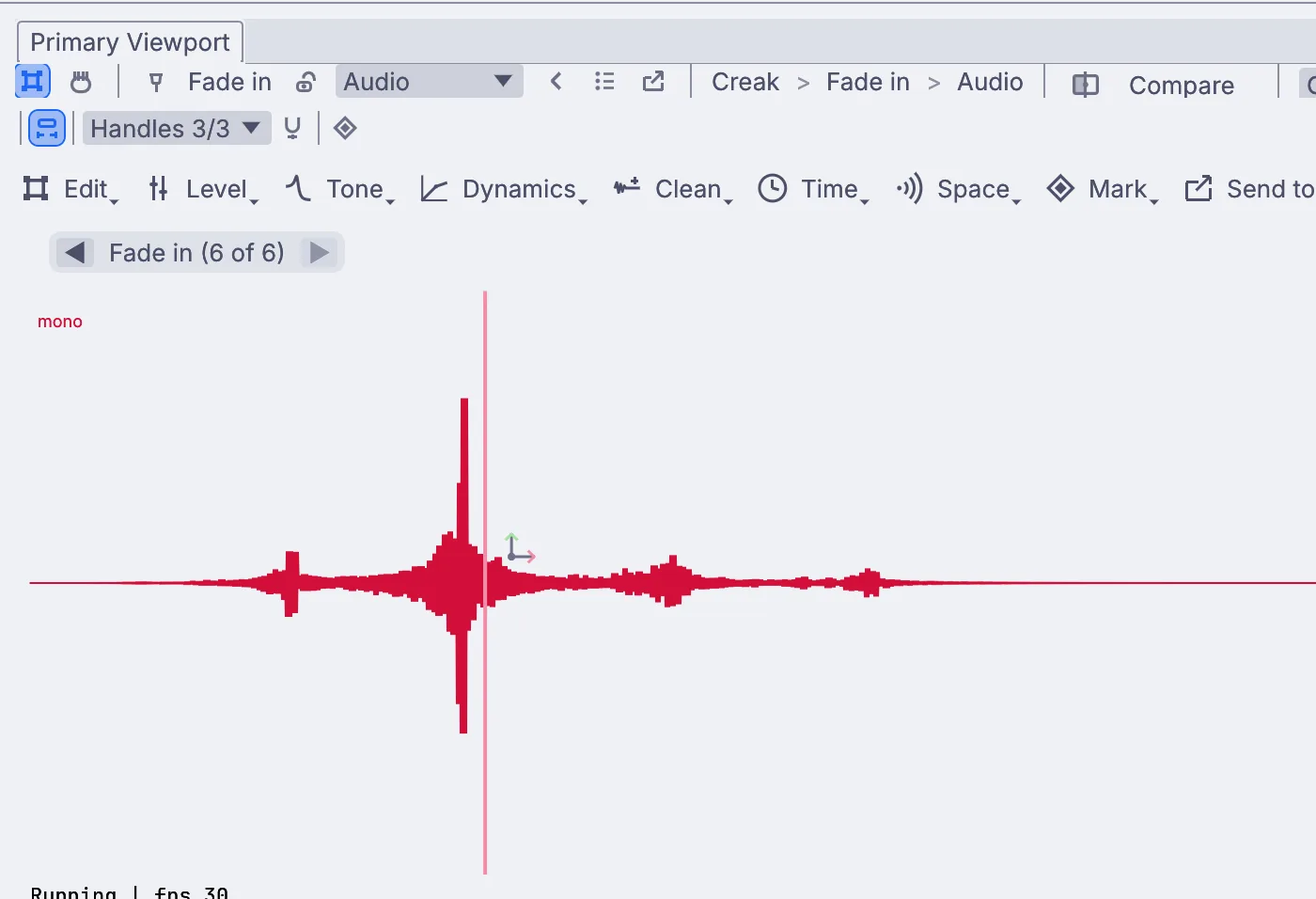
The Space menu, with Plate with tail among the reverbs and delays. Choose Level > Gain and fades > Fade in. It eases the sound up from silence over the first second.
With the graph stopped, press Listen. Too short? Click the Time stretch edit in Window > Panels > Stack and try a ratio of
3.Choose Level > Loudness > Normalize peaks to bring it up to full level.
Choose Send to > Save to a sound file..., name it
whoosh.wavand press Play on the transport bar to write it.
On the canvas
Each edit is one node after your sound's InputAudioFile: AudioReverse, AudioTimeStretch, AudioExtend and AudioPlateReverb for the plate reverb and its tail, AudioFade, then OutputAudioFile.
Make it yours
- Choose Time > Pitch shift and go down a few steps for a heavier whoosh.
- Swap the plate reverb for Space > Reverb with tail for a bigger room.
- Choose Level > Layer > Mix with a take... and pick the original to layer the plain creak under the whoosh.
- Use Space > Delay after the reverb for a whoosh that echoes away.