Kinematic 0.5.0 is out. Modeling and sculpting in the viewport, a timeline on every graph, photo and sound editing. What's new
Kinematic / Perform / Cameras

Use live cameras.

Track bodies, hands and faces, drop backgrounds and rebuild rooms, all on your own machine.

a dancer with his background dropped and his body tracked, from a video file
01

Track a body

A skeleton over the live picture, ready to drive anything.

  1. Turn on the webcam.
  2. Read the body pose.
  3. Draw it, or drive anything with it.
VideoCaptureInterface→LocalAIImageToBodyPose→ImageDisplay
a skeleton tracked over a dancer, read from a video file
02

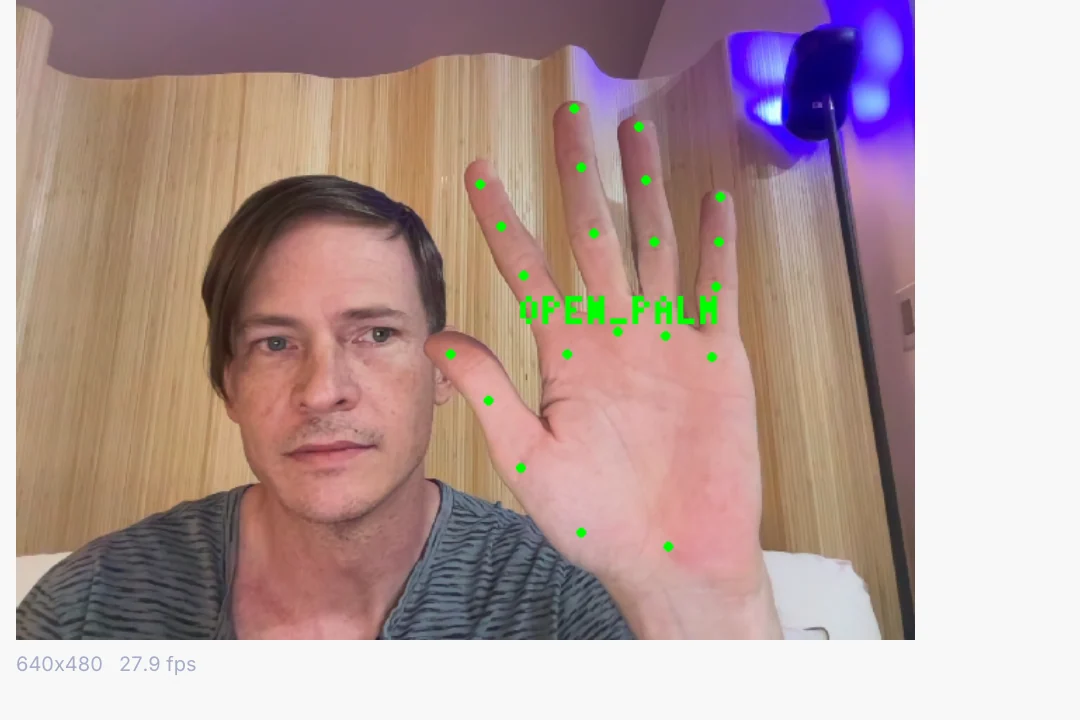
Fire a cue with your hand

Thumbs up, open palm, fist. Each one is a trigger.

  1. Turn on the webcam.
  2. Read hand gestures.
  3. Wire each one to a cue, a sound or a light.
VideoCaptureInterface→LocalAIImageToHandGestures→DmxCueStack
a gesture firing a cue
03

Spotlight one thing

Click once and a mask follows it around the room.

  1. Turn on the webcam.
  2. Click the thing to follow.
  3. Use the mask as a spotlight, a key or a matte.
VideoCaptureInterface→LocalAIImageToTrackedMask→ImageMaskMix
one click on the dancer and the mask follows him as a spotlight
04

Key yourself onto a set

A green screen, cleaned up, with a virtual room behind you.

  1. Take the green out.
  2. Clean the green off the edges.
  3. Put the room in behind you.
VideoCaptureInterface→ImageChromaKey→ImageDespill→ImageAlphaOver
a green screen shot keyed onto a virtual room, the wipe showing before and after
05

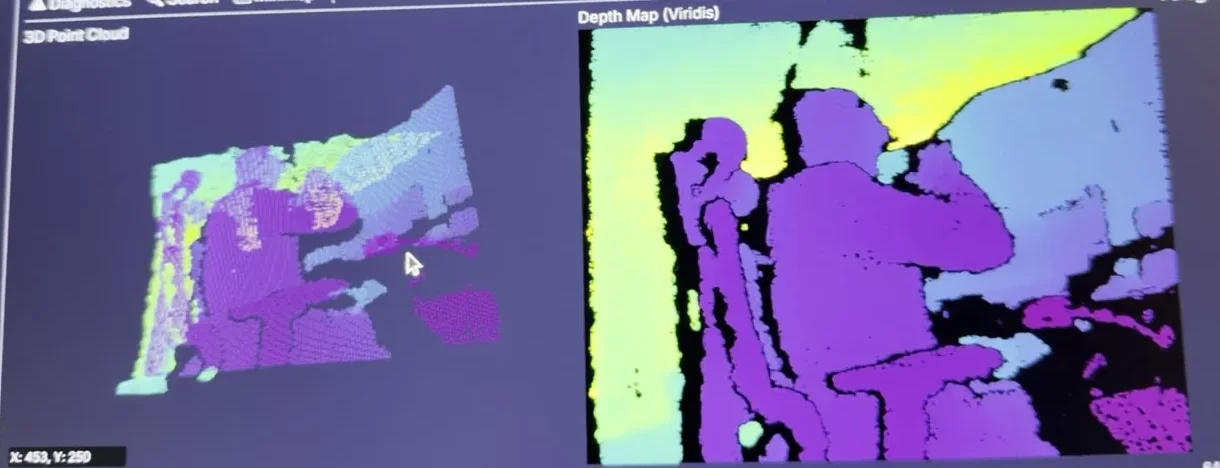
Turn the room into points

A depth camera rebuilds the room in 3D.

  1. Plug in a depth camera.
  2. Turn depth into points.
  3. Fly a camera through it.
DepthCameraCaptureInterface→DepthImageToGeometry→3DGeoSceneRenderToImage
a room seen by a depth camera as points, beside its depth map
06

Make a face puppet

Jaw, smile, blink and brow as live values.

  1. Turn on the webcam.
  2. Read your face.
  3. Drive a character, a puppet or any effect.
VideoCaptureInterface→LocalAIImageToBlendshapes→3DGeoRigBlendShapes
a character's jaw, blinks and brows moving on live values
Take it further

It all connects.

Every part of Kinematic works with the others. Wire one into the next.

Keep going

Free and open. Yours, forever.

No account, no license key. macOS, Windows, Linux and Raspberry Pi.

Download Kinematic 0.5.0