Kinematic 0.5.0 is out. Modeling and sculpting in the viewport, a timeline on every graph, photo and sound editing. What's new
Kinematic / Create / Render

Light and render your scenes.

Product shots, turntables, foggy sets and fields of copies, lit and rendered live.

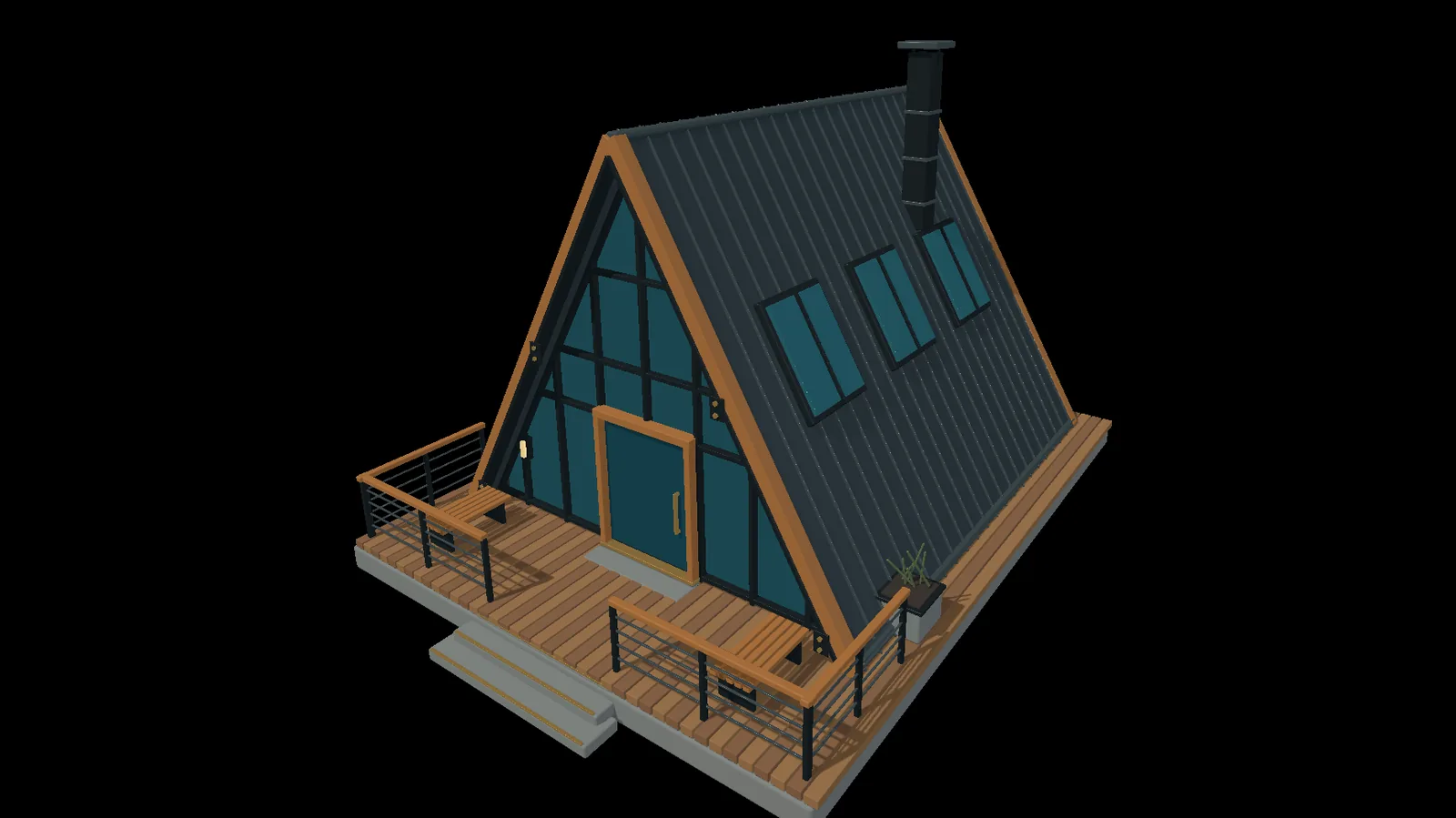
an A-frame cabin with glass, timber and a metal roof, in the viewport
01

Light a product shot

Key, fill and rim on one object, the classic way.

  1. Add a light rig and pick three-point.
  2. Set key, fill and rim on their own.
  3. Orbit the camera until the rim reads.
3DGeoLightRig→3DGeoSceneCreate→3DGeoSceneRenderToImage
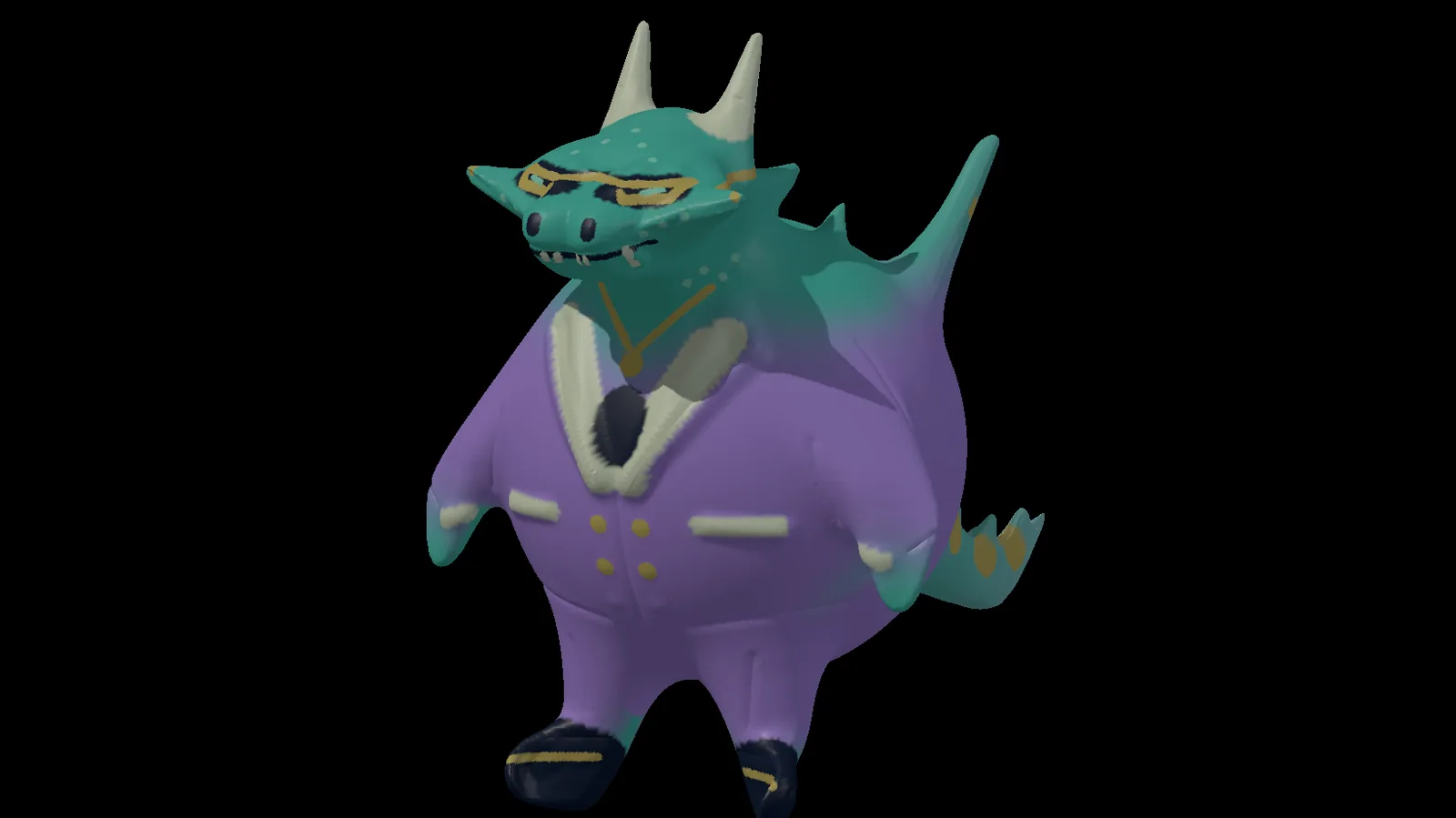
a painted creature, lit for its close-up
02

Put the shine where you want it

Click where the highlight should sit and the light moves to make it.

  1. Select the light.
  2. Right-click the spot on the car where the shine belongs.
  3. Look through the camera and frame the shot.
3DGeoLightCreate→3DGeoCameraCreate→3DGeoSceneRenderToImage
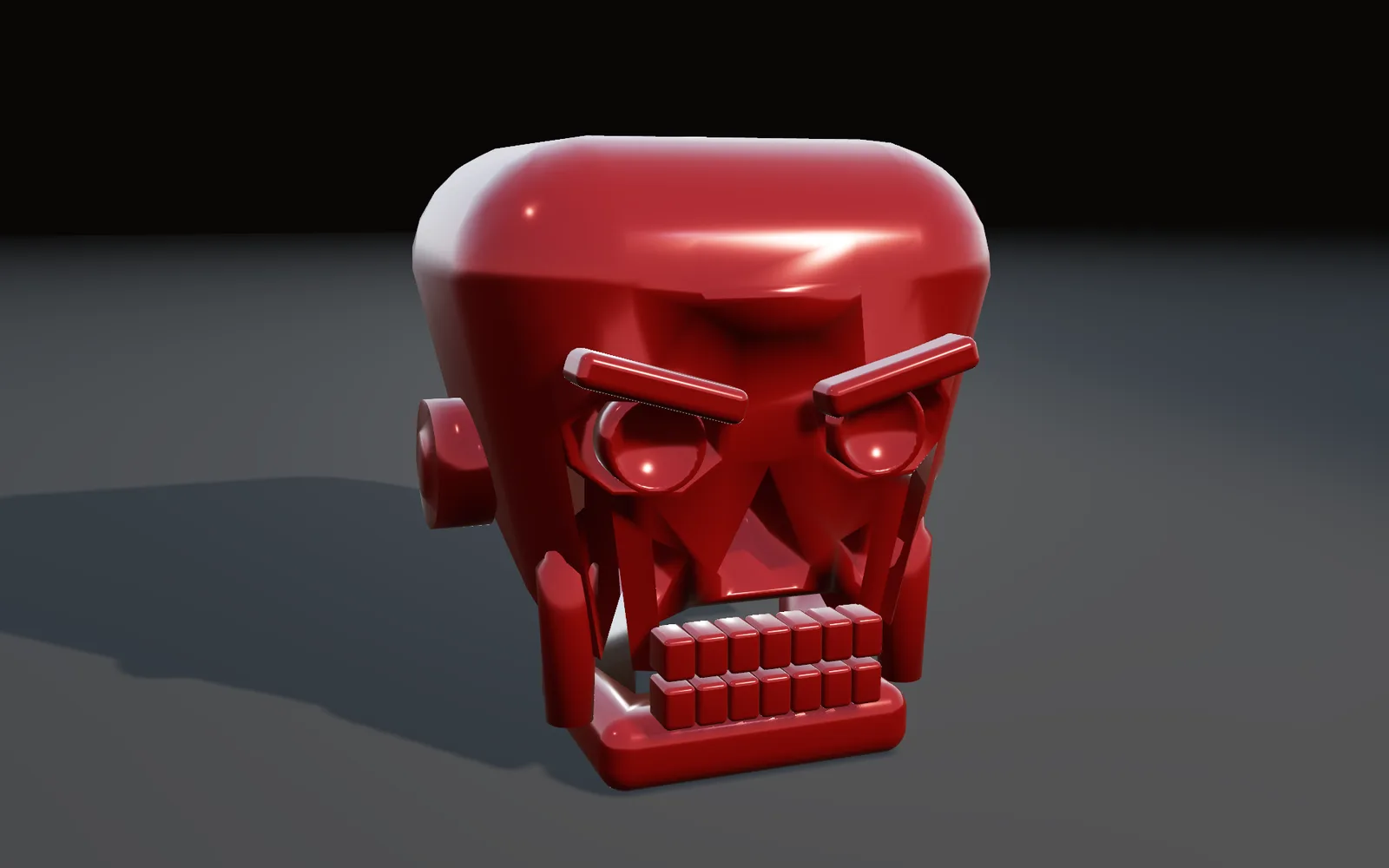
a glossy red skull, the shine placed across its brow and eyes
03

Light a scene with a sky

One sky lights everything and shows up in every reflection.

  1. Make a sky, or load an HDR.
  2. Set the sun height and the haze.
  3. Watch every reflection follow.
ImageSkyEnvironment→ImageEquirectToCubemap→EnvironmentLight→3DGeoSceneRenderToImage
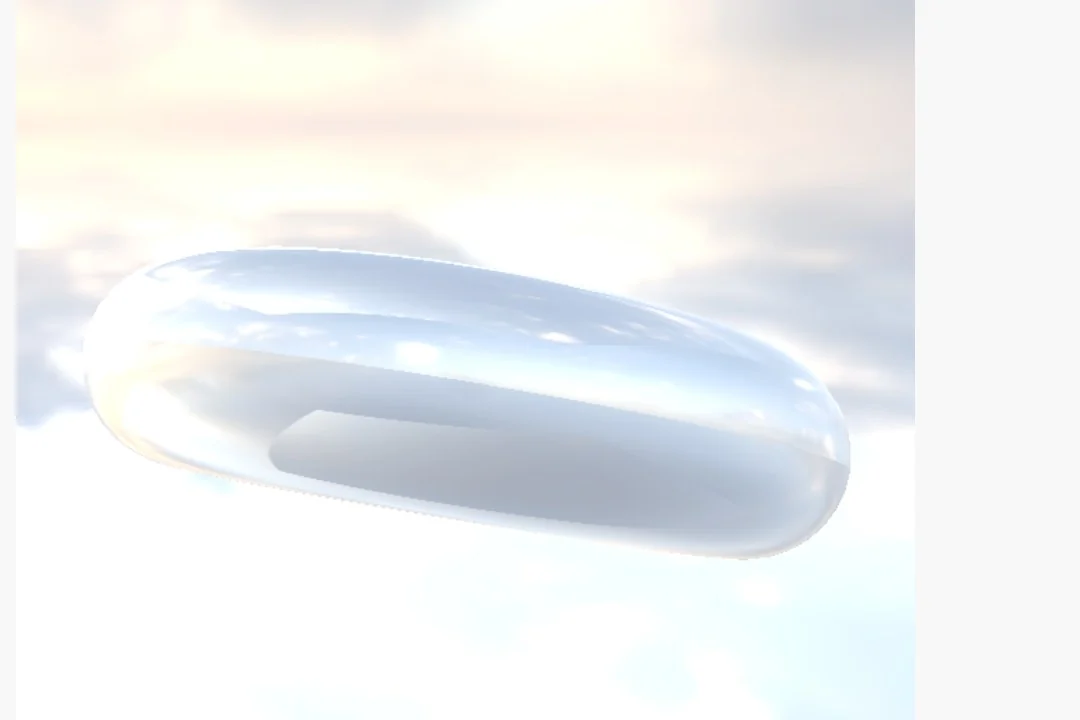
a glass torus lit by an HDR sky
04

Build a foggy set

Pillars sunk in colored fog, with light sweeping through.

  1. Fill the scene with fog.
  2. Tint it with a map so it changes color across the frame.
  3. Sweep a light through it.
3DGeoSceneCreate→3DGeoLightCreate→3DGeoSceneRenderToImage
pillars sunk in fog that shifts from teal to amber, a light sweeping through
05

Render a turntable video

The camera circles, the frames land in an MP4.

  1. Orbit the camera around the model.
  2. Set the length and the frame rate.
  3. Render it to a file. No window needed.
3DGeoCameraOrbit→3DGeoSceneRenderToImage→OutputVideoFile
a painted dragon in a purple suit, the camera circling it in one full turn
06

Fill a field with ten thousand balls

Scatter one shape across the ground, thousands of times over.

  1. Scatter points over the ground.
  2. Put a copy on each.
  3. Vary their size and color.
3DGeoScatter→3DGeoInstanceOnPoints→3DGeoInstanceNoise→3DGeoSceneRenderToImage
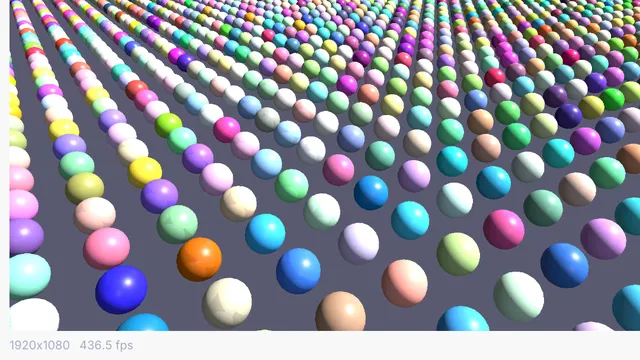
ten thousand colored spheres
Take it further

It all connects.

Every part of Kinematic works with the others. Wire one into the next.

Keep going

Free and open. Yours, forever.

No account, no license key. macOS, Windows, Linux and Raspberry Pi.

Download Kinematic 0.5.0