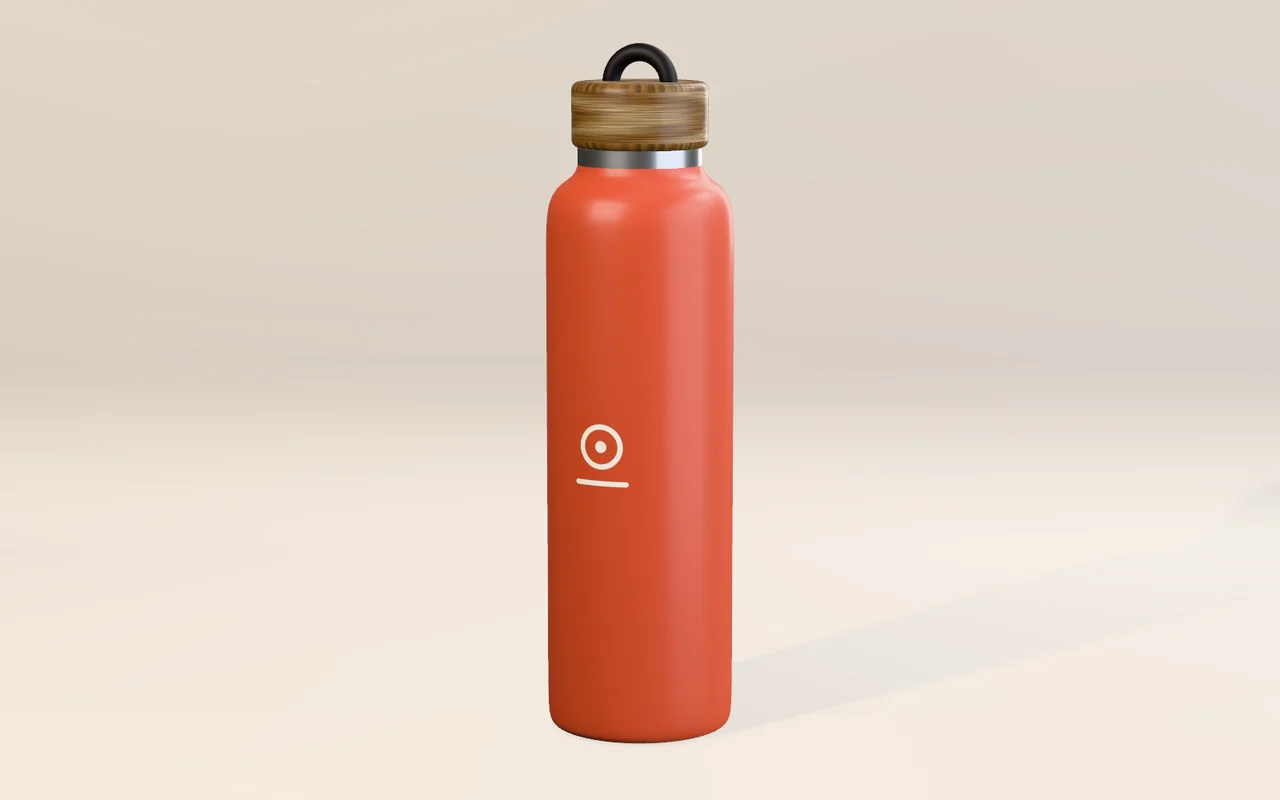
Render the product
Model the product, or bring the design team's file in as glTF, FBX or USD. Give it real finishes and studio light, and render every colorway.
3DGeoImportGLTF3DGeoMaterialCreate3DGeoSceneRenderToImage
Render a turntable →A camera notices the person walking past, and the window answers: the new colors appear on their own sweater, a wave changes the look, the lights find them. Make the product renders, the film and the space in one free app, then run it on every screen in the store.
Here a video file stands in for the window camera. In the store, a webcam node takes its place. OSTREL is a brand we made up for this page.
The jobs that come round on every launch, window and pop-up, from the first product render to the person who stops on the sidewalk. Each one is a handful of nodes in the same file.
The product, the film and the pictures the campaign is built on.
Model the product, or bring the design team's file in as glTF, FBX or USD. Give it real finishes and studio light, and render every colorway.
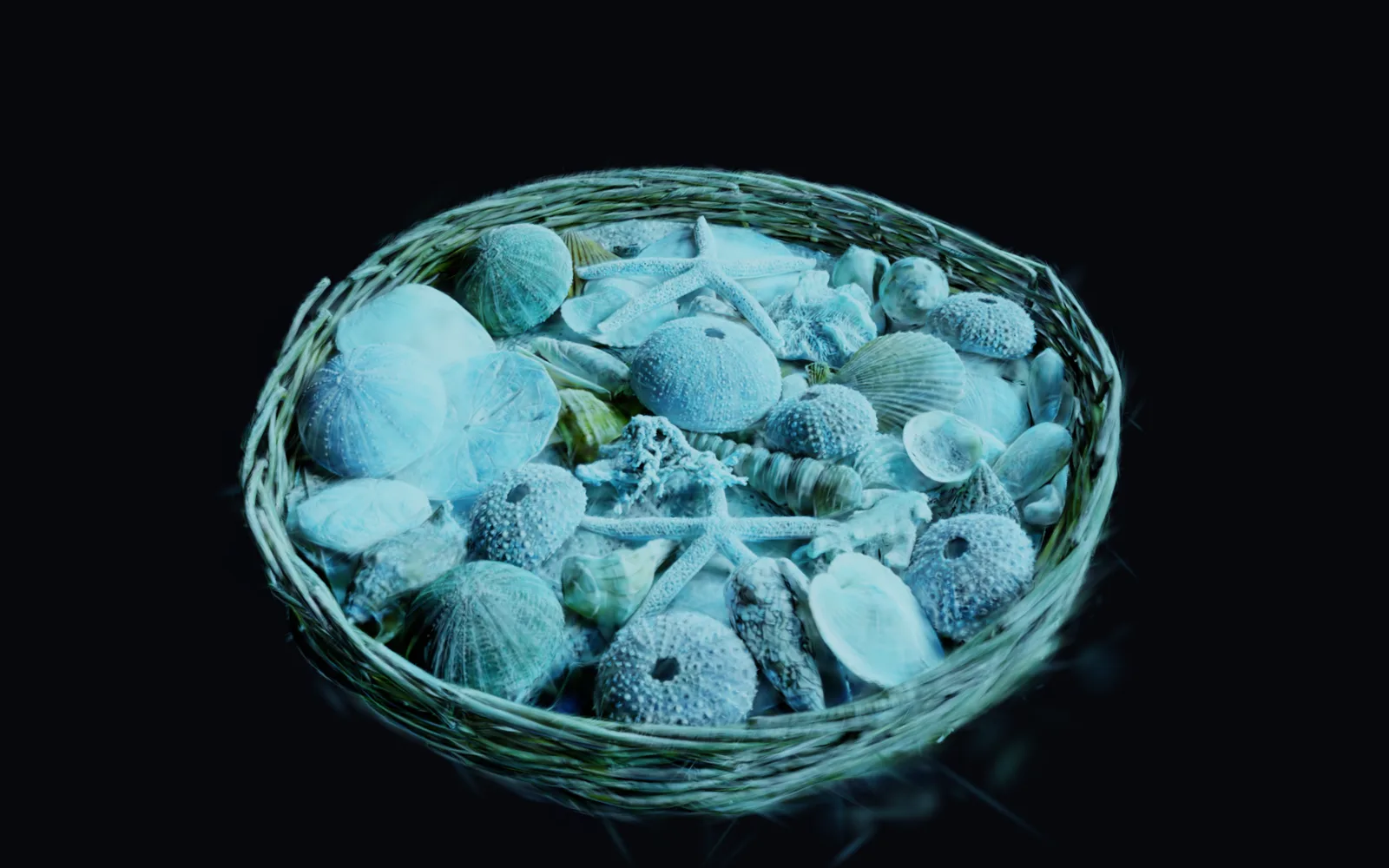
Capture it with a phone as a Gaussian splat. Cut away the table, grade it to the campaign look, and save a small file the web shop can show.
Clips on tracks, trimmed, faded and titled. Render one file for the web, or play it straight from the timeline on the store screens.
Windows, walls, stands and screens, all driven from one file.
Any picture becomes light. Pixel-map it onto an LED wall or strips and send it out over Art-Net or sACN.
Pin a picture to a wall, mask the window out of it, or wrap a pattern around a column or the product itself.
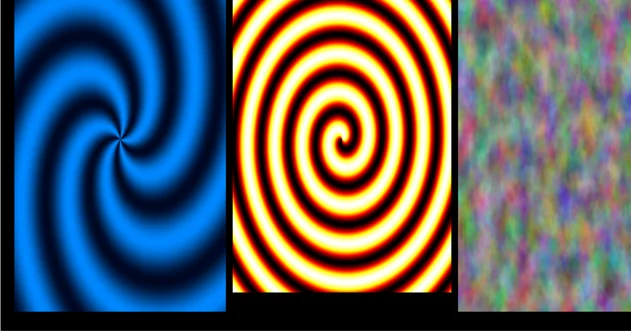
One machine opens a window on each display, or sends the film over NDI to machines across the floor.
Moving heads find a visitor on camera and stay on them, with the rest of the rig on a cue list.
Cameras that notice people. Every model downloads once and then runs on your own machine, so what the camera sees stays in the store.
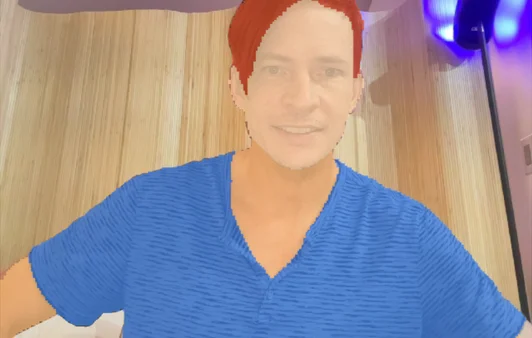
Hair and clothes, or lips and skin, are picked out on the live camera and tinted, so a shopper sees the new color on themselves.
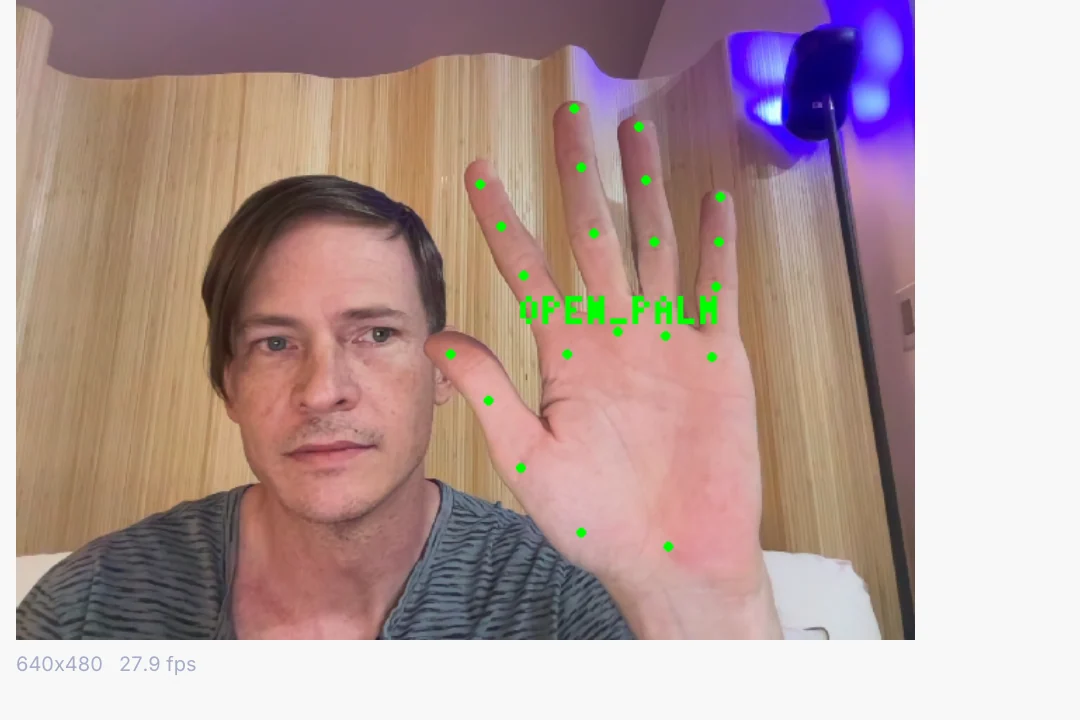
Thumbs up, open palm, fist and more arrive as named triggers. Wire one to a new look, a sound or a light cue.
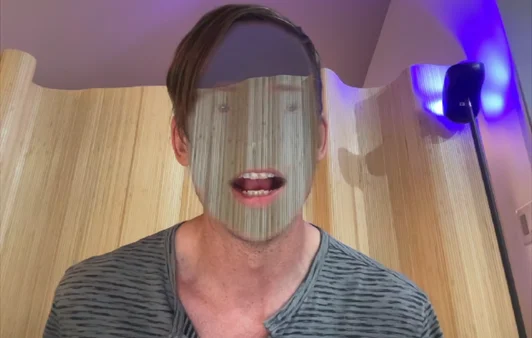
The camera remembers the empty background and paints it back over the face, leaving hair and clothes in place. A classic for mirrors and photo booths.
Key a green screen, or cut a person out with no screen at all, and drop them into the campaign's world.
Bring the product in or model it, give it real finishes and studio light, and render every colorway for the window, the web shop and the launch film. The same scene can play live on the store screens.
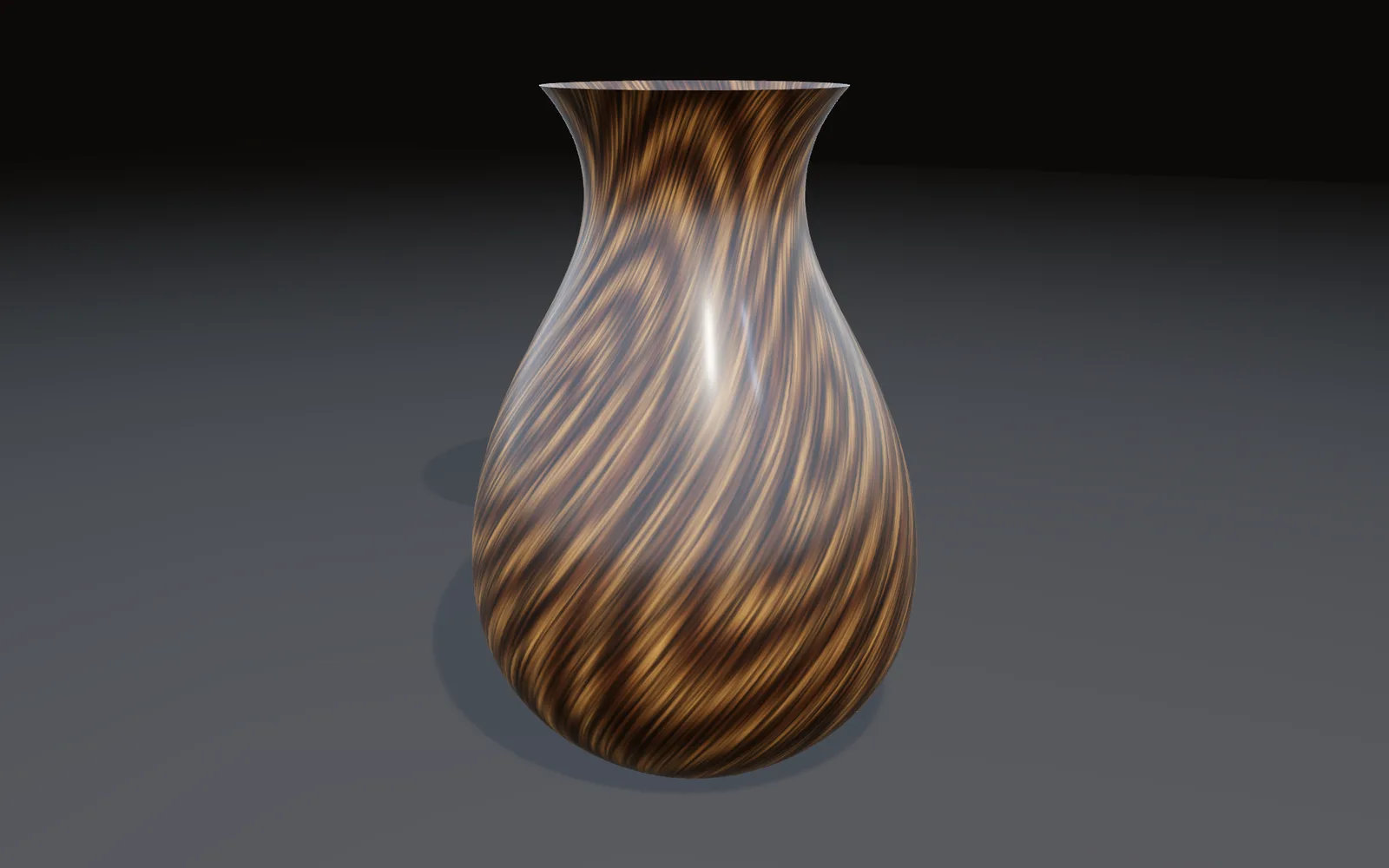
The store's music, a voice or a sonic logo can move the picture, and the soundscape plays from the same graph. There is no second app to keep in sync.
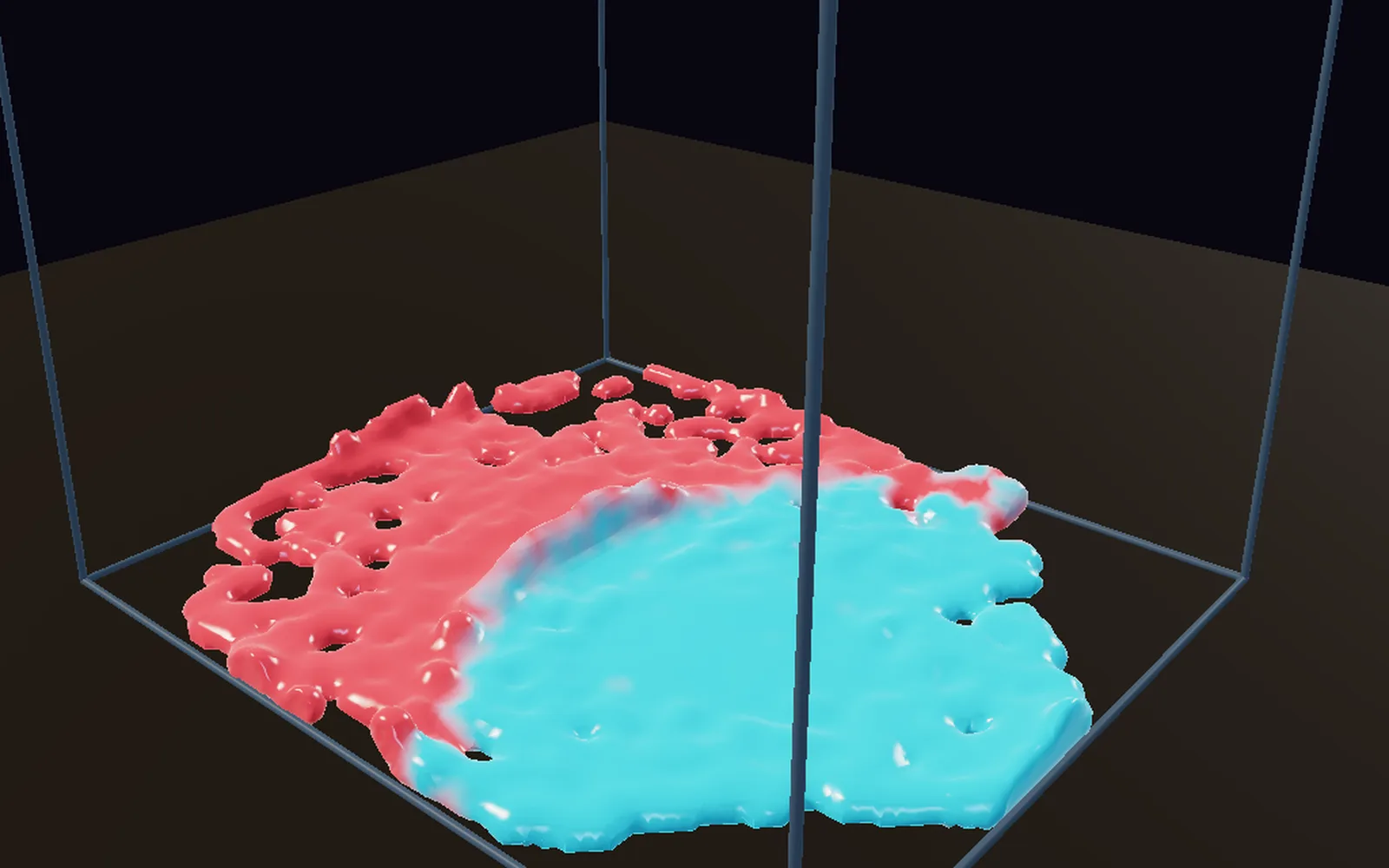
A splash of paint for a beauty launch, a cloth over the plinth, fire on the wall of the pop-up. Render them for the film, and send the same frames to the LED wall and the lights.
A window is judged on the day nobody from the agency is there. These are the parts that keep a piece running with staff who have other jobs.
$ kinematic window.kin --kiosk --display 1 --no-controls --watch \
    --restart-on-panic 10 --watchdog 30s --health-port 9797 \
    --error-strip off --var store=12 \
    --control tls:0.0.0.0:7401 --control-token-file token.txt
$ kinematic ctl --token-file token.txt tls:10.0.0.12:7401 state recall spring
Add it to the login items on a Mac, or a desktop session service on Linux, and it starts with the machine.
Start each machine with a control socket and a token. From head office you can check on it, recall a saved look, move its outputs or grab a screenshot of what it shows.
Pass a value at launch, such as the store or which screen it is, and every machine runs the same graph file.
Turn the error strip off and nothing is painted over the picture. Errors still go to the log and the health check.
A port answers whether the piece is running, which frame it is on and how many errors it has seen.
The camera models download once. After that, an offline launch never waits on a download.
In kiosk mode the pointer hides once it stops moving.
What plugs in, what it drives, and the files that come and go. Every entry is on the full list of what Kinematic works with.
Short lessons that end with something working, and demos that come with the app. Open a demo in the app, take it apart, and keep what you need.
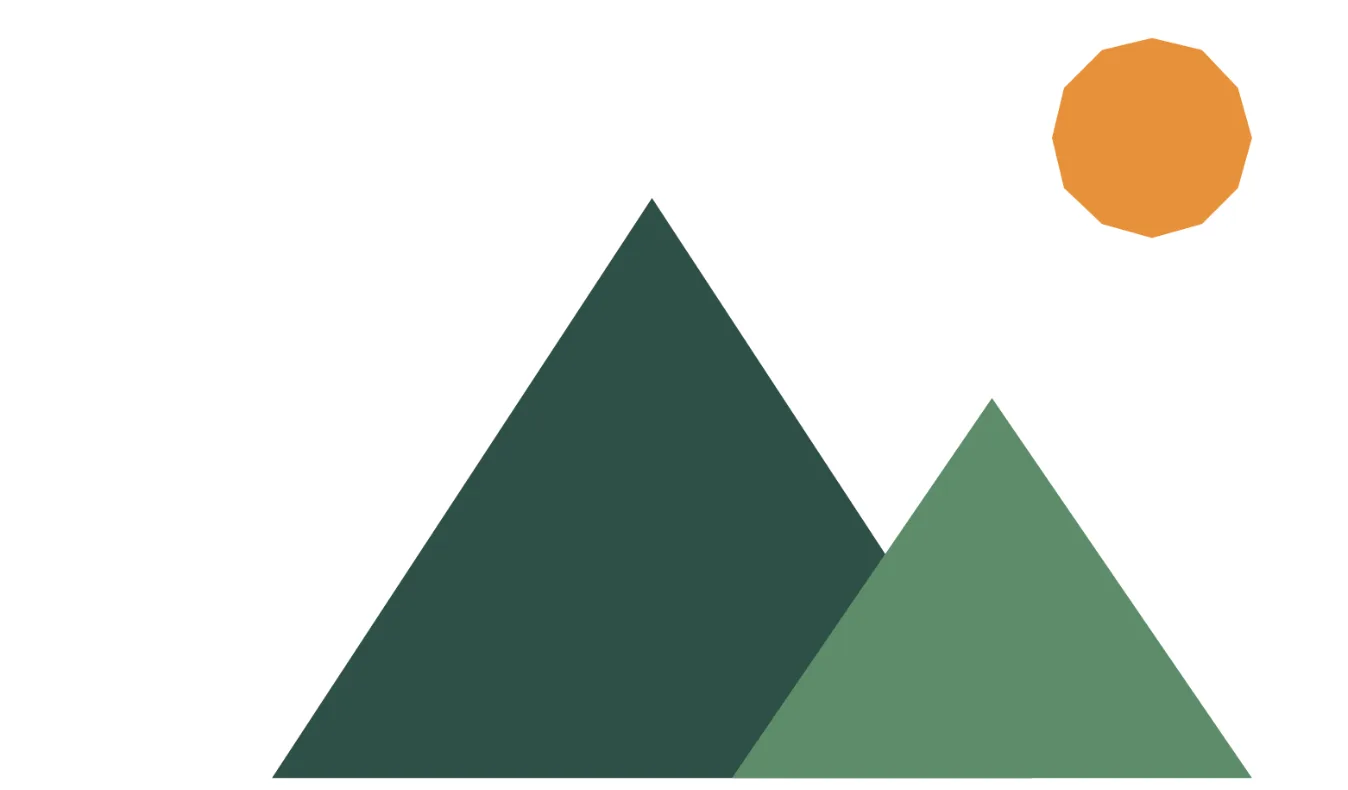 TutorialDraw a mountain logo8 min
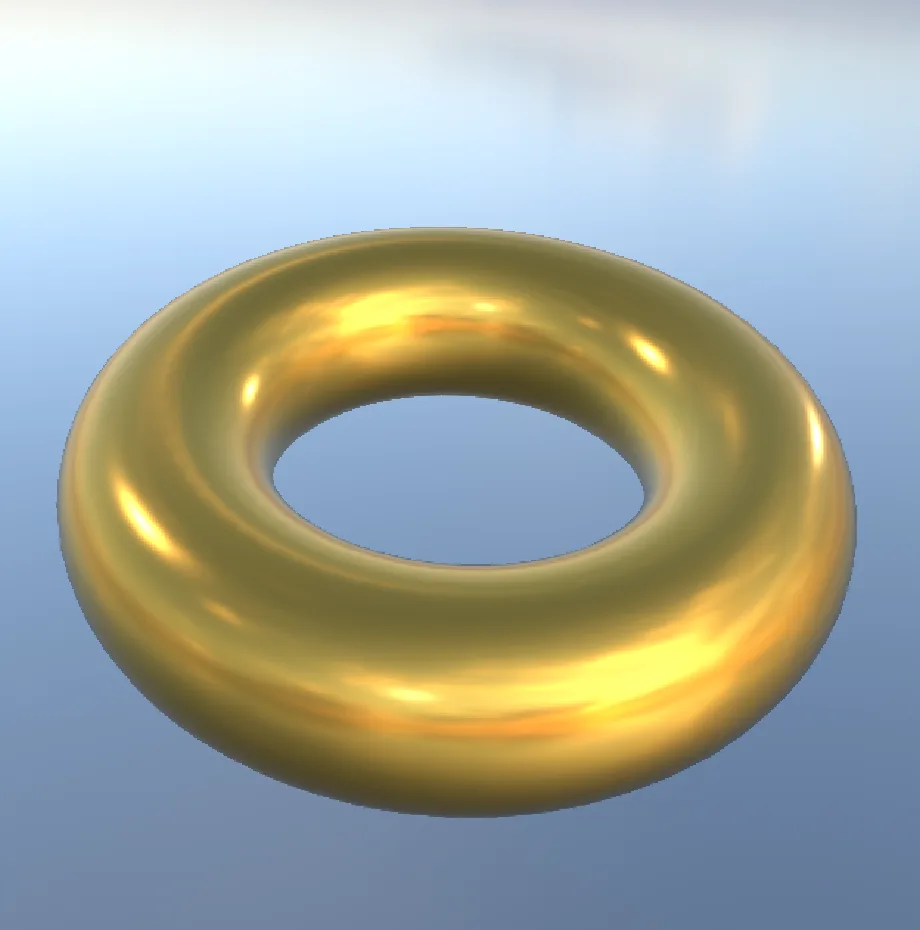 TutorialTurn a chrome ring into gold8 min
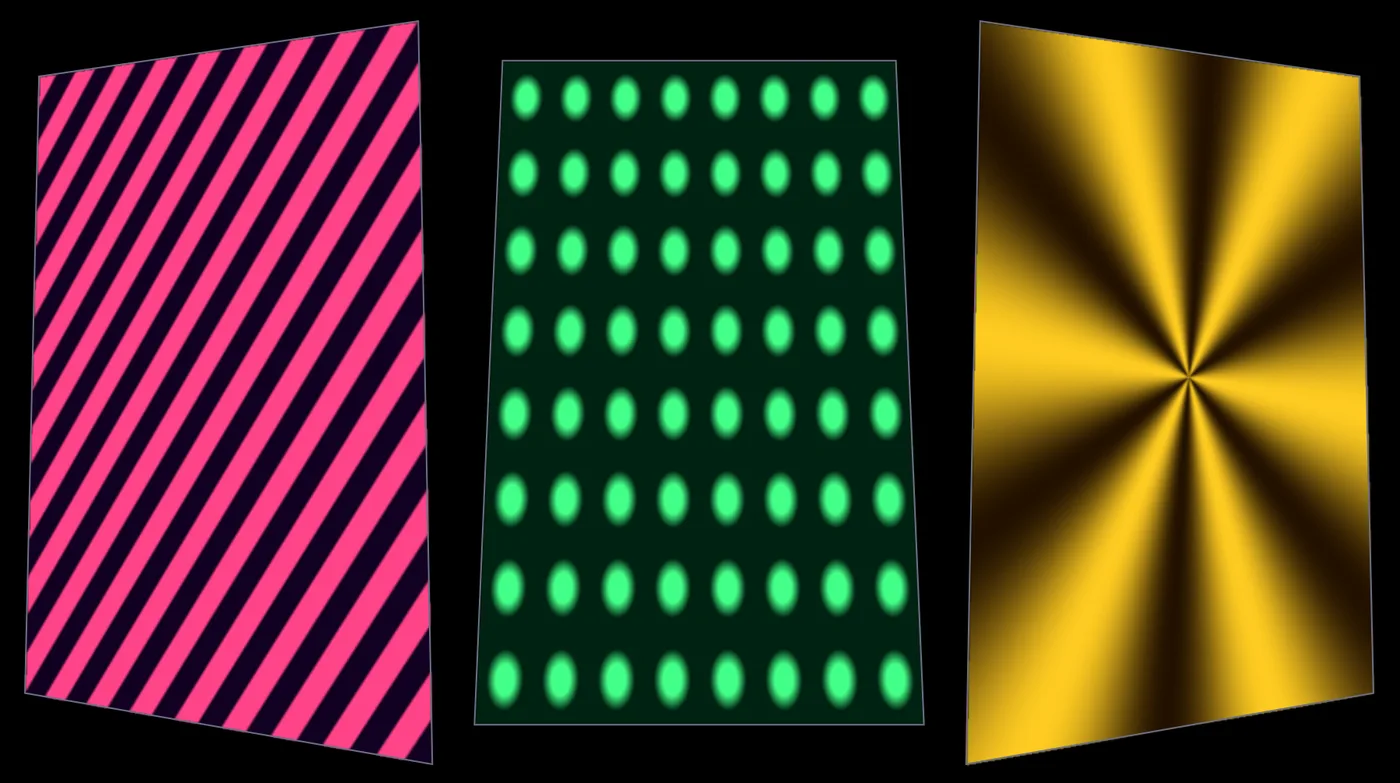 TutorialMap moving patterns onto three panels10 min
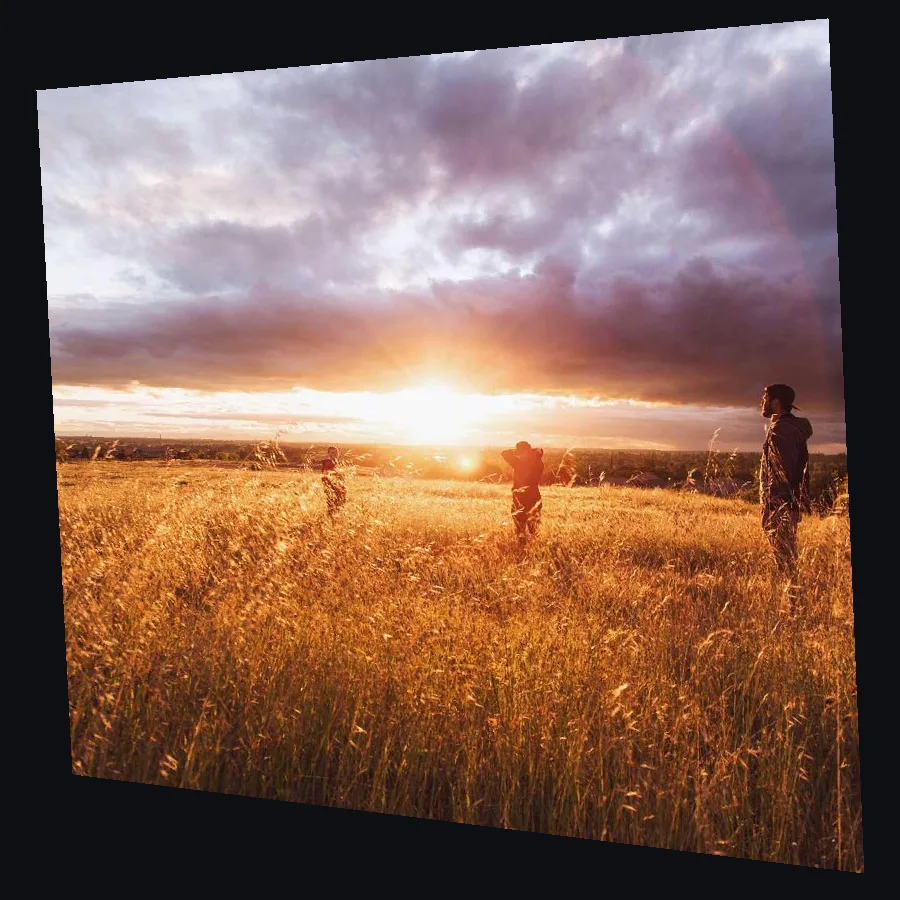 TutorialLine up a projection on a wall from the side7 min
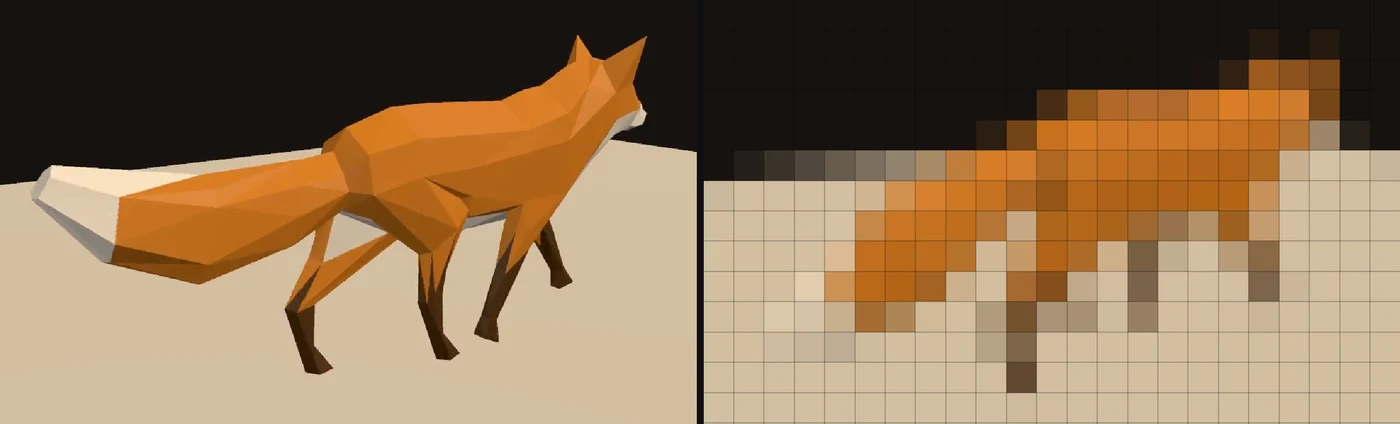 TutorialPlay a video on a wall of LED lights9 min
 TutorialMake a visual that pulses to your music12 min
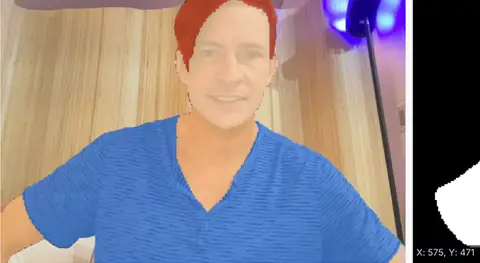 WebcamHuman parsing recolorHair and clothes picked out on the live camera and tinted, with the clean mask beside it.In the Demos browser
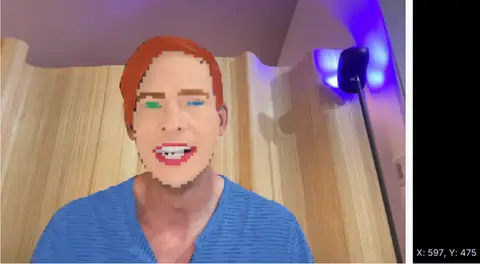 WebcamFace parsing recolorLips and skin found on the live camera and tinted, ready for makeup looks.In the Demos browser
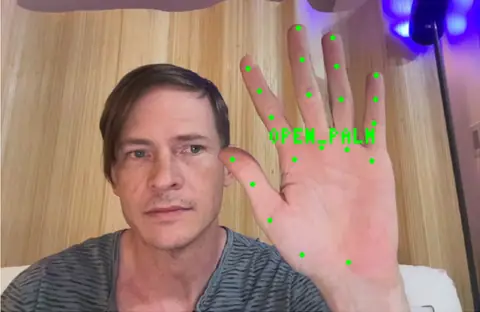 WebcamGesture triggerThumbs up, open palm or fist, each a named trigger for a new look, a sound or a light.In the Demos browser
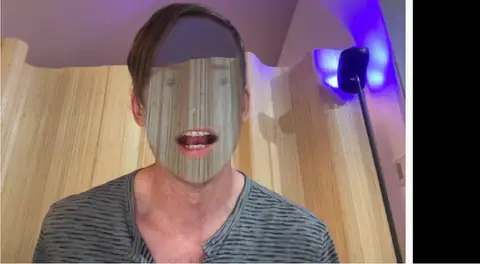 WebcamHidden face effectThe face disappears and the background is painted back over it, hair and clothes kept.In the Demos browser
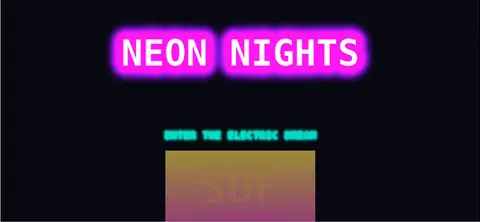 Retro neon effectsA neon sign built from stacked text effects, with a tube outline and a double glow.In the Demos browser
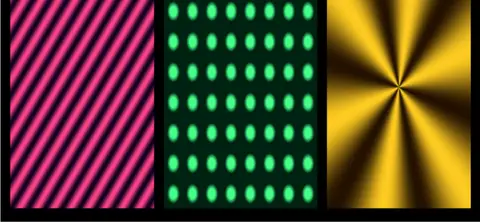 Projection mapper multi-textureStripes, dots and a star, each fitted to its own panel in the mapper.In the Demos browser
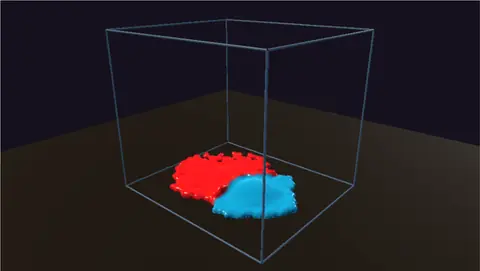 Paint splashCrimson and teal paint drop into a tray and marble together.In the Demos browser
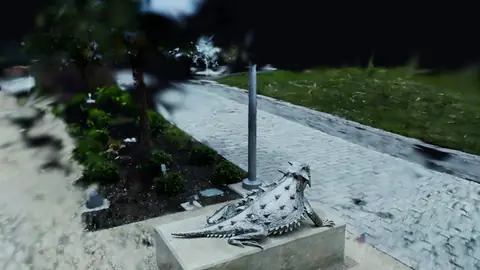 GPUscan by Niantic Labs, MIT licenseSplat turntableA carved lizard on a low plinth, turning slowly on the spot.In the Demos browser
Better to know now.
Something here would stop your project? Reach out.
Free. No account, no license key and no seat count, so every screen machine in every store can run it, even for commercial use. macOS, Windows and Linux, with experimental Raspberry Pi support.