Render a dome master
Capture the scene in all six directions, unfold it into a panorama, and fold that into a 180 degree dome master with a few lines of shader. For a quick look, switch the render camera to fisheye.
Render one scene as a dome master, a 360 panorama or a picture per projector. Blend the overlaps, line the projectors up with a camera, place the sound around the audience, and run the whole room from the same file.
A ringed planet in a starry sky, captured in all six directions and unfolded into a panorama. A short shader folds that into the dome master, and the same panorama lines the dome so you can see the show before load-in.
The jobs that come round on every show, from the first render to the night the doors open. Each one is a few nodes in the same graph.
The pictures the space is built around, made in the same app that plays them.
Capture the scene in all six directions, unfold it into a panorama, and fold that into a 180 degree dome master with a few lines of shader. For a quick look, switch the render camera to fisheye.
The same six-way capture unfolds into a 2:1 panorama up to 4096 by 2048, for a 360 room or a headset. A panorama you already have goes the other way, into a cubemap that lights a scene.
Write a shader or paste one in from Shadertoy, grow flocks and light trails, or play a cut from the timeline. All of it is live, so you can change it on site.
Projectors, overlaps and curved walls, lined up by hand or by a camera.
Slice one wide canvas across up to eight projectors in a line, or a grid up to four by four, with an overlap. Each slice fades at its shared edges, so the overlaps add up to one even picture.

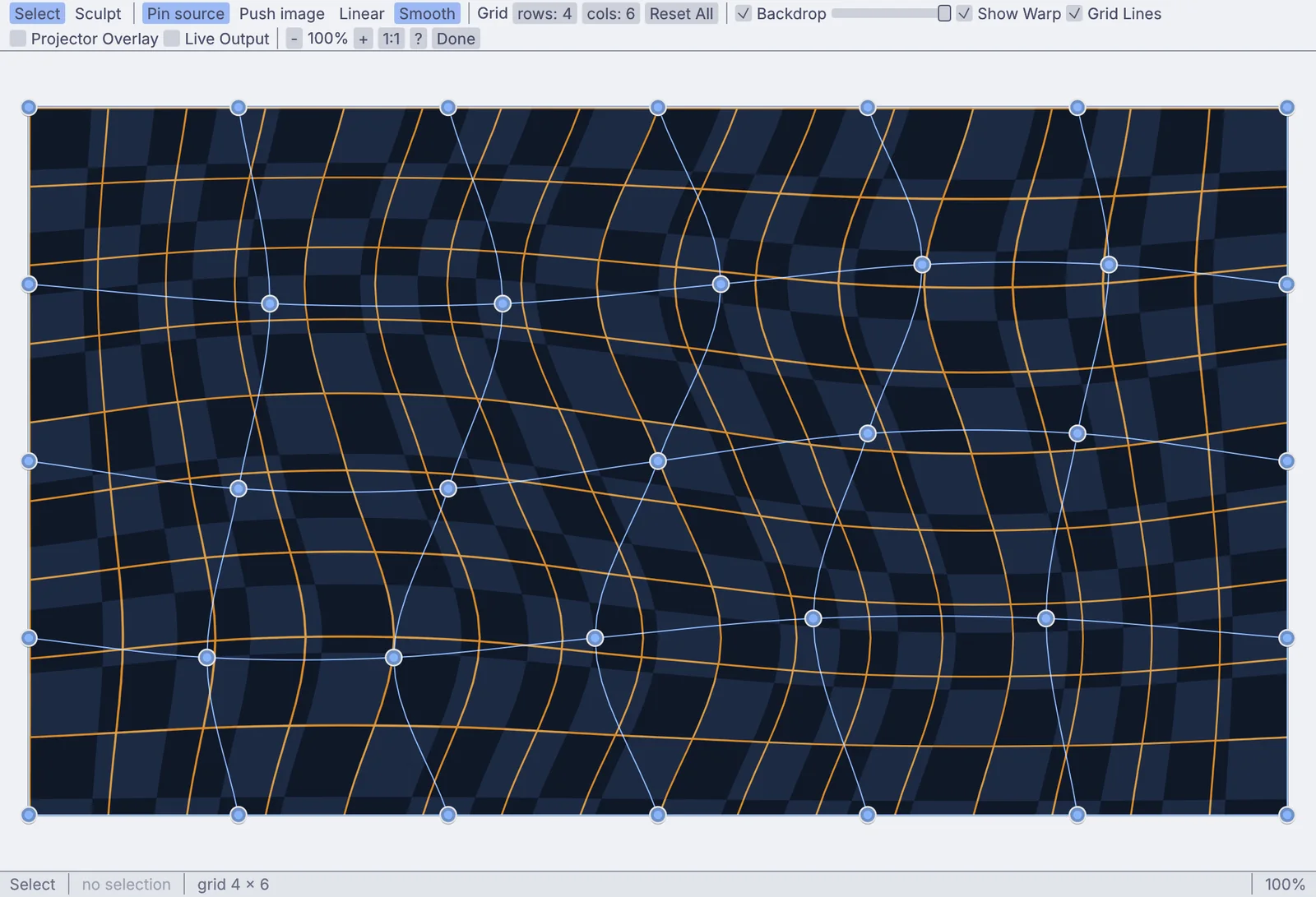
Sculpt a grid until the picture hugs a curved wall or a column, with the grid lit on the wall by the projector while you drag. Four corners will do for a flat screen.

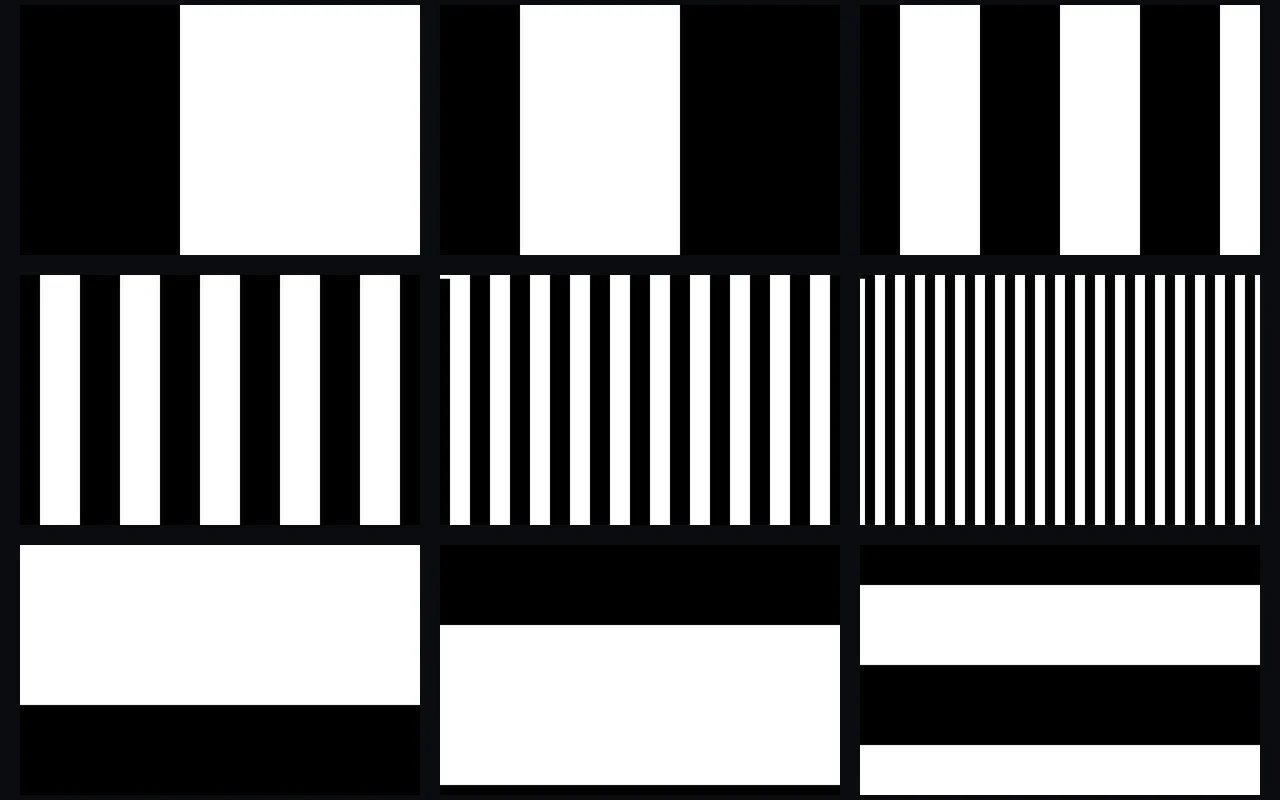
Each projector throws its own stripe patterns while a camera watches, and the warp is worked out pixel by pixel. A second pass of gray patches evens out the brightness across the surface.
Put the panorama on the walls of a model of the room, add a few people for scale, and walk round it in 3D. The scene, the room and the preview are all one graph.
The dome master, the panorama, the walls and the three projector slices on this page all come from one graph and one planet. Change the scene and every output follows, with nothing to export and load again.
// each dome pixel finds its spot in the panorama let r = length(p); // 0 at the top, 1 at the rim let phi = atan2(p.y, p.x); let u = fract(phi / 6.2831853 + 0.75); let v = r * 0.5; // the top half only
The soundtrack, the speaker feeds and the pictures share one graph. Place a sound anywhere around the audience, and let the music lift the floor, flash the walls or turn the sky.
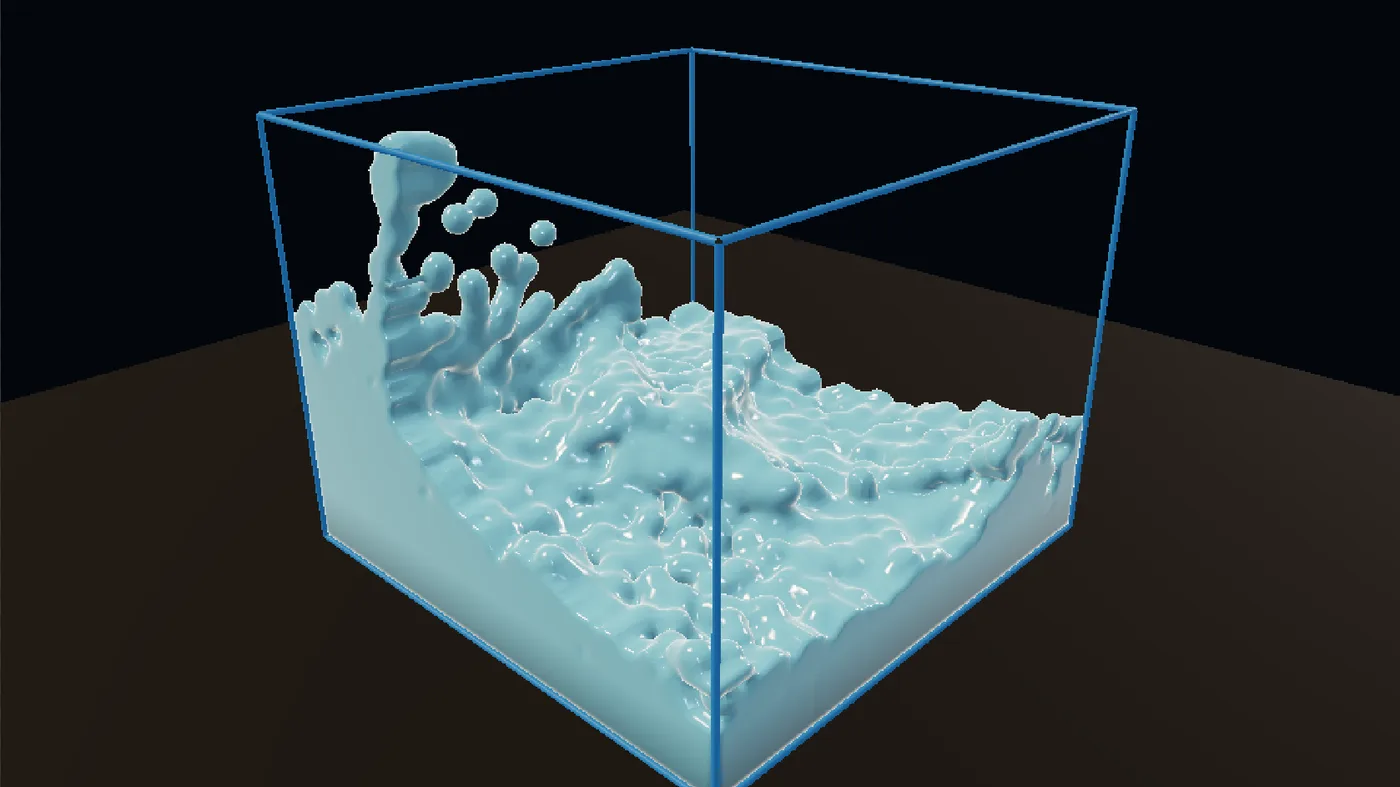
Fire, smoke, liquid and flocks are nodes in the same graph as the walls. Render them for the dome, pixel-map them onto an LED wall, and cue the house lights on the same timeline as the show.
A room is judged on the nights nobody touches the keyboard. These are the parts that keep every wall, the dome and the sound together.
$ kinematic room.kin --kiosk --display 1 --controls-display 0 \ --restart-on-panic 10 --resume-timeline auto \ --watchdog 30s --health-port 9797 --error-strip off
Add it to the login items on a Mac, or a desktop session service on Linux, and the room starts with the machine.
Each output gets its own window on the display you pick, full screen or borderless, set in the Outputs window. The show window can also span every display.
A health check on a port answers whether the show is running, for whatever watches the building.
Send commands to the show machine over the network: enter the show, move an output to another display, or recall a saved state.
Turn the error strip off and nothing is painted over the picture. Errors still go to the log and the health check.
What it drives, what it reads, and the files that come and go. Every entry is on the full list of what Kinematic works with.
Short lessons that end with something working, and demos that come with the app. Open a demo, take it apart, and keep what you need.
TutorialMap moving patterns onto three panels10 min
TutorialLine up a projection on a wall from the side7 min
TutorialPaste in a Shadertoy and give it sliders12 min
TutorialMake a visual that pulses to your music12 min
TutorialLight a torch10 min
TutorialSwirl a pool into a whirlpool8 min
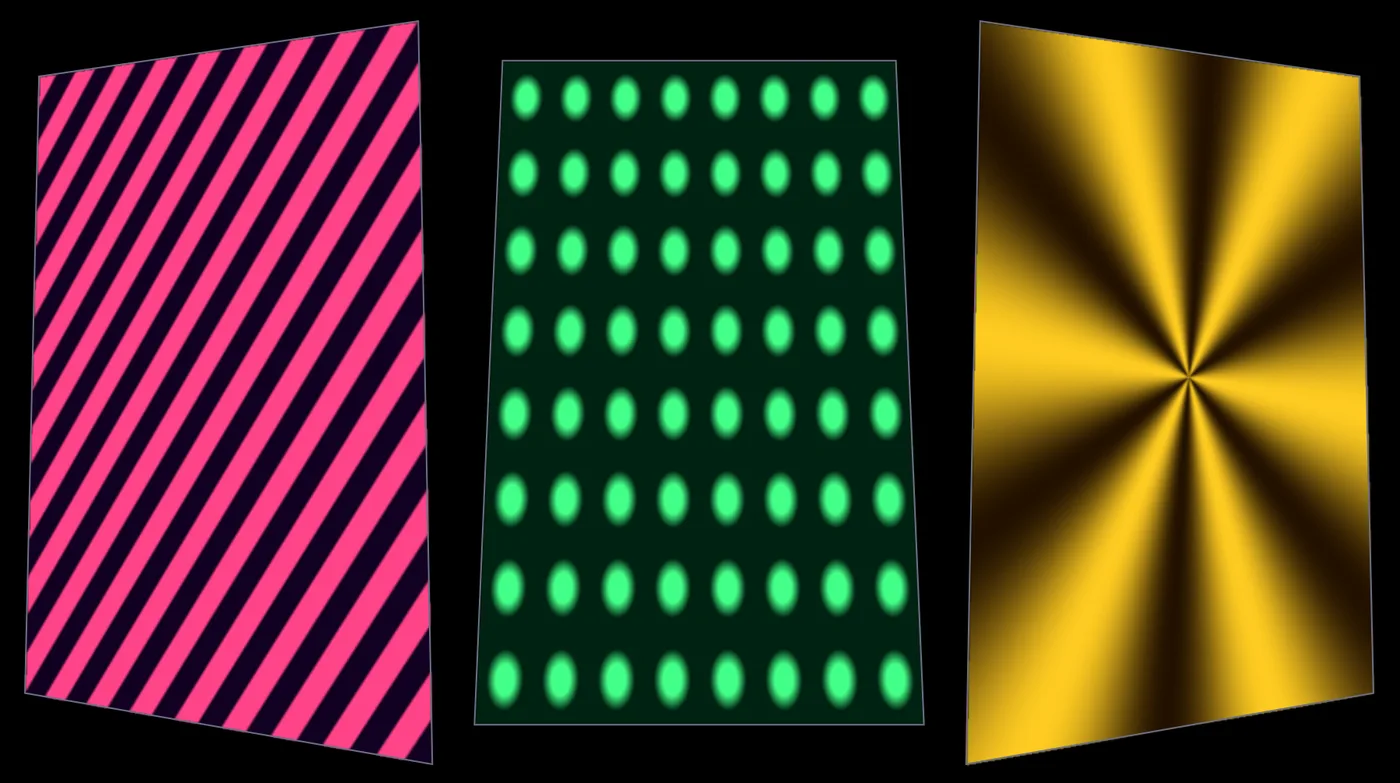
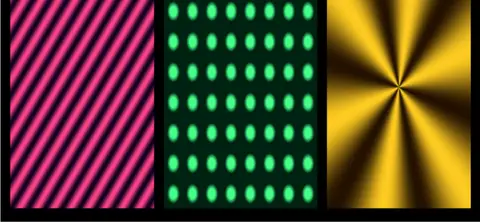
Projection mapper multi-textureStripes, dots and a star, each fitted to its own panel in the mapper.In the Demos browser
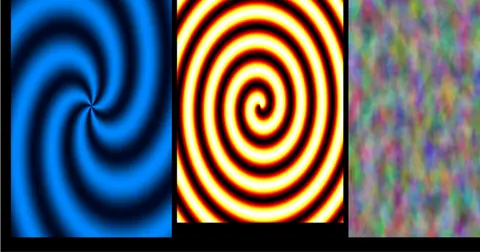
Swirls on a projectorThree swirling patterns sent through the mapper to a projector window.In the Demos browser
GPUShadertoy gallerySix classic shader scenes, from plasma to ray marching, ready to put on a wall.In the Demos browser
GPUFeedback fluidInk stirred by three moving whirls, all inside one shader.In the Demos browser
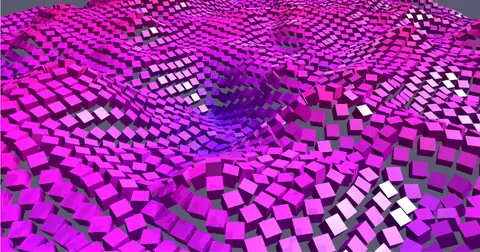
10,000 cubes on a noise fieldTen thousand cubes riding a moving noise field.In the Demos browser
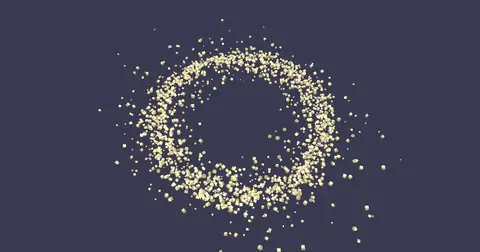
Orbital gravityA swarm of metal boxes orbiting a center, glinting as they fade in and out.In the Demos browser
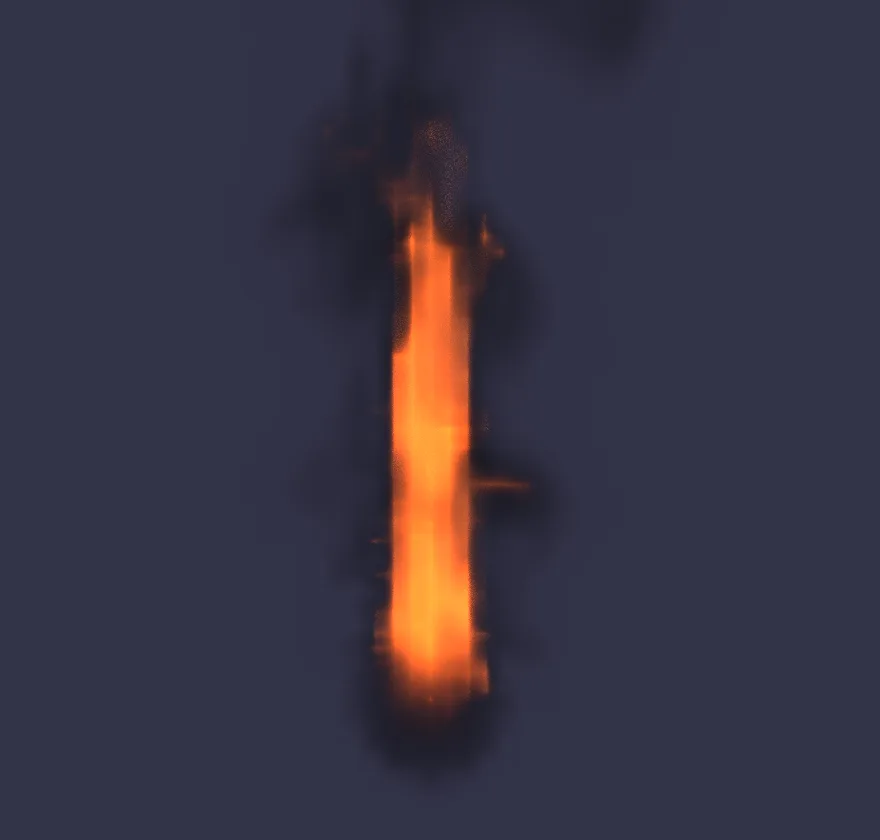
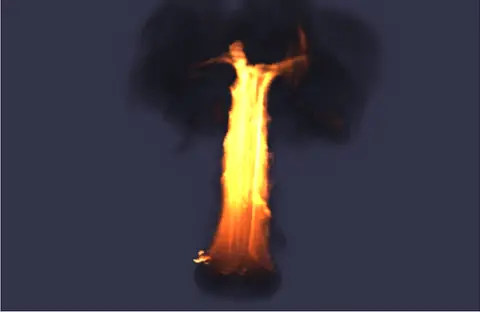
BurningA tall pillar of fire that mushrooms into dark smoke at the top.In the Demos browser
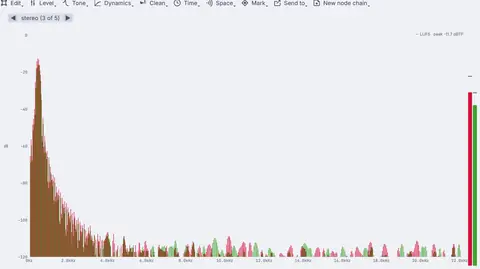
Audio deviceSpatial audio orbiterA tone flying round the listener, with a room adding its reflections.In the Demos browserBetter to know now. Something here would stop your show? Reach out.
Free. No account, no license key and no seat count, so every machine in the room can run it, even for commercial use. macOS, Windows and Linux, with experimental Raspberry Pi support.