Map the building front
Draw each panel, pier and frieze as its own shape and give it its own picture. Mask the windows so no light spills inside.
ProjectionMapperImagePolygonMaskImageMask
Masks →Throw moving pictures across a facade, run its lights from dusk to close, and see it all on the 3D model before anything goes up. Projection, DMX lighting and the model live in one free app.
The building is boxes in the graph. A spot light throws a small shader picture onto it, the way the real projector will. On the night, the same picture goes to a window on the projector.
The jobs that come round on every building, from the first model to the night the lights go on. Each one is a handful of nodes in the same graph.
Projection: fit the picture to the stone and keep it off the glass.
Draw each panel, pier and frieze as its own shape and give it its own picture. Mask the windows so no light spills inside.
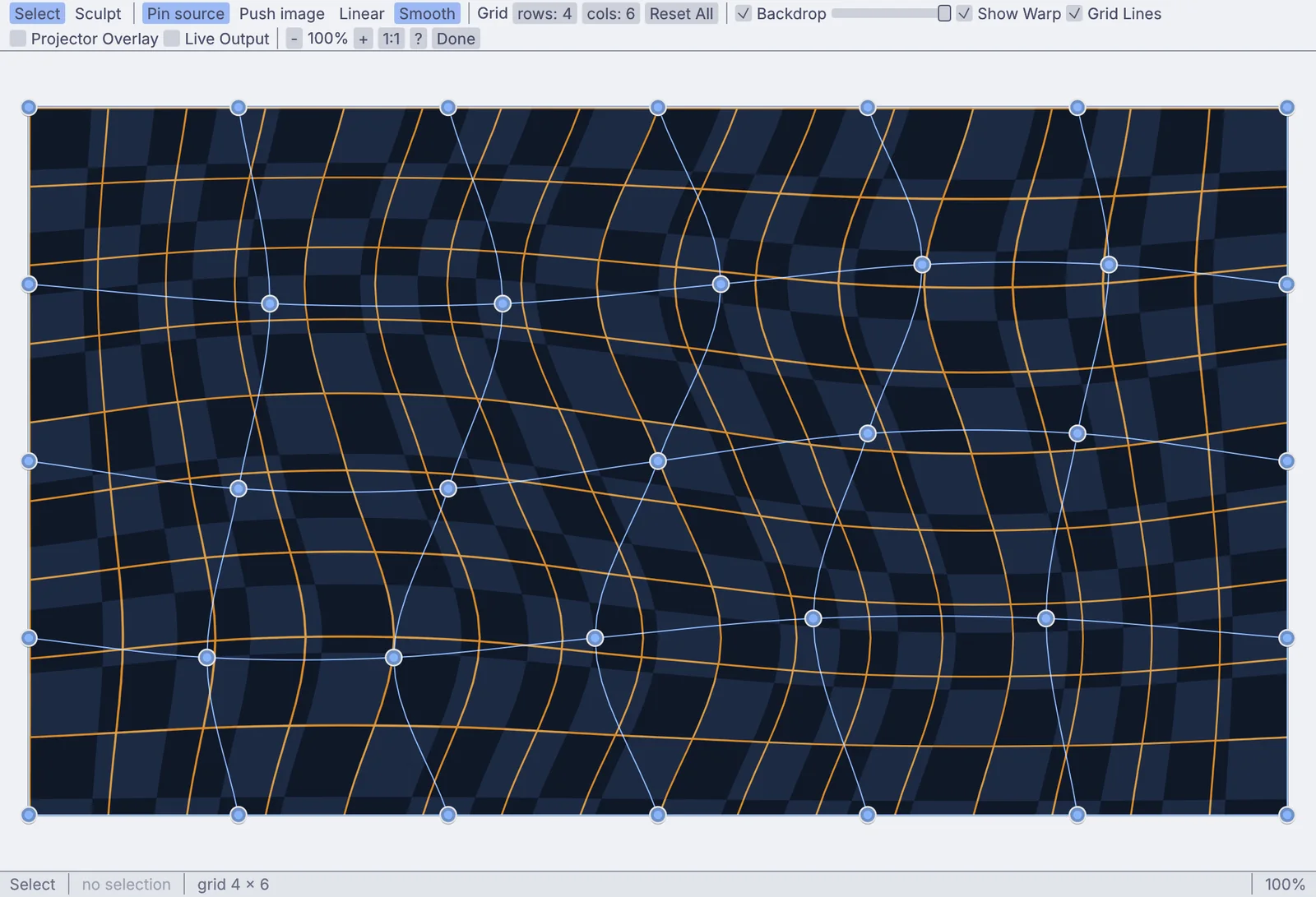
Pull a grid of points until the picture sits on a curved wall, a column or an arch. Corner pin a flat panel you can only see from the side.
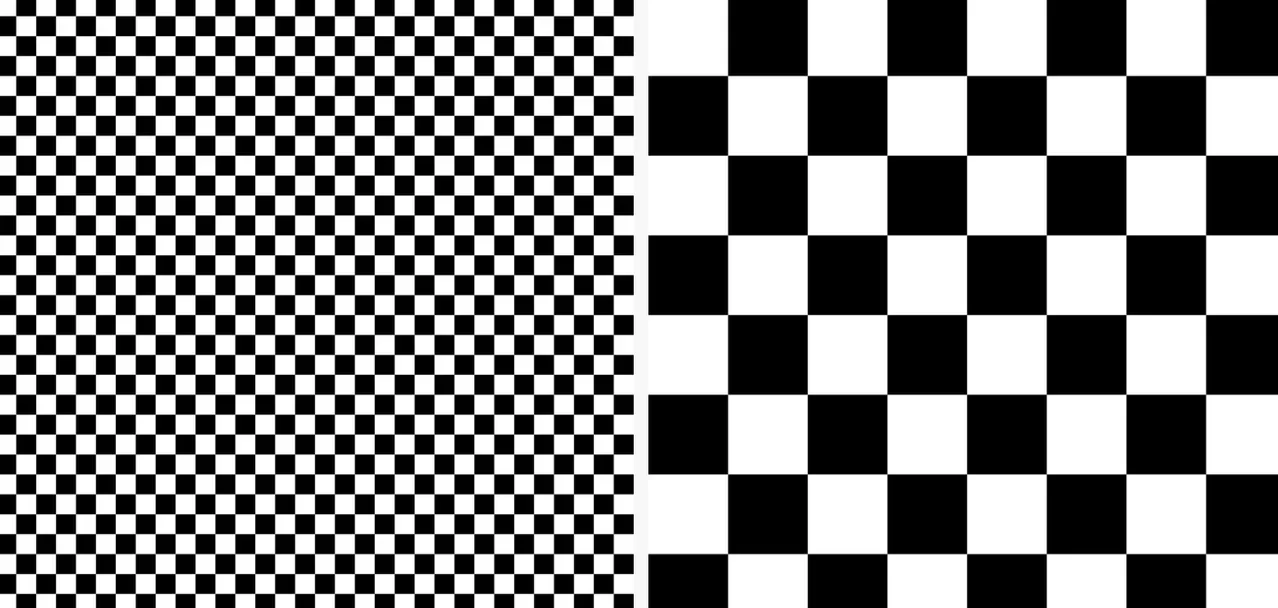
Each projector throws its own patterns and a camera reads them back off the building, so the projectors line up with it. A second pass evens out their brightness.
Facade lighting over Art-Net and sACN, on a schedule you set once.
Set the times once, by the clock or at sunset for the site, on the days you pick. Each time can call its own look.
Every pixel of a picture or a video becomes a light on the building. Match the wiring and channel order of your panels, snake-wired or straight.
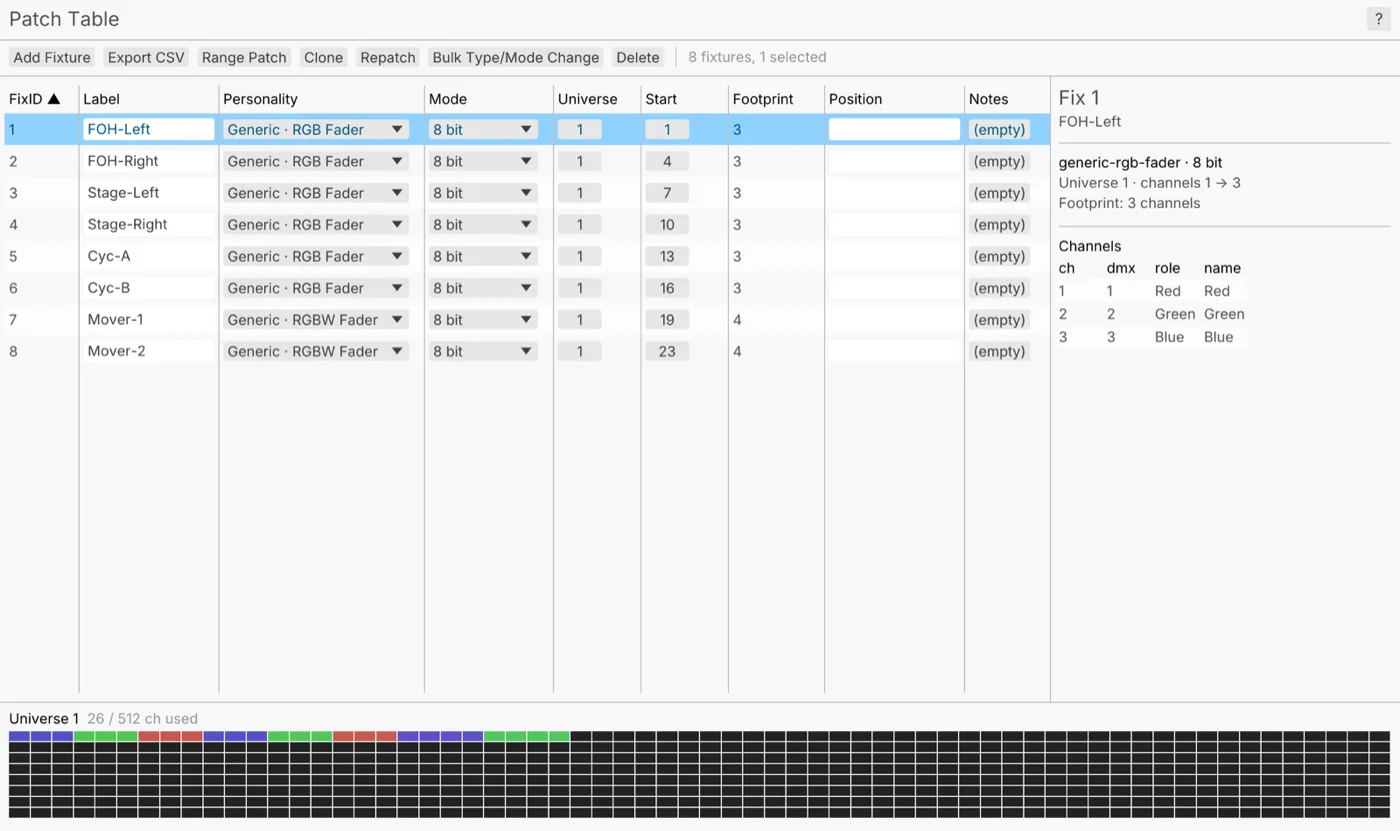
Patch from more than 1,500 built-in fixture profiles or your own GDTF files, bring the plot in from MVR, and hand the crew a patch list.
The model, the site as it stands, and the first look for the client.
Block out the massing with boxes in the viewport, then cut, bevel and repeat. Or open a model saved as glTF, FBX, OBJ or USD.
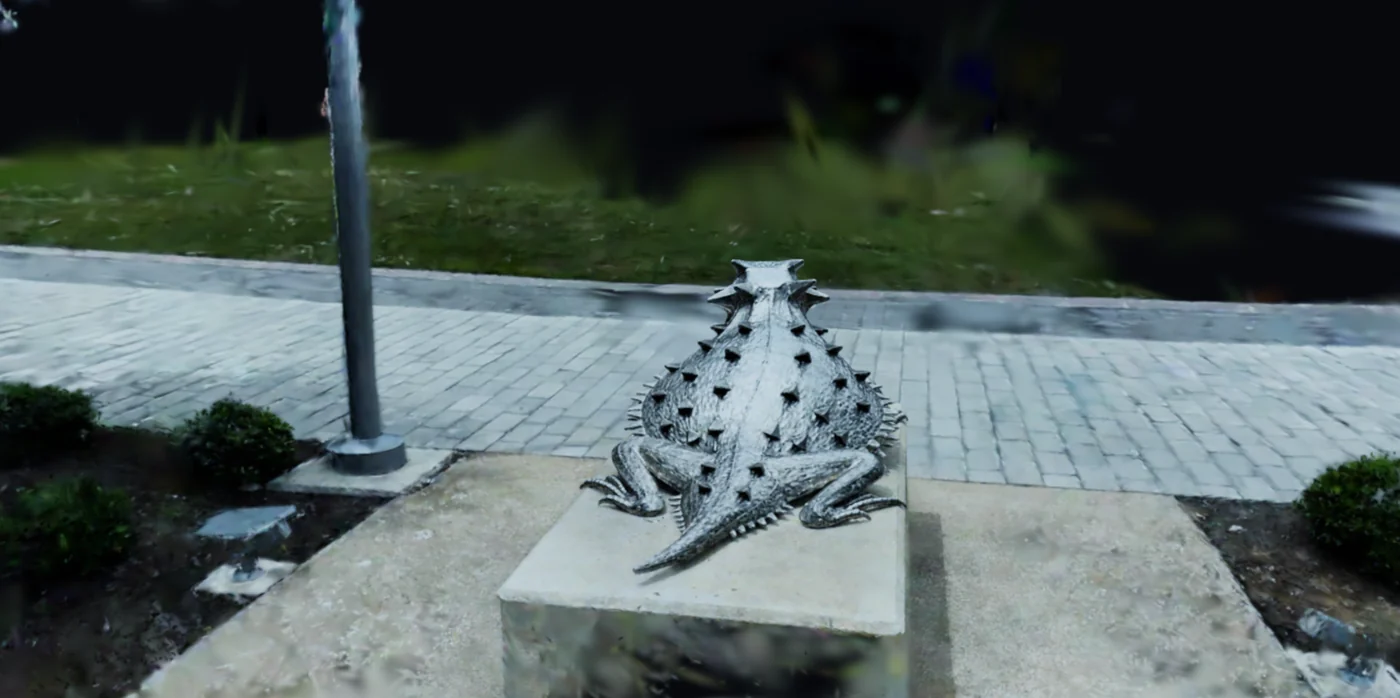
Bring in a Gaussian splat of the street or the square as it stands, take its baked-in light out, and light it again with the design.
Render stills and turntable videos under an HDR sky or a sky you set up, with the sun at the height and bearing you choose.
Shapes, masks, warps and blends for every projector, in the same graph as the picture they throw. A sound, a schedule or a sensor can move any of it while the show runs.
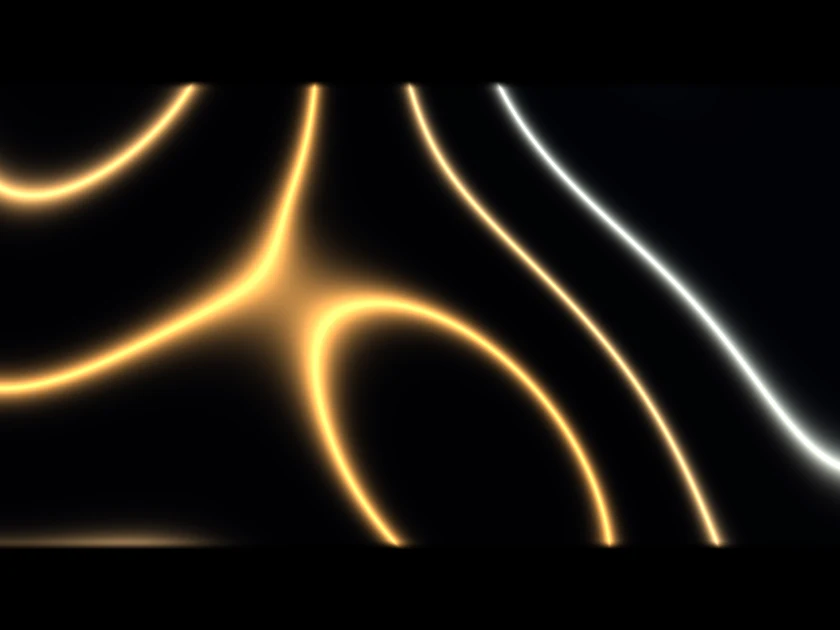
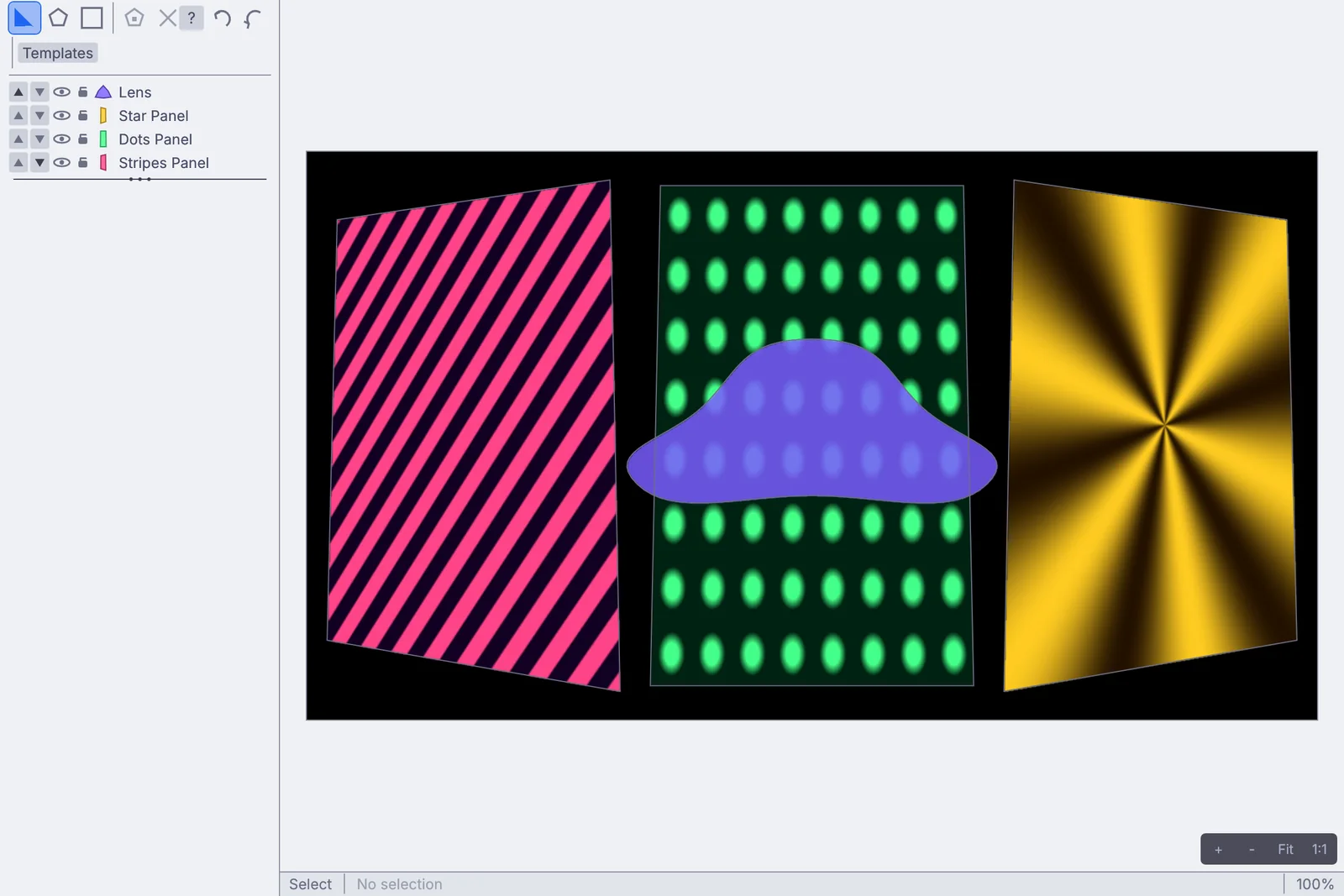
Washes, LED pixels and moving lights, patched from profiles and sent over Art-Net or sACN. Times of day, sunsets and cue lists run the looks, so the building lights itself.
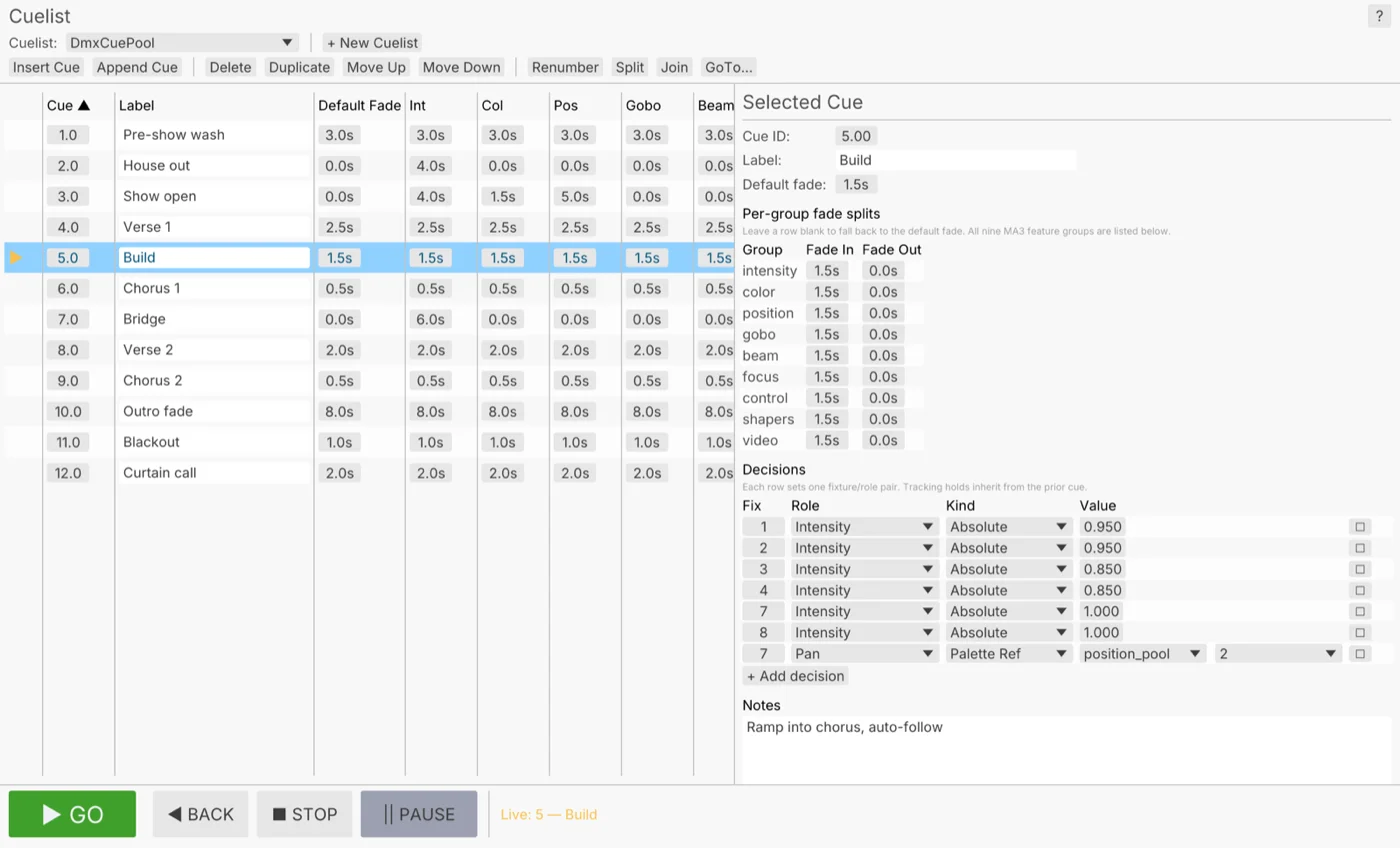
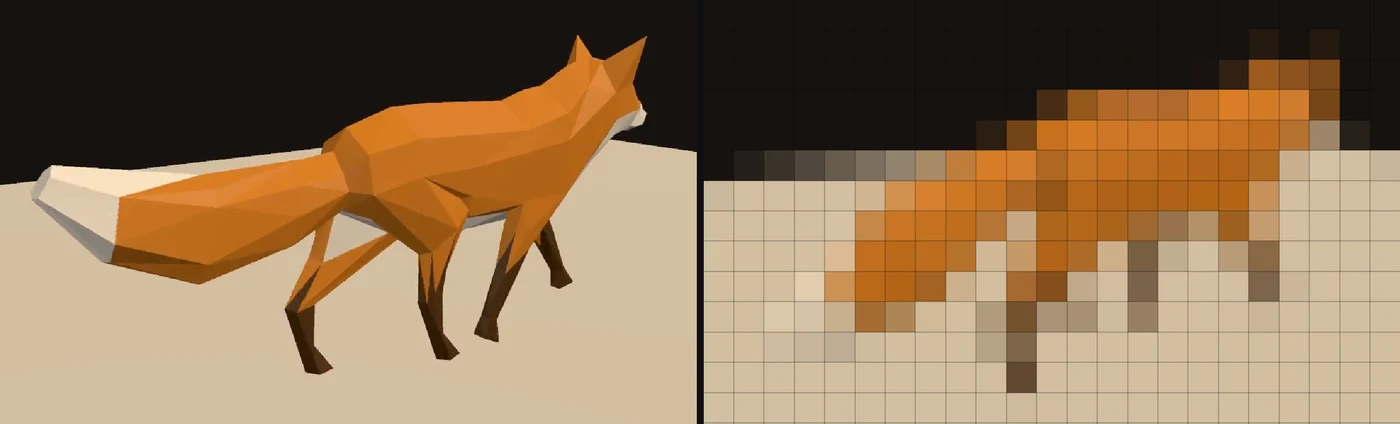
The music for the opening night, a fire on the LED facade and a scan of the square can sit in the same graph as the projection and the lights. Change any of them and the building follows while the show runs.
A facade is judged on the nights nobody is watching it. These are the parts that keep a building lit for a whole season on its own.
sunset-30Before duskHalf an hour before sunset at the site, the warm wash fades up. The scheduler works the time out for each day.20:00The showThe projection starts at the times you list, on the days you pick: daily, weekdays, weekends or a list.23:00LateThe wash drops to a dim blue and the projection stops.01:00CloseLights out. A weekend entry can run later than a weekday one.overnightOvernightThe log keeps one file per day and clears out the old ones each time it starts, so the disk never fills.$ kinematic facade.kin --kiosk --display 1 --no-controls \ --restart-on-panic 10 --watchdog 30s --health-port 9797
$ kinematic run facade-lights.kin --watchdog 30s \
    --set schedule.latitude=52.37 --set schedule.longitude=4.89 \
    --log-file /var/log/kinematic/lights.log --log-keep 30
Add either one to the login items on a Mac, or a desktop session service on Linux, and it starts with the machine. Raspberry Pi support is experimental and starts the same way as Linux.
A lighting graph needs no window. Run it on a small box in the plant room, with nothing on screen at all.
A second machine listens for a heartbeat from the first, over Art-Net, sACN or OSC. If it goes quiet, the backup takes the rig, and hands it back when the first returns.
A crash restarts the show on its own. A stalled graph is ended by the watchdog and comes back the same way.
Over RDM, find every fixture on the line, flash one to spot it on the building, set its start address and read its sensors.
A health check on a port reports whether the show is running, for whatever watches the building.
Pass a value at launch, such as the latitude and longitude of the building, and every site runs the same graph file.
What comes in from the design, what goes out to the building, and the files you hand on. Every entry is on the full list of what Kinematic works with.
Short lessons that end with something working, and demos that come with the app. Take a demo apart and keep what you need.
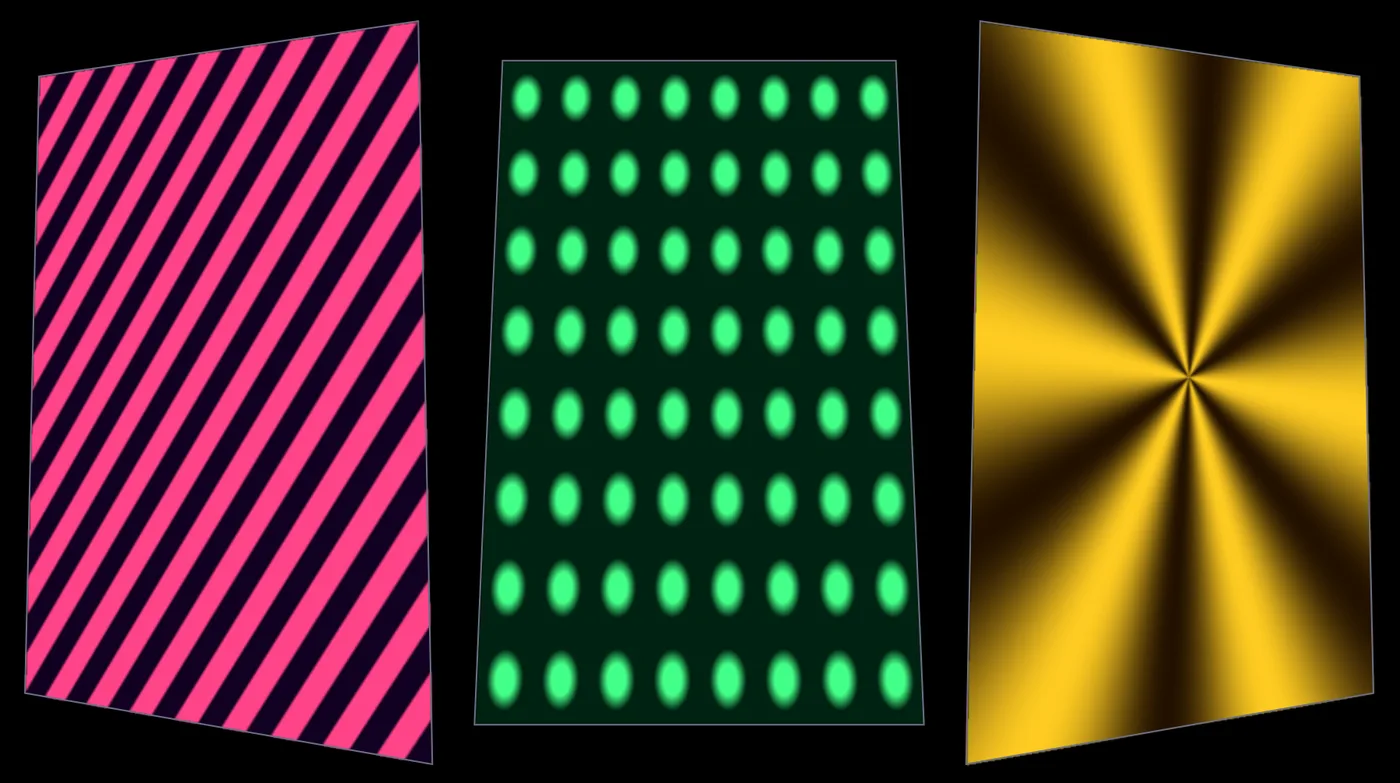 TutorialMap moving patterns onto three panels10 min
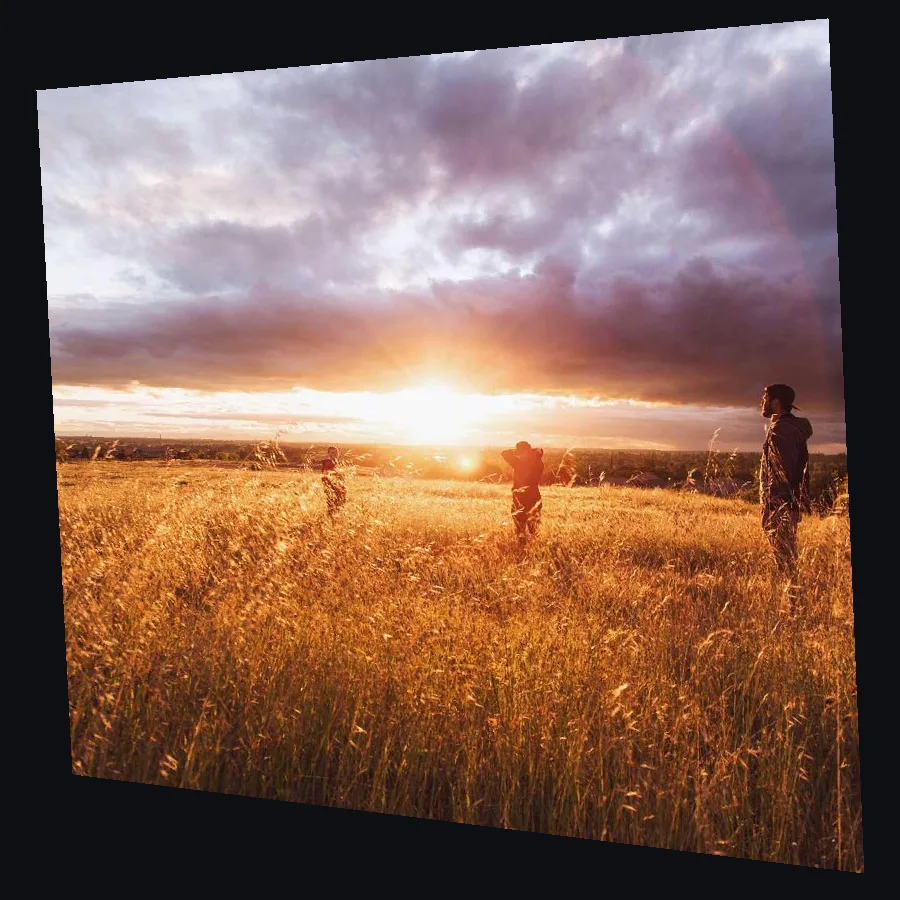 TutorialLine up a projection on a wall from the side7 minTutorialPlay a video on a wall of LED lights9 min
 TutorialFlash a light on every beat8 min
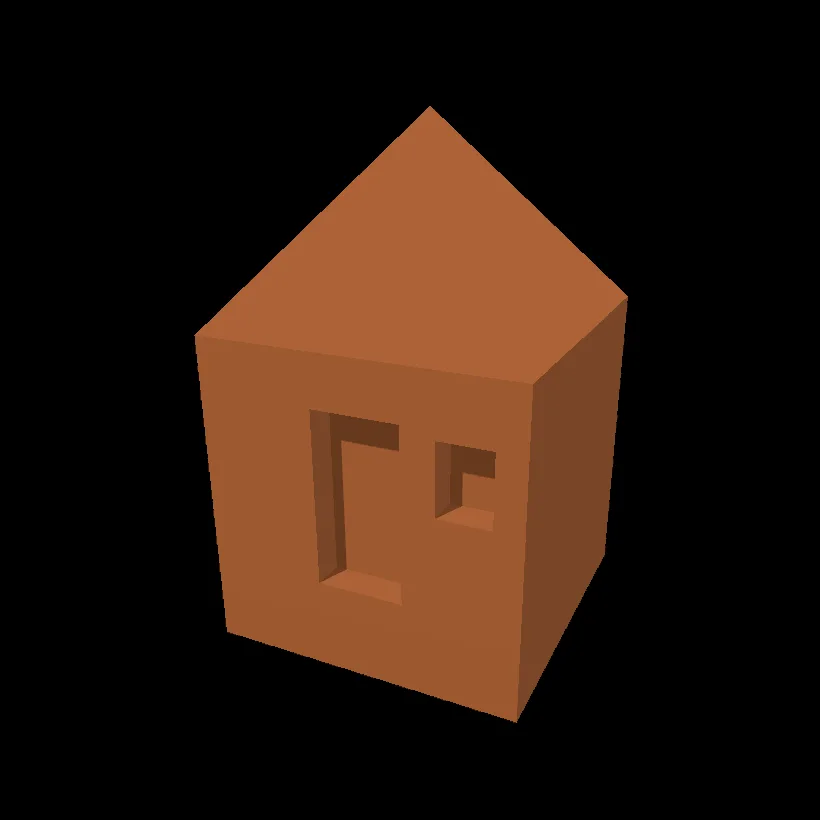 TutorialModel a little hut10 min
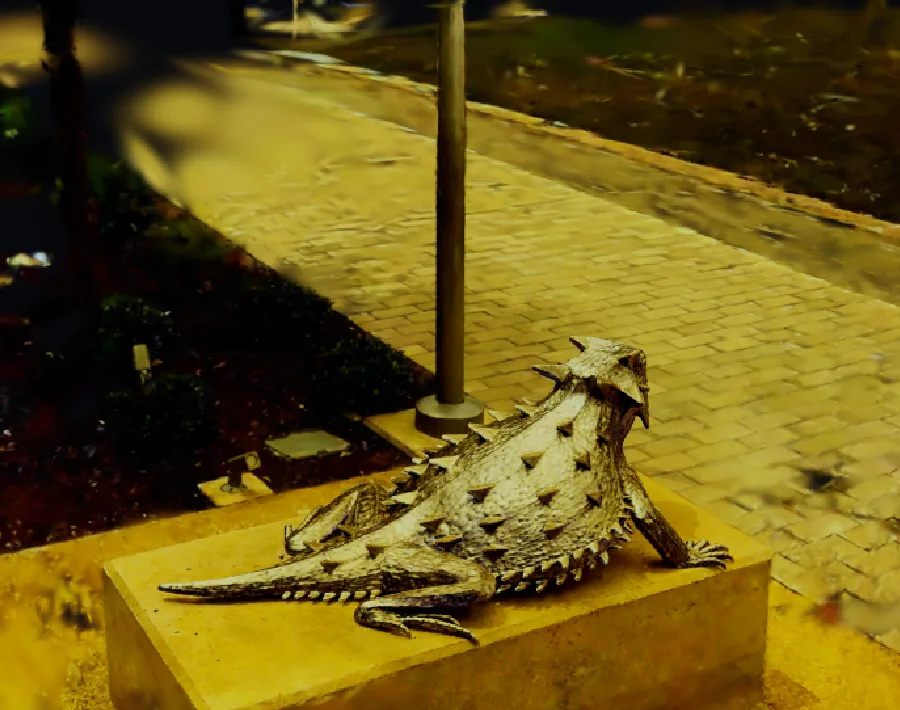 scan by Niantic Labs, MIT licenseTutorialGive a 3D scan a golden glow10 min
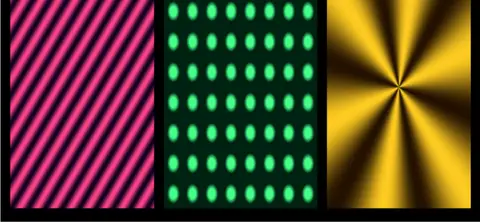 Projection mapper multi-textureStripes, dots and a star, each fitted to its own panel. Move the panels in the mapper and soften their edges.In the Demos browser
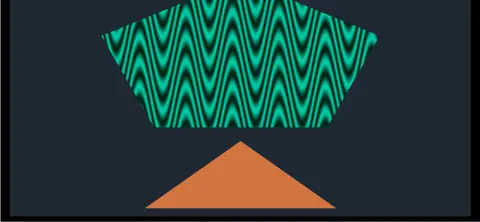 Projection mapper freeformA pentagon and a triangle, mapped as free shapes. Drag their corners or draw your own.In the Demos browser
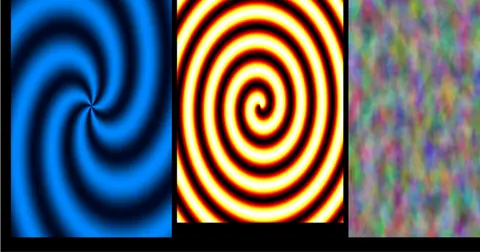 Swirls on a projectorThree swirls on three panels, in the app and full screen on a second display at the same time.In the Demos browser
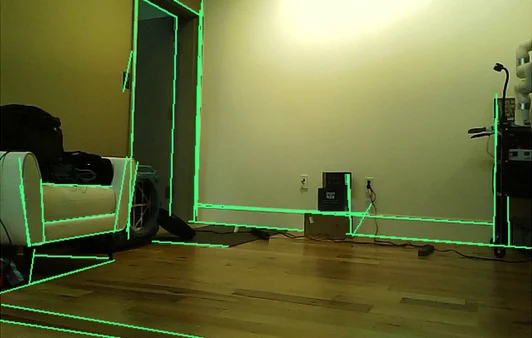
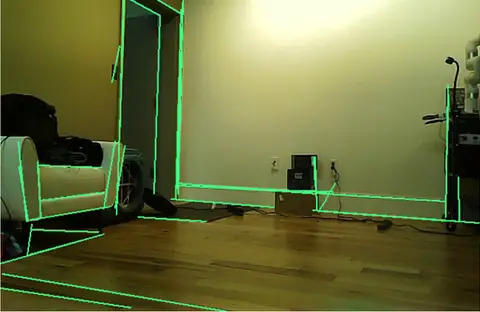 WebcamRoom linesEvery wall edge and window frame traced live over the camera picture. Aim it at a building.In the Demos browser
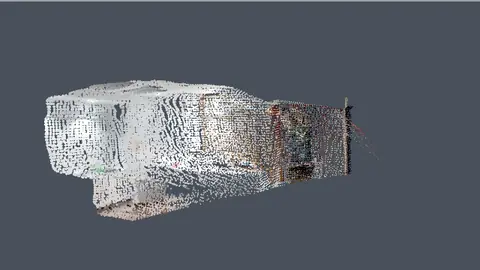 Webcam, GPUScan a room by walking through itWalk a camera through a room and it builds itself out of colored points as you go.In the Demos browser
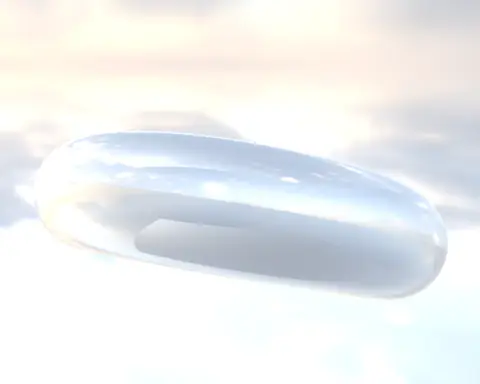 Chrome torus lit by a real skyA chrome ring lit by a real sky from an HDR photo, which also fills the background.In the Demos browser
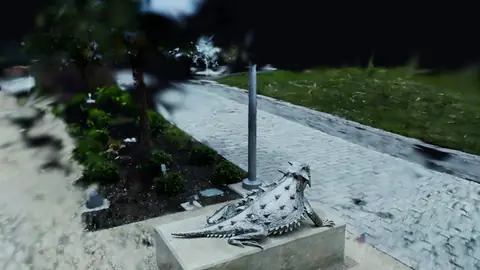 GPUscan by Niantic Labs, MIT licenseSplat turntableA carved lizard on its plinth, scanned outdoors with the paving left in, turning slowly.In the Demos browser
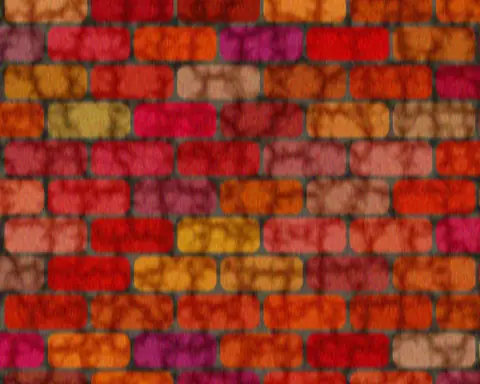 Procedural wall textureRed brick with a crackle pattern blended in, and rain streaking down the wall.In the Demos browser
Better to know now. Something here would stop your project? Reach out.
Free. No account, no license key and no seat count, so the studio, the site office and the box in the plant room can all run it, even for commercial use. macOS, Windows and Linux, with experimental Raspberry Pi support.