Play visuals and lights with the music.
Build your looks from shaders, feedback and a camera on the floor. They move with the kick, play from the MIDI controller you already own, and go out to the projectors, the LED wall and the strobes from one file.
- VJs
- DJs who play visuals
- Club lighting techs
- Visual artists
Five looks made in Kinematic. Pick one to put it on the screen.
What you make each week.
From the looks you build at home to the strobes at peak time. Each one is a graph you can open, change and play live.
-
ink swirling, kept sharp by feedback 01At homeBuild a set of looks
Write a shader, fold a picture into a kaleidoscope, or feed each frame back into the next for trails and swirling ink. Every setting can go on a knob, and every look stays live, so you can change it mid-set.
ImageShader+ImageFeedback+ImageKaleidoscopeMake shaders and looks → -
trails behind a dancer, every frame fading into the next 02At homePut the dance floor on the screens
Point a camera at the floor, then leave glowing trails behind every move or fold the crowd into turning mirrors. A capture card that shows up as a webcam works the same way.
VideoCaptureInterface+ImageFeedback+ImageBloomLeave trails behind dancers → -
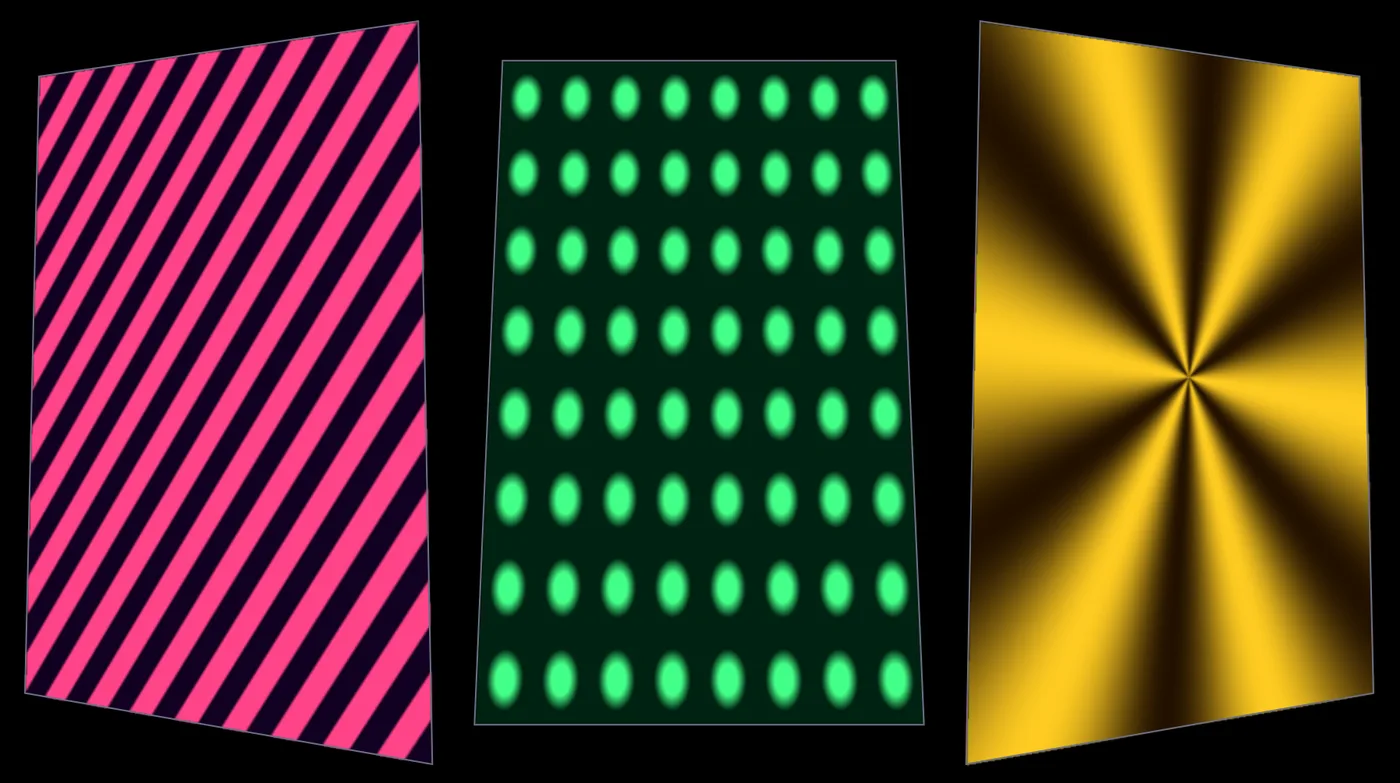
three looks, each fitted to its own panel 03Load-inMap the room
Fit each look to the screens, the front of the booth or a wall with quads, corner pins and grid warps, and blend two projectors into one wide picture. Every output gets its own window on its own display.
ProjectionMapper+ImageHomography+ImageEdgeBlendMap a projection → -
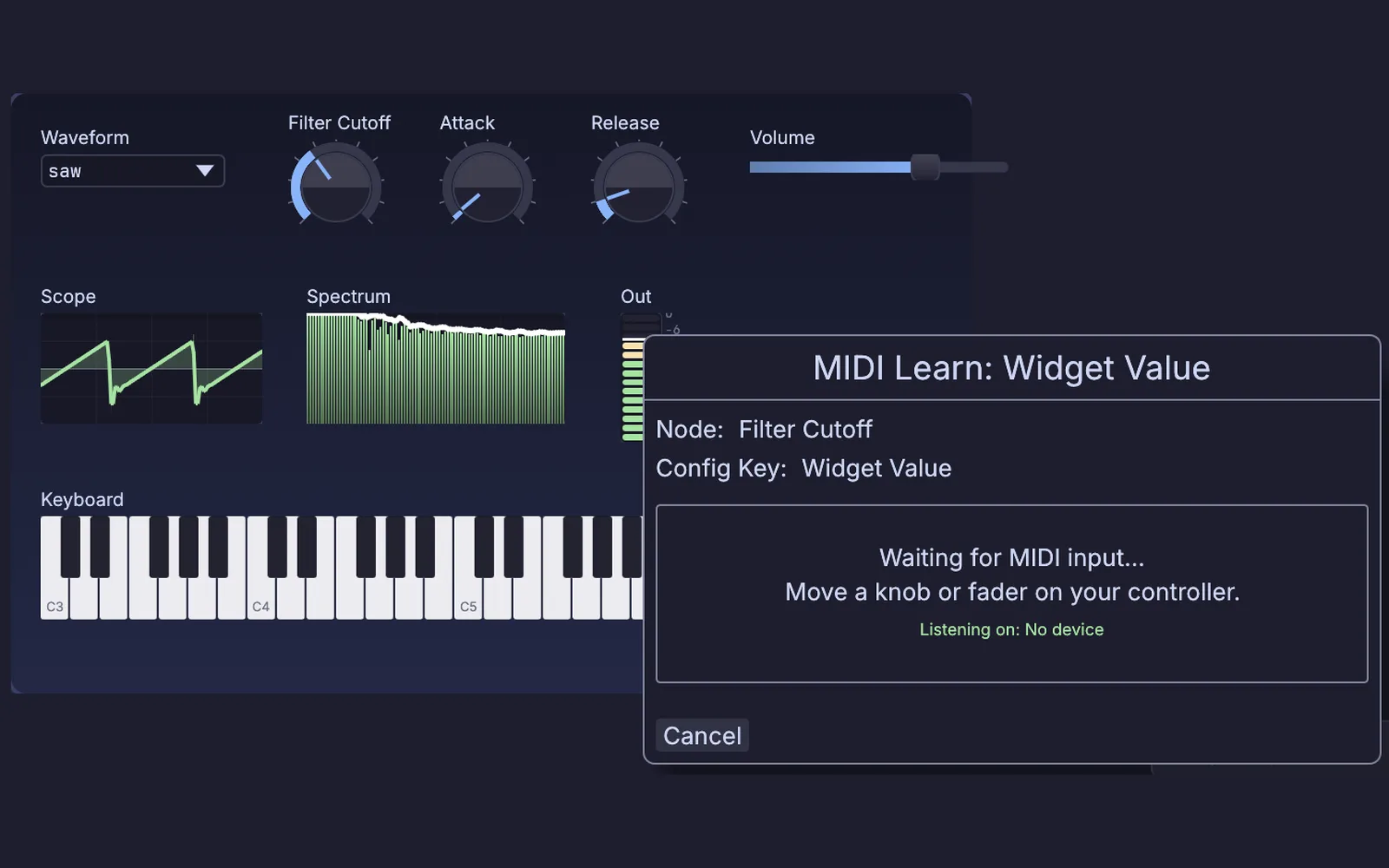
MIDI Learn, waiting for a knob or fader 04SoundcheckMap your controller
Pick your controller in the Profile Library and every knob and fader maps in one press, with its lights answering back. For anything else, click Learn and move a knob.
MidiCCIn+MidiLearn+UIPanelMap your MIDI controller → -
two clips cutting on the downbeat 05Warm-upLock to the DJ's tempo
Follow MIDI clock from a drum machine or a DAW, take tempo, beat and bar from Ableton Live, or tap the tempo in yourself. Then cut between looks on the downbeat.
MidiClockIn+AbletonLiveLink+MidiTapTempo+ImageCrossfadeCut visuals on the downbeat → -
sixteen lights flashing white on the hits of a song 06Peak timeHit the lights on the kick
The kick fires the strobes and the drop turns the room white. Video plays across LED bars and pixel tape too, sent over Art-Net, sACN or a USB DMX adapter.
AudioOnsetDetect+ChannelDataToDmx+ImageToDmx+ArtNetSendInterfaceMake the strobes hit on the kick →
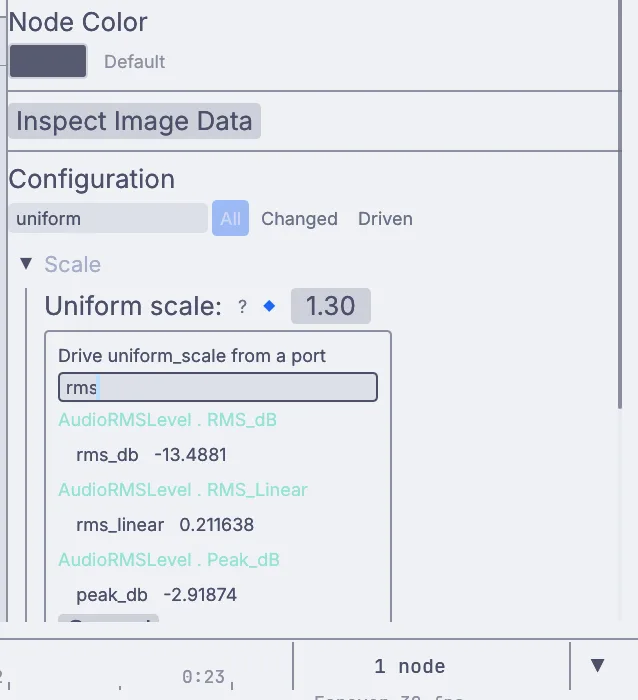
The music drives the picture.
Feed in the booth mix through a sound card. Kinematic finds the hits, follows the loudness, splits bass, mids and treble and reads the tempo. Each one is a live value you can drag onto any setting: a shader's speed, the turn of a kaleidoscope, the size of a burst, the level of a light.
There is no mapping app between the sound and the picture. It is all one graph, so a look you build at home reacts the same way in the club.
Write shaders and play them live.
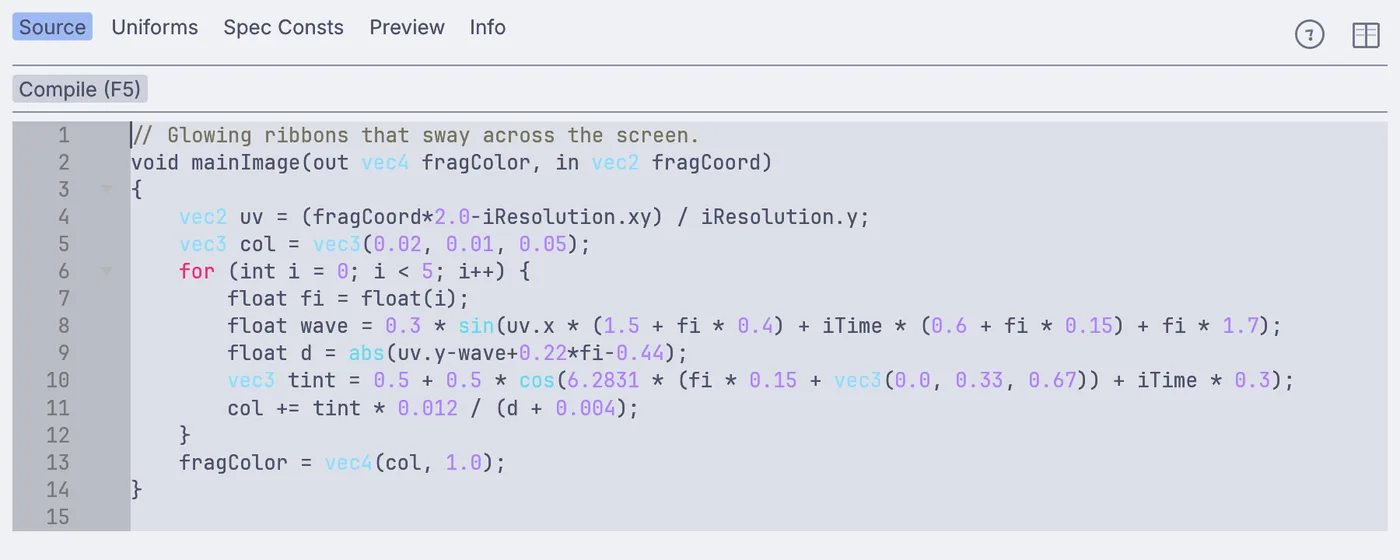
Write GLSL or WGSL, or paste in a Shadertoy with Shadertoy mode on and a few edits. Keep the shader in a file and work in your own code editor: Kinematic compiles it again each time you save, and a typo keeps the last good picture on the screen.
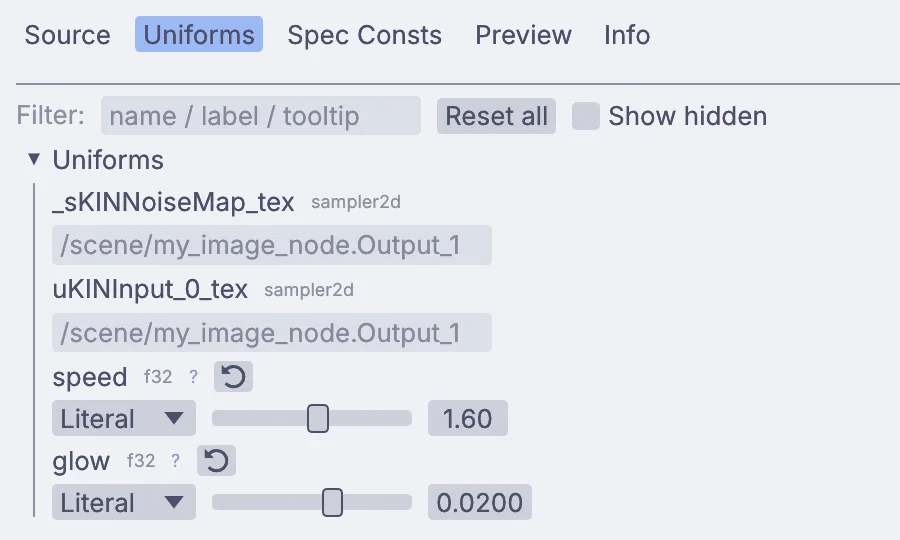
Any value in the shader can become a slider, then go on a MIDI knob or follow the music.
Fire, particles and lights in one file.
Fire, smoke, liquids and particles run on your graphics card next to your looks. Here a fire simulation goes straight onto 640 RGB fixtures over Art-Net, frame by frame. Let the kick set off a burst of sparks, or put the fire on the LED bars behind the DJ. Nothing gets exported between apps.
Play the set in Perform Mode.
Press F1 and the editor steps aside: the look fills the screen, and every output goes to the projector or screen you pick in the Outputs window. Shift+Space pauses and the picture holds. Esc brings the graph back with nothing reloaded, so you can fix a look between tracks.
Put the show on the big screen →
Open on the projector
Launch straight into Perform Mode on the display you name. The editor stays out of sight.
$ kinematic set.kin --perform --display 1
Your knobs on the laptop
Control surfaces open with the show. Put them all on the laptop screen while the look fills the projector.
$ kinematic set.kin --perform --display 1 --controls-display 0
Nothing paints over the picture
A node error is still logged and badged in the editor, but the crowd never sees it.
$ kinematic set.kin --perform --error-strip off
Back up after a crash
If the machine ever falls over at peak time, it restarts on its own. A quit on purpose stays quit.
$ kinematic set.kin --perform --restart-on-panic 5
Your gear, in and out.
Keep the controller, the mixer and the apps you already play with. Kinematic sits beside them.
Control
- MIDI controllersIn and outReady-made maps for the Korg nanoKONTROL2, Novation Launchpad, Akai APC40, Ableton Push 2 and more, with their lights. Move a knob to map any other.
- Push 2 and Push 3In and outRead the pads over USB and light them back in your own colors.
- Phones and tabletsInA touch page served from the graph itself, or TouchOSC.
- Stream DeckIn and outLooks on the keys, over USB or through Bitfocus Companion.
- Gamepads and keysInSticks and triggers as live values, and any key as its own trigger.
Time and sound
- Sound cards and micsInThe booth mix comes in for the hits, the loudness, the bands and the tempo.
- MIDI clockIn and outFollow a drum machine or a DAW: tempo, start and stop. Or send the clock yourself.
- Ableton LiveIn and outTempo, beat and bar in. Fire clips and scenes and ride device knobs, through the free AbletonOSC script.
- OSCIn and outOver UDP, or TCP. Move a fader in another app to learn its address, and send OSC to Resolume.
- Network MIDIIn and outRTP-MIDI and ipMIDI carry MIDI between computers with no cable.
Video
- SyphonIn and out, macOSShare frames with Resolume, MadMapper or any other Syphon app on the same Mac.
- NDIIn and outVideo and sound to and from any machine on the network. Install NDI Tools first.
- Projectors and LED screensOutA window per output on any display, with corner pins, grid warps and edge blends.
- Webcams and capture cardsInAny capture card that shows up as a webcam works like one.
- Video filesIn and outMP4, MOV, MKV and WebM play in, looped and at any speed. Record the set as H.264, H.265 or ProRes.
- Shader codeInGLSL and WGSL, and Shadertoy code with a few edits.
Lights
- DMX over USBIn and outEnttec DMX USB Pro, DMXking ultraDMX and other adapters, one universe per adapter.
- Art-NetIn and outMany universes over the network, for pixel bars and LED walls.
- sACNIn and outStreaming DMX (E1.31), with per-address priority.
- Fixture profilesInMore than 1,500 fixtures in the Profile Library, drawn from GDTF and the Open Fixture Library.
- Lighting consolesOutFire cues on a grandMA3, an ETC Eos or a Hog 4 over OSC.
Keep the app you play with.
Bring its output in over Syphon or NDI, put a look on it and send it back. Or send Kinematic's picture across as one more source on its layers.
Patch looks the way you do now, with 3D, simulation, sound and lighting in the same file.
Read the guide →Coming fromCinema 4DModel and animate the 3D for your loops, then play it live and let the music drive it.
Read the guide →Every format and protocolWorks withFiles, gear and the other apps on your desk, with what each one does in and out.
Look up your gear →Tutorials and demos.
Each tutorial starts from an empty file and takes about ten minutes. The demos come with the app: find one in the Demos browser, press Play, then take it apart on the canvas.
Tutorials
 Tutorial · 12 minMake a visual that pulses to your music
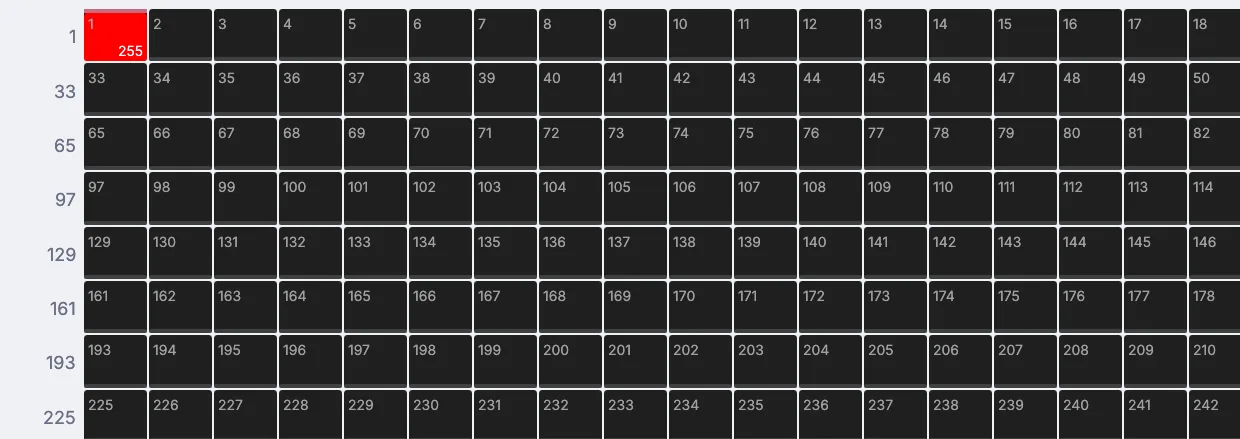 Tutorial · 8 minFlash a light on every beat
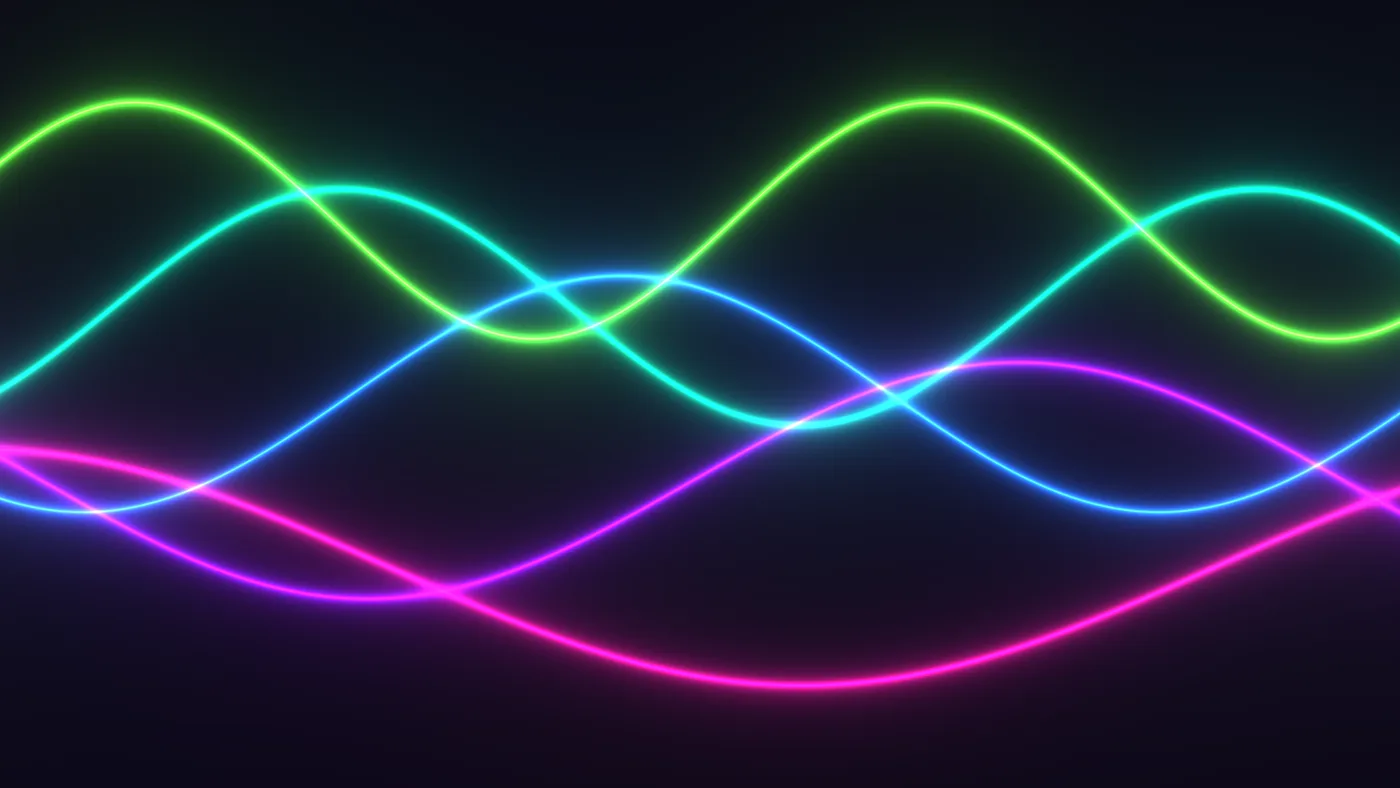 Tutorial · 12 minPaste in a Shadertoy and give it sliders
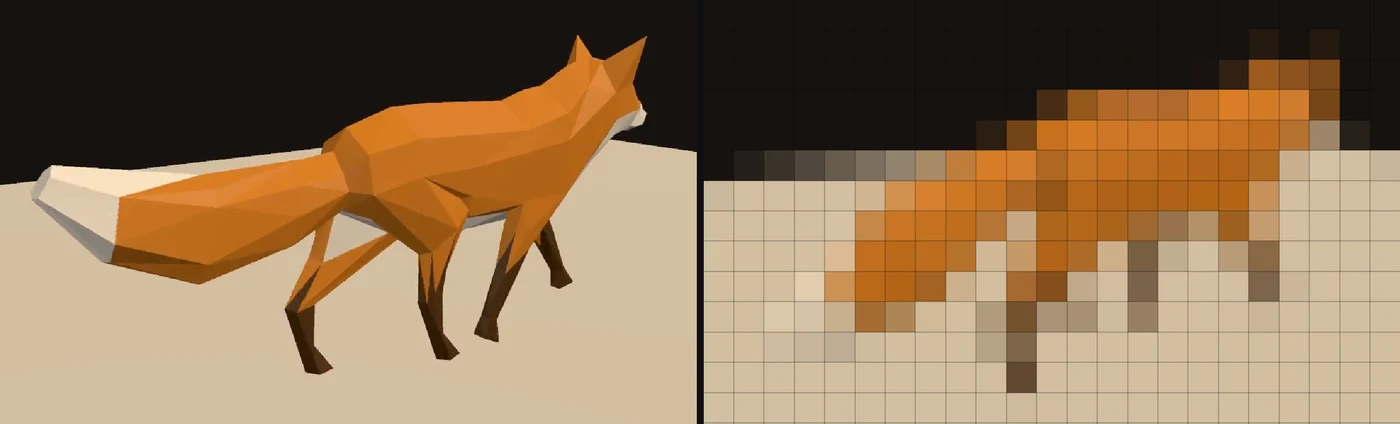 Tutorial · 9 minPlay a video on a wall of LED lightsTutorial · 10 minMap moving patterns onto three panels
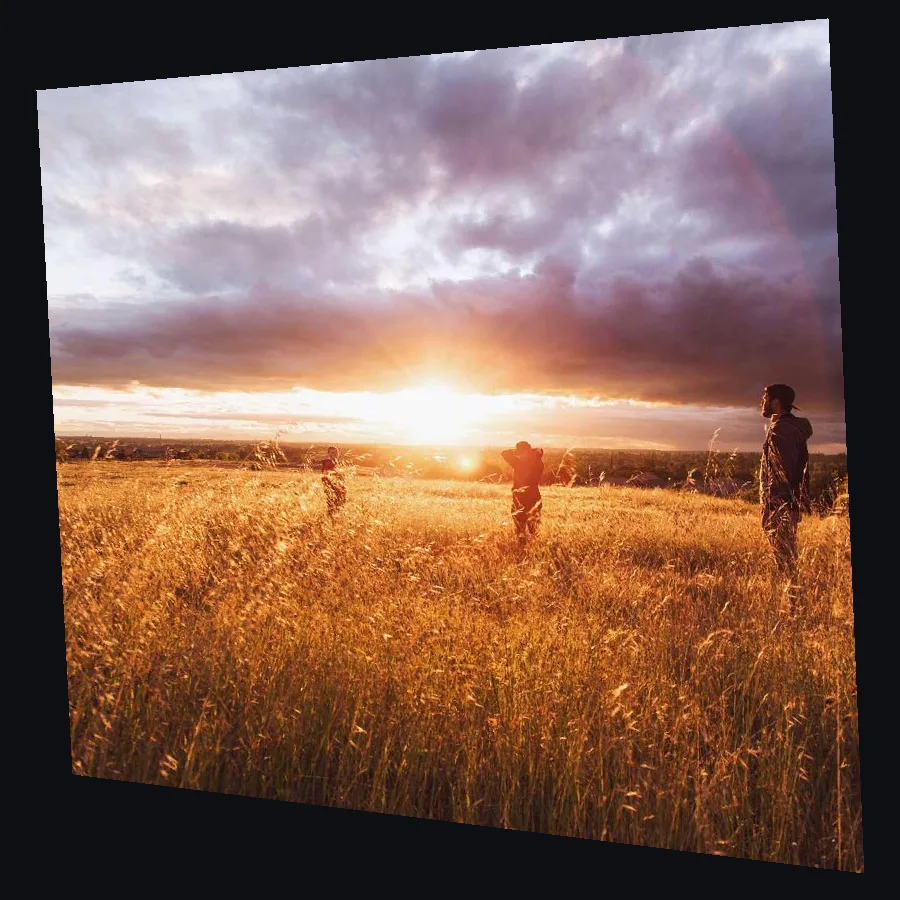 Tutorial · 7 minLine up a projection on a wall from the side
Demos
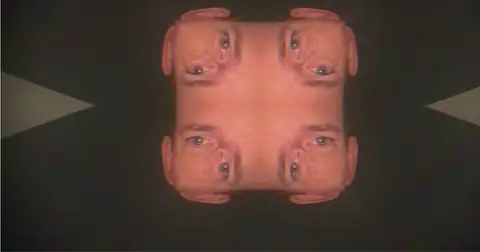 Audio kaleidoscope feedbackA webcam folded into eight mirrors. The mic level turns it, shifts its color and sets how long the trails last.In the Demos browser
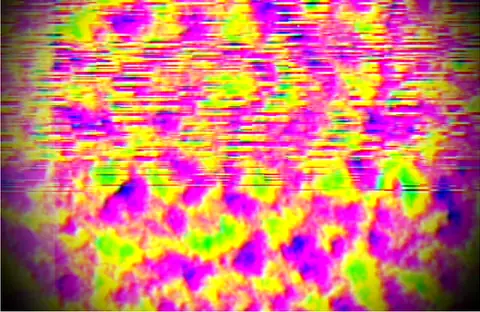 Camera chromatic kaleidoscopeA camera through a color-split kaleidoscope. Each beat snaps the rotation and the loudness sets the color.In the Demos browser
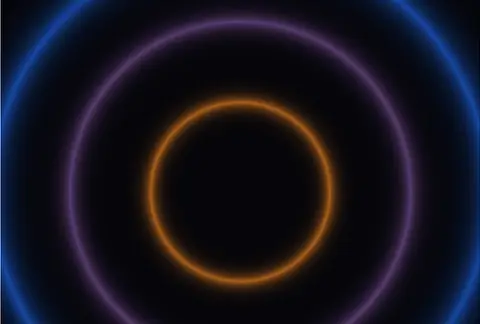 Shader volume bloomThree glowing rings whose size and color follow the volume of a microphone.In the Demos browser
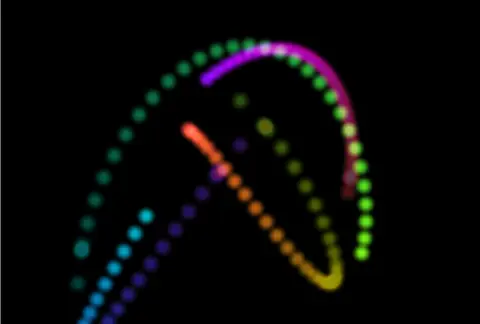 Trail painterFour colored dots leaving trails that slowly fade, drawn by one shader that reads its own last frame.In the Demos browser
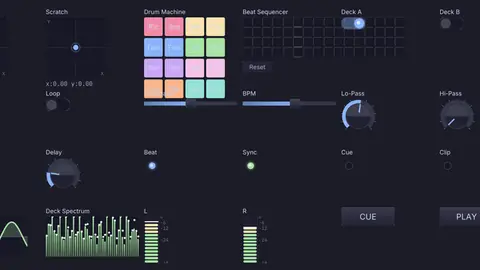 DJ performance controllerA performer's panel: pads, a crossfader, a step sequencer, beat lights and live meters.In the Demos browser
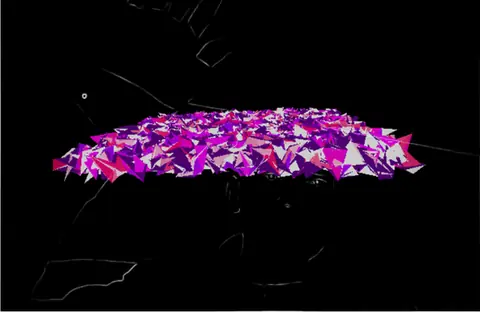 Fractal terrain pulseA fractal grid that bends with the bass, mids and treble, with a live camera behind it.In the Demos browser
What it does not yet do.
Better to know now. Missing something you need in the booth? Reach out.
- SpoutSharing video with other apps on Windows is on the roadmap. NDI works on every platform, and Syphon on a Mac.
- Ableton LinkLeft out on purpose because of its license. Share tempo with MIDI clock, or with Live through AbletonOSC.
- ISF shadersThere is no ISF loader. GLSL and Shadertoy code come in with a few edits.
- Recording to HAPKinematic records your set as H.264, H.265, ProRes, VP9, MJPEG or FFV1, but not as HAP.
- Laser outputThere is no ILDA or other laser output.
Download Kinematic.
Free. No account and no license key, even for paid gigs. Put it on the club machine and on your laptop.