Let the dancer drive picture, sound and light.
A camera reads the body with no suit and no markers. Wrists, hips and hands become live values you can wire to anything in the piece: a projection, a moving light, a synth, a 3D character.
- Choreographers
- Dancers
- Performance artists
- Media designers
Make a dance piece in Kinematic.
From the first day in the studio to the tech, each part of the piece lives in the same file, and that file opens on any laptop in the rehearsal room.
-
01Rehearsal
a skeleton over a dancer, read from a video file Track the dancer's body
Point a webcam at the floor and the body pose node finds 17 points on each person, live. With tracking on, every dancer keeps the same number when they cross, so in a duet or a full company each body can drive its own part. The full body model reads 133 points, with the hands, the feet and the face.
VideoCaptureInterface+LocalAIImageToBodyPose+LocalAIImageToWholeBodyPoseTrack a body → -
02Visuals
the left wrist sets the mirrors each frame fades into the next Turn movement into the picture
Drag a tracked wrist onto any number in the app and it follows the dancer from then on. Here the left wrist sets how many mirrors the kaleidoscope has. Feed each frame back into the next and every move leaves a trail.
LocalAIImageToBodyPose+ImageKaleidoscope+ImageFeedback+ImageBloomLet a dancer play the visuals → -
03Sound
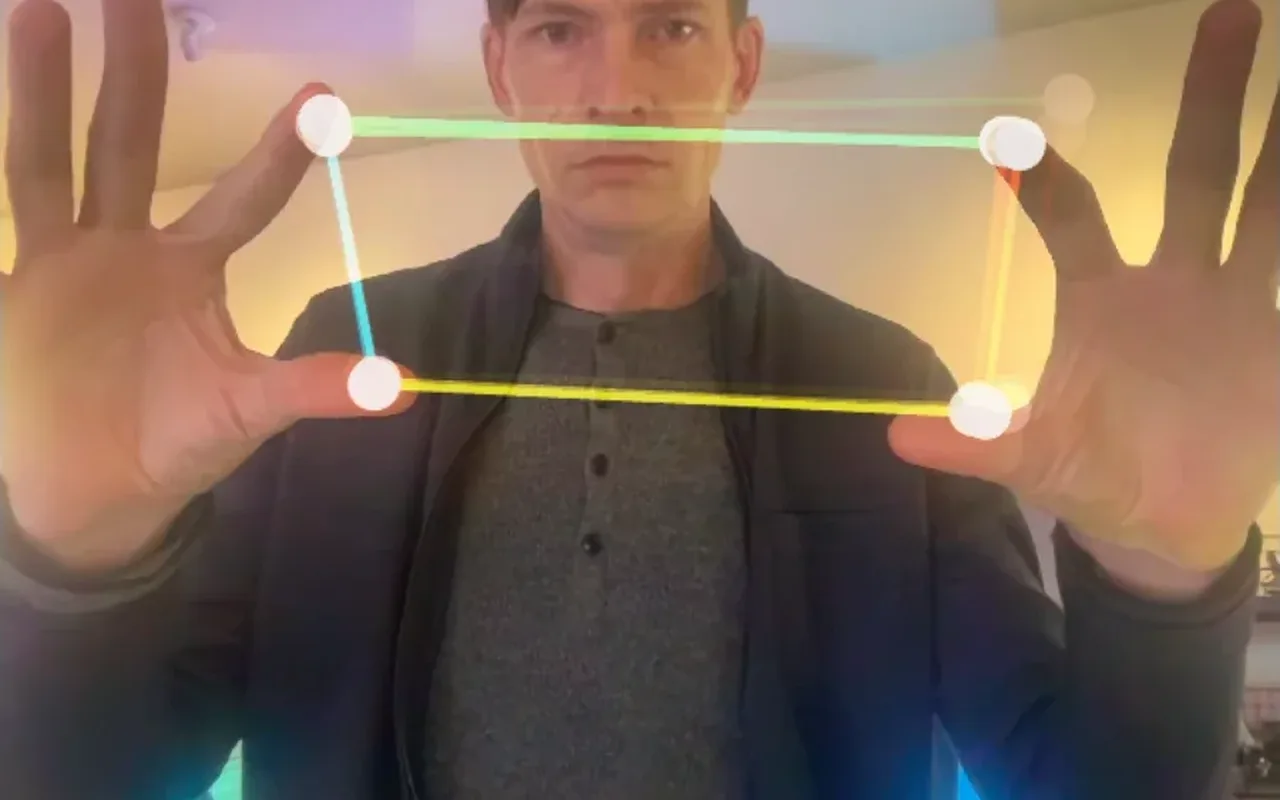
two hands playing a synth Play the score with your hands
Track both hands from the same camera. The gap between thumb and finger sets the pitch on one hand and the tone on the other, and the space between the hands sets the volume and reverb. A fist, an open palm or a thumbs up can fire a cue.
LocalAIImageToHandKeypoints+LocalAIImageToHandGestures+AudioOscillator+AudioLowPassPlay a synth with your hands → -
04Projection
a moving pattern lands on the dancer and nowhere else Project onto the dancer and nothing else
A depth camera tells the dancer from the room. Capture the empty stage once, and anything that steps in front of it takes the picture, so the projector lights the body and not the back wall. Map the floor and the set with corner pins, grid warps and edge blends.
DepthCameraCaptureInterface+Latch+ImageMath+ProjectionMapperLight only the dancer → -
05Lighting
a dancer on a 64 by 40 pixel grid, 40 universes Light the stage from the dancer
Every pixel of a picture can be a light. Point it at the dancer and the LED fixtures carry the movement, one universe per Image to DMX node, sent out over Art-Net or sACN. A follow spot can find the dancer too, and steer a moving head after them.
ImageToDmx+ArtNetSendInterface+DmxFollowSpotEnginePlay video across an LED wall →
Put the dance on a character.
Kinematic is a full 3D app, so the moves can leave the body. Read them live, from a suit or from a recording, and retarget them onto any rigged character. Here a salsa couple, recorded in a motion capture lab, is solved from its markers into two skeletons, and a moving head follows each dancer in the 3D preview.
Motion: CMU Graphics Lab Motion Capture Database (mocap.cs.cmu.edu), subject 60.
Record every run-through
Each take is named, numbered and saved as it ends, with the seconds before you pressed record. Save takes as BVH, FBX or GLB.
Live from one camera
The 3D body pose node reads 33 points in meters from a single webcam, and the body mesh node builds the whole figure.
From a suit or a lab
Take a performer from a mocap suit or a VMC app, or open a C3D file of markers and solve it into a skeleton.
Run the piece in Perform Mode.
Build the piece in the editor, with the picture live in the viewport and the graph beneath it. Press F1 and the editor steps aside: the piece fills the screen and goes to the projector you pick. Shift+Space pauses and resumes, and the picture holds through a pause.
Put the show on the big screen →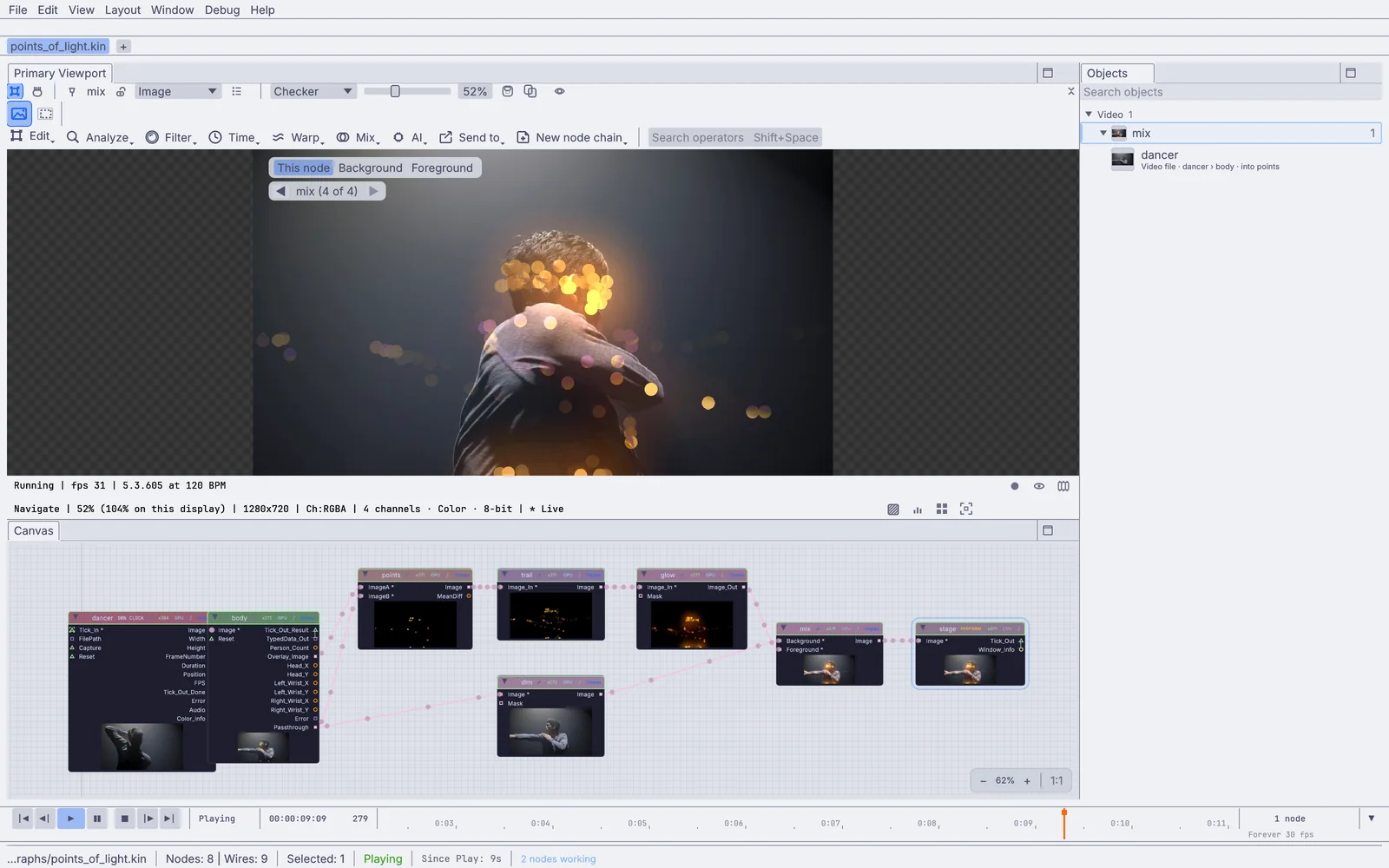
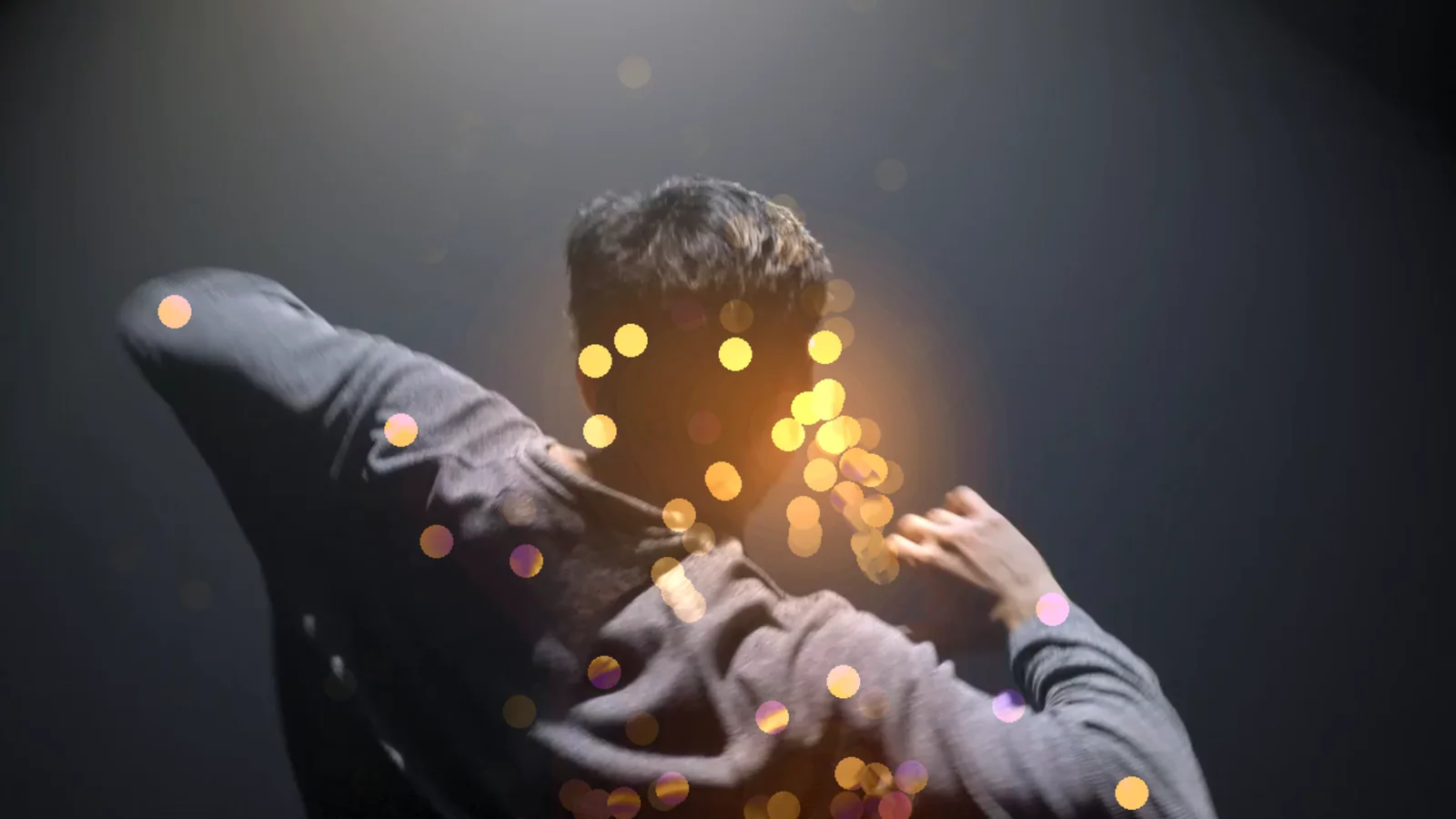
Open on the projector
Start straight into Perform Mode on the display you name. The editor stays out of sight.
$ kinematic piece.kin --perform --display 1
Controls on the other screen
Open the operator's control surfaces on the laptop screen while the piece plays on the projector.
$ kinematic piece.kin --perform --display 1 --controls-display 0
Keep it off the network
The tracking models download once. At the venue, seal the show off the network so nothing reaches out mid-piece.
$ kinematic piece.kin --perform --offline
Back on its feet after a crash
If the app ever falls over, it starts itself again, up to the number of times you set.
$ kinematic piece.kin --perform --restart-on-panic 3
Gear, protocols and files.
Keep the cameras, the lighting desk and the sound system the venue already has. Kinematic sits beside them.
Cameras
- Webcams and capture cardsInBody, hands and face from an ordinary camera. Capture cards that show up as a webcam work the same way.
- Depth camerasInOrbbec Astra, Gemini and Femto, with color, depth and IR. RealSense-style cameras on Linux.
- NDIIn and outBring in a camera from across the room, or send your picture to another machine.
- SyphonIn and out, macOSShare frames with other apps on the same Mac.
- Video filesIn and outMP4, MOV, MKV and WebM play in. Record a run as H.264, H.265 or 10-bit ProRes.
Motion capture
- VMCIn and outTake a performer from SlimeVR, VSeeFace, Warudo or VNyan, or send your character out.
- Suits and optical systemsInAdapter scripts that come with the app, for OptiTrack, Rokoko, Xsens, Qualisys, Axis Studio and Vicon.
- C3DInLabeled markers from a motion capture lab, solved into a skeleton.
- BVH and FBXIn and outTakes and rigged characters, to and from other 3D and animation apps.
- PosiStageNetInPerformer positions from a tracking system already in the venue.
Light and projection
- DMX over USBIn and outEnttec DMX USB Pro, DMXking ultraDMX and other adapters, one universe per adapter.
- Art-Net and sACNIn and outMany universes over the network.
- Fixture profilesInMore than 1,500 fixtures in the Profile Library, drawn from GDTF and the Open Fixture Library.
- Projectors and screensOutA window per output on any display, with corner pins, grid warps and edge blends.
Sound and show control
- Microphones and sound cardsIn and outRecord from a microphone or a sound card input, and play out to your speakers.
- MIDIIn and outKeyboards, pads and control surfaces. Move a knob to map it.
- OSC and QLabIn and outLet QLab cues fire scenes, looks and lights over OSC on TCP.
- TimecodeLTC in, MTC in and outLock the piece to the sound desk.
- Phones and tabletsInA touch page served from the show itself, or TouchOSC.
The live patching you know, with body tracking, 3D characters, lighting and sound in the same file.
Read the guide →Coming fromMayaRigs, retargeting and takes, with the mocap coming in live from a camera or a suit.
Read the guide →Every format and protocolWorks withFiles, gear and the other apps on your desk, with what each one does in and out.
Look up your gear →Tutorials and demos.
Each tutorial starts from an empty file and takes about ten minutes. The demos come with the app: open one in the Demos browser, press Play, then take it apart on the canvas.
Tutorials
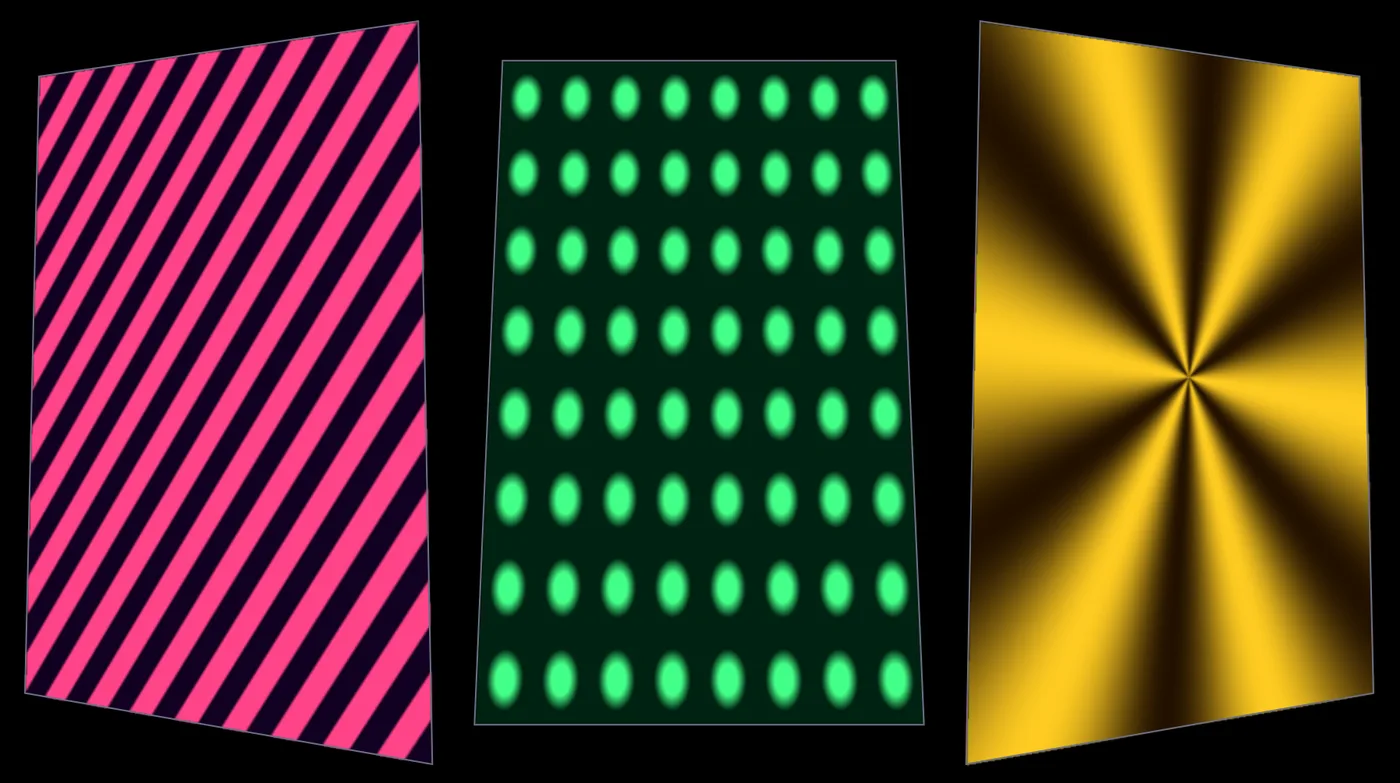 Tutorial · 10 minMap moving patterns onto three panels
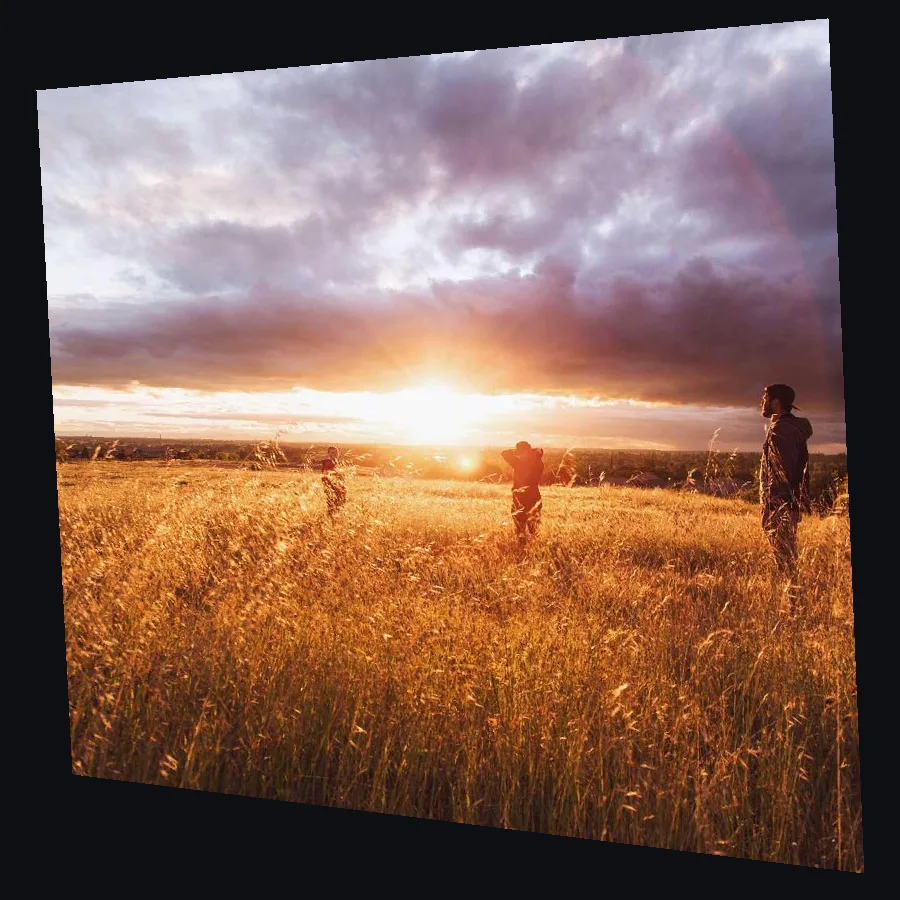 Tutorial · 7 minLine up a projection on a wall from the side
 Tutorial · 12 minMake a visual that pulses to your music
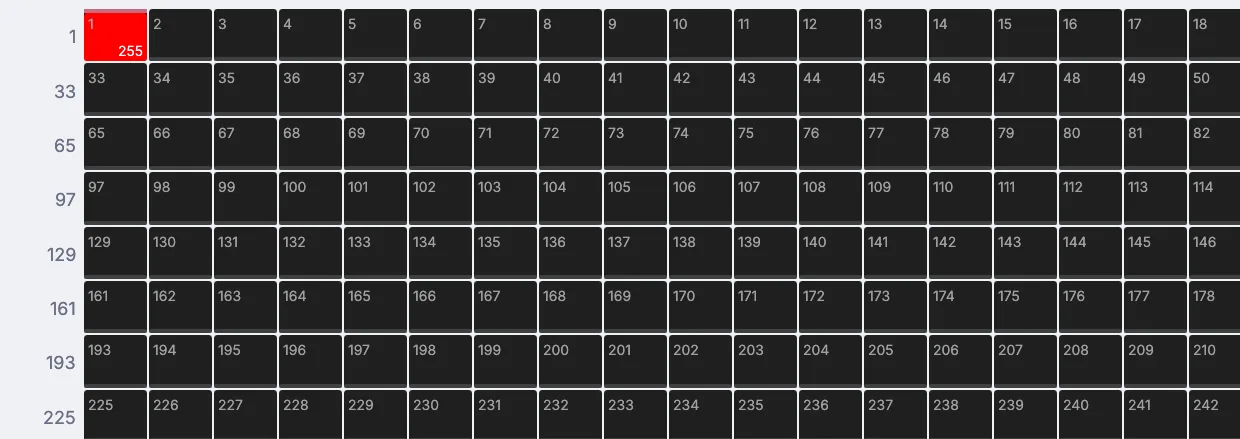 Tutorial · 8 minFlash a light on every beat
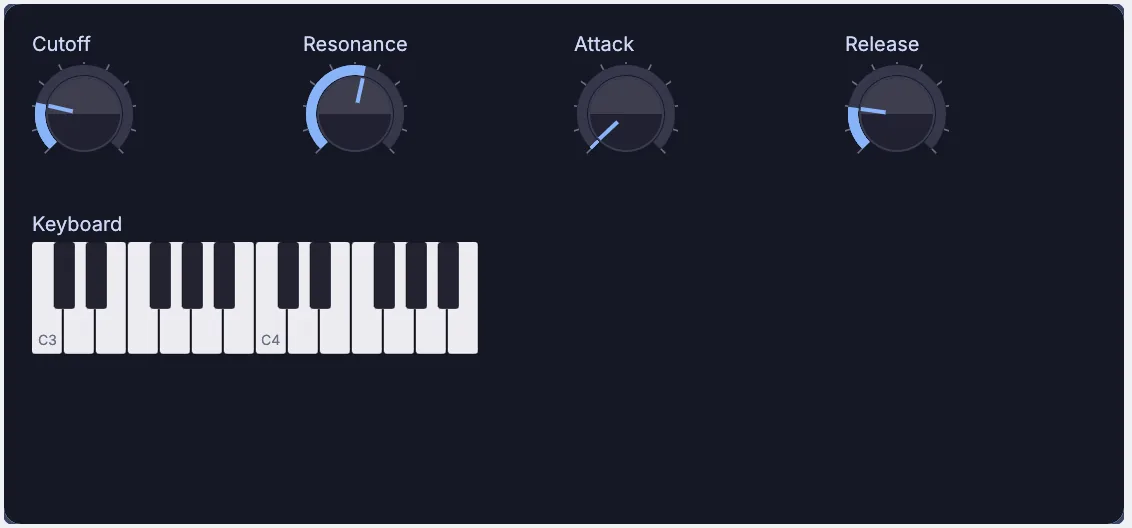 Tutorial · 12 minPatch a synth you can play
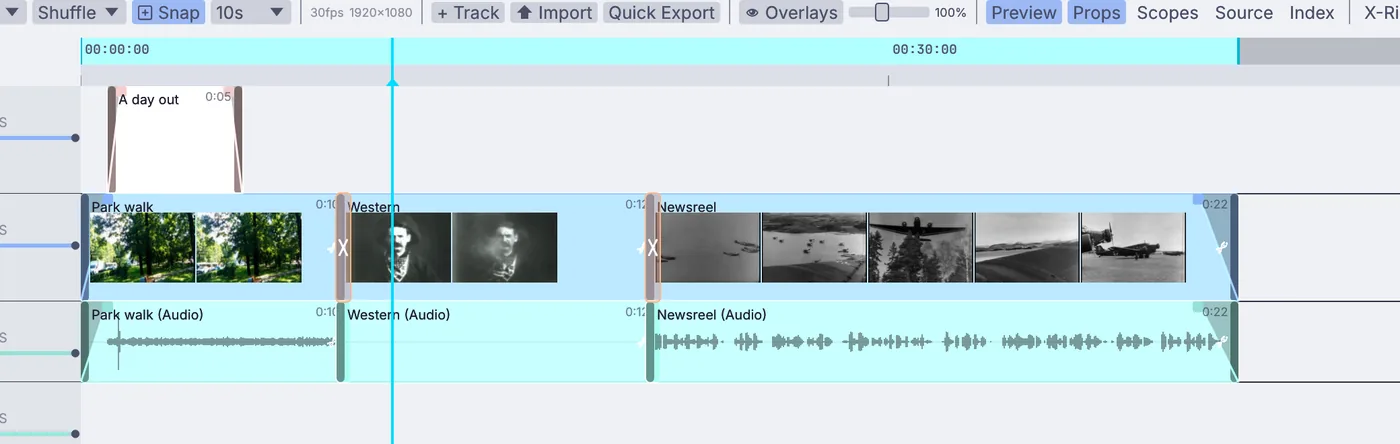 Tutorial · 12 minCut a short video
Demos
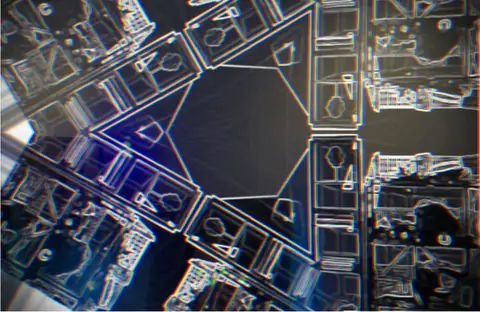 Dance visualizerThe camera picture folded into a six-way kaleidoscope, with sparks streaming from your wrists as you dance.In the Demos browser
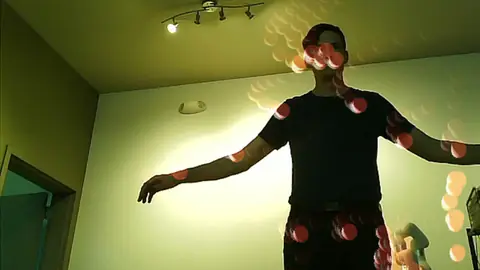 Pose skeleton geometryA soft glowing sphere on every joint, so shoulders, elbows and knees leave warm trails.In the Demos browser
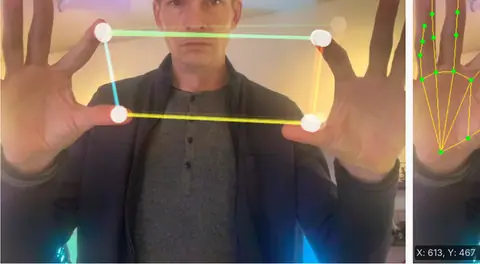 Hand tracking synthPitch and tone from the fingers, volume and reverb from the space between your hands.In the Demos browser
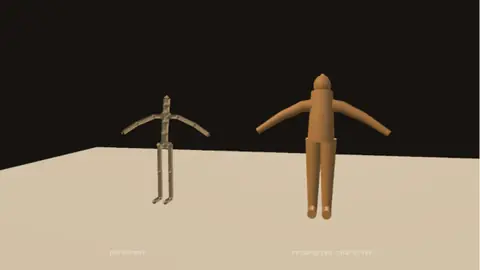 Live mocap retargetA webcam performance moved onto a character built in the graph, retargeted live.In the Demos browser
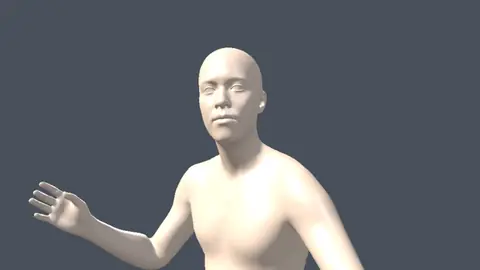 Body mesh liveA full body mesh from one webcam, lit with key, fill and rim, standing where you stand.In the Demos browser
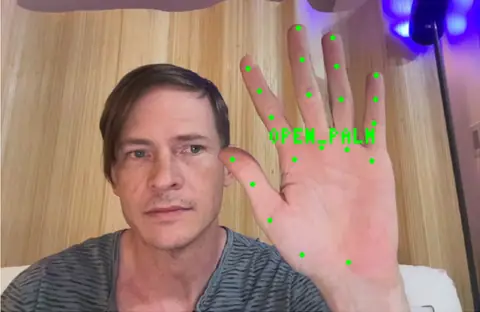 Gesture triggerThumbs up, open palm or a fist, each one a named trigger for a cue, a sound or a light.In the Demos browser
- One skeleton from several camerasEach body tracking node reads one camera. Merging several camera views into one skeleton is not built in yet.
- Kinect and ZEDThese depth cameras are not yet supported. Orbbec cameras are.
- LasersThere is no ILDA or other laser output.
- LTC outKinematic reads LTC but does not write it. MIDI timecode and Art-Net timecode go both ways.
- SpoutSharing video with other apps on Windows is on the roadmap. NDI works on every platform today.
Download Kinematic.
Free. No account and no license key. Rehearse on a laptop and perform from the same file, on macOS, Windows or Linux.