Live graphics, cameras and streams in one file.
Put lower thirds, bugs and crawls over your cameras, build the multiview, follow the vision mixer's tally and steer the PTZs. Then send program to the mixer over NDI, or stream it out over RTMP.
- Broadcast engineers
- Technical directors
- Graphics operators
- Streaming producers
a lower third, a crawl and a LIVE bug over a camera, built in the graph
The jobs on a live show.
Each job is a few nodes in the same file. Open it on any machine in the control room or the truck, change it while it runs, and it keeps going.
-
01Cameras in
a multiview built in the graph: preview and program on top, eight labeled sources below Bring in the cameras and build the multiview
Every NDI sender on the network shows up in the Source Browser with a thumbnail. Drag one onto the canvas and it is a picture like any other. IP cameras come in over RTSP, and capture cards that show up as a webcam work the same way. Lay the sources out in a grid with labels, and red and green borders for program and preview.
StreamingNDIReceiveInterface+StreamingRtspReceive+ImageConcat+ImageTextOverlayBring in a camera from across the room → -
02Graphics
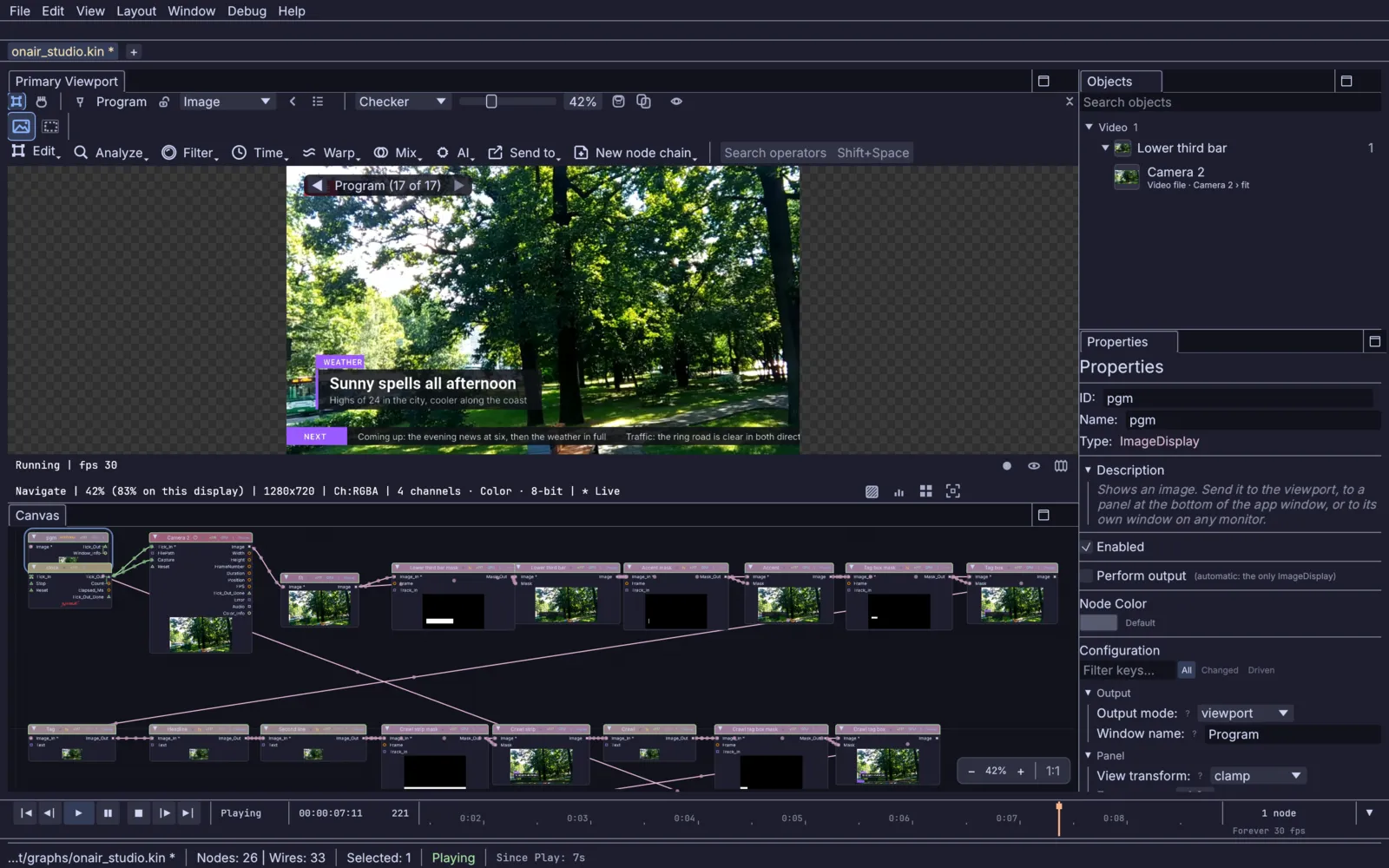
the program in the viewport and the graph that draws it Put the graphics over the cameras
A lower third, a bug and a crawl are a few nodes each: a box, a fill and a line of text. Animate them with a short expression or a fader, and change the words from a panel or from another machine while the show runs. NDI carries transparency, so the graphics can also go out on their own for the mixer to lay over its cameras.
InputVideoFile+ImageSelectShape+ImageFill+TextRenderOverImage+StreamingNDISendInterfacePut a lower third over the feed → -
03Keying
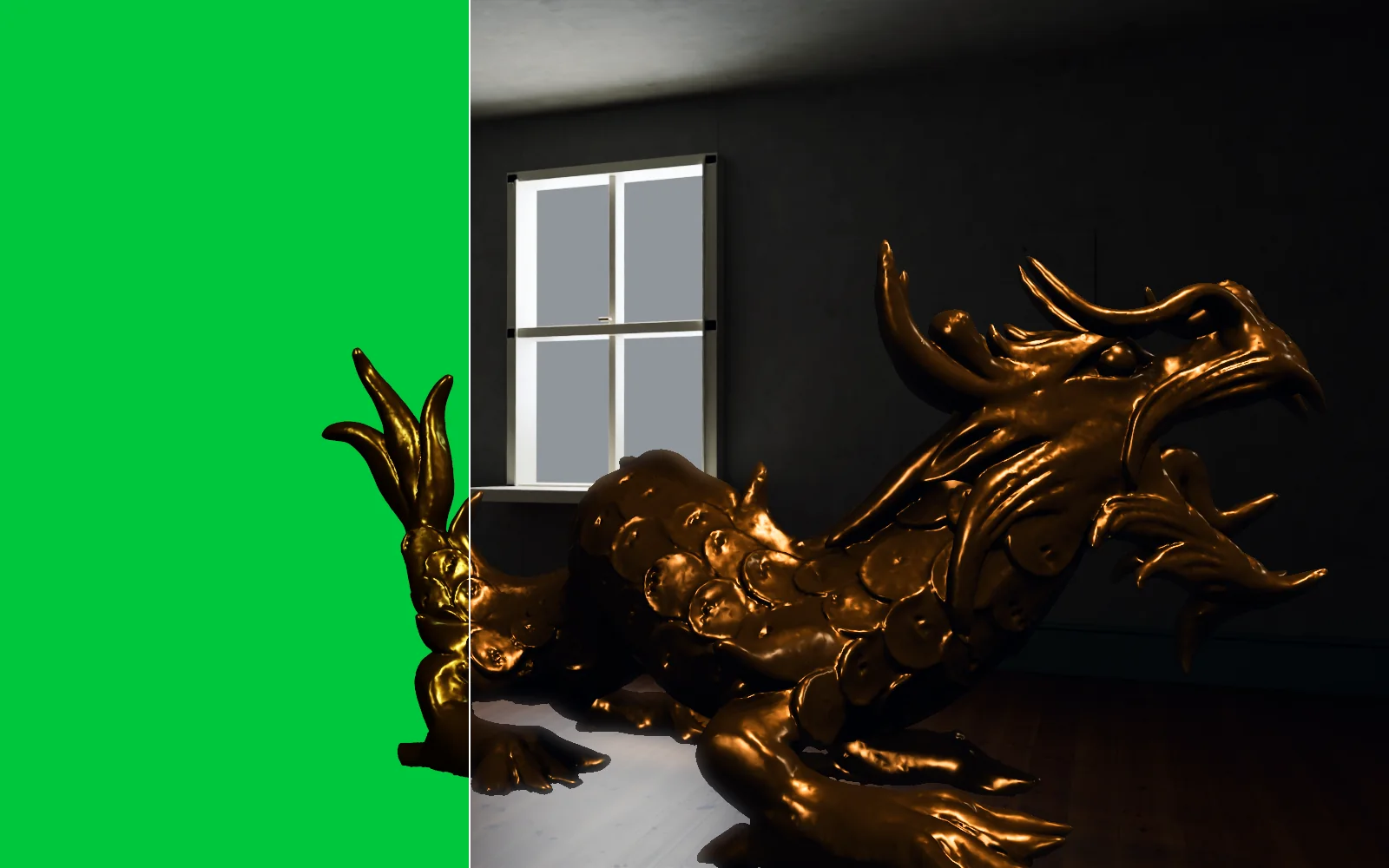
the green-screen plate and its key over a room, split down the middle Key the presenter onto a set
Pull a green screen with a chroma key, clean the spill off the edges and put the presenter in front of a photo, a video or a 3D room rendered live.
ImageChromaKey+ImageDespill+ImageAlphaOverKey a green screen onto a set → -
04Cameras
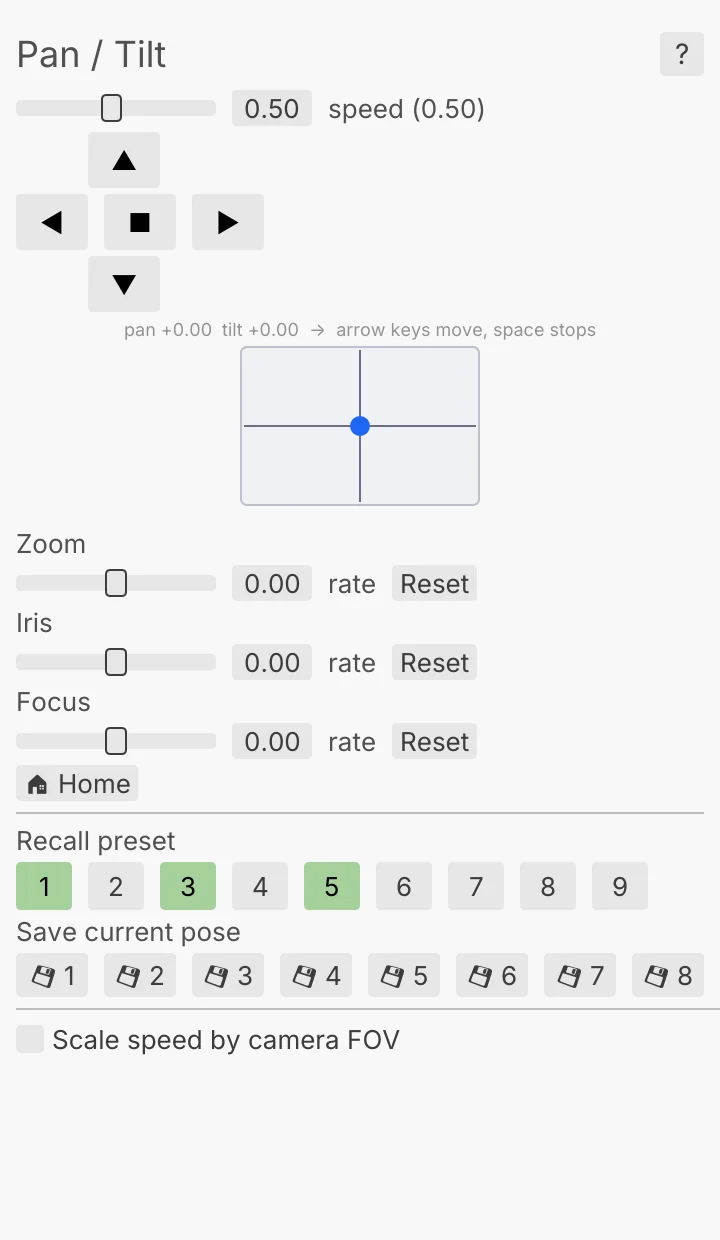
the PTZ Controller: pan and tilt, zoom, iris, focus and presets Steer the PTZ cameras
Pan, tilt and zoom over NDI, VISCA over IP or ONVIF, from the PTZ Controller window or a joystick on your own panel. Save presets on the camera over NDI or VISCA and recall them with one press. Commands are rate limited, so cheaper cameras keep up.
UIJoystick+StreamingPtzControlSteer a PTZ camera → -
05Program out
a live 3D render, the picture an NDI sender puts on the network Send program to the vision mixer
Name an NDI sender and it shows up on the mixer, in vMix or in OBS. Send 16-bit or HDR with the color tagged, and keep the receivers connected while you switch sources behind one stable name.
3DGeoSceneRenderToImage+StreamingNDISendInterface+StreamingNDIRouteSend your output to the vision mixer → -
06Streaming
the program going out live, with a LIVE badge and the set title Stream the show
Mix the sound in and push program to a platform over RTMP as H.264 with AAC sound, serve it over RTSP, or write a rolling HLS playlist. The stream key stays hidden in the inspector and the logs, so screenshots are safe to share.
ImageComposite+StreamingRtmpSend+StreamingHlsSendGo live → -
07Packages
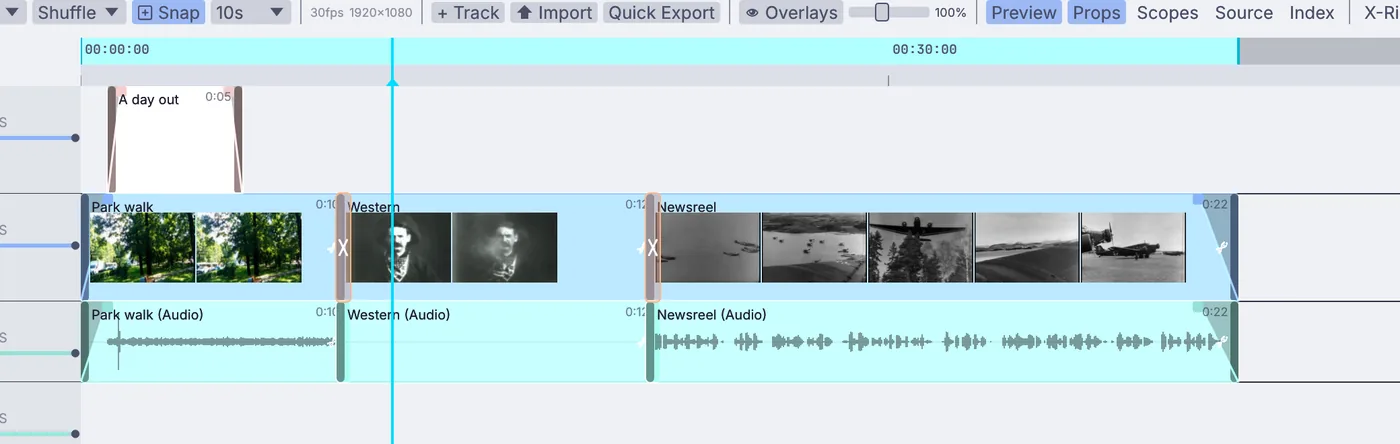
a short cut on the timeline: a title, crossfades and three clips Cut the package
Cut a package or the highlights on the video timeline: trim, fade and add a title. Record H.264, H.265 or 10-bit ProRes for playout.
InputVideoFile+Timeline+OutputVideoFileCut a short video →
3D sets and simulations, live on air.
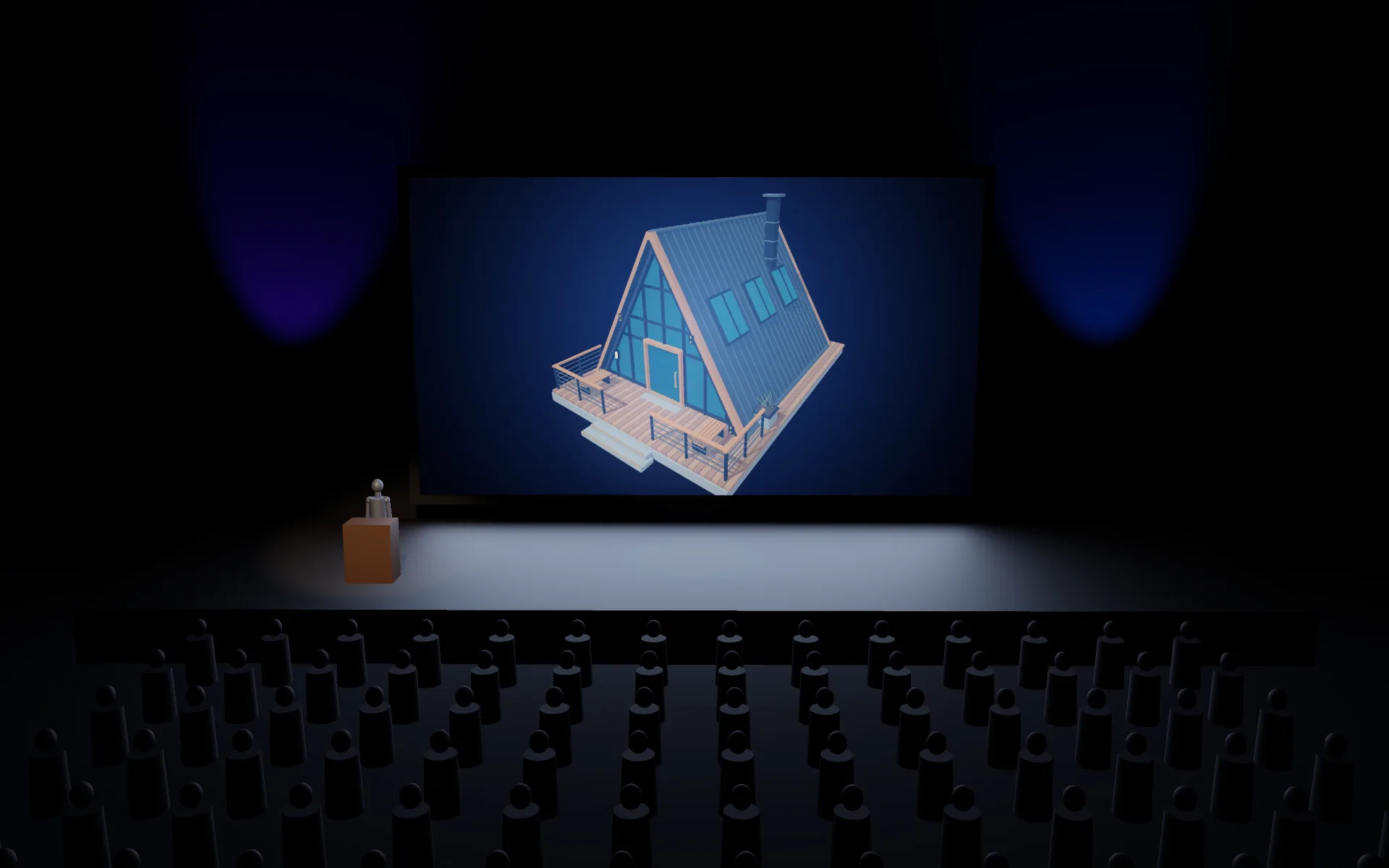
Build a set, a title or a product in 3D and render it live. Fire, smoke, liquids and particles simulate on the graphics card in the same file, and a scanned room or object comes in as gaussian splats. The picture goes straight out over NDI to the mixer, with no file to hand across.
Sound that drives the picture.
Take the desk's audio in and let it move the graphics. Hits fire a flash, the loudness swells a shape, and any setting can follow a channel of the music. For a music show or a live session that is a few wires, not a second app.
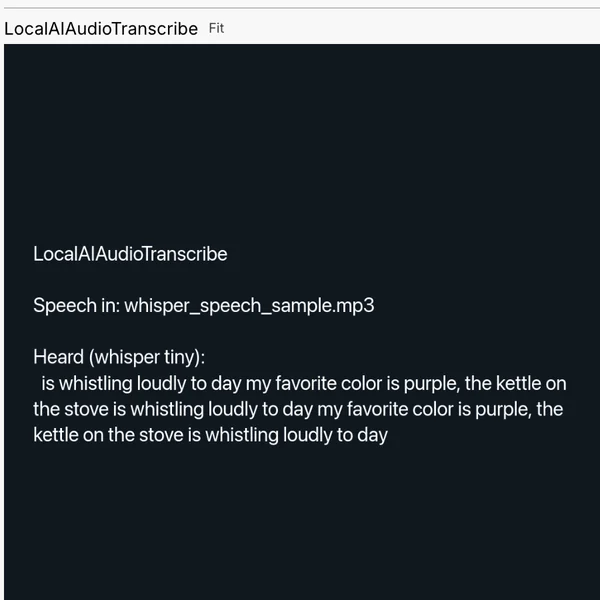
The same audio feeds a loudness meter that reads momentary, short-term and integrated LUFS, and a speech model that turns the presenter's words into captions, running on your own machine.
Tally, studio lights and the desk.
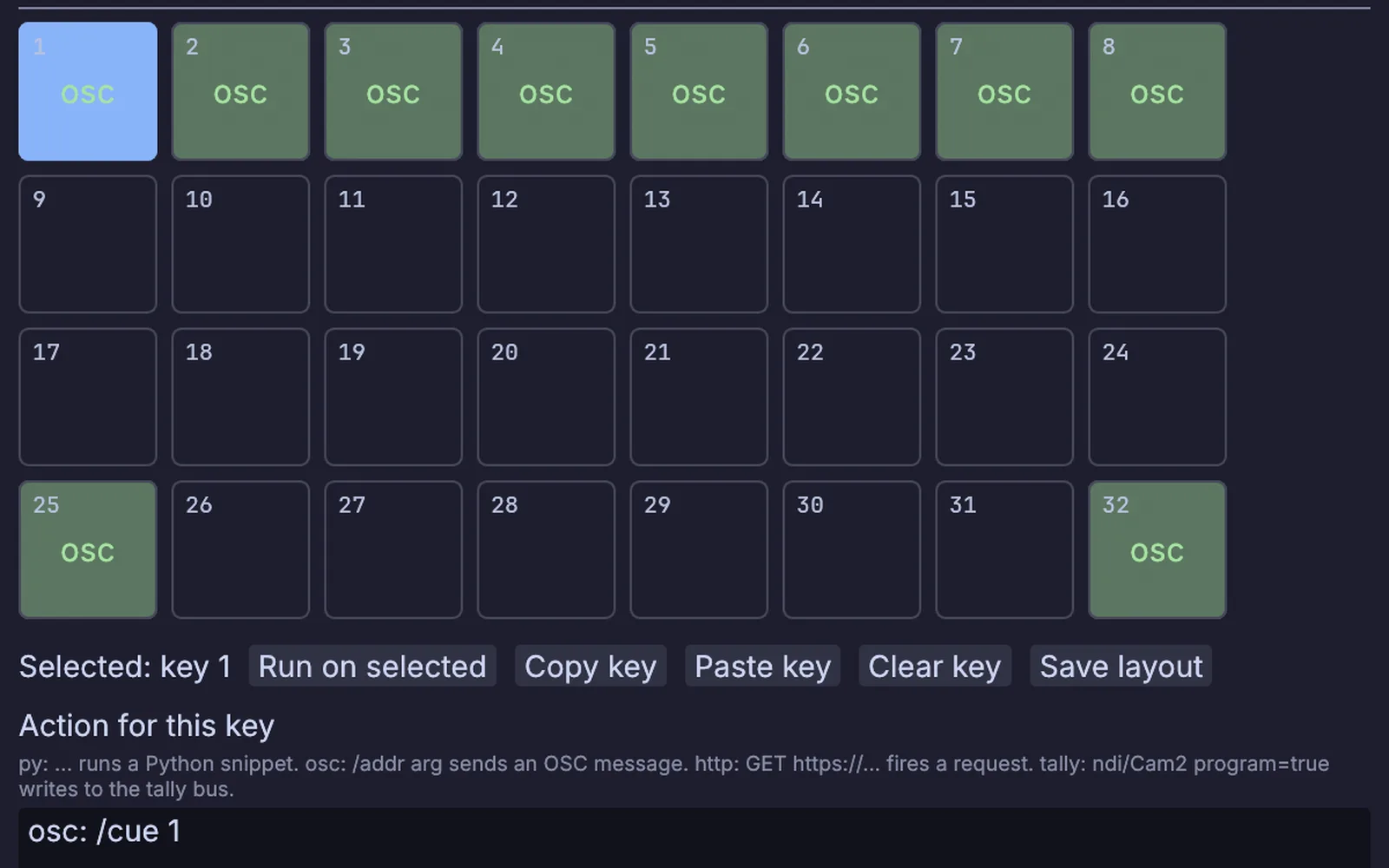
An ATEM or vMix feeds the tally bus, and so do NDI sources. Red and green bars show on the receive nodes, on the Stream Deck keys and in the Tally Master window.
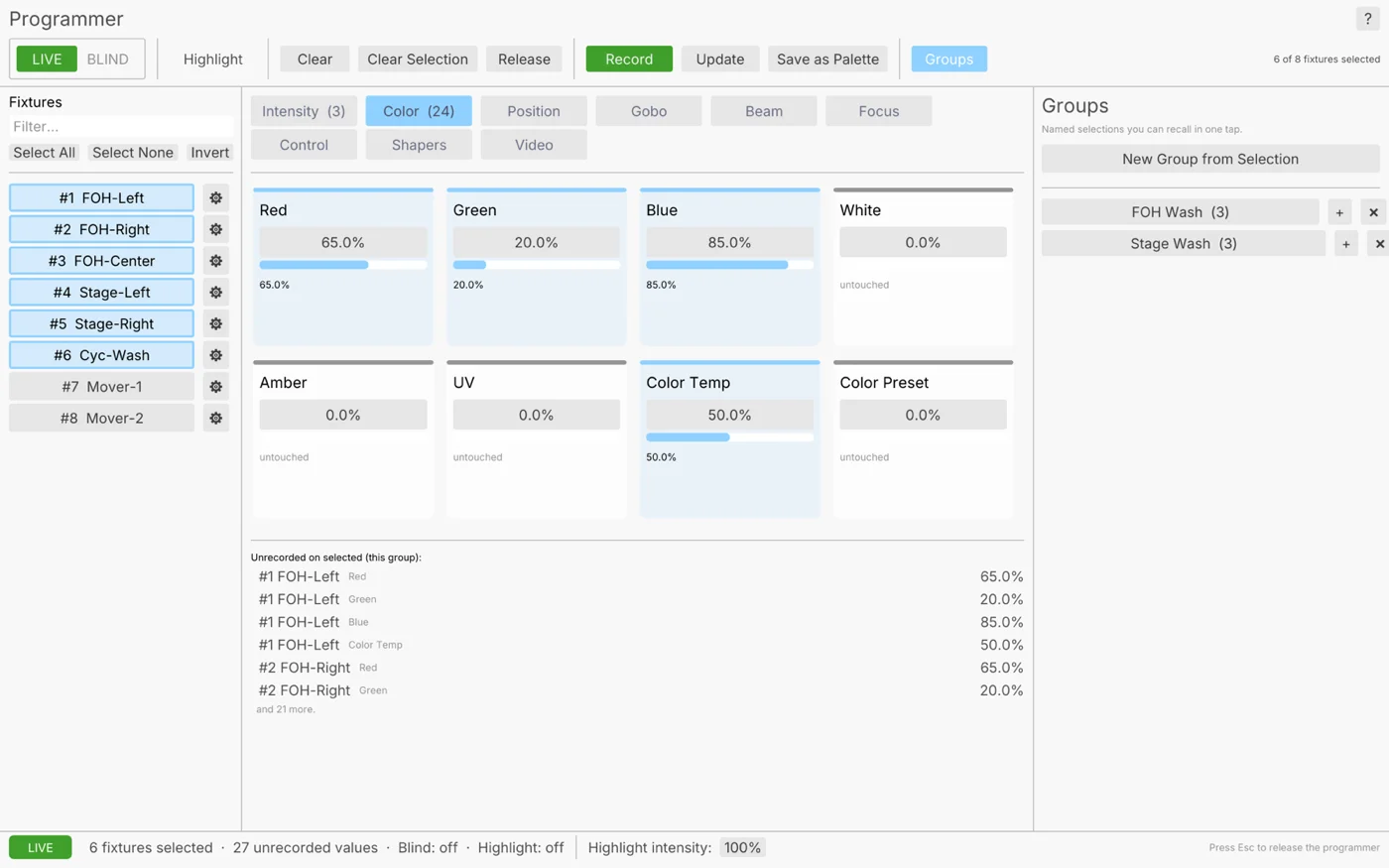
A tally bridge raises a key light when its camera goes to program, and a color temperature node sets the whites in kelvin, out over USB DMX, Art-Net or sACN. Cues come from a Stream Deck, Bitfocus Companion, OSC, a MIDI controller, a web page, or a plain rundown list that steps forward on each press.
source_uid   ndi/Camera 3
base         0.6
boost        0.4
Run it in the rack.
The same file you built in the editor runs headless for the length of the show, and your monitoring can see it.
Program out with no window
Run the graph on a box in the rack with no window at all, and send its output to an NDI sender.
$ kinematic run gfx.kin --out ndi://Program
A health check for your monitoring
Answer /healthz on a port, and exit when nothing has run for half a minute so your service manager can start it again.
$ kinematic run gfx.kin --health-port 8080 --watchdog 30s
Change it from the desk
Start it with a control port, then change any setting from another machine while it runs.
$ kinematic ctl tcp:10.0.0.40:9797 set headline.opacity 0
Switch sources without dropping anyone
An NDI route keeps one sender name while you swap the source behind it, so nothing downstream has to reconnect.
Ride out a network blip
When a feed drops, the receiver holds its last good frame and reconnects on its own. The ATEM link asks for the full tally again on its next packet.
Bring SDR into an HDR show
Lift SDR video and stills to sit next to HDR, with the color tagged on every NDI send and receive. HLG and PQ both work.
The gear, protocols and files it works with.
Keep the mixer, the cameras and the network you have. Kinematic sits beside them and talks to each one in its own protocol.
Video
- NDIIn and outVideo and sound over the network, with 16-bit, and HDR on Apple Silicon or Linux with NVIDIA. Install NDI Tools first.
- RTMPOutTo YouTube Live, Twitch or Facebook Live as H.264 with AAC sound.
- RTSPIn and outPull an IP camera in, or serve program to a player.
- HLSIn and outPlay a stream in, or write a rolling playlist.
- SyphonIn and out, macOSFrames to and from other apps on the same Mac.
- Capture cardsInCards that show up as a webcam work like one.
- Video filesIn and outMP4, MOV, MKV and WebM in. Record H.264, H.265 or 10-bit ProRes.
Control room
- Vision mixersInProgram and preview from an ATEM or vMix light the tally.
- PTZ camerasOutNDI, VISCA over IP and ONVIF, with presets over NDI and VISCA.
- Stream DeckIn and outOriginal, Mini, XL, Plus and MK.2 over USB, with tally on the keys, or through Bitfocus Companion.
- OSCIn and outCues in from a tablet or a show controller, and out to other gear.
- Web requestsIn and outFire a cue from any browser, or call another system.
- MIDI controllersIn and outMove a knob to map it, with ready-made profiles for popular controllers.
Time and color
- LTCInSMPTE timecode read off an audio input.
- MIDI timecodeIn and outChase a playback rig, or send the timeline out.
- Art-Net timecodeIn and outChase the lighting network, or be its clock.
- OpenColorIOInACES and the standard configs are built in.
- Color LUTsIn and outLoad a .cube look from your grading tool, or save your own.
- LoudnessMeterMomentary, short-term and integrated LUFS.
Studio light
- DMX over USBIn and outEnttec DMX USB Pro, DMXking ultraDMX and other adapters.
- Art-Net and sACNIn and outMany universes over the network.
- Fixture profilesInMore than 1,500 in the Profile Library, and room for your own.
- Lighting consolesOutFire cues on an ETC Eos, a grandMA3 or a Hog 4 over OSC.
The live patching you know, with NDI, tally and PTZ, and modeling, simulation and sound in the same file.
Read the guide →Coming fromCinema 4DYour title opens and idents, rendered live and sent to the mixer instead of to a file.
Read the guide →Coming fromNukeKeys, merges and OpenColorIO as nodes, running live on the camera feed.
Read the guide →Every format and protocolWorks withFiles, gear and the other apps in your rack, with what each one does in and out.
Look up your gear →Tutorials and demos.
Each tutorial takes under fifteen minutes and starts from an empty file. The demos come with the app: open one, press Play, then take it apart on the canvas.
Tutorials
 Tutorial · 12 minCut a short video
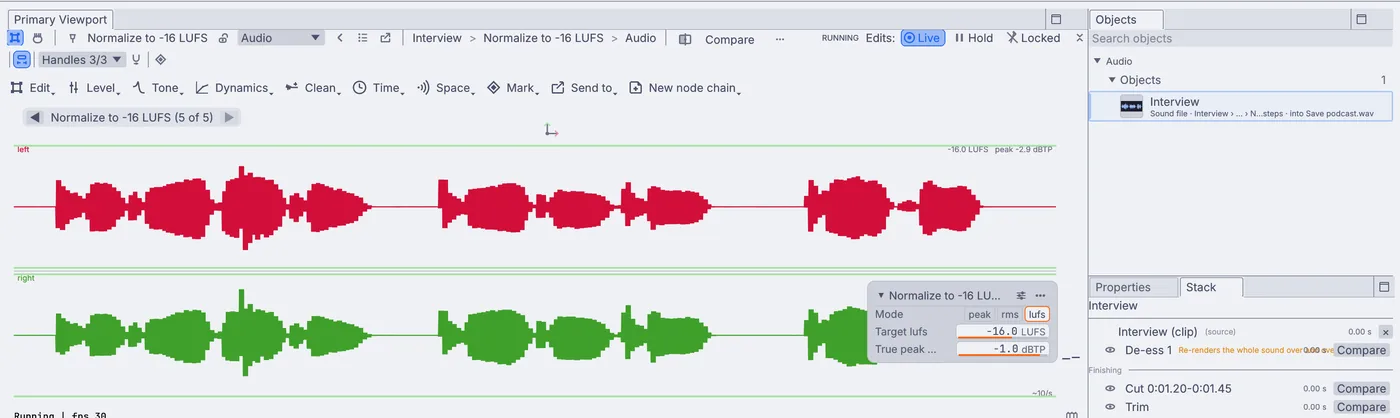 Tutorial · 12 minTidy a podcast episode
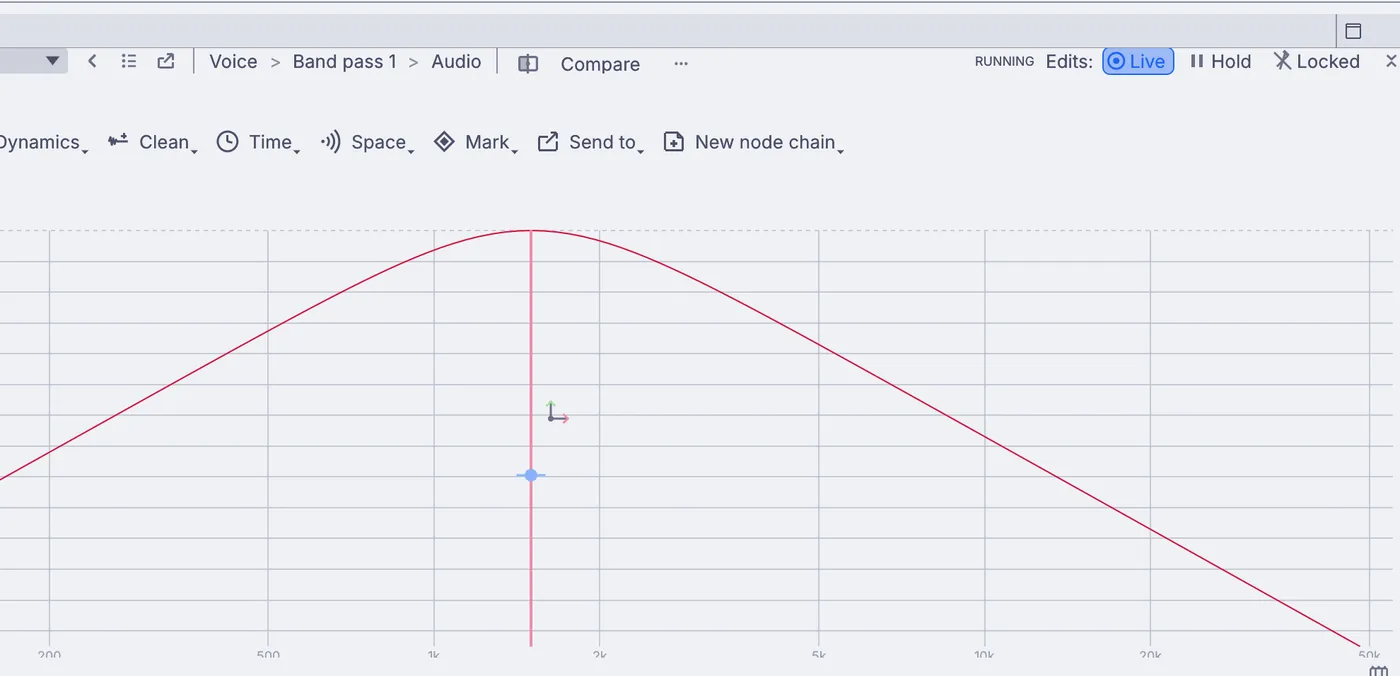 Tutorial · 8 minMake a voice sound like an old radio
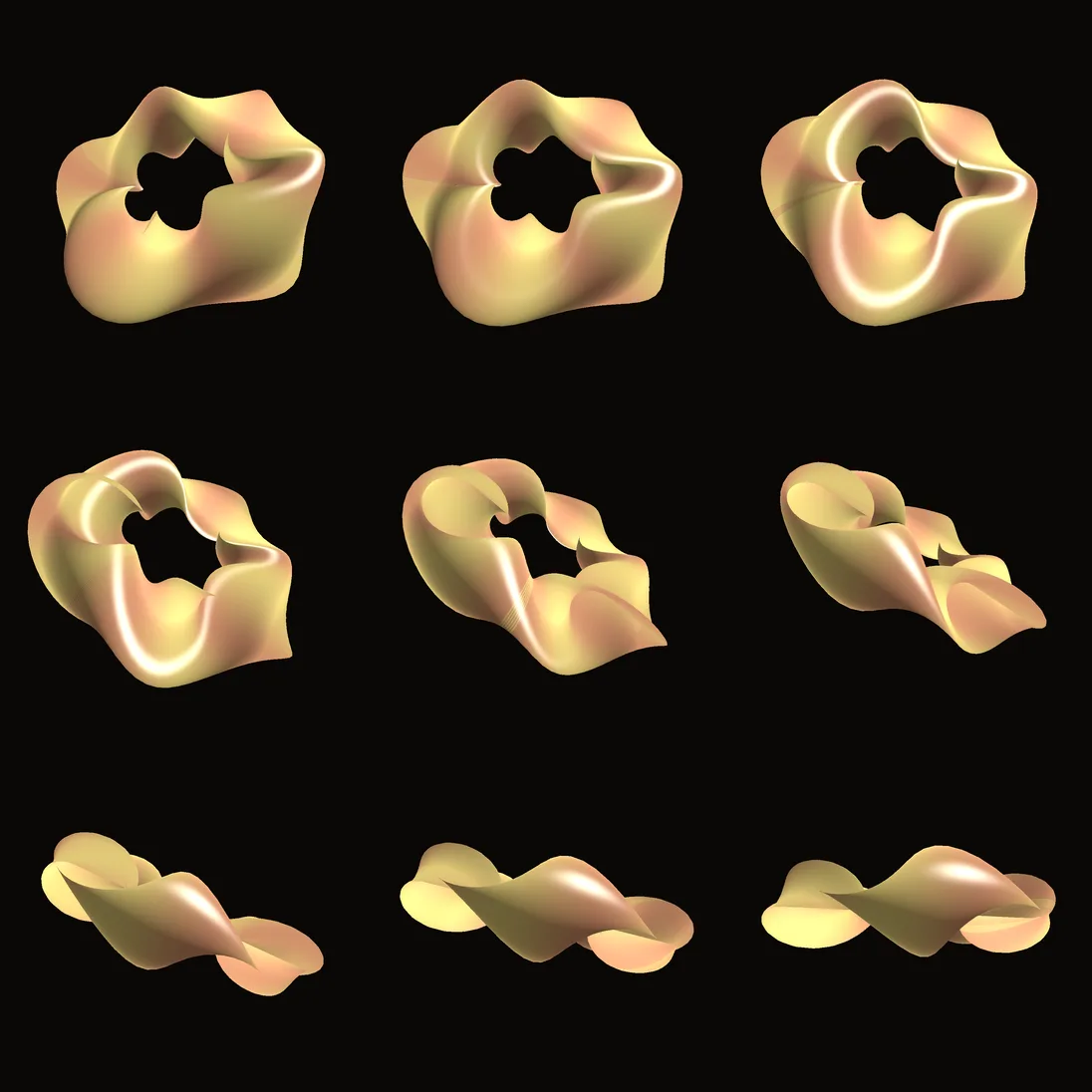 Tutorial · 10 minRender a demo to pictures from the terminal
 Tutorial · 12 minMake a visual that pulses to your music
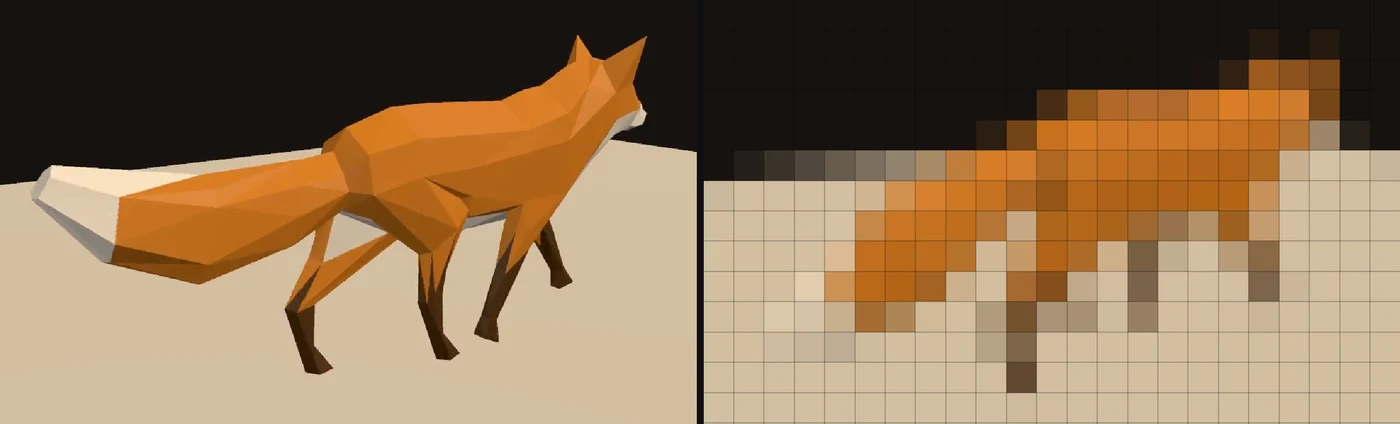 Tutorial · 9 minPlay a video on a wall of LED lights
Demos
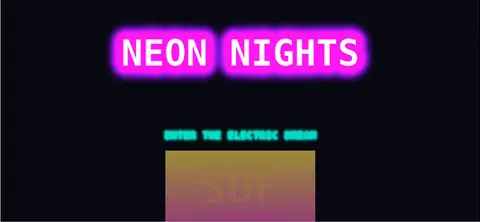 Retro neon effectsA title built from stacked text effects: an outline, a double glow and a gradient subtitle.In the Demos browser
 Drifting bokeh fieldSoft circles of light drifting over a dark vignette, a background for titles.In the Demos browser
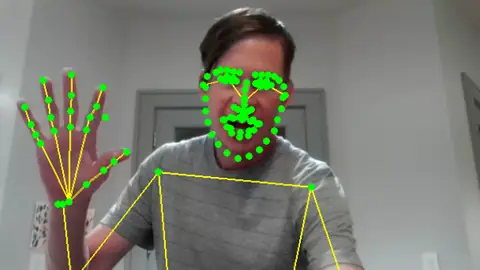 Whole body skeleton overlayEvery point on the body drawn over a live camera, with a running count of the people in frame.In the Demos browser
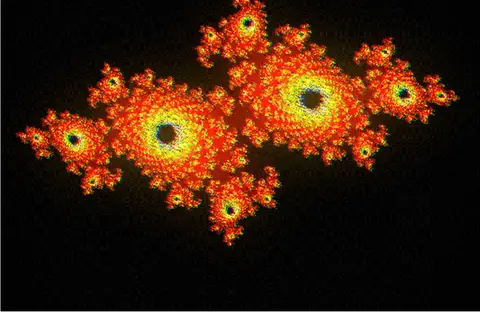 Film look chainA look built one grading step at a time: color balance, levels and a soft bloom.In the Demos browser
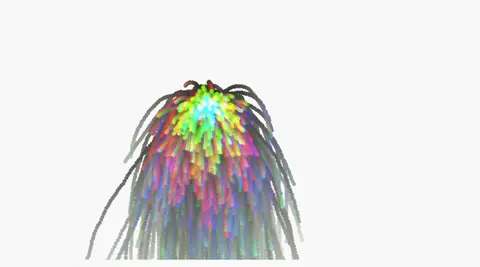 Audio reactive particlesParticles driven by sound: the volume sets how many fly and each hit kicks gravity.In the Demos browser
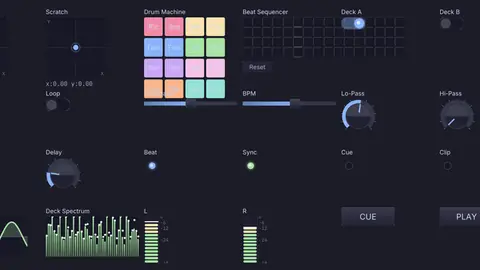 DJ performance controllerAn operator panel built from widgets: pads, a crossfader, dials, beat lights and live meters.In the Demos browser
- SDI outThere is no output to an SDI card. Pictures leave over NDI, Syphon, a stream or a screen. SDI capture cards that show up as a webcam work as an input.
- SMPTE ST 2110, SRT and WebRTCNot ready yet. NDI is the way to move video between machines today.
- Cutting on the mixerKinematic follows program and preview on an ATEM or in vMix. It does not send cuts or transitions to them.
- GenlockThere is no genlock or reference input.
- Newsroom systemsThe rundown reader takes a plain list. It does not talk to newsroom systems over MOS.
- Closed captionsCaptions are burned into the picture. There is no CEA-608 or 708 caption data on the output.
- LTC outKinematic reads LTC but does not write it. MIDI timecode and Art-Net timecode go both ways.
- True peakThe loudness meter reads sample peak, not oversampled true peak, so leave a little headroom.
Download Kinematic.
Free. No account and no license key, even for commercial use. The same show file opens on macOS, Windows and Linux.